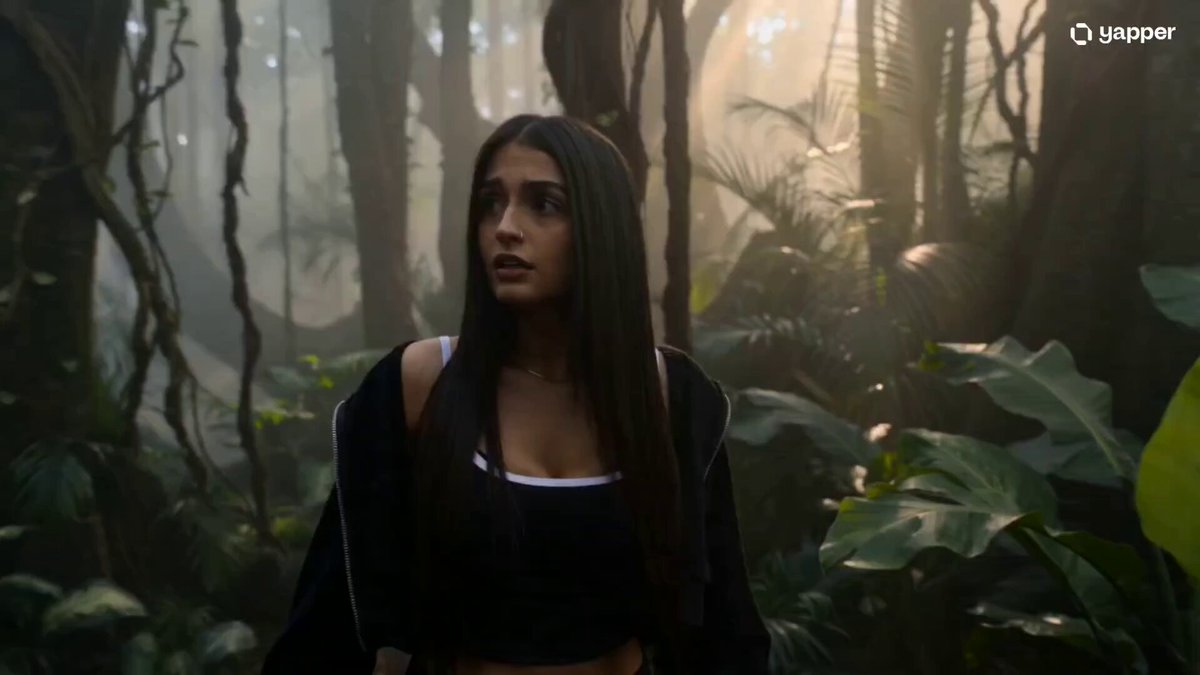
How do I use the 3D Cartoon Battle with Manga Expressions template?
Edit the prompt in the box under the preview — the template's model and format are already selected — and press Generate. Your version appears right on this page.
A multi-scene video prompt for a 3D animated sequence featuring a character battling a mecha armadillo.
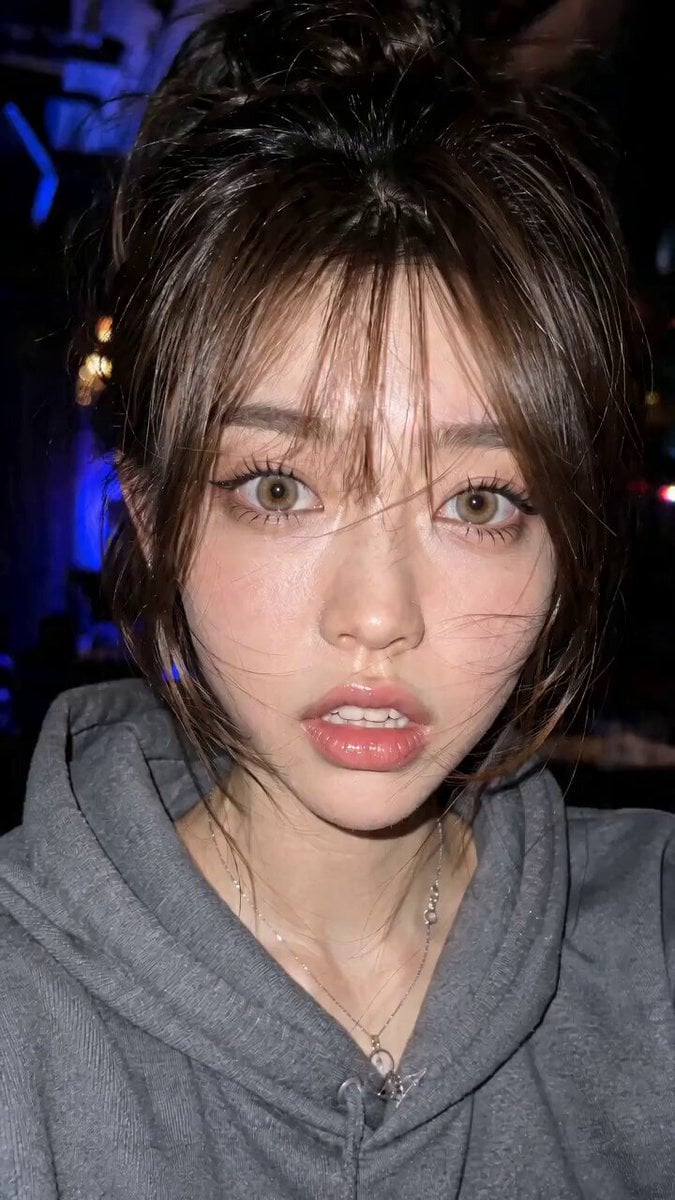
画像①の3Dのキャラクターが、3Dカトゥーンアニメのような動作をする。素早い動き→止まる→スローに動くの繰り返し。背景は夜の街中。 シーンやセリフに合わせた表情やジェスチャーをお願いします。演技はコミカルに大げさにお願いします。ところどころコミカルな日本の漫画顔を用いてください。 シーン①道路にトラックほどの大きさのアルマジロに似たメカがあらわれる。下からの視点からで見上げるように映す。 カット切り替え。 シーン②画像1のキャラクターが「待ちなさい!」と銃を構え、撃つ。 カット切り替え。 シーン③アルマジロが丸まり、弾はアルマジロの甲羅で跳ね返される。 カット切り替え。 シーン④「くー、ズルい!」と彼女はその場で地団駄をふみ、「頭にきた!」と顔のアップ。 カット切り替え。 シーン⑤ダイナミックなカメラワークで、彼女が道路をかけていくシーンを撮る。彼女は丸まったアルマジロを蹴り上げると、アルマジロメカは夜空高く飛んでいき、光となって消える。
画像①の3Dのキャラクターが、3Dカトゥーンアニメのような動作をする。素早い動き→止まる→スローに動くの繰り返し。背景は夜の街中。 シーンやセリフに合わせた表情やジェスチャーをお願いします。演技はコミカルに大げさにお願いします。ところどころコミカルな日本の漫画顔を用いてください。 シーン①道路にトラックほどの大きさのアルマジロに似たメカがあらわれる。下からの視点からで見上げるように映す。 カット切り替え。 シーン②画像1のキャラクターが「待ちなさい!」と銃を構え、撃つ。 カット切り替え。 シーン③アルマジロが丸まり、弾はアルマジロの甲羅で跳ね返される。 カット切り替え。 シーン④「くー、ズルい!」と彼女はその場で地団駄をふみ、「頭にきた!」と顔のアップ。 カット切り替え。 シーン⑤ダイナミックなカメラワークで、彼女が道路をかけていくシーンを撮る。彼女は丸まったアルマジロを蹴り上げると、アルマジロメカは夜空高く飛んでいき、光となって消える。
Edit the prompt in the box under the preview — the template's model and format are already selected — and press Generate. Your version appears right on this page.
Yes. You can change the subject, setting, lighting, mood, format, and available model controls before creating your video.
Opening and editing this template is free. Generating uses credits, shown on the Generate button when you are signed in.
Start with Seedance 2.0, which is the model associated with this template. You can compare another compatible model for a different finish.
Follow a topic to a crawlable collection of related PicX Studio templates.