
Cinematic Survival Thriller Setup
A prompt setup emphasizing that no reference images are needed, focusing on generating a raw, hyper-realistic, high-tension survival thriller video based purely on text instructions.
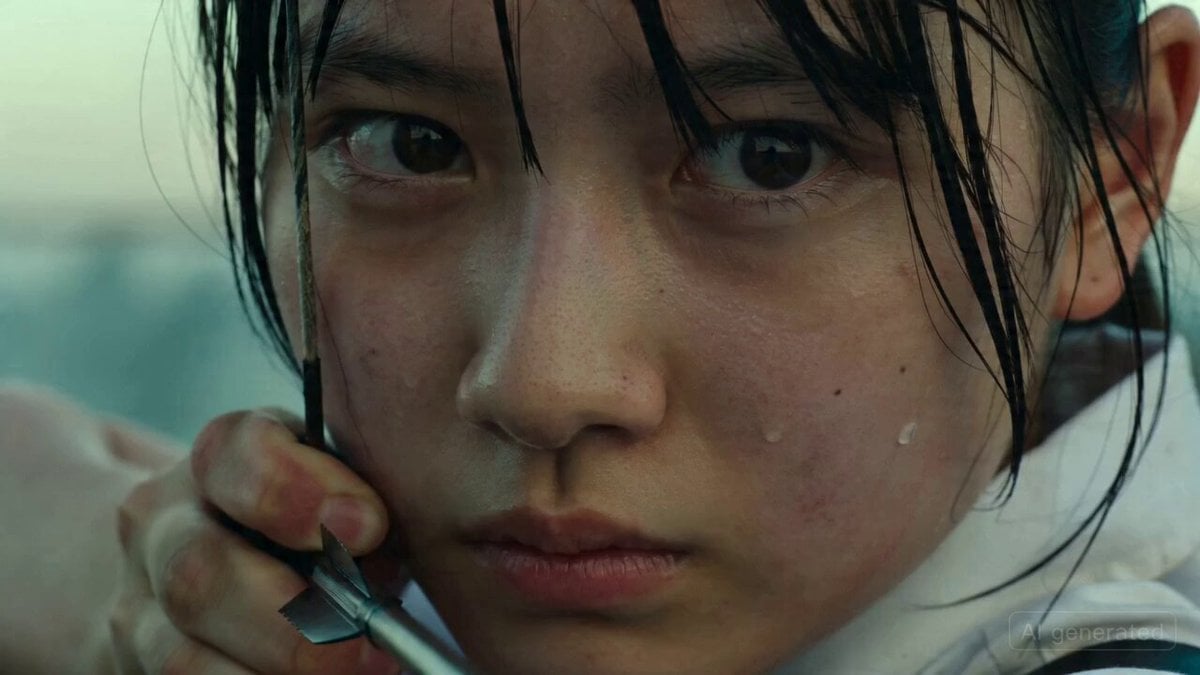
- Prompt included
- Model and format preset
- Premium template
The prompt behind this video
Copy the exact prompt behind Cinematic Survival Thriller Setup, or open it in the studio and make it yours.
このプロンプトは完全にテキストから動画化する前提で作られているため、参照画像は不要です。 [CINEMATIC SETUP] Genre & Mood: 荒々しいサバイバルスリラー。緊張感が強く、生々しく、超リアル。 Film Stock & Lens:
How to use Cinematic Survival Thriller Setup in 3 steps
- 1
Open
The prompt is already in the box next to the preview, with the template's model and format selected.
- 2…a portrait of your subject in softgolden-hour light, 85mm…
Personalize
Edit the subject and creative details for your destination.
- 3Generate
Generate
Press Generate — your video is created in PicX Studio, so you can compare it with the original and refine one variable at a time.
More like this
Templates with the same subject, style or setup. Open one to see its prompt.
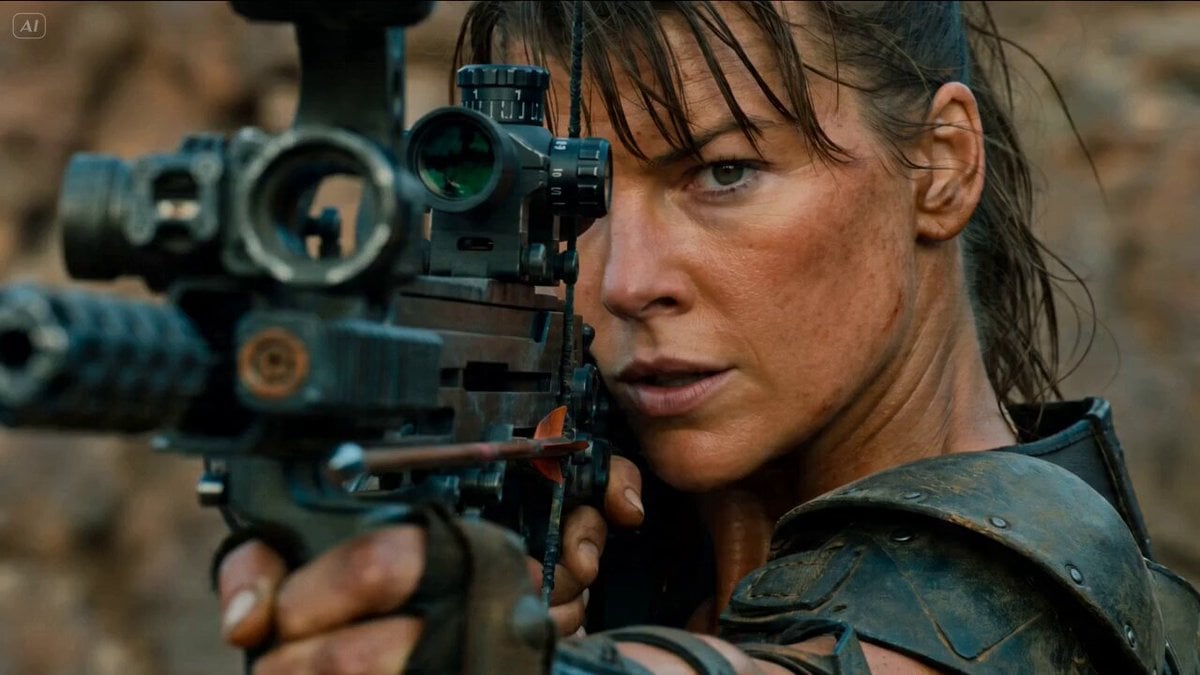
Gritty Post-Apocalyptic Survival Cinematic Setup Prompt
Rainforest Thriller — Searching the Unseen
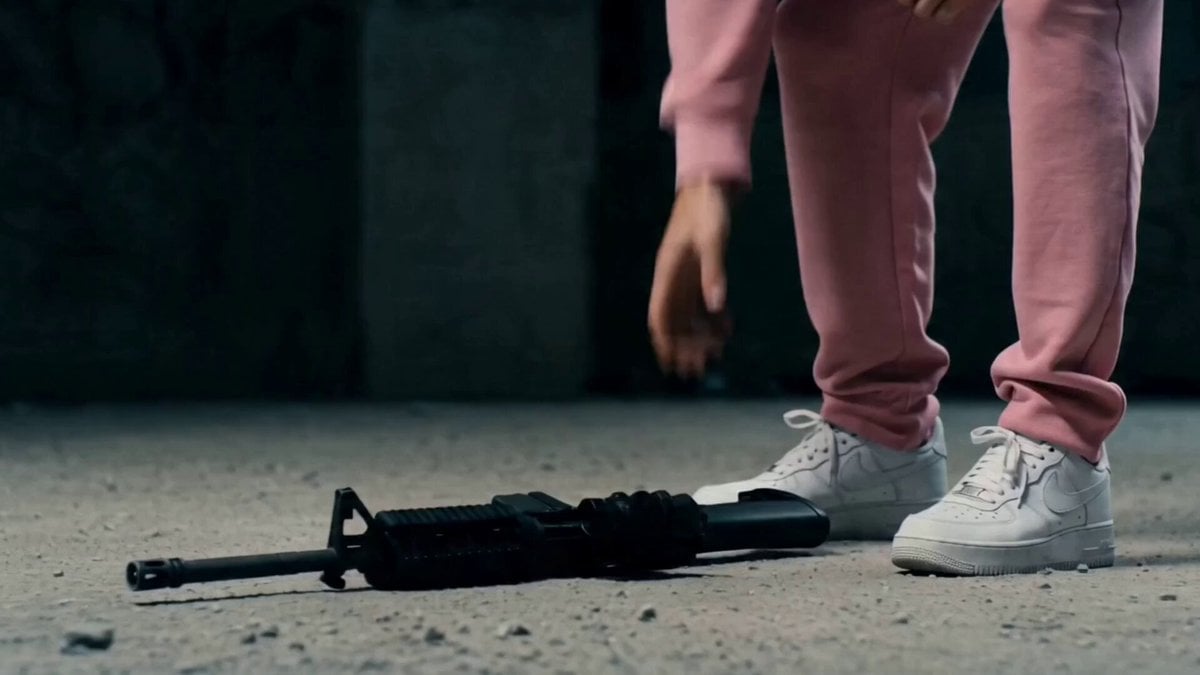
Post-Apocalyptic Survival Thriller Prompt
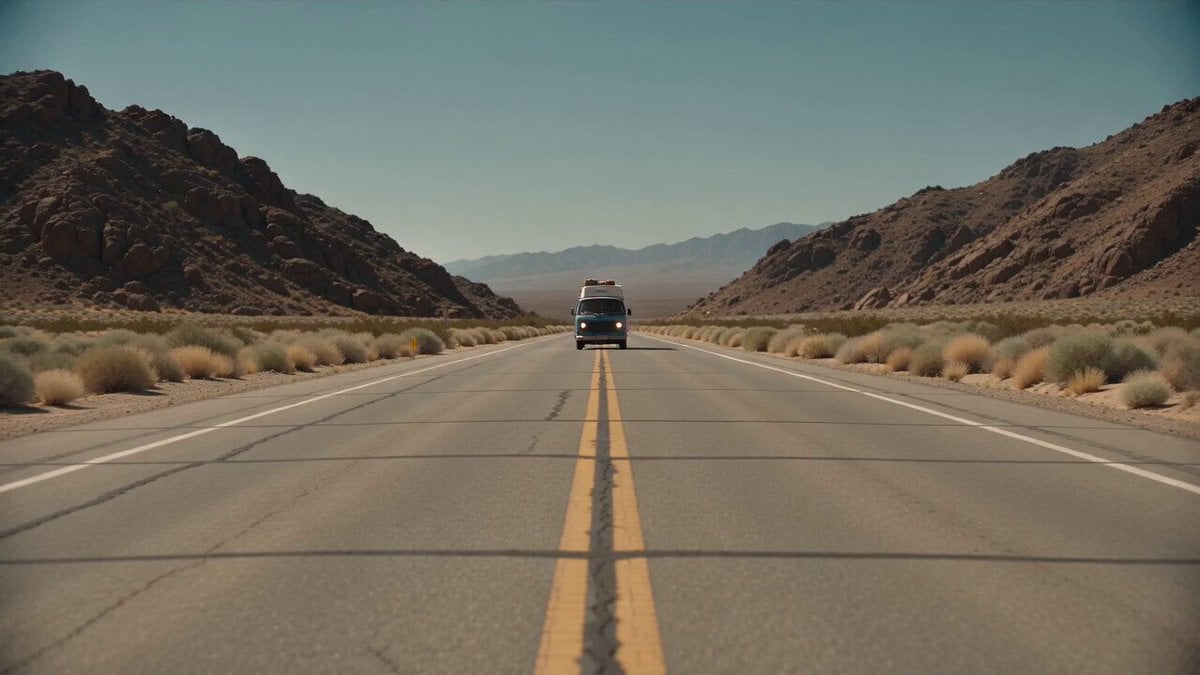
Desert Survival Alien Encounter

Asha and Arjun Bridge Survival
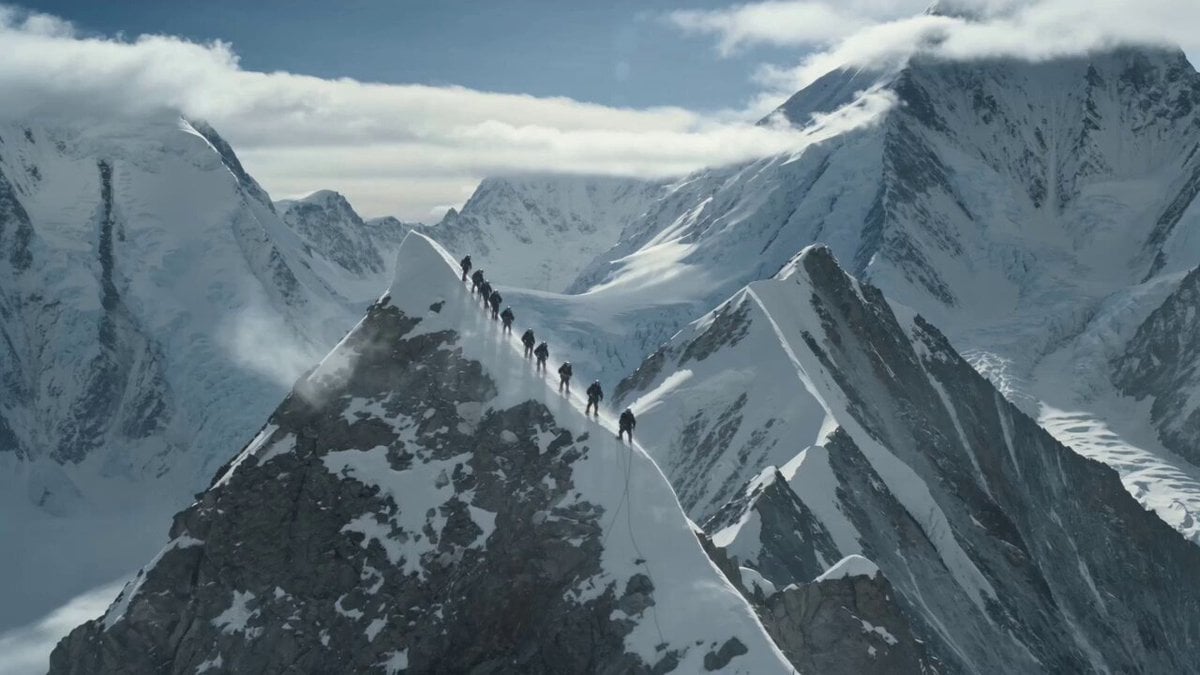
K2 Mountaineering Survival Drama
Urban Survival Street Chase Short

Cinematic Wolf Guardian Survival Trailer

Photorealistic Serum Commercial Setup
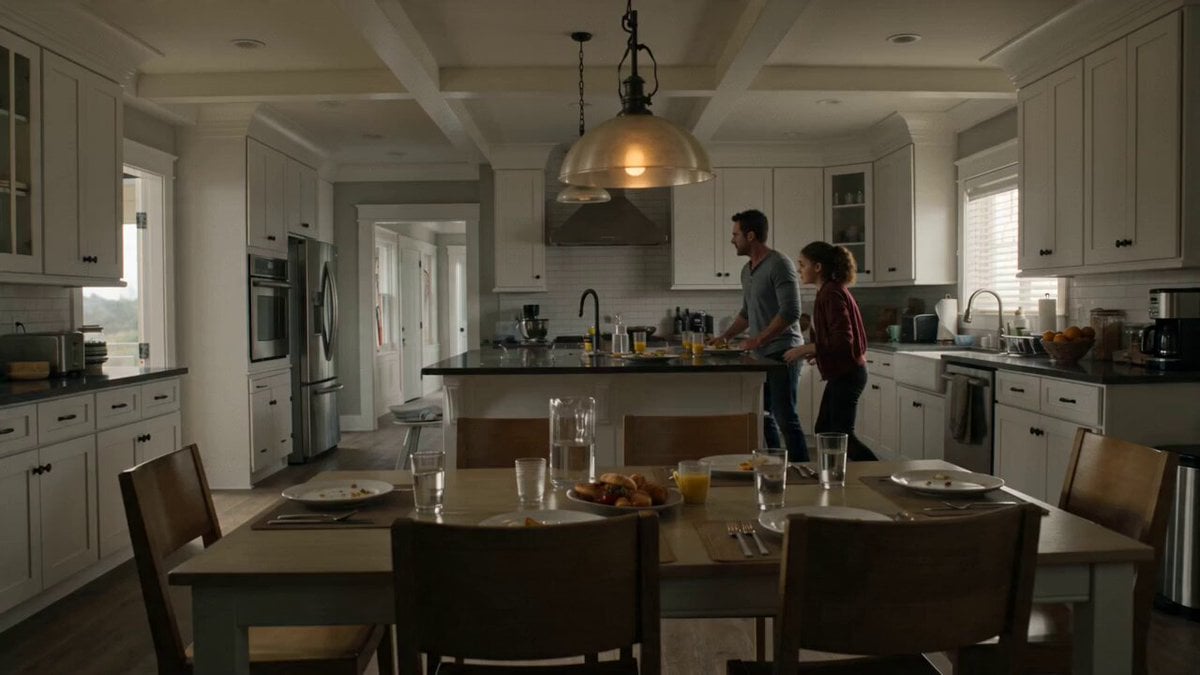
Suburban Earthquake Survival Narrative
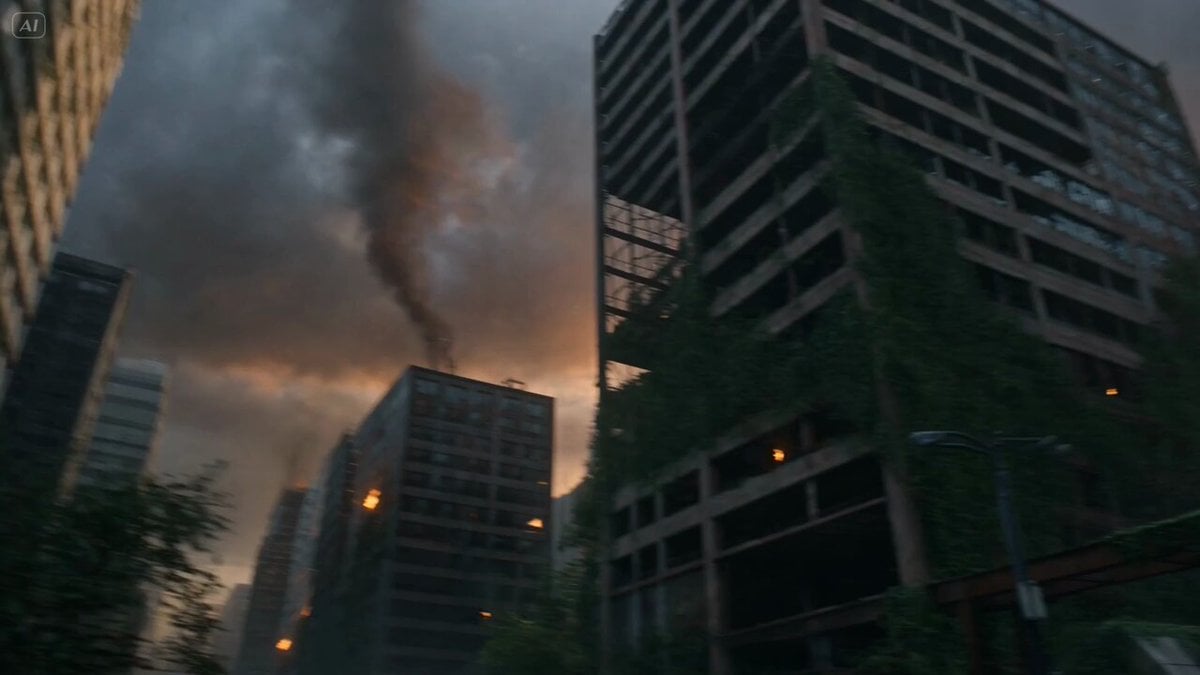
Post-Apocalyptic Survival Evasion
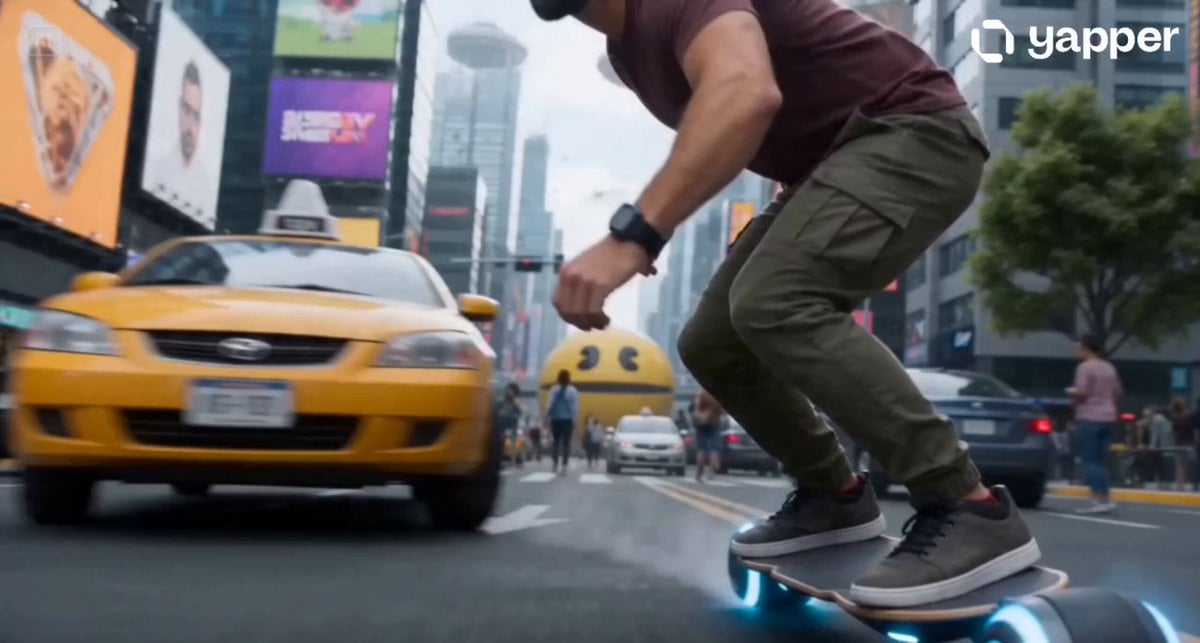
Cyberpunk Neo-Tokyo Survival Chase with Pac-Man
Make it yours
Cinematic Survival Thriller Setup works as-is. These are the safest ways to change it without losing the look.
Change one field
Copy a single group, rewrite it, and generate again so you can see what that field is doing.
Keep the frame, change the subject
Hold the composition and light of Cinematic Survival Thriller Setup, then swap wardrobe, props or the person for a new take.
| If the result… | Why | Fix |
|---|---|---|
| The result drifts from the preview | Too many fields changed at once. | Reuse Cinematic Survival Thriller Setup as-is first, then change one group — subject, light, or setting. |
| The model over-stylizes the scene | The prose prompt leaves finish and camera underspecified. | Add one camera or lighting sentence and stay on Seedance 2.0. |
More Seedance 2.0 templates
Other prompts made for Seedance 2.0.

Comical Martial Arts Punch Scene

Maglev Train Action Sequence

Martial Arts Fight Sequence

Wuxia Protection and Trust Script

Vintage Korean Arcade MiniDV Vlog

Mercedes 190 SL Luxury Ad

Rainy Night Supernatural Reverse Comedy Video Script

Amazon Civilization Discovery

Futuristic South Asian City Transformation

Cozy Luxury Cafe Commercial
More video prompts
Fresh picks from across the catalog.
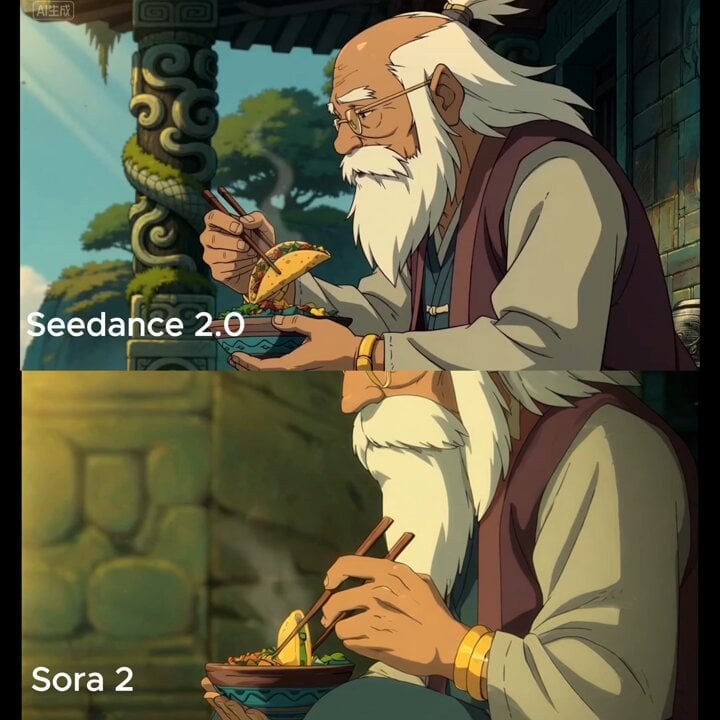
Medium shot of man lifting taco with chopsticks
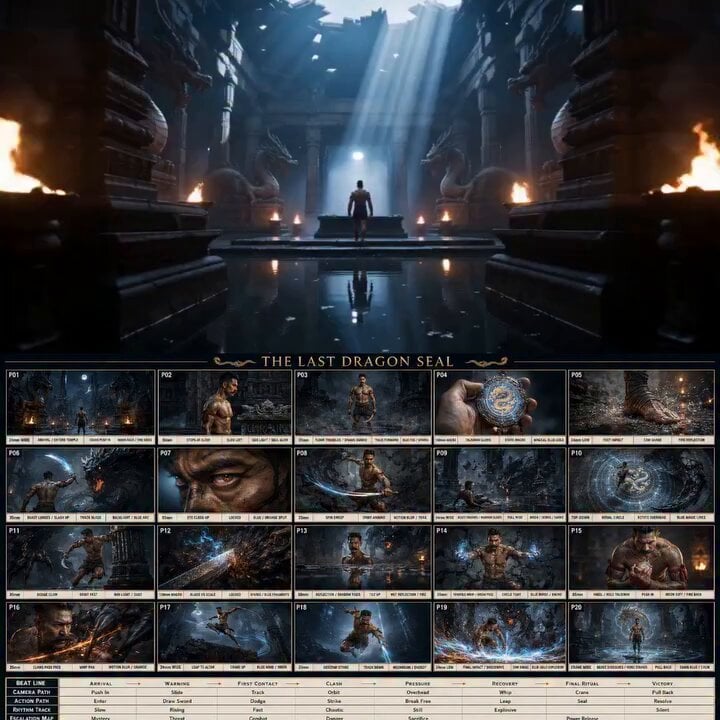
Ancient Dragon Temple Warrior Zoom
Motion Graphics Ad Design Prompt
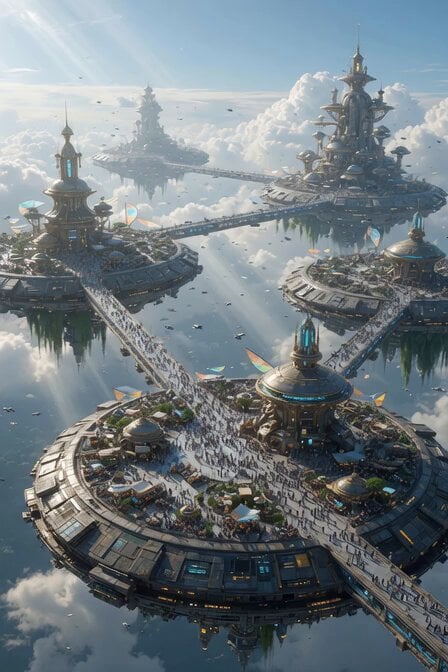
Futuristic Disc Buildings and Walkways
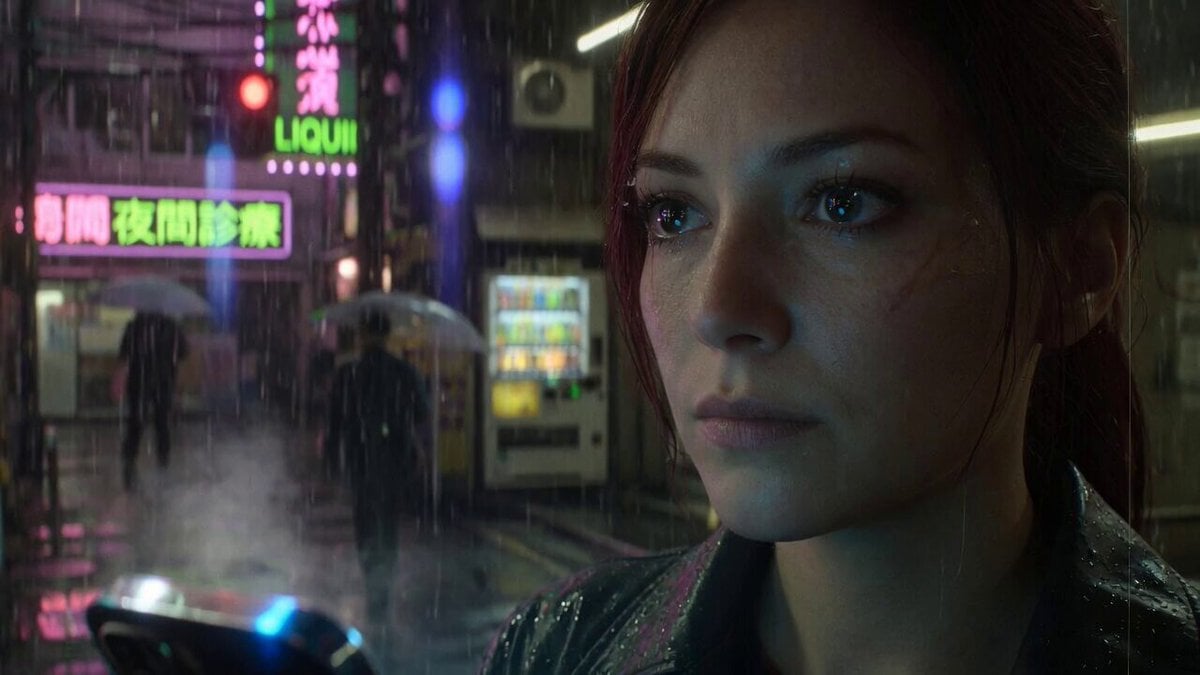
Grok Imagine Prompt: Cinematic Realism Base
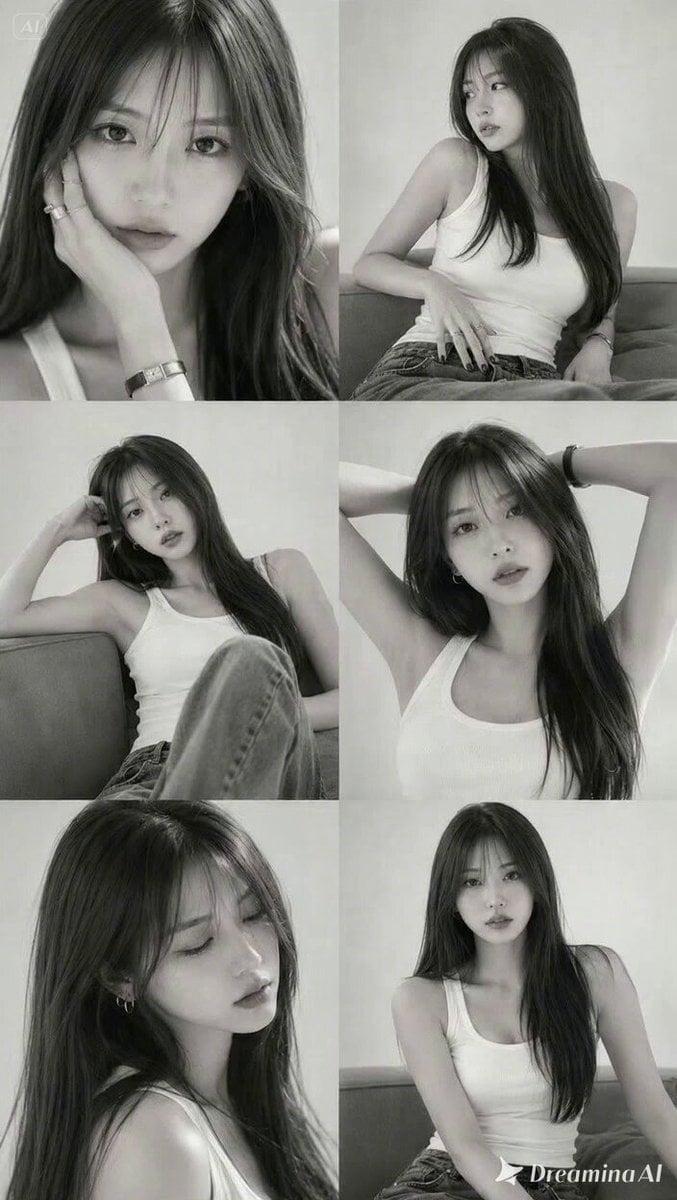
Korean Beauty Editorial Animation
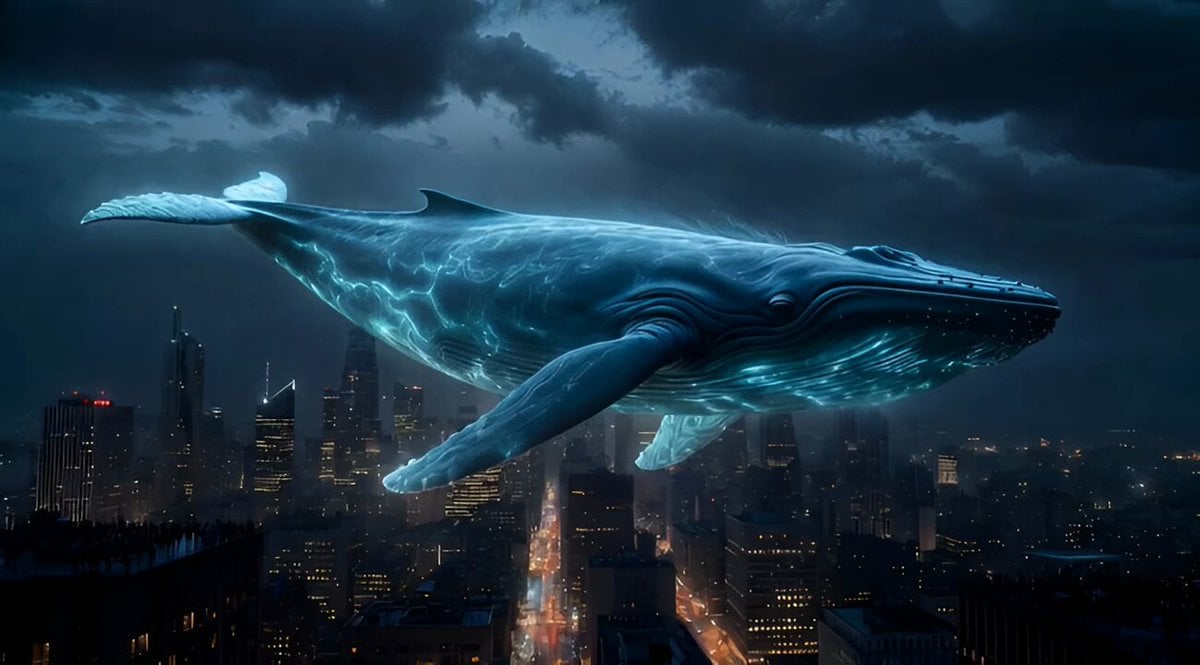
Epic Cinematic Scene of a Glowing Whale in the Night Sky
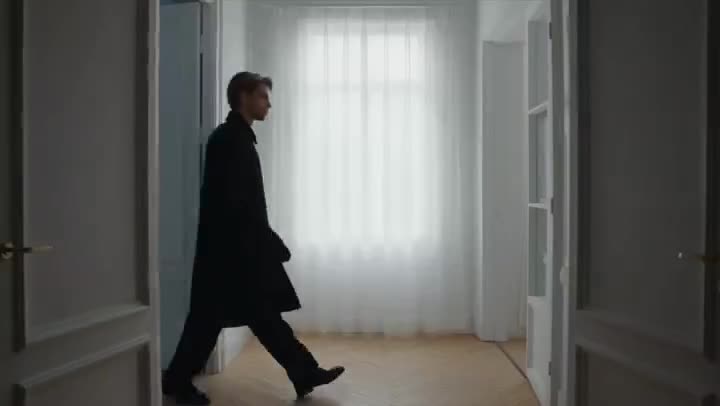
One-Shot Rooms With Shifting Worlds
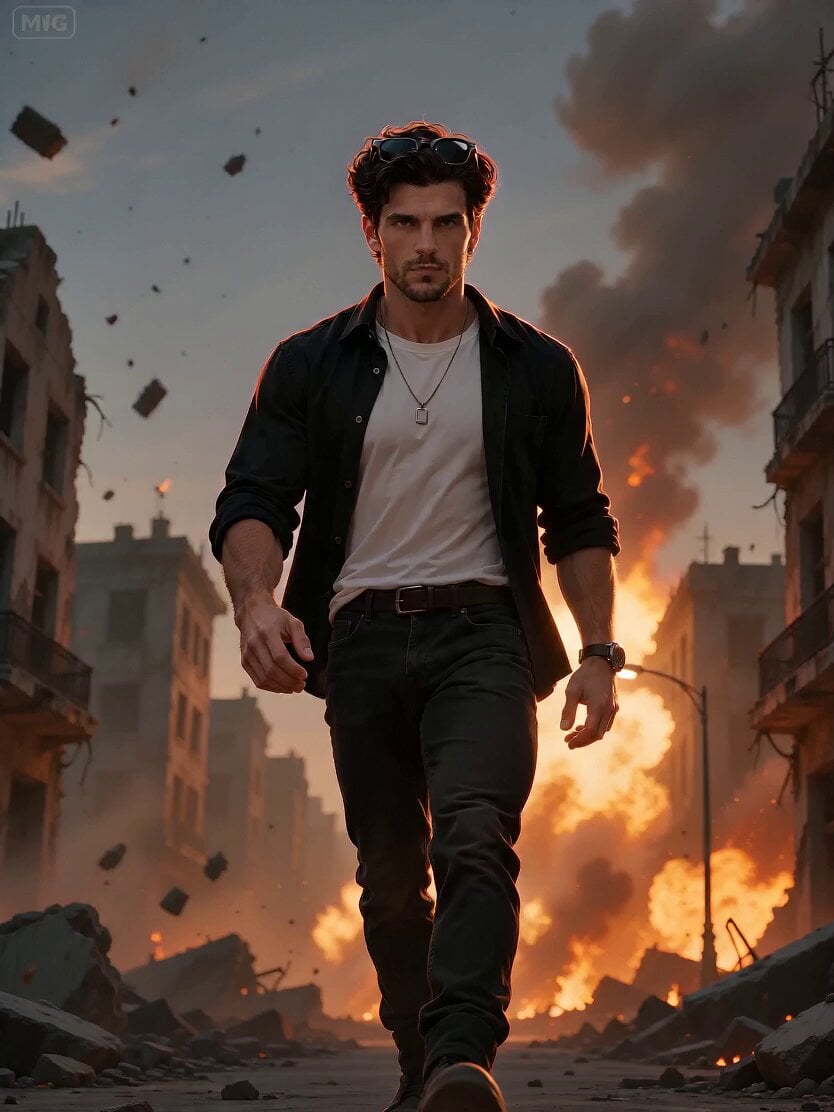
Cinematic Action Hero Combat Sequence
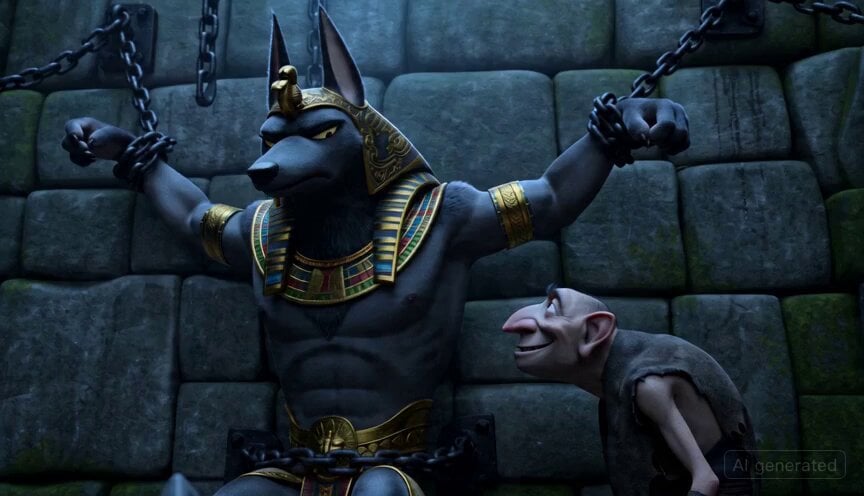
3D Animation of Anubis in Dungeon
Browse template categories
Cinematic Survival Thriller Setup questions
How do I use the Cinematic Survival Thriller Setup template?
Add your photo if the template asks for one, edit the prompt if you like — the template's model and format are already selected — and press Generate. Your version opens in PicX Studio.
Can I customize the Cinematic Survival Thriller Setup template?
Yes. You can change the subject, setting, lighting, mood, format, and available model controls before creating your video.
Is the Cinematic Survival Thriller Setup template free?
Opening and editing this template is free. Generating uses credits, shown on the Generate button when you are signed in.
Which AI model should I use?
Start with Seedance 2.0, which is the model associated with this template. You can compare another compatible model for a different finish.
Looking for something else? Browse all templates.

Your photo, any look
Thousands of ready templates for every top image and video model, from one credit balance.