How do I use the Silver Dragon in Cyberpunk City template?
Edit the prompt in the box under the preview — the template's model and format are already selected — and press Generate. Your version appears right on this page.
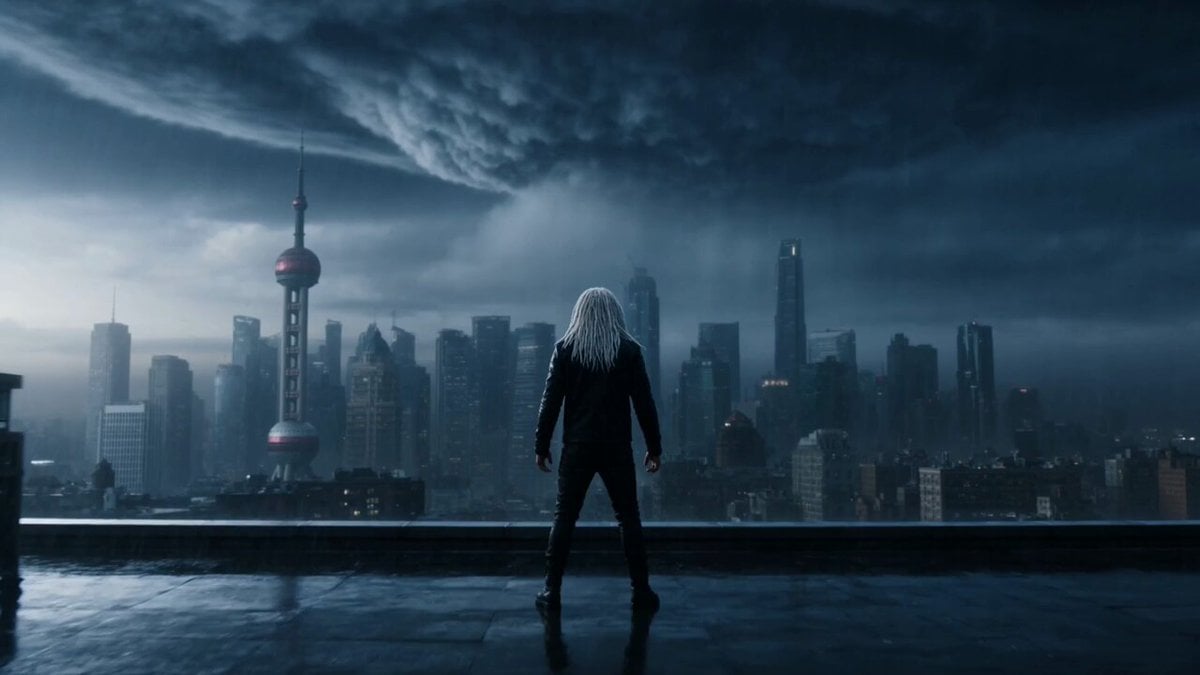
An anime-style video prompt of a silver dragon soaring through a neon-lit futuristic city and turning into clouds.
日本のアニメスタイル、サイバーパンクフルテクニカ、学園都市の夜景、近未来的な巨大ビル群とネオン輝く街並み、ハイテクな学園都市の雰囲気、風で自由に飛ぶ銀色の龍が雲に変わる
日本のアニメスタイル、サイバーパンクフルテクニカ、学園都市の夜景、近未来的な巨大ビル群とネオン輝く街並み、ハイテクな学園都市の雰囲気、風で自由に飛ぶ銀色の龍が雲に変わる
Edit the prompt in the box under the preview — the template's model and format are already selected — and press Generate. Your version appears right on this page.
Yes. You can change the subject, setting, lighting, mood, format, and available model controls before creating your video.
Opening and editing this template is free. Generating uses credits, shown on the Generate button when you are signed in.
Start with Grok Imagine, which is the model associated with this template. You can compare another compatible model for a different finish.
Follow a topic to a crawlable collection of related PicX Studio templates.