
One Sword Breaks Dawn Video Prompt for Seedance 2.0 (Fantasy Action)
A highly detailed, multi-scene prompt for Seedance 2.0 to generate a 15-second fantasy action video titled 'One Sword Breaks Dawn'.

- Prompt included
- Model and format preset
- Premium template
The prompt behind this video
Copy the exact prompt behind One Sword Breaks Dawn Video Prompt for Seedance 2.0 (Fantasy Action), or open it in the studio and make it yours.
16:9 横屏,国漫电影级画面,金白圣光色调。 0-3 秒:断崖之上乌云密布,少年剑客跪地双手握住插在岩石中的古剑,娃娃脸配圆眼,单眼皮,黑发凌乱被汗浸湿,古剑周围符文流转发出嗡鸣,镜头从俯视缓慢旋转下降。 4-7 秒:天空魔族大军压境,为首魔将手持黑色战戈,方脸配络腮胡,眼眶中燃烧绿色鬼火,挥手示意大军进攻,无数黑色箭矢如蝗虫般射向少年,镜头快速推近。 8-12 秒:少年猛然拔出古剑,金白光芒冲天而起驱散乌云,剑身上龙纹苏醒发出龙吟,少年挥剑斩出金色剑气将所有箭矢化为齑粉,镜头跟随剑气轨迹高速推进。 13-15 秒:少年踏空而起,身后浮现金色巨龙虚影,一剑斩向魔将,魔将举戈格挡却被一剑斩断兵器并从肩膀到部劈开,金色光芒笼罩整个战场,魔族大军惊恐后退,画面定格在少年持剑俯视的剪影,身后阳光刺破云层。 音效:剑身嗡鸣、龙吟震天、箭矢碎裂、魔族惊呼。 禁止:任何文字、字幕、LOGO 或水印。
How to use One Sword Breaks Dawn Video Prompt for Seedance 2.0 (Fantasy Action) in 3 steps
- 1
Open
The prompt is already in the box next to the preview, with the template's model and format selected.
- 2…a portrait of your subject in softgolden-hour light, 85mm…
Personalize
Edit the subject and creative details for your destination.
- 3Generate
Generate
Press Generate — your video is created in PicX Studio, so you can compare it with the original and refine one variable at a time.
More like this
Templates with the same subject, style or setup. Open one to see its prompt.
Swordsman vs Shadow Monster — Bamboo Forest Battle
Stone Colossus Desert Riders — Golden Fire Reveal
Chibi Cave Adventure — He Doesn't Know What's Coming
Speeder Chase Across a Cliff City

Dragon Rider Cinematic Flight — Seedance 2.5
Griffin Knight Mountain Kingdom — Seedance 2.0
Thornmaw Monarch — Crimson Glass Desert Beast
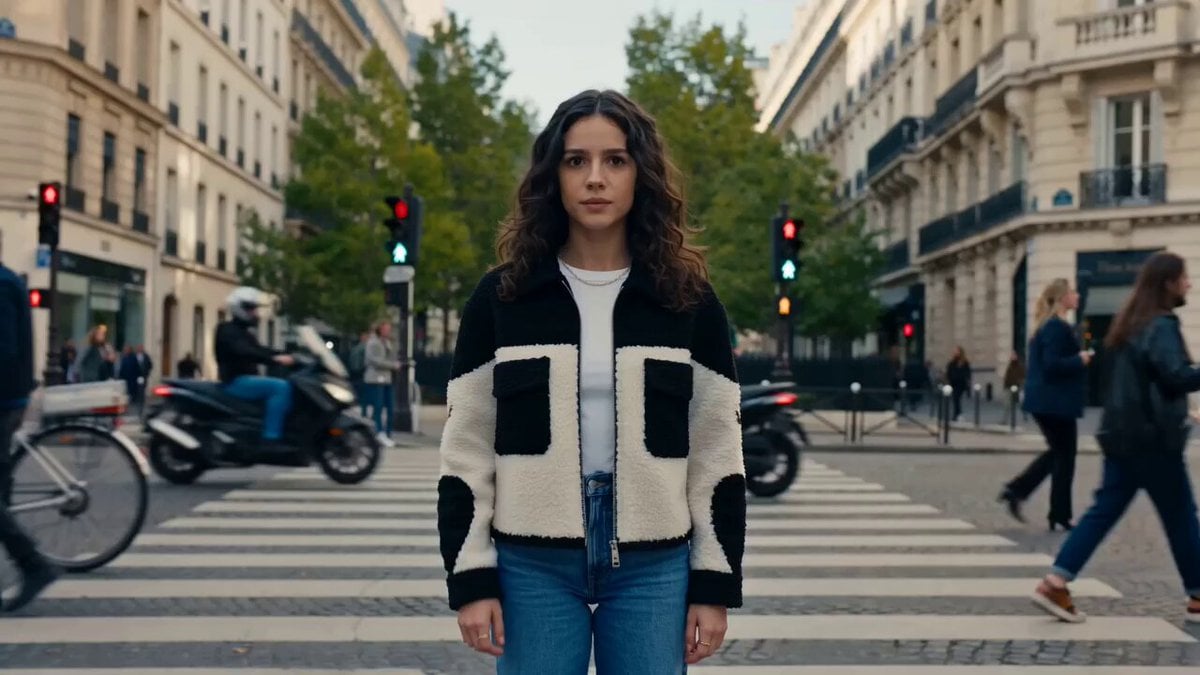
Nano Banana Seedance Time Control Streets
Ice Queen — Frozen Battlefield Time Control (Seedance)
Skybridge Rescue — Supertall Tower Collapse (Seedance)
Bullet Time Selfie — Modular Parameter Template (Seedance)
Tiger vs Gorilla — Jungle Canyon Clash
Make it yours
One Sword Breaks Dawn Video Prompt for Seedance 2.0 (Fantasy Action) works as-is. These are the safest ways to change it without losing the look.
Change one field
Copy a single group, rewrite it, and generate again so you can see what that field is doing.
Keep the frame, change the subject
Hold the composition and light of One Sword Breaks Dawn Video Prompt for Seedance 2.0 (Fantasy Action), then swap wardrobe, props or the person for a new take.
| If the result… | Why | Fix |
|---|---|---|
| The result drifts from the preview | Too many fields changed at once. | Reuse One Sword Breaks Dawn Video Prompt for Seedance 2.0 (Fantasy Action) as-is first, then change one group — subject, light, or setting. |
| The model over-stylizes the scene | The prose prompt leaves finish and camera underspecified. | Add one camera or lighting sentence and stay on Seedance 2.0. |
More Seedance 2.0 templates
Other prompts made for Seedance 2.0.

Comical Martial Arts Punch Scene

Maglev Train Action Sequence

Martial Arts Fight Sequence

Wuxia Protection and Trust Script

Vintage Korean Arcade MiniDV Vlog

Mercedes 190 SL Luxury Ad

Rainy Night Supernatural Reverse Comedy Video Script

Amazon Civilization Discovery

Futuristic South Asian City Transformation

Cozy Luxury Cafe Commercial
More video prompts
Fresh picks from across the catalog.
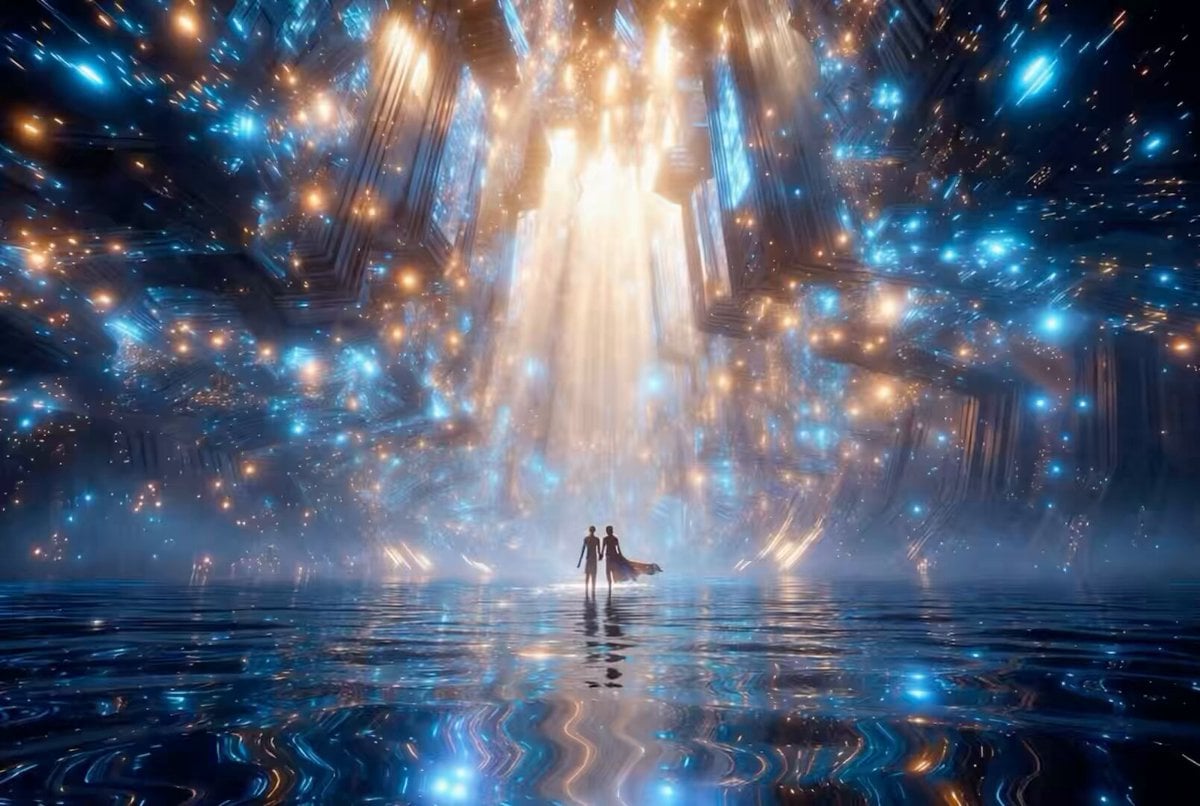
Futuristic Neon Cathedral
In Each Other's Gravity — Dance Duo
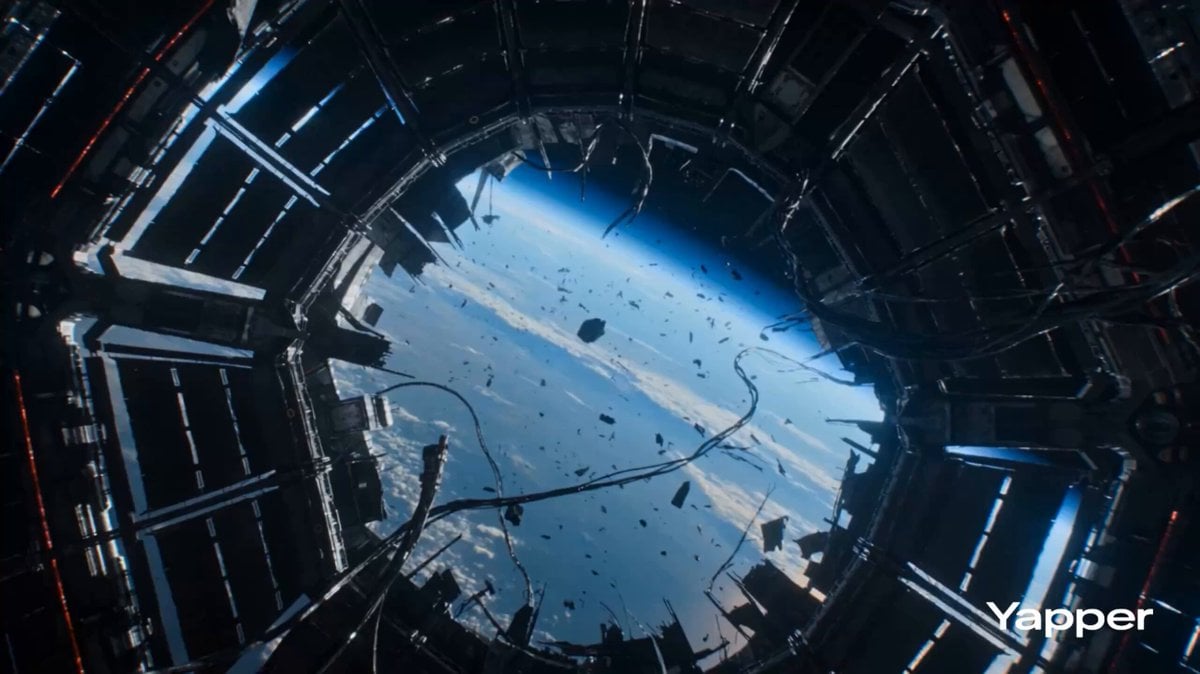
Zero Gravity Warrior Fight Video Prompt
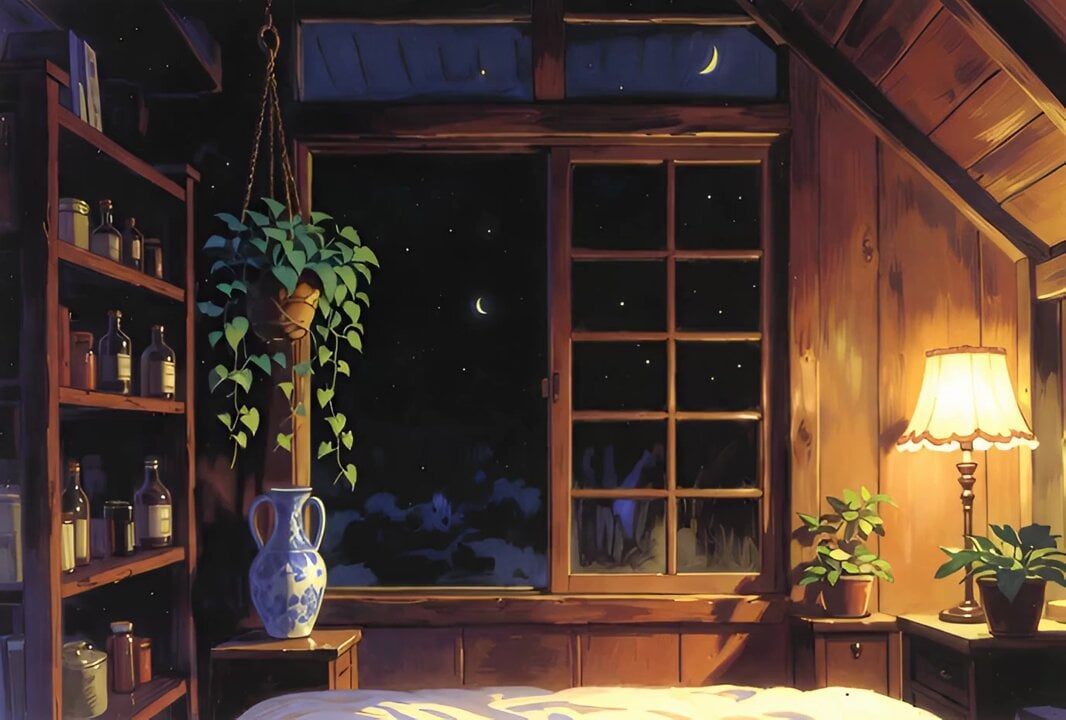
Cozy Vintage Japanese Anime Interior
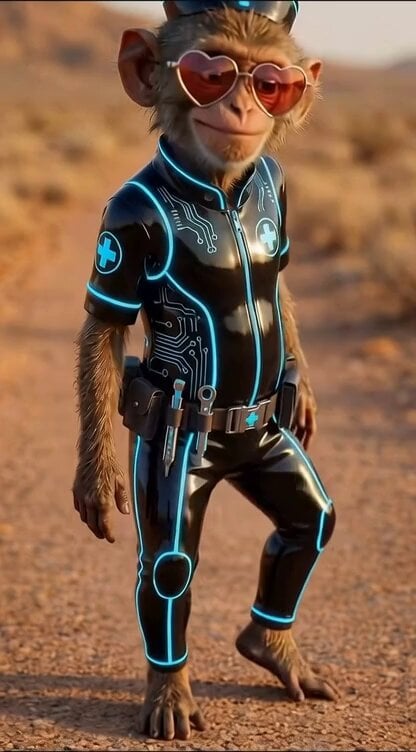
Chimp Character Outfit Transition
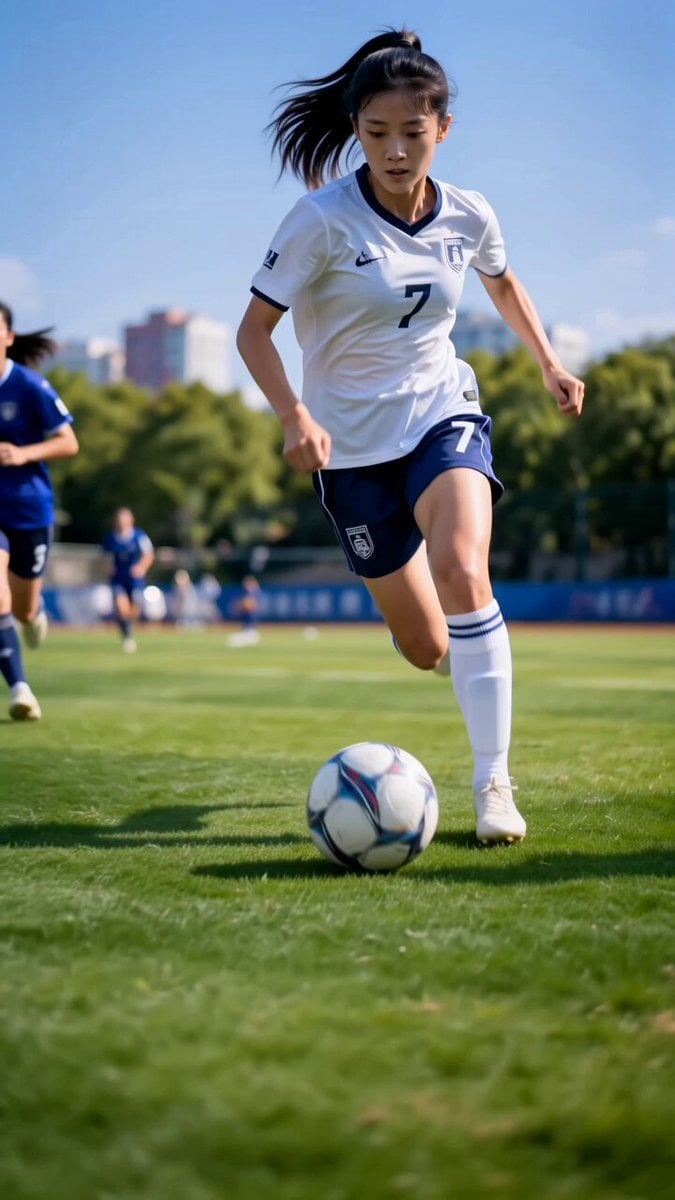
Asian Female Soccer Player Sports Ad
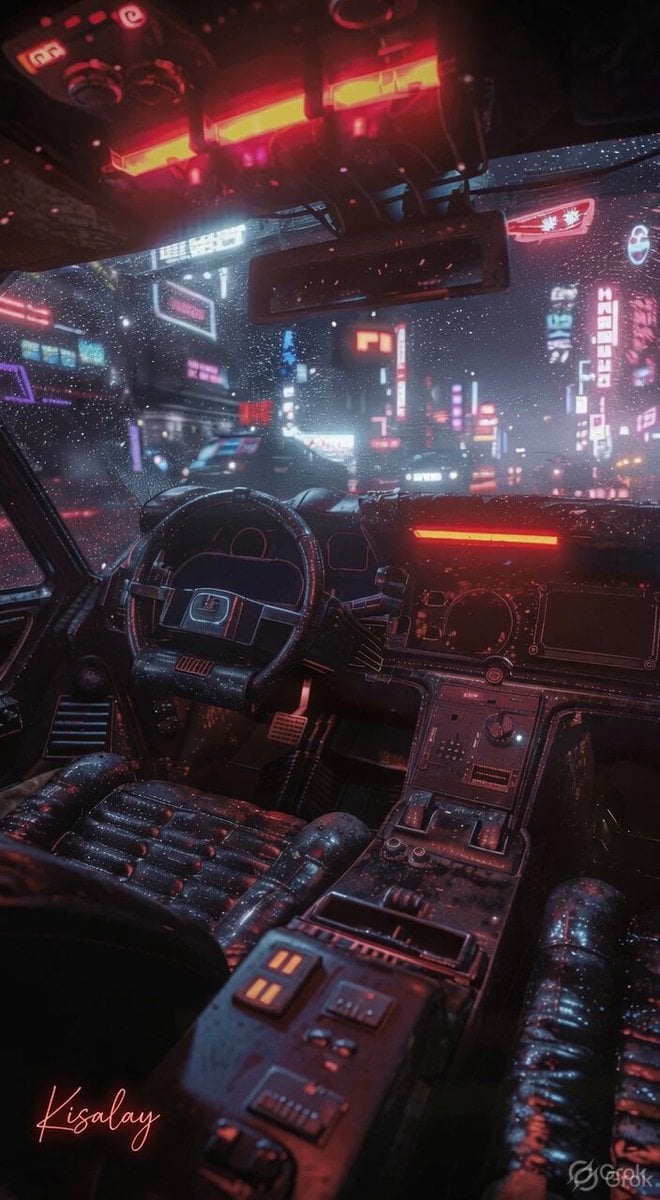
Rainy Night Neon City
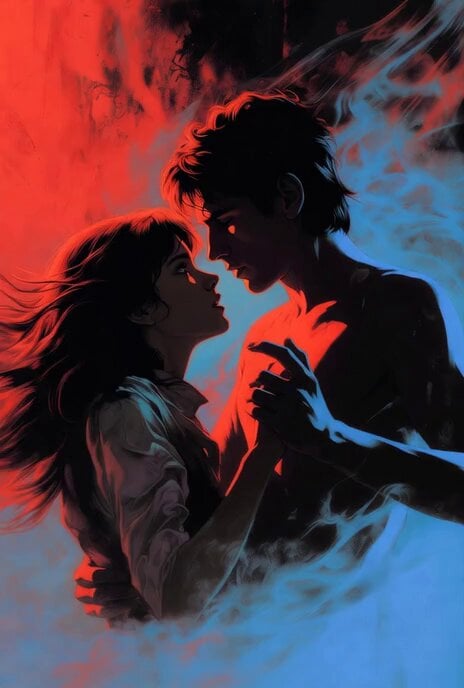
Grok Imagine prompt for 'Running Up That Hill' video
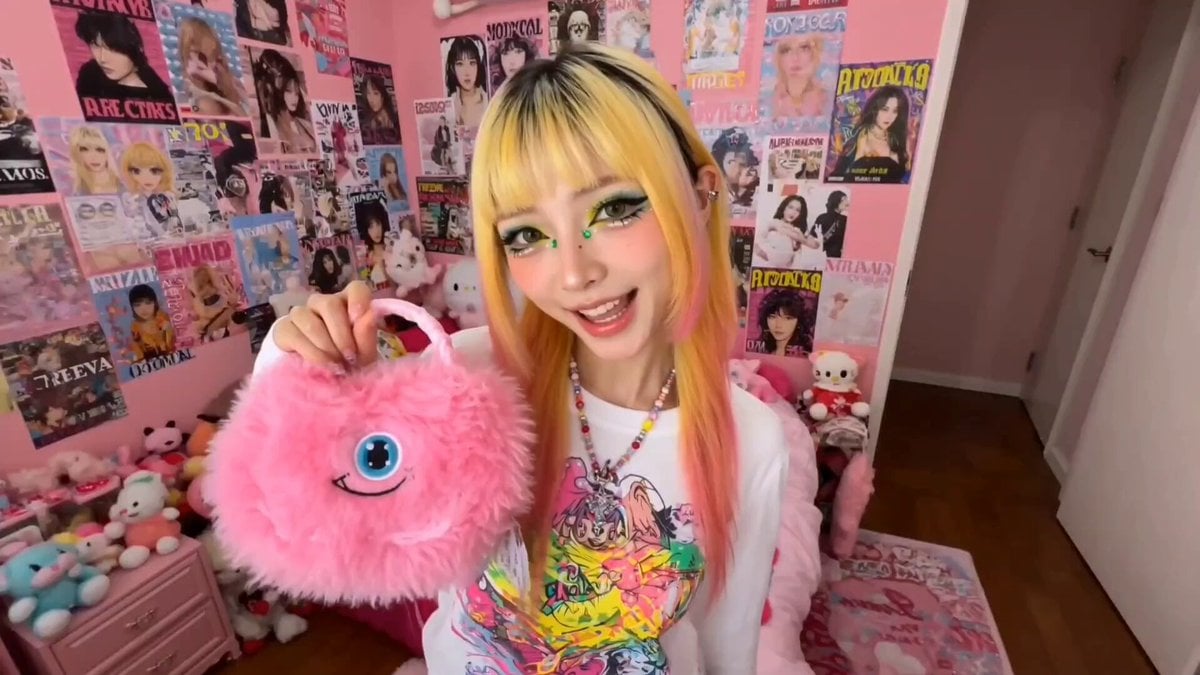
Harajuku Street Fashion GRWM Video
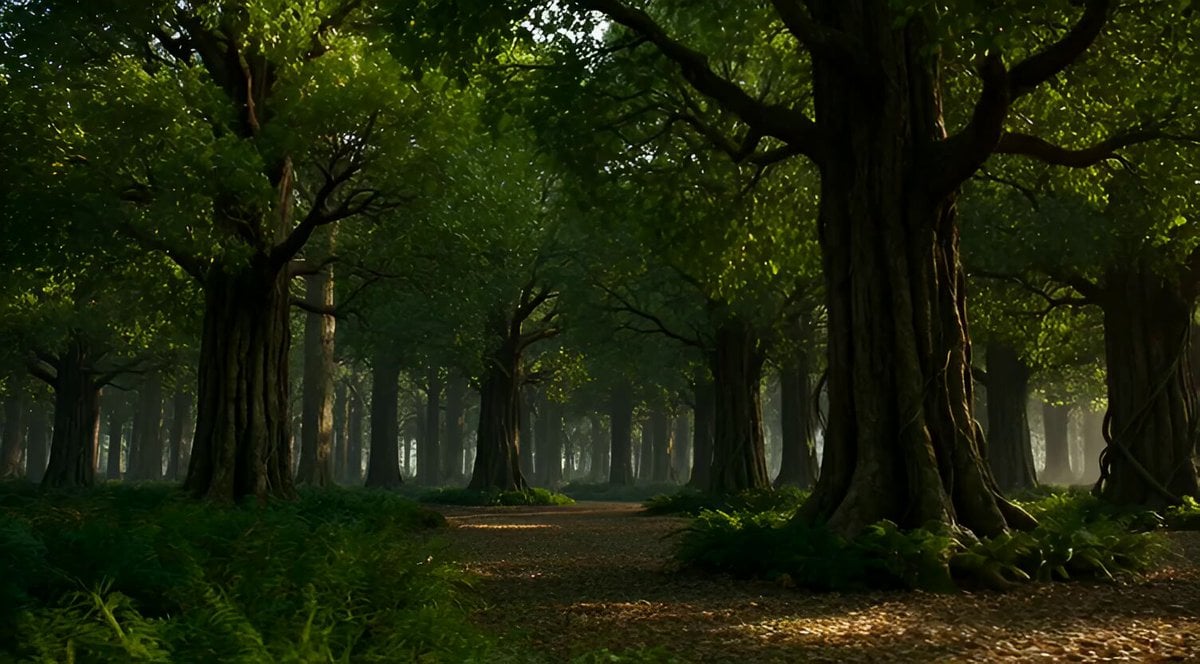
Enchanted Forest Mythical Transformation
Browse template categories
One Sword Breaks Dawn Video Prompt for Seedance 2.0 (Fantasy Action) questions
How do I use the One Sword Breaks Dawn Video Prompt for Seedance 2.0 (Fantasy Action) template?
Add your photo if the template asks for one, edit the prompt if you like — the template's model and format are already selected — and press Generate. Your version opens in PicX Studio.
Can I customize the One Sword Breaks Dawn Video Prompt for Seedance 2.0 (Fantasy Action) template?
Yes. You can change the subject, setting, lighting, mood, format, and available model controls before creating your video.
Is the One Sword Breaks Dawn Video Prompt for Seedance 2.0 (Fantasy Action) template free?
Opening and editing this template is free. Generating uses credits, shown on the Generate button when you are signed in.
Which AI model should I use?
Start with Seedance 2.0, which is the model associated with this template. You can compare another compatible model for a different finish.
Looking for something else? Browse all templates.

Your photo, any look
Thousands of ready templates for every top image and video model, from one credit balance.