
POV Shot from Inside Slushy Cup
An immersive video prompt featuring a continuous shot from the bottom of a transparent cup, capturing liquid movement and distorted facial expressions through ice.
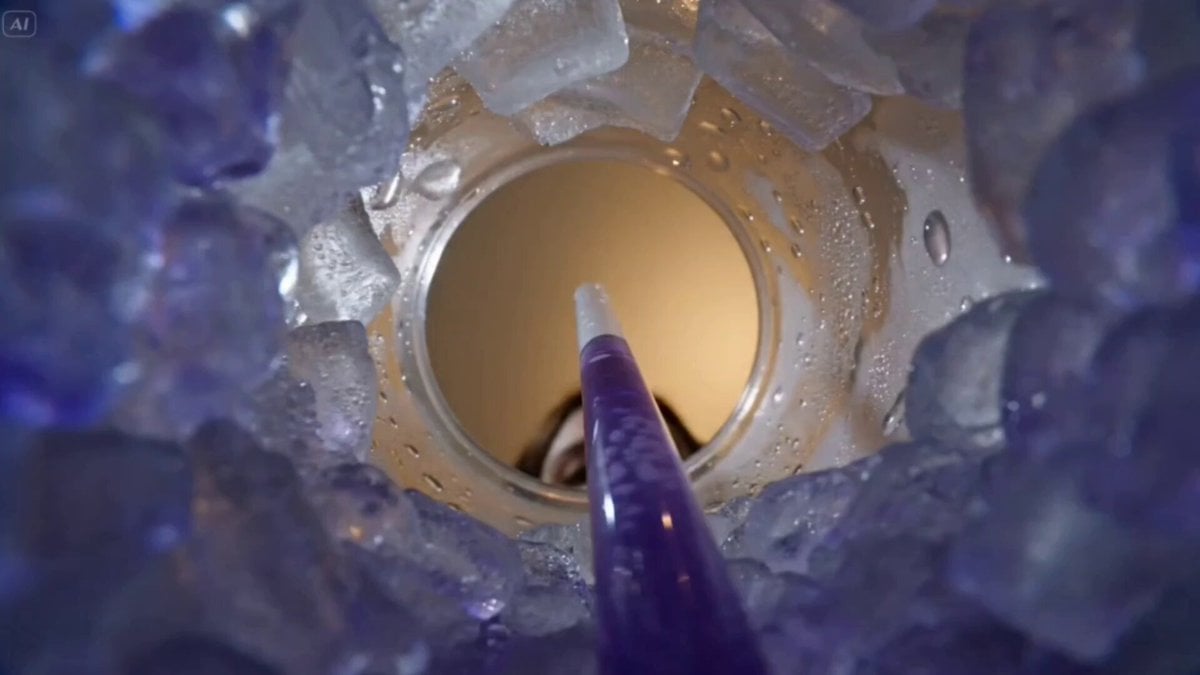
- Prompt included
- Model and format preset
- Premium template
The prompt behind this video
Copy the exact prompt behind POV Shot from Inside Slushy Cup, or open it in the studio and make it yours.
cinematic single continuous shot from inside a transparent plastic cup filled with a thick, icy purple slushy. The camera is submerged at the bottom, looking upward through semi-translucent crushed ice, with bubbles, condensation, and glossy frozen textures surrounding the frame. The circular rim of the cup forms a tunnel-like border, slightly fogged and wet. A semi-transparent straw descends into the frame. A woman leans in above, her face slightly distorted through the curved plastic and icy textures. She begins to sip. The purple liquid visibly flows upward inside the straw, swirling with tiny air bubbles, creating a dynamic suction motion. The ice subtly shifts and compresses with the movement. The camera gently drifts and vibrates with the suction force, maintaining a realistic handheld feel from inside the drink. Suddenly, an off-screen male voice calls out, “Hey, Alice.” The woman immediately stops sipping. The liquid inside the straw halts mid-motion and slowly settles back. She lifts her head slightly, her expression shifting to surprise. Condensation droplets slide down the inner walls of the cup. She turns her gaze to the side, still seen from below through the cup opening, and responds, slightly startled: “Oh, hey, Charlie, what are you doing here?” A man leans into frame from the background, partially visible through the circular opening, softly out of focus at first, then becoming clearer as he steps closer. Warm ambient light glows behind him, contrasting with the cool purple tones inside the cup. He replies casually: “I’m just waiting for my friend to show up.” The woman relaxes, a small smile forming. She tilts her head slightly, still framed by the cup opening: “Really? Haha. It’s been a while since I last saw you.” The man chuckles lightly, shifting his posture: “Hah, yeah” Throughout the entire sequence, the camera remains inside the cup, maintaining a consistent perspective with subtle liquid movement, melting ice, drifting bubbles, and refracted light playing across the scene, enhancing the immersive, non-human viewpoint. No Music
How to use POV Shot from Inside Slushy Cup in 3 steps
- 1
Open
The prompt is already in the box next to the preview, with the template's model and format selected.
- 2…a portrait of your subject in softgolden-hour light, 85mm…
Personalize
Edit the subject and creative details for your destination.
- 3Generate
Generate
Press Generate — your video is created in PicX Studio, so you can compare it with the original and refine one variable at a time.
More like this
Templates with the same subject, style or setup. Open one to see its prompt.

DV Camcorder POV Gym Montage — Seedance 2.5
DV Camcorder POV Gym Montage — Seedance 2.5
Ice Queen — Frozen Battlefield Time Control (Seedance)
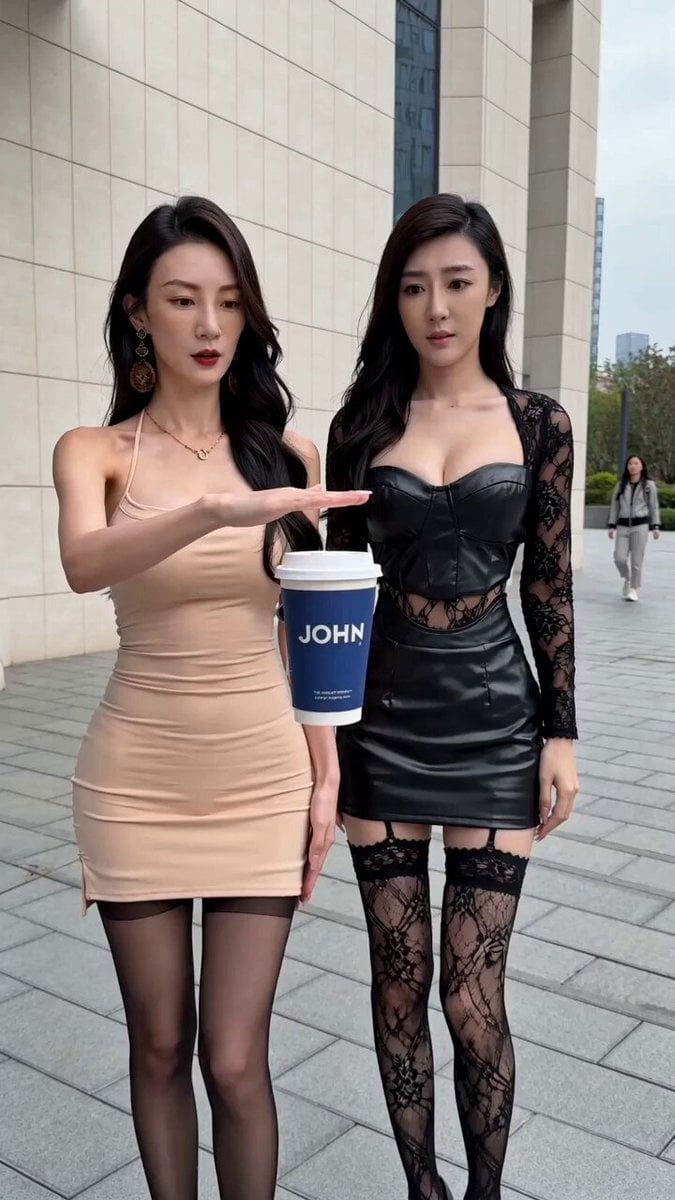
Levitating Coffee Cup Prank Ad
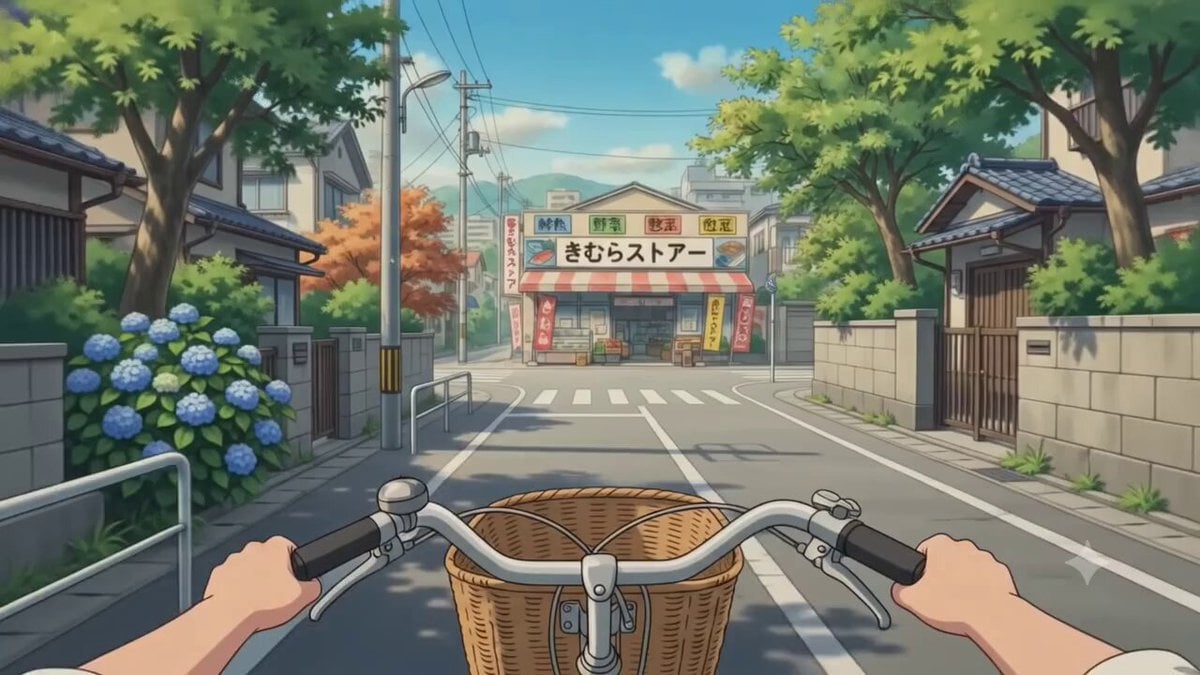
POV Japanese Residential Neighborhood Bike Trip
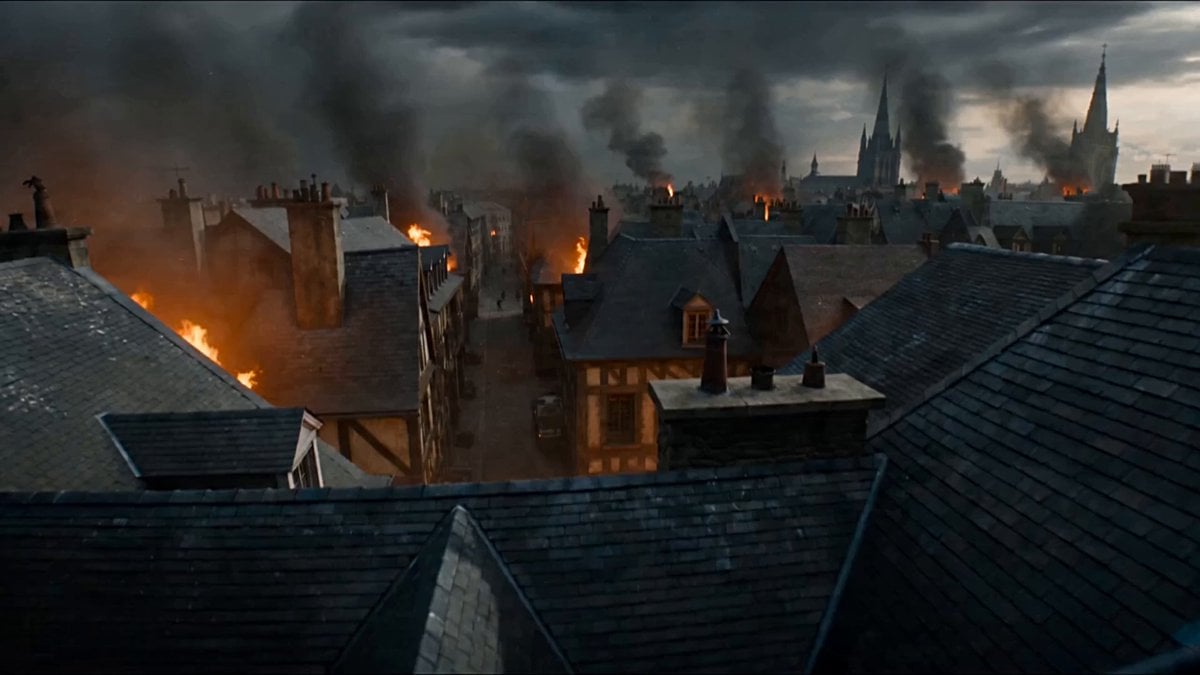
First-Person POV Fantasy Demon Battle
Man Laughing Inside Vintage TV
Italian World Cup Reaction

Coffee Cup Interaction Motion
Anime Style World Cup Football Climax

World Cup Final Emotional Drama
POV Handheld DV Camcorder Beach
Make it yours
POV Shot from Inside Slushy Cup works as-is. These are the safest ways to change it without losing the look.
Change one field
Copy a single group, rewrite it, and generate again so you can see what that field is doing.
Keep the frame, change the subject
Hold the composition and light of POV Shot from Inside Slushy Cup, then swap wardrobe, props or the person for a new take.
| If the result… | Why | Fix |
|---|---|---|
| The result drifts from the preview | Too many fields changed at once. | Reuse POV Shot from Inside Slushy Cup as-is first, then change one group — subject, light, or setting. |
| The model over-stylizes the scene | The prose prompt leaves finish and camera underspecified. | Add one camera or lighting sentence and stay on Seedance 2.0. |
More Seedance 2.0 templates
Other prompts made for Seedance 2.0.

Comical Martial Arts Punch Scene

Maglev Train Action Sequence

Martial Arts Fight Sequence

Wuxia Protection and Trust Script

Vintage Korean Arcade MiniDV Vlog

Mercedes 190 SL Luxury Ad

Rainy Night Supernatural Reverse Comedy Video Script

Amazon Civilization Discovery

Futuristic South Asian City Transformation

Cozy Luxury Cafe Commercial
More video prompts
Fresh picks from across the catalog.

Epic superhero transformation scene

Frozen Time Cinematic Action Video Prompt
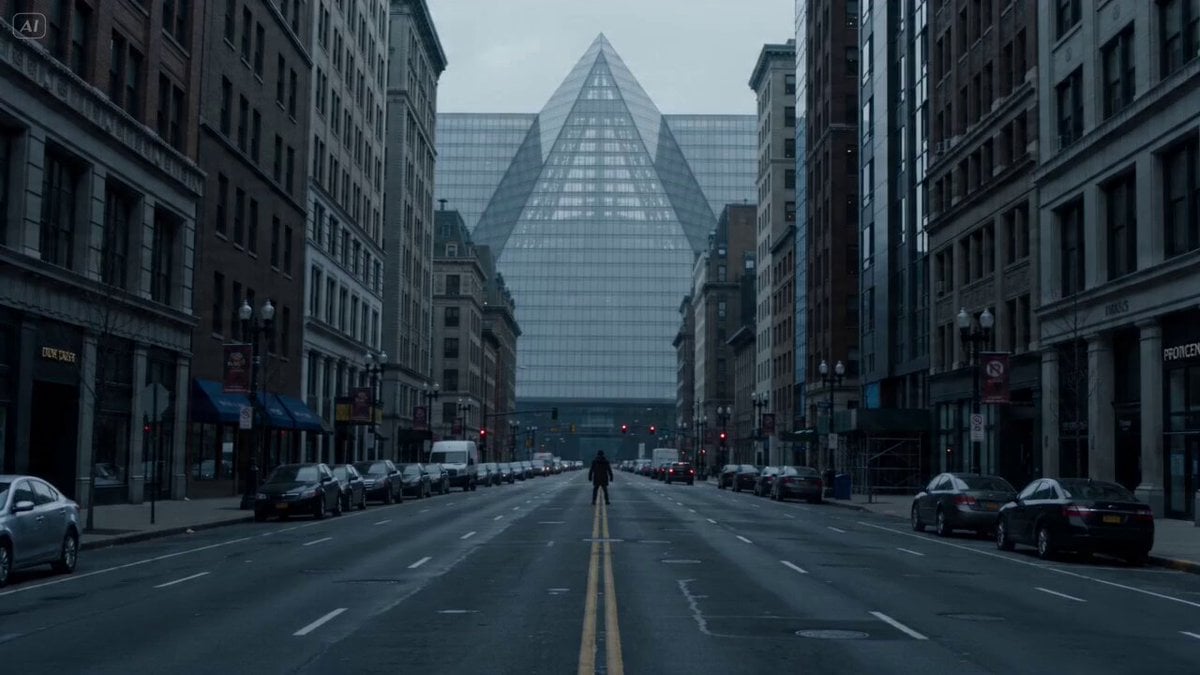
Urban Shockwave Tracking Shot

Ancient dragon on rocky outcrop
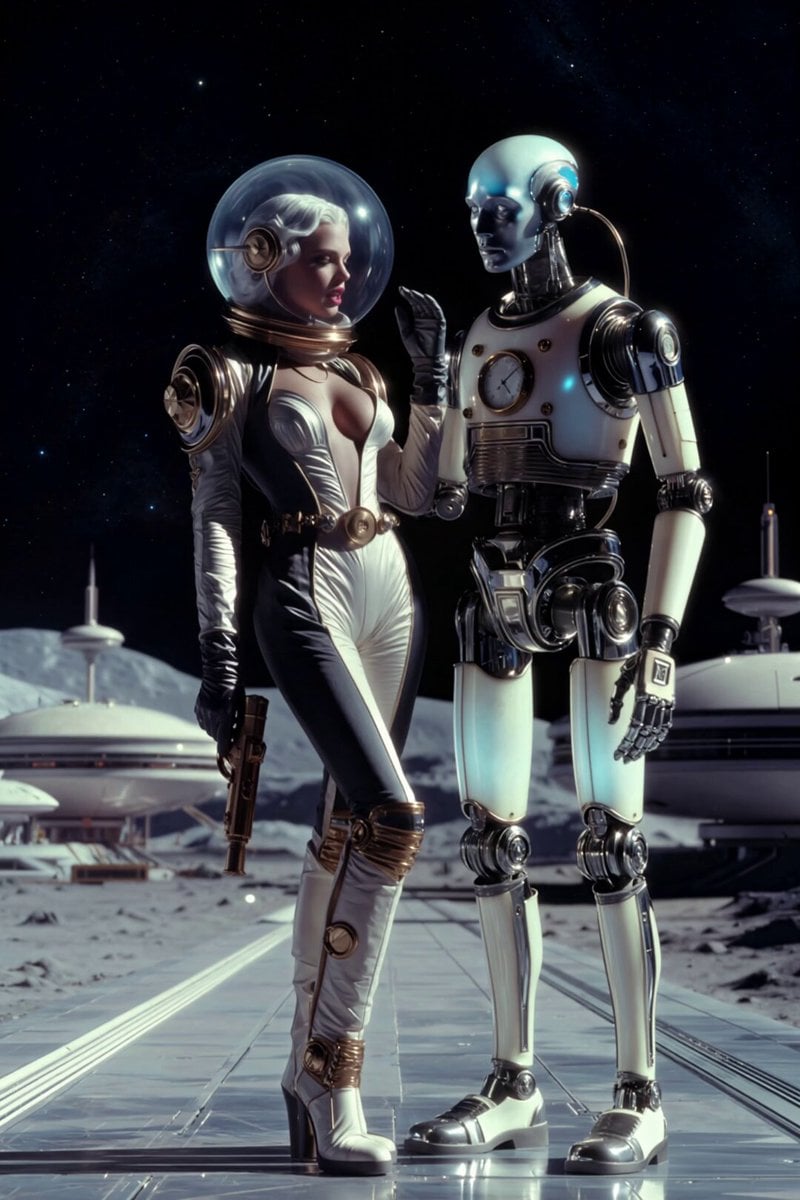
Steampunk Moon Base Queen
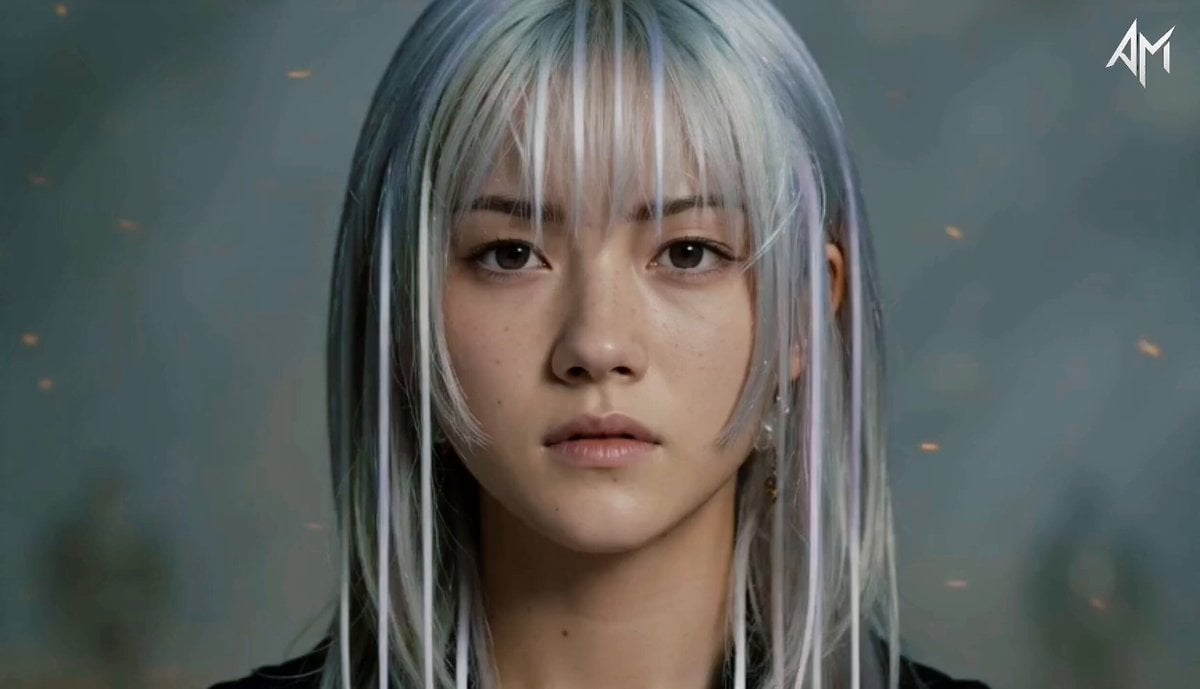
Consistent Cinematic Character Sequence
Promptsin Time Freeze Spanish

Solo Birthday Party Cinematic Storyboard
Griffin Knight Mountain Kingdom — Seedance 2.0
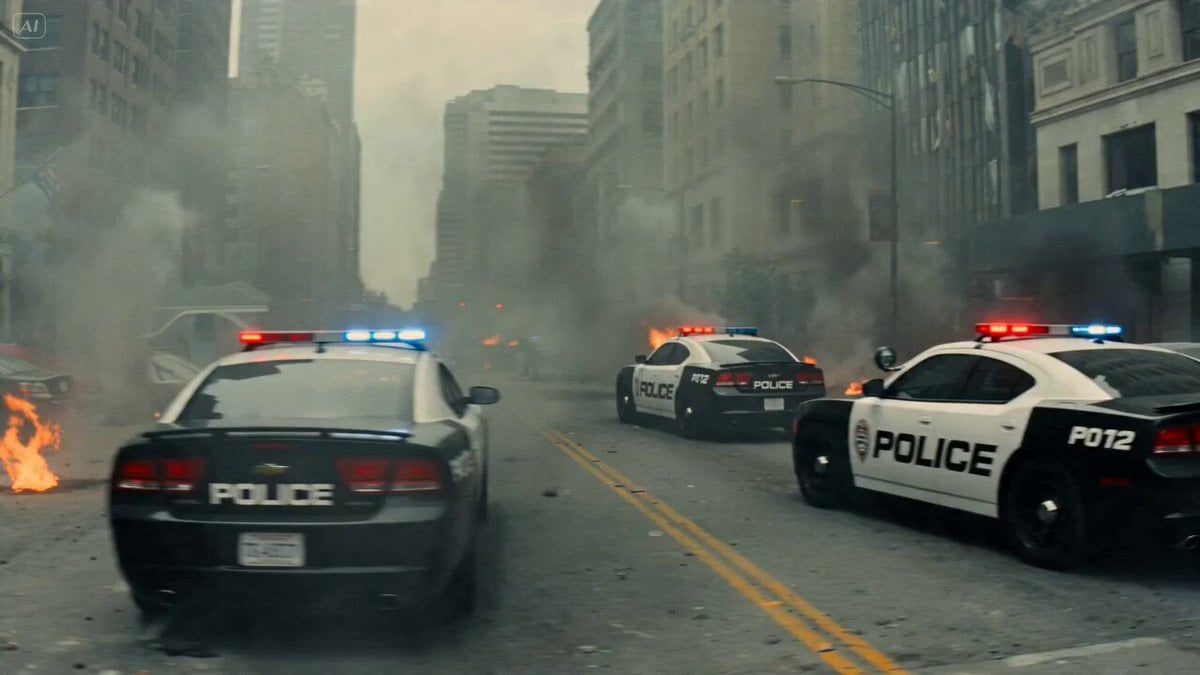
Combat Mech Urban Transformation
Browse template categories
POV Shot from Inside Slushy Cup questions
How do I use the POV Shot from Inside Slushy Cup template?
Add your photo if the template asks for one, edit the prompt if you like — the template's model and format are already selected — and press Generate. Your version opens in PicX Studio.
Can I customize the POV Shot from Inside Slushy Cup template?
Yes. You can change the subject, setting, lighting, mood, format, and available model controls before creating your video.
Is the POV Shot from Inside Slushy Cup template free?
Opening and editing this template is free. Generating uses credits, shown on the Generate button when you are signed in.
Which AI model should I use?
Start with Seedance 2.0, which is the model associated with this template. You can compare another compatible model for a different finish.
Looking for something else? Browse all templates.

Your photo, any look
Thousands of ready templates for every top image and video model, from one credit balance.