
Cinematic Vertical Fashion Commercial
A long-form cinematic prompt for a 15-second fashion TV commercial created with Seedance 2.0, following a protagonist through various daily scenes with high-end lighting and specific attire.
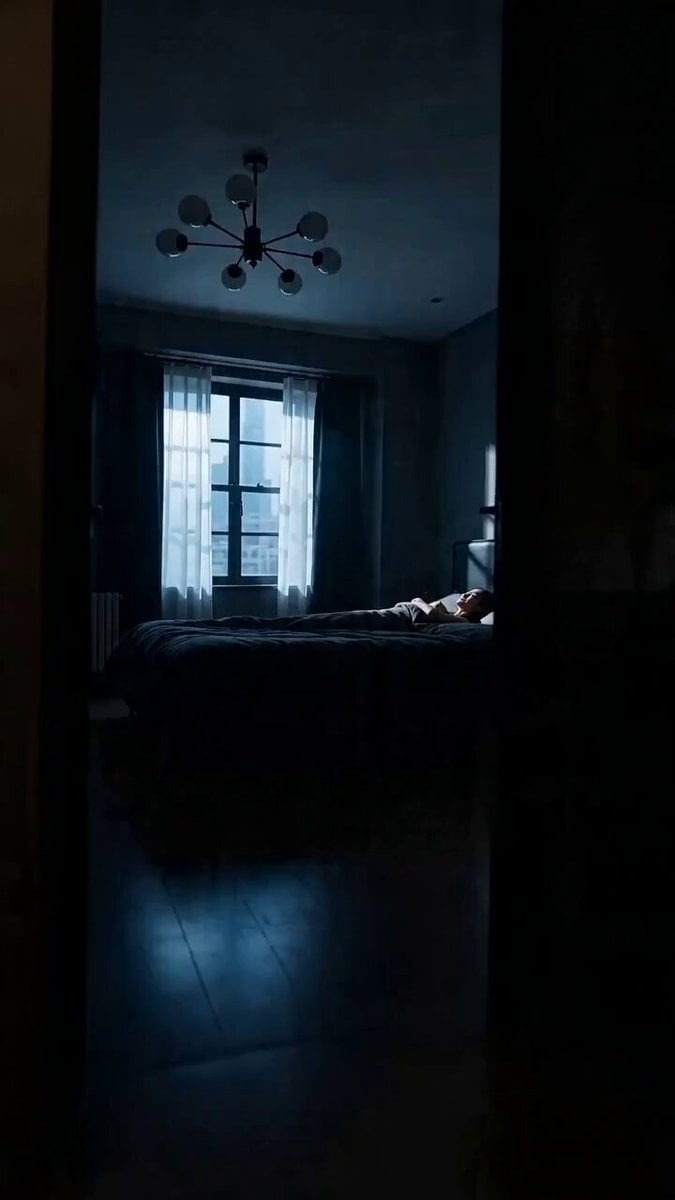
- Prompt included
- Model and format preset
- Free template
The prompt behind this video
Copy the exact prompt behind Cinematic Vertical Fashion Commercial, or open it in the studio and make it yours.
A 15-second cinematic vertical TV commercial prompt featuring a natural, expressive young Japanese woman with bright black hair as the protagonist. She wears a floral black sheer organza babydoll mini dress, black over-the-knee socks, and platform Mary Janes. The story begins in a chic morning bedroom and unfolds while weaving in a comedic monotone 2D animation of her rushing around with toast in her mouth. It depicts her walking briskly through the city cutting through the wind, a scene of her working in an office, the beauty of her dress turning translucent against the sunset, and a nighttime walk through neon-lit streets rendered in dramatic light and shadow. It beautifully follows her day all the way home, diving onto her bed, and falling asleep bathed in moonlight, ending with the words "Good Night" dissolving into the night darkness in particles of silver light.
How to use Cinematic Vertical Fashion Commercial in 3 steps
- 1
Open
The prompt is already in the box next to the preview, with the template's model and format selected.
- 2…a portrait of your subject in softgolden-hour light, 85mm…
Personalize
Edit the subject and creative details for your destination.
- 3Generate
Generate
Press Generate — your video is created in PicX Studio, so you can compare it with the original and refine one variable at a time.
More like this
Templates with the same subject, style or setup. Open one to see its prompt.

Sneaker Product Commercial
Luxury Handbag Commercial — Hollywood VFX Ad
Luxury Skincare Serum Commercial

Fruit Cookie Commercial

Silk Road Pomegranate Folk Animation
Mechanical Flower Bloom Brand Film
Crystal Ball Match-Cut Brand Film

Cinematic Short Film Scene
Skincare Product Commercial 3
Cinematic Portrait Study 3
Product UGC Commercial
Cinematic Portrait Study
Make it yours
Cinematic Vertical Fashion Commercial works as-is. These are the safest ways to change it without losing the look.
Change one field
Copy a single group, rewrite it, and generate again so you can see what that field is doing.
Keep the frame, change the subject
Hold the composition and light of Cinematic Vertical Fashion Commercial, then swap wardrobe, props or the person for a new take.
| If the result… | Why | Fix |
|---|---|---|
| The result drifts from the preview | Too many fields changed at once. | Reuse Cinematic Vertical Fashion Commercial as-is first, then change one group — subject, light, or setting. |
| The model over-stylizes the scene | The prose prompt leaves finish and camera underspecified. | Add one camera or lighting sentence and stay on Seedance 2.0. |
More Seedance 2.0 templates
Other prompts made for Seedance 2.0.

Comical Martial Arts Punch Scene

Maglev Train Action Sequence

Martial Arts Fight Sequence

Wuxia Protection and Trust Script

Vintage Korean Arcade MiniDV Vlog

Mercedes 190 SL Luxury Ad

Rainy Night Supernatural Reverse Comedy Video Script

Amazon Civilization Discovery

Futuristic South Asian City Transformation

Cozy Luxury Cafe Commercial
More video prompts
Fresh picks from across the catalog.
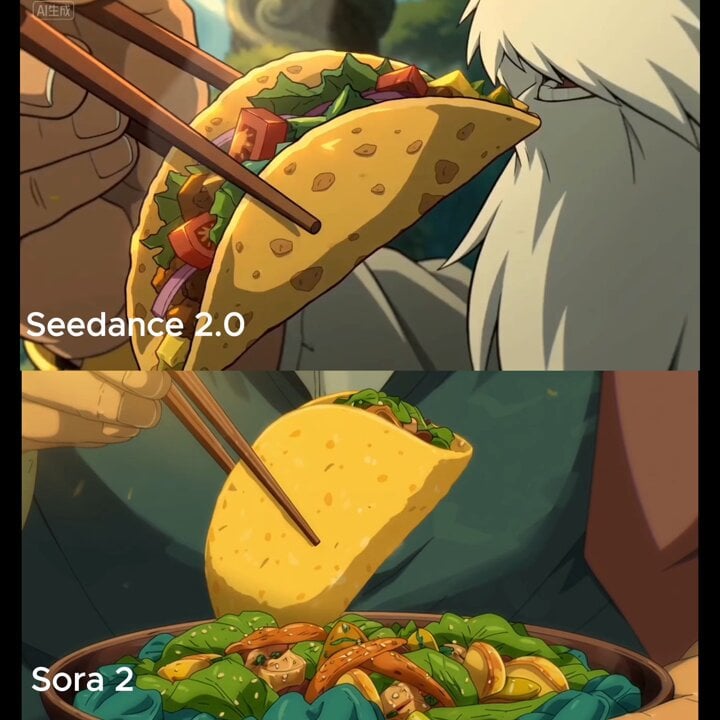
Close-up shot of taco filling shifting and warm light reflection
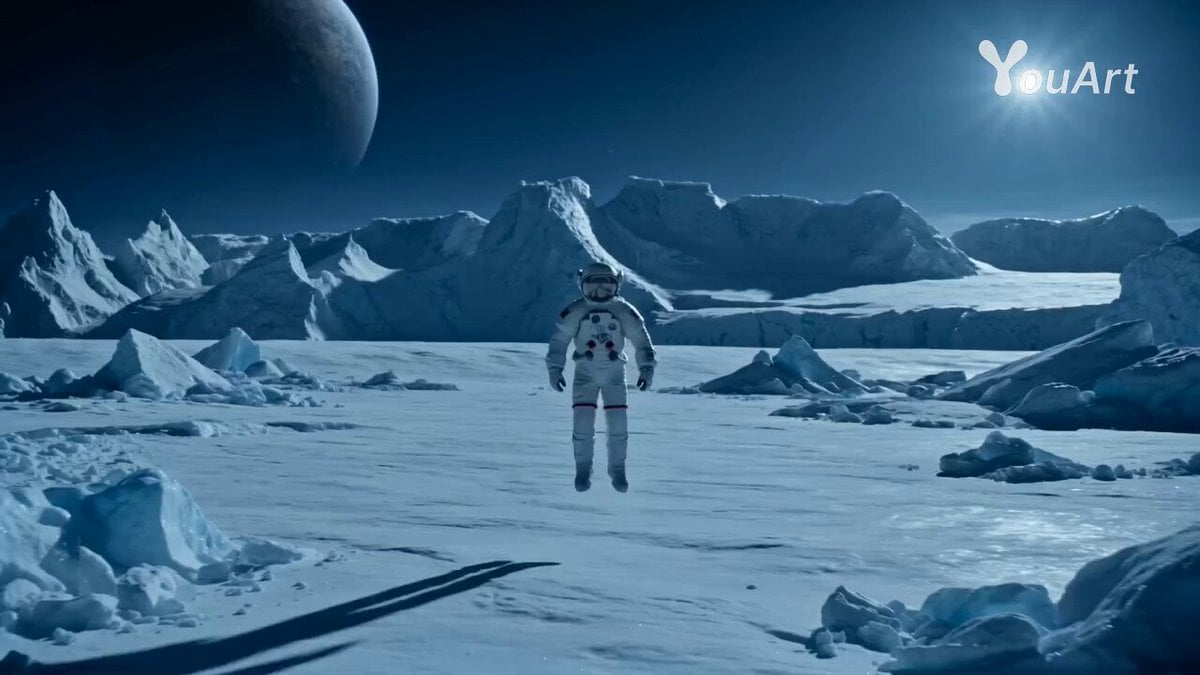
Astronaut Transforms into Ice-Adapted Humanoid on Frozen Exoplanet
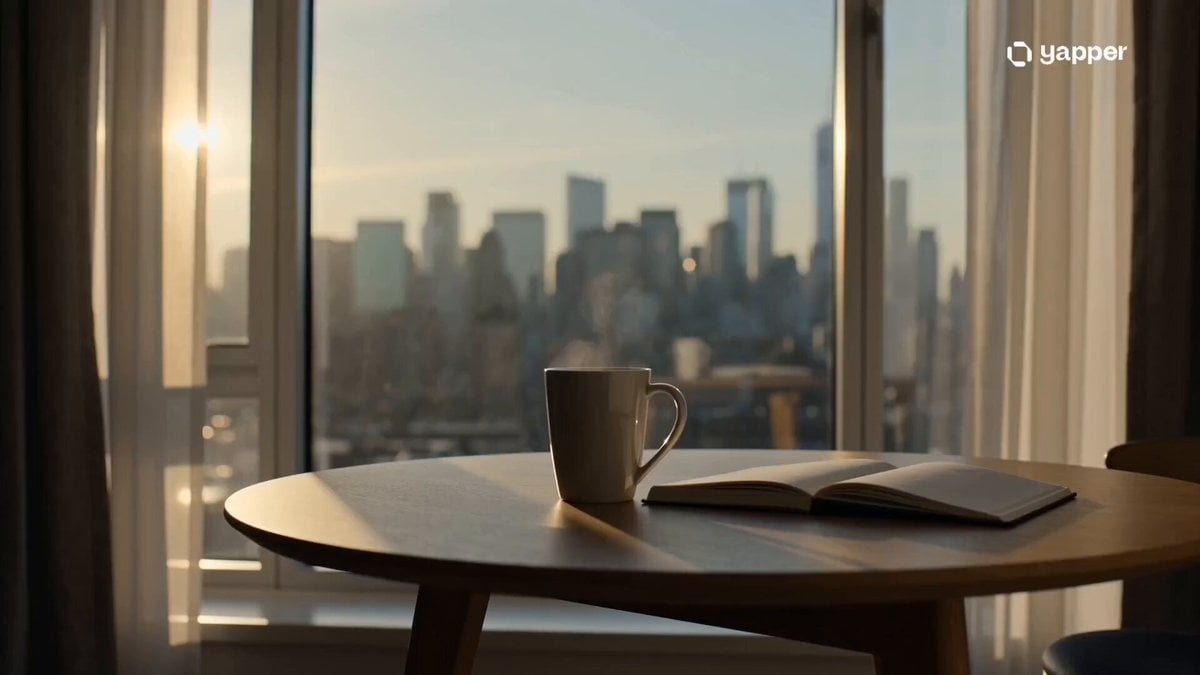
Cinematic Minimalist Urban Morning

Musical Notes Cloud Prompt
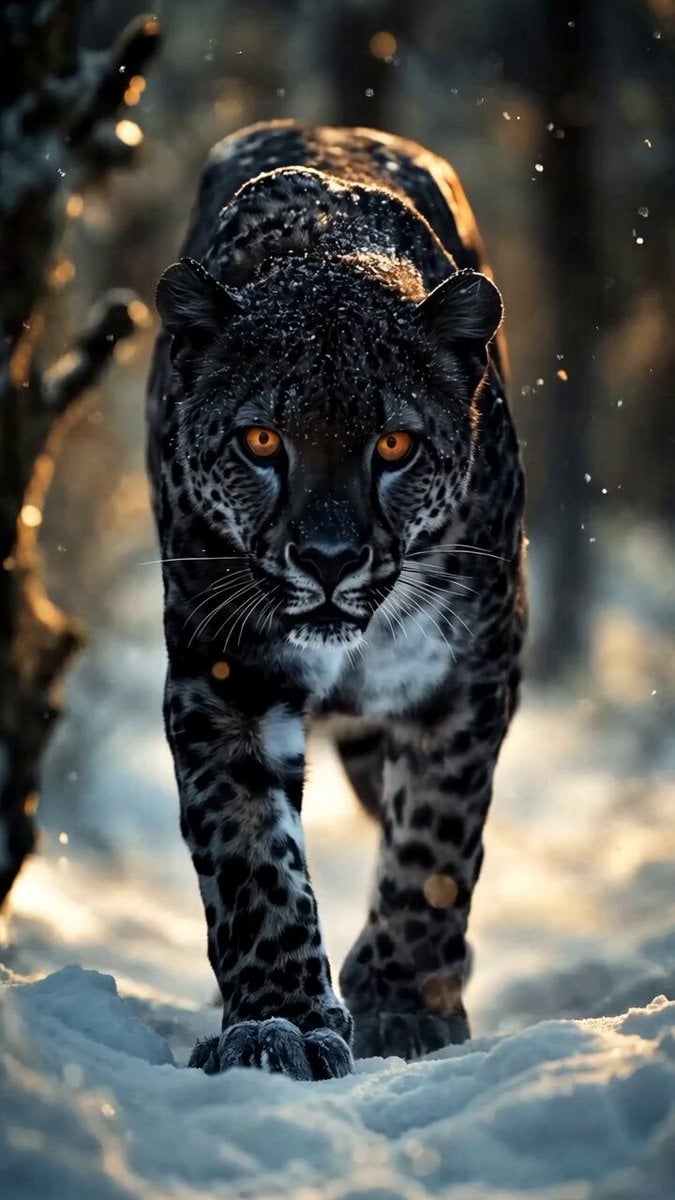
Black Jaguar in Snow Video Prompt
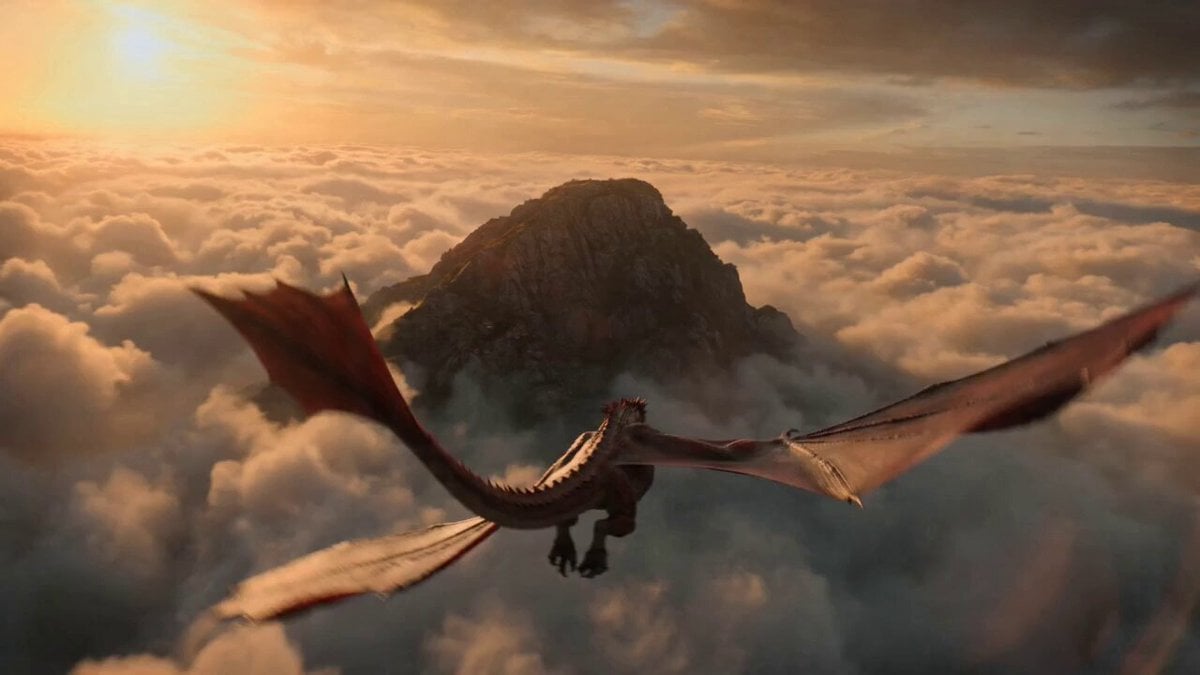
Impossible Fantasy War Shot Video Prompt
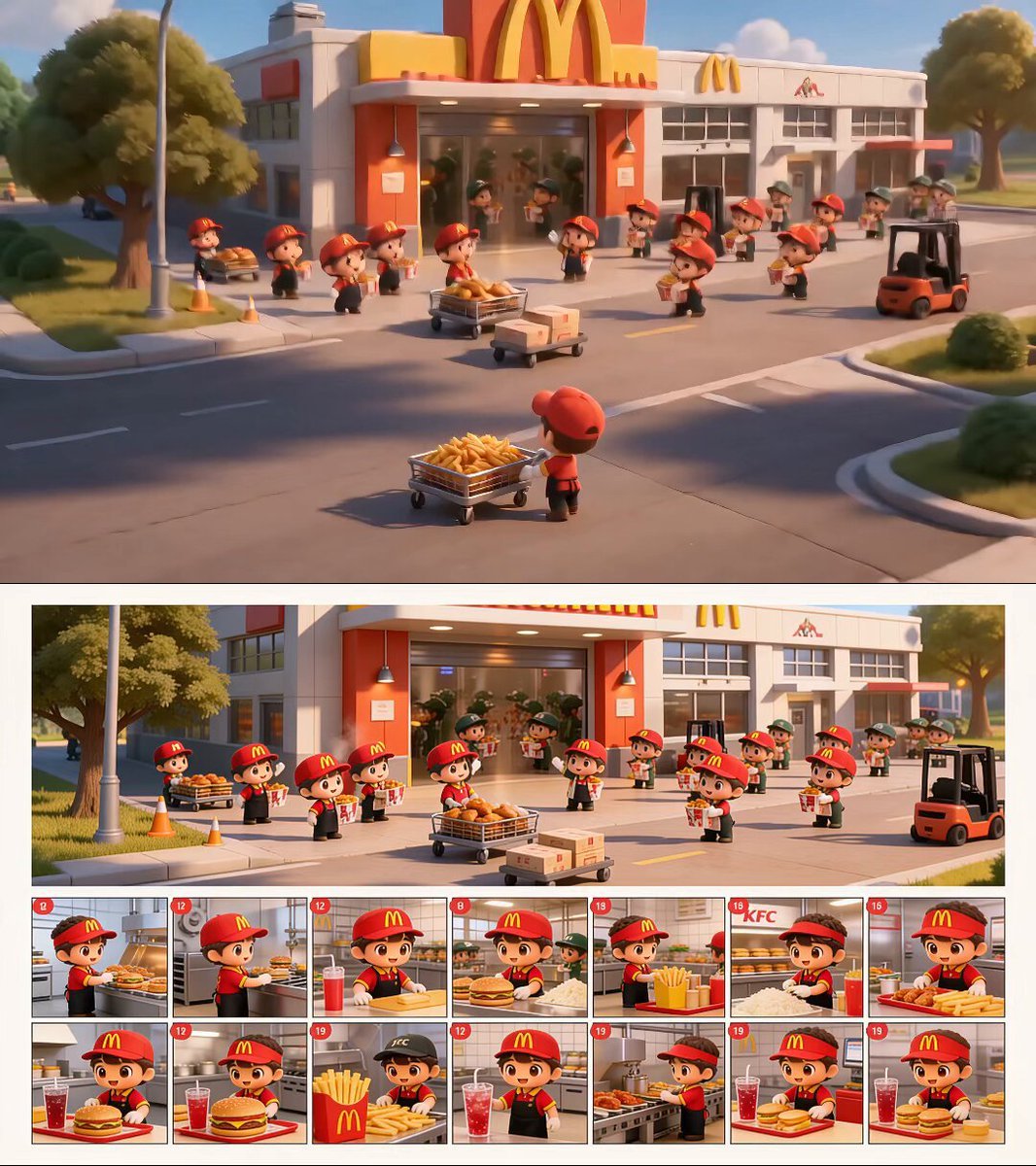
Chibi Fast Food Commercial
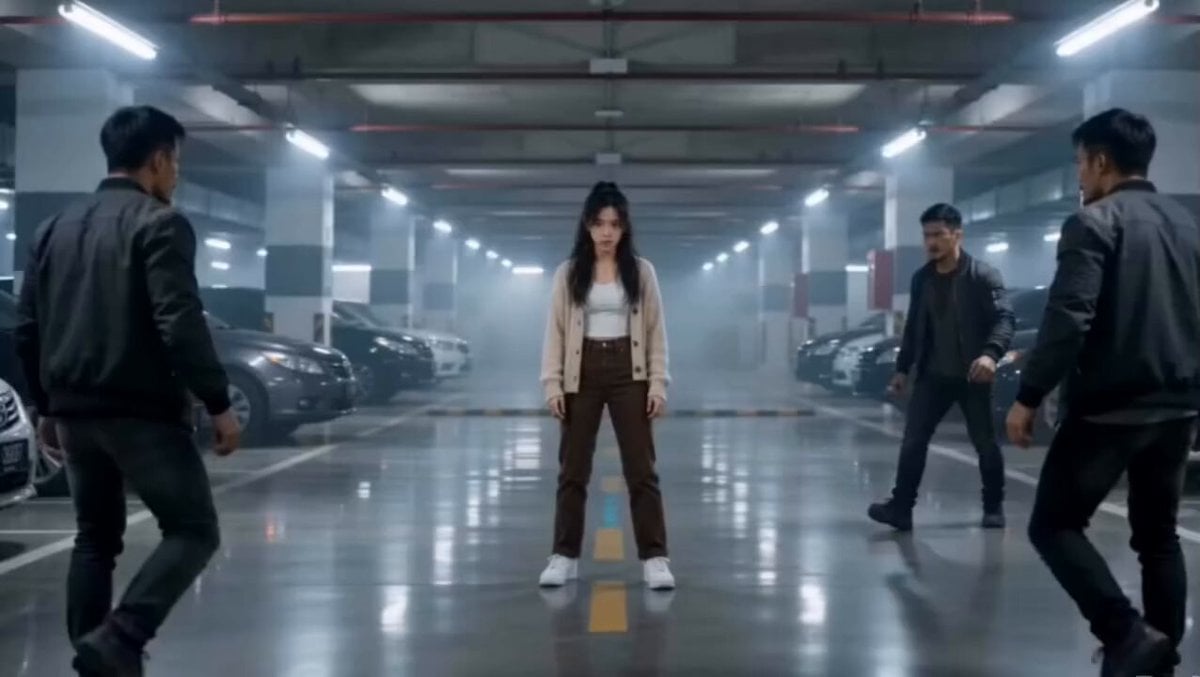
Martial Arts Parking Garage Fight
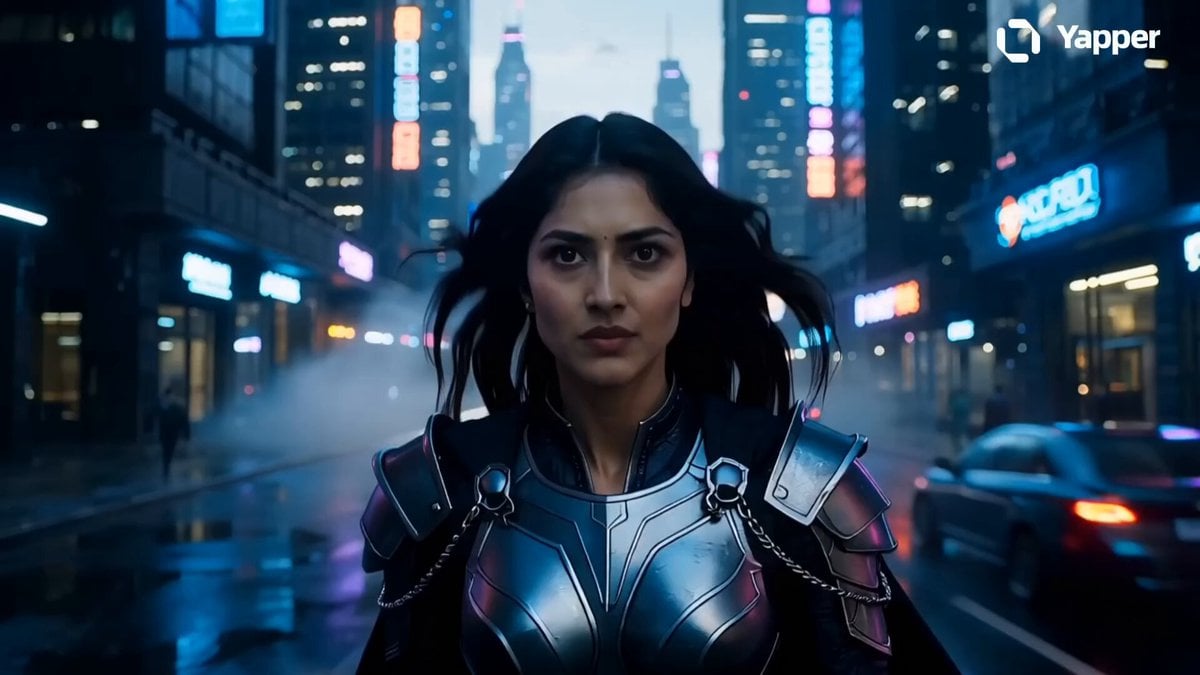
Futuristic Dubai Warrior Scene
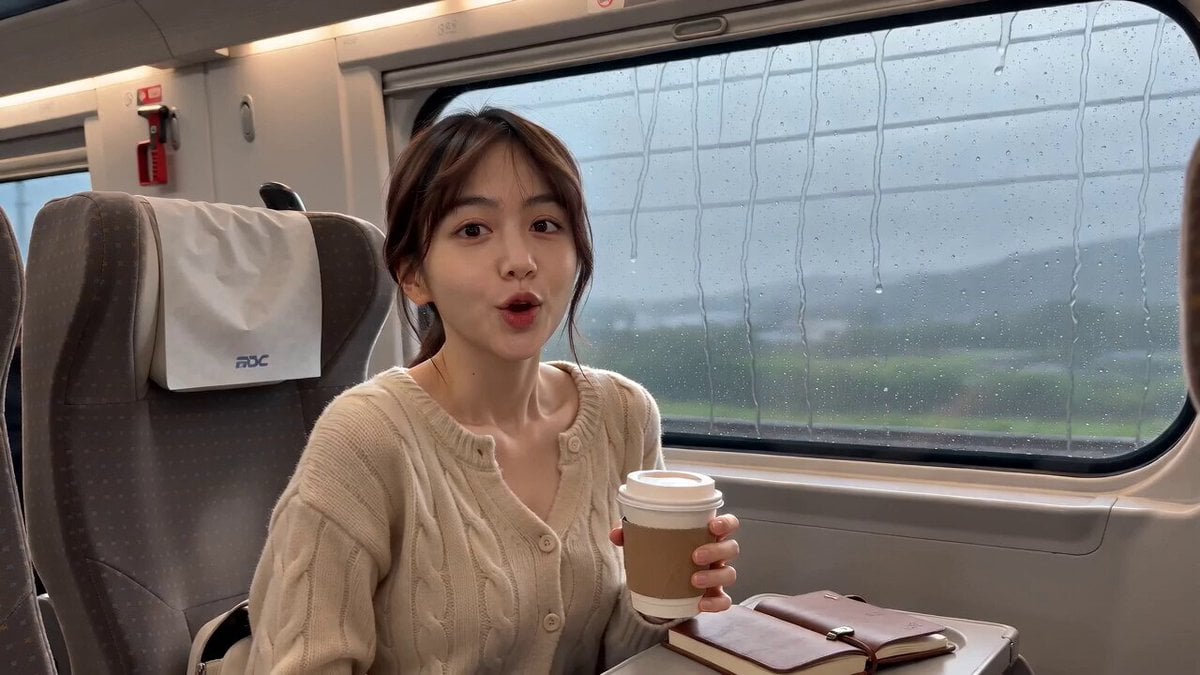
Realistic High-Speed Train Travel Vlog
Browse template categories
Cinematic Vertical Fashion Commercial questions
How do I use the Cinematic Vertical Fashion Commercial template?
Add your photo if the template asks for one, edit the prompt if you like — the template's model and format are already selected — and press Generate. Your version opens in PicX Studio.
Can I customize the Cinematic Vertical Fashion Commercial template?
Yes. You can change the subject, setting, lighting, mood, format, and available model controls before creating your video.
Is the Cinematic Vertical Fashion Commercial template free?
Opening and editing this template is free. Generating uses credits, shown on the Generate button when you are signed in.
Which AI model should I use?
Start with Seedance 2.0, which is the model associated with this template. You can compare another compatible model for a different finish.
Looking for something else? Browse all templates.

Your photo, any look
Thousands of ready templates for every top image and video model, from one credit balance.