
Cinematic Indiana Jones-style escape from a closing stone door
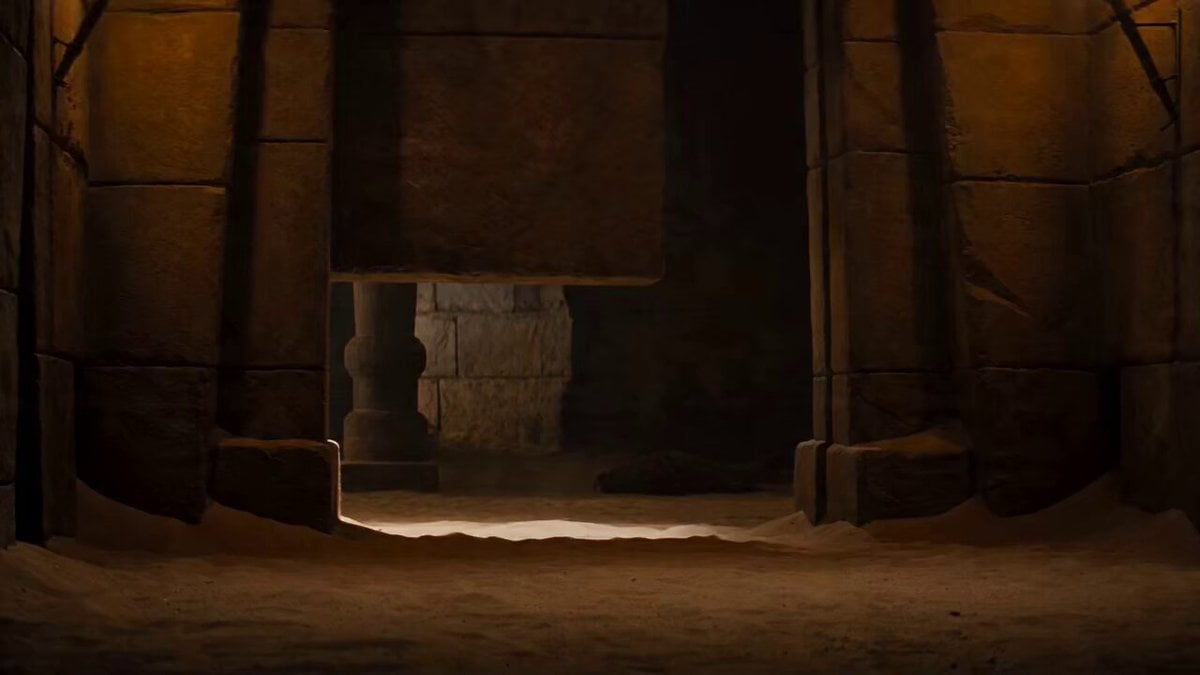
A cinematic prompt describing a side-angle shot of a figure in silhouette (Indiana Jones tone) barely sliding under a massive, grinding stone door before it slams shut.
- Prompt included
- Model and format preset
- Free template
The prompt behind this video
Copy the exact prompt behind Cinematic Indiana Jones-style escape from a closing stone door, or open it in the studio and make it yours.
Side angle cinematic shot. A massive ancient stone door grinds downward rapidly, rumbling and scraping stone-on-stone. At the last possible second, a figure in silhouette — leather jacket, hat brim — drops and slides along the dusty floor underneath the closing gap, barely making it through. The stone door SLAMS shut with a thunderous boom that shakes the frame. Dust explosion. The figure rolls, comes up onto one knee, breathing hard. Torch flames on the wall whip violently from the shockwave then settle. Silence except for settling dust and heavy breathing. The figure is backlit, silhouette only — no face visible. The rumbling is now muffled behind the sealed door. Deep cinematic sound design — stone grinding, the massive slam reverberating, then sudden quiet. Warm torchlight, deep shadow, film grain. Cinematic adventure, Indiana Jones tone.
How to use Cinematic Indiana Jones-style escape from a closing stone door in 3 steps
- 1
Open
The prompt is already in the box next to the preview, with the template's model and format selected.
- 2…a portrait of your subject in softgolden-hour light, 85mm…
Personalize
Edit the subject and creative details for your destination.
- 3Generate
Generate
Press Generate — your video is created in PicX Studio, so you can compare it with the original and refine one variable at a time.
More like this
Templates with the same subject, style or setup. Open one to see its prompt.
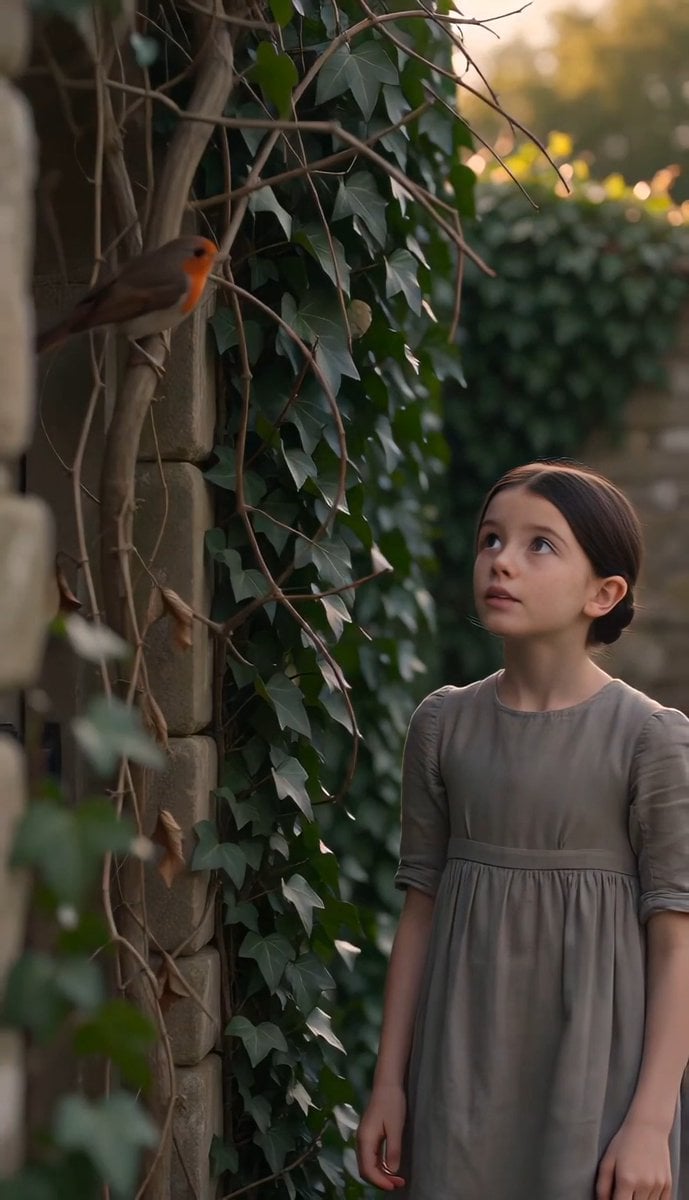
The Secret Garden Hidden Door
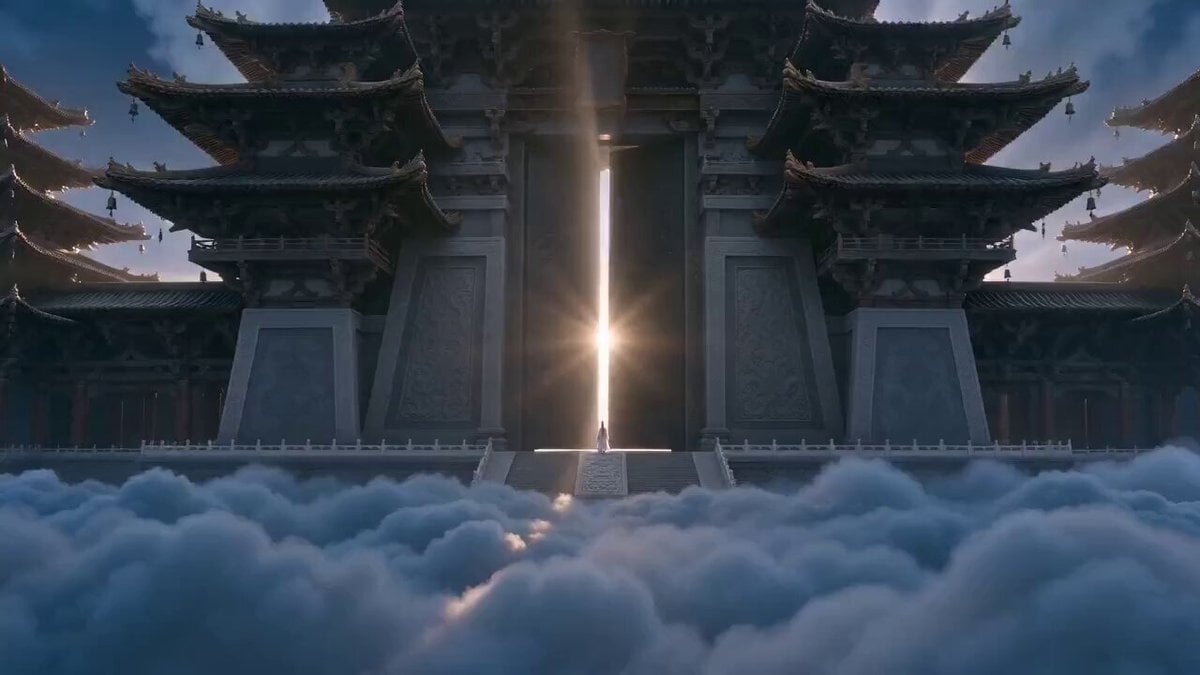
Xianxia Heavenly Gate Side Door Comedy
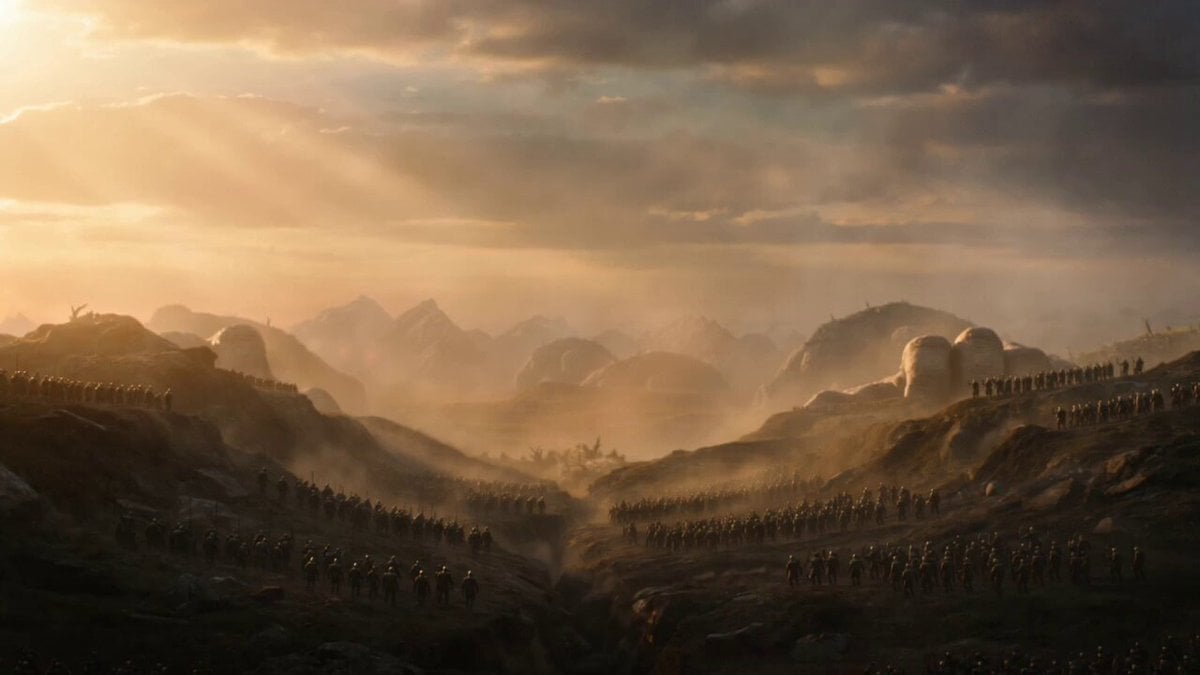
Cinematic Stone Giants Sunrise Video Prompt

Stone Humanoid Stop Motion Animation
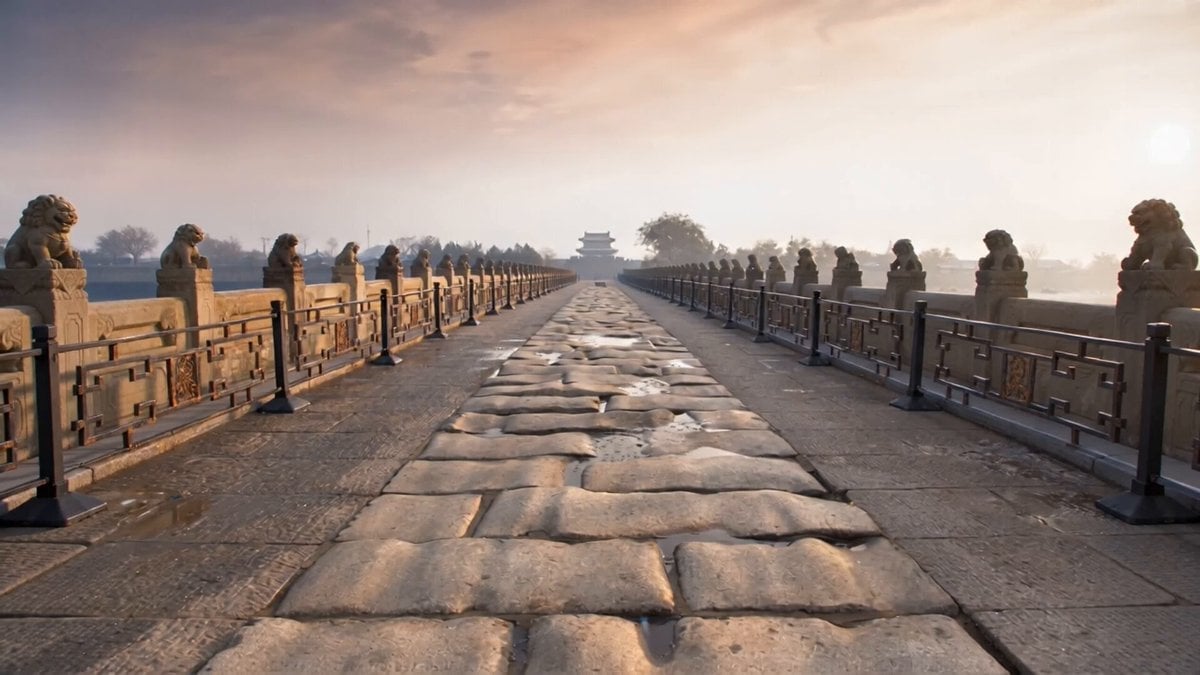
Stone Lions Coming to Life
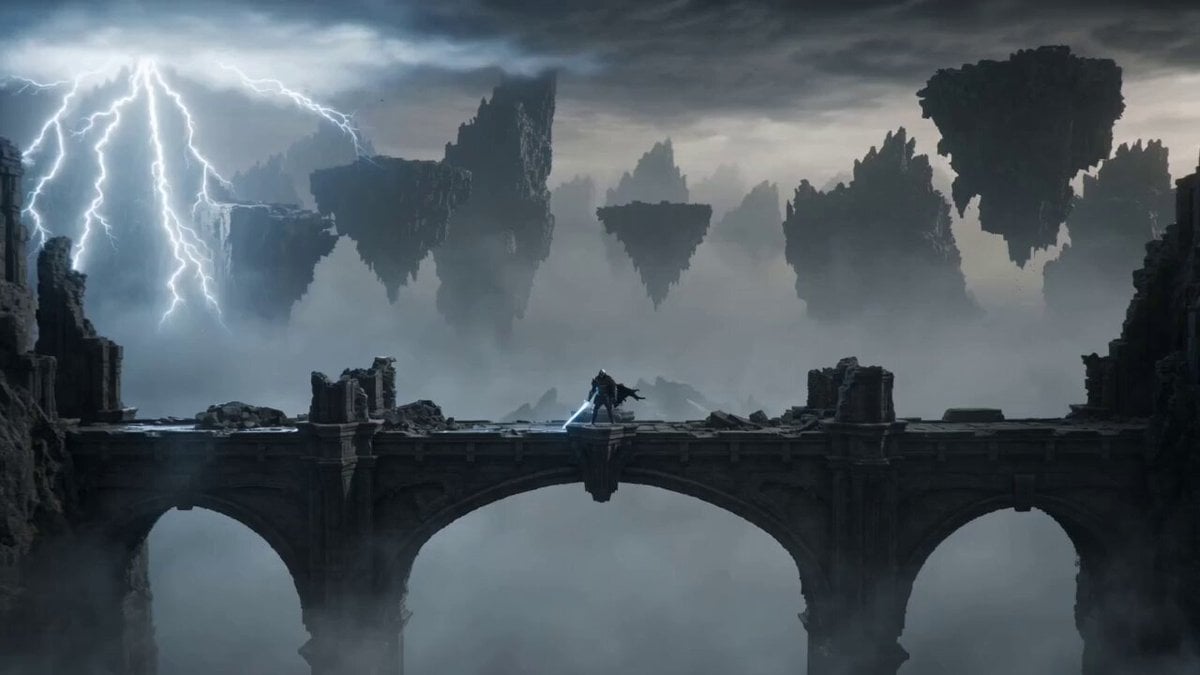
Knight vs Stone Titan Epic Battle
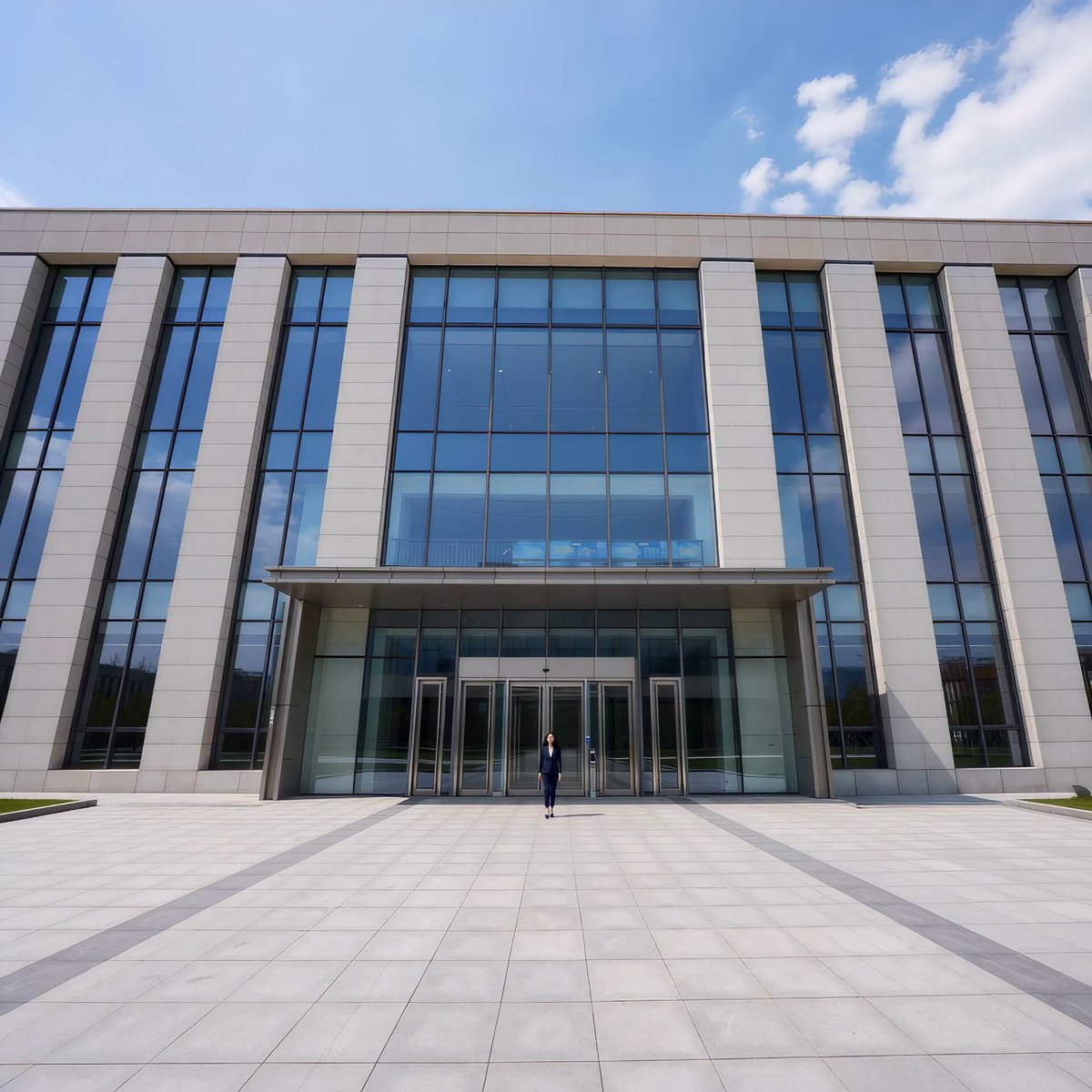
Automatic Door Sensor Comedy

Marble Stone Mosaic Cat Portrait

Ancient Stone Guardian Awakening

Greenhouse Door Wind Chimes
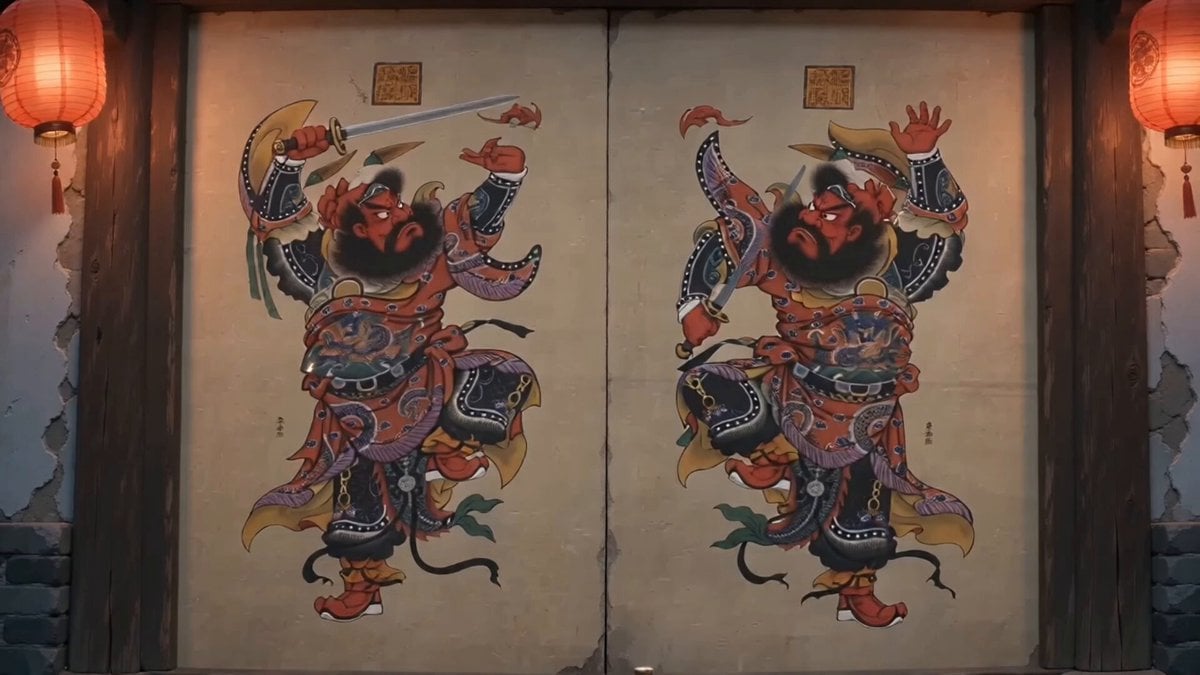
Traditional Chinese Door God Surveillance View

Colossal Stone Gargoyle Awakening
Make it yours
Cinematic Indiana Jones-style escape from a closing stone door works as-is. These are the safest ways to change it without losing the look.
Change one field
Copy a single group, rewrite it, and generate again so you can see what that field is doing.
Keep the frame, change the subject
Hold the composition and light of Cinematic Indiana Jones-style escape from a closing stone door, then swap wardrobe, props or the person for a new take.
| If the result… | Why | Fix |
|---|---|---|
| The result drifts from the preview | Too many fields changed at once. | Reuse Cinematic Indiana Jones-style escape from a closing stone door as-is first, then change one group — subject, light, or setting. |
| The model over-stylizes the scene | The prose prompt leaves finish and camera underspecified. | Add one camera or lighting sentence and stay on Seedance 2.0. |
More Seedance 2.0 templates
Other prompts made for Seedance 2.0.

Comical Martial Arts Punch Scene

Maglev Train Action Sequence

Martial Arts Fight Sequence

Wuxia Protection and Trust Script

Vintage Korean Arcade MiniDV Vlog

Ancient Roman Celestial Flight

Mercedes 190 SL Luxury Ad

Rainy Night Supernatural Reverse Comedy Video Script

Amazon Civilization Discovery

Futuristic South Asian City Transformation
More video prompts
Fresh picks from across the catalog.
Glacier Planet Escape

Storyboarding Based Commercial Video
Exploding man and sad woman video prompt
Frozen Cathedral Chase Sequence
Michael Jackson Style Stage Performance Video

Reluctant Dancing Woman in Kimono MV
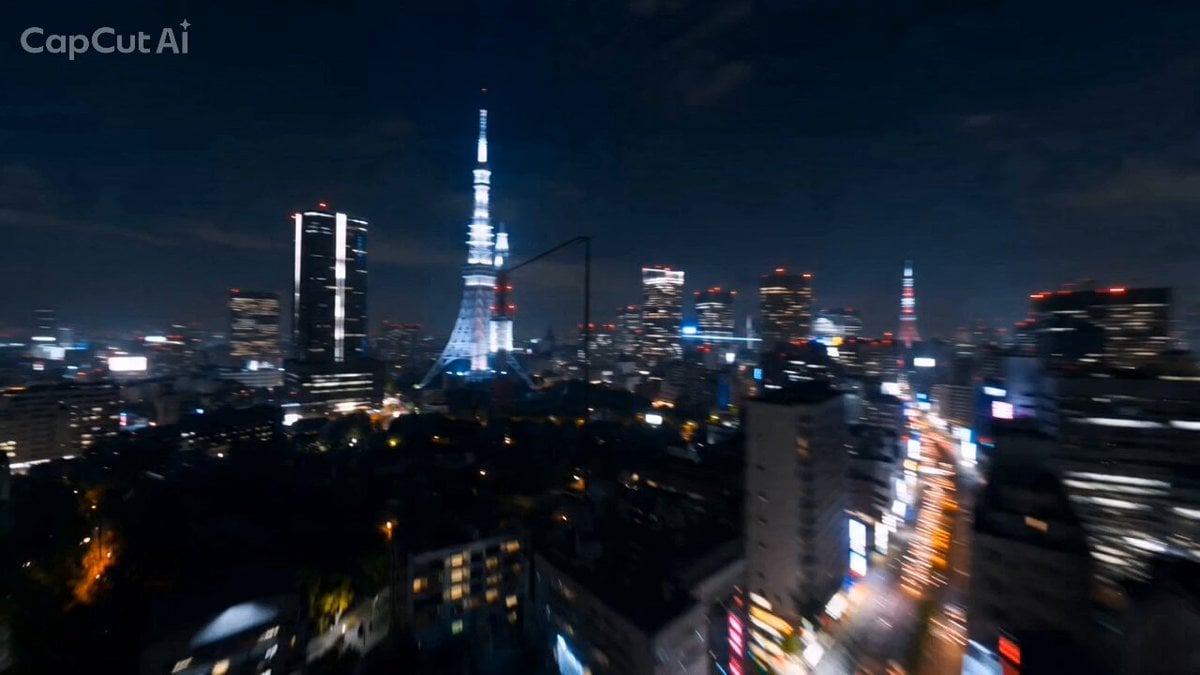
Tokyo Skyline Rollercoaster POV
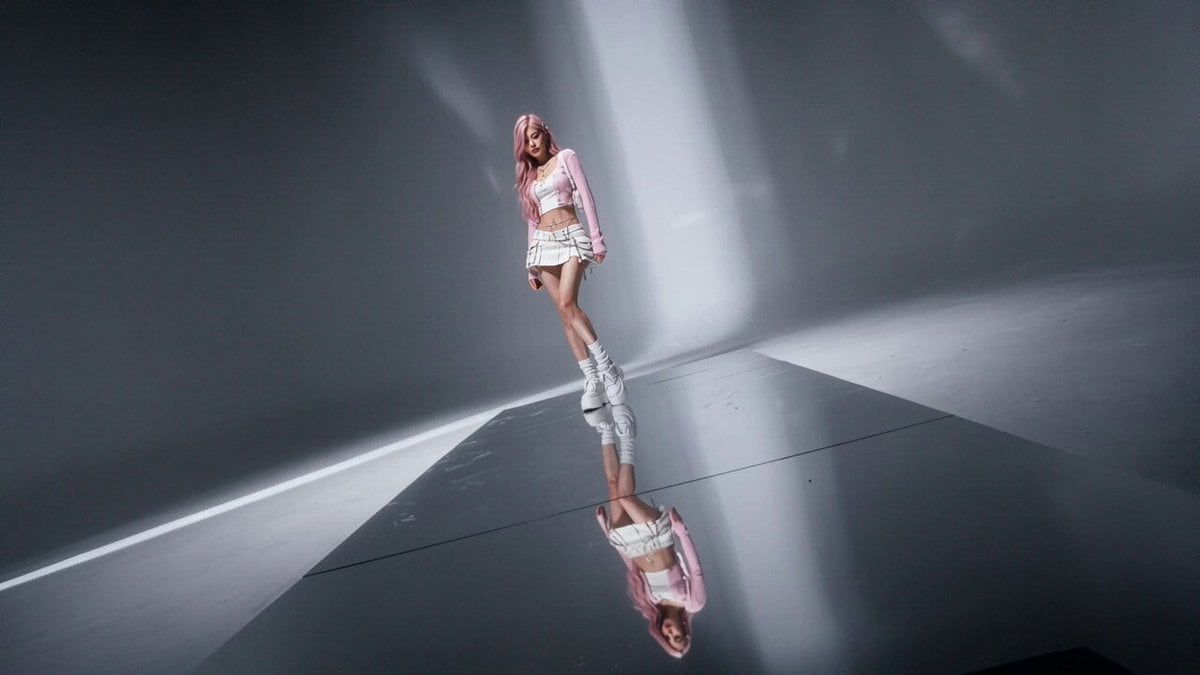
High Fashion Editorial Video

Futuristic cyberpunk female model in avant-garde fashion

Viral K-pop Dance Choreography
Browse template categories
Cinematic Indiana Jones-style escape from a closing stone door questions
How do I use the Cinematic Indiana Jones-style escape from a closing stone door template?
Add your photo if the template asks for one, edit the prompt if you like — the template's model and format are already selected — and press Generate. Your version opens in PicX Studio.
Can I customize the Cinematic Indiana Jones-style escape from a closing stone door template?
Yes. You can change the subject, setting, lighting, mood, format, and available model controls before creating your video.
Is the Cinematic Indiana Jones-style escape from a closing stone door template free?
Opening and editing this template is free. Generating uses credits, shown on the Generate button when you are signed in.
Which AI model should I use?
Start with Seedance 2.0, which is the model associated with this template. You can compare another compatible model for a different finish.
Looking for something else? Browse all templates.

Your photo, any look
Thousands of ready templates for every top image and video model, from one credit balance.