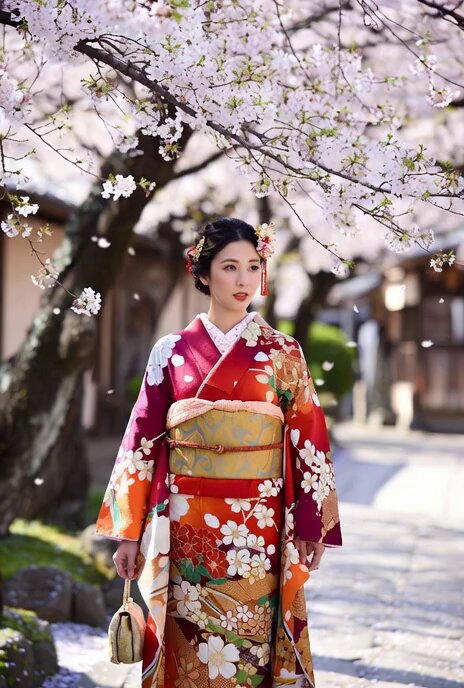
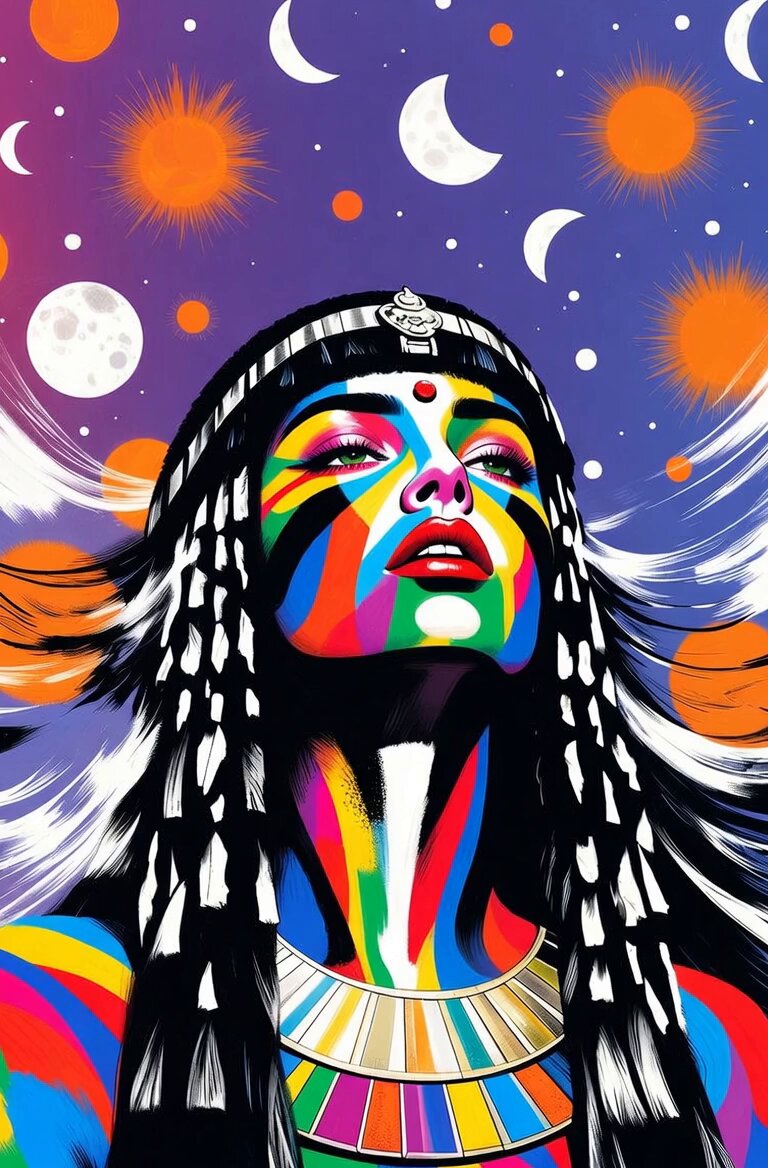
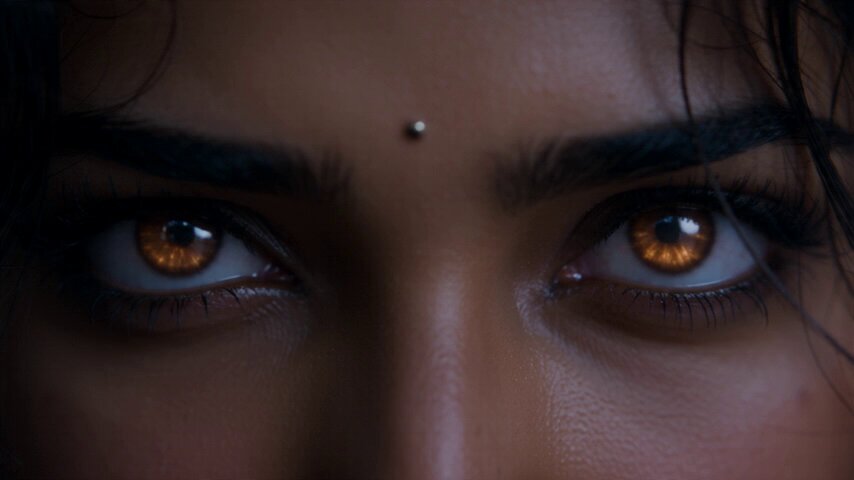
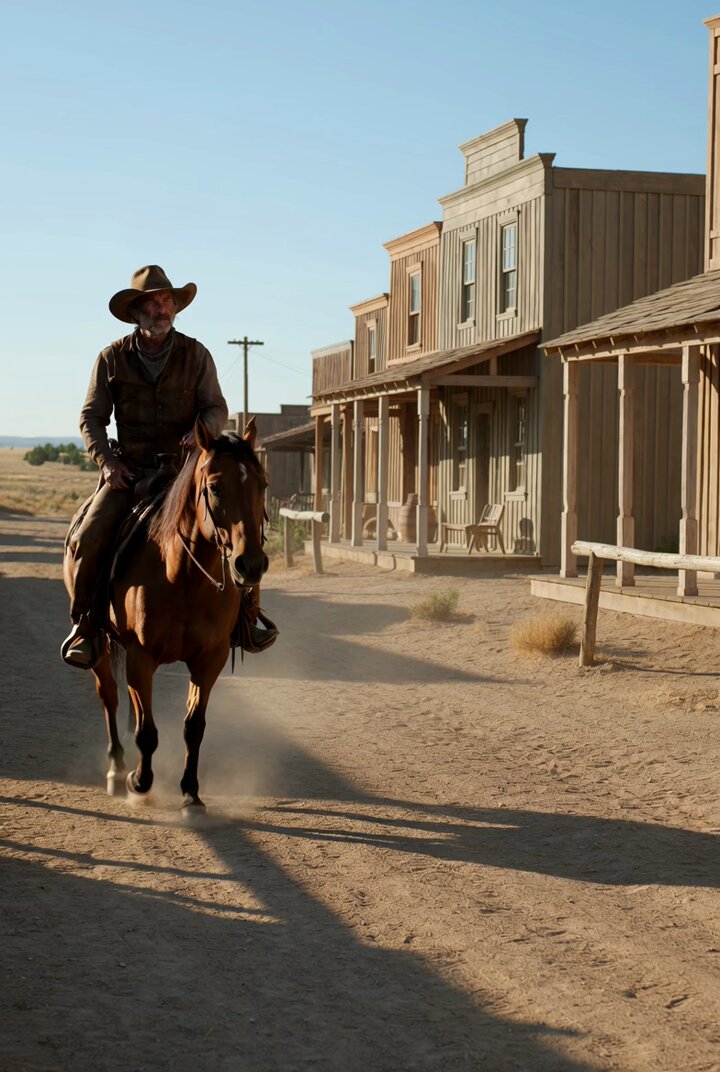
How do I use the Reluctant Dancing Woman in Kimono MV template?
Edit the prompt in the box under the preview — the template's model and format are already selected — and press Generate. Your version appears right on this page.
A detailed English prompt for Seedance 2.0 (via Topview) to generate a dynamic music video sequence featuring an original character—a woman in a black kimono—dancing with a reluctant and annoyed expression.
The background is predominantly white with pastel-colored patterns scattered throughout; . Do not show the attached character sheet in the video.A woman in a black kimono dances with a reluctant, annoyed expression, as if she does not want to be there. The scene is styled like a dynamic dance music video with rapid multi-cut editing: close-ups of her exasperated face, tight zoom-ins on her feet struggling to keep up with the choreography, detailed shots of her hands moving slightly behind the beat, and expressive cut-ins that emphasize her irritated body language. She follows the dance with a slight delay, making her performance feel awkward yet charming. Include a close-up of her fed-up expression, then a smooth spinning turn, captured with dramatic motion and energetic camera work, anime-style dance MV atmosphere, cinematic rhythm, stylish and playful.
The background is predominantly white with pastel-colored patterns scattered throughout; . Do not show the attached character sheet in the video.A woman in a black kimono dances with a reluctant, annoyed expression, as if she does not want to be there. The scene is styled like a dynamic dance music video with rapid multi-cut editing: close-ups of her exasperated face, tight zoom-ins on her feet struggling to keep up with the choreography, detailed shots of her hands moving slightly behind the beat, and expressive cut-ins that emphasize her irritated body language. She follows the dance with a slight delay, making her performance feel awkward yet charming. Include a close-up of her fed-up expression, then a smooth spinning turn, captured with dramatic motion and energetic camera work, anime-style dance MV atmosphere, cinematic rhythm, stylish and playful.
Edit the prompt in the box under the preview — the template's model and format are already selected — and press Generate. Your version appears right on this page.
Yes. You can change the subject, setting, lighting, mood, format, and available model controls before creating your video.
Opening and editing this template is free. Generating uses credits, shown on the Generate button when you are signed in.
Start with Seedance 2.0, which is the model associated with this template. You can compare another compatible model for a different finish.
Follow a topic to a crawlable collection of related PicX Studio templates.