
Aigezgini Hagia Sophia Time Freeze
ai.gezgini creates a breathtaking time freeze at Hagia Sophia, Sultanahmet Square, Istanbul.
- Prompt included
- Model and format preset
- Free template
The prompt behind this video
Copy the exact prompt behind Aigezgini Hagia Sophia Time Freeze, or open it in the studio and make it yours.
image_1 is the lead character maintain identical facial features, proportions, and identity throughout. She has straight natural black hair, pale skin, wears thin round eyeglasses, and large over-ear matte pink headphones. Her outfit consists of a burgundy hoodie, black straight-leg pants, and black leather ankle boots. Create a 15-second ultra-photorealistic cinematic time-freeze sequence set in Sultanahmet Square, with Hagia Sophia clearly visible in the background. Use an ARRI Alexa Mini look, 50mm lens, natural daylight, strong shadows, shallow depth of field, and subtle film grain. [Opening] Tight mid-shot framing chest-up to waist, lead character dominant in frame, walking directly toward the camera. Front-facing smooth steadicam, tracking backward, gradually pulling back at slightly faster pace than her movement, revealing environment. Square alive with motion: tourists taking photos, posing, walking, pigeons flying, phones held mid-action. She maintains confident eye contact with lens as she walks. [Snap] She raises her hand and snaps her fingers. Bright spherical shockwave bursts outward, air distortion, refracted light, ripple expanding across square. [Freeze] Everything instantly freezes: tourists locked mid-pose, phones suspended mid-air, pigeons frozen mid-flight, hair and clothing suspended, dust particles visible in sunlight. Complete silence. [She Moves] Camera continues pulling back smoothly while she keeps walking forward, clearly the only moving subject. She approaches frozen tourist holding smartphone mid-photo, takes the phone. While still walking, takes several quick selfies: subtle head tilt, slight smirk, confident gaze. Transitions into light playful spin, clothing and hair moving naturally while world remains frozen. Walks with soft rhythmic dance-like motion. A pigeon remains suspended mid-air near her path, she glances at it with amused expression. Hagia Sophia frozen in softly blurred background. [Return Phone] As she passes the same tourist, smoothly places phone back into frozen hand in exact original position. [End] Camera continues backward movement, now slightly wider than opening, still centered on her dominance. Final moment: she is close to lens, maintaining eye contact with playful confident smile. Camera drifts back one last time. Smooth fade out. Sound: full tourist ambience, sharp finger snap, deep shockwave, instant silence, isolated footsteps, subtle camera shutter sounds, soft fabric movement, faint ambient wind, fade out.
How to use Aigezgini Hagia Sophia Time Freeze in 3 steps
- 1
Open
The prompt is already in the box next to the preview, with the template's model and format selected.
- 2…a portrait of your subject in softgolden-hour light, 85mm…
Personalize
Edit the subject and creative details for your destination.
- 3Generate
Generate
Press Generate — your video is created in PicX Studio, so you can compare it with the original and refine one variable at a time.
More like this
Templates with the same subject, style or setup. Open one to see its prompt.
Ankitpatel Time Freeze Viral
Duttasomrat Time Freeze Viral V2
Johnnywang Tokyo Time Freeze
Duttasomrat Time Freeze Viral
Mayorking Time Freeze Higgsfield
Misa Time Freeze Japanese
Lillyli Time Freeze Avatar
Cuchocapilla Time Freeze
Monetizationdon Time Freeze Higgsfield
Rovvmut Time Freeze Nsketchai
Miilesus Sports Bar Time Freeze
Charaspower Still World Higgsfield
Make it yours
Aigezgini Hagia Sophia Time Freeze works as-is. These are the safest ways to change it without losing the look.
Change one field
Copy a single group, rewrite it, and generate again so you can see what that field is doing.
Keep the frame, change the subject
Hold the composition and light of aigezgini-hagia-sophia-time-freeze, then swap wardrobe, props or the person for a new take.
| If the result… | Why | Fix |
|---|---|---|
| The result drifts from the preview | Too many fields changed at once. | Reuse aigezgini-hagia-sophia-time-freeze as-is first, then change one group — subject, light, or setting. |
| The model over-stylizes the scene | The prose prompt leaves finish and camera underspecified. | Add one camera or lighting sentence and stay on GPT Image 2. |
More GPT Image 2 templates
Other prompts made for GPT Image 2.

More video prompts
Fresh picks from across the catalog.
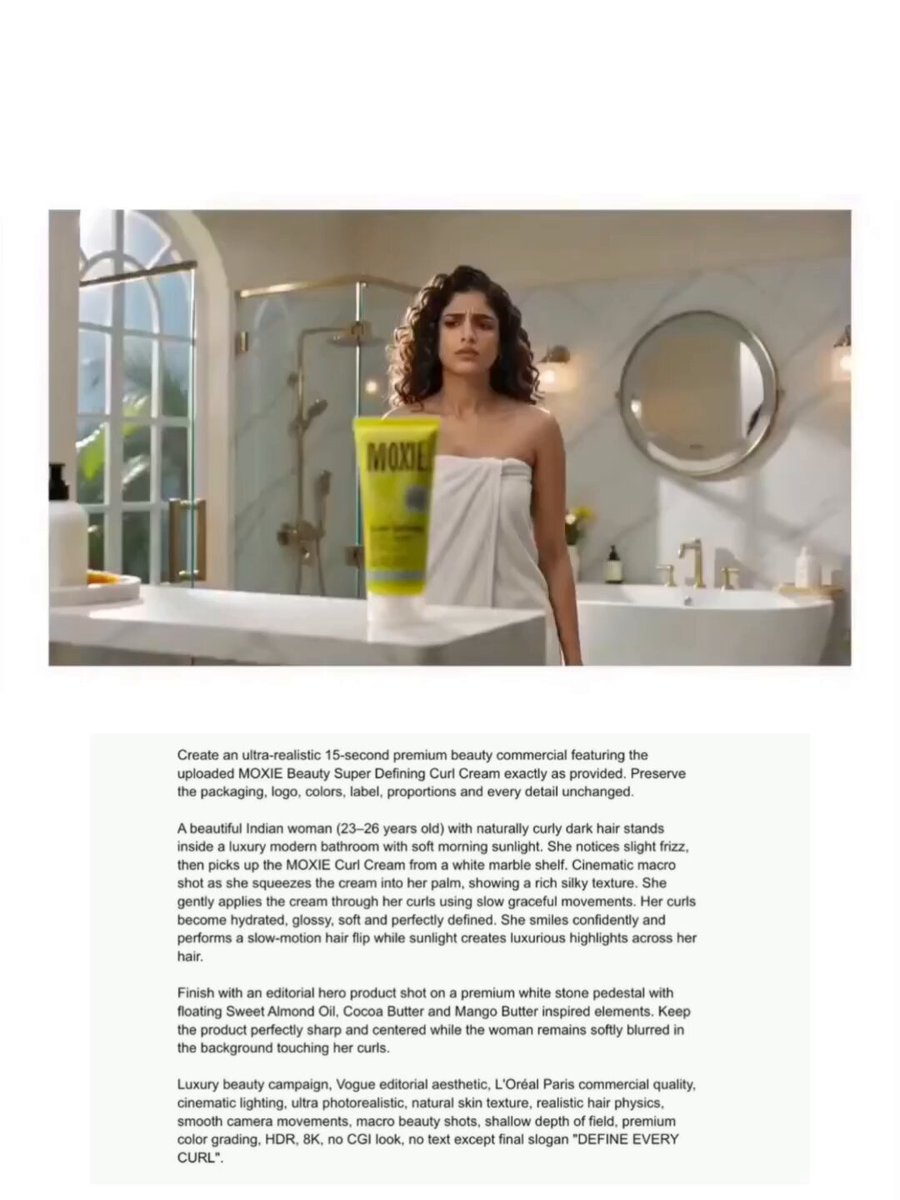
Moxie Curl Cream Beauty Commercial
Mountain Waterfall Sky Expansion

Grateful Thoughts by the Fire Prompt
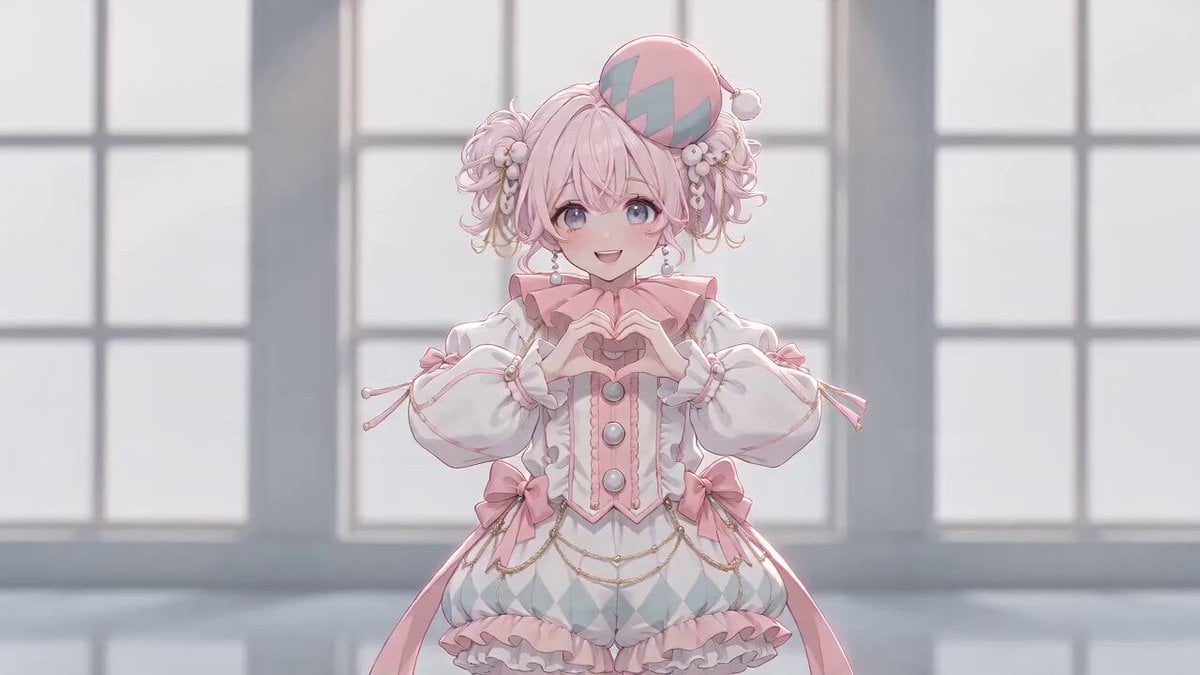
Anime Girl Hand-Drawn Effect Dance
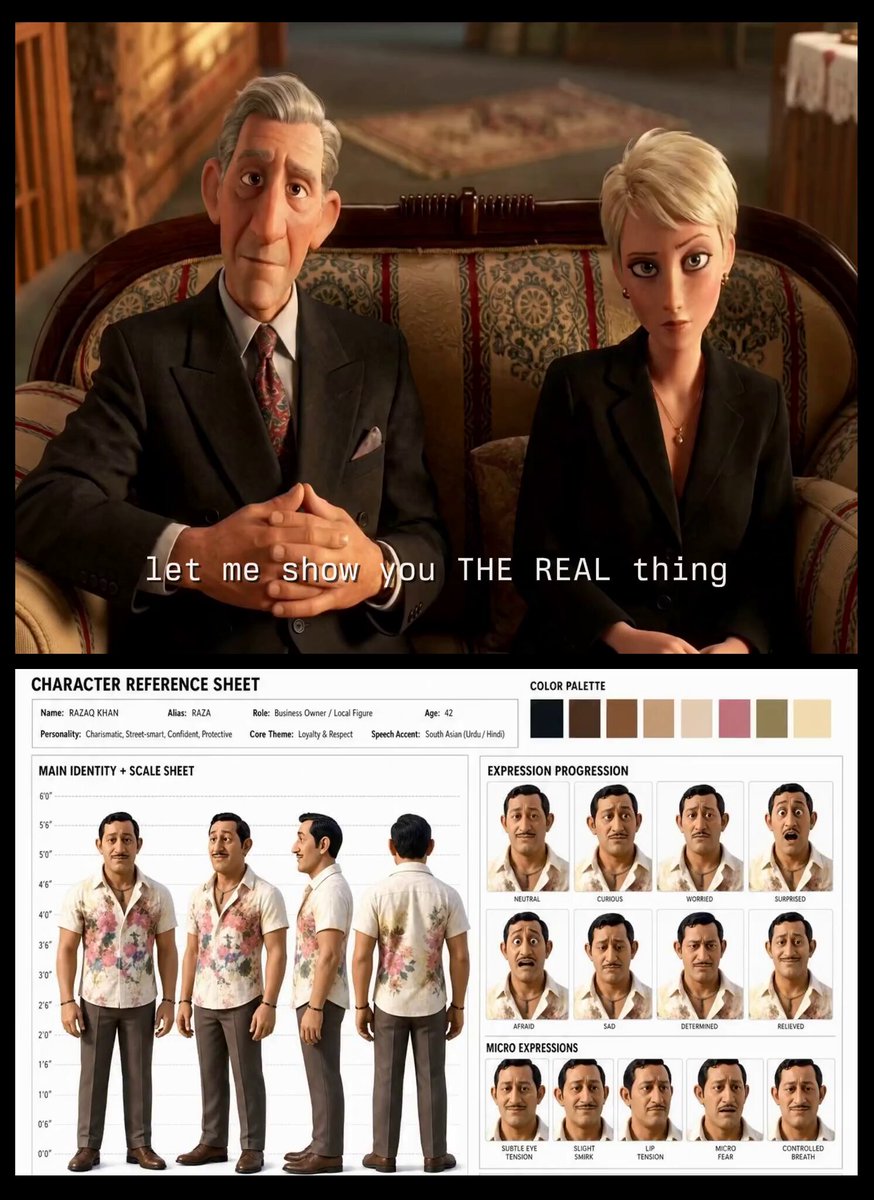
Turkish Carpet Seller Multi-Cut Video
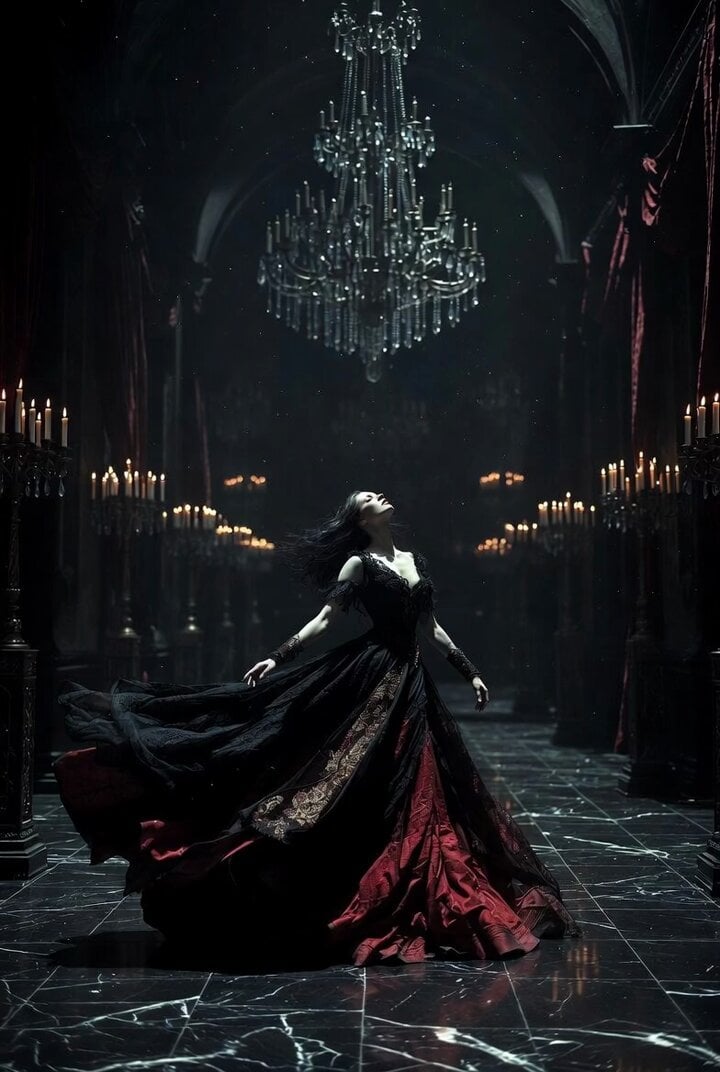
Gothic Castle Ballroom Dancer Scene
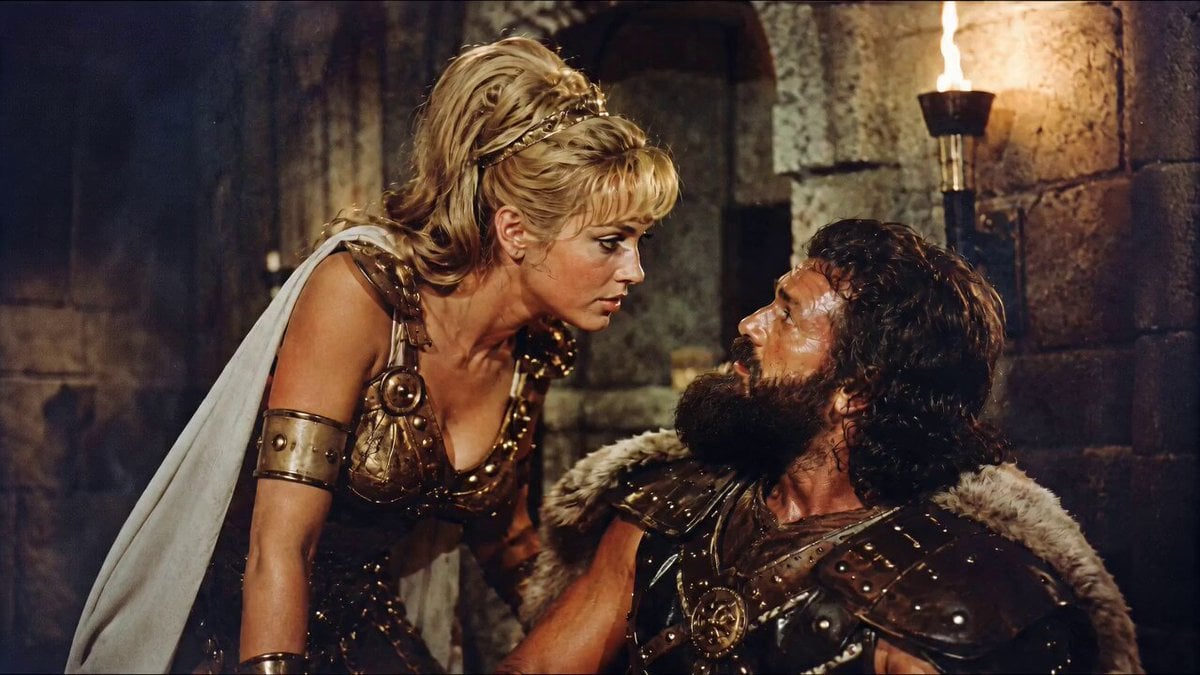
1960s Retro Cinematic Kiss Scene
Collapsing City Disaster Scene Prompt for Seedance 2.0
Anime Crosswalk Rain Jumping Challenge
Anime Kunoichi Rooftop Battle
Browse template categories
Aigezgini Hagia Sophia Time Freeze questions
How do I use the aigezgini-hagia-sophia-time-freeze template?
Add your photo if the template asks for one, edit the prompt if you like — the template's model and format are already selected — and press Generate. Your version opens in PicX Studio.
Can I customize the aigezgini-hagia-sophia-time-freeze template?
Yes. You can change the subject, setting, lighting, mood, format, and available model controls before creating your video.
Is the aigezgini-hagia-sophia-time-freeze template free?
Opening and editing this template is free. Generating uses credits, shown on the Generate button when you are signed in.
Which AI model should I use?
Start with GPT Image 2, which is the model associated with this template. You can compare another compatible model for a different finish.
Looking for something else? Browse all templates.

Your photo, any look
Thousands of ready templates for every top image and video model, from one credit balance.