How do I use the Fluffy Cat Watchmaker Scene Prompt template?
Edit the prompt in the box under the preview — the template's model and format are already selected — and press Generate. Your version appears right on this page.
A detailed, multi-stage prompt for Seedance 2.0 to generate a 15-second ultra-realistic macro video of a fluffy cat meticulously acting as a watchmaker in a workshop, focusing on concentration, tools, and a customer…
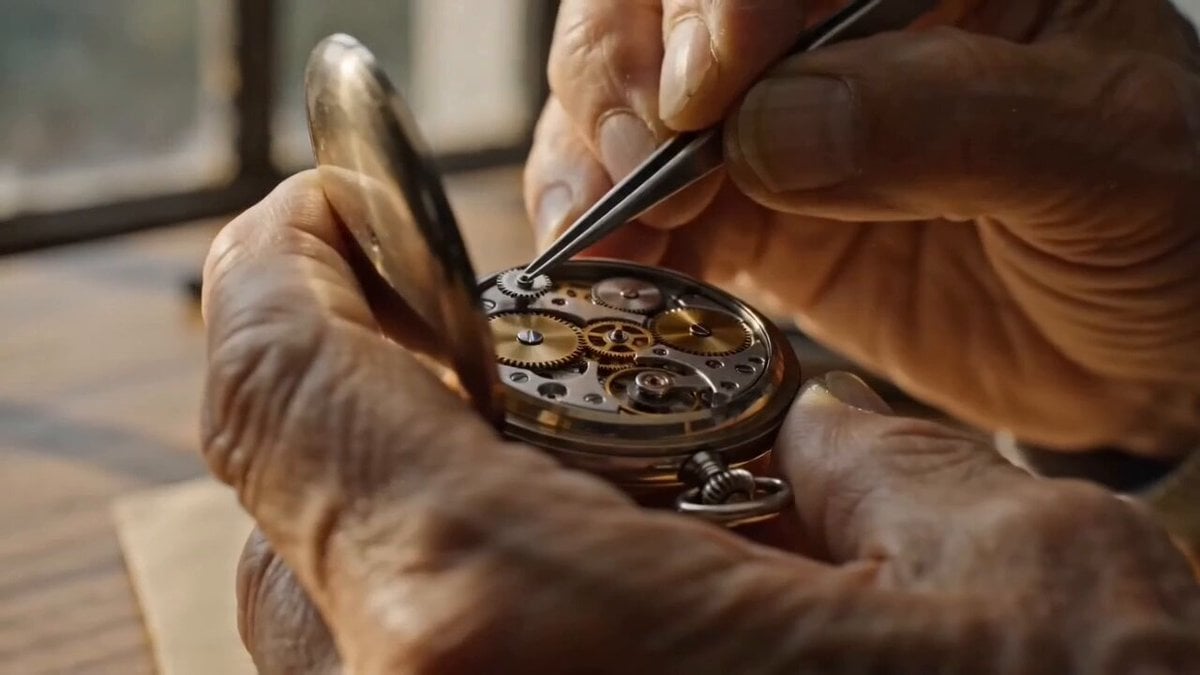
Create a 15-second ultra-realistic workshop scene with a fluffy cat acting like a meticulous watchmaker. The cat sits upright at a wooden workbench under a bright lamp, wearing tiny round glasses and a miniature work apron, surrounded by gears, watch parts, tools, and magnifying lenses. 0–5s: the cat carefully holds a small watch with both paws, inspecting delicate mechanisms while dust particles float in warm light. 5–10s: extreme close-up as the cat uses a tiny precision tool to adjust the watch internals, blinking slowly with deep concentration, metal parts glinting in the lamp light. 10–15s: a customer receives the repaired watch from the cat, smiles with gratitude, and places payment on the desk while the cat gives a proud professional nod. Ultra-detailed macro realism, polished metals, realistic cat motion, quiet workshop ambience, no text, no logos.
Create a 15-second ultra-realistic workshop scene with a fluffy cat acting like a meticulous watchmaker. The cat sits upright at a wooden workbench under a bright lamp, wearing tiny round glasses and a miniature work apron, surrounded by gears, watch parts, tools, and magnifying lenses. 0–5s: the cat carefully holds a small watch with both paws, inspecting delicate mechanisms while dust particles float in warm light. 5–10s: extreme close-up as the cat uses a tiny precision tool to adjust the watch internals, blinking slowly with deep concentration, metal parts glinting in the lamp light. 10–15s: a customer receives the repaired watch from the cat, smiles with gratitude, and places payment on the desk while the cat gives a proud professional nod. Ultra-detailed macro realism, polished metals, realistic cat motion, quiet workshop ambience, no text, no logos.
Edit the prompt in the box under the preview — the template's model and format are already selected — and press Generate. Your version appears right on this page.
Yes. You can change the subject, setting, lighting, mood, format, and available model controls before creating your video.
Opening and editing this template is free. Generating uses credits, shown on the Generate button when you are signed in.
Start with Seedance 2.0, which is the model associated with this template. You can compare another compatible model for a different finish.
Follow a topic to a crawlable collection of related PicX Studio templates.