How do I use the Anime High-Speed Cut Test Prompt template?
Edit the prompt in the box under the preview — the template's model and format are already selected — and press Generate. Your version appears right on this page.
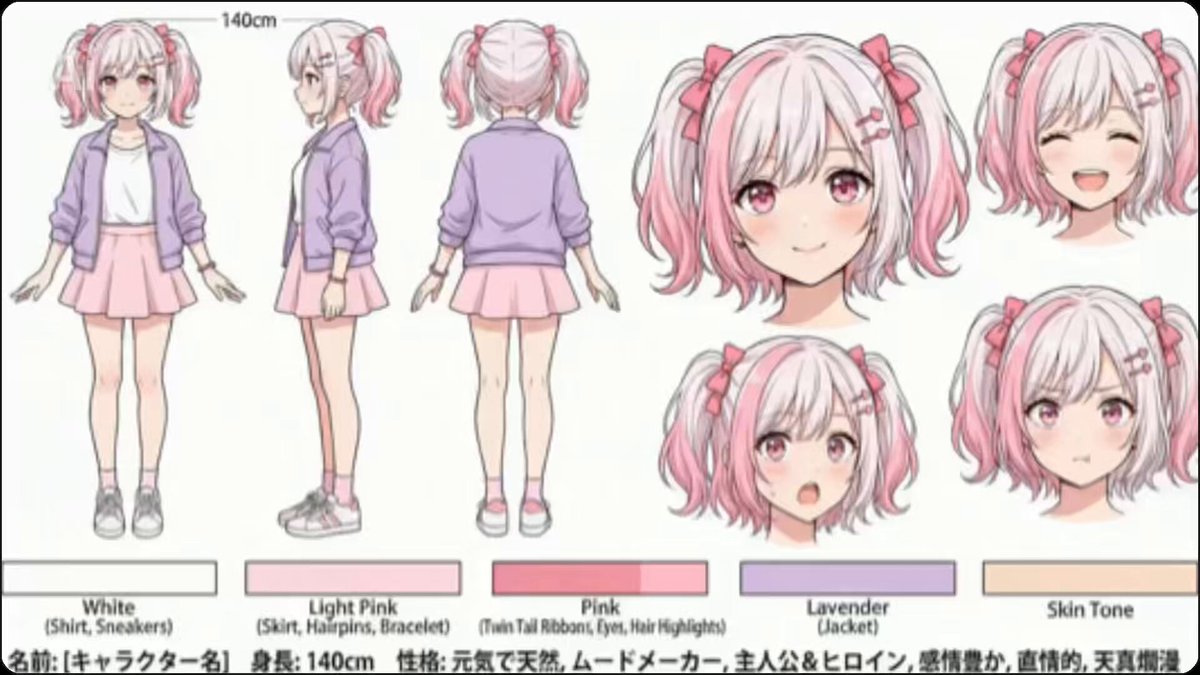
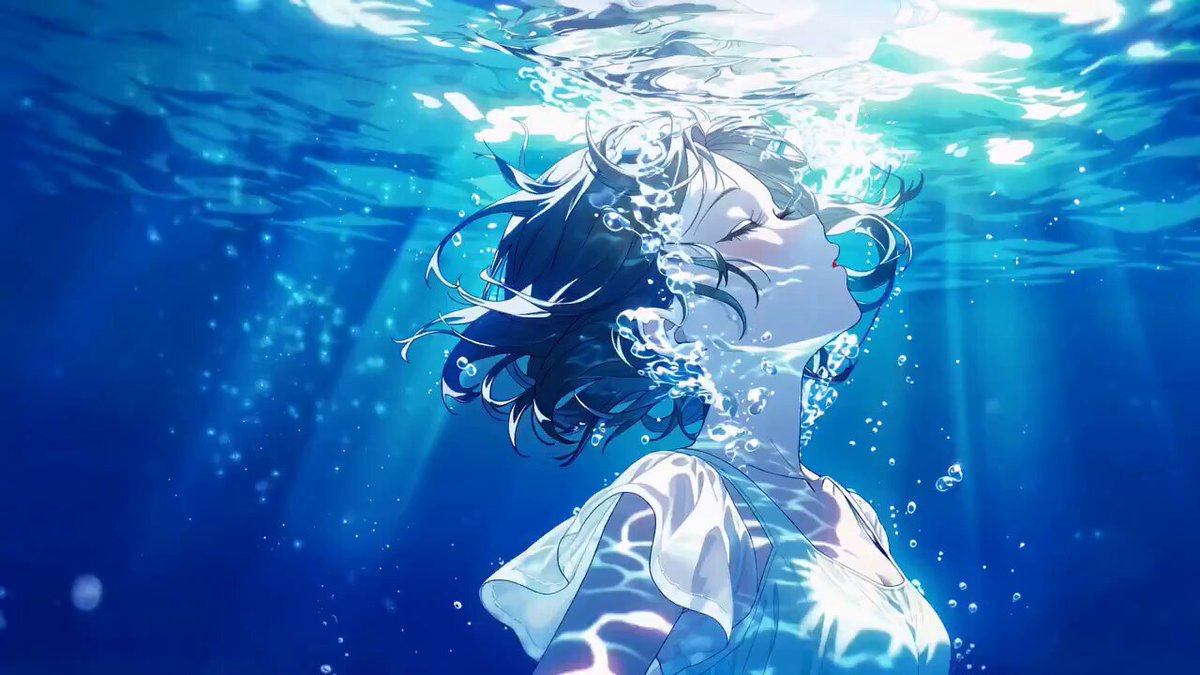
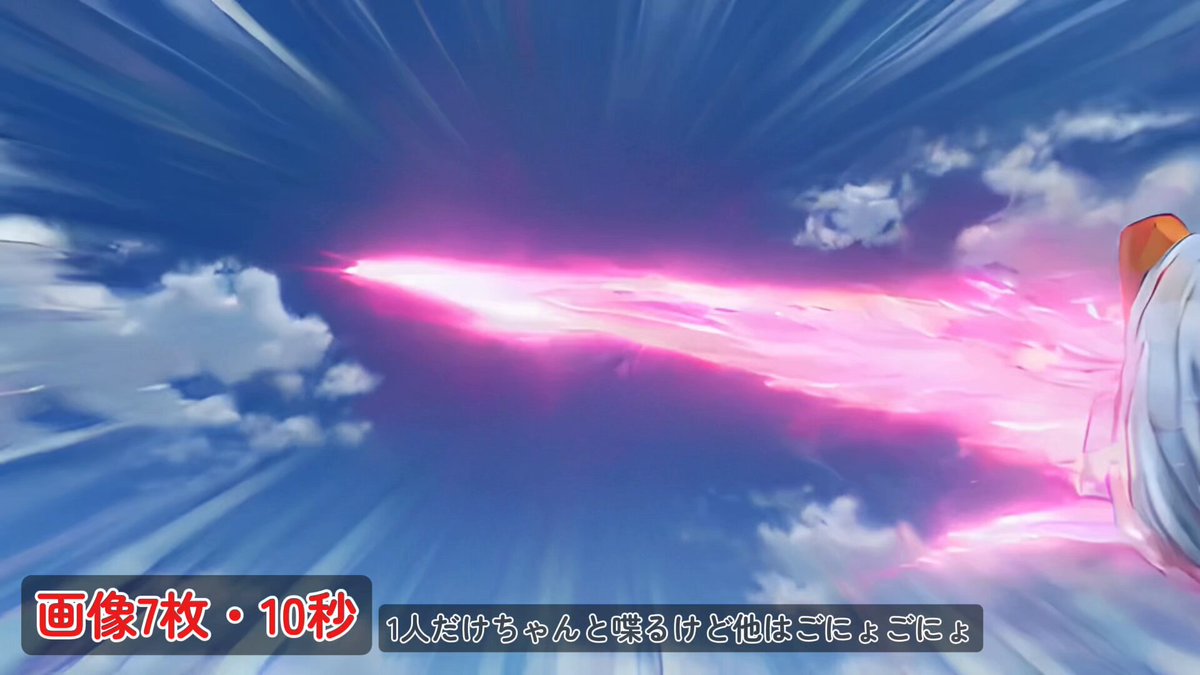
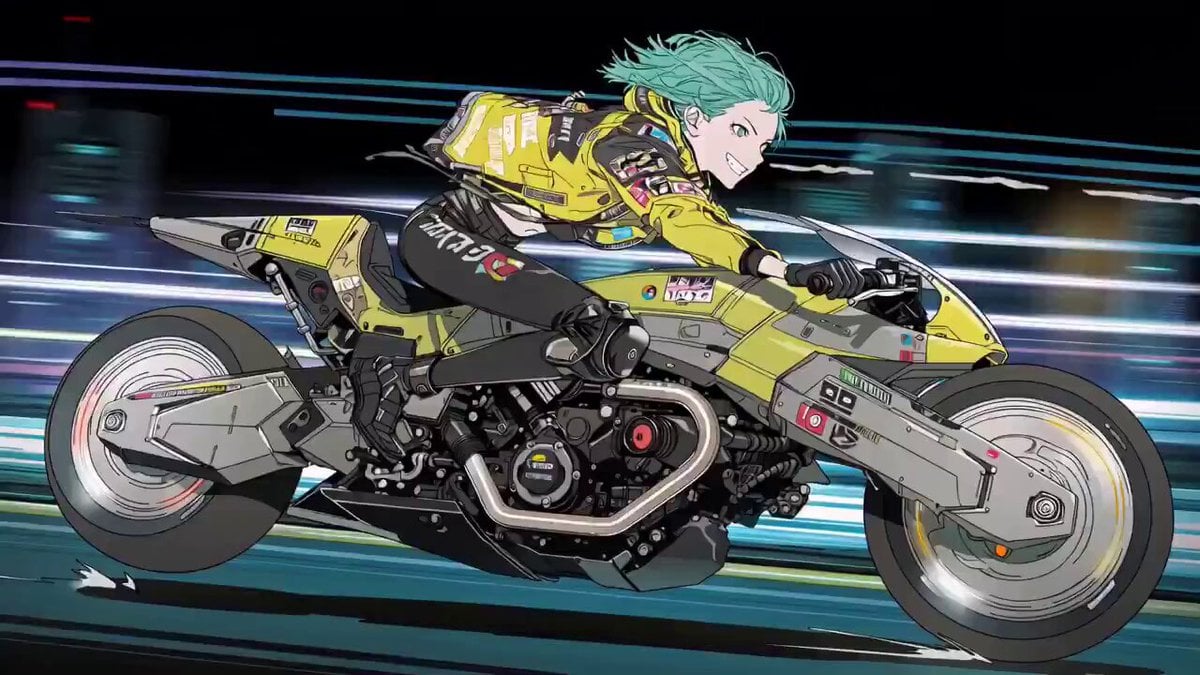
A prompt for an anime high-speed cut test, specifying 20 hard cuts in 10 seconds (0.5 seconds per cut) with no transitions, and detailing the first cut: a close-up of an anime girl with crimson hair and green eyes…
アニメ高速カットテスト ― 10秒間に20回のハードカット(1カットあたり0.5秒、フェードイン・フェードアウトなし、トランジションなし)。 [0.0秒~0.5秒]:カット1 ― クローズアップ。アニメ少女A:長い深紅の髪、鮮やかな緑色の瞳。カメラに向かってウインクする。
アニメ高速カットテスト ― 10秒間に20回のハードカット(1カットあたり0.5秒、フェードイン・フェードアウトなし、トランジションなし)。 [0.0秒~0.5秒]:カット1 ― クローズアップ。アニメ少女A:長い深紅の髪、鮮やかな緑色の瞳。カメラに向かってウインクする。
Edit the prompt in the box under the preview — the template's model and format are already selected — and press Generate. Your version appears right on this page.
Yes. You can change the subject, setting, lighting, mood, format, and available model controls before creating your video.
Opening and editing this template is free. Generating uses credits, shown on the Generate button when you are signed in.
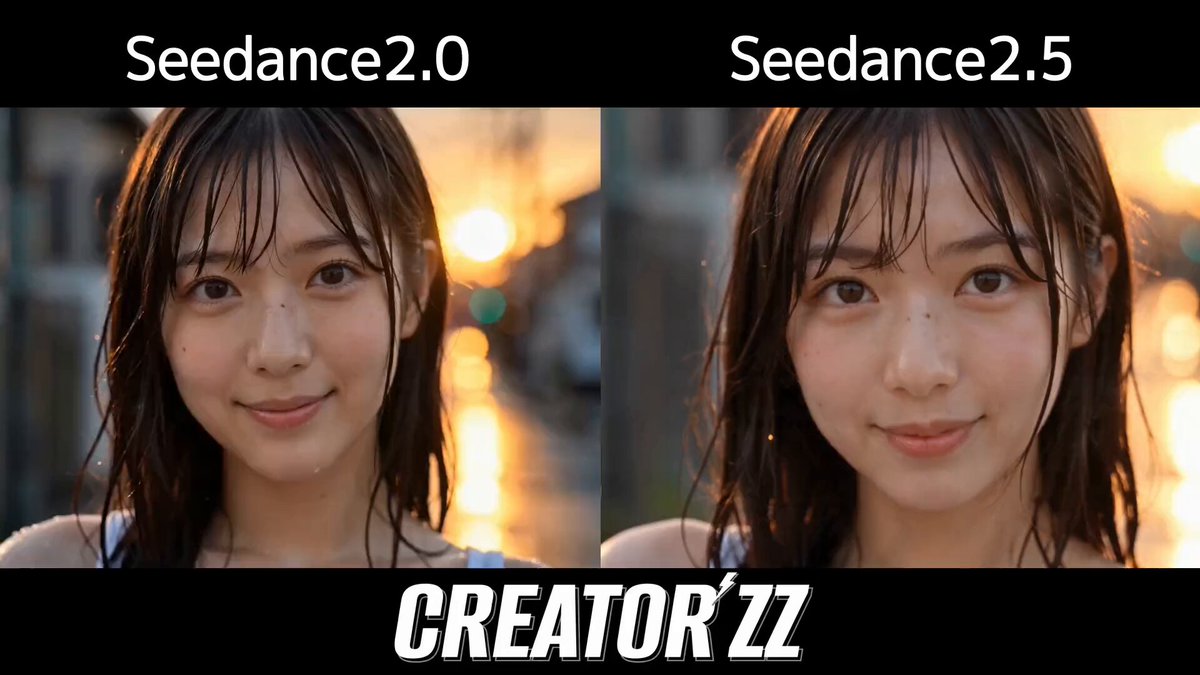
Start with Seedance 2.0, which is the model associated with this template. You can compare another compatible model for a different finish.
Follow a topic to a crawlable collection of related PicX Studio templates.