
Dinosaur Crocodile Hybrid Beach Attack
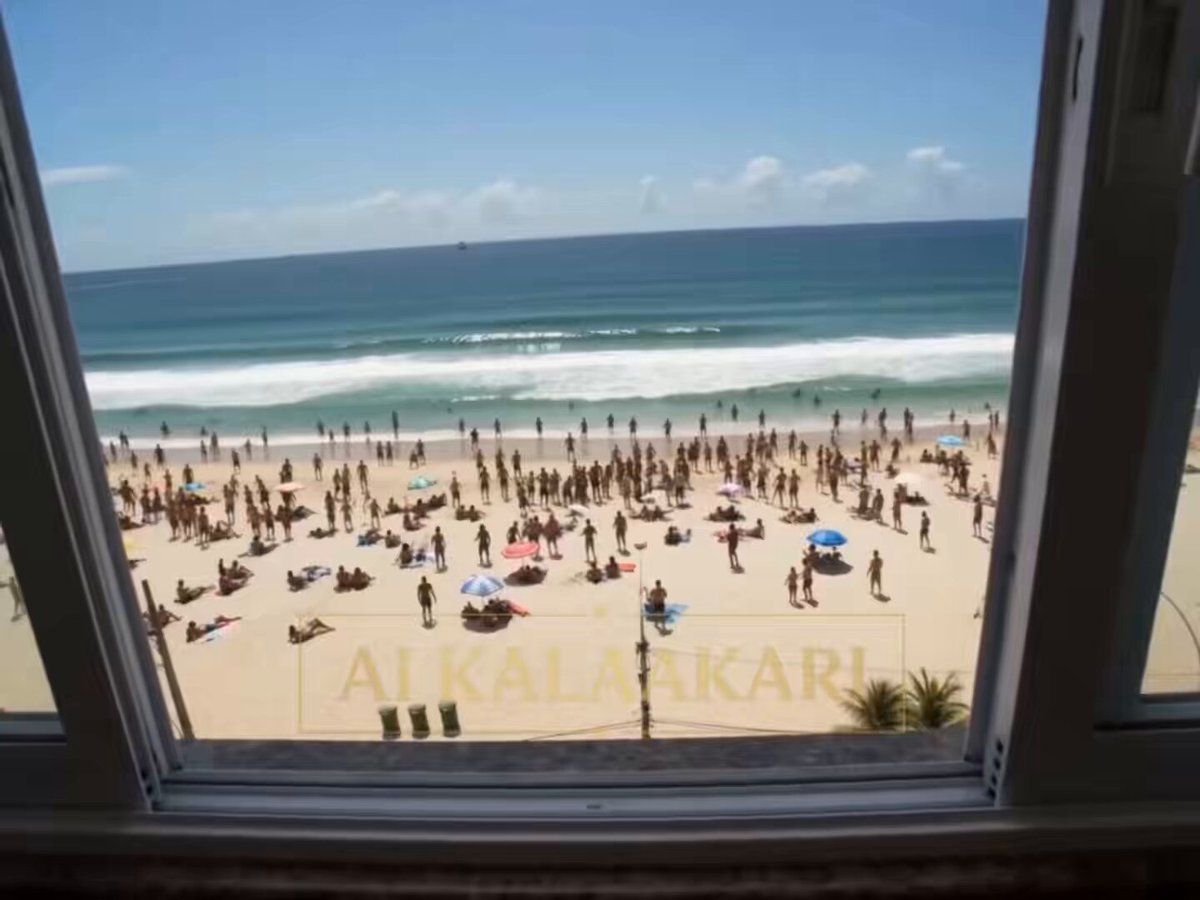
A realistic found-footage style prompt of a massive hybrid creature attacking a crowded beach, featuring shaky handheld camera work.
- Prompt included
- Model and format preset
- Premium template
The prompt behind this video
Copy the exact prompt behind Dinosaur Crocodile Hybrid Beach Attack, or open it in the studio and make it yours.
Realistic shaky handheld mobile phone footage, slightly compressed video quality, digital zoom, grainy phone camera look, vertical 9:16 format. Taken from the third story balcony of a beachfront building in Brazil during chaos. Massive hybrid sea creature (giant crocodile head with squid-like tentacles, dark scaly skin, huge glowing eyes) emerges from the ocean onto the crowded beach.\nSingle continuous chaotic shot. People screaming and running in panic everywhere. The creature manhandles victims — grabbing people with long powerful tentacles, lifting them high into the air and slamming them into the sand or throwing them into the ocean. It bites down on several people with its massive jaws and flings their bodies across the beach. Shaky digital zoom in and out, unsteady panning as the person filming tries to capture the horror. Loud screaming, crashing waves, and creature roars. Hyper-realistic panic, cinematic yet authentic phone footage style, dramatic daylight with strong contrast, high detail, chaotic energy, 9:16.
How to use Dinosaur Crocodile Hybrid Beach Attack in 3 steps
- 1
Open
The prompt is already in the box next to the preview, with the template's model and format selected.
- 2…a portrait of your subject in softgolden-hour light, 85mm…
Personalize
Edit the subject and creative details for your destination.
- 3Generate
Generate
Press Generate — your video is created in PicX Studio, so you can compare it with the original and refine one variable at a time.
More like this
Templates with the same subject, style or setup. Open one to see its prompt.
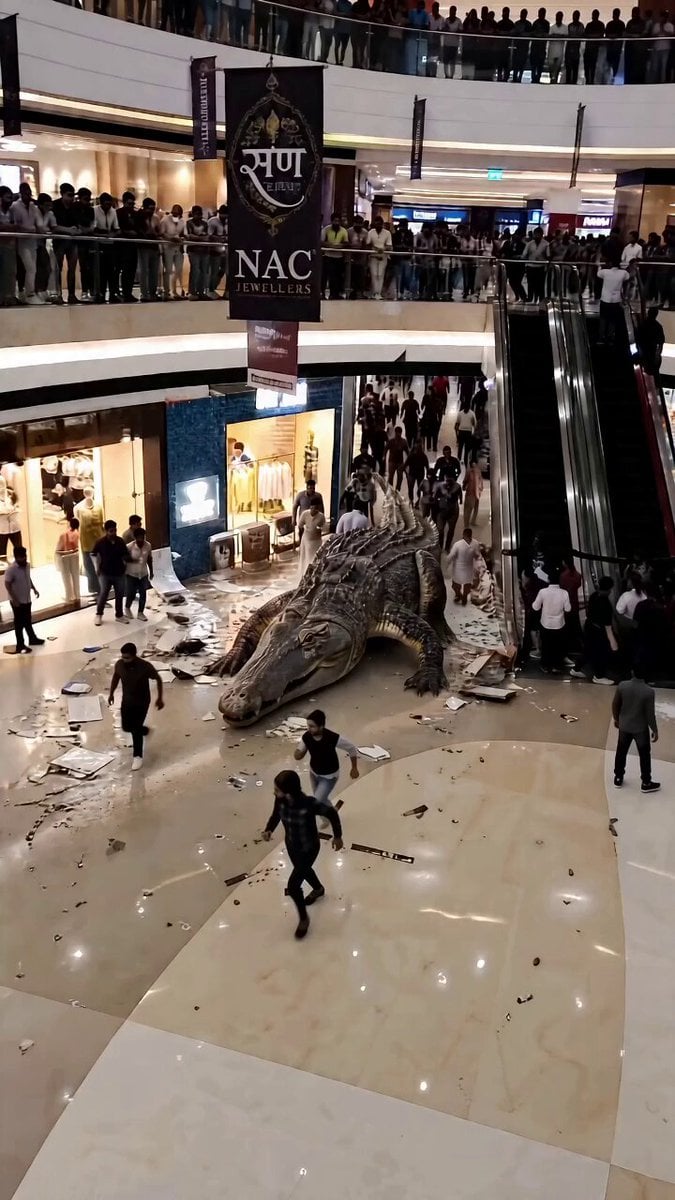
Giant Crocodile Mall Attack
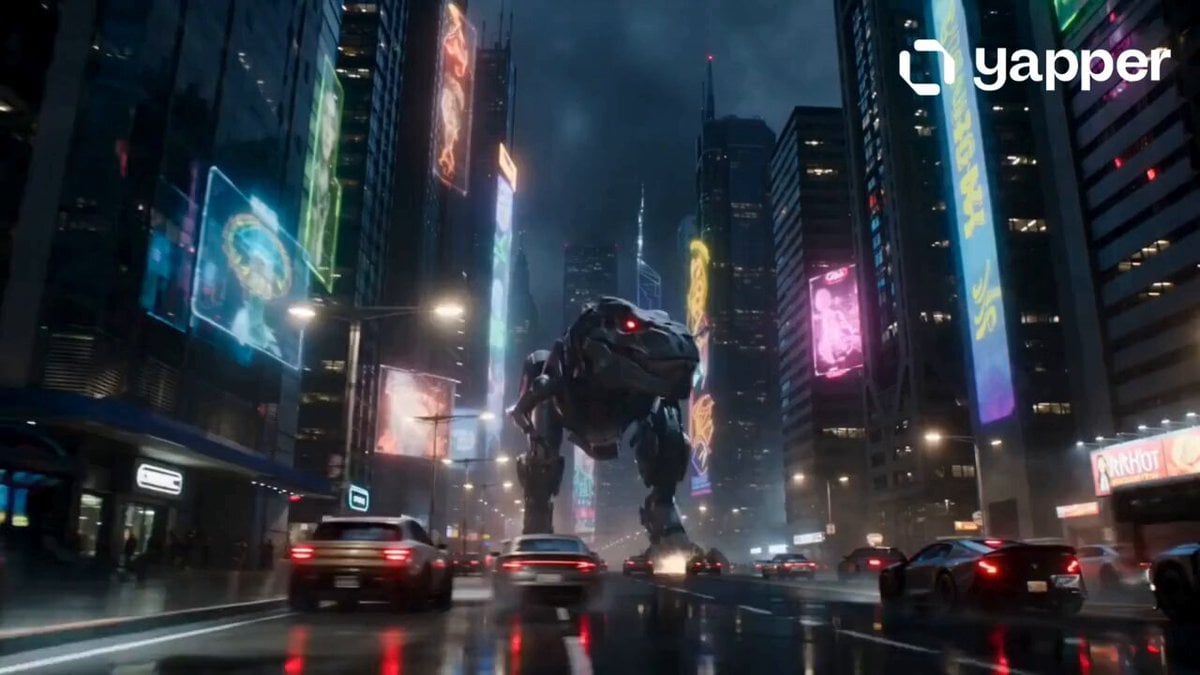
Robotic Dinosaur Cyberpunk Attack
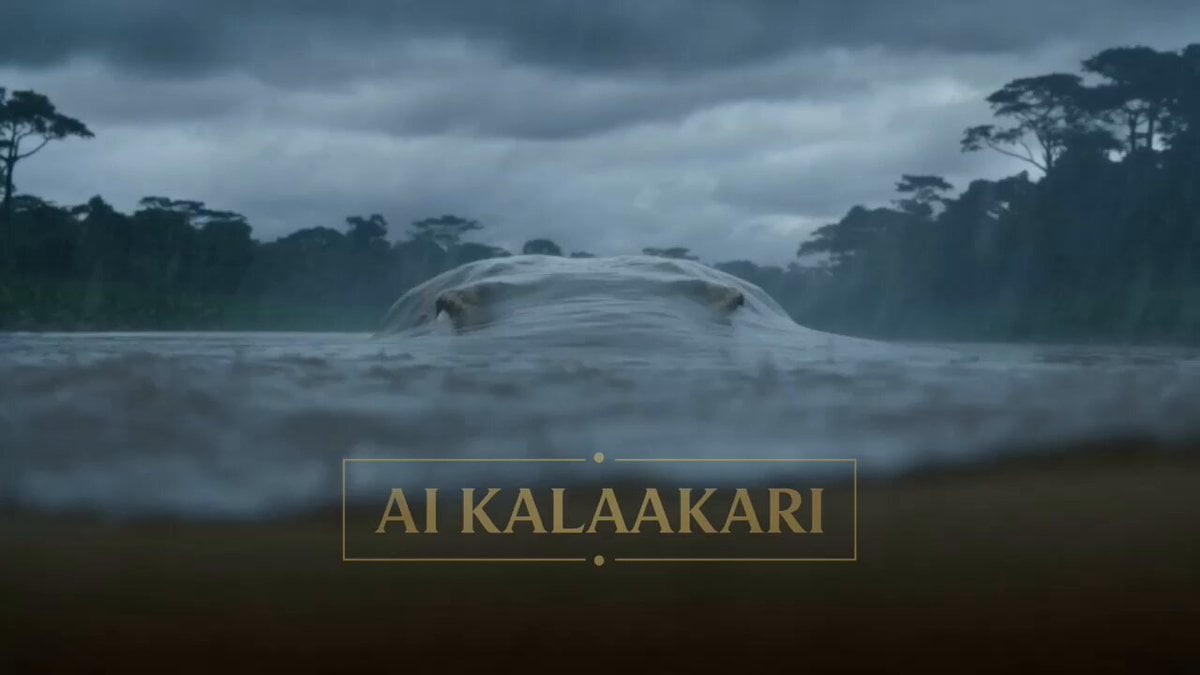
Giant Crocodile River Attack
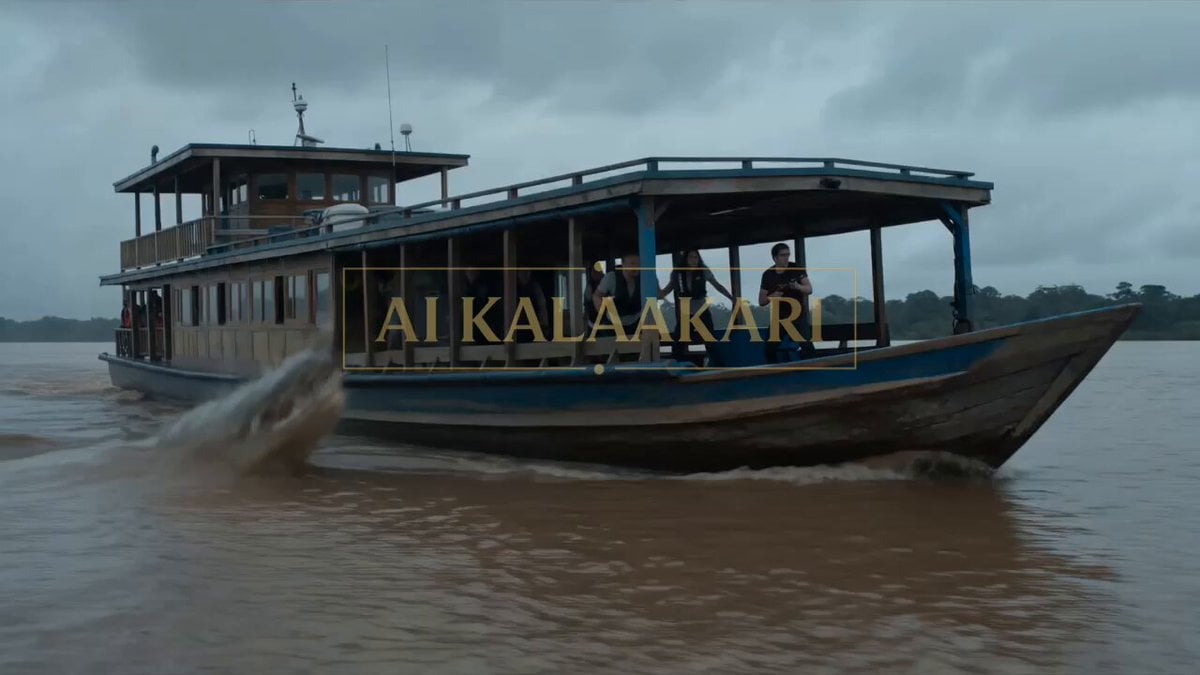
Giant Crocodile Houseboat Attack
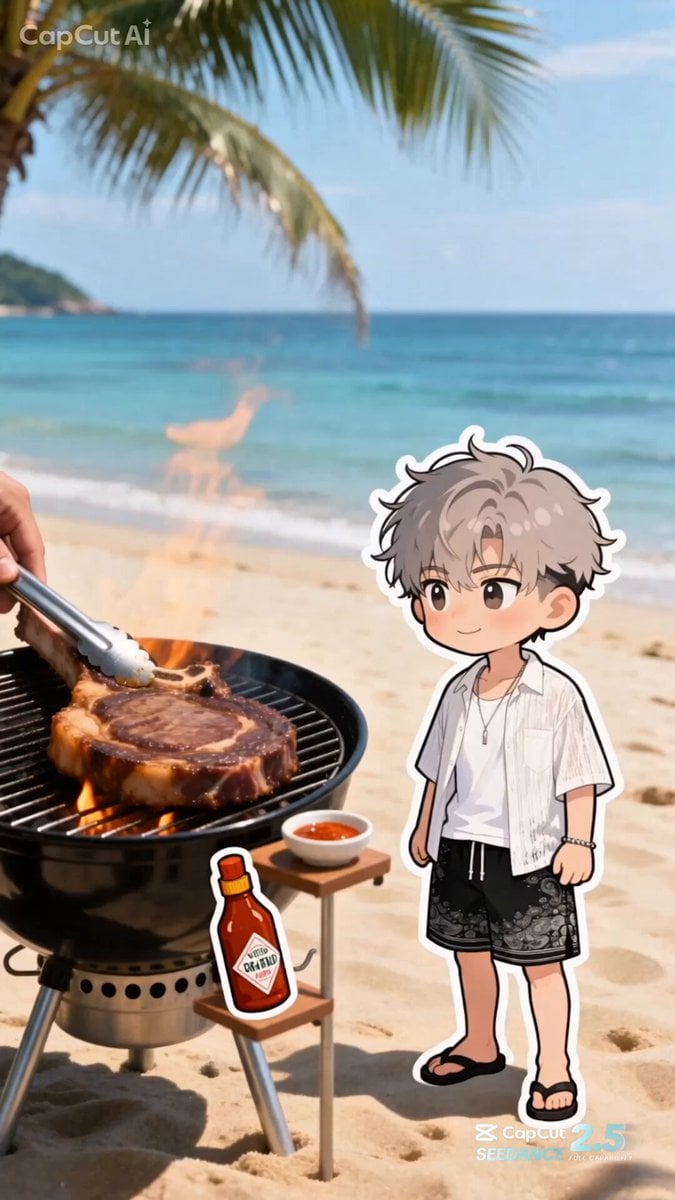
Summer Beach BBQ and Anime Character Sticker
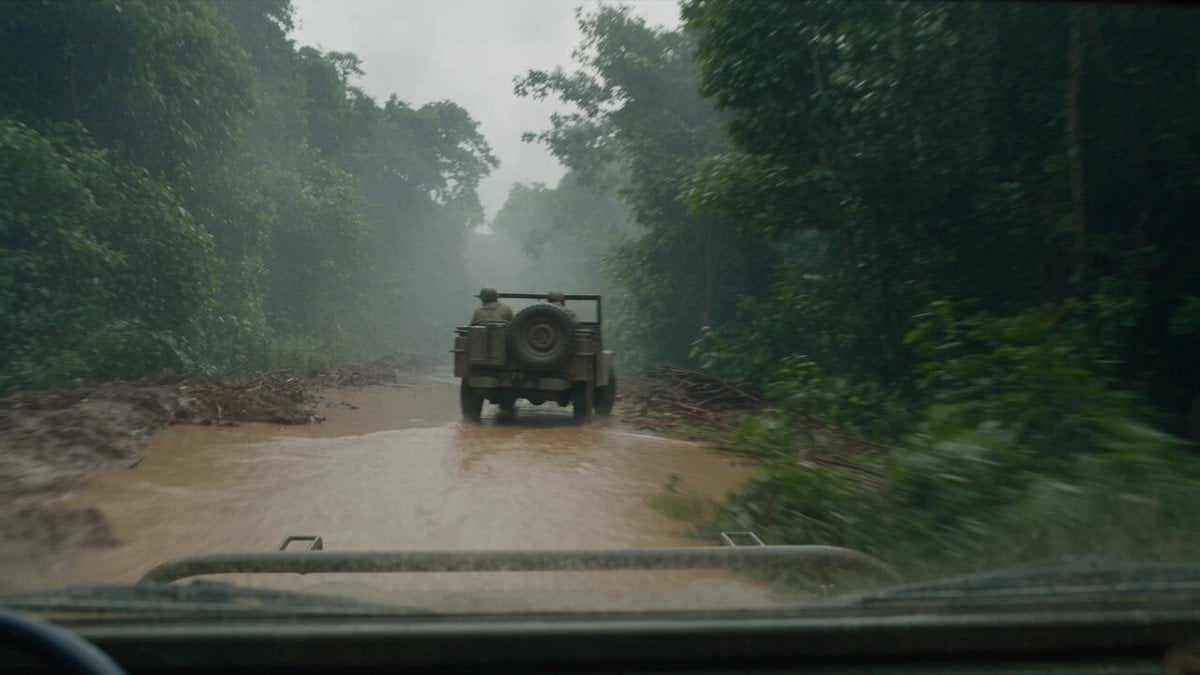
T-Rex Dashcam Jungle Attack
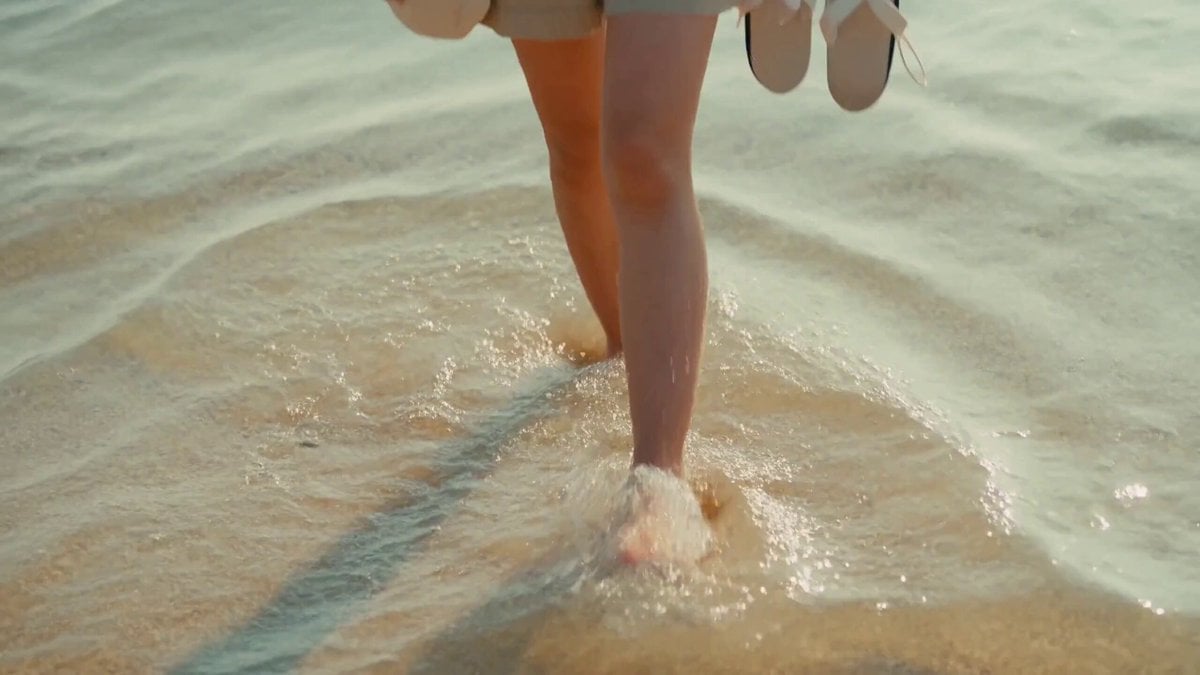
2000s MiniDV Jeju Island Beach Walk
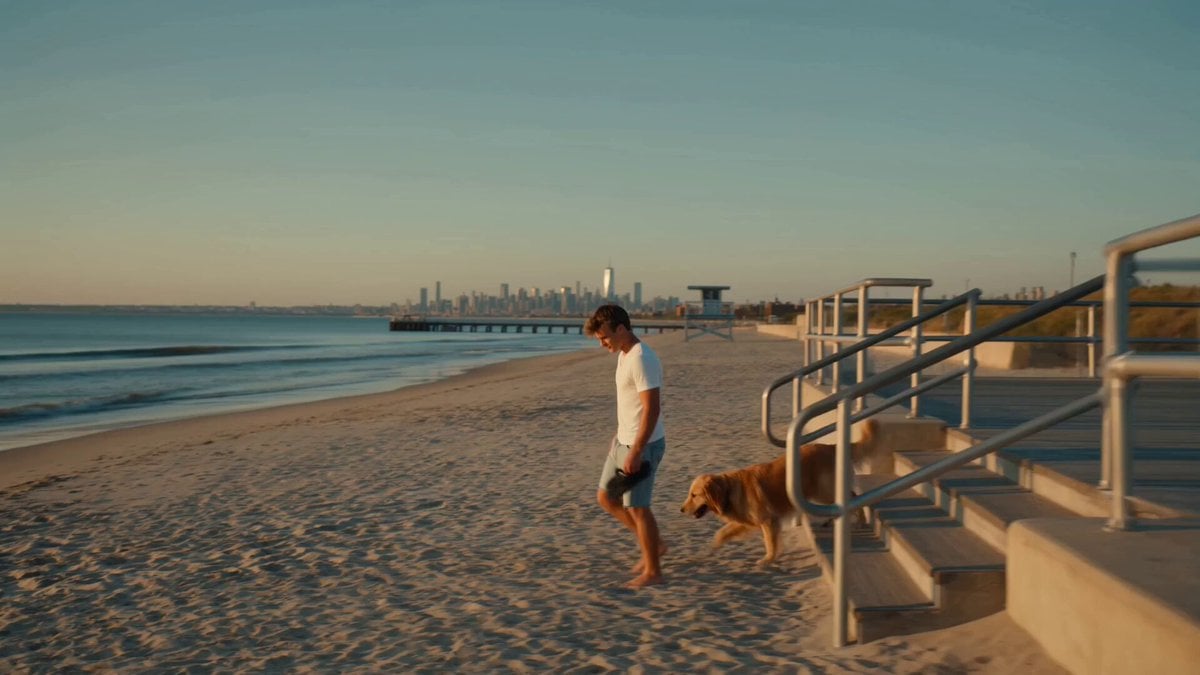
Golden Hour NYC Beach Stroll
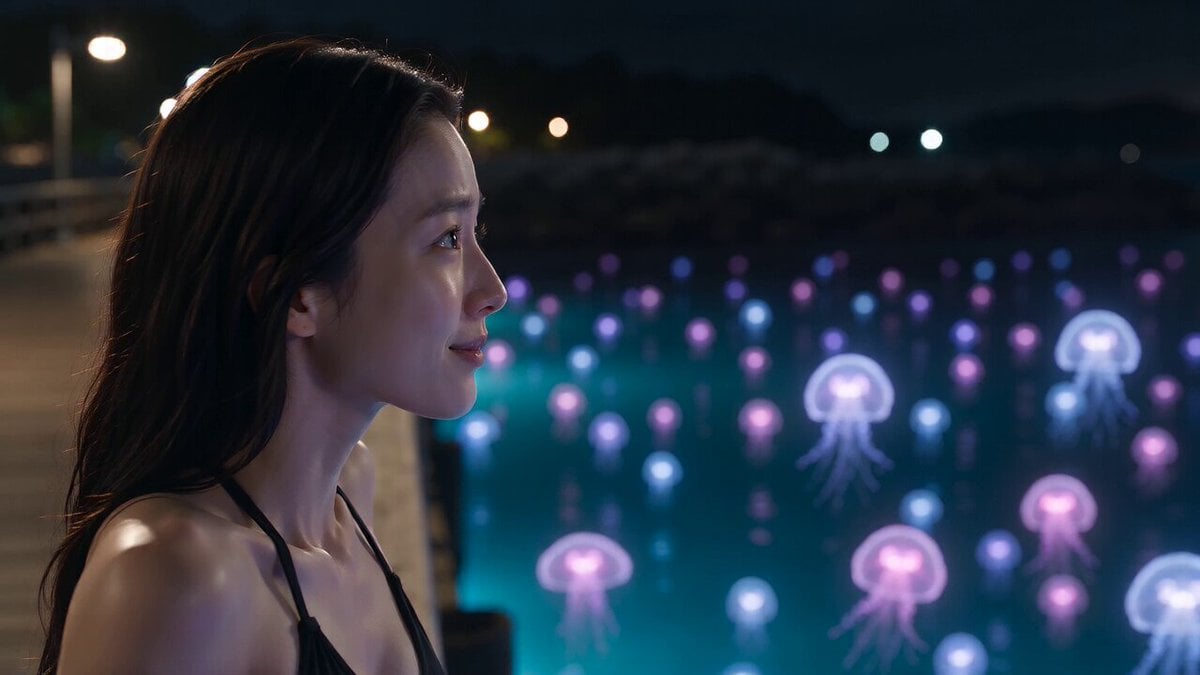
Bioluminescent Jellyfish and Prehistoric Monster Attack
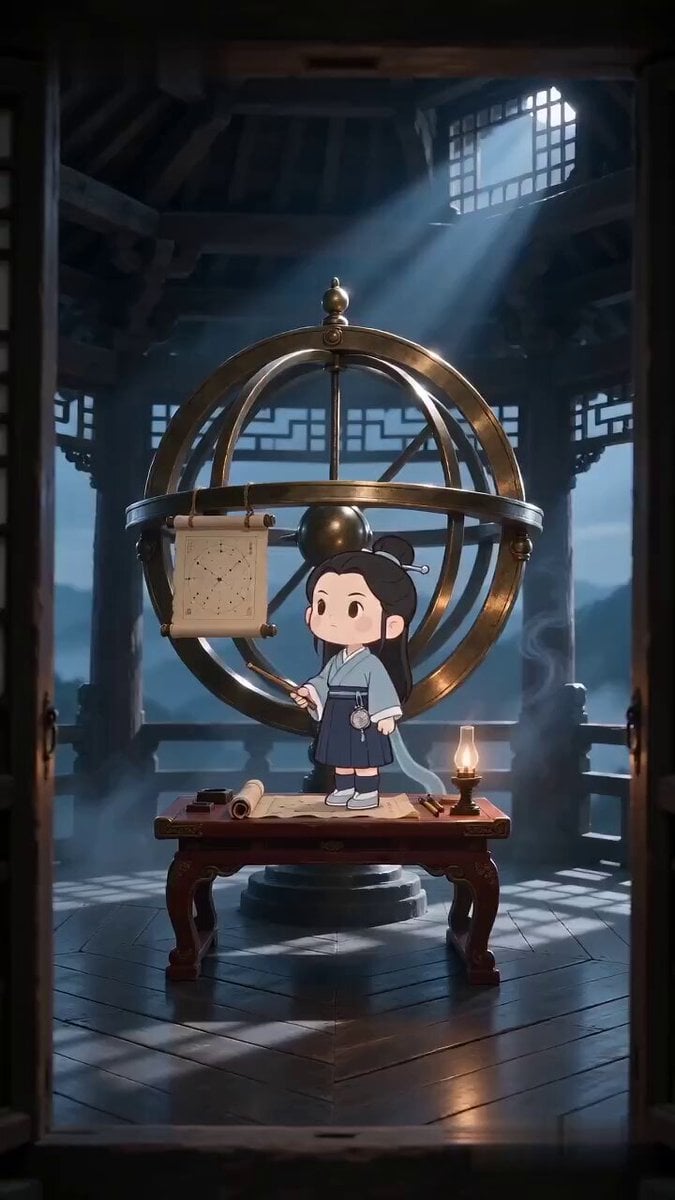
Ancient Stargazer 2D/3D Hybrid Comedy
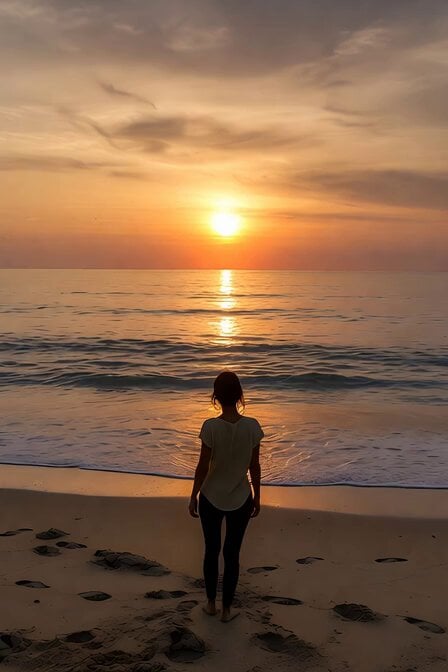
Serene Sunset Beach Scene
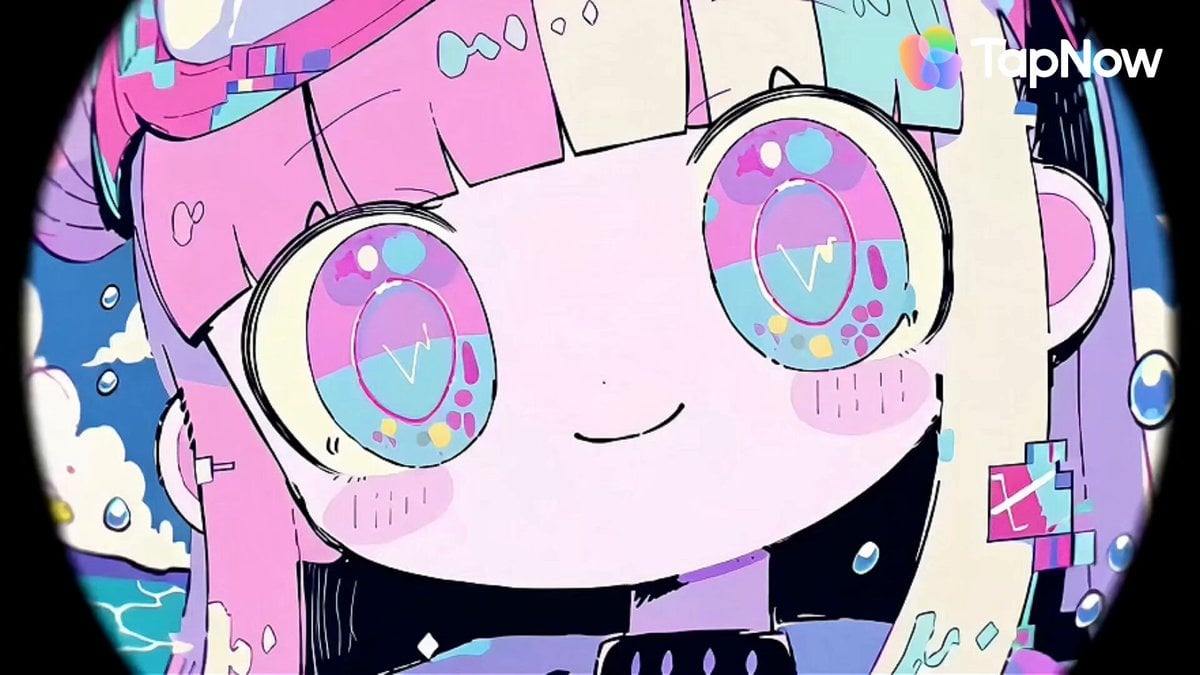
Pastel Beach Anime MV
Make it yours
Dinosaur Crocodile Hybrid Beach Attack works as-is. These are the safest ways to change it without losing the look.
Change one field
Copy a single group, rewrite it, and generate again so you can see what that field is doing.
Keep the frame, change the subject
Hold the composition and light of Dinosaur Crocodile Hybrid Beach Attack, then swap wardrobe, props or the person for a new take.
| If the result… | Why | Fix |
|---|---|---|
| The result drifts from the preview | Too many fields changed at once. | Reuse Dinosaur Crocodile Hybrid Beach Attack as-is first, then change one group — subject, light, or setting. |
| The model over-stylizes the scene | The prose prompt leaves finish and camera underspecified. | Add one camera or lighting sentence and stay on Seedance 2.0. |
More Seedance 2.0 templates
Other prompts made for Seedance 2.0.

Comical Martial Arts Punch Scene

Maglev Train Action Sequence

Martial Arts Fight Sequence

Wuxia Protection and Trust Script

Vintage Korean Arcade MiniDV Vlog

Mercedes 190 SL Luxury Ad

Rainy Night Supernatural Reverse Comedy Video Script

Amazon Civilization Discovery

Futuristic South Asian City Transformation

Cozy Luxury Cafe Commercial
More video prompts
Fresh picks from across the catalog.
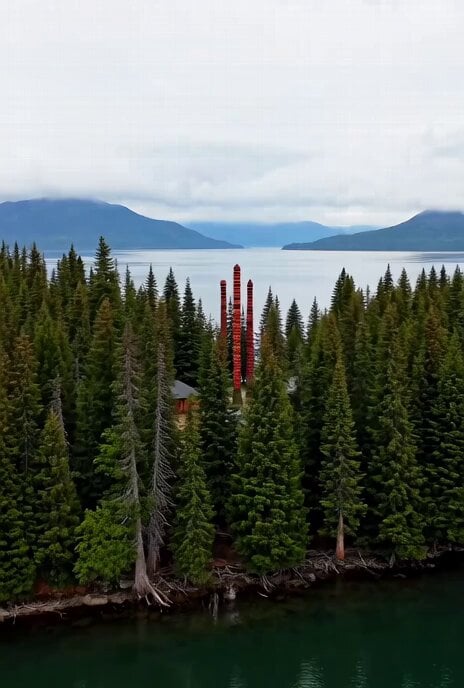
Haida community documentary video
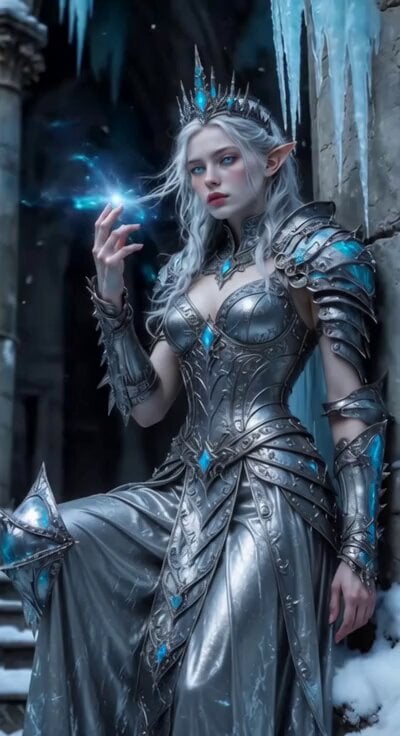
Sci-Fi Ice Queen Action
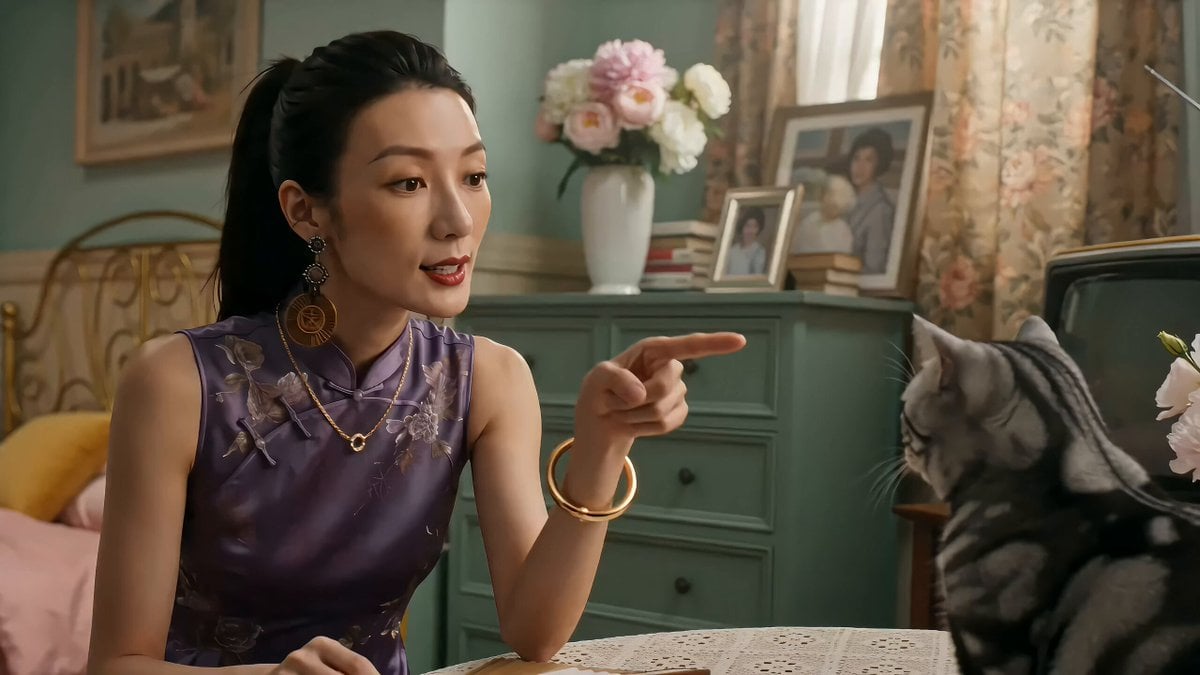
90s Hong Kong Cinema Aesthetic Video
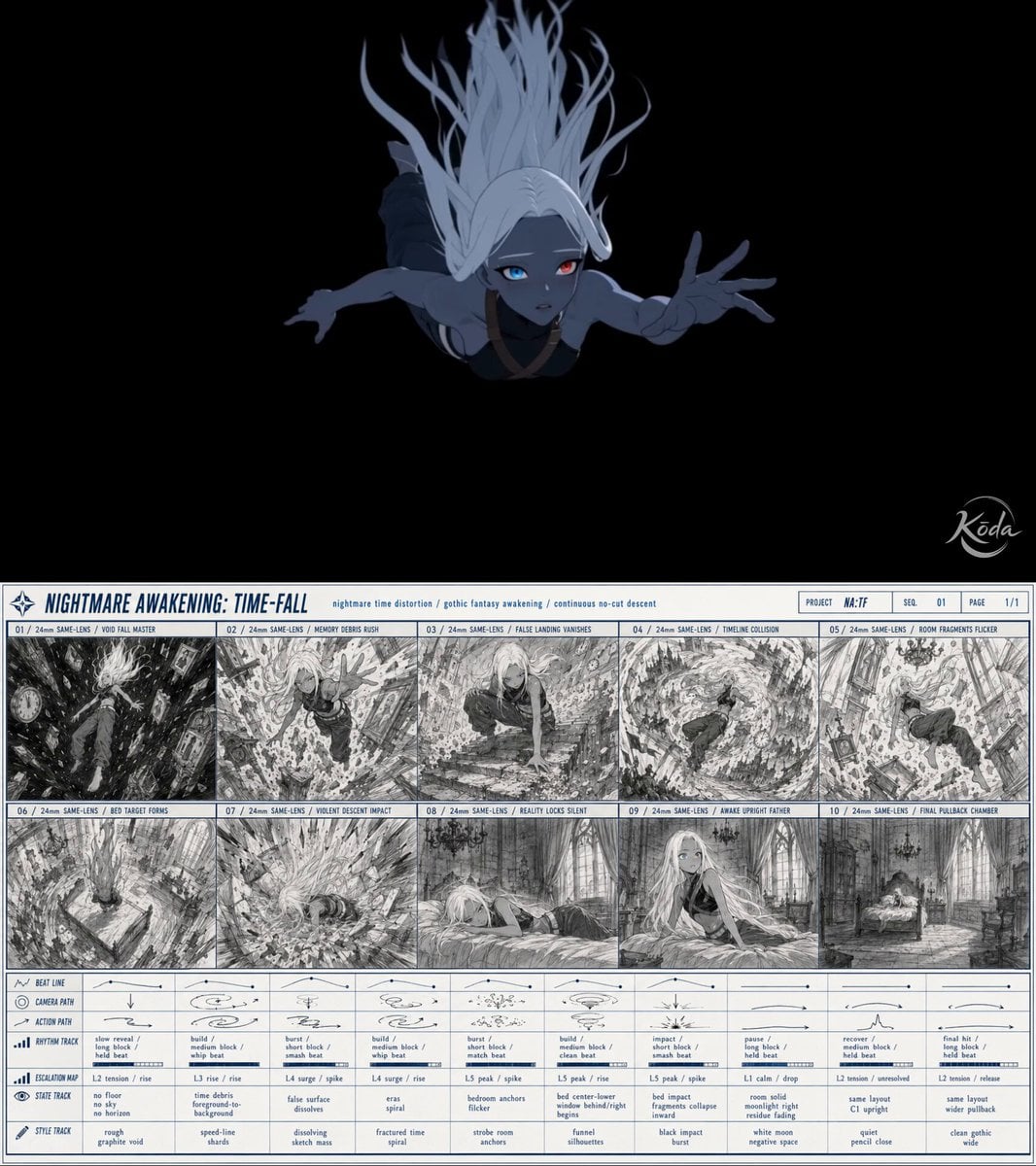
Seedance 2.0 Storyboard-to-Video Transformation
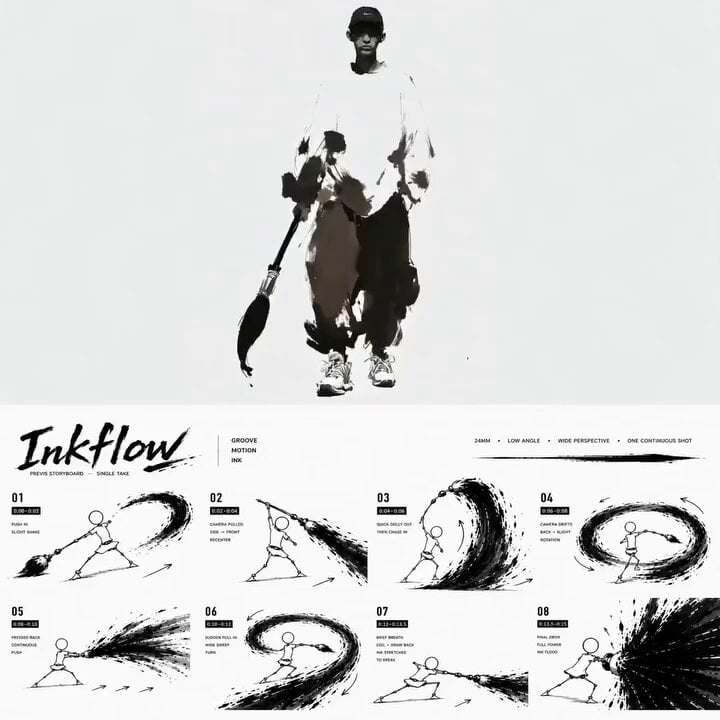
Ink Minimalism Hip-Hop Dance Scene
Infinite Magical Bookstore Anime Sequence
Crane Cabin Lockdown Action Sequence
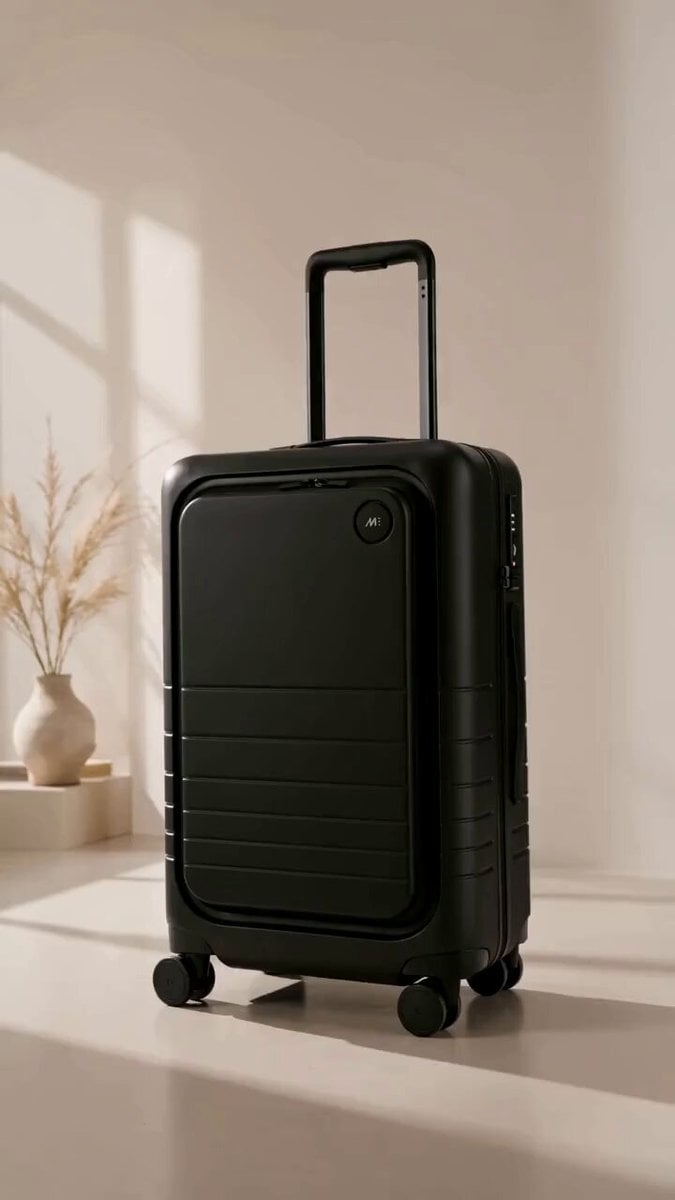
Luxury Suitcase Commercial and Template
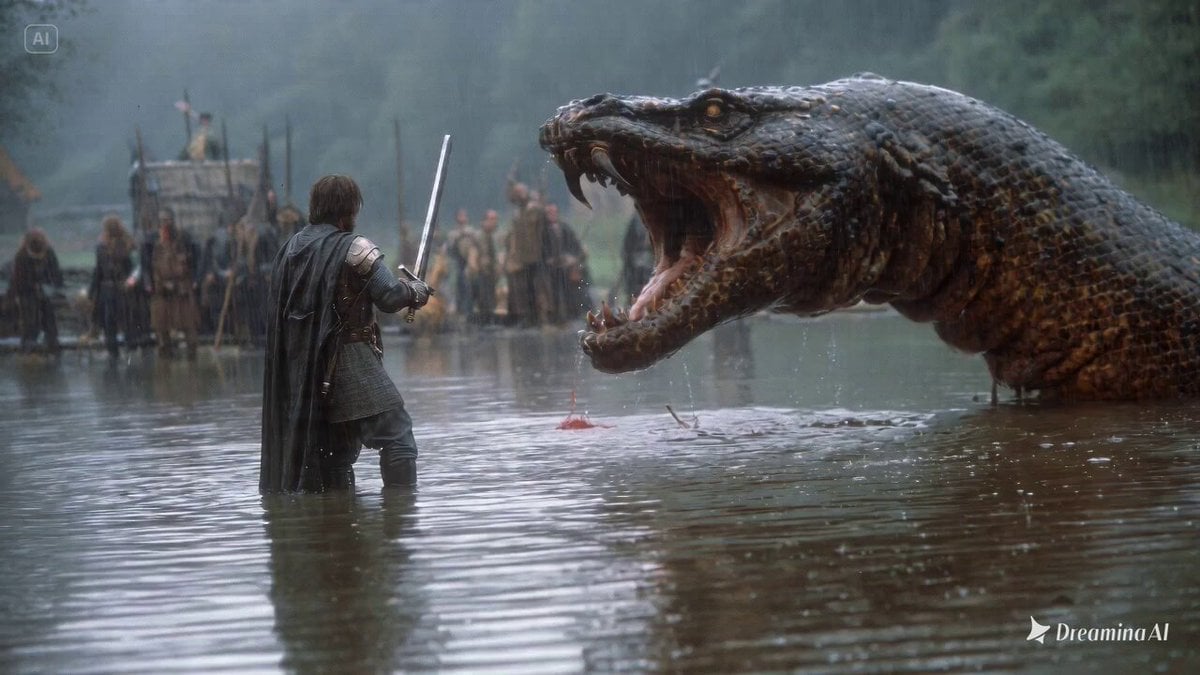
1980s fantasy film scene of a knight fighting a lake monster
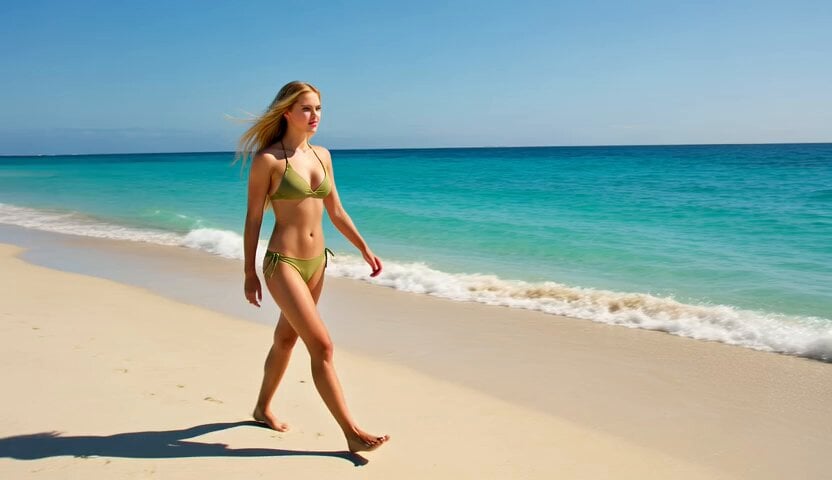
Blonde Scuba Diving Beach Walk
Browse template categories
Dinosaur Crocodile Hybrid Beach Attack questions
How do I use the Dinosaur Crocodile Hybrid Beach Attack template?
Add your photo if the template asks for one, edit the prompt if you like — the template's model and format are already selected — and press Generate. Your version opens in PicX Studio.
Can I customize the Dinosaur Crocodile Hybrid Beach Attack template?
Yes. You can change the subject, setting, lighting, mood, format, and available model controls before creating your video.
Is the Dinosaur Crocodile Hybrid Beach Attack template free?
Opening and editing this template is free. Generating uses credits, shown on the Generate button when you are signed in.
Which AI model should I use?
Start with Seedance 2.0, which is the model associated with this template. You can compare another compatible model for a different finish.
Looking for something else? Browse all templates.

Your photo, any look
Thousands of ready templates for every top image and video model, from one credit balance.