
Crane Cabin Lockdown Action Sequence
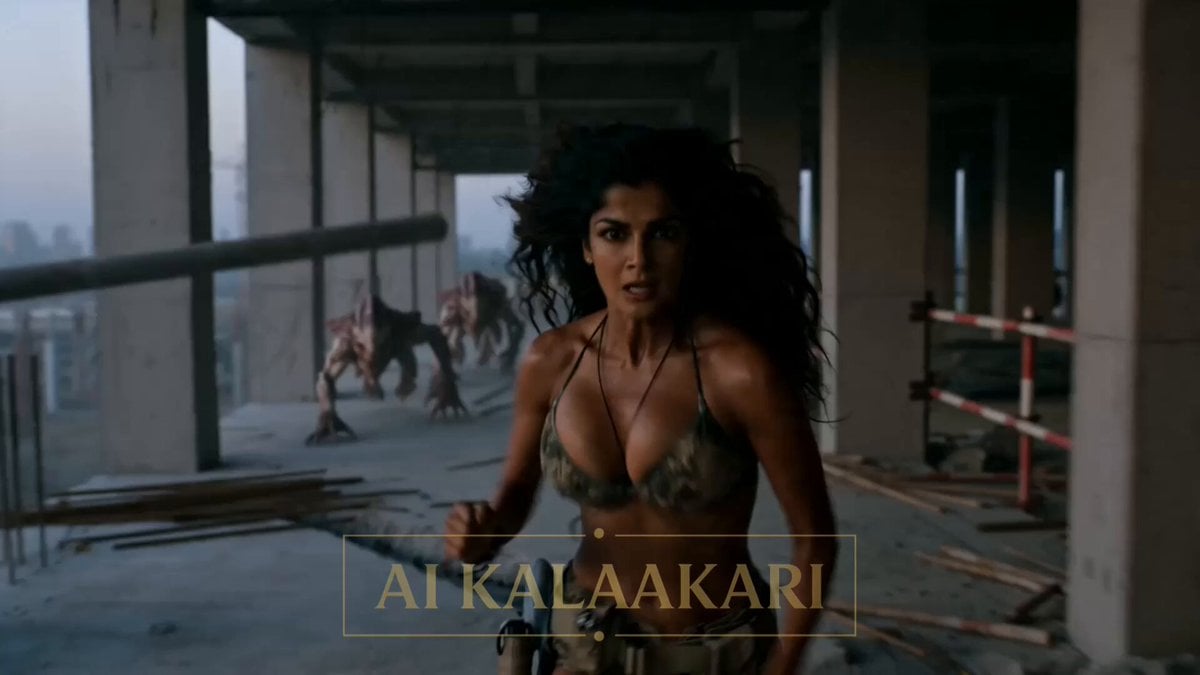
A high-tension cinematic prompt describing a chase scene where a woman is pursued by alien creatures onto a construction crane.
- Prompt included
- Model and format preset
- Free template
The prompt behind this video
Copy the exact prompt behind Crane Cabin Lockdown Action Sequence, or open it in the studio and make it yours.
A hyper-real cinematic action sequence set in an active construction site at dusk. Exposed rebar, scaffolding, unfinished concrete floors, and a tall tower crane dominate the scene. Dust hangs in the air. Sound design: heavy breathing, metallic clanks, distant machinery, and guttural alien screeches. The video starts mid-chase. sprints across a half-built floor, leaping over gaps and dodging debris. Behind her, three alien —slick, elongated, with pale skin and wet, sinewy movement—pursue aggressively, closing in. She spots a tower crane ladder and veers hard toward it, grabbing on and climbing fast. The camera stays tight, tracking her ascent as the creatures scale the structure with unnatural speed. One creature lunges upward and grabs her ankle. She kicks violently, freeing herself, scraping against metal. No pause—she climbs the last few rungs and pulls herself onto the crane cabin platform. She yanks the cabin door open, dives inside, and slams it shut. Immediate silence shift—muffled exterior sounds. She stumbles back, breathing hard. Seconds later, the creatures reach the cabin. Slimy hands and distorted faces press against the glass, leaving streaks. The cabin rattles under their weight. She watches, frozen, as they claw and slide across the windows. Close on her face—panic, controlled breathing. Exterior noise builds. No hard cut.
How to use Crane Cabin Lockdown Action Sequence in 3 steps
- 1
Open
The prompt is already in the box next to the preview, with the template's model and format selected.
- 2…a portrait of your subject in softgolden-hour light, 85mm…
Personalize
Edit the subject and creative details for your destination.
- 3Generate
Generate
Press Generate — your video is created in PicX Studio, so you can compare it with the original and refine one variable at a time.
More like this
Templates with the same subject, style or setup. Open one to see its prompt.

Maglev Train Action Sequence
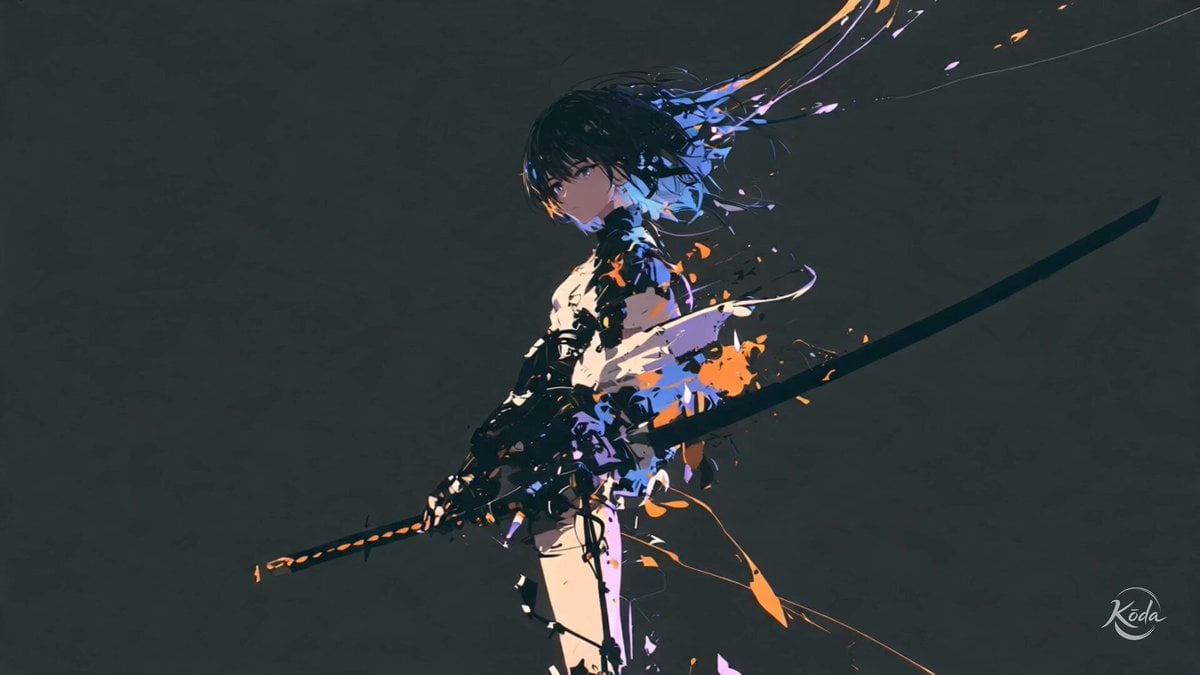
Cinematic Swordswoman Action Sequence
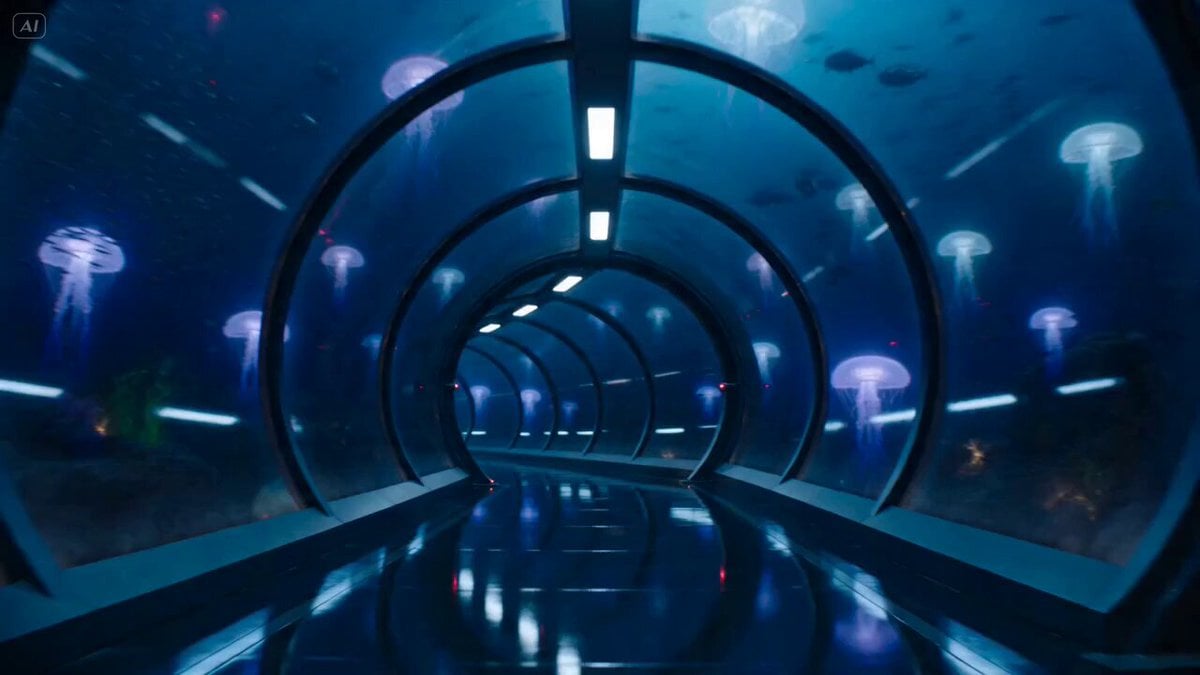
Underwater Glass Tunnel Action Sequence
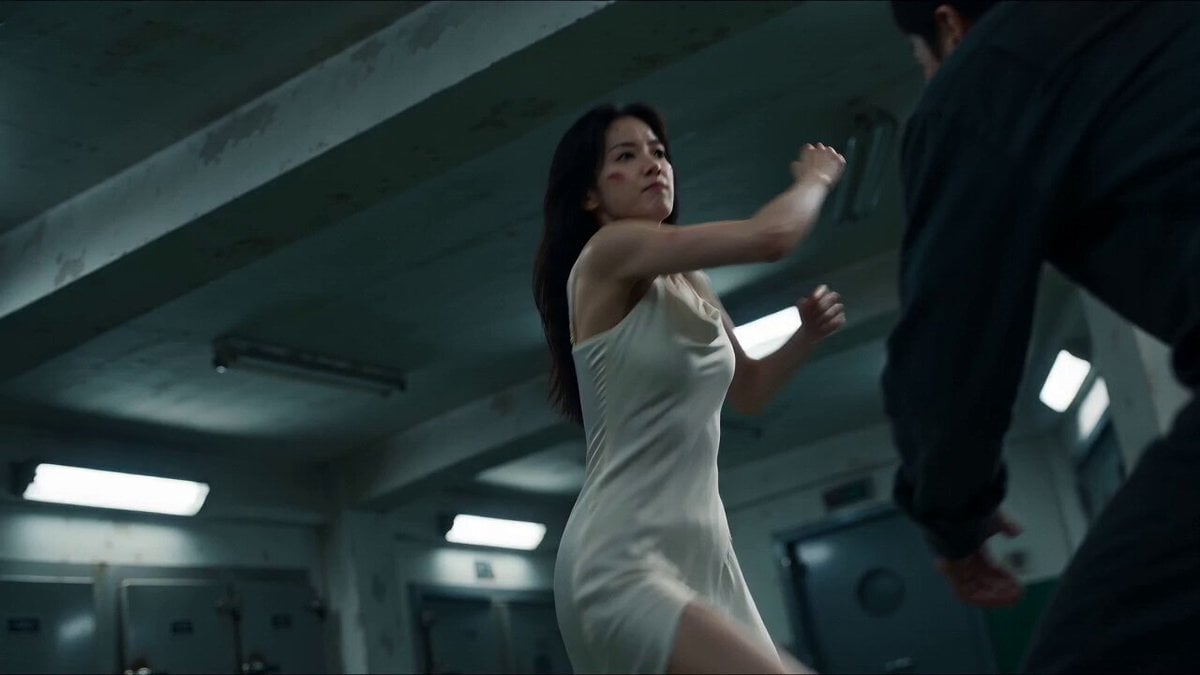
Cinematic Morgue Action Sequence
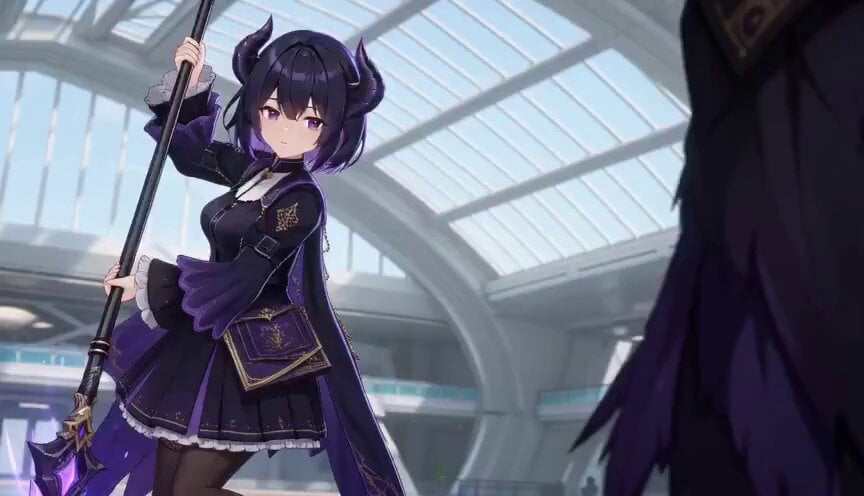
3D Toon Fantasy RPG Action Sequence
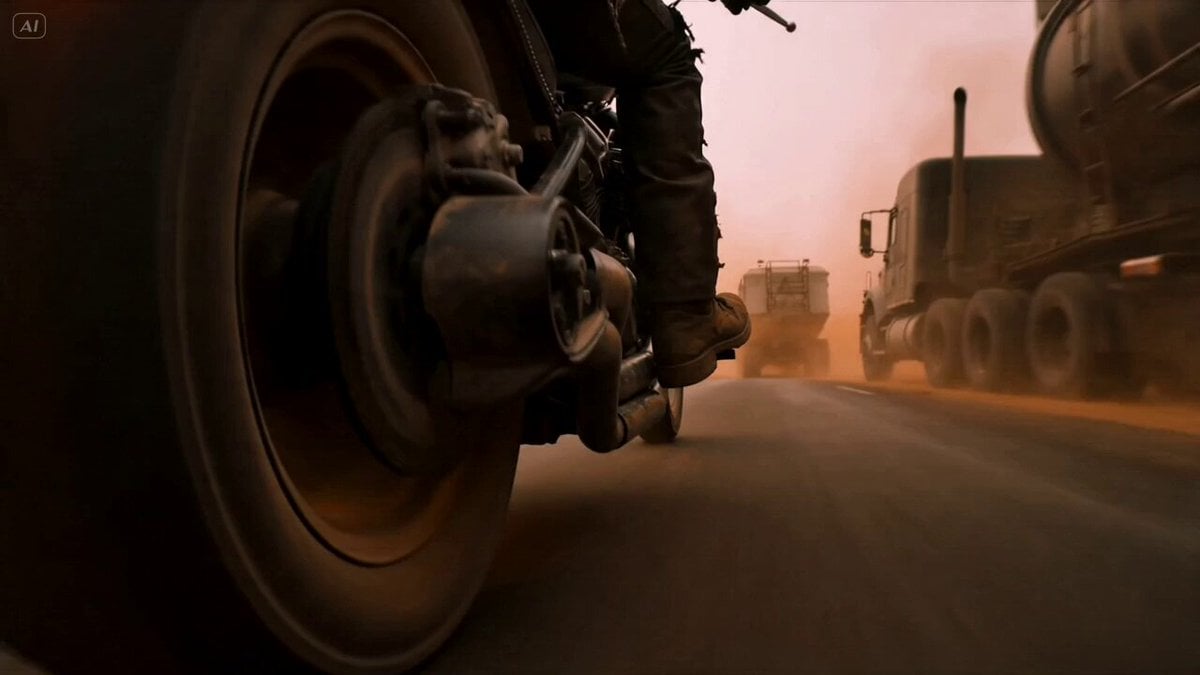
Mad Max Cybernetic Biker Action Sequence

Walking Factory with Rebel on Hoverbike - Wasteland
Thornmaw Monarch — Crimson Glass Desert Beast
Warhorse Sprint on Cliff Aqueduct
Parametric Fight Scenes Seedance

Nano Banana Seedance Time Control Streets
Colossal Sea Creature — Stormy Shore Charge (Seedance)
Make it yours
Crane Cabin Lockdown Action Sequence works as-is. These are the safest ways to change it without losing the look.
Change one field
Copy a single group, rewrite it, and generate again so you can see what that field is doing.
Keep the frame, change the subject
Hold the composition and light of Crane Cabin Lockdown Action Sequence, then swap wardrobe, props or the person for a new take.
| If the result… | Why | Fix |
|---|---|---|
| The result drifts from the preview | Too many fields changed at once. | Reuse Crane Cabin Lockdown Action Sequence as-is first, then change one group — subject, light, or setting. |
| The model over-stylizes the scene | The prose prompt leaves finish and camera underspecified. | Add one camera or lighting sentence and stay on Seedance 2.0. |
More Seedance 2.0 templates
Other prompts made for Seedance 2.0.

Comical Martial Arts Punch Scene

Martial Arts Fight Sequence

Wuxia Protection and Trust Script

Vintage Korean Arcade MiniDV Vlog

Mercedes 190 SL Luxury Ad

Rainy Night Supernatural Reverse Comedy Video Script

Amazon Civilization Discovery

Futuristic South Asian City Transformation

Cozy Luxury Cafe Commercial

Cyber Ronin Nanotech Transformation Video
More video prompts
Fresh picks from across the catalog.
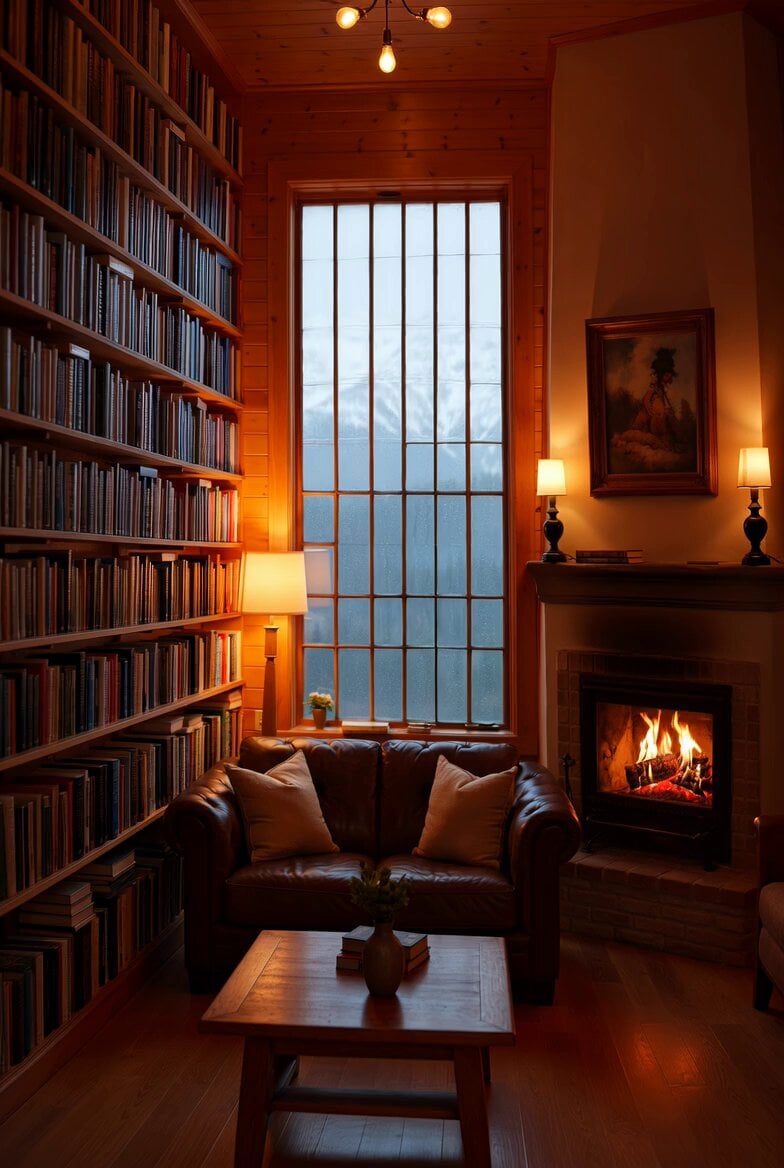
Cozy Den with Camera Zoom Prompt
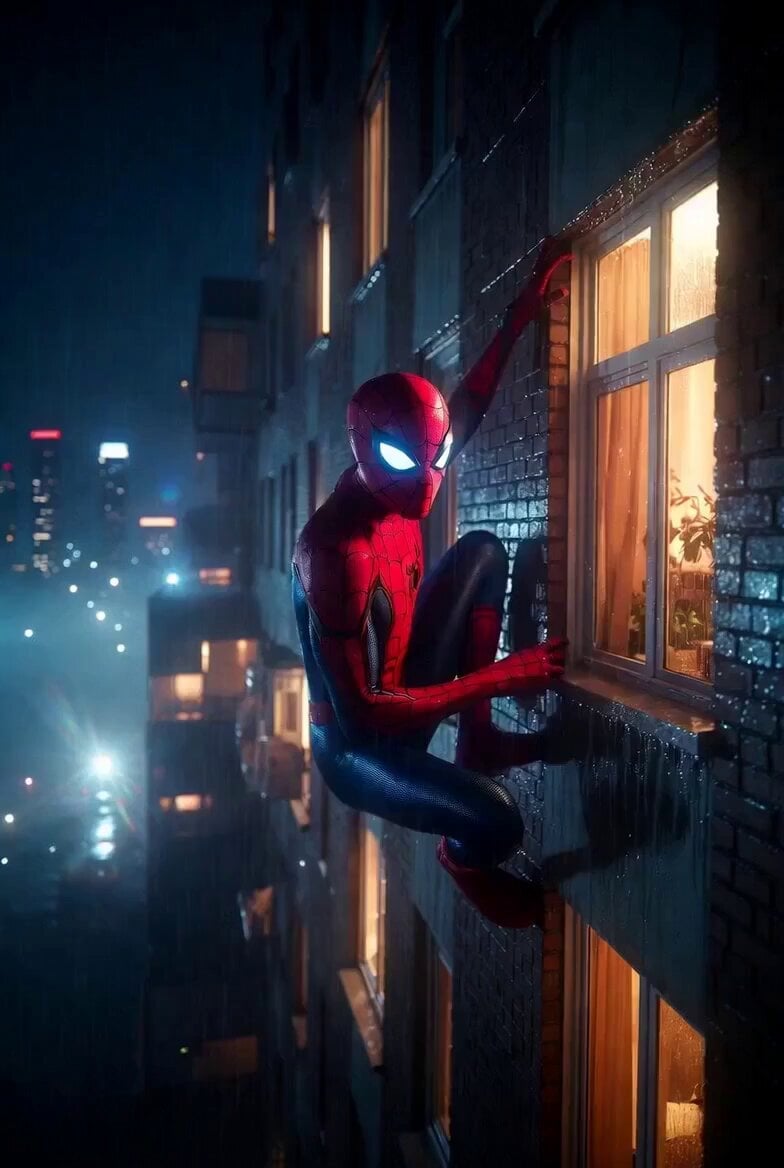
Window Spider Greeting

Vibrant Orange Soda Commercial Shot
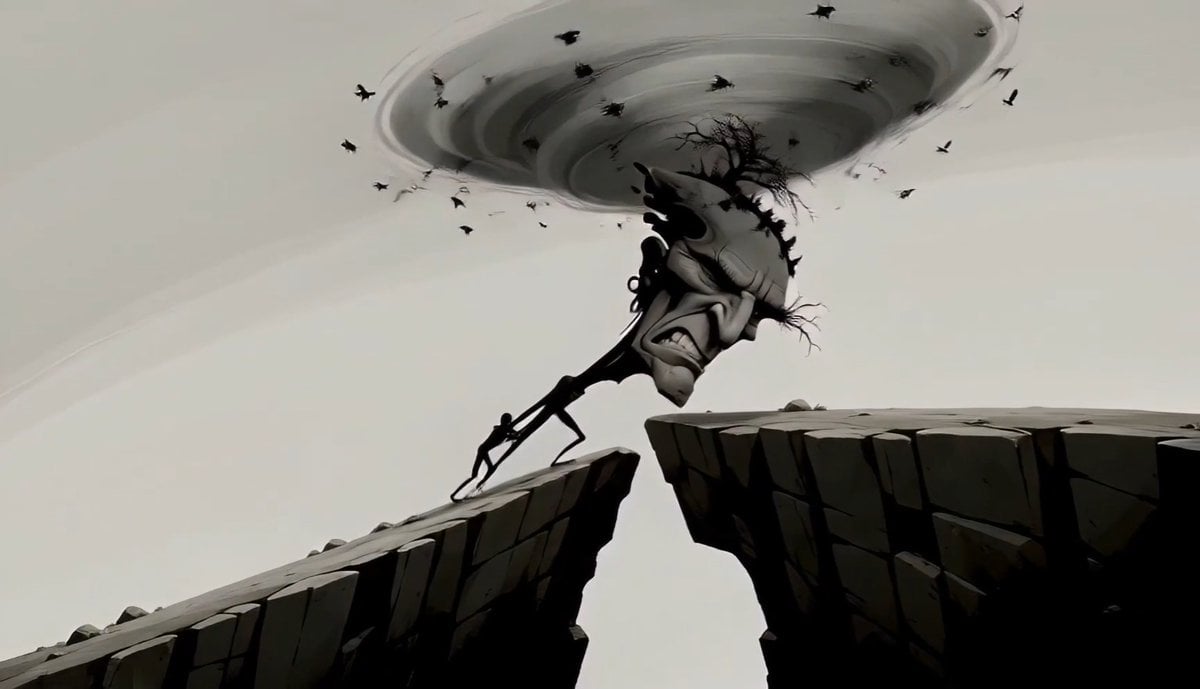
Surreal Tree Head Character Animation
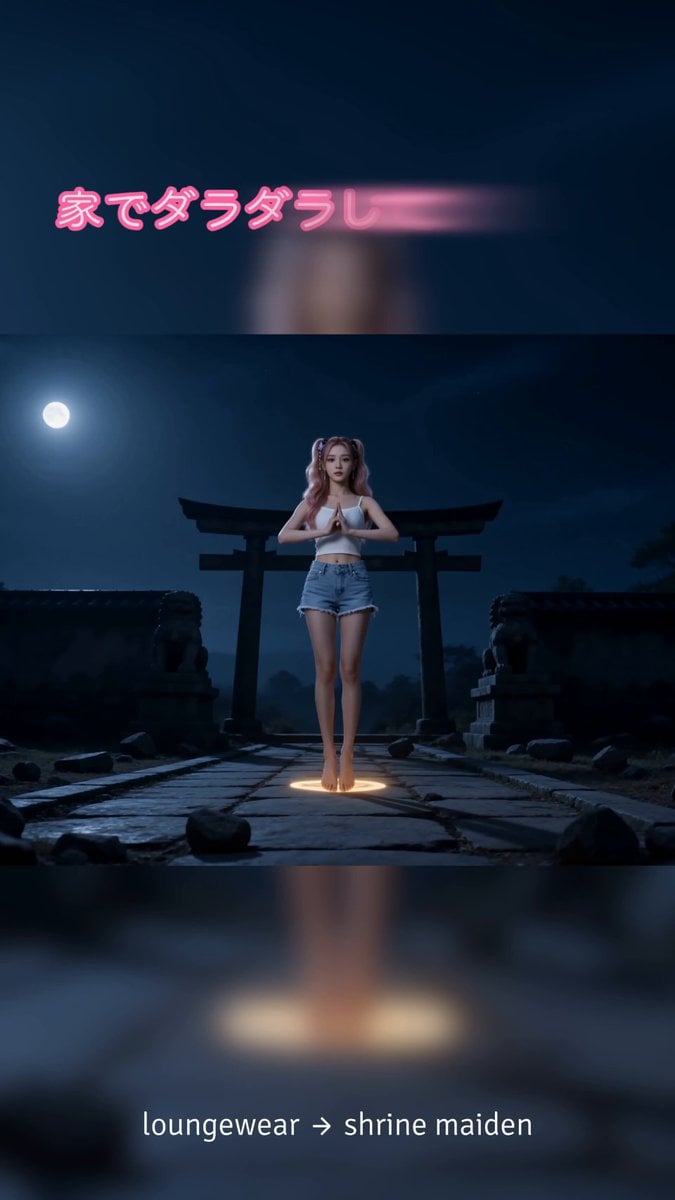
Shrine Maiden Battle Transformation
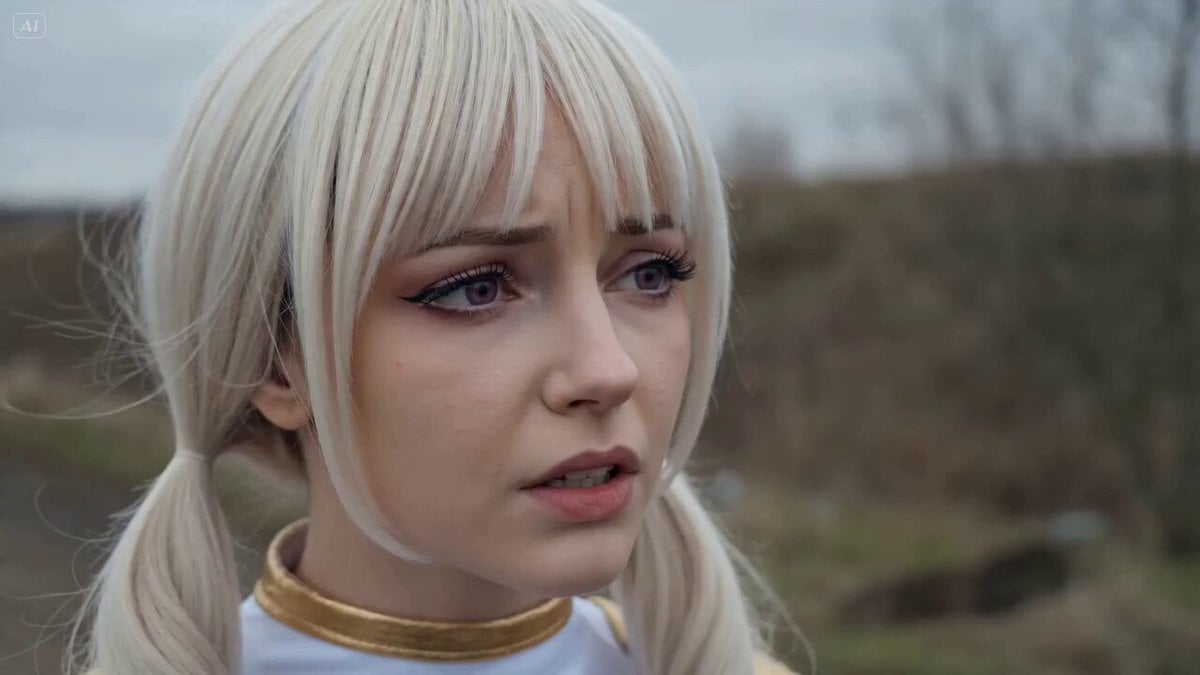
Russian-Voiced Tokusatsu Action Sequence

Cinematic Hockey Sequence
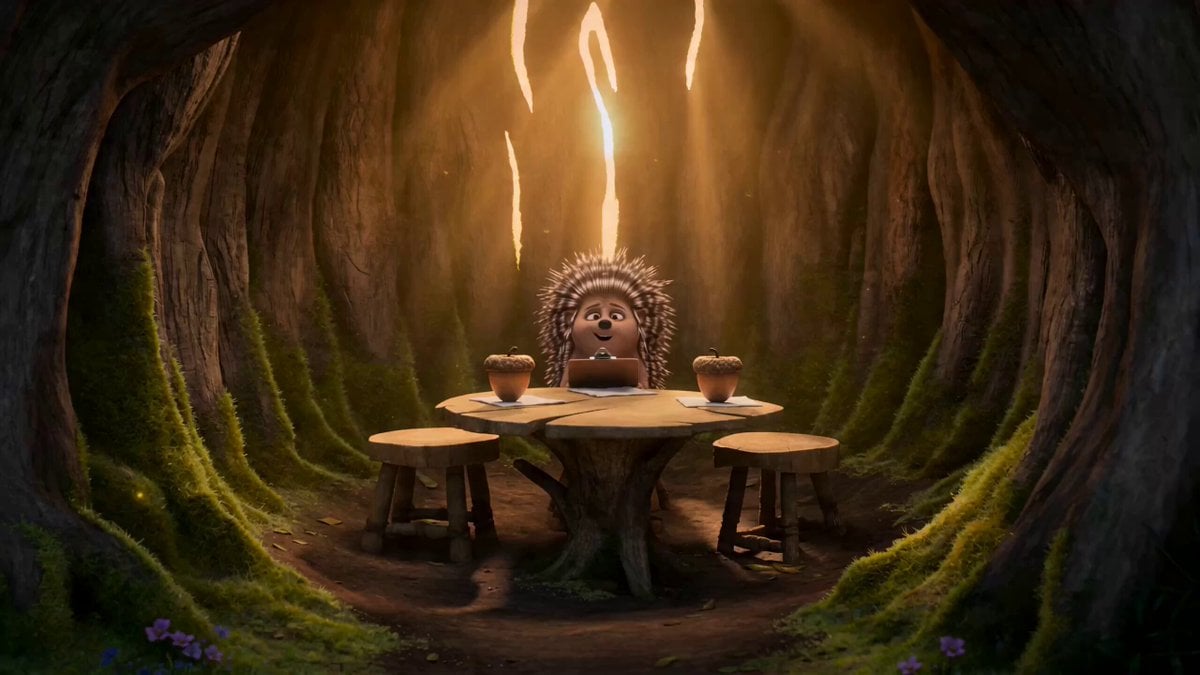
Heartwarming Woodland Comedy Video Prompt

Epic Marvel Avengers Style Video Prompt for Grok Imagine
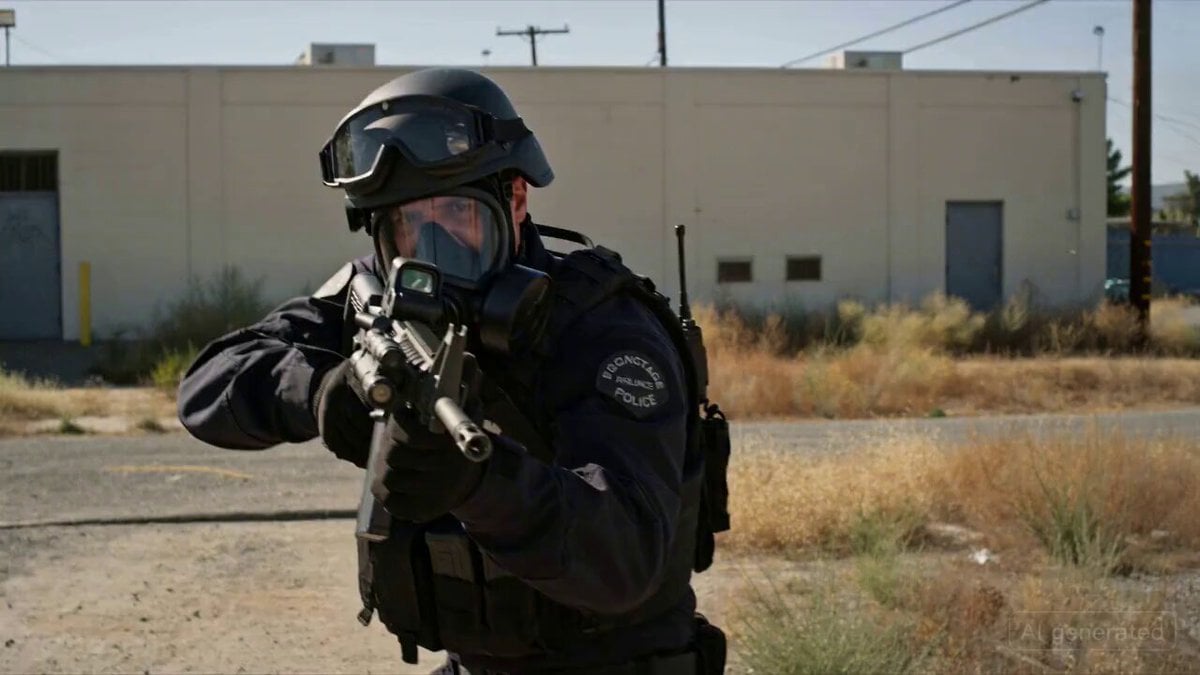
SWAT Hostage Negotiation Scene
Browse template categories
Crane Cabin Lockdown Action Sequence questions
How do I use the Crane Cabin Lockdown Action Sequence template?
Add your photo if the template asks for one, edit the prompt if you like — the template's model and format are already selected — and press Generate. Your version opens in PicX Studio.
Can I customize the Crane Cabin Lockdown Action Sequence template?
Yes. You can change the subject, setting, lighting, mood, format, and available model controls before creating your video.
Is the Crane Cabin Lockdown Action Sequence template free?
Opening and editing this template is free. Generating uses credits, shown on the Generate button when you are signed in.
Which AI model should I use?
Start with Seedance 2.0, which is the model associated with this template. You can compare another compatible model for a different finish.
Looking for something else? Browse all templates.

Your photo, any look
Thousands of ready templates for every top image and video model, from one credit balance.