
Cinematic Basketball Storyboard Animation
A detailed storyboard prompt for a basketball game, transitioning from a rebound to a powerful dunk with various cinematic angles.
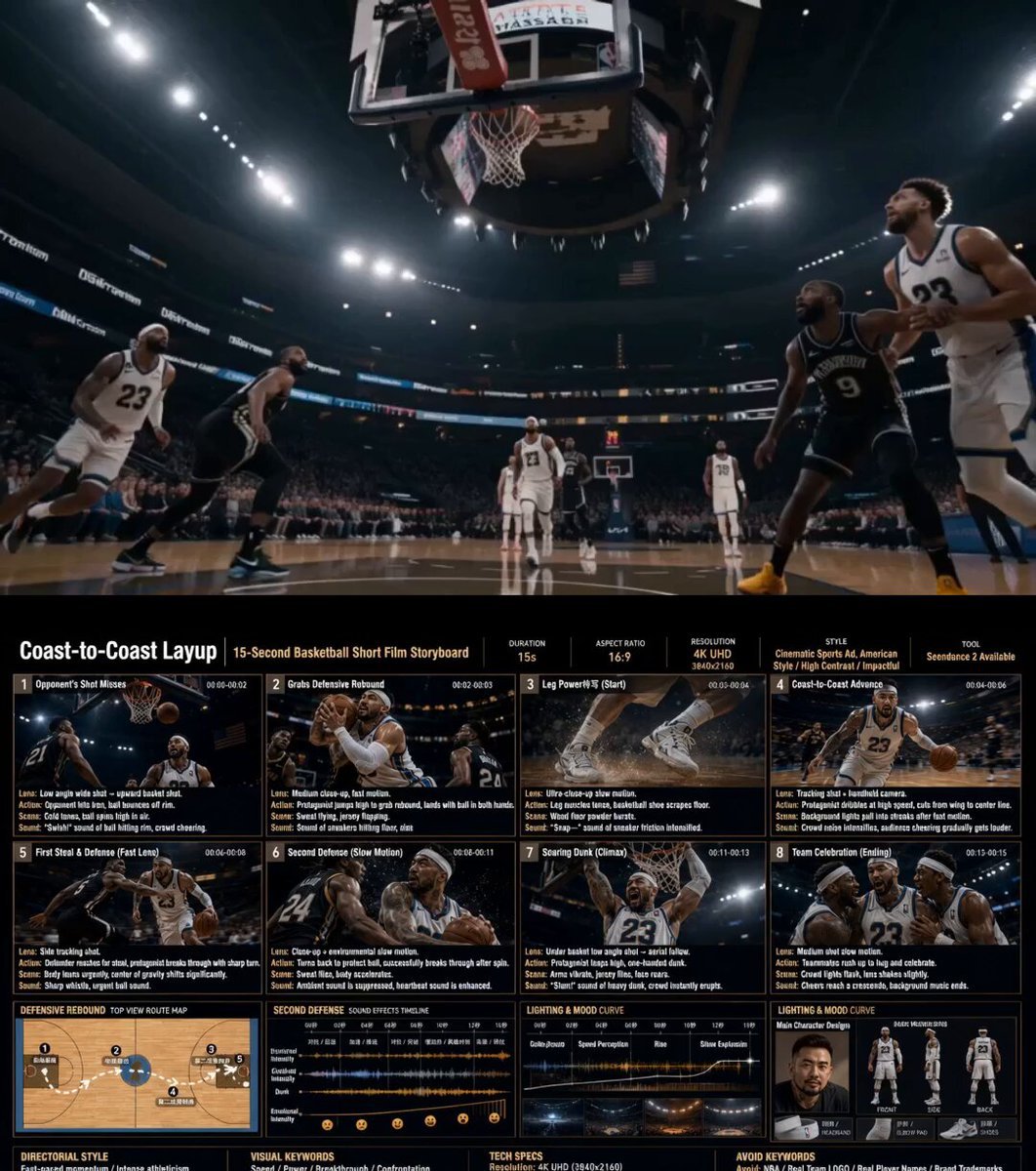
- Prompt included
- Model and format preset
- Free template
The prompt behind this video
Copy the exact prompt behind Cinematic Basketball Storyboard Animation, or open it in the studio and make it yours.
Create a cinematic basketball storyboard image in a fictional American-style indoor basketball arena. Story: The opposing team misses a shot. Our player grabs the defensive rebound in the backcourt and drives coast-to-coast for a powerful dunk. During the fast break, he encounters two steal attempts: First defender: quick crossover move to break through (fast-paced camera cut) Second defender: spin move breakout (slow-motion close-up) Final scene: slow-motion dunk with intense facial expression and emotional impact. After the dunk, teammates run in to celebrate with chest bumps and hand slaps. Add an extra close-up scene of the player’s legs pushing off explosively during the acceleration phase. Style: Semi-realistic 3D sports cartoon style, cinematic sports concept art, stylized athletic character design, NOT photorealistic. Aspect Ratio: 16:9 widescreen Resolution: 4K UHD Storyboard Layout: 3-column cinematic storyboard grid with 8 scenes. 1️⃣ Basic Setup Main title + subtitle Aspect ratio and layout labels Character design reference section Front portrait of the main player Full-body front / side / back views Include shoes, headband, elbow pad 2️⃣ Style Direction Director-style cinematic mood Visual keywords Examples: dynamic sports commercial cinematic action sequence handheld camera energy dramatic arena lighting high-speed motion blur emotional victory climax 3️⃣ Storyboard Details Each scene should clearly contain: Camera angle Character action Visual changes Sound effects Motion effects Lighting mood 4️⃣ Visual Rules Dark cinematic color palette Orange and teal contrast Strong rim lighting Arena spotlight atmosphere Motion blur during fast scenes Slow-motion particles and sweat details during hero moments 5️⃣ Bottom Information Area Include: Character settings Mood curve Sound effects timeline Lighting timeline Technical specifications Top-down movement route diagram showing: rebound → acceleration → crossover → spin move → dunk finish
How to use Cinematic Basketball Storyboard Animation in 3 steps
- 1
Open
The prompt is already in the box next to the preview, with the template's model and format selected.
- 2…a portrait of your subject in softgolden-hour light, 85mm…
Personalize
Edit the subject and creative details for your destination.
- 3Generate
Generate
Press Generate — your video is created in PicX Studio, so you can compare it with the original and refine one variable at a time.
More like this
Templates with the same subject, style or setup. Open one to see its prompt.

Pigeon Nemesis Pixar Animation Storyboard
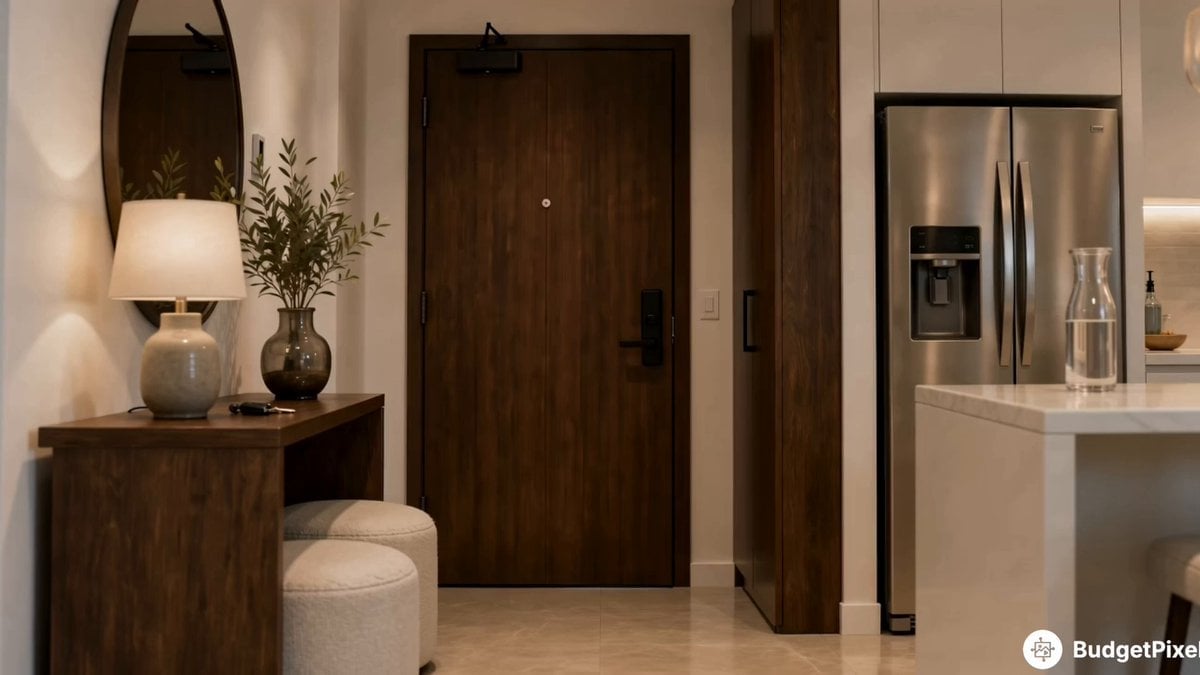
Apartment Arrival Storyboard Animation

3D Glossy Fairy Animation - Seedance 2.5

3x3 Grid Storyboard Racing — Kling 3.0 O3 Pro

Dragon Rider Cinematic Flight — Seedance 2.5

Silk Road Pomegranate Folk Animation

Multilingual Creative Typography Loop

Adorable Ghost 3D Animation Storyboard
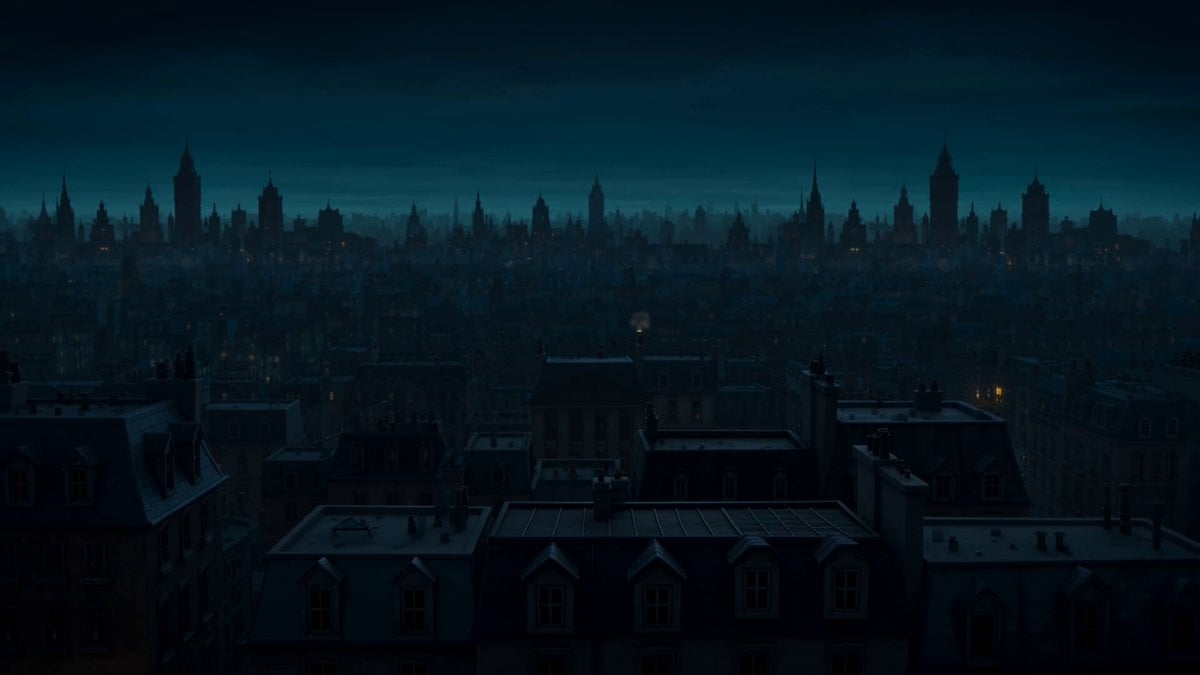
Storyboard to Cinematic 3D Animation
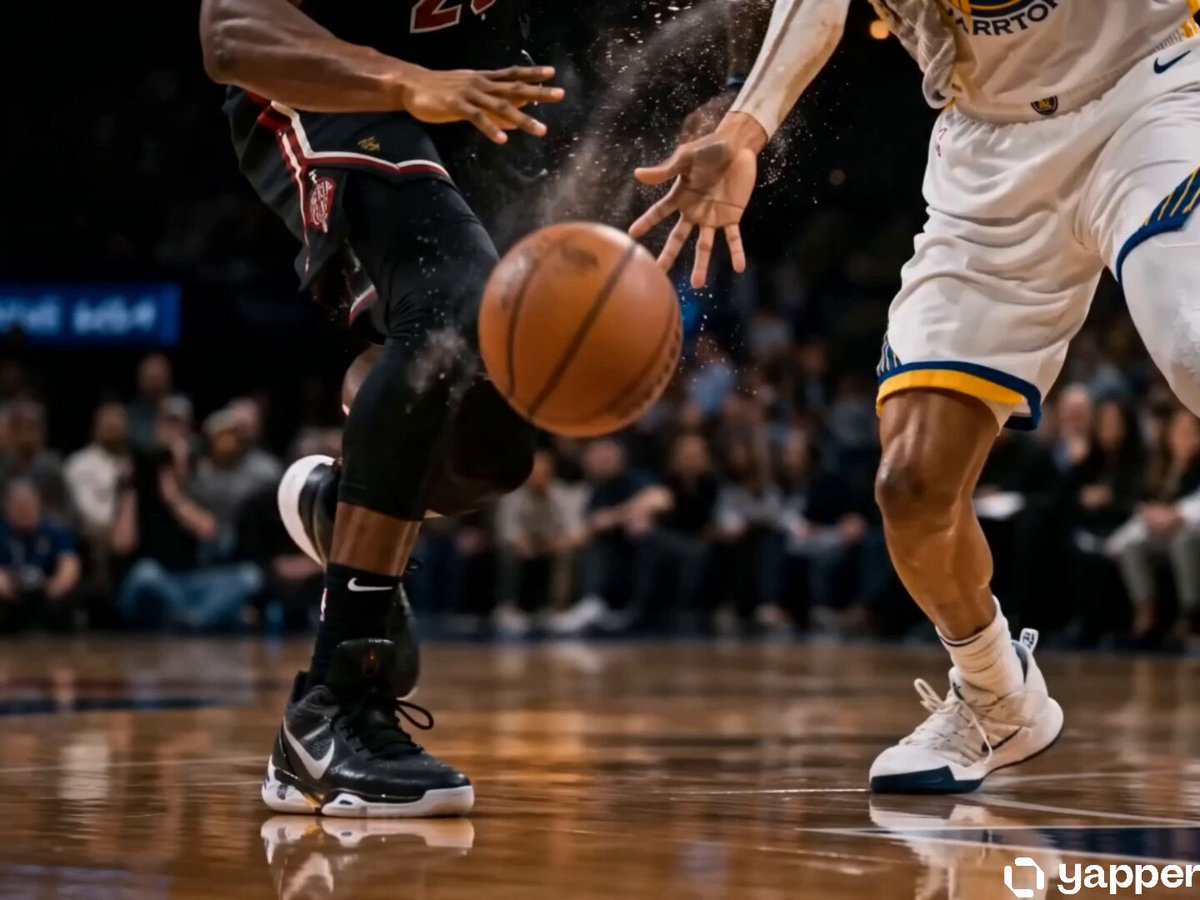
Cinematic Basketball Storyboard
Skincare Storyboard Animation

Walking Factory with Rebel on Hoverbike - Wasteland
Make it yours
Cinematic Basketball Storyboard Animation works as-is. These are the safest ways to change it without losing the look.
Change one field
Copy a single group, rewrite it, and generate again so you can see what that field is doing.
Keep the frame, change the subject
Hold the composition and light of Cinematic Basketball Storyboard Animation, then swap wardrobe, props or the person for a new take.
| If the result… | Why | Fix |
|---|---|---|
| The result drifts from the preview | Too many fields changed at once. | Reuse Cinematic Basketball Storyboard Animation as-is first, then change one group — subject, light, or setting. |
| The model over-stylizes the scene | The prose prompt leaves finish and camera underspecified. | Add one camera or lighting sentence and stay on Seedance 2.0. |
More Seedance 2.0 templates
Other prompts made for Seedance 2.0.

Comical Martial Arts Punch Scene

Maglev Train Action Sequence

Martial Arts Fight Sequence

Wuxia Protection and Trust Script

Vintage Korean Arcade MiniDV Vlog

Mercedes 190 SL Luxury Ad

Rainy Night Supernatural Reverse Comedy Video Script

Amazon Civilization Discovery

Futuristic South Asian City Transformation

Cozy Luxury Cafe Commercial
More video prompts
Fresh picks from across the catalog.
Retro Disney Style Dragon and Pirates
Luxury Skincare Influencer Vlog Prompt
Race Her
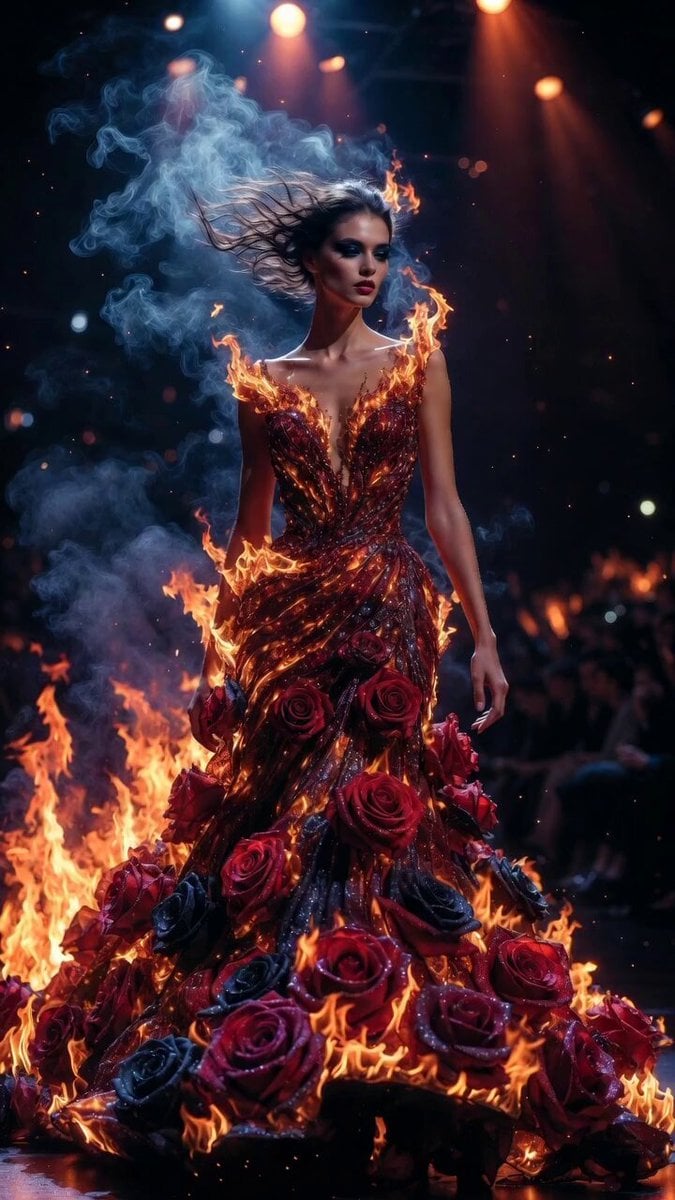
Flame and Rose Couture Catwalk
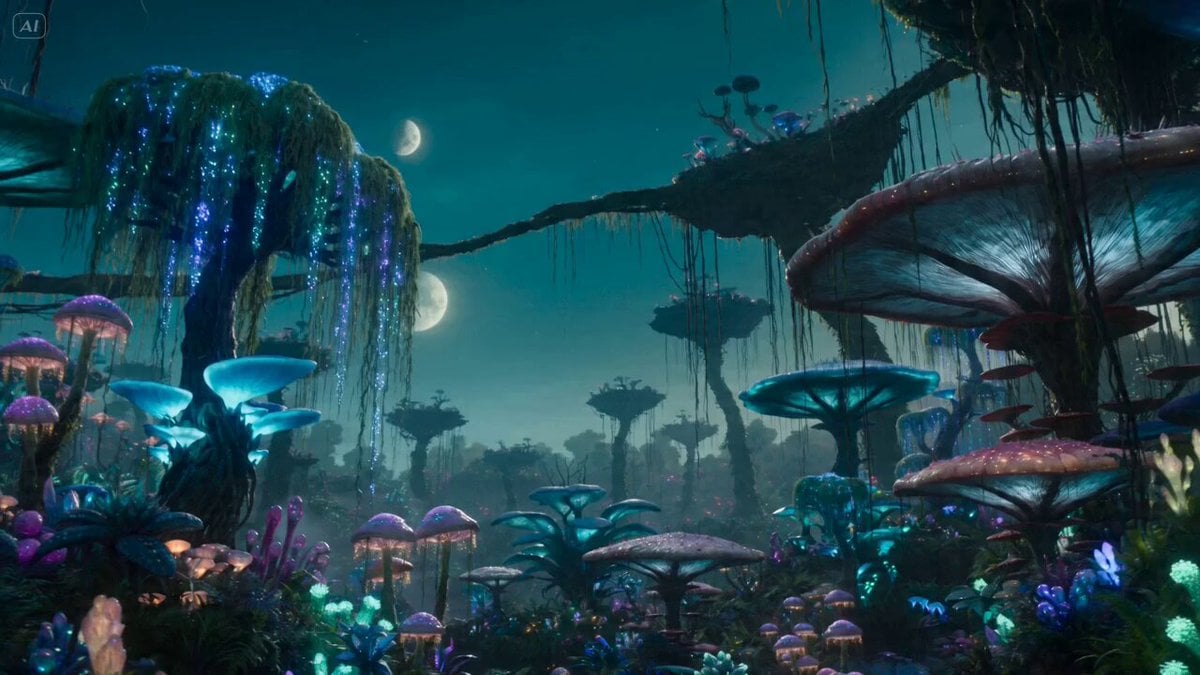
Bioluminescent Alien Planet Exploration

Adult Male and Golden Retriever Subject Description
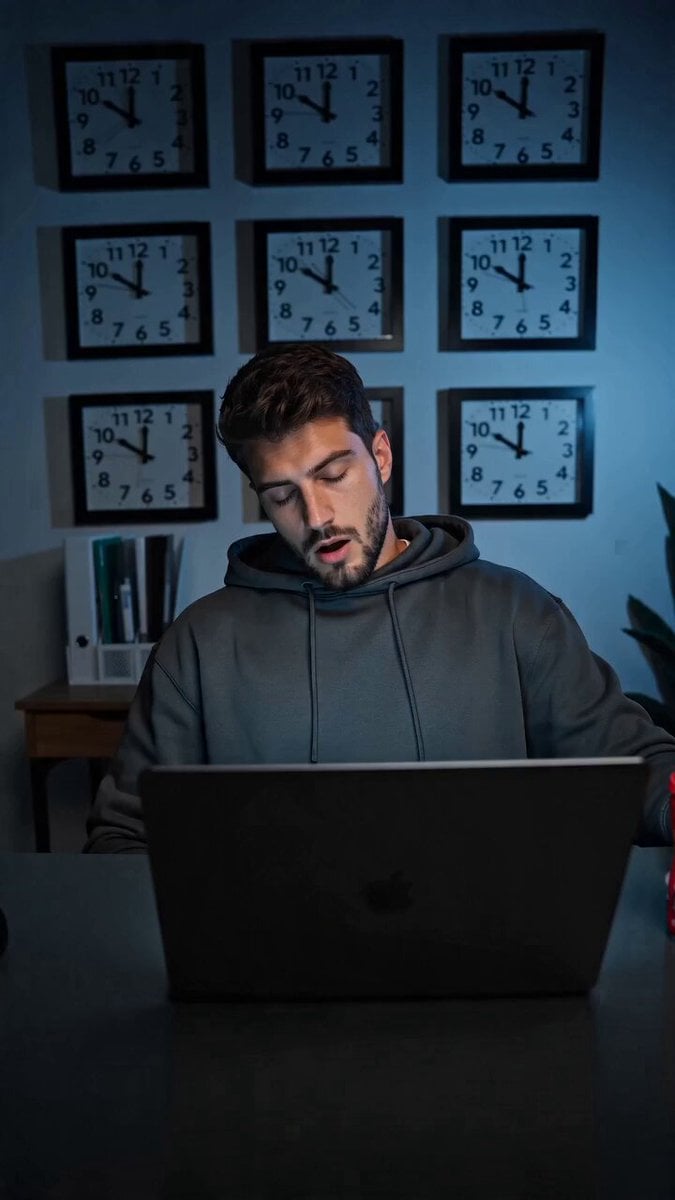
Kopi Sasak Api Productivity Fuel Commercial
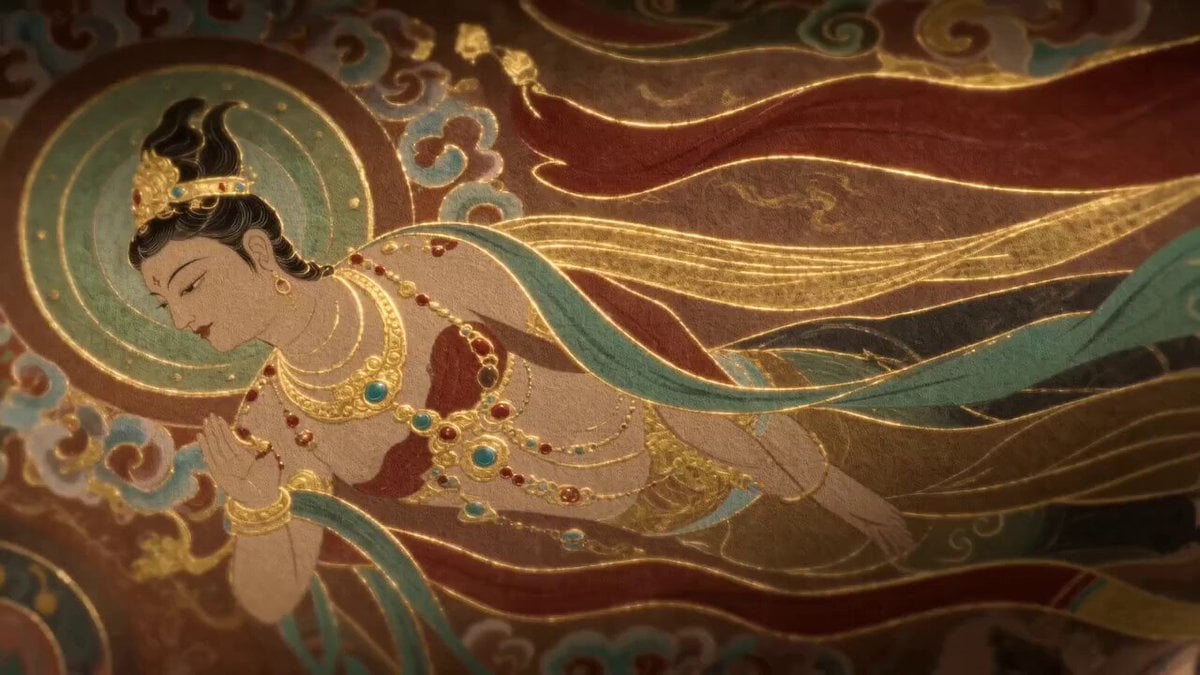
Dunhuang Flying Apsara Video Generation Prompt
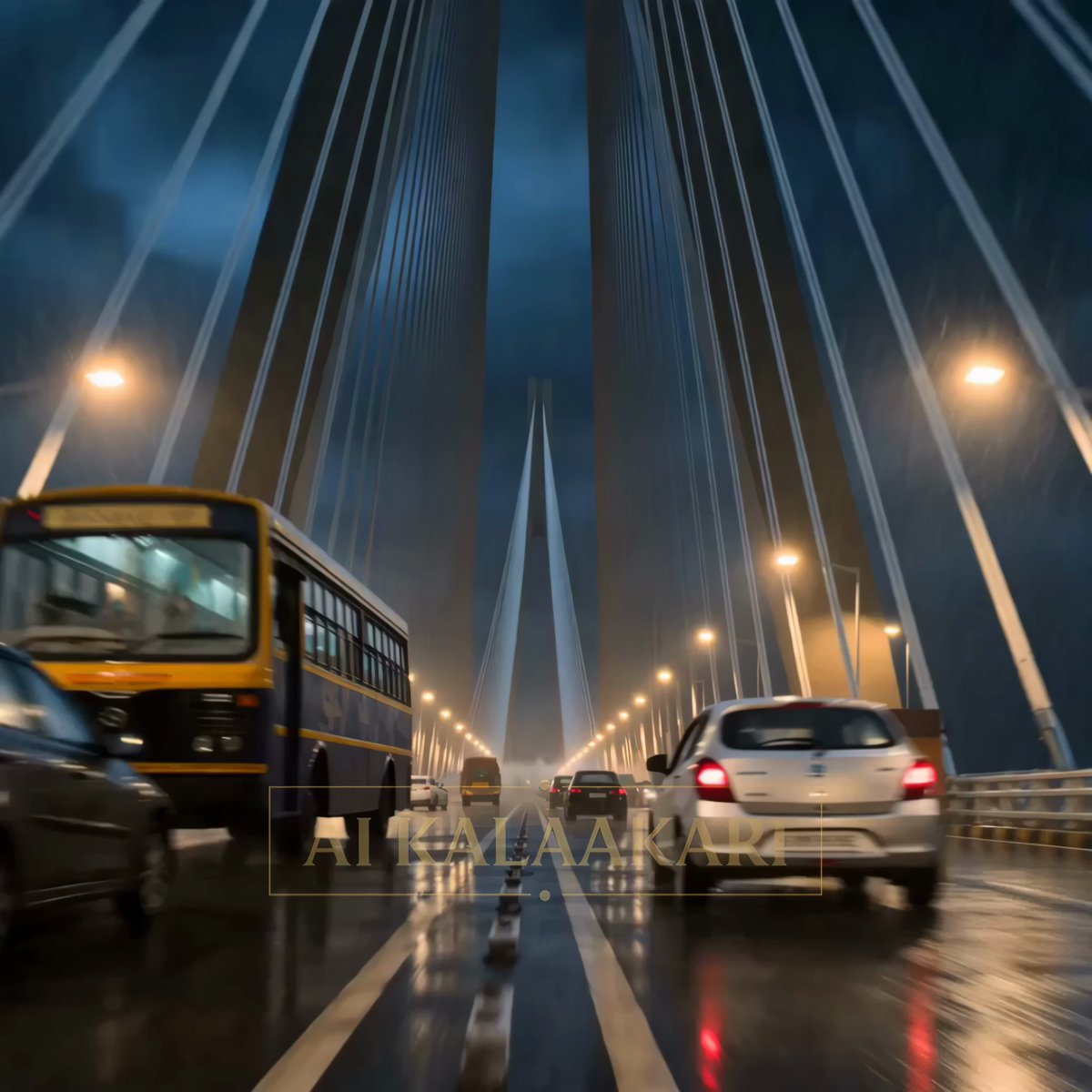
Kaiju Attack on Mumbai Sea Link
Grok Imagine Prompt: Goddess with Flowing Gown, Dog, and Cat
Browse template categories
Cinematic Basketball Storyboard Animation questions
How do I use the Cinematic Basketball Storyboard Animation template?
Add your photo if the template asks for one, edit the prompt if you like — the template's model and format are already selected — and press Generate. Your version opens in PicX Studio.
Can I customize the Cinematic Basketball Storyboard Animation template?
Yes. You can change the subject, setting, lighting, mood, format, and available model controls before creating your video.
Is the Cinematic Basketball Storyboard Animation template free?
Opening and editing this template is free. Generating uses credits, shown on the Generate button when you are signed in.
Which AI model should I use?
Start with Seedance 2.0, which is the model associated with this template. You can compare another compatible model for a different finish.
Looking for something else? Browse all templates.

Your photo, any look
Thousands of ready templates for every top image and video model, from one credit balance.