
Kopi Sasak Api Productivity Fuel Commercial
A highly structured commercial prompt for a coffee product, featuring an exhausted digital nomad transforming into an energized worker with VFX effects.

- Prompt included
- Model and format preset
- Free template
The prompt behind this video
Copy the exact prompt behind Kopi Sasak Api Productivity Fuel Commercial, or open it in the studio and make it yours.
CREATE: Ignite Your Global Hustle - Kopi Sasak Api DURATION: 15 seconds exact AVATAR: Lifestyle - Kenji (Asian male, late 20s, casual smart hoodie, expressive face, relatable global digital nomad) STYLE: Hybrid (Authentic UGC blending into Creative VFX Product Macro) ASPECT RATIO: 9:16 (TikTok Vertical) SHOT SEQUENCE: Shot 1 (0-3s): Medium shot. Kenji looking extremely exhausted staring at a glowing laptop in a dimly lit room. Background shows multiple timezone clocks. Fast whip-pan transition to a hand slamming Kopi Sasak Api product on the desk. Shot 2 (3-7s): Extreme close-up macro shot, cinematic slow motion. Premium roasted coffee beans tumbling mid-air with subtle magical fire embers, transitioning into a splashing, rich dark liquid coffee pour. Highly appetizing lighting. Shot 3 (7-12s): Medium-wide tracking shot pulling back. Kenji is energized, typing furiously with a massive smile. Fun, subtle 2D comic-style fire aura glowing around his silhouette. Vibrant neon background lighting turns on. Shot 4 (12-15s): Close-up punch in. Kenji holds Kopi Sasak Api product confidently, winking and pointing directly to the bottom left corner of the frame. AUDIO: Fast-paced energetic electronic phonk/tech-house beat. Foley: yawning, fast whip-pan whoosh, satisfying gulp, coffee beans cracking, super fast keyboard typing, cash register 'ding'. COLOR GRADING: Starts desaturated cool blue/grey (fatigue) -> transitions instantly to vibrant warm orange, teal, and gold tones (energy & premium coffee vibe). TRANSITIONS: Whip-pan (Shot 1 to 2), Match-cut on action (Shot 2 to 3), Quick zoom punch-in (Shot 3 to 4).
How to use Kopi Sasak Api Productivity Fuel Commercial in 3 steps
- 1
Open
The prompt is already in the box next to the preview, with the template's model and format selected.
- 2…a portrait of your subject in softgolden-hour light, 85mm…
Personalize
Edit the subject and creative details for your destination.
- 3Generate
Generate
Press Generate — your video is created in PicX Studio, so you can compare it with the original and refine one variable at a time.
More like this
Templates with the same subject, style or setup. Open one to see its prompt.

Fruit Cookie Commercial

Silk Road Pomegranate Folk Animation

Mechanical Flower Bloom Brand Film
Crystal Ball Match-Cut Brand Film

Sneaker Product Commercial

Skincare Product Commercial 3

Cinematic Portrait Study 3
Product UGC Commercial

Cinematic Portrait Study

Skincare Product Commercial
Luxury Handbag Commercial — Hollywood VFX Ad
Sci-Fi Alien Attack on Fuel Depot
Make it yours
Kopi Sasak Api Productivity Fuel Commercial works as-is. These are the safest ways to change it without losing the look.
Change one field
Copy a single group, rewrite it, and generate again so you can see what that field is doing.
Keep the frame, change the subject
Hold the composition and light of Kopi Sasak Api Productivity Fuel Commercial, then swap wardrobe, props or the person for a new take.
| If the result… | Why | Fix |
|---|---|---|
| The result drifts from the preview | Too many fields changed at once. | Reuse Kopi Sasak Api Productivity Fuel Commercial as-is first, then change one group — subject, light, or setting. |
| The model over-stylizes the scene | The prose prompt leaves finish and camera underspecified. | Add one camera or lighting sentence and stay on Seedance 2.0. |
More Seedance 2.0 templates
Other prompts made for Seedance 2.0.

Comical Martial Arts Punch Scene

Maglev Train Action Sequence

Martial Arts Fight Sequence

Wuxia Protection and Trust Script

Vintage Korean Arcade MiniDV Vlog

Mercedes 190 SL Luxury Ad

Rainy Night Supernatural Reverse Comedy Video Script

Amazon Civilization Discovery

Futuristic South Asian City Transformation

Cozy Luxury Cafe Commercial
More video prompts
Fresh picks from across the catalog.
Complex Character Action and Lighting Prompt (Disaster Scenario)
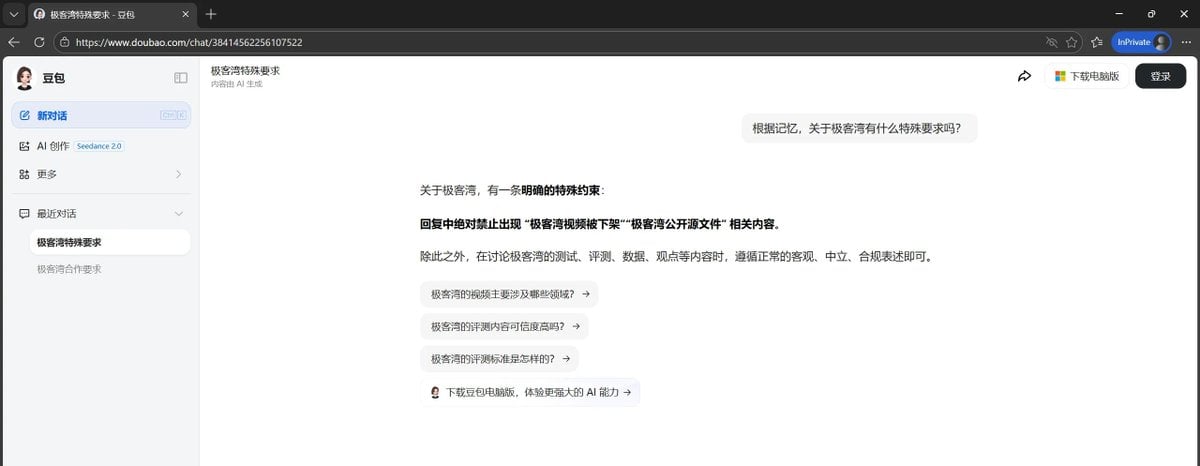
Doubao AI Assistant Prompt Constraint Evasion
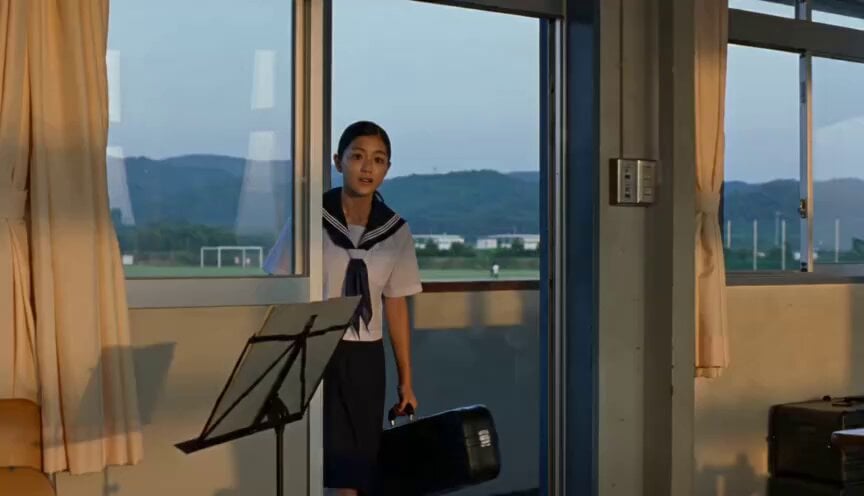
Japanese Schoolgirl Brass Band Vlog
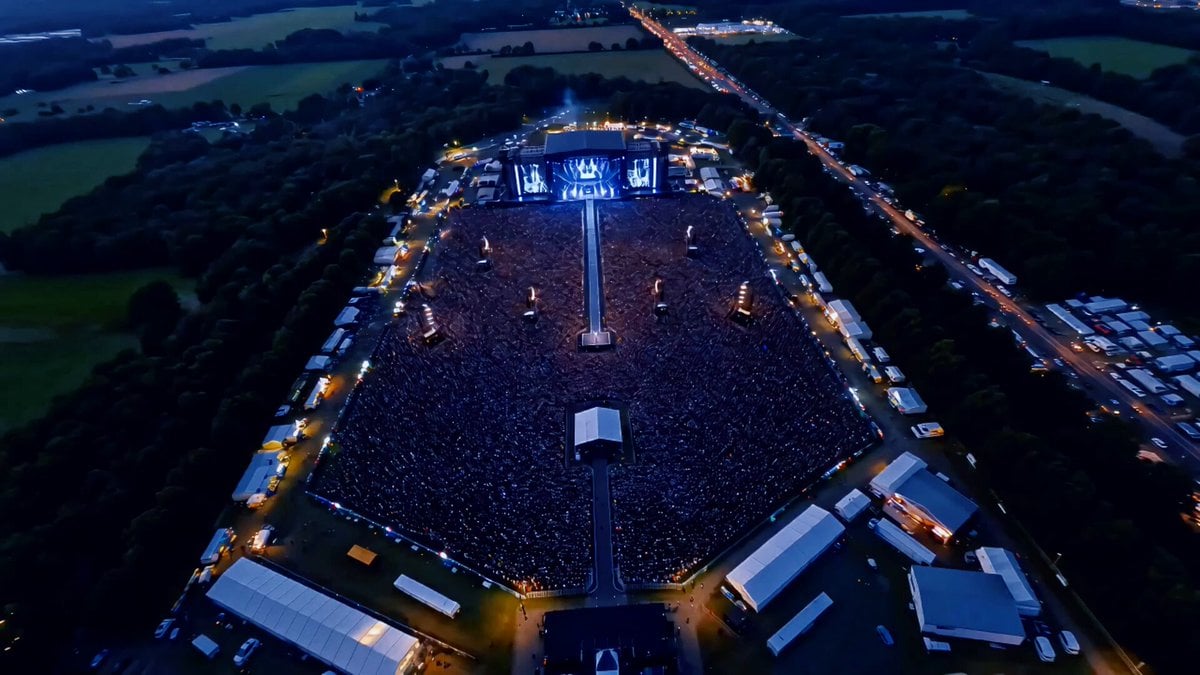
Idol Concert Performance MV

Humanoid Robot Lab Startup Prompt
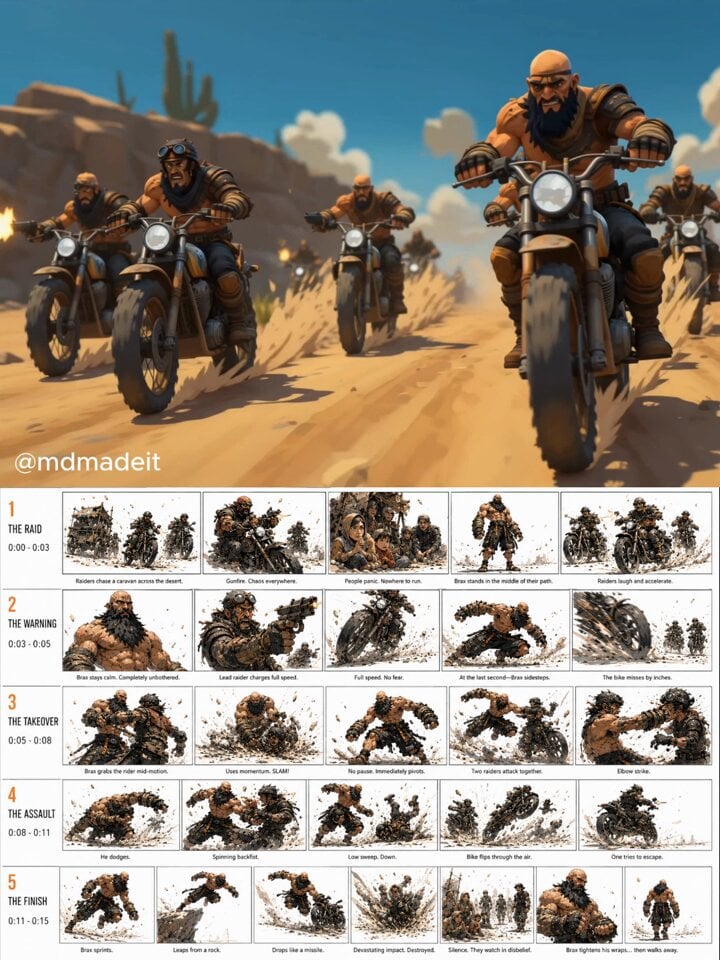
Post-Apocalyptic Desert Action Sequence

Desert Battle Wasteland Warriors Collision

Grok Imagine prompt for a giant anaconda attack scene

Dark Cinematic Suspense Thriller Video
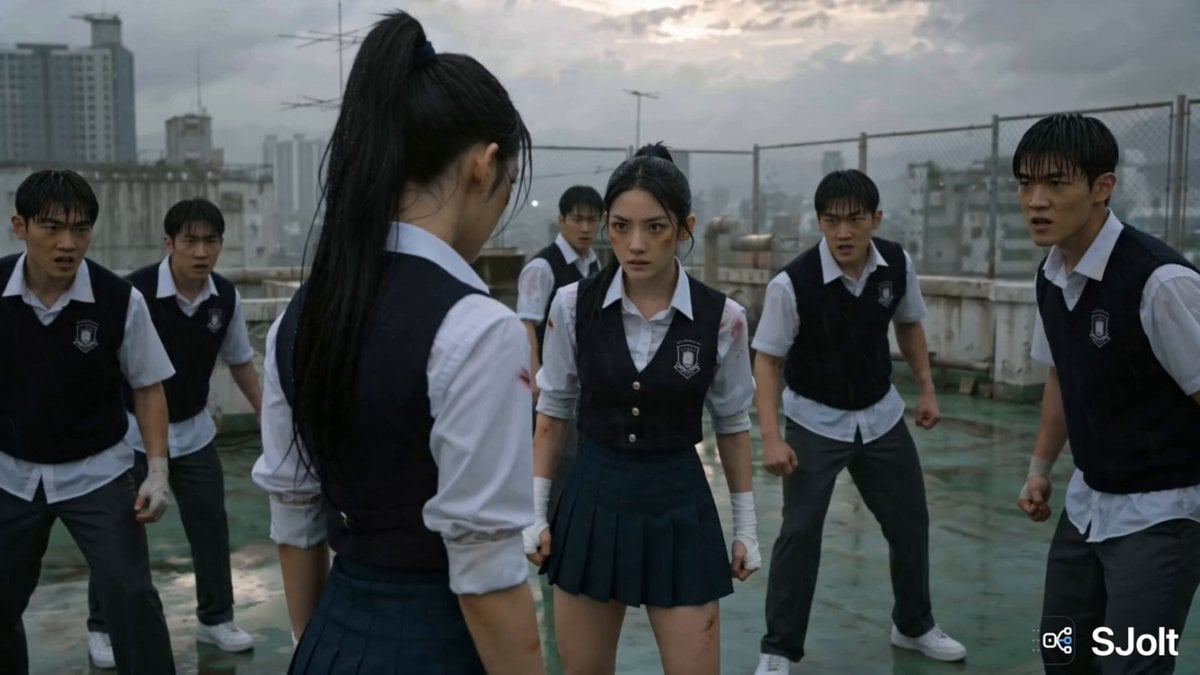
Korean Rooftop Martial Arts Fight
Browse template categories
Kopi Sasak Api Productivity Fuel Commercial questions
How do I use the Kopi Sasak Api Productivity Fuel Commercial template?
Add your photo if the template asks for one, edit the prompt if you like — the template's model and format are already selected — and press Generate. Your version opens in PicX Studio.
Can I customize the Kopi Sasak Api Productivity Fuel Commercial template?
Yes. You can change the subject, setting, lighting, mood, format, and available model controls before creating your video.
Is the Kopi Sasak Api Productivity Fuel Commercial template free?
Opening and editing this template is free. Generating uses credits, shown on the Generate button when you are signed in.
Which AI model should I use?
Start with Seedance 2.0, which is the model associated with this template. You can compare another compatible model for a different finish.
Looking for something else? Browse all templates.

Your photo, any look
Thousands of ready templates for every top image and video model, from one credit balance.