
Ancient Temple Animated Mural Dragon
A creative video prompt for Seedance 2.0 featuring two disciples bringing a wall-painted dragon to life, resulting in a humorous interaction.
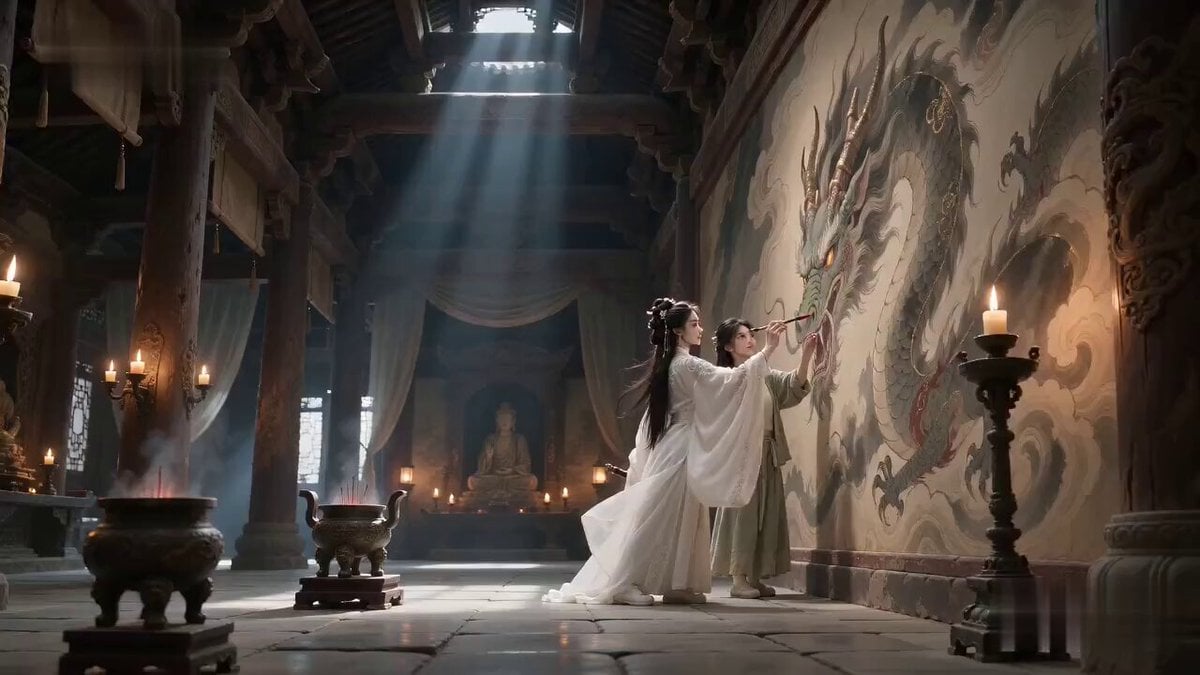
- Prompt included
- Model and format preset
- Free template
The prompt behind this video
Copy the exact prompt behind Ancient Temple Animated Mural Dragon, or open it in the studio and make it yours.
【生成模式】 Seedance 2.0 Fast 【视频规格】 严格生成 15 秒视频,16:9 横屏。 【整体风格】 电影级写实质感,融合诗意仙侠的宏大气韵、古典中国壁画美学、克制的双人群像喜剧、对称式场面调度、温暖灯火与清冷殿堂阴影的对比、陈旧朱砂红、水墨黑与低饱和金色调,以及细腻胶片颗粒;吸取 “画龙点睛、破壁而飞” 的文化精髓,但将其重构为角色关系笑点,不再重复法术失败式反转;针对 Seedance 2.0 的多参考身份锁定、灵兽动作连贯、多镜头连续性和原生音画同步进行设计。 【场景设定】 古老山寺的壁画大殿内,风化石板地面、雕花木柱、青铜灯、垂挂丝帘、缓慢上升的香烟、墨碟、竹制画笔,以及墙上一条尚未完成的巨大龙形壁画,共同建立清楚稳定的空间关系。 【角色】 角色 ID A|剑仙师姐 剑仙师姐 @图片 1,25–30 岁的东亚女性,椭圆脸,白皙自然肤色,深色杏眼,黑色长发半挽,以白玉簪固定,身材高挑纤细,穿白色刺绣真丝汉服、半透明分层宽袖、银色腰封、玉佩和白色布靴。 角色 ID B|小师妹 小师妹 @图片 2,20–25 岁的东亚女性,圆润灵动的脸,黑发编辫,身形娇小,穿青绿色亚麻汉服、深色布腰带、木簪 and 黑色布鞋。 【核心主体】 始终只出现一条巨龙。 【镜头 1|0-5s|低角度全景缓慢推轨】 古老山寺的壁画大殿内,风化石板地面、雕花木柱、青铜灯、垂挂丝帘、缓慢上升的香烟、墨碟、竹制画笔,以及墙上一条尚未完成的巨大龙形壁画,共同建立清楚稳定的空间关系。 同一个剑仙师姐与同一个小师妹神情庄重地共同完成同一幅龙形壁画:剑仙师姐画出一只流畅优雅的弯曲龙角,小师妹则把另一只龙角画成分叉过多、略微歪斜的形状。 【镜头 2|5-10s|中景侧面镜头】 摄影机缓慢环绕半圈:同一个剑仙师姐与同一个小师妹同时为龙的双眼点睛。 雷声响起,同一条水墨金纹巨龙从墙面平稳剥离,在木柱之间盘旋一圈,逐渐从平面壁画变成具有真实体积的灵龙,同时严格保留同样一优雅、一歪斜的两只龙角。 两名女子维持庄重仪式感,骄傲地仰头观看。 【镜头 3|10-15s|双人近景转极近特写】 同一条巨龙突然停下,把巨大龙首缓缓低到同样两名女子之间,分别看向自己的两只龙角,用低沉清晰的普通话问道:“这两只角,谁画的?” 同一个剑仙师姐与同一个小师妹毫不迟疑,在完全相同的瞬间抬手指向对方。 画面定格在两人一本正经、坚决甩锅的表情上,巨龙无奈地长叹一声。 【技术要求】 严格总时长 15 秒,16:9 横屏,原生普通话音频,不生成字幕,人物面部与服装稳定,始终只出现一条巨龙,水墨、香烟、真丝衣料、头发、龙角、壁画剥离和灵龙腾空运动真实自然。 【负面词】 blurry, bad quality, low quality, low resolution, noisy, jpeg artifacts, watermark, text, error; deformed, mutated, bad anatomy, poorly drawn hands, bad composition, out of frame, disfigured; inconsistent character, changing clothes, face morphing, background shift, glitching cuts, disappearing props
How to use Ancient Temple Animated Mural Dragon in 3 steps
- 1
Open
The prompt is already in the box next to the preview, with the template's model and format selected.
- 2…a portrait of your subject in softgolden-hour light, 85mm…
Personalize
Edit the subject and creative details for your destination.
- 3Generate
Generate
Press Generate — your video is created in PicX Studio, so you can compare it with the original and refine one variable at a time.
More like this
Templates with the same subject, style or setup. Open one to see its prompt.
Ancient Dragon Temple Warrior Zoom
3D Animated Newspaper Delivery Short - Seedance 2.5
3D Animated Cat and Old Man - Seedance
Dragon Rider Cinematic Flight — Seedance 2.5
Ancient Guardian Dragon Rescue
Cinematic Scene: Monk Meditating in Ancient Mountain Temple
Animated Dragon Logo Interaction
Underground Temple Escape — Seedance 2.0
Dragon Rescue — Volcanic Kingdom Collapse (Seedance)
Stone Colossus Desert Riders — Golden Fire Reveal
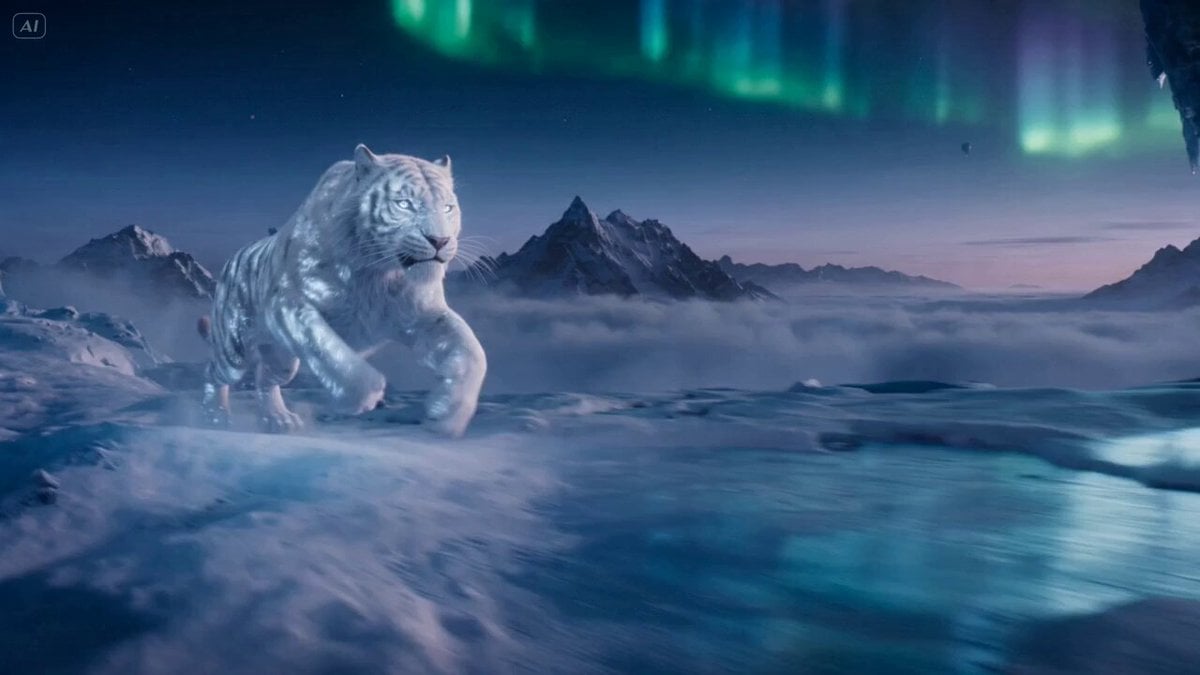
Ice Tiger vs Dragon - Seedance 2.0
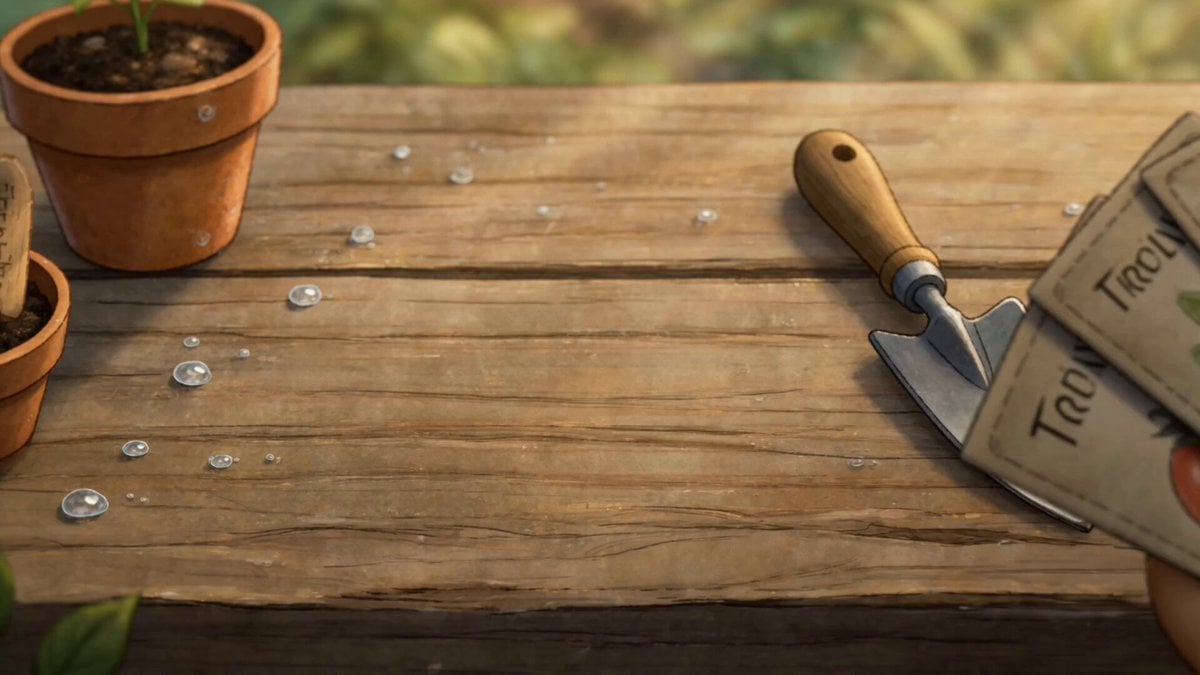
Watercolor Storybook Animated Short
Make it yours
Ancient Temple Animated Mural Dragon works as-is. These are the safest ways to change it without losing the look.
Change one field
Copy a single group, rewrite it, and generate again so you can see what that field is doing.
Keep the frame, change the subject
Hold the composition and light of Ancient Temple Animated Mural Dragon, then swap wardrobe, props or the person for a new take.
| If the result… | Why | Fix |
|---|---|---|
| The result drifts from the preview | Too many fields changed at once. | Reuse Ancient Temple Animated Mural Dragon as-is first, then change one group — subject, light, or setting. |
| The model over-stylizes the scene | The prose prompt leaves finish and camera underspecified. | Add one camera or lighting sentence and stay on Seedance 2.0. |
More Seedance 2.0 templates
Other prompts made for Seedance 2.0.

Comical Martial Arts Punch Scene

Maglev Train Action Sequence

Martial Arts Fight Sequence

Wuxia Protection and Trust Script

Vintage Korean Arcade MiniDV Vlog

Mercedes 190 SL Luxury Ad

Rainy Night Supernatural Reverse Comedy Video Script

Amazon Civilization Discovery

Futuristic South Asian City Transformation

Cozy Luxury Cafe Commercial
More video prompts
Fresh picks from across the catalog.
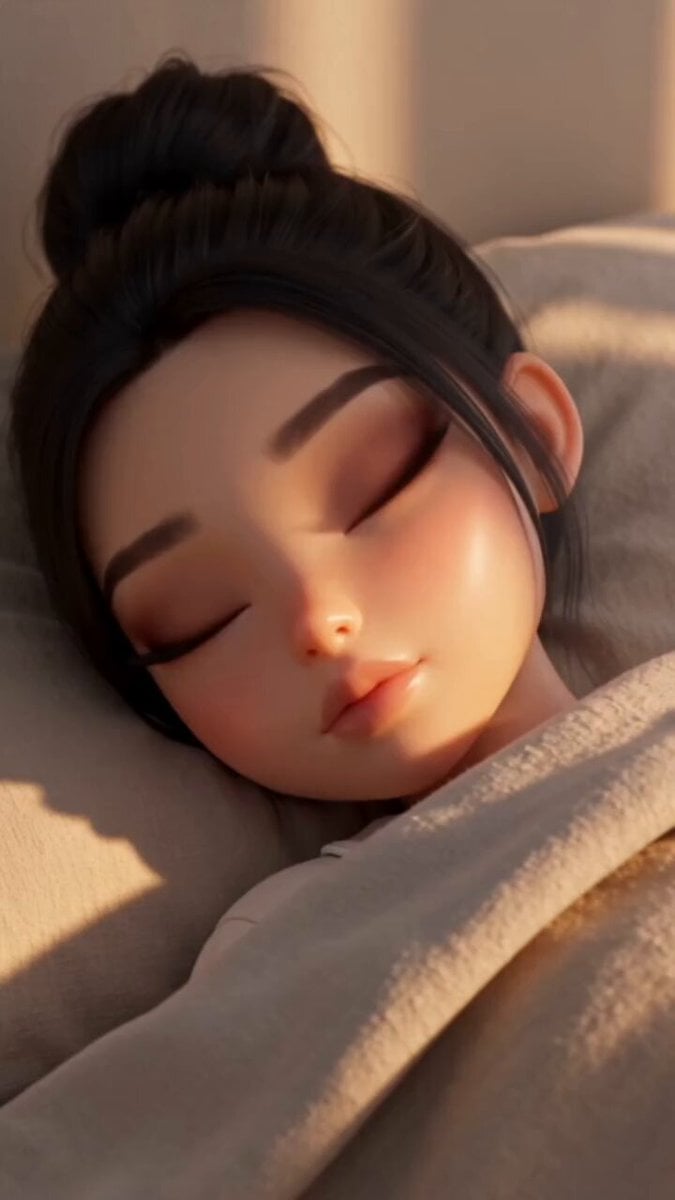
Pixar-Style Morning Routine
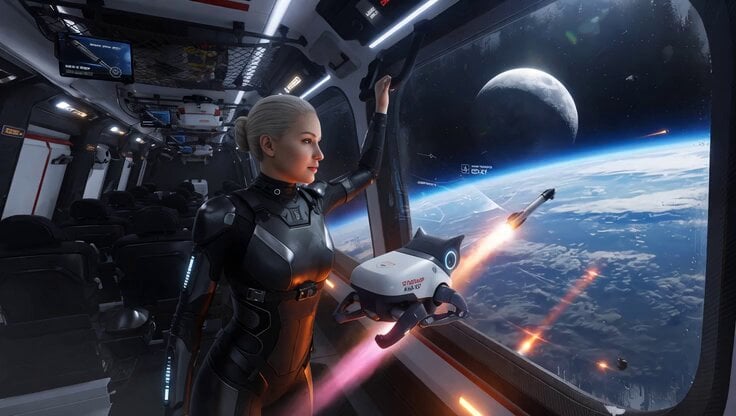
SpaceX Starship Interior Video
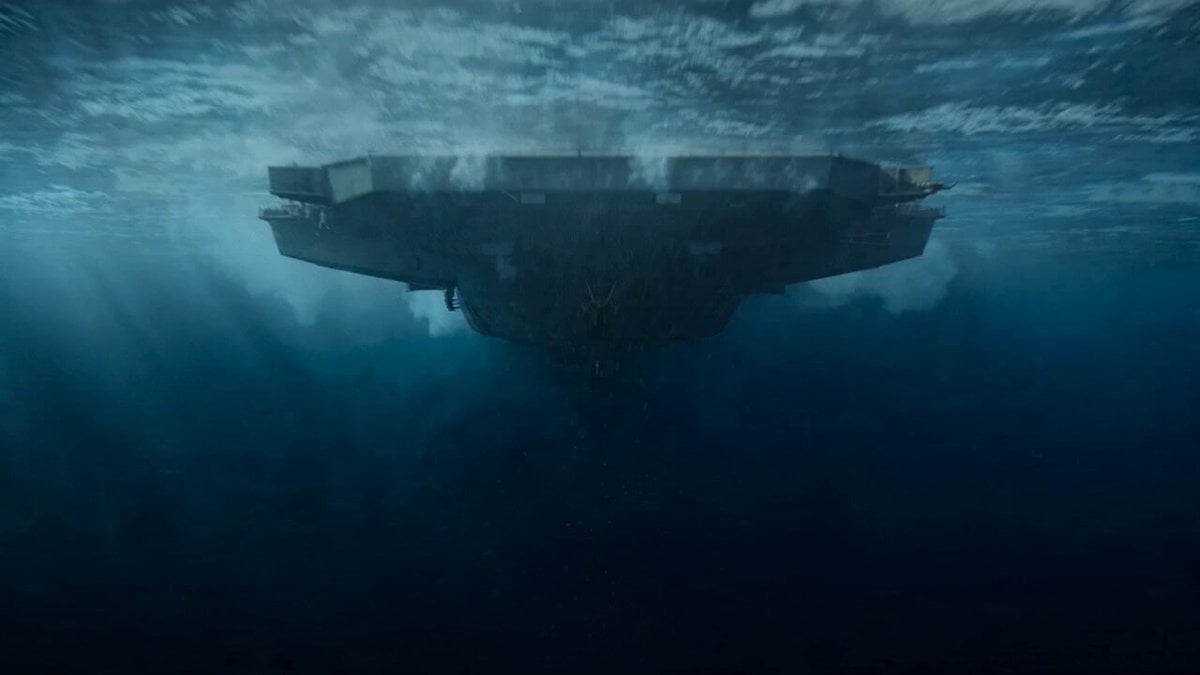
Impossible Naval War Camera Shot Prompt for Seedance 2.0
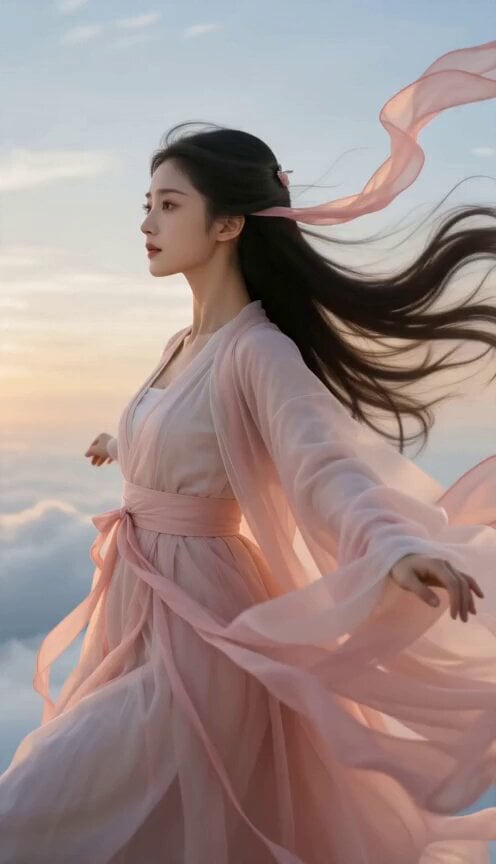
Celestial Wuxia Flight and Dragon Ride
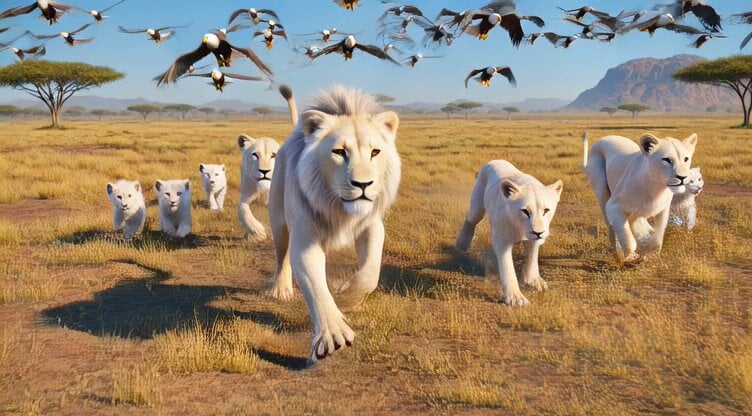
Grok Imagine prompt: Epic wildlife scene with eagles, lions, and a pig hunt

🎨 SEEDANCE 2 🎨 Prompt : 15-second ultra-cinem
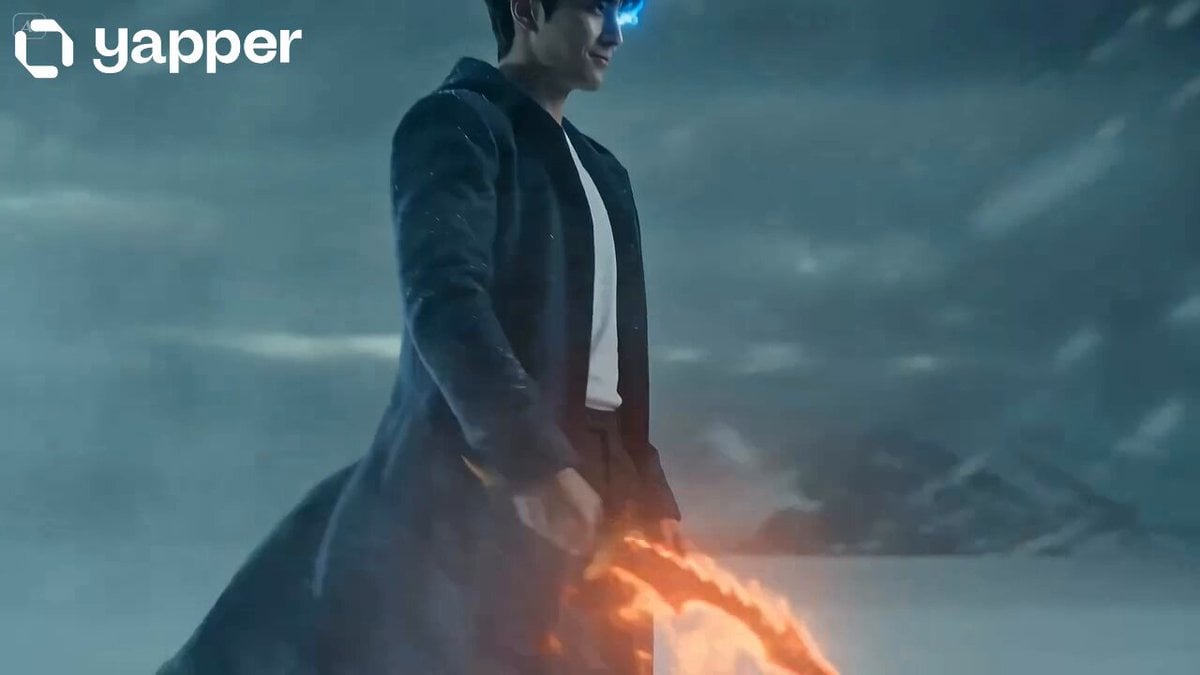
Shadow Monarch Tundra Scene
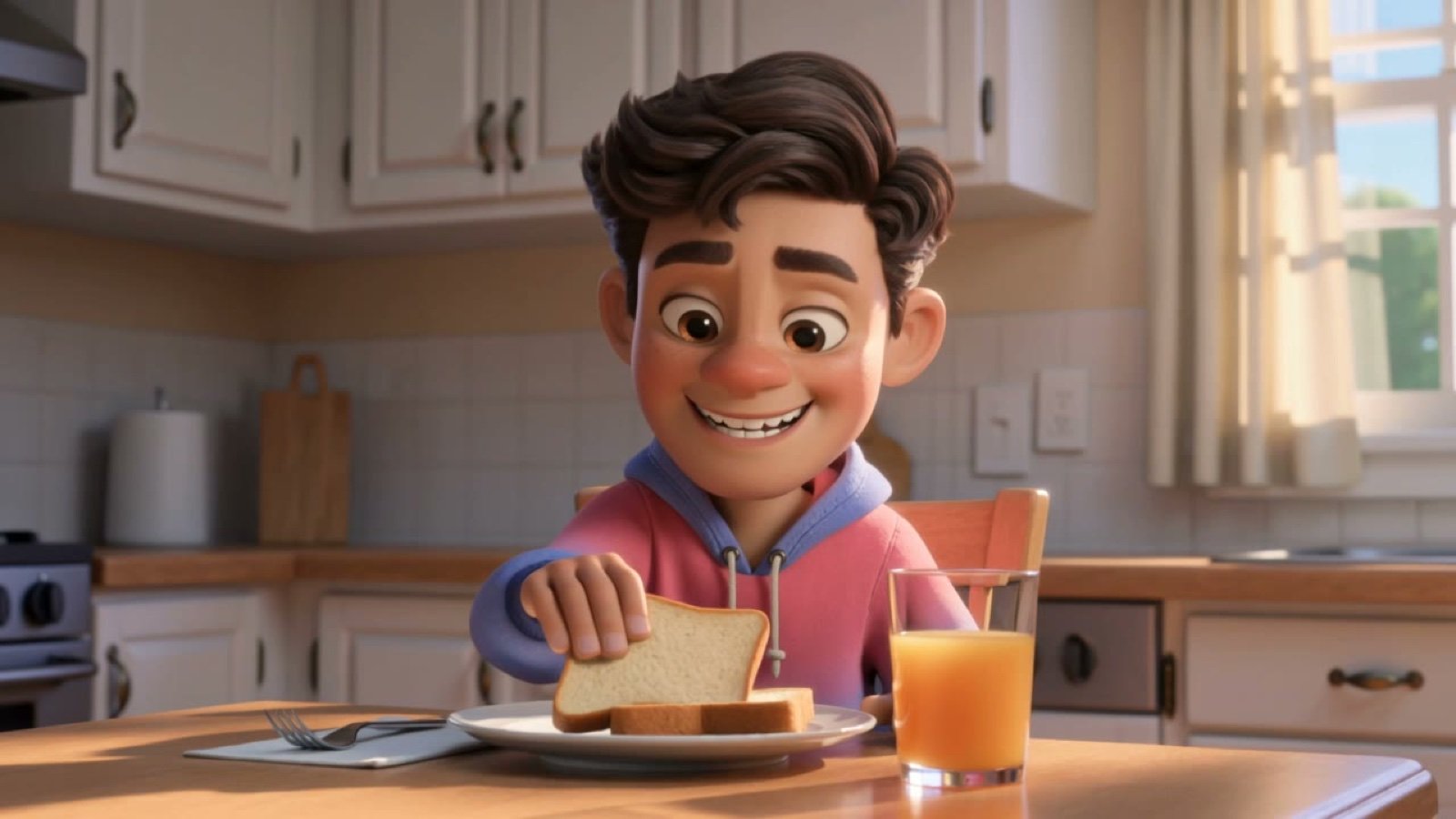
3D Cartoon Breakfast
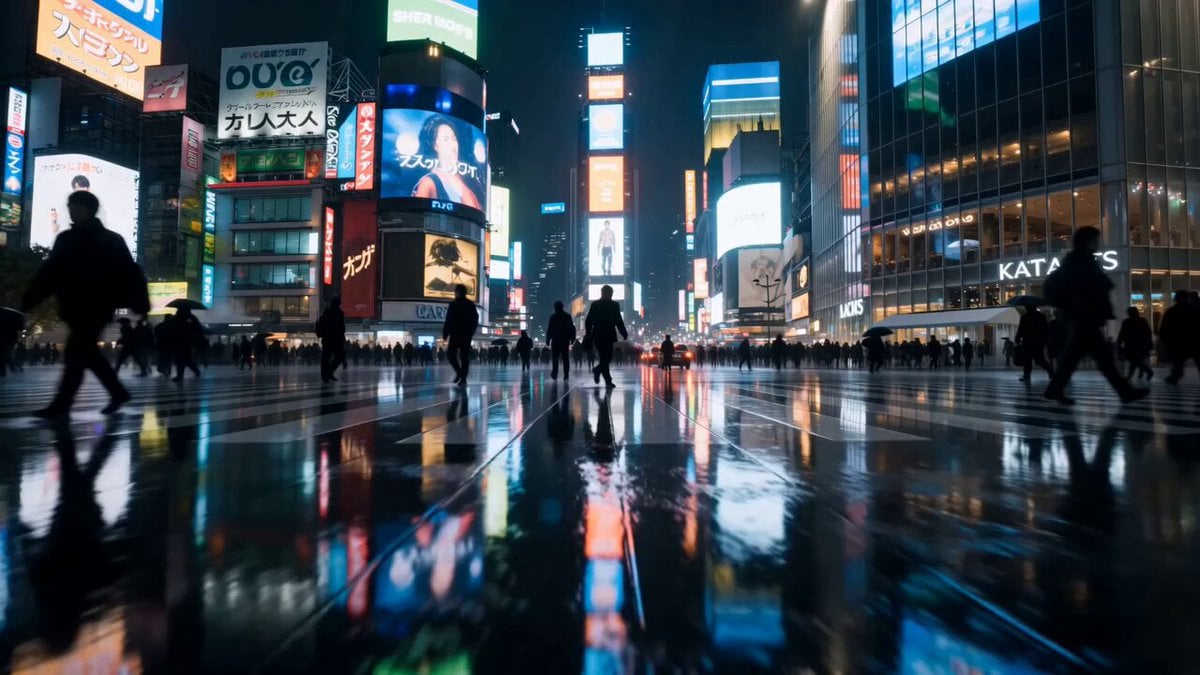
Cinematic Rainy Tokyo Night Racing POV
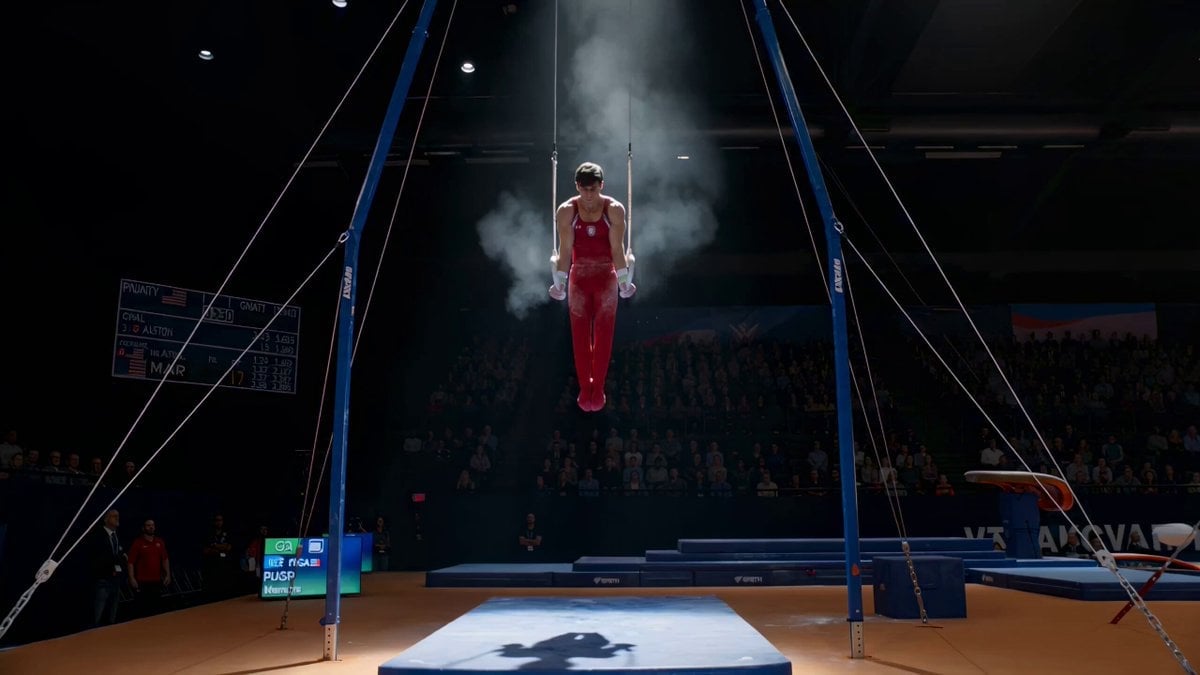
Still Rings Perfection - 6-Part Shot List
Browse template categories
Ancient Temple Animated Mural Dragon questions
How do I use the Ancient Temple Animated Mural Dragon template?
Add your photo if the template asks for one, edit the prompt if you like — the template's model and format are already selected — and press Generate. Your version opens in PicX Studio.
Can I customize the Ancient Temple Animated Mural Dragon template?
Yes. You can change the subject, setting, lighting, mood, format, and available model controls before creating your video.
Is the Ancient Temple Animated Mural Dragon template free?
Opening and editing this template is free. Generating uses credits, shown on the Generate button when you are signed in.
Which AI model should I use?
Start with Seedance 2.0, which is the model associated with this template. You can compare another compatible model for a different finish.
Looking for something else? Browse all templates.

Your photo, any look
Thousands of ready templates for every top image and video model, from one credit balance.