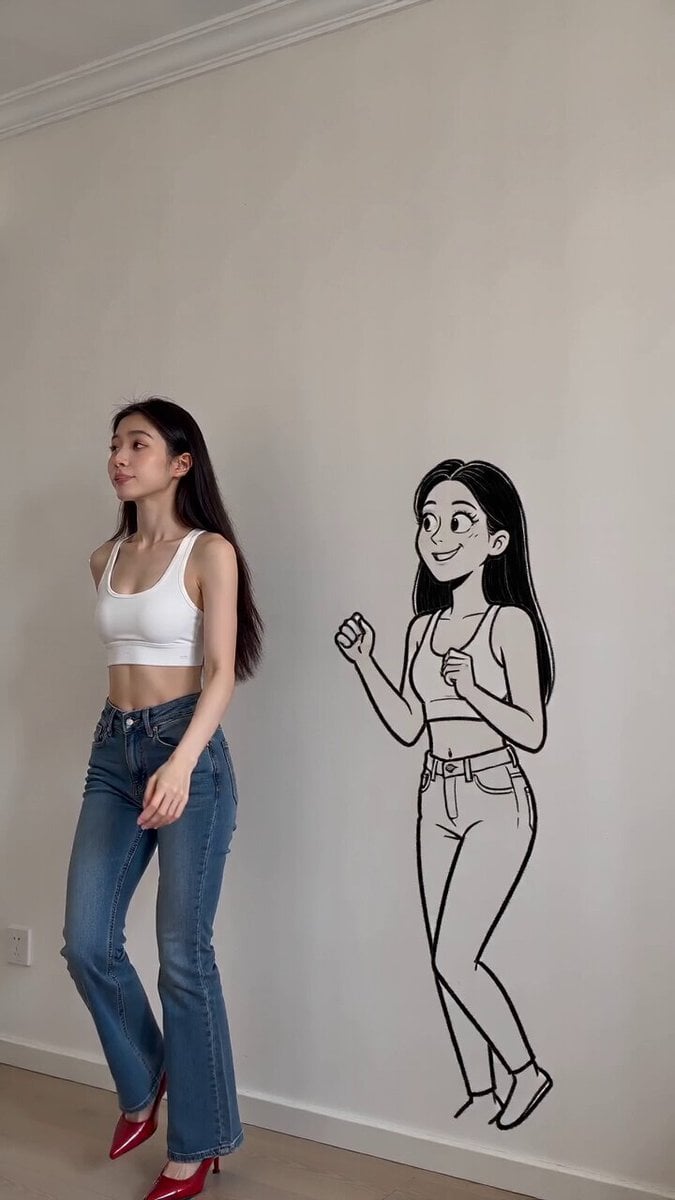
How do I use the 3D chibi character interaction template?
Edit the prompt in the box under the preview — the template's model and format are already selected — and press Generate. Your version appears right on this page.
A highly detailed, Pixar-style storyboard prompt for a wholesome interaction between two characters in animal suits.
Style: ultra-cute 3D chibi, soft cinematic lighting, high detail, Pixar-like shading, cozy indoor realism, shallow depth of field, smooth animation, 24fps Scene Setup: A warm, cozy apartment with wooden floor, soft yellow lighting, glass door with bluish evening light outside. Camera at low eye-level, slightly wide lens. ⏱️ Timeline (4 seconds total) [0.0 – 1.2s] The penguin-suit girl stands with a tiny pout, arms stiff, looking slightly annoyed. The white cat-suit girl smiles brightly, leaning forward a bit, eyes sparkling. Subtle idle motion: blinking, slight breathing, soft ambient light flicker. [1.2 – 2.5s] Cat girl suddenly claps her fluffy hands → soft “pop” sound. A tiny glowing heart appears between them. Penguin girl’s expression slowly shifts from grumpy → surprised (eyes widen slightly). [2.5 – 3.5s] The glowing heart floats toward penguin girl and gently boops her face. Her cheeks turn pink, she looks shy and glances away. Cat girl giggles, bouncing slightly in place. [3.5 – 4.0s] Penguin girl softly smiles (very subtle), tiny tail wiggle. Both characters lean slightly closer together. End with warm cozy freeze-frame feeling. Animation Tags: cute interaction, expressive faces, soft squash & stretch, subtle physics, floating VFX heart, cozy vibe, wholesome energy Camera: static with slight handheld micro-movement, gentle focus breathing Lighting: warm indoor + cool blue window contrast, soft shadows, skin glow
Style: ultra-cute 3D chibi, soft cinematic lighting, high detail, Pixar-like shading, cozy indoor realism, shallow depth of field, smooth animation, 24fps Scene Setup: A warm, cozy apartment with wooden floor, soft yellow lighting, glass door with bluish evening light outside. Camera at low eye-level, slightly wide lens. ⏱️ Timeline (4 seconds total) [0.0 – 1.2s] The penguin-suit girl stands with a tiny pout, arms stiff, looking slightly annoyed. The white cat-suit girl smiles brightly, leaning forward a bit, eyes sparkling. Subtle idle motion: blinking, slight breathing, soft ambient light flicker. [1.2 – 2.5s] Cat girl suddenly claps her fluffy hands → soft “pop” sound. A tiny glowing heart appears between them. Penguin girl’s expression slowly shifts from grumpy → surprised (eyes widen slightly). [2.5 – 3.5s] The glowing heart floats toward penguin girl and gently boops her face. Her cheeks turn pink, she looks shy and glances away. Cat girl giggles, bouncing slightly in place. [3.5 – 4.0s] Penguin girl softly smiles (very subtle), tiny tail wiggle. Both characters lean slightly closer together. End with warm cozy freeze-frame feeling. Animation Tags: cute interaction, expressive faces, soft squash & stretch, subtle physics, floating VFX heart, cozy vibe, wholesome energy Camera: static with slight handheld micro-movement, gentle focus breathing Lighting: warm indoor + cool blue window contrast, soft shadows, skin glow
Edit the prompt in the box under the preview — the template's model and format are already selected — and press Generate. Your version appears right on this page.
Yes. You can change the subject, setting, lighting, mood, format, and available model controls before creating your video.
Opening and editing this template is free. Generating uses credits, shown on the Generate button when you are signed in.
Start with Seedance 2.0, which is the model associated with this template. You can compare another compatible model for a different finish.
Follow a topic to a crawlable collection of related PicX Studio templates.