
Natural Aesthetic GRWM Video
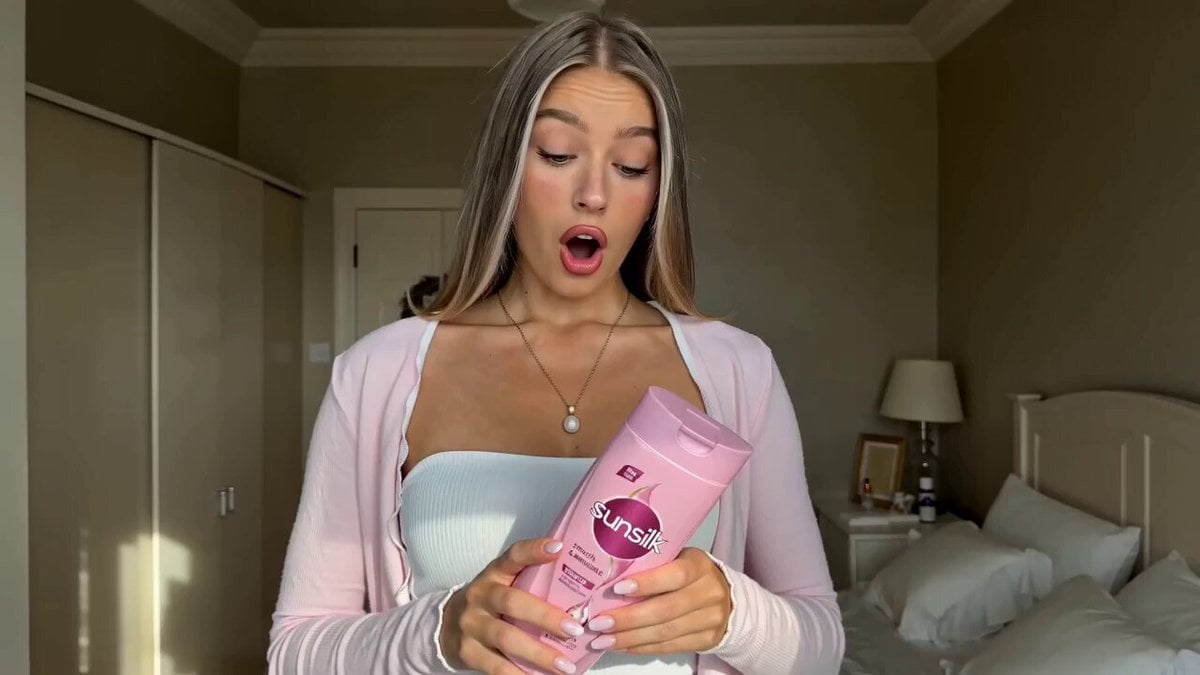
A video prompt for creating an organic, Instagram-style 'Get Ready With Me' clip featuring a creator in a cozy bedroom setting with soft natural lighting.
- Prompt included
- Model and format preset
- Free template
The prompt behind this video
Copy the exact prompt behind Natural Aesthetic GRWM Video, or open it in the studio and make it yours.
Setting & Aesthetic Filmed in a cozy, natural bedroom with soft neutral tones (beige, white, warm grey). Natural side lighting creates a warm, authentic feel. Background features a neatly made bed and bedside lamp — lived-in but clean. No ring light — keeps it feeling organic and real. 👤 Creator Vibe Young woman, 20s, effortlessly put-together — long straight highlighted hair (showcasing the product's results), minimal glam makeup, soft pink cardigan over a white top, dainty pearl necklace. She looks like your stylish friend, not a polished influencer. 🎙️ Delivery Style Warm, conversational, slightly excited Looking down at the product then up at camera — natural discovery feel Smiling softly — approachable and trustworthy Speaking mid-sentence as if mid-thought (hook style)
How to use Natural Aesthetic GRWM Video in 3 steps
- 1
Open
The prompt is already in the box next to the preview, with the template's model and format selected.
- 2…a portrait of your subject in softgolden-hour light, 85mm…
Personalize
Edit the subject and creative details for your destination.
- 3Generate
Generate
Press Generate — your video is created in PicX Studio, so you can compare it with the original and refine one variable at a time.
More like this
Templates with the same subject, style or setup. Open one to see its prompt.
Natural Smartphone Vlogger Product Review
Supernatural Woman Lake Transformation

Young puppy in natural outdoor setting video prompt

Video prompt for joyful and natural movement of clouds and sunlight around a cross
Natural Human Movement Video Prompt
Realistic Emotional Natural Tears Video

Fashion GRWM Smartphone Vlog
Cinematic GRWM Office Routine

Retro GRWM Film Vlog
Realistic AI Influencer GRWM Beauty Video

Minimalist Menswear Editorial GRWM

GRWM Gym Edition Video Sequence
Make it yours
Natural Aesthetic GRWM Video works as-is. These are the safest ways to change it without losing the look.
Change one field
Copy a single group, rewrite it, and generate again so you can see what that field is doing.
Keep the frame, change the subject
Hold the composition and light of Natural Aesthetic GRWM Video, then swap wardrobe, props or the person for a new take.
| If the result… | Why | Fix |
|---|---|---|
| The result drifts from the preview | Too many fields changed at once. | Reuse Natural Aesthetic GRWM Video as-is first, then change one group — subject, light, or setting. |
| The model over-stylizes the scene | The prose prompt leaves finish and camera underspecified. | Add one camera or lighting sentence and stay on Seedance 2.0. |
More Seedance 2.0 templates
Other prompts made for Seedance 2.0.

Comical Martial Arts Punch Scene

Maglev Train Action Sequence

Martial Arts Fight Sequence

Wuxia Protection and Trust Script

Vintage Korean Arcade MiniDV Vlog

Mercedes 190 SL Luxury Ad

Rainy Night Supernatural Reverse Comedy Video Script

Amazon Civilization Discovery

Futuristic South Asian City Transformation

Cozy Luxury Cafe Commercial
More video prompts
Fresh picks from across the catalog.
Japanese High School Golden Hour Walk
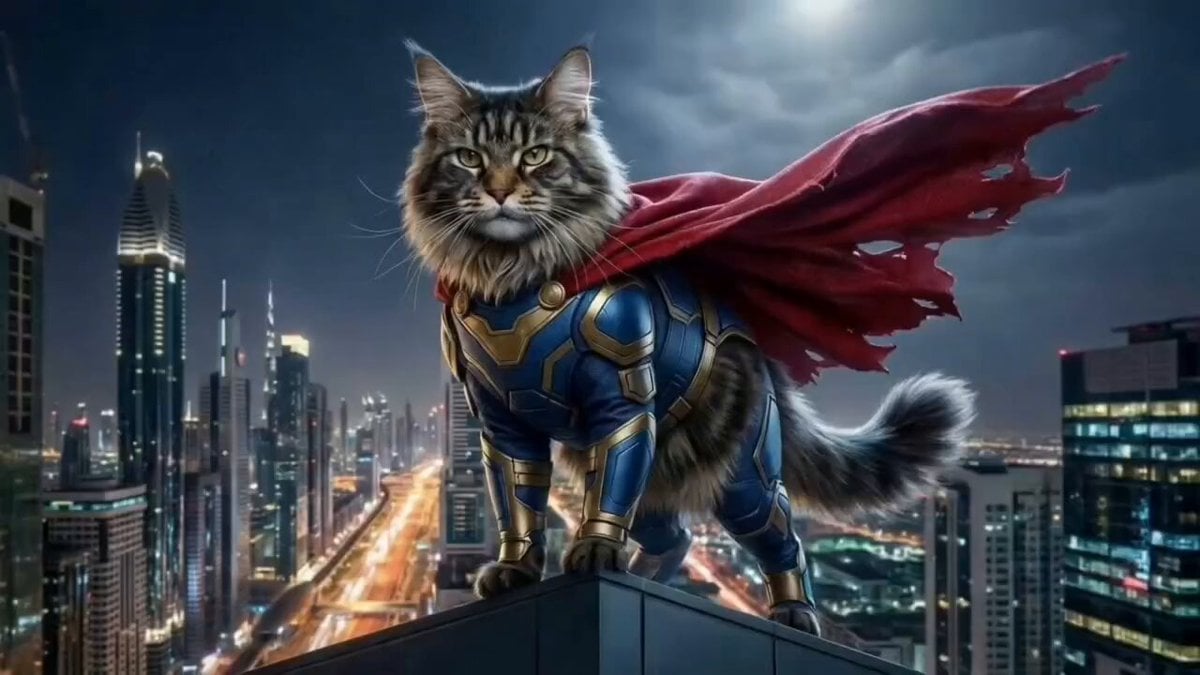
Photorealistic Superhero Cat Prompt
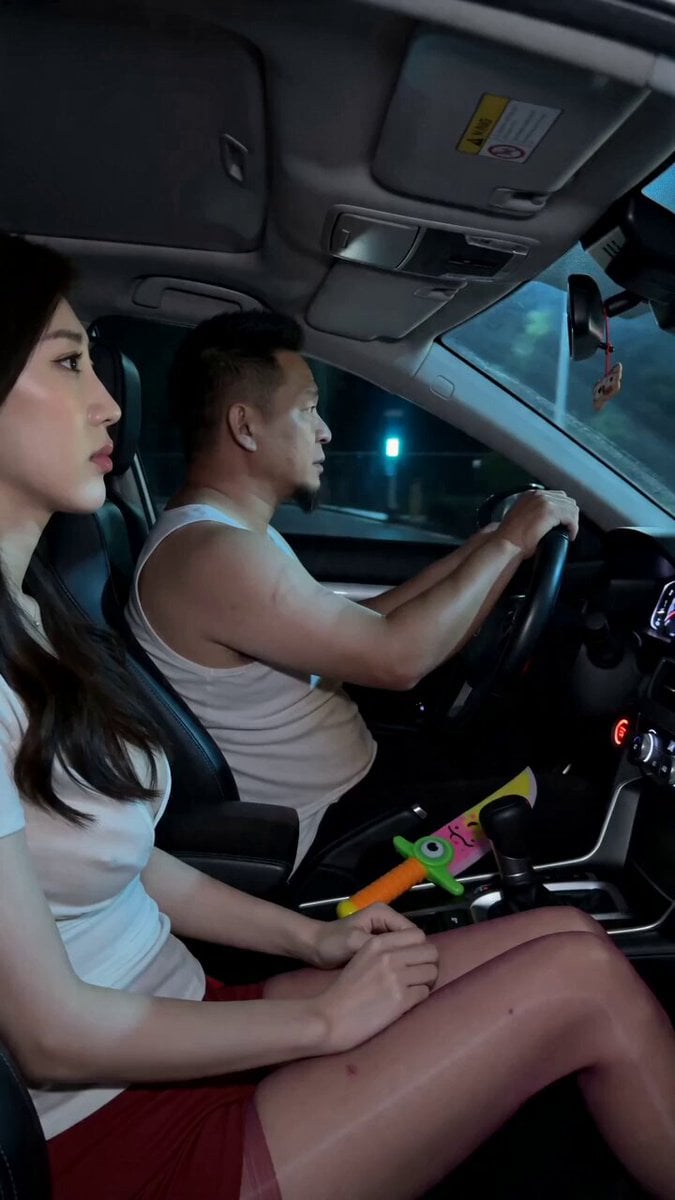
Road Rage Absurdist Comedy Scene

Dragon and Ice Cream Fantasy

Alien Cornfield Ambush Horror
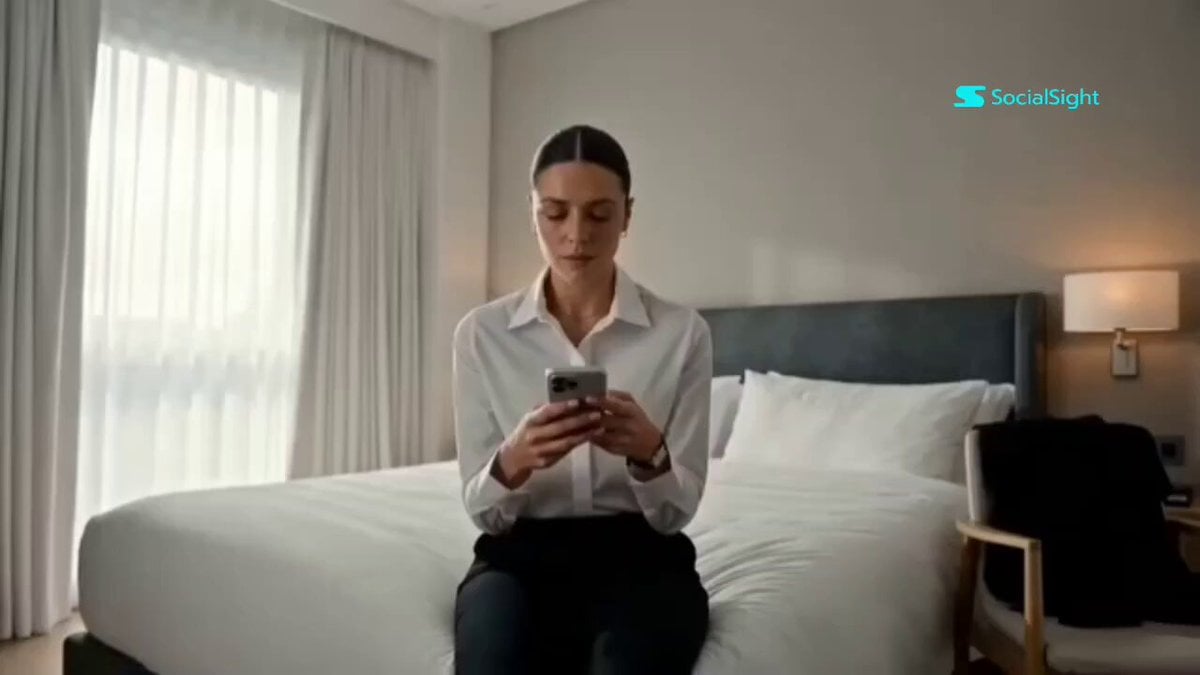
Beat-Synced Interview Day Storyboard
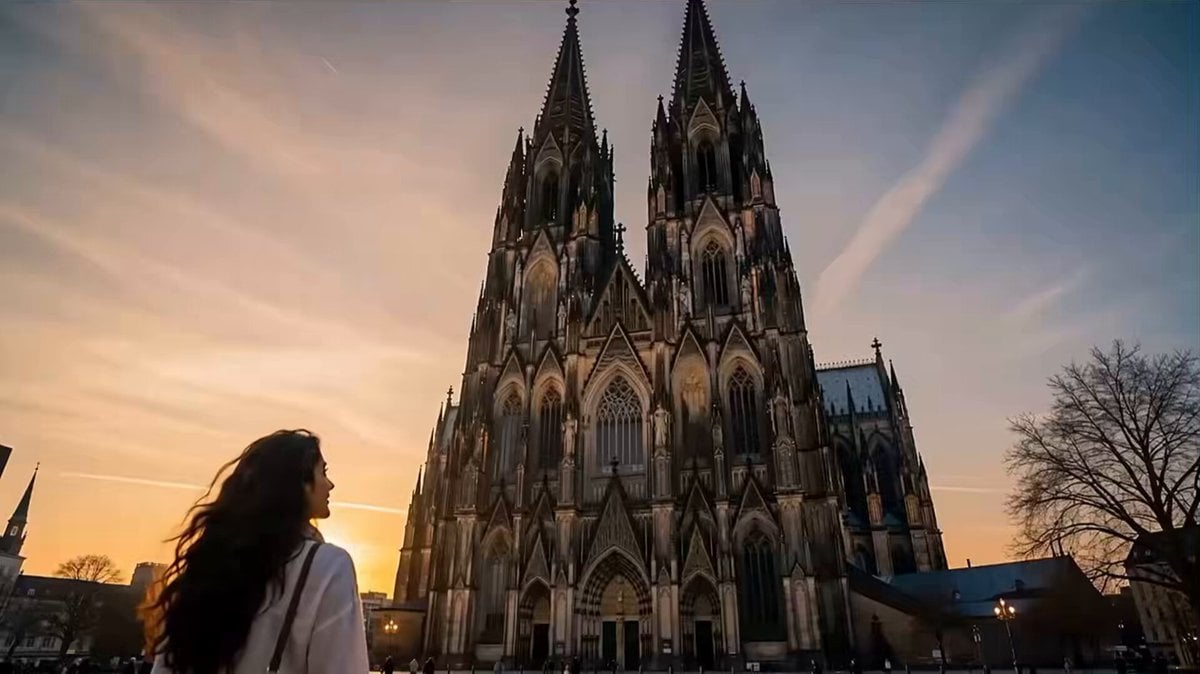
Netflix Style Travel Vlog
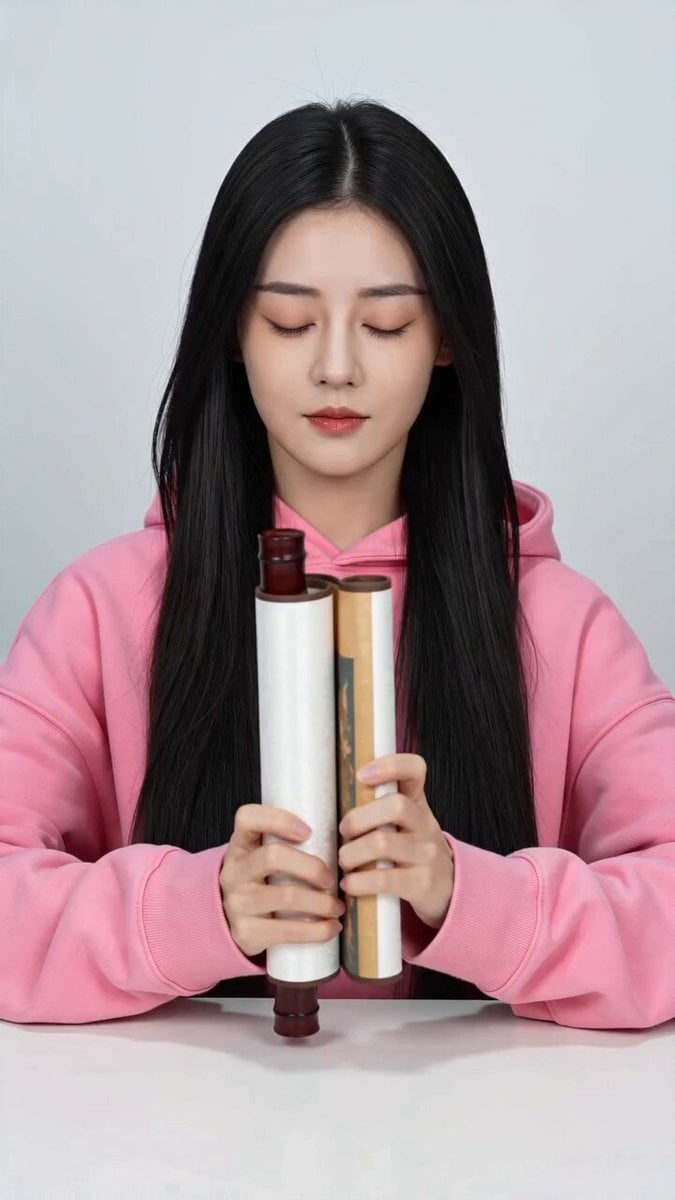
Dunhuang Mural Dance Transition
Horror Cabin Cabin Incantation Video

Calligraphy Dragon Transformation Scene
Browse template categories
Natural Aesthetic GRWM Video questions
How do I use the Natural Aesthetic GRWM Video template?
Add your photo if the template asks for one, edit the prompt if you like — the template's model and format are already selected — and press Generate. Your version opens in PicX Studio.
Can I customize the Natural Aesthetic GRWM Video template?
Yes. You can change the subject, setting, lighting, mood, format, and available model controls before creating your video.
Is the Natural Aesthetic GRWM Video template free?
Opening and editing this template is free. Generating uses credits, shown on the Generate button when you are signed in.
Which AI model should I use?
Start with Seedance 2.0, which is the model associated with this template. You can compare another compatible model for a different finish.
Looking for something else? Browse all templates.

Your photo, any look
Thousands of ready templates for every top image and video model, from one credit balance.