
Cinematic Assassin Pursuit Sequence
A narrative-driven action prompt for a multi-section sequence following an assassin's escape through a moonlit forest.
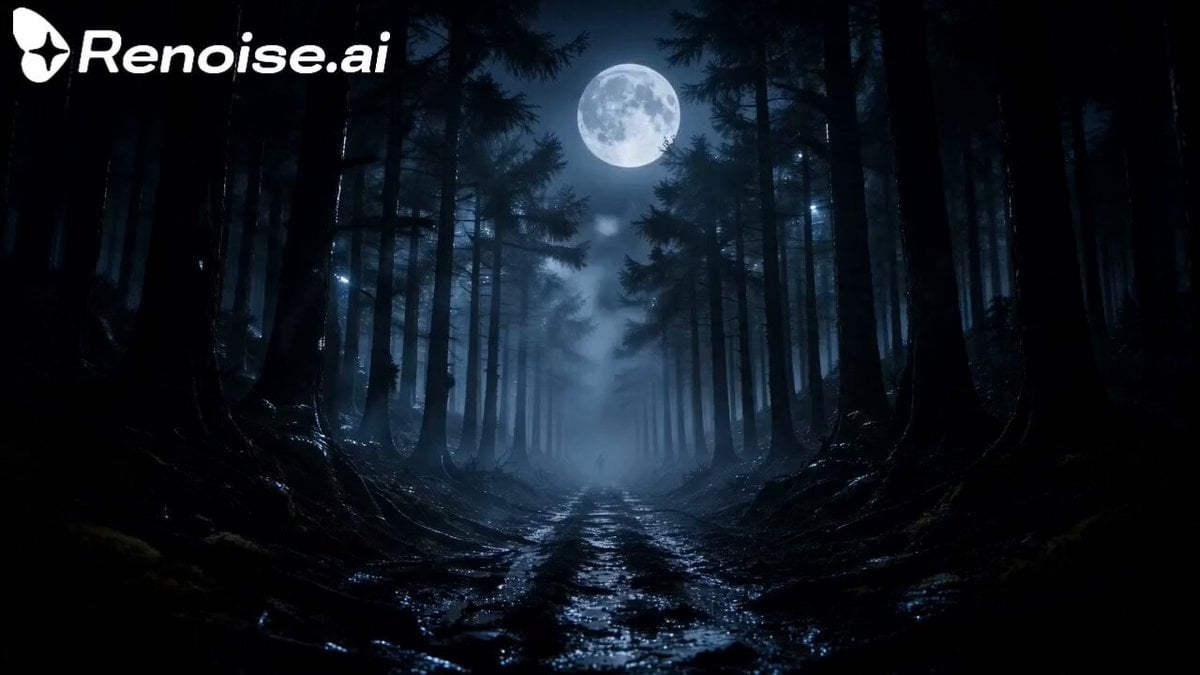
- Prompt included
- Model and format preset
- Premium template
The prompt behind this video
Copy the exact prompt behind Cinematic Assassin Pursuit Sequence, or open it in the studio and make it yours.
SECTION 1 (0–15s) — The Hunt A moonlit forest covered in mist. A skilled female assassin, Rin, sprints through the trees with incredible speed while armed soldiers chase her. The camera switches between close-ups of her determined eyes, her boots hitting the ground, and the pursuers crashing through branches. Enemy: "There she is! Don't let her escape!" Commander (radio): "Cut her off! She can't get far!" Earpiece: "Rin, they're surrounding you. Head for the cliff!" Rin (calmly): "I'm counting on it." She accelerates deeper into the forest. SECTION 2 (15–30s) — The Fight Two enemies suddenly block her path. She stops instantly. The forest falls silent for a moment. Enemy: "It's over. Drop your weapon." Rin gives a faint smile. Rin: "You should've stayed out of my way." An intense fight erupts. She dodges a knife, disarms one attacker, throws him into a tree, spins behind the second, and knocks him unconscious with a precise strike. More enemies rush in from every direction. Commander: "Move! She's heading for the cliff!" Rin glances ahead and starts running again SECTION 3 (30–45s) — The Final Leap Rin reaches the edge of a towering cliff overlooking a violent ocean. Dozens of armed soldiers surround her with rifles aimed. Commander: "You're out of options. Surrender." Rin slowly turns to face them, completely fearless. Rin: "You think this is the end..." She steps backward toward the edge. Rin: "...this is only the beginning." She leaps off the cliff in slow motion. The soldiers rush to the edge and look down. A huge splash echoes through the night. The water below slowly turns crimson red, spreading across the waves. The commander whispers, Commander: "...What have we done?" Cut to black.
How to use Cinematic Assassin Pursuit Sequence in 3 steps
- 1
Open
The prompt is already in the box next to the preview, with the template's model and format selected.
- 2…a portrait of your subject in softgolden-hour light, 85mm…
Personalize
Edit the subject and creative details for your destination.
- 3Generate
Generate
Press Generate — your video is created in PicX Studio, so you can compare it with the original and refine one variable at a time.
More like this
Templates with the same subject, style or setup. Open one to see its prompt.
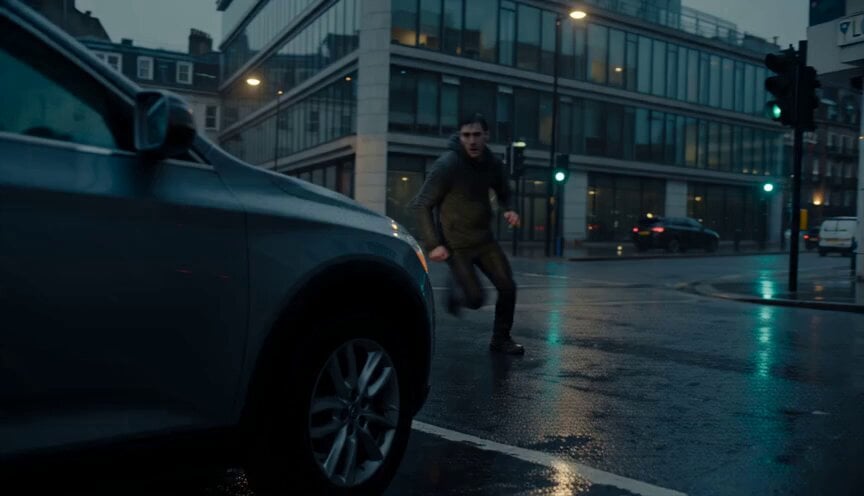
Urban Action Pursuit Sequence
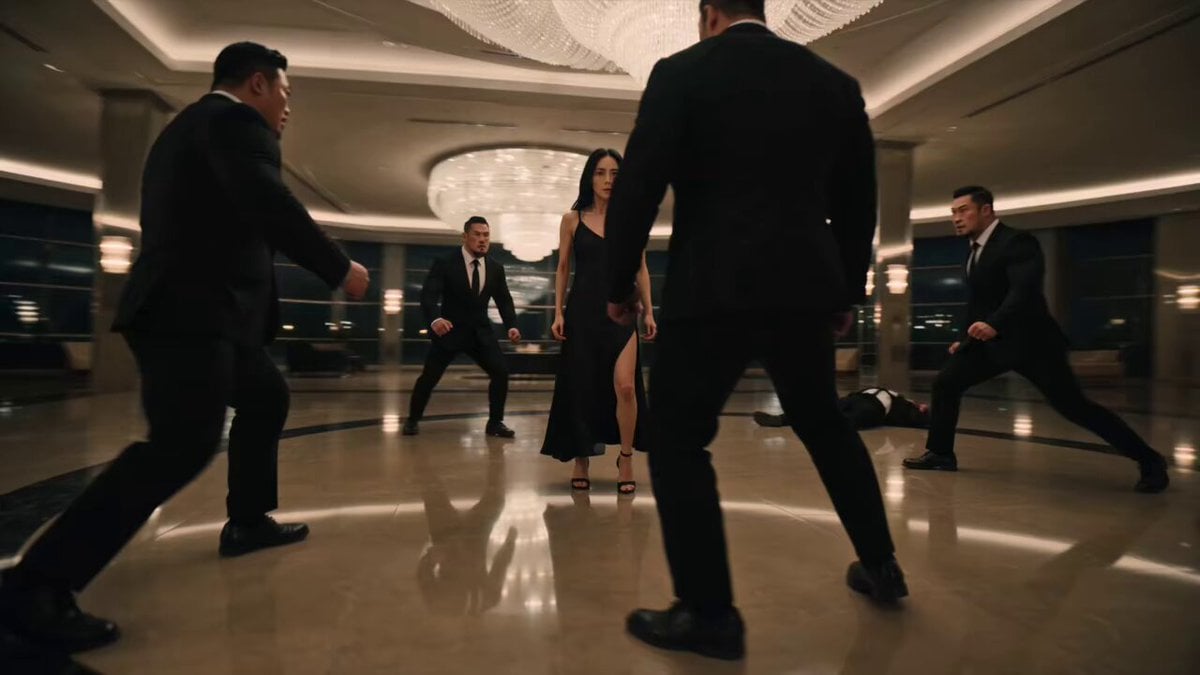
Female Assassin Stunt Sequence
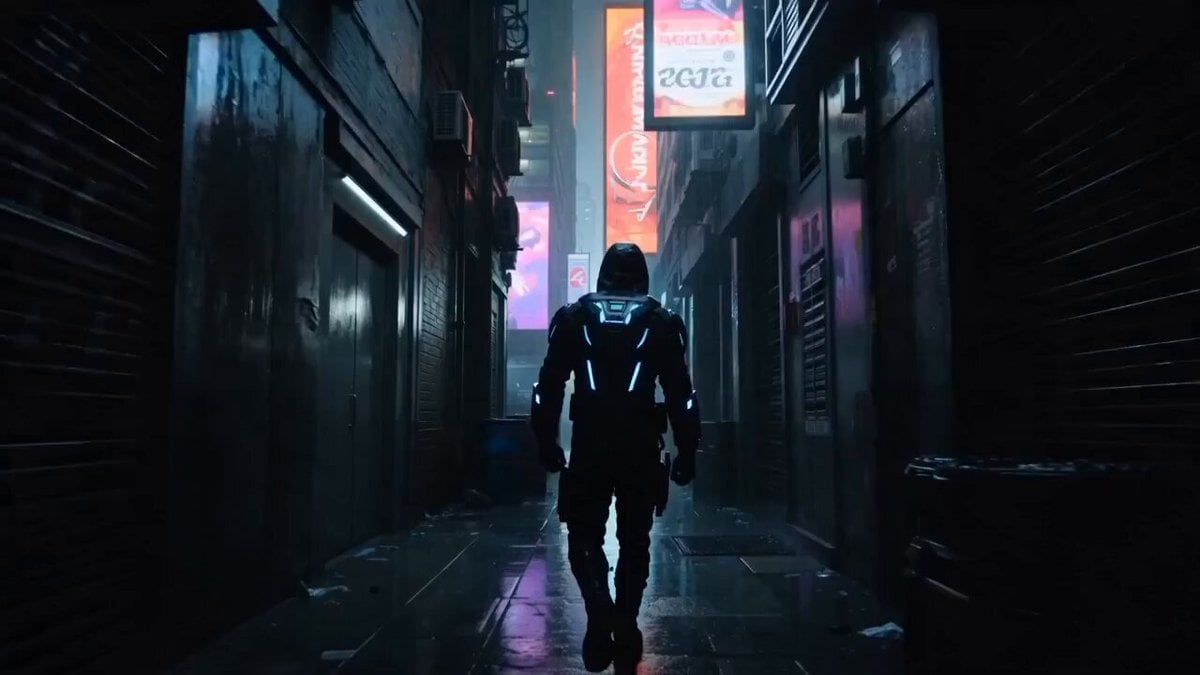
Cyberpunk Assassin Neon Action Sequence
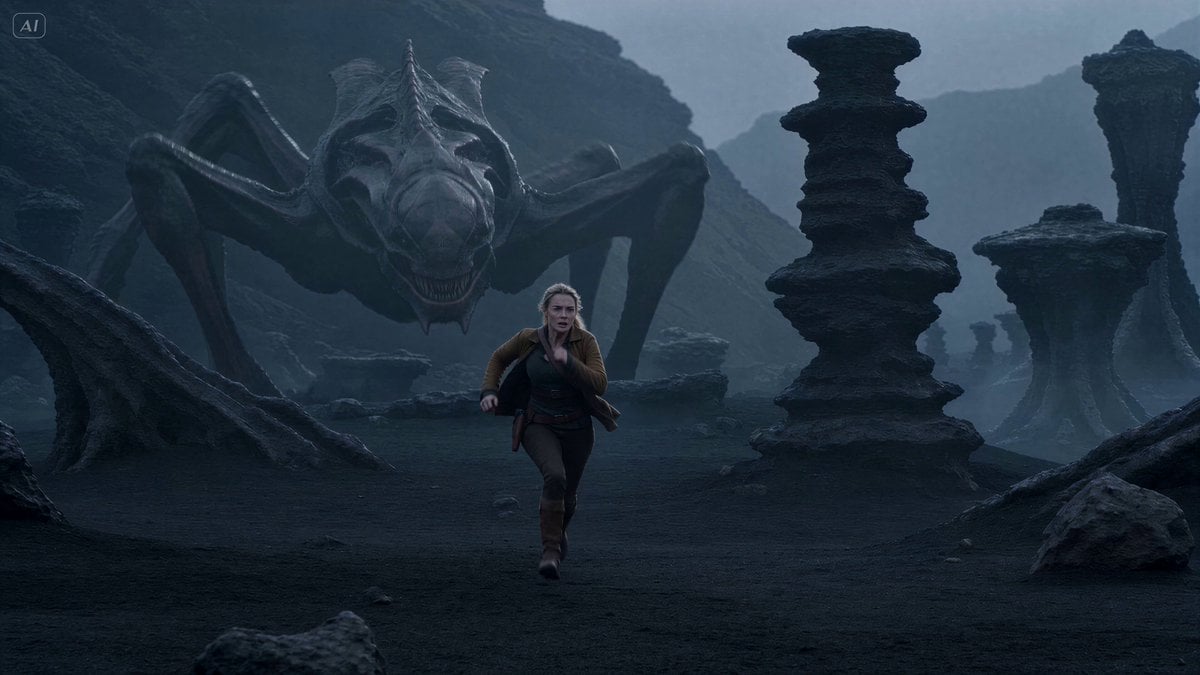
Alien Creature Pursuit Sequence
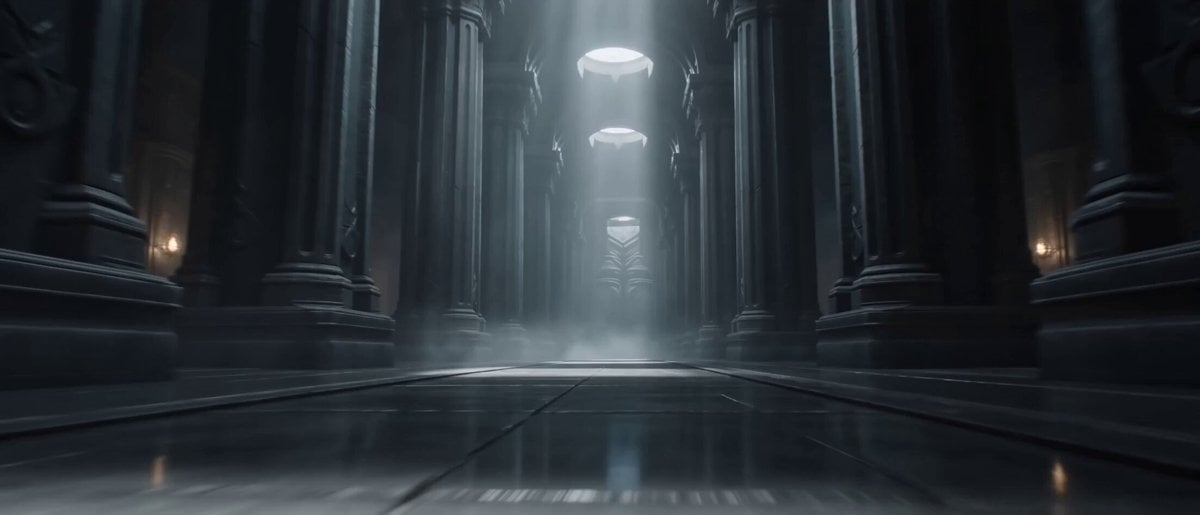
Assassination Sequence Parametric Prompt
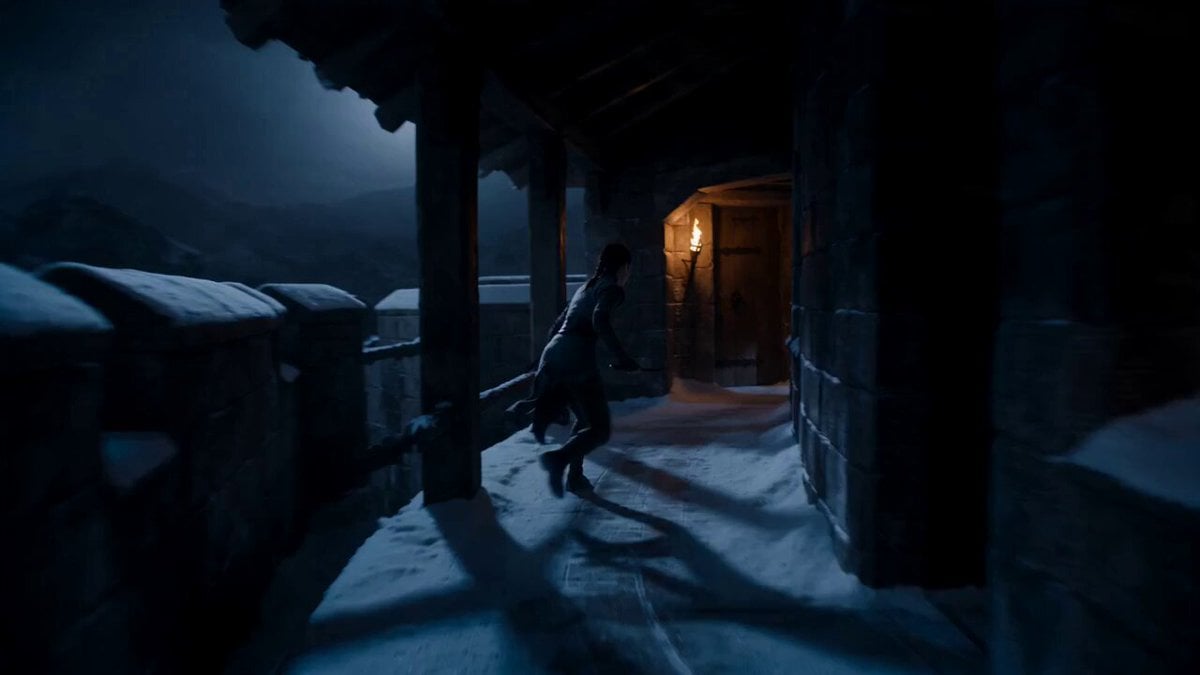
Supernatural Assassin Fortress Infiltration
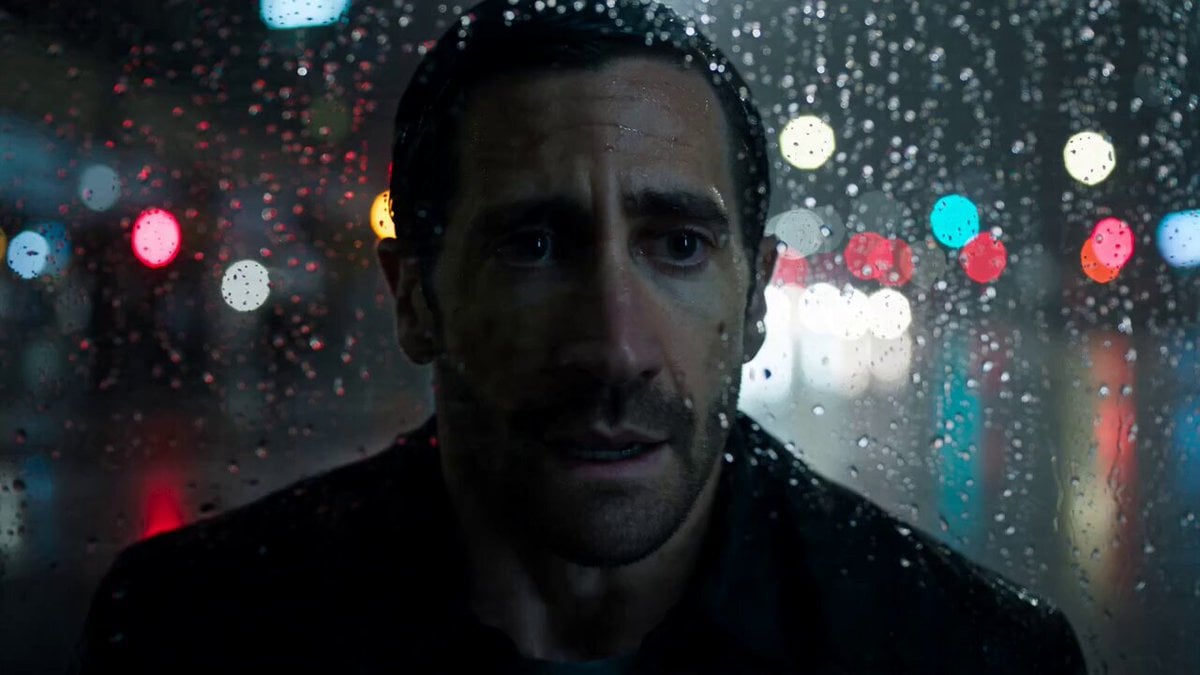
Night Pursuit Cinematic Chase
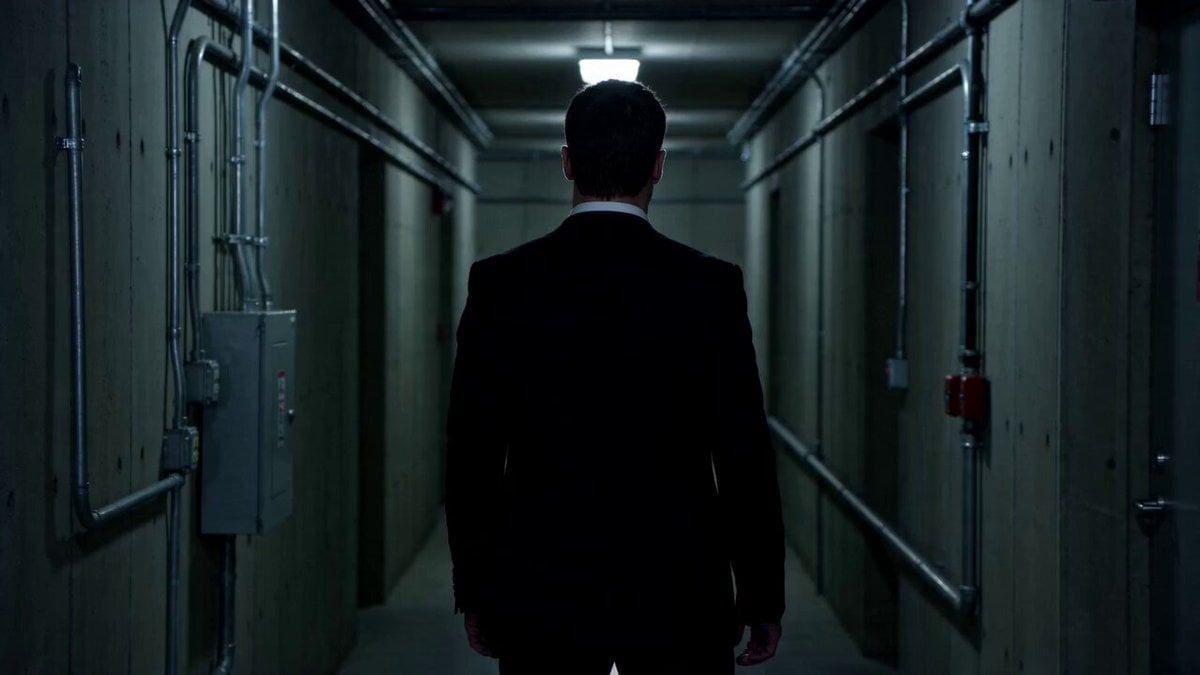
Cinematic Assassin Knife Throw
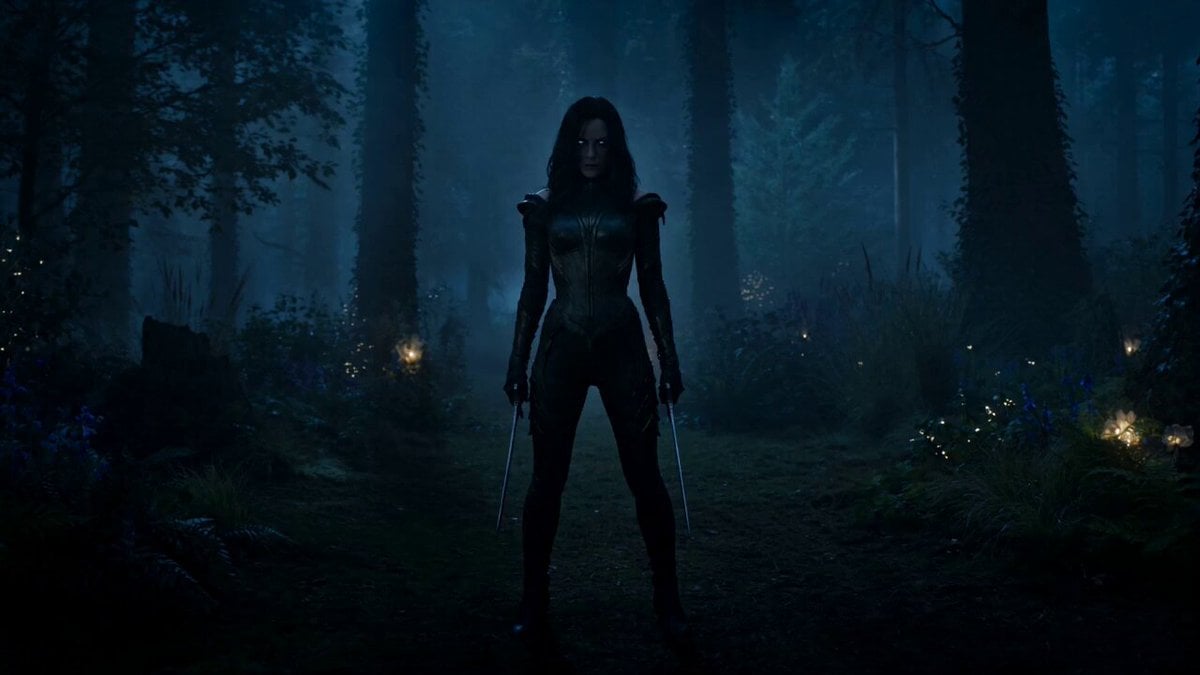
Rogue Elf Assassin Forest Fight
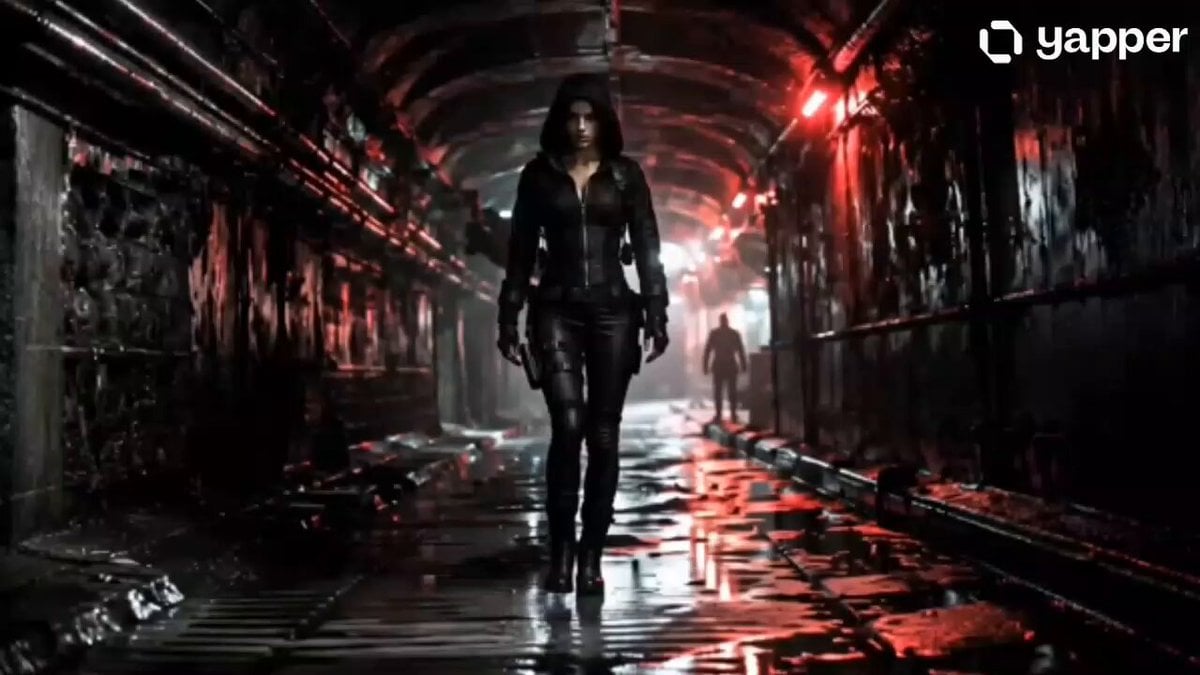
Female Assassin Underground Thriller
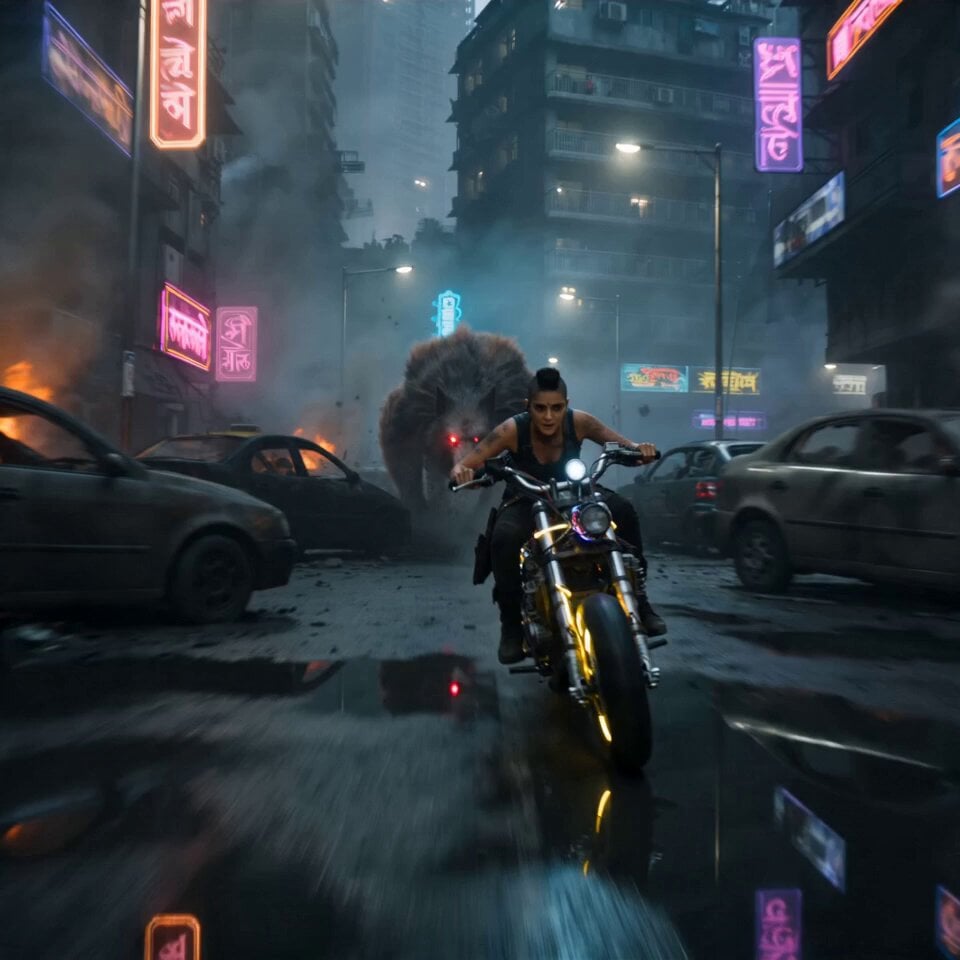
Cyberpunk Mumbai Werewolf Pursuit
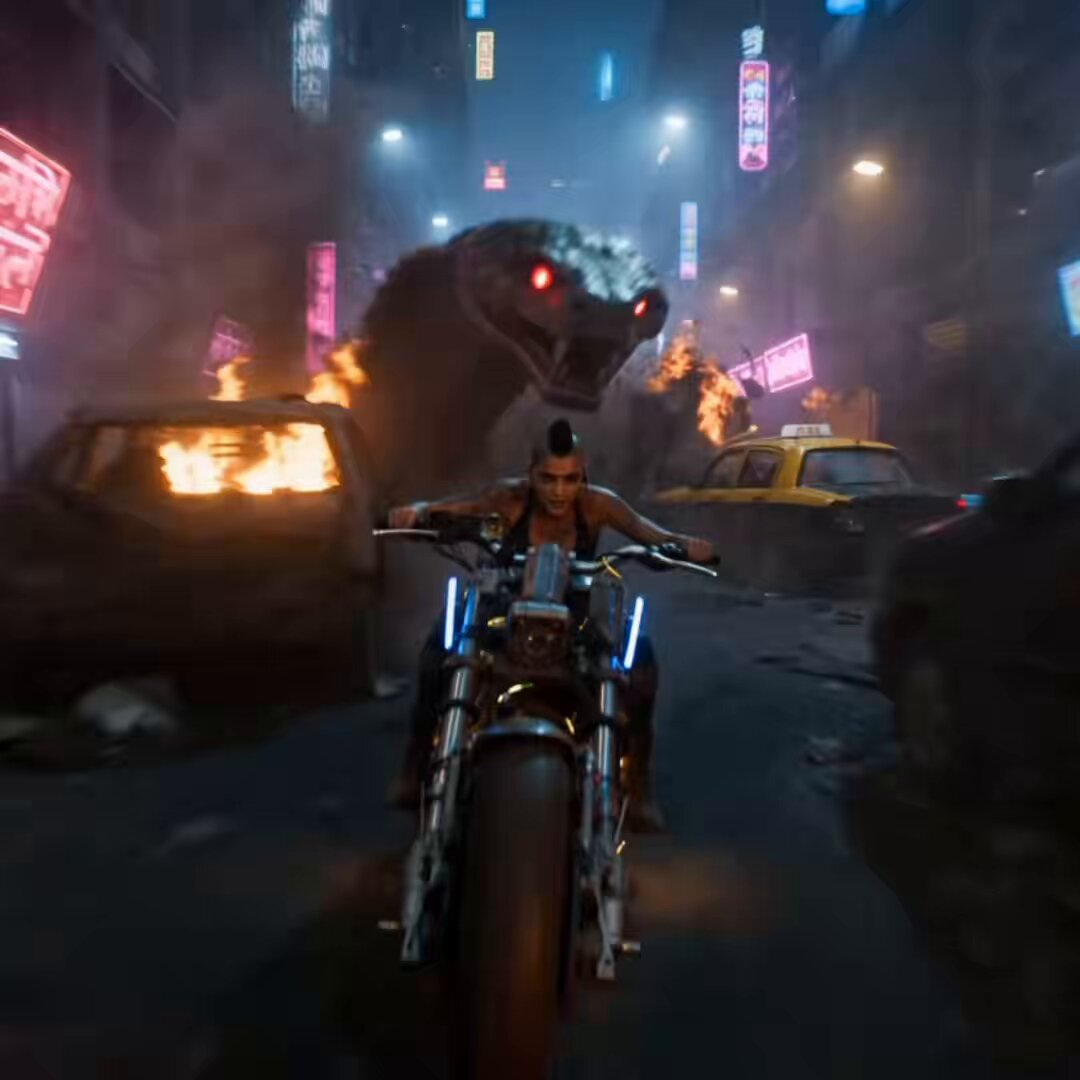
Cybernetic Anaconda Pursuit in Dystopian Mumbai
Make it yours
Cinematic Assassin Pursuit Sequence works as-is. These are the safest ways to change it without losing the look.
Change one field
Copy a single group, rewrite it, and generate again so you can see what that field is doing.
Keep the frame, change the subject
Hold the composition and light of Cinematic Assassin Pursuit Sequence, then swap wardrobe, props or the person for a new take.
| If the result… | Why | Fix |
|---|---|---|
| The result drifts from the preview | Too many fields changed at once. | Reuse Cinematic Assassin Pursuit Sequence as-is first, then change one group — subject, light, or setting. |
| The model over-stylizes the scene | The prose prompt leaves finish and camera underspecified. | Add one camera or lighting sentence and stay on Seedance 2.0. |
More Seedance 2.0 templates
Other prompts made for Seedance 2.0.

Comical Martial Arts Punch Scene

Maglev Train Action Sequence

Martial Arts Fight Sequence

Wuxia Protection and Trust Script

Vintage Korean Arcade MiniDV Vlog

Mercedes 190 SL Luxury Ad

Rainy Night Supernatural Reverse Comedy Video Script

Amazon Civilization Discovery

Futuristic South Asian City Transformation

Cozy Luxury Cafe Commercial
More video prompts
Fresh picks from across the catalog.

Modern Fast Food Restaurant Video
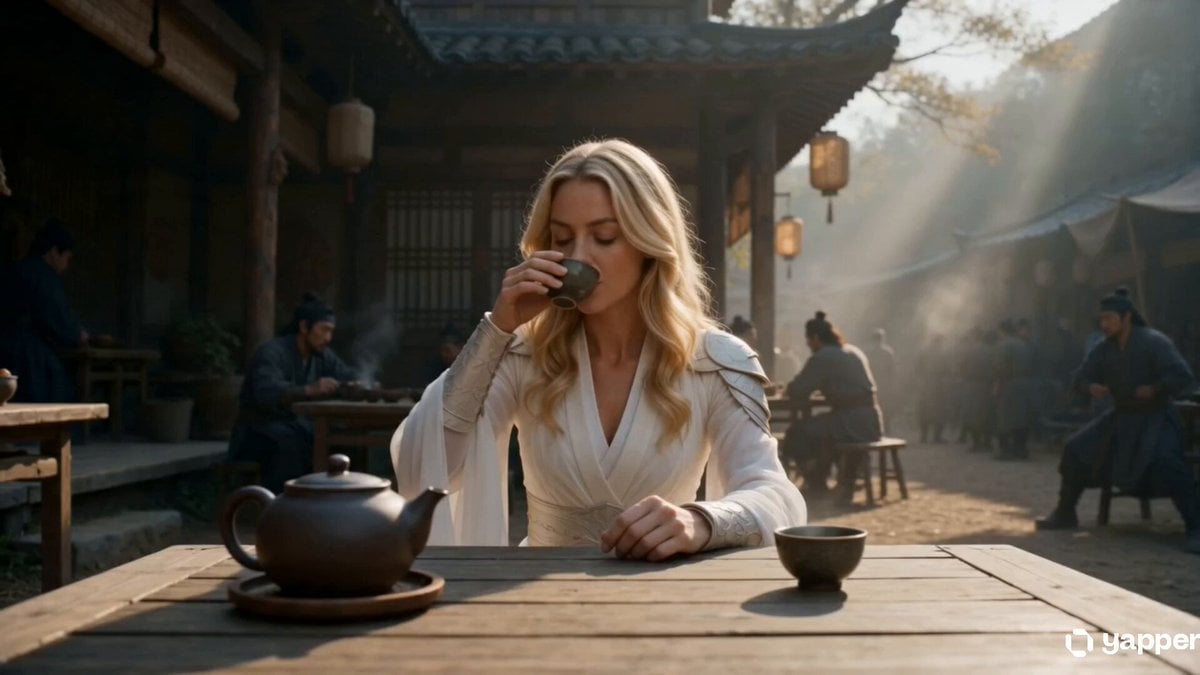
Lone Martial Artist Ancient Village Battle
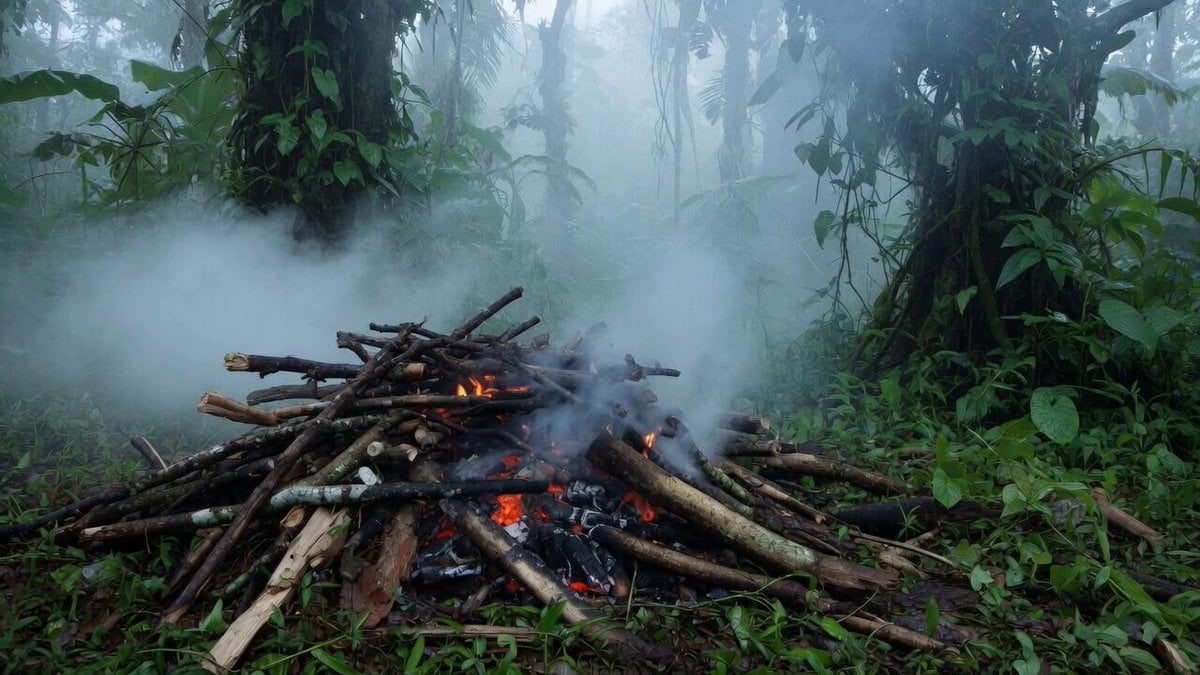
Jungle Woods Fire Video Prompt
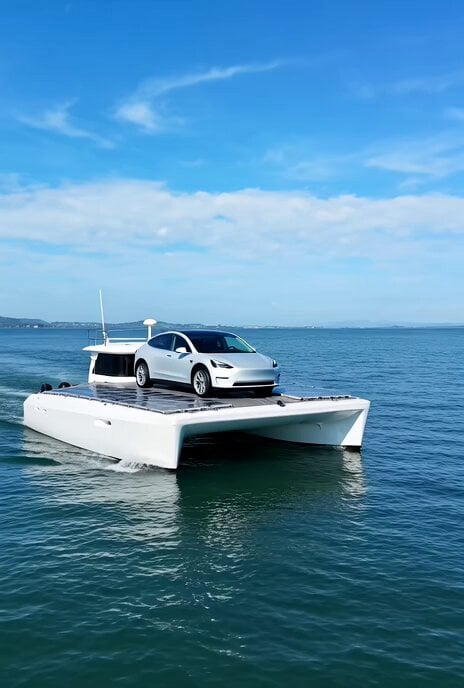
Video prompt for a solar-powered boat with a Tesla Model Y
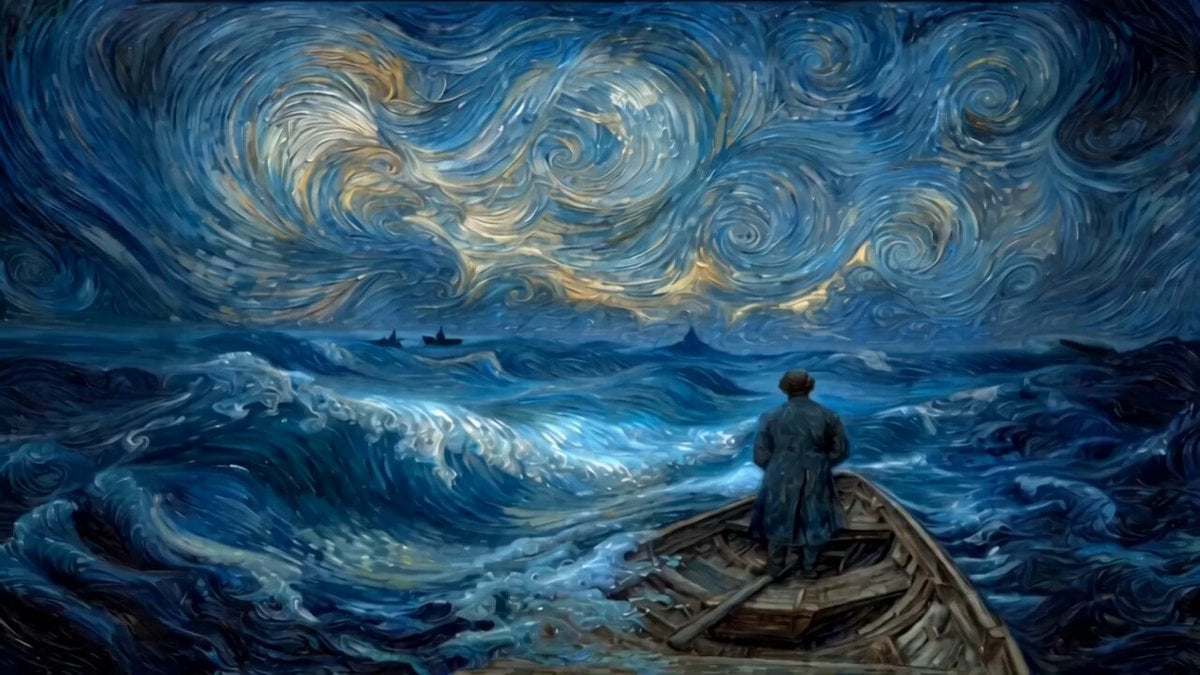
Van Gogh style video prompt
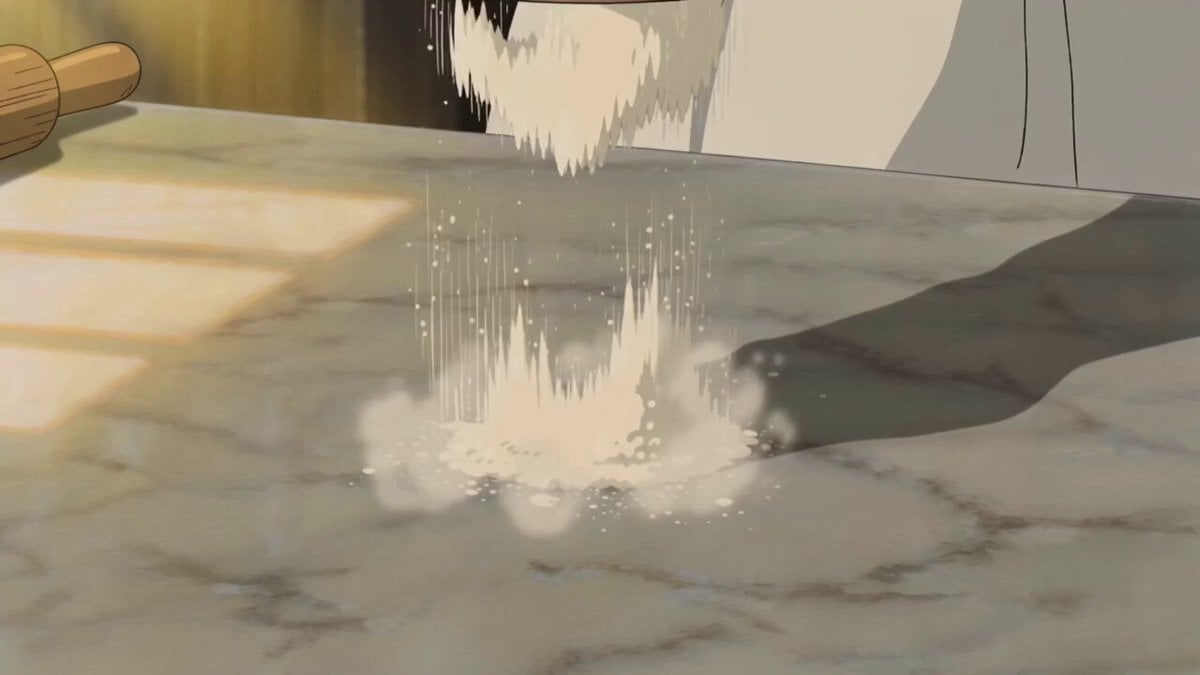
Ghibli Aesthetic Cooking Short
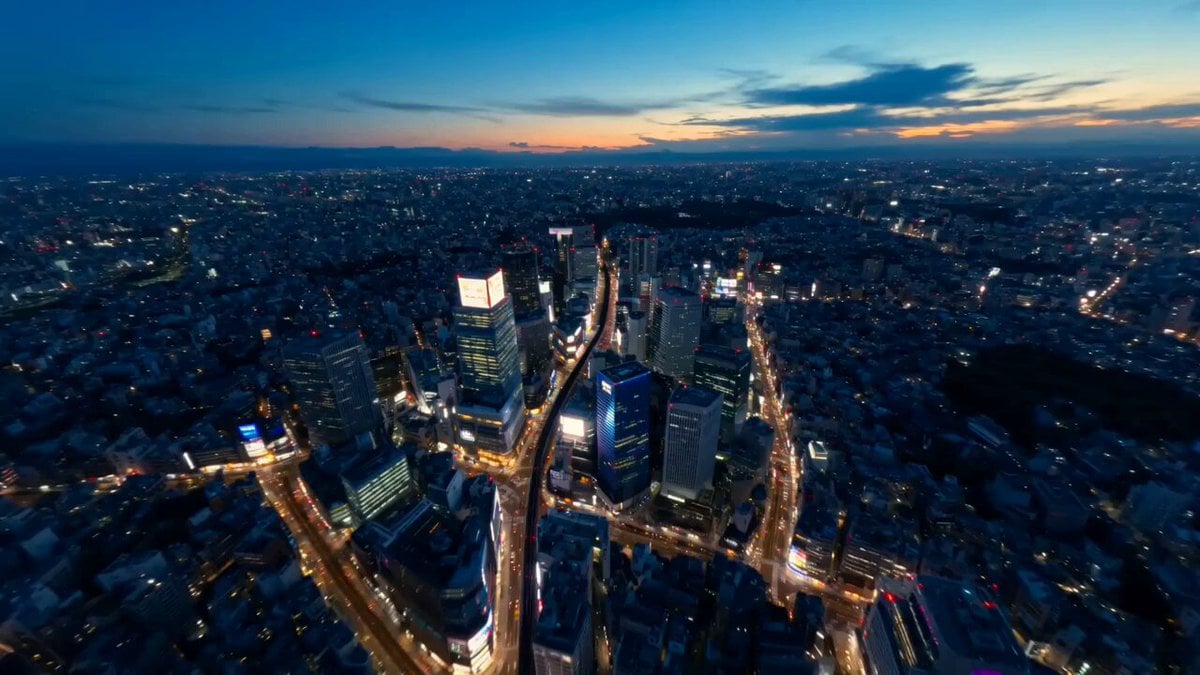
Tokyo Street Style Travel Film

Romantic Korean Couple Courtyard Dinner
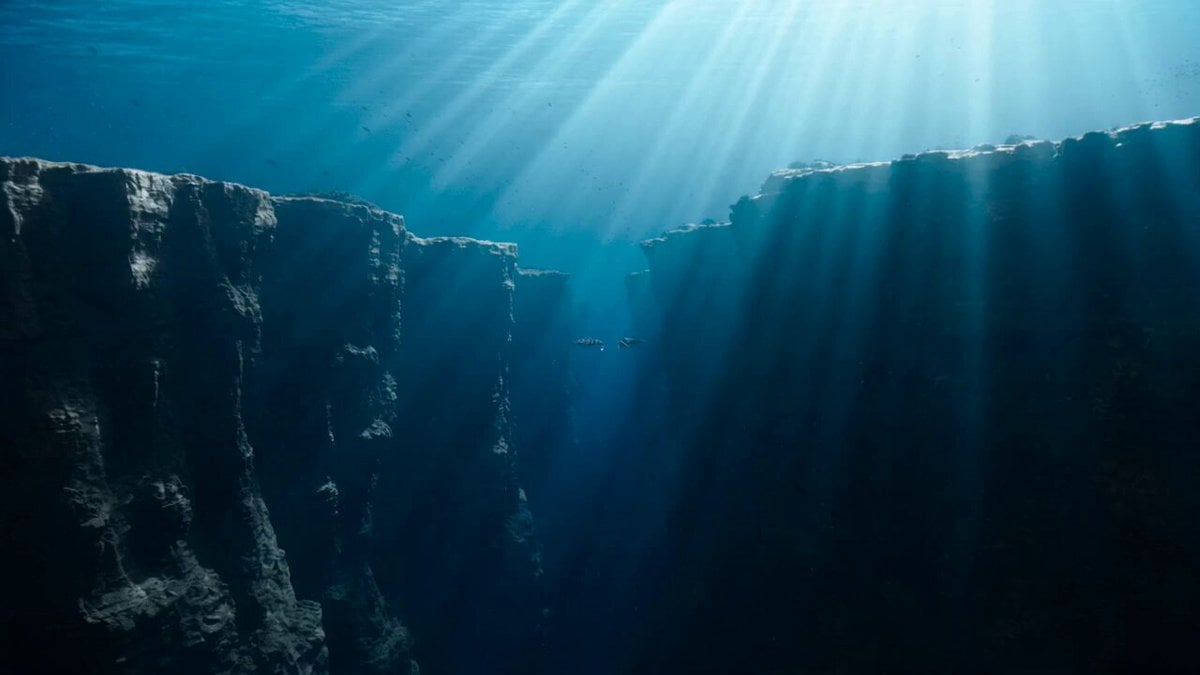
Underwater Submarine Disaster Scene

Princess Castle Dance Transformation
Browse template categories
Cinematic Assassin Pursuit Sequence questions
How do I use the Cinematic Assassin Pursuit Sequence template?
Add your photo if the template asks for one, edit the prompt if you like — the template's model and format are already selected — and press Generate. Your version opens in PicX Studio.
Can I customize the Cinematic Assassin Pursuit Sequence template?
Yes. You can change the subject, setting, lighting, mood, format, and available model controls before creating your video.
Is the Cinematic Assassin Pursuit Sequence template free?
Opening and editing this template is free. Generating uses credits, shown on the Generate button when you are signed in.
Which AI model should I use?
Start with Seedance 2.0, which is the model associated with this template. You can compare another compatible model for a different finish.
Looking for something else? Browse all templates.

Your photo, any look
Thousands of ready templates for every top image and video model, from one credit balance.