How do I use the Sakura Tree Character Encounter template?
Edit the prompt in the box under the preview — the template's model and format are already selected — and press Generate. Your version appears right on this page.
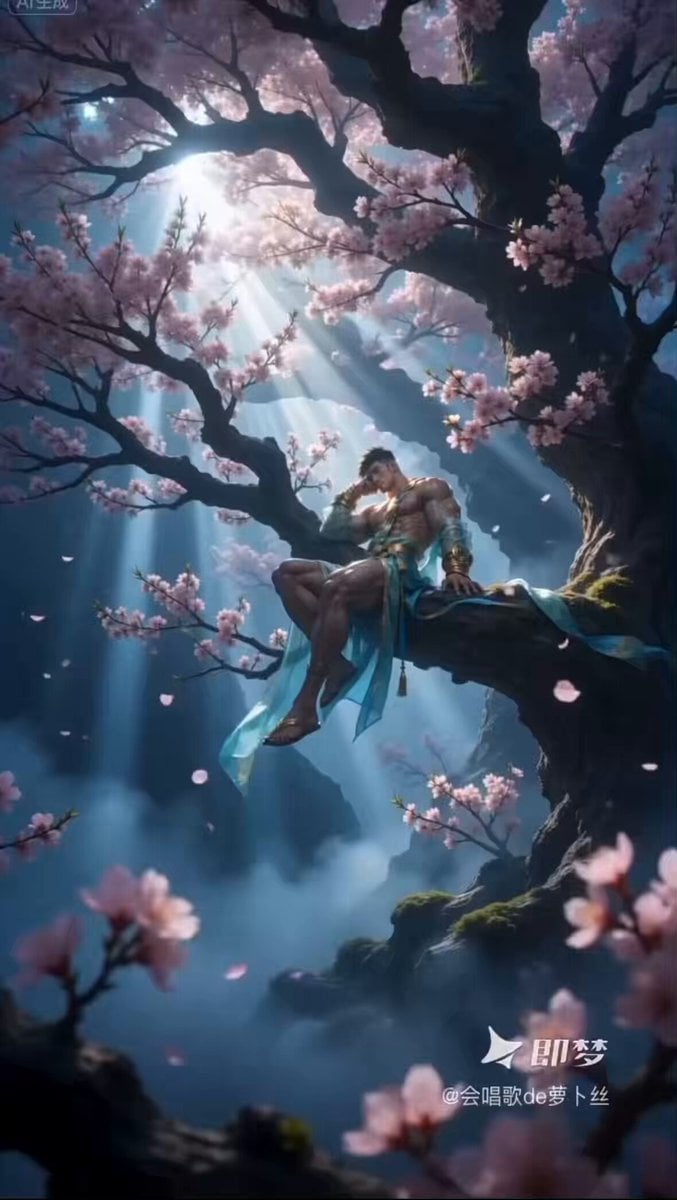
A poetic Seedance 2.0 prompt for a scene where two characters lean on opposite sides of a cherry blossom tree, featuring falling petals and shy interactions.
BGMなし、字幕なし。 [女性キャラ]と[男性キャラ]のそれぞれが[背景画像]の同じ桜の木の両側によりかかっているシーン。 [男性キャラ]は木の右側、 [女性キャラ]は木の左側に寄りかかっており、お互いに見えない位置にいるけどお互いを気にして相手を見ている感じ。桜は満開で、花びらが舞い散っている。 恥ずかしがり屋の二人が相手を気にしながらちらちら相手の顔を見たりもじもじしてたりしている。
BGMなし、字幕なし。 [女性キャラ]と[男性キャラ]のそれぞれが[背景画像]の同じ桜の木の両側によりかかっているシーン。 [男性キャラ]は木の右側、 [女性キャラ]は木の左側に寄りかかっており、お互いに見えない位置にいるけどお互いを気にして相手を見ている感じ。桜は満開で、花びらが舞い散っている。 恥ずかしがり屋の二人が相手を気にしながらちらちら相手の顔を見たりもじもじしてたりしている。
Edit the prompt in the box under the preview — the template's model and format are already selected — and press Generate. Your version appears right on this page.
Yes. You can change the subject, setting, lighting, mood, format, and available model controls before creating your video.
Opening and editing this template is free. Generating uses credits, shown on the Generate button when you are signed in.
Start with Seedance 2.0, which is the model associated with this template. You can compare another compatible model for a different finish.
Follow a topic to a crawlable collection of related PicX Studio templates.