
16mm Archive Film Montage
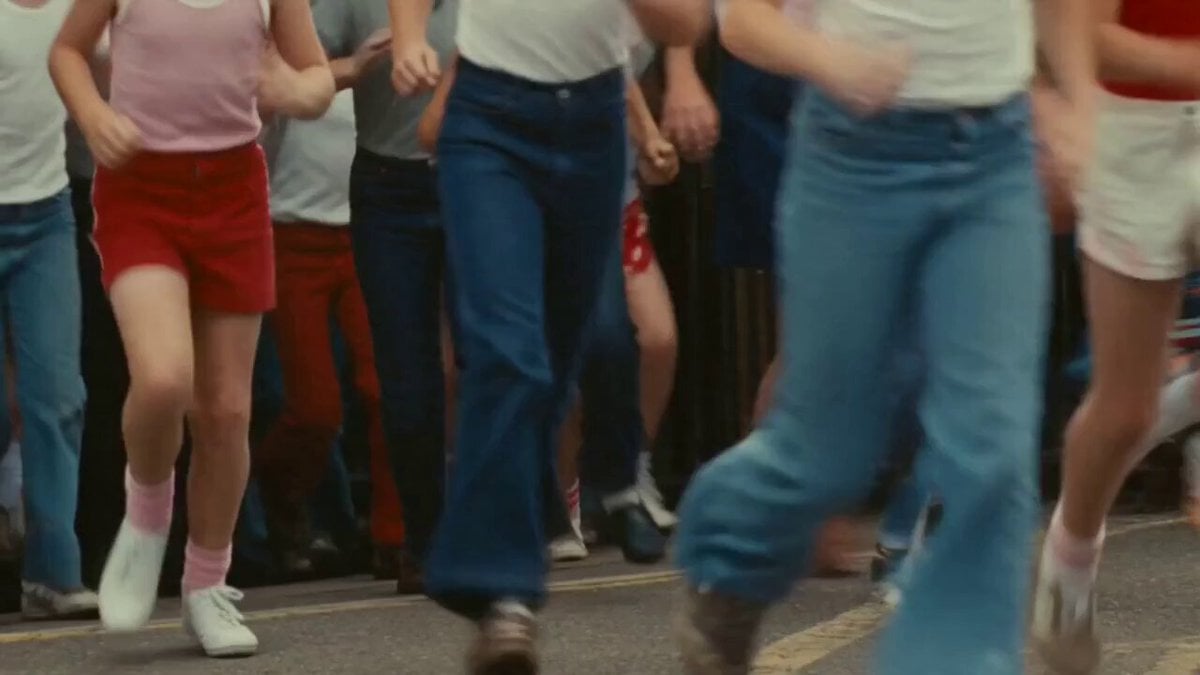
A detailed prompt for generating a vintage 16mm film style montage featuring various archival scenes like school gates and postmen.
- Prompt included
- Model and format preset
- Free template
The prompt behind this video
Copy the exact prompt behind 16mm Archive Film Montage, or open it in the studio and make it yours.
A montage in the style of degraded 16mm archive film, warm faded colours, heavy grain, gate weave and occasional scratches. A handheld shot of children spilling out of a school gate in flared trousers and tank tops. A postman in a red Royal Mail jacket, grey trousers and a post bag walking along a terraced street at dawn. A football terrace packed with fans in matching red and white club colours, scarves held aloft above their heads, mouths open in song. A static shot of a launderette in the afternoon, sun falling through the front window, a row of machines turning, a woman folding washing on the counter. A seaside promenade where a donkey gives rides along the sand, children on its back, deckchairs and a Punch and Judy stand behind. A paperboy cycling no-handed past a row of parked Ford Cortinas. No music. No subtitles.
How to use 16mm Archive Film Montage in 3 steps
- 1
Open
The prompt is already in the box next to the preview, with the template's model and format selected.
- 2…a portrait of your subject in softgolden-hour light, 85mm…
Personalize
Edit the subject and creative details for your destination.
- 3Generate
Generate
Press Generate — your video is created in PicX Studio, so you can compare it with the original and refine one variable at a time.
More like this
Templates with the same subject, style or setup. Open one to see its prompt.

Mediterranean Morning Coffee Run Vlog (Seedance 2.5)
Fighter Jet Aerial Combat Montage — Seedance 2.5
Hospital Car Park Dialogue Lip Sync
Global Flower Thank-You Film
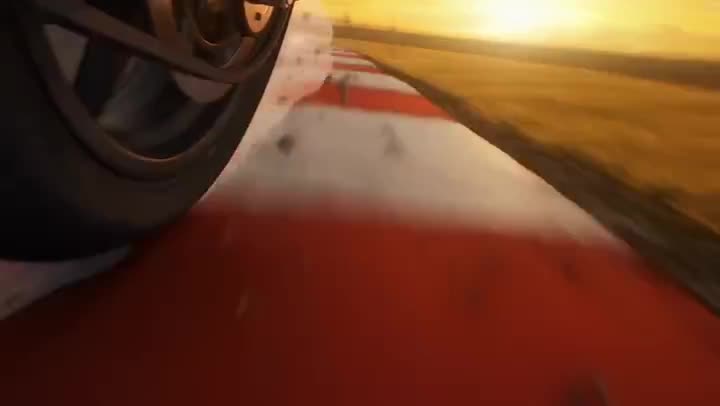
Youth Racing Short Film

Mechanical Flower Bloom Brand Film

Oceanic Civilization Epic Sci-Fi Film

Floating Desert Museum Cinematic Film

Haute Couture Dream Bokeh Film
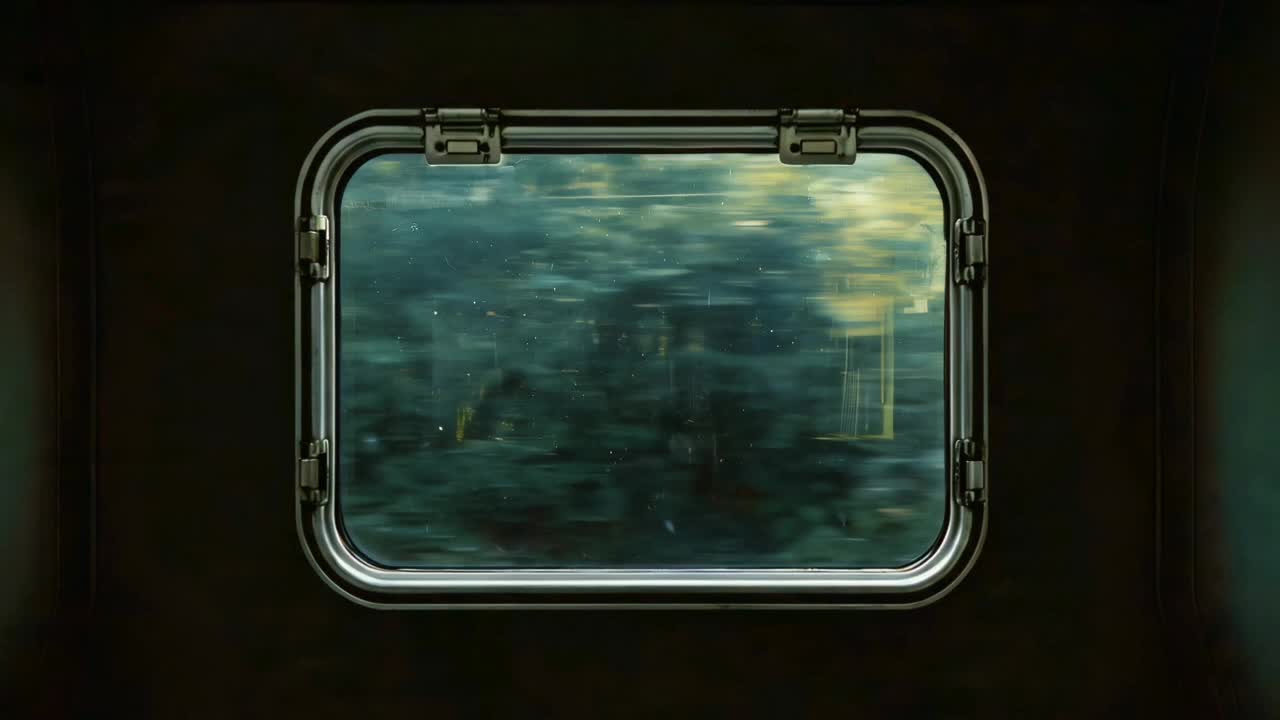
Window-to-Eye Concept Film

Crystal Ball Match-Cut Brand Film
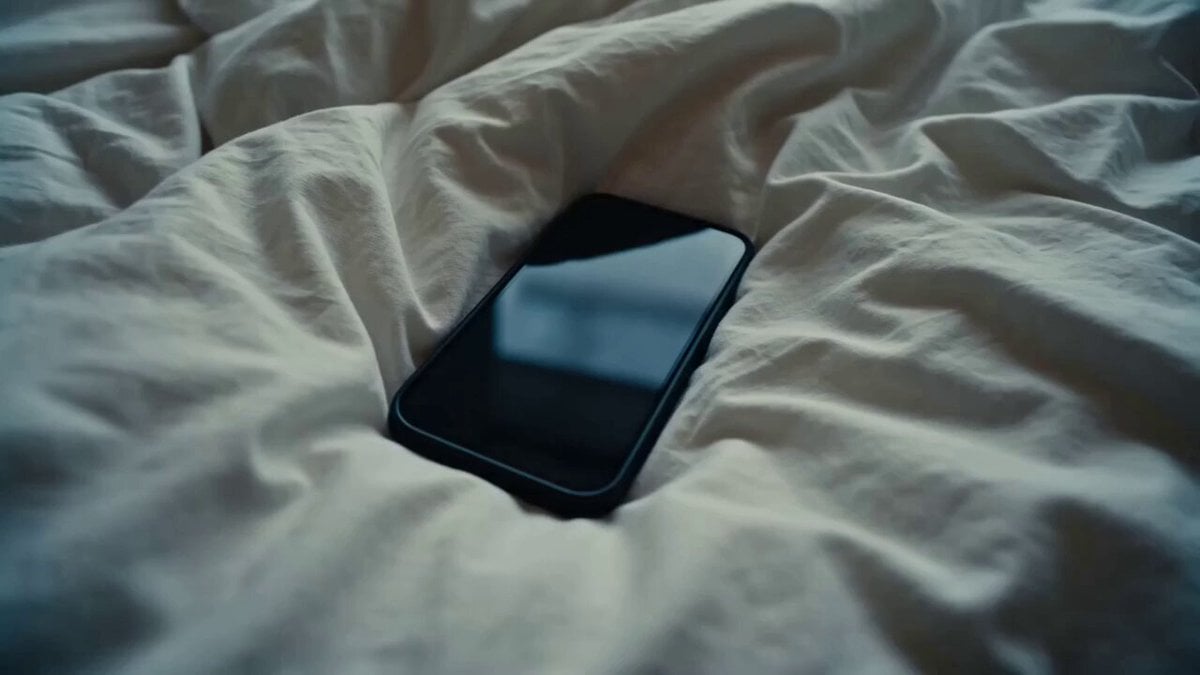
Rushed Morning Routine Montage
Make it yours
16mm Archive Film Montage works as-is. These are the safest ways to change it without losing the look.
Change one field
Copy a single group, rewrite it, and generate again so you can see what that field is doing.
Keep the frame, change the subject
Hold the composition and light of 16mm Archive Film Montage, then swap wardrobe, props or the person for a new take.
| If the result… | Why | Fix |
|---|---|---|
| The result drifts from the preview | Too many fields changed at once. | Reuse 16mm Archive Film Montage as-is first, then change one group — subject, light, or setting. |
| The model over-stylizes the scene | The prose prompt leaves finish and camera underspecified. | Add one camera or lighting sentence and stay on Seedance 2.0. |
More Seedance 2.0 templates
Other prompts made for Seedance 2.0.
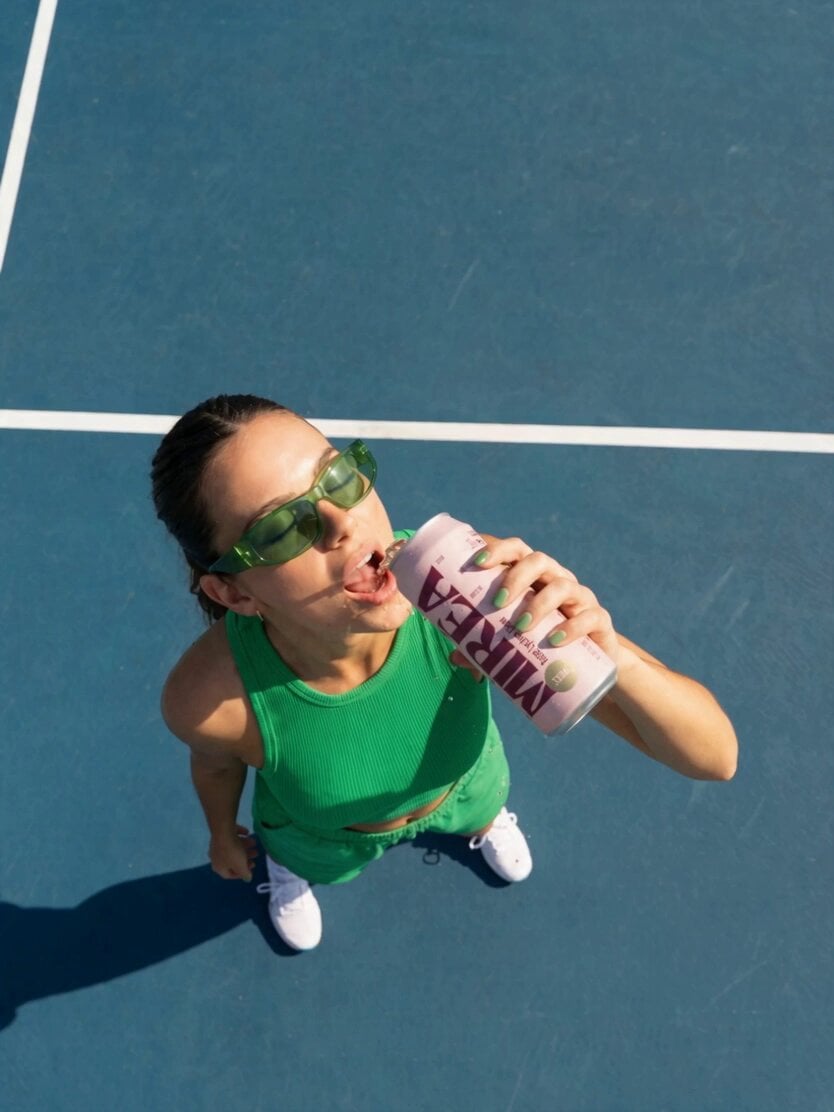
Frozen Time Handycam Diorama

Mercedes 190 SL Luxury Ad

Rainy Night Supernatural Reverse Comedy Video Script
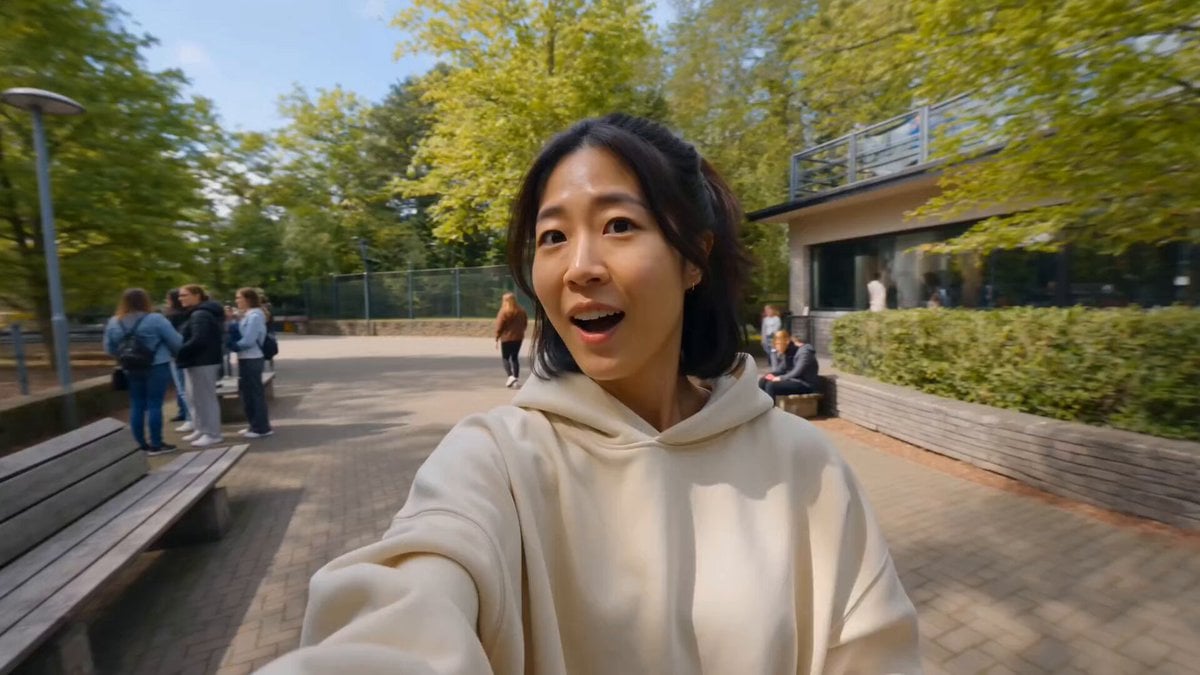
Tiger Zoo Selfie Vlog
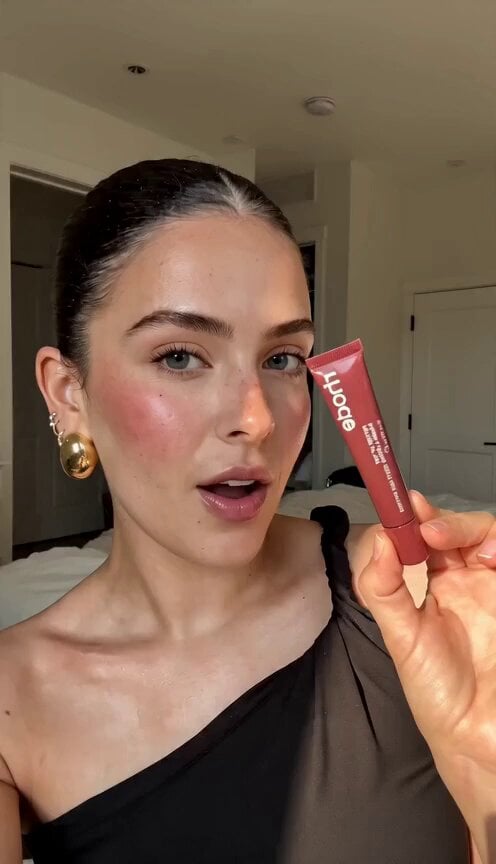
Realistic UGC Lipstick Review Video
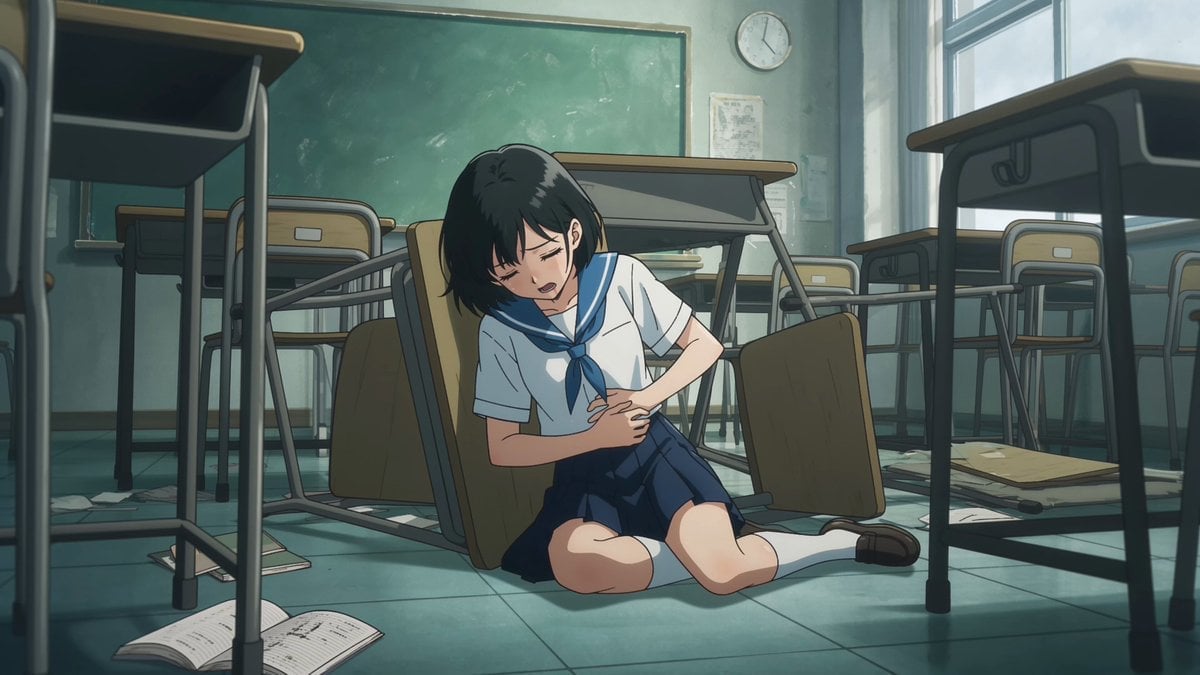
Anime Monster Classroom Battle
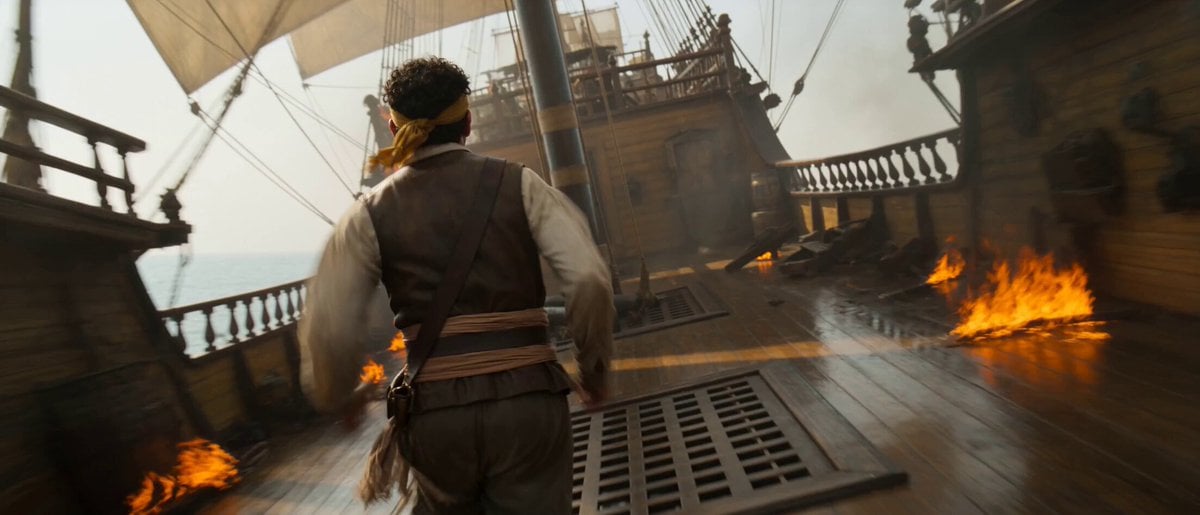
Pirate Ship To Desert Transition
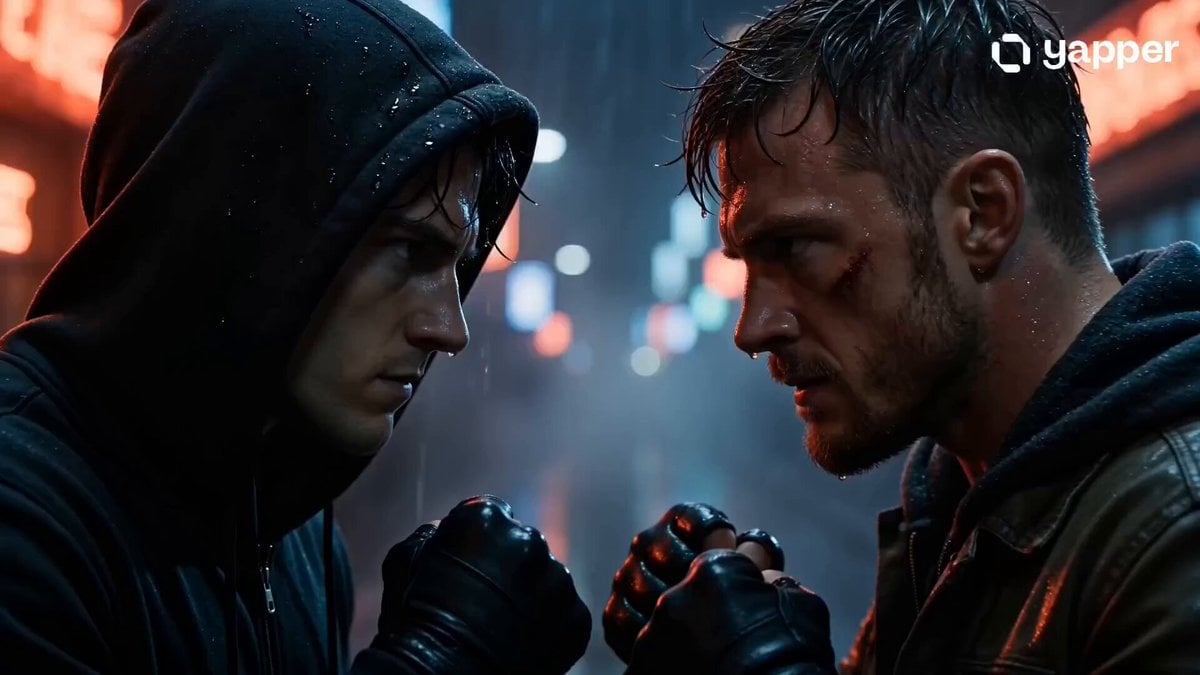
Rainy Alley Fight Scene
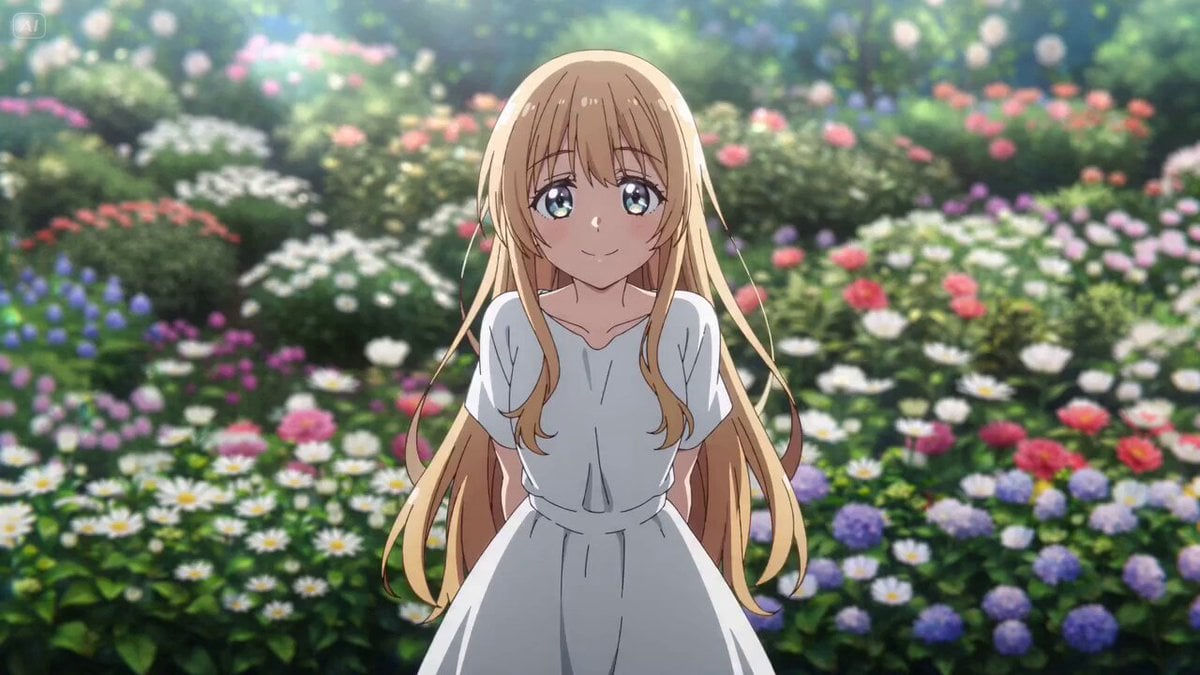
Camera Focal Length Test
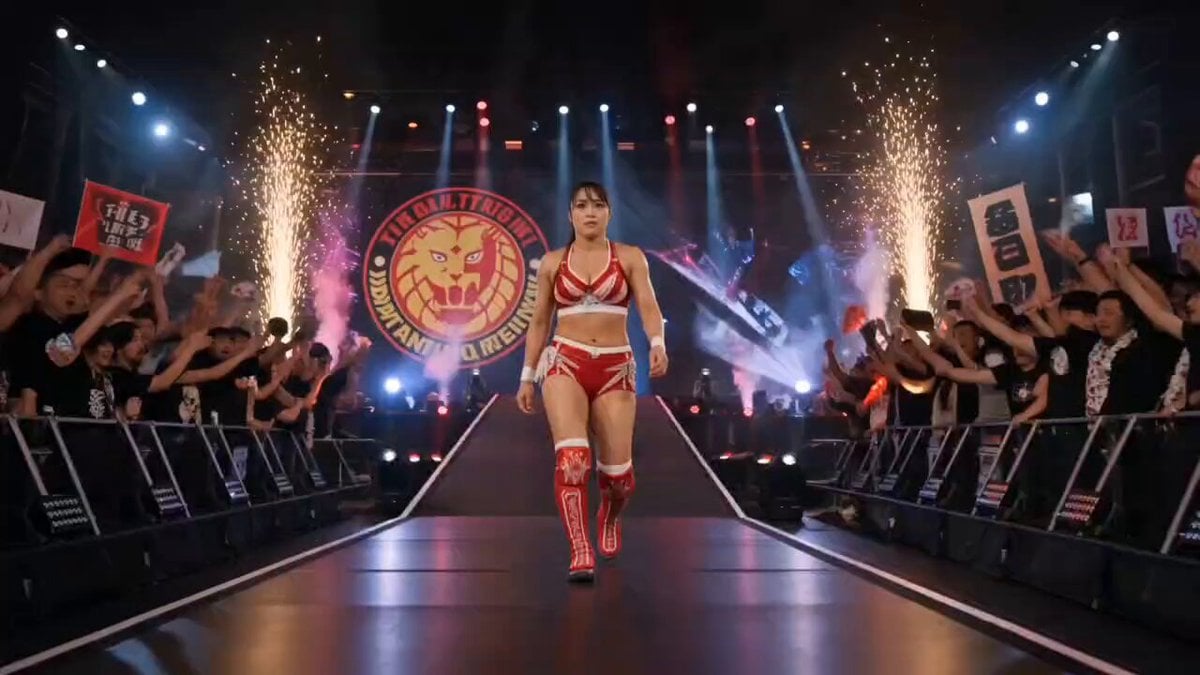
NJPW Women's Championship Match
More video prompts
Fresh picks from across the catalog.
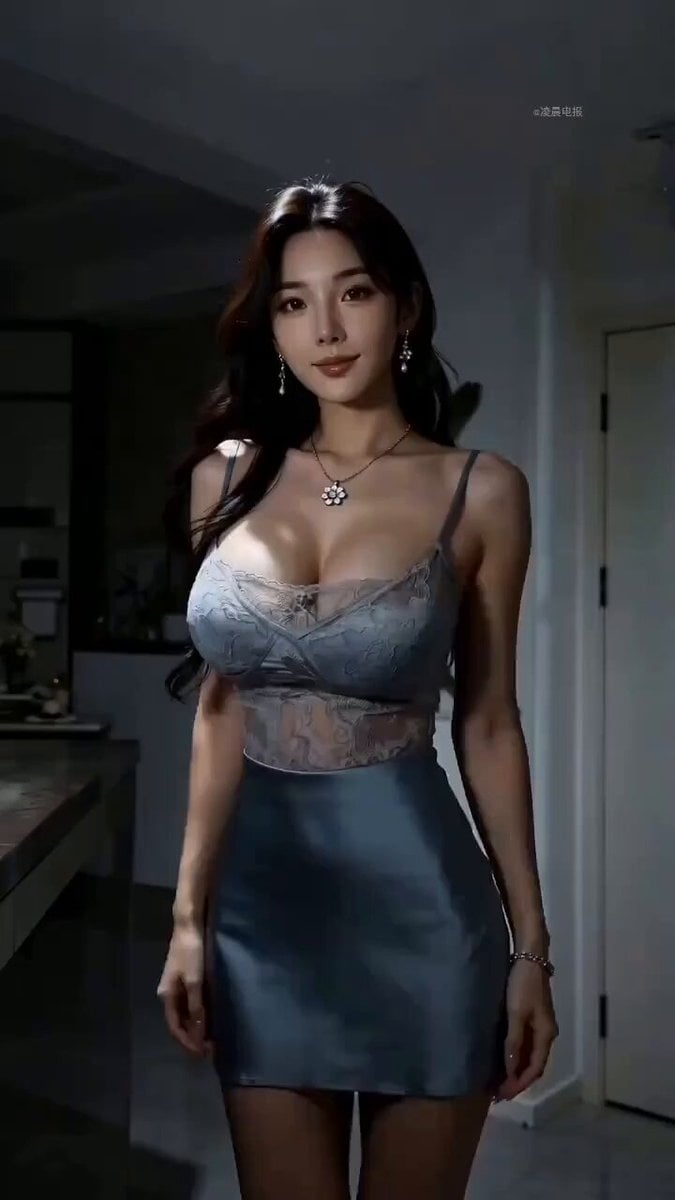
Modern Dance Performance Scene Description
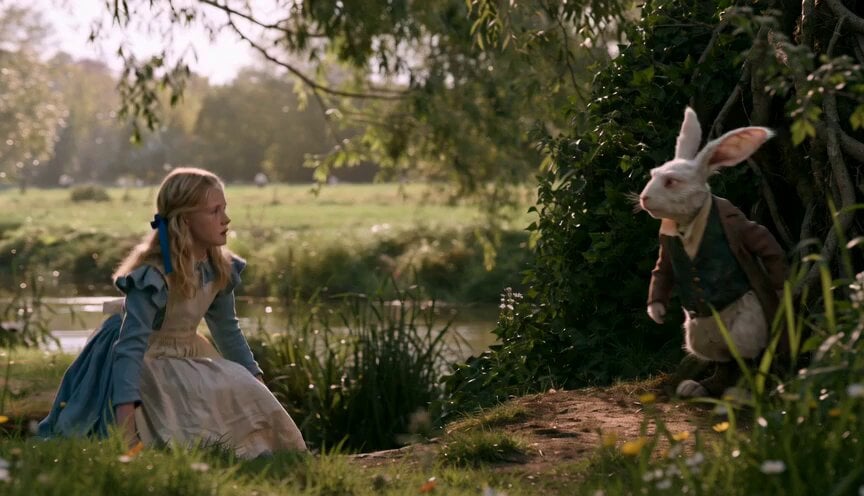
Alice in Wonderland White Rabbit Chase
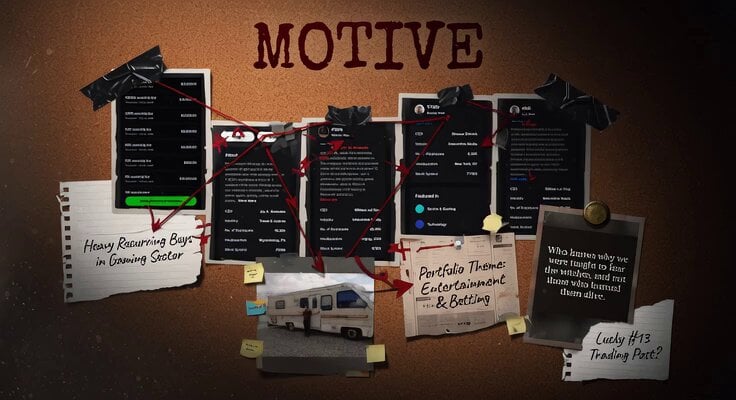
Detective Motive Board Collage
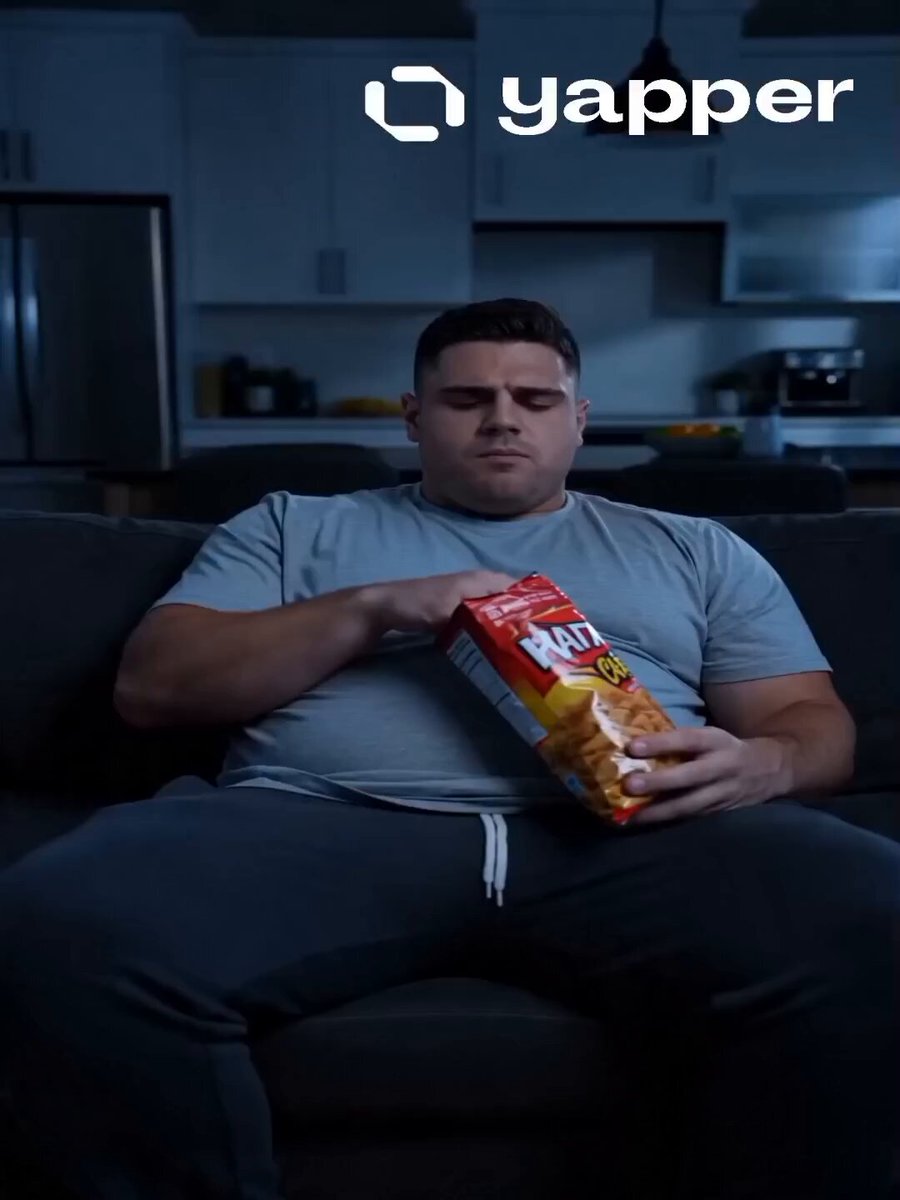
Fitness Transformation Commercial
Viral Optical Illusion Challenge
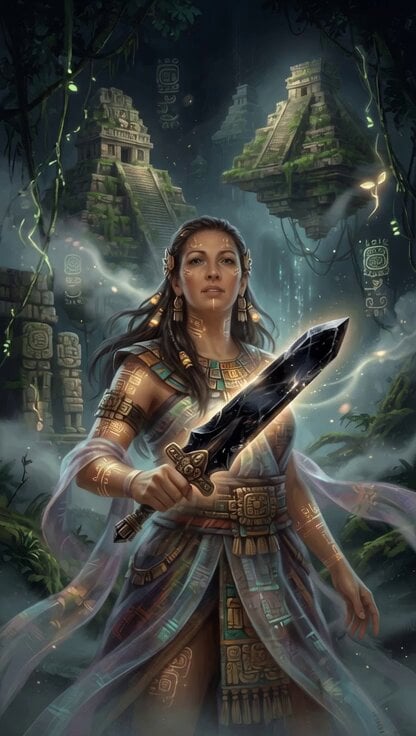
Mayan Warrior Digital Codex
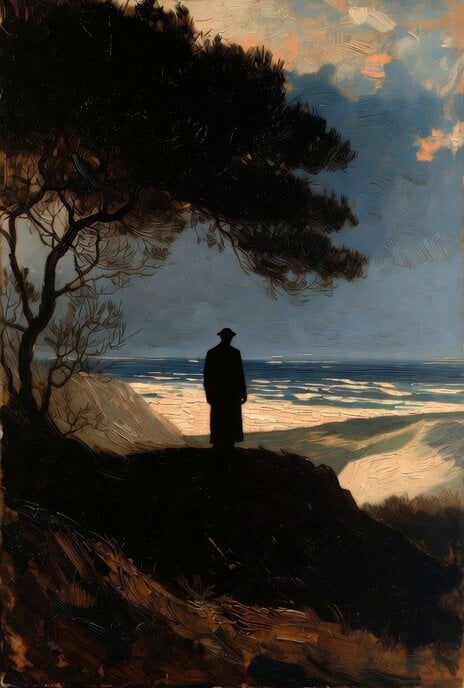
Rembrandt-Style Silhouette by the Ocean
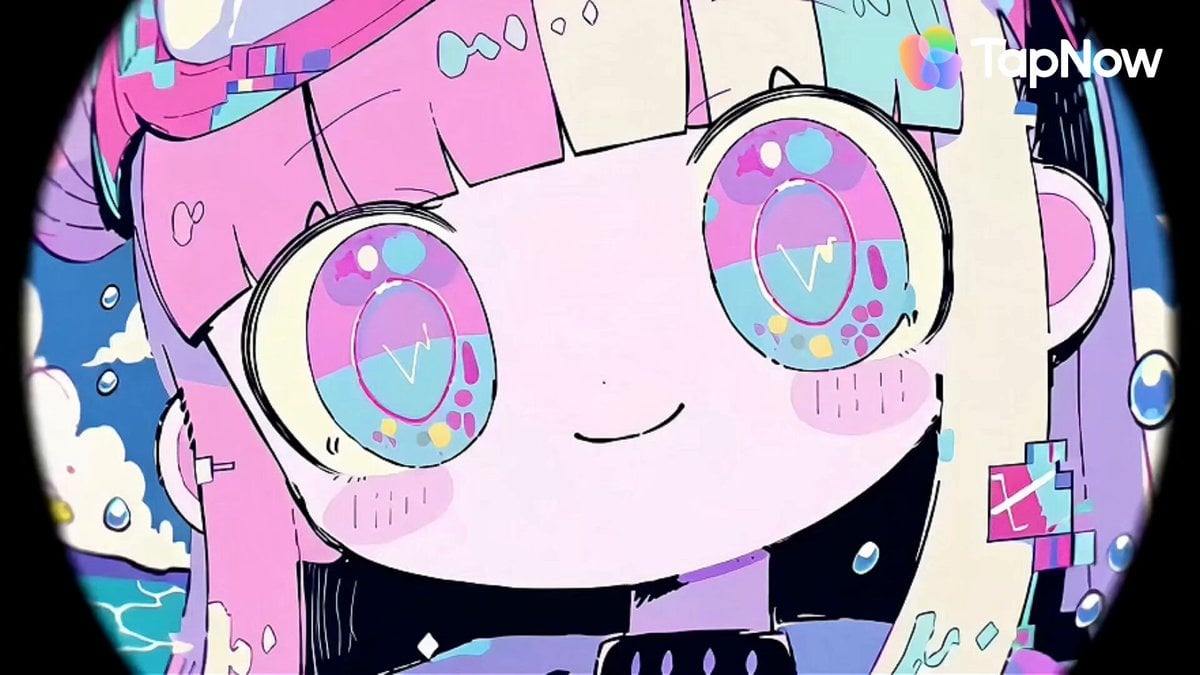
Pastel Beach Anime MV
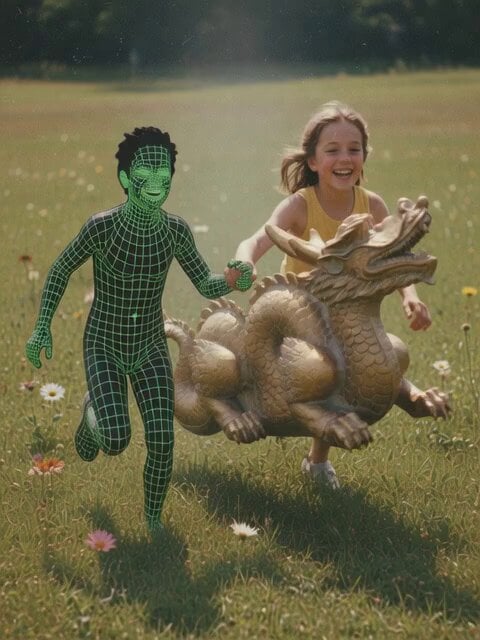
Dream-like video of subjects running through grass
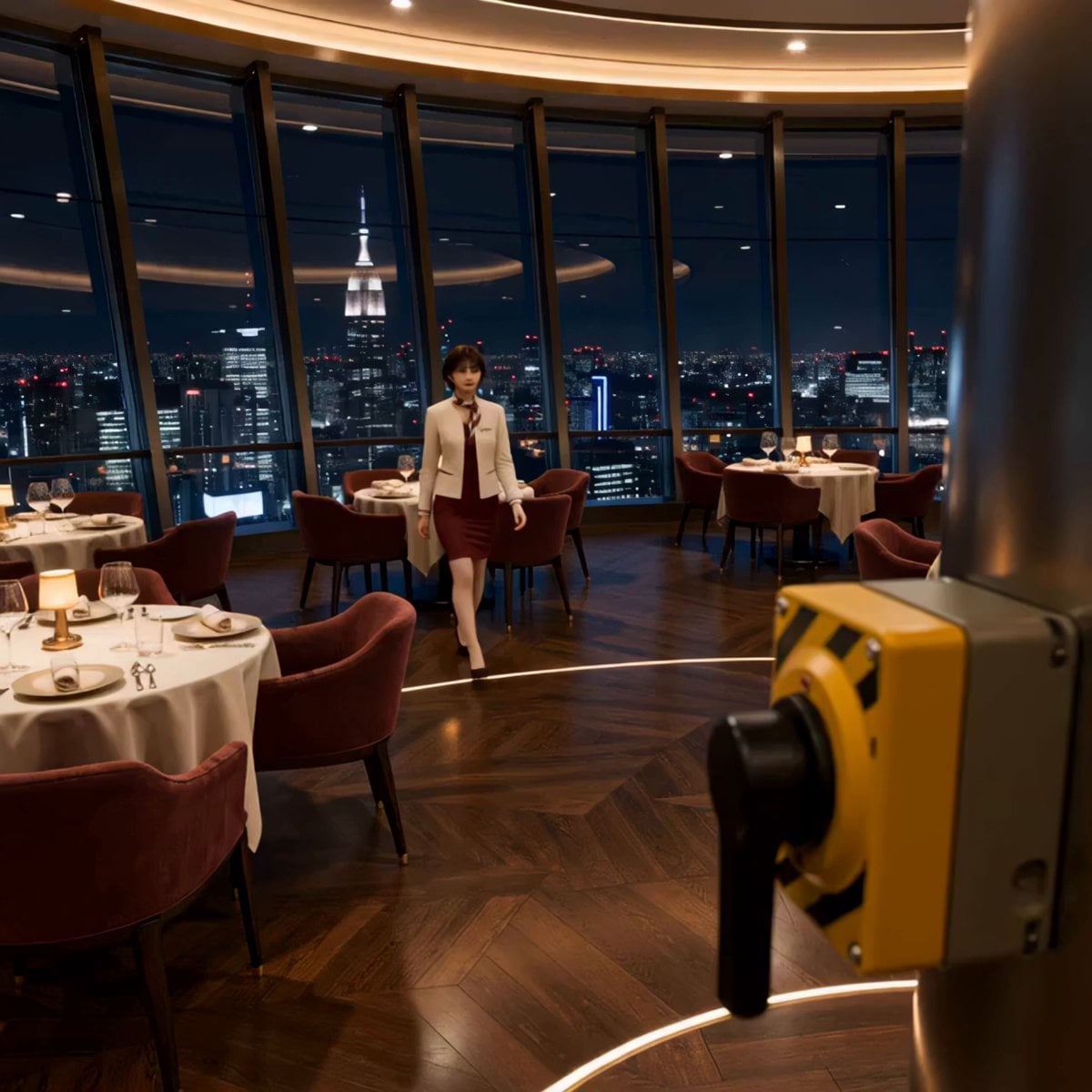
Luxury Restaurant Floor Manager Video
Browse template categories
16mm Archive Film Montage questions
How do I use the 16mm Archive Film Montage template?
Add your photo if the template asks for one, edit the prompt if you like — the template's model and format are already selected — and press Generate. Your version opens in PicX Studio.
Can I customize the 16mm Archive Film Montage template?
Yes. You can change the subject, setting, lighting, mood, format, and available model controls before creating your video.
Is the 16mm Archive Film Montage template free?
Opening and editing this template is free. Generating uses credits, shown on the Generate button when you are signed in.
Which AI model should I use?
Start with Seedance 2.0, which is the model associated with this template. You can compare another compatible model for a different finish.
Looking for something else? Browse all templates.

Your photo, any look
Thousands of ready templates for every top image and video model, from one credit balance.