
Need for Speed Style Drifting Video Prompt (Two Segments)
A detailed, two-segment prompt for Seedance 2.0 designed to generate a 'Need for Speed' style car drifting video.
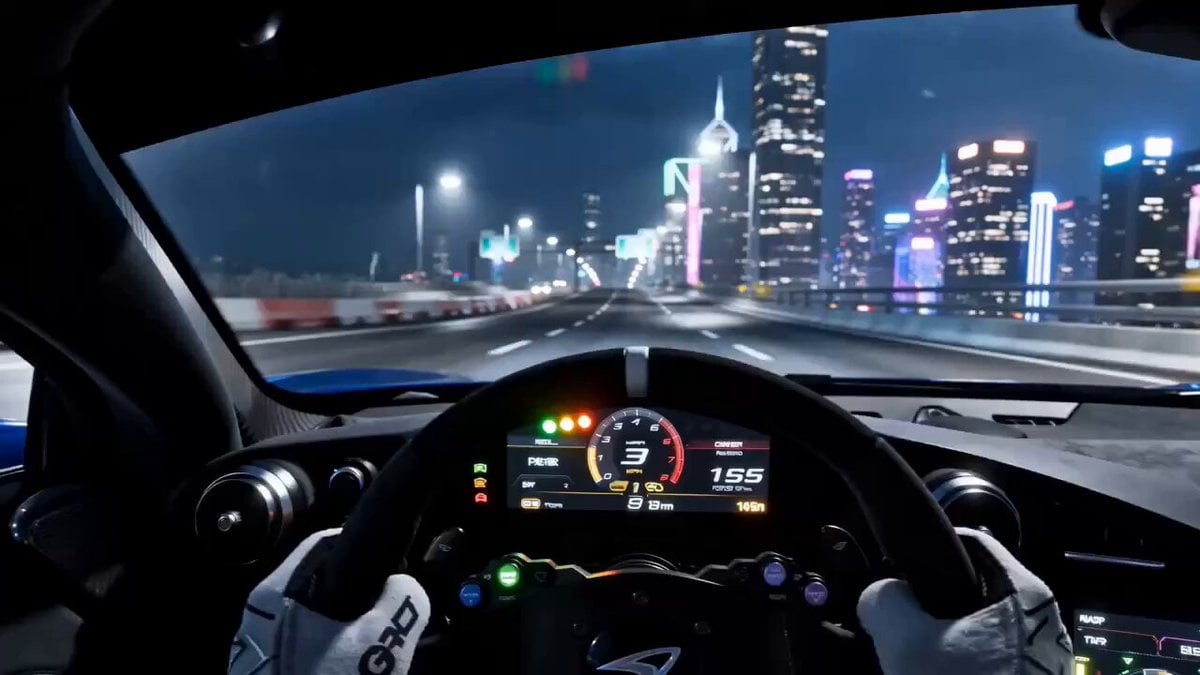
- Prompt included
- Model and format preset
- Free template
The prompt behind this video
Copy the exact prompt behind Need for Speed Style Drifting Video Prompt (Two Segments), or open it in the studio and make it yours.
第1段(0-15秒)Prompt: 16:9横屏,第一人称驾驶舱视角,极品飞车游戏风格,夜间霓虹赛道,高对比度冷暖色调,强烈运动模糊效果。 0-3秒:驾驶舱内视角,双手紧握方向盘,仪表盘转速表飙升至红区,引擎轰鸣声炸裂。挡风玻璃前方是璀璨的 市霓虹灯海,路灯飞速后退拉成金色光轨。主角低吼"走!" 4-8秒:赛车在高速公路上极速飞驰,时速表指针越过280公里。前方出现急转弯道,霓虹指示牌一闪而过。双手 猛打方向盘,车身剧烈侧倾,轮胎与地面摩擦喷出白色烟雾,完美的漂移过弯。侧窗外城市灯火化作流动的光带 。 9-15秒:漂移完成车身回正,引擎咆哮加速冲入隧道。隧道内蓝色与紫色霓虹灯带在车身两侧飞速掠过,挡风玻 璃上映照着绚烂的彩光。后视镜中出现两盏刺眼的远光灯——有车追来。主角嘴角上扬"来啊"。定格画面:驾驶舱 视角,前方隧道出口的刺眼白光,后视镜中的追车。 第2段(15-30秒)Prompt: 将@视频1延长15秒。 0-4秒:赛车冲出隧道,进入复杂的城市街道。高速穿过霓虹闪烁的商业区,两侧高楼林立,巨型LED广告牌从头 顶掠过。后方追车紧咬不放,引擎声此起彼伏。 5-9秒:前方出现连续S弯道,双手快速左右切换方向盘,赛车在街道上连续漂移。第一次左漂移避开路边的出租 车,第二次右漂移穿过狭窄的巷口,第三次长漂移滑过十字路口。轮胎尖叫声、引擎咆哮声、风噪声交织。路边 行人惊呼躲避。 10-15秒:最后一处90度急弯,主角猛踩刹车同时拉起手刹,赛车以前轮为轴旋转180度,完美甩尾过弯。追车来 不及刹车,直接冲向路边的报刊亭,撞出漫天碎片。主角一脚油门,赛车呼啸而去,消失在夜色中。画面定格: 从车尾视角,红色尾灯在黑暗中远去,只留下飘散的轮胎烟雾和远处的警笛声。慢动作收尾,音效渐弱。
How to use Need for Speed Style Drifting Video Prompt (Two Segments) in 3 steps
- 1
Open
The prompt is already in the box next to the preview, with the template's model and format selected.
- 2…a portrait of your subject in softgolden-hour light, 85mm…
Personalize
Edit the subject and creative details for your destination.
- 3Generate
Generate
Press Generate — your video is created in PicX Studio, so you can compare it with the original and refine one variable at a time.
More like this
Templates with the same subject, style or setup. Open one to see its prompt.
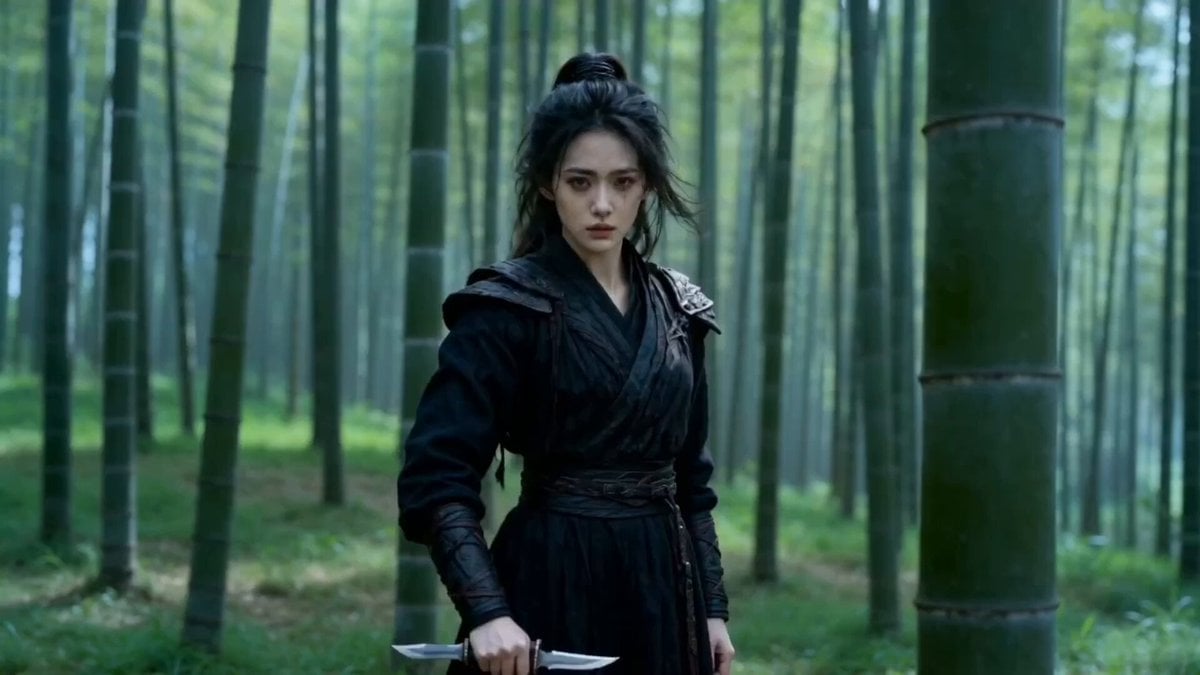
Seedance 2.0 Video Prompt: Classic Movie Scene Recreation (Two Segments)
Highway Biker — Aggressive Lane Split (PixVerse C1)
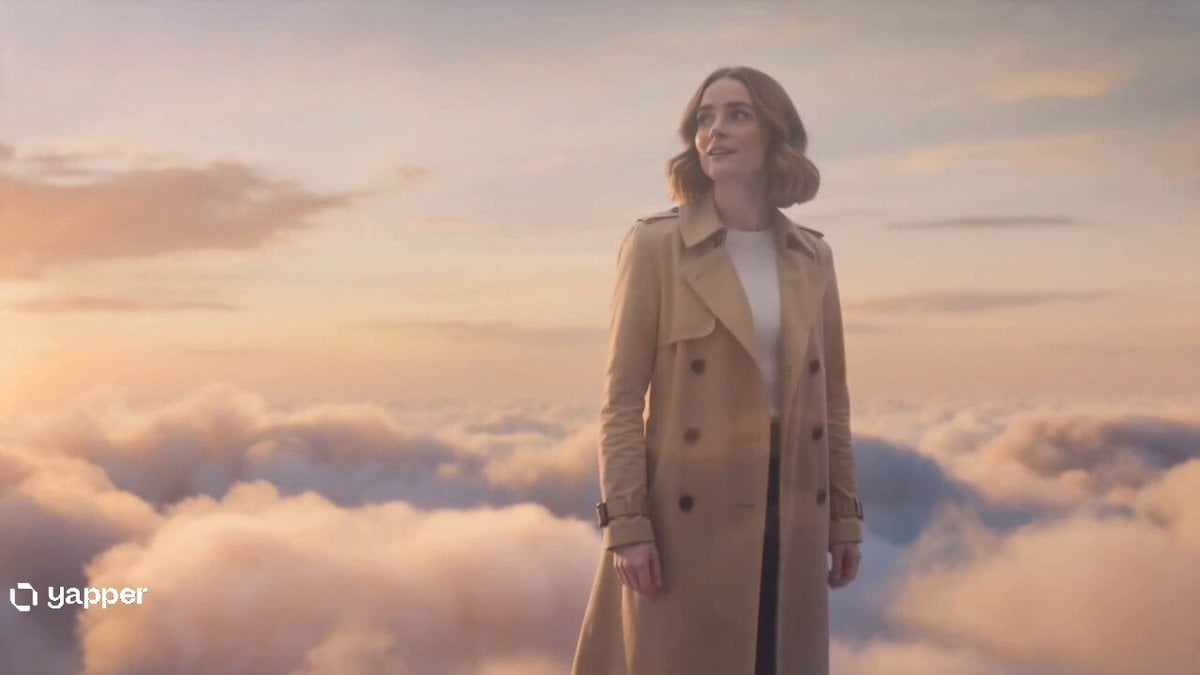
Two Strangers Surreal Dream Island Dance
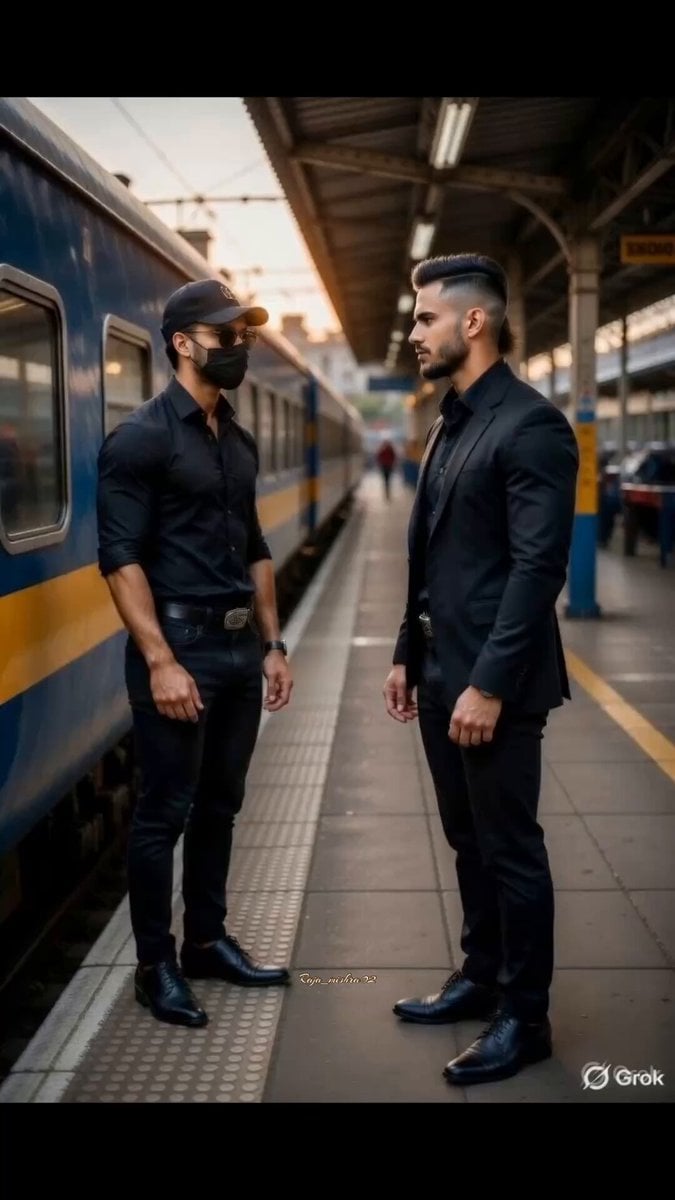
Two Warriors, One Mission
Cinematic IMAX Video Blending Two Images
Grok Imagine prompt for a healing animation short video of two cute kittens talking
Kei Truck Street Racer Drifting on Japanese Highway
Grok Imagine Video Generation with Two Characters
Two silver dragons in moonlight serenade
Grok Imagine Prompt: Render two kids outside dressed in winter coats and toques in traditional Easte
Two-Step Generation for Dancer Video using Grok Imagine and Hailuo 2.3
Two Cinematic Story Prompts on Risk-Taking
Make it yours
Need for Speed Style Drifting Video Prompt (Two Segments) works as-is. These are the safest ways to change it without losing the look.
Change one field
Copy a single group, rewrite it, and generate again so you can see what that field is doing.
Keep the frame, change the subject
Hold the composition and light of Need for Speed Style Drifting Video Prompt (Two Segments), then swap wardrobe, props or the person for a new take.
| If the result… | Why | Fix |
|---|---|---|
| The result drifts from the preview | Too many fields changed at once. | Reuse Need for Speed Style Drifting Video Prompt (Two Segments) as-is first, then change one group — subject, light, or setting. |
| The model over-stylizes the scene | The prose prompt leaves finish and camera underspecified. | Add one camera or lighting sentence and stay on Seedance 2.0. |
More Seedance 2.0 templates
Other prompts made for Seedance 2.0.

Comical Martial Arts Punch Scene

Maglev Train Action Sequence

Martial Arts Fight Sequence

Wuxia Protection and Trust Script

Vintage Korean Arcade MiniDV Vlog

Mercedes 190 SL Luxury Ad

Rainy Night Supernatural Reverse Comedy Video Script

Amazon Civilization Discovery

Futuristic South Asian City Transformation

Cozy Luxury Cafe Commercial
More video prompts
Fresh picks from across the catalog.
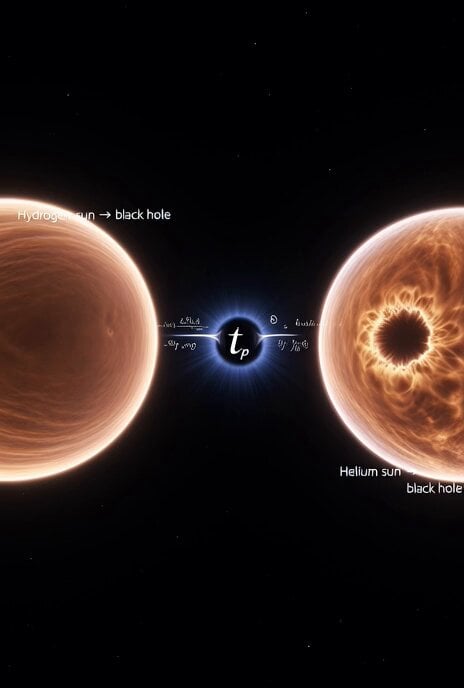
Cosmic Sun Collapse Visualization
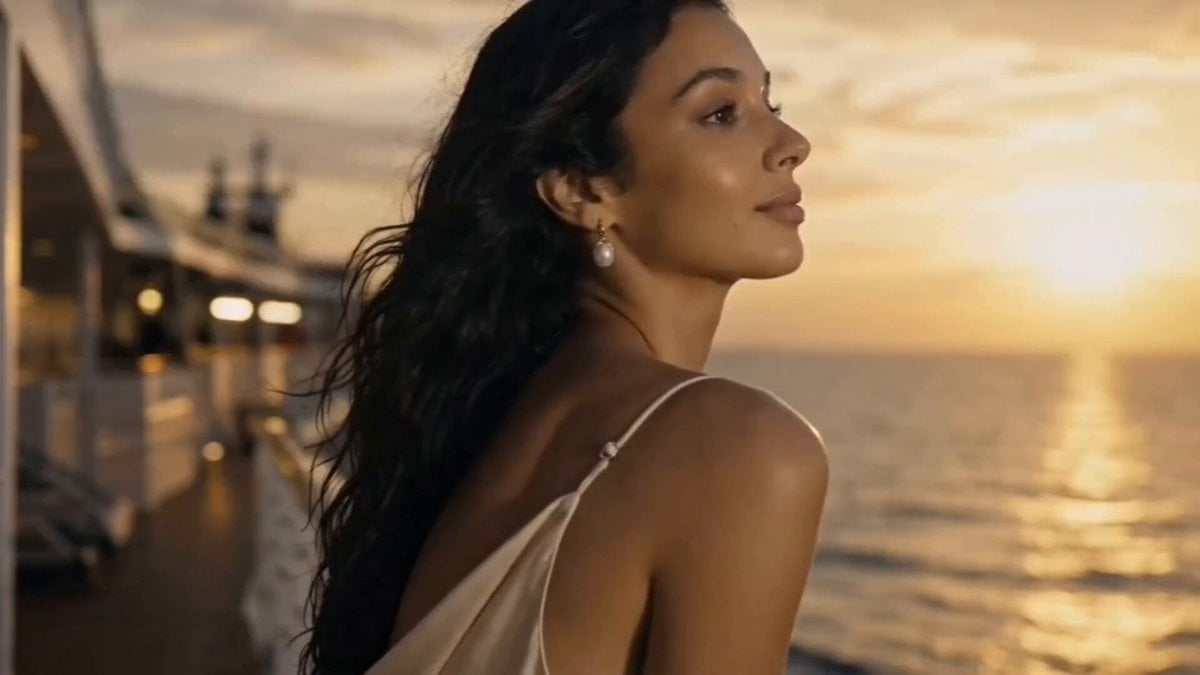
Luxury Cruise Sunset Journey
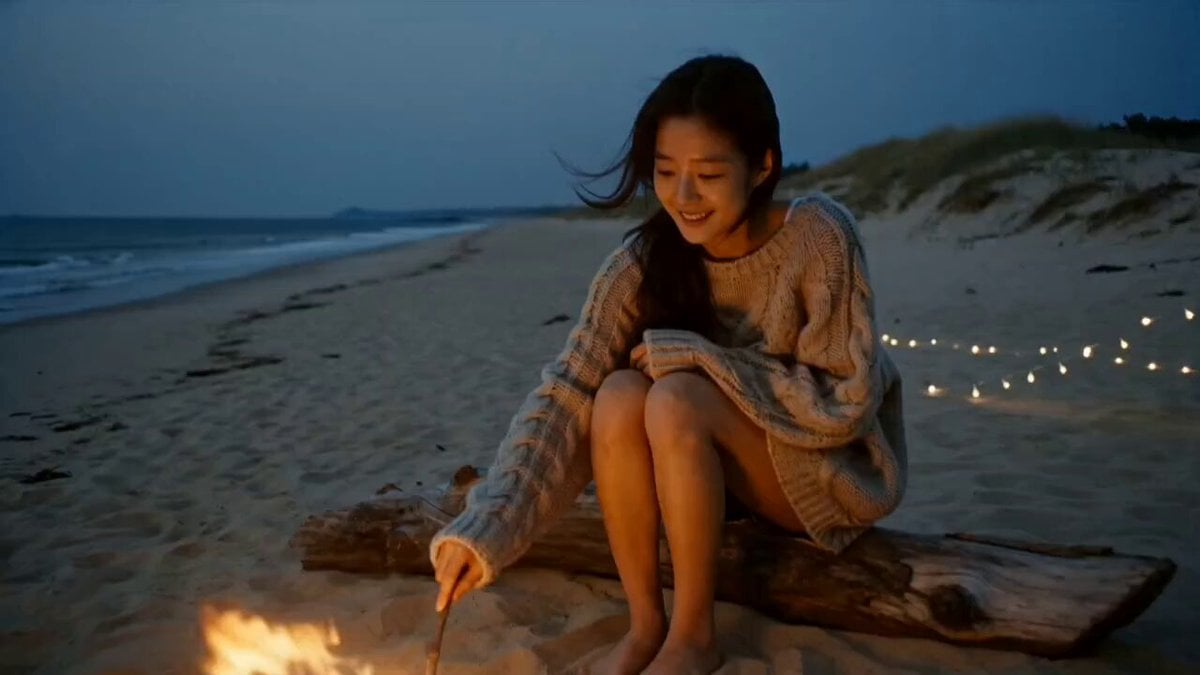
Korean Beach Bonfire VHS Memory
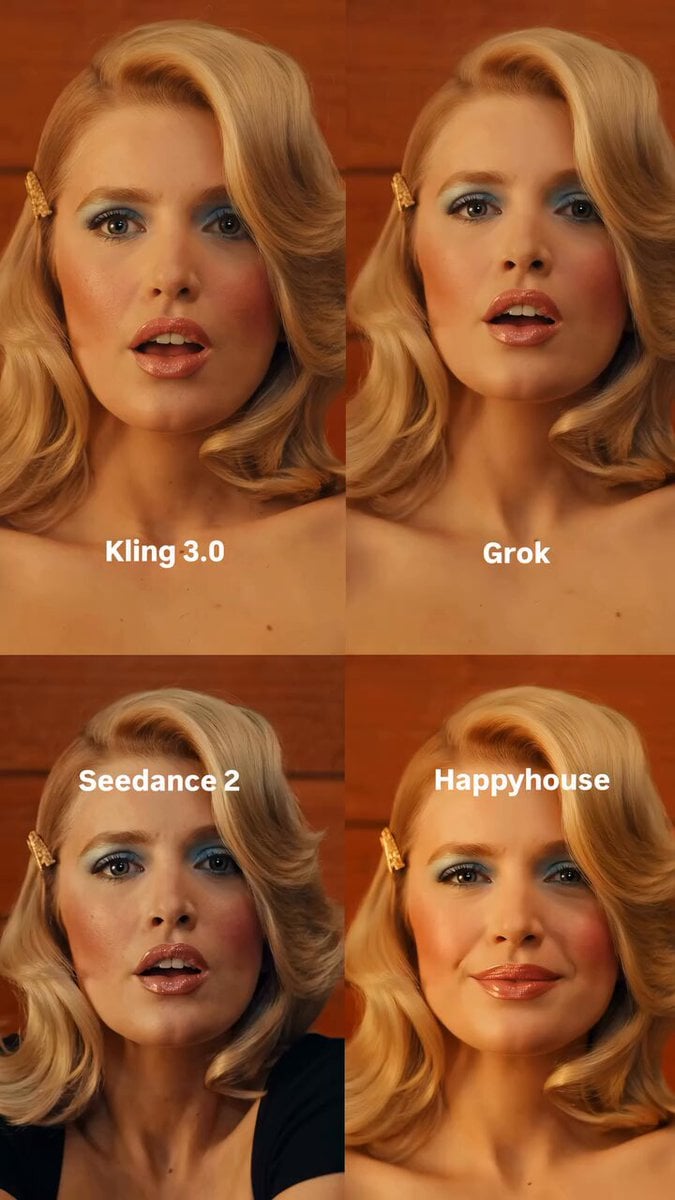
Retro Character Portrait
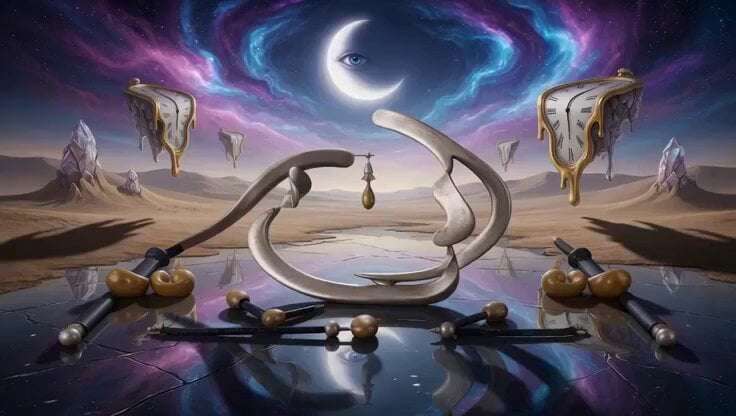
Surreal Molten Gold Sculpture
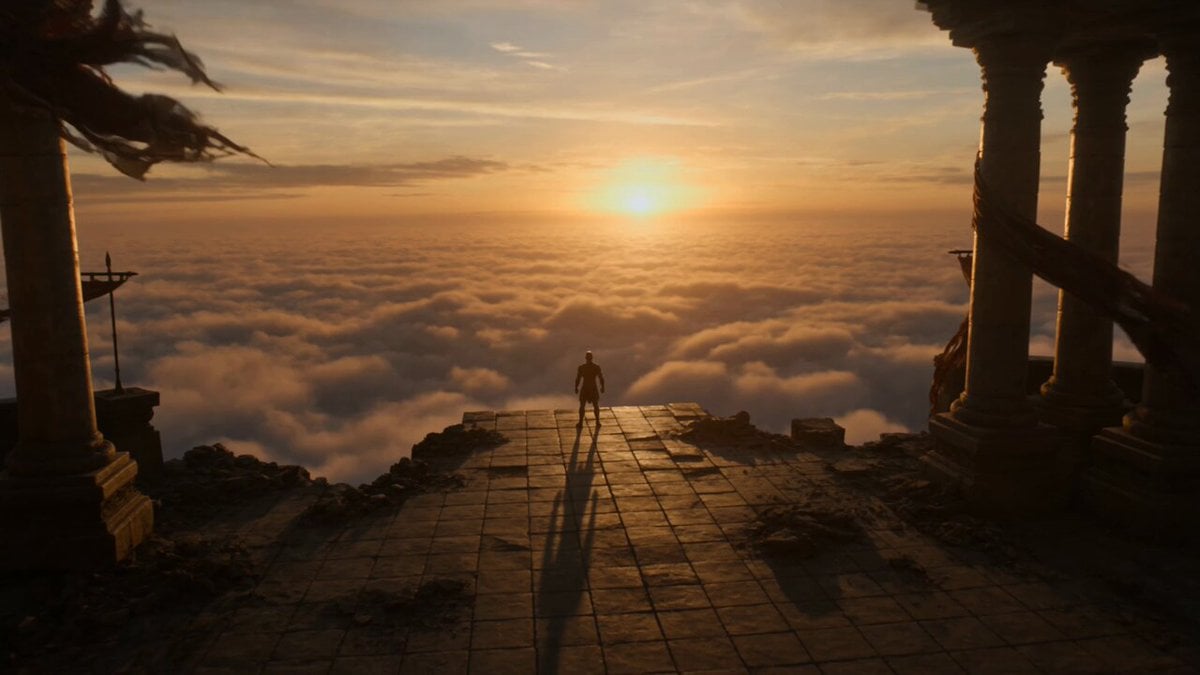
Phoenix Transformation Sequence
Seedance 2.0 Beginner Prompting Guide and Financial Topic Avoidance
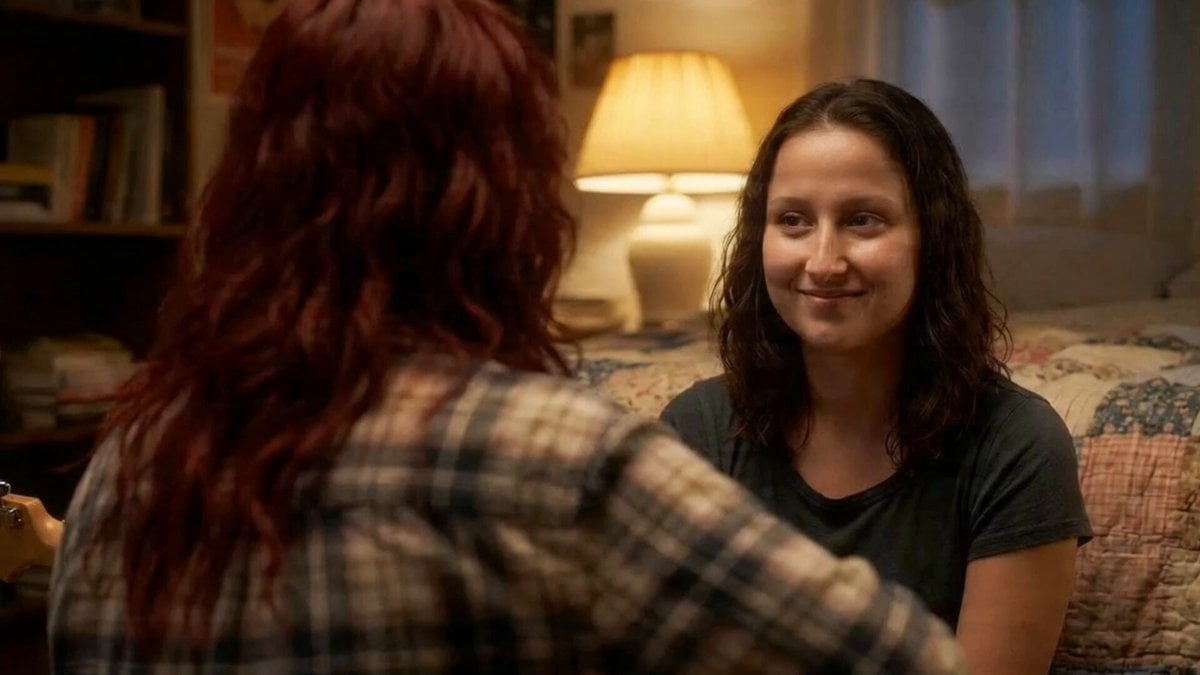
Acoustic Serenade and Emotional Reaction Storyboard
Cinematic Dragon Fantasy Reel

Hyperrealistic Miniature Girl on a Paper Airplane Video Prompt
Browse template categories
Need for Speed Style Drifting Video Prompt (Two Segments) questions
How do I use the Need for Speed Style Drifting Video Prompt (Two Segments) template?
Add your photo if the template asks for one, edit the prompt if you like — the template's model and format are already selected — and press Generate. Your version opens in PicX Studio.
Can I customize the Need for Speed Style Drifting Video Prompt (Two Segments) template?
Yes. You can change the subject, setting, lighting, mood, format, and available model controls before creating your video.
Is the Need for Speed Style Drifting Video Prompt (Two Segments) template free?
Opening and editing this template is free. Generating uses credits, shown on the Generate button when you are signed in.
Which AI model should I use?
Start with Seedance 2.0, which is the model associated with this template. You can compare another compatible model for a different finish.
Looking for something else? Browse all templates.

Your photo, any look
Thousands of ready templates for every top image and video model, from one credit balance.