
Cinematic Coastal Aerial Drone Shot
A continuous 15-second aerial drone sequence flying over a dramatic coastline, winding roads, and a Mediterranean hillside village at golden hour.
- Prompt included
- Model and format preset
- Premium template
The prompt behind this video
Copy the exact prompt behind Cinematic Coastal Aerial Drone Shot, or open it in the studio and make it yours.
15 seconds, 16:9 cinematic, single continuous aerial drone shot, smooth uninterrupted flight path, no cuts. Global setup: Epic cinematic drone footage, ultra smooth gimbal stabilization, wide angle aerial lens with subtle motion blur on fast movements. Golden late afternoon light, long soft shadows. Setting: a dramatic coastline where cliffs meet turquoise ocean, a winding coastal road, small whitewashed village clinging to the hillside, scattered sailboats on the water. Ambient sound: wind rush, distant waves, soft orchestral/ambient score building gradually. [0:00–0:03] Drone starts low and close, skimming just above rolling ocean waves, spray faintly visible below, camera angled slightly downward. Speed picks up as it glides forward. [0:03–0:06] Drone rises smoothly and banks left, revealing towering cliffs ahead bathed in golden light, a narrow coastal road cut into the rock face with a single car driving along it. Altitude continues climbing. [0:06–0:09] Drone crests over the cliff edge, revealing the whitewashed village spilling down the hillside, terracotta rooftops catching the light, narrow streets, a small plaza with a fountain. Camera pulls back and up. [0:09–0:12] Drone continues rising and rotating slowly, full coastline now visible village, cliffs, road, and open ocean dotted with sailboats, long shadows stretching across the land. Sweeping wide reveal. [0:12–0:15] Drone ascends further into a final wide aerial shot, sun beginning to touch the horizon, entire landscape glowing in warm gold and deep blue, camera slows to a graceful stop. Fade to black. Style: hyper-realistic cinematic color grade, rich golden hour tones, epic scale, no CGI artifacts, natural atmospheric haze in distance. Constraints: smooth continuous drone motion with no jitter, consistent lighting and shadow direction throughout, physically plausible flight path, no text overlays, no sudden altitude jumps.
How to use Cinematic Coastal Aerial Drone Shot in 3 steps
- 1
Open
The prompt is already in the box next to the preview, with the template's model and format selected.
- 2…a portrait of your subject in softgolden-hour light, 85mm…
Personalize
Edit the subject and creative details for your destination.
- 3Generate
Generate
Press Generate — your video is created in PicX Studio, so you can compare it with the original and refine one variable at a time.
More like this
Templates with the same subject, style or setup. Open one to see its prompt.
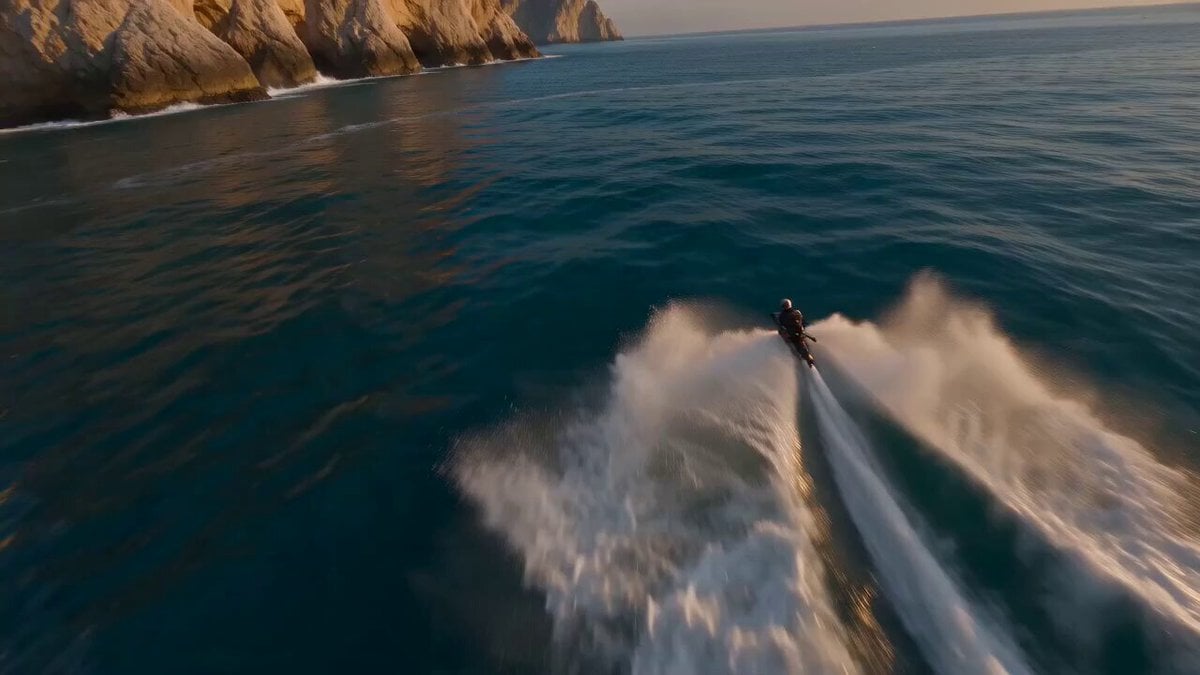
Yellow Seaplane Coastal Dive — Aerial Drone Shot
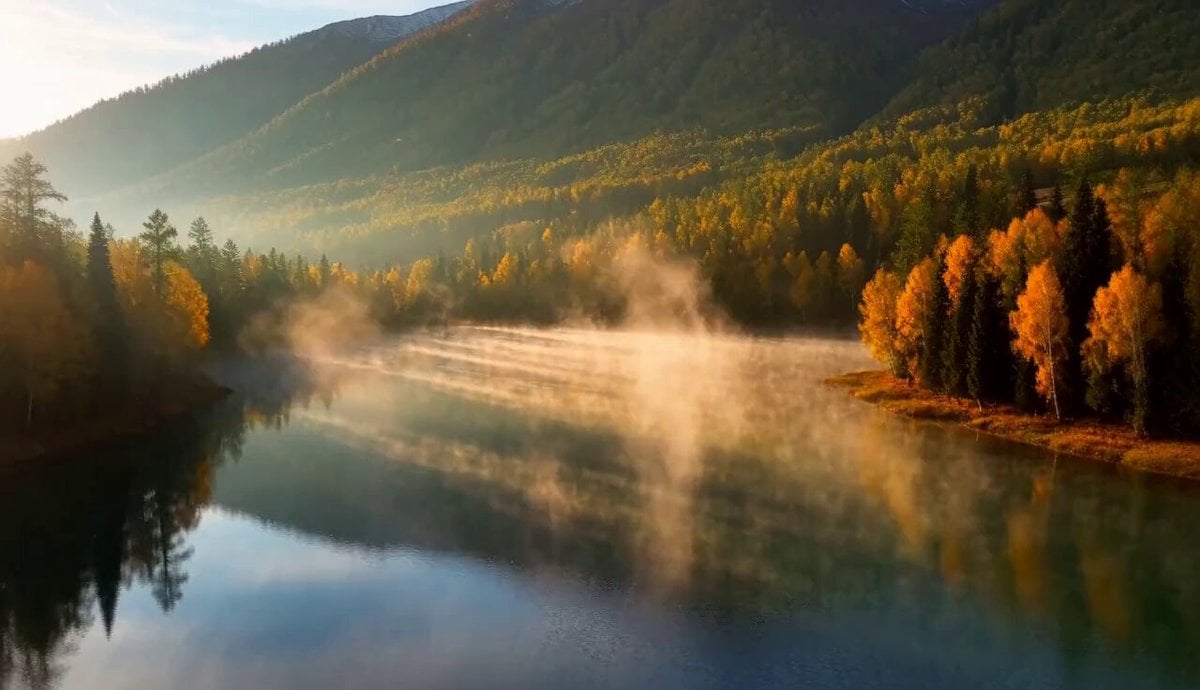
Cinematic Xinjiang Drone Landscapes - Seedance 2.5

Mediterranean Morning Coffee Run Vlog (Seedance 2.5)
FPV Drone Skier Tracking — Kling 3.0 O3 Pro
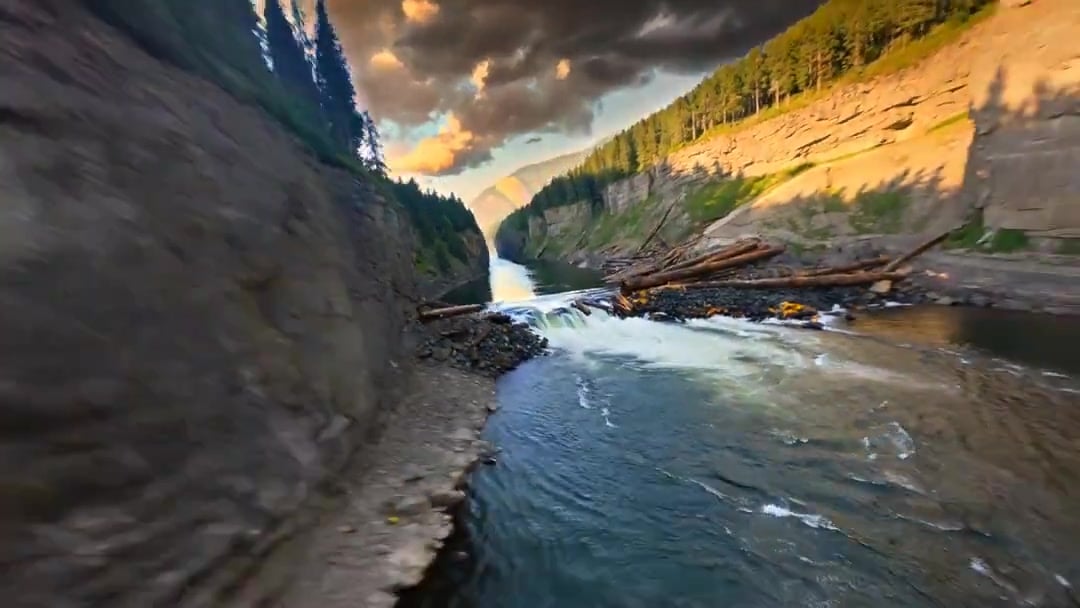
Cinematic Drone Specs Canyon — Kling 3.0 v3 Pro
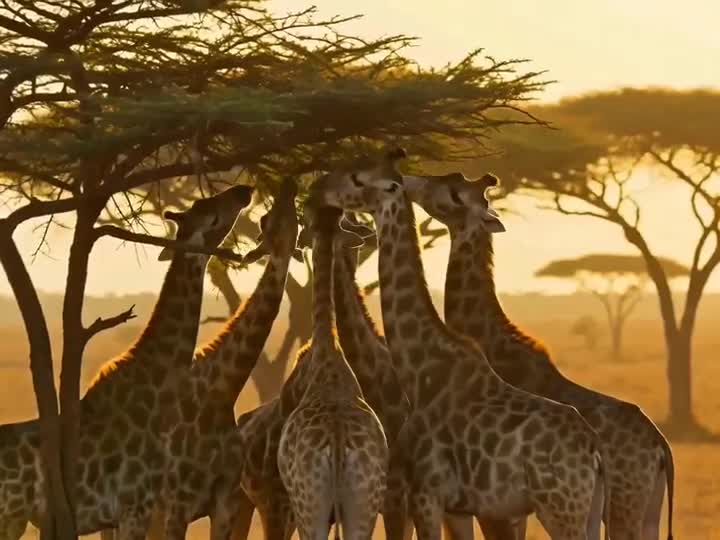
Drone Removal Safari Cleanup

Luxury Lifestyle Day Vlog
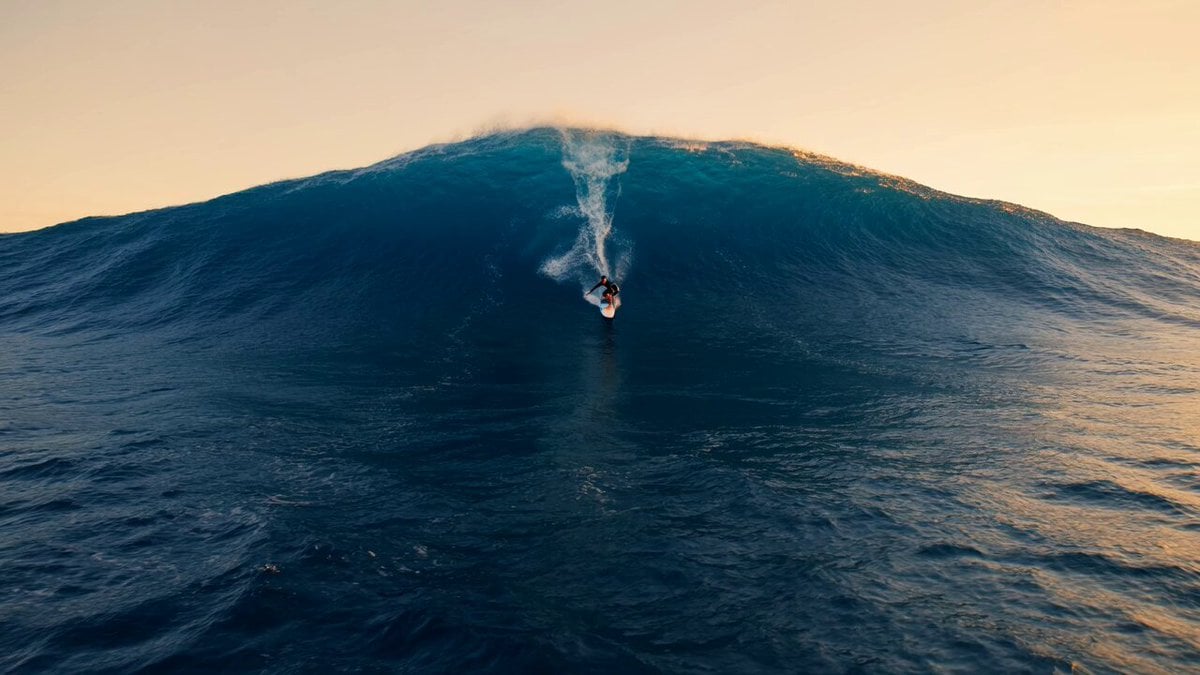
Professional Surfer Aerial Drone Shot
City Timelapse Growth — Seedance 2.0
Griffin Knight Mountain Kingdom — Seedance 2.0
Amazon FPV Drone Chase — Seedance 2.0
FPV Ancient Kuru Kingdom — Hastinapura Golden Hour (Seedance)
Make it yours
Cinematic Coastal Aerial Drone Shot works as-is. These are the safest ways to change it without losing the look.
Change one field
Copy a single group, rewrite it, and generate again so you can see what that field is doing.
Keep the frame, change the subject
Hold the composition and light of Cinematic Coastal Aerial Drone Shot, then swap wardrobe, props or the person for a new take.
| If the result… | Why | Fix |
|---|---|---|
| The result drifts from the preview | Too many fields changed at once. | Reuse Cinematic Coastal Aerial Drone Shot as-is first, then change one group — subject, light, or setting. |
| The model over-stylizes the scene | The prose prompt leaves finish and camera underspecified. | Add one camera or lighting sentence and stay on Seedance 2.0. |
More Seedance 2.0 templates
Other prompts made for Seedance 2.0.

Comical Martial Arts Punch Scene

Maglev Train Action Sequence

Martial Arts Fight Sequence

Wuxia Protection and Trust Script

Vintage Korean Arcade MiniDV Vlog

Mercedes 190 SL Luxury Ad

Rainy Night Supernatural Reverse Comedy Video Script

Amazon Civilization Discovery

Futuristic South Asian City Transformation

Cozy Luxury Cafe Commercial
More video prompts
Fresh picks from across the catalog.
Zero-G Biomechanics Clip 3: Impact and Exhaustion
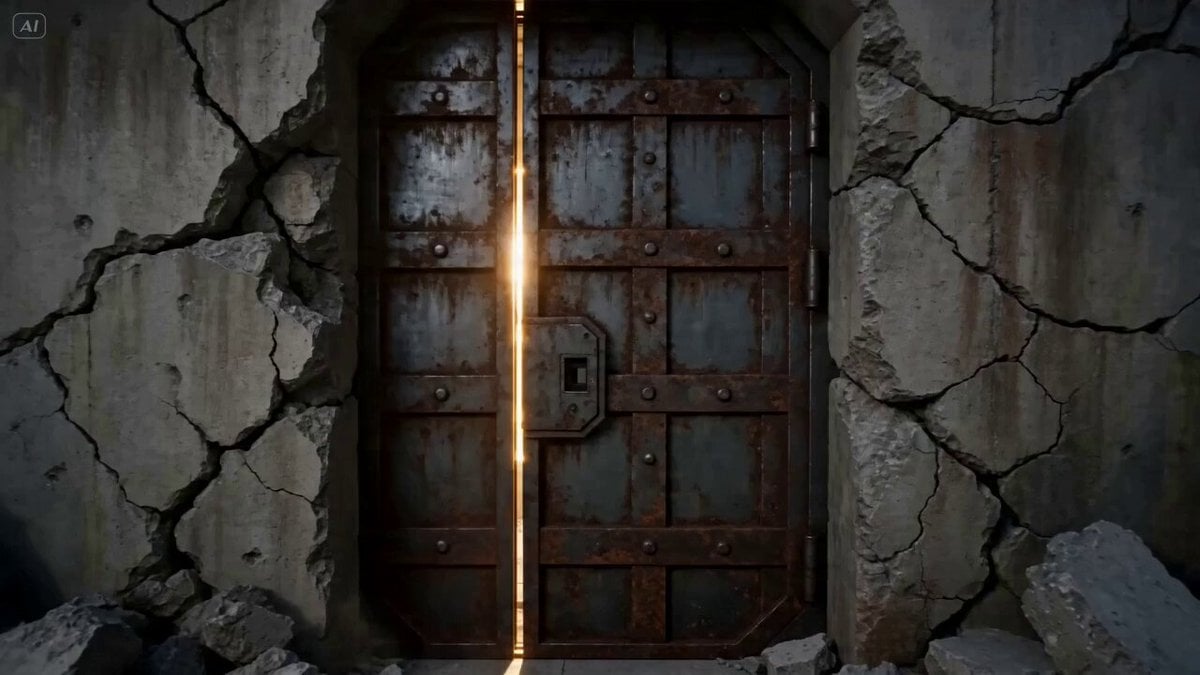
Underground City 'ARC' Tour VFX Prompt
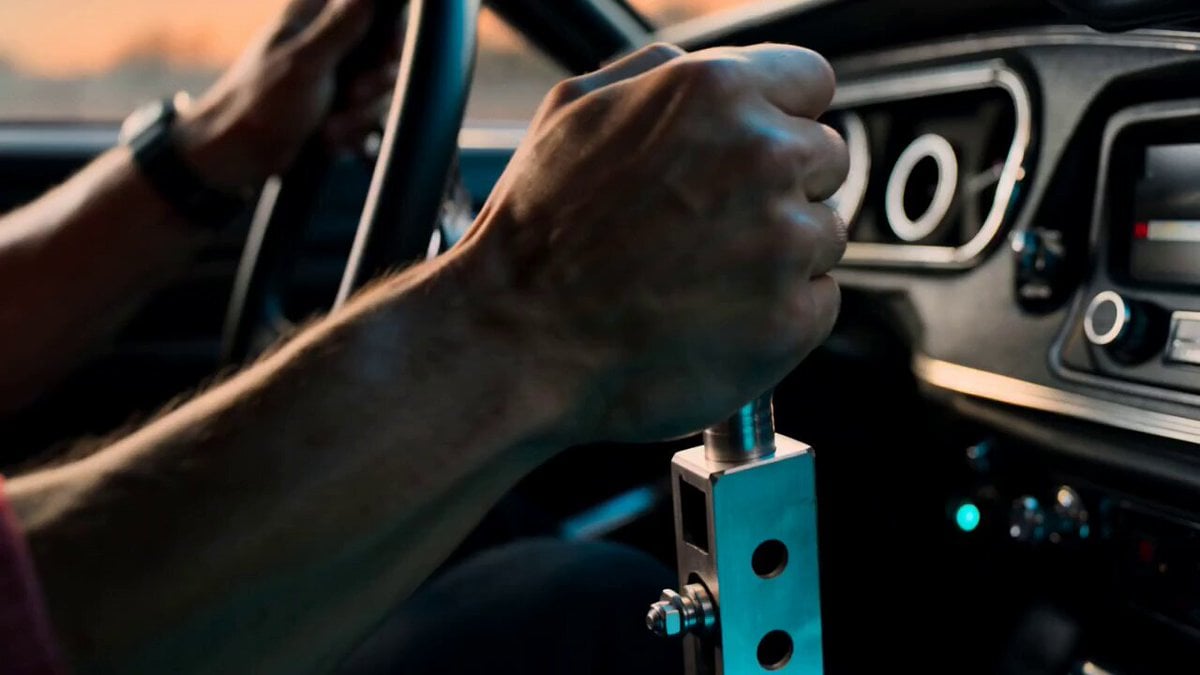
High-Speed Muscle Car Chase
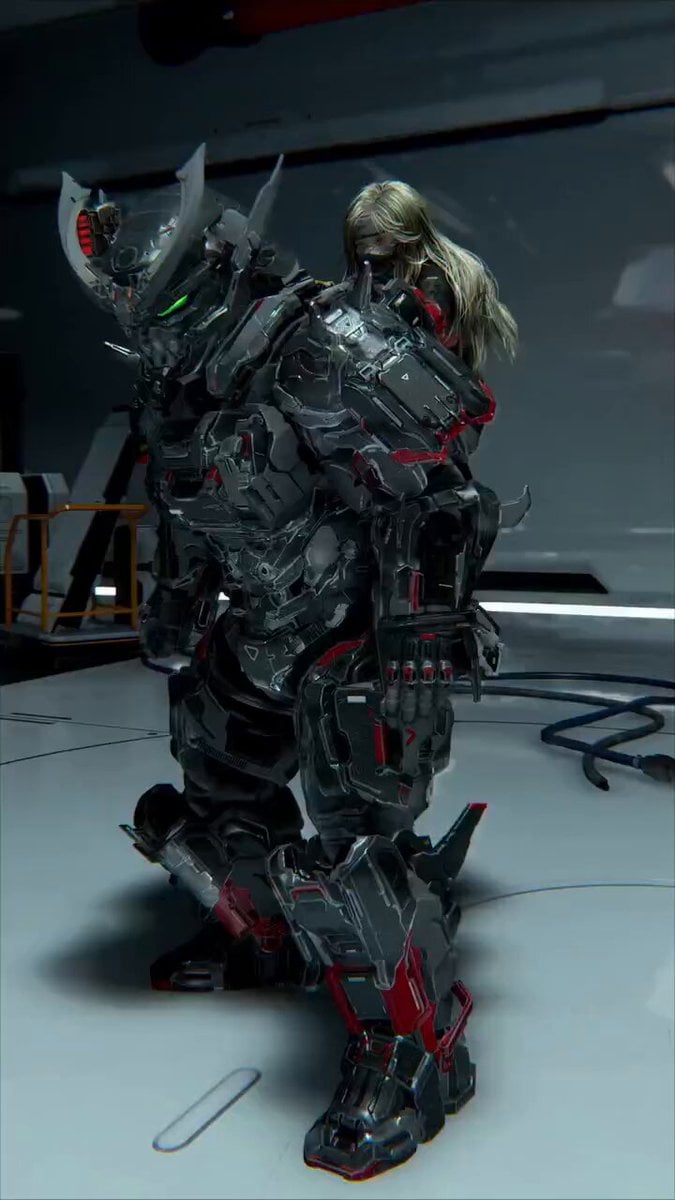
Futuristic Mech and Pilot Orbiting Shot
Thornmaw Monarch — Crimson Glass Desert Beast
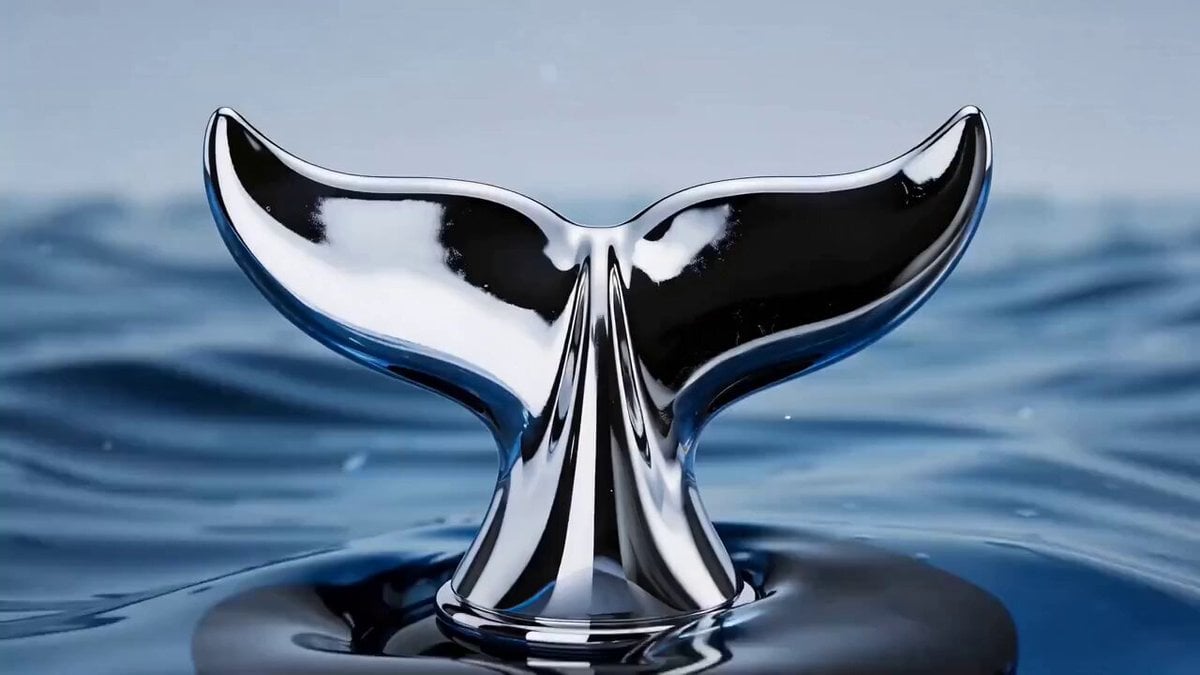
Perfume product advertisement generation prompt for Seedance 2.0
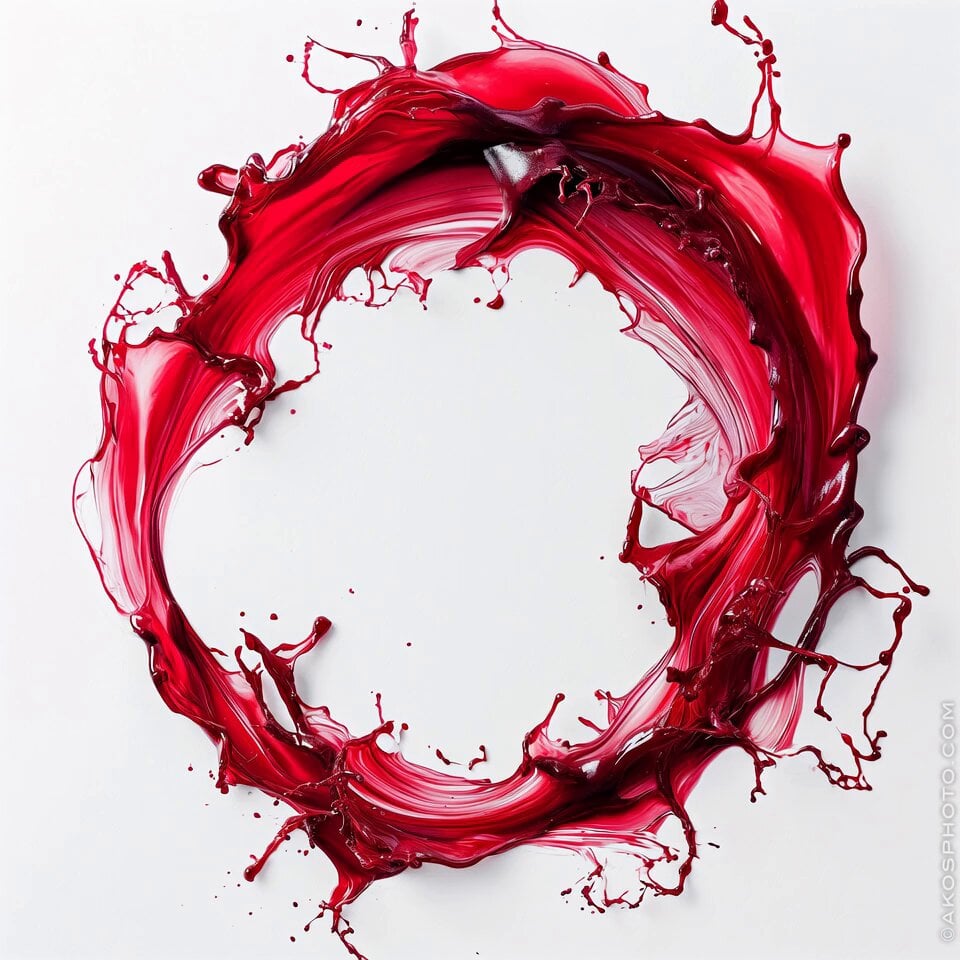
Red Splash Letter Morph

Surrealist Studio Portrait Performance

RX-7 to Mech Transformation Cyberpunk
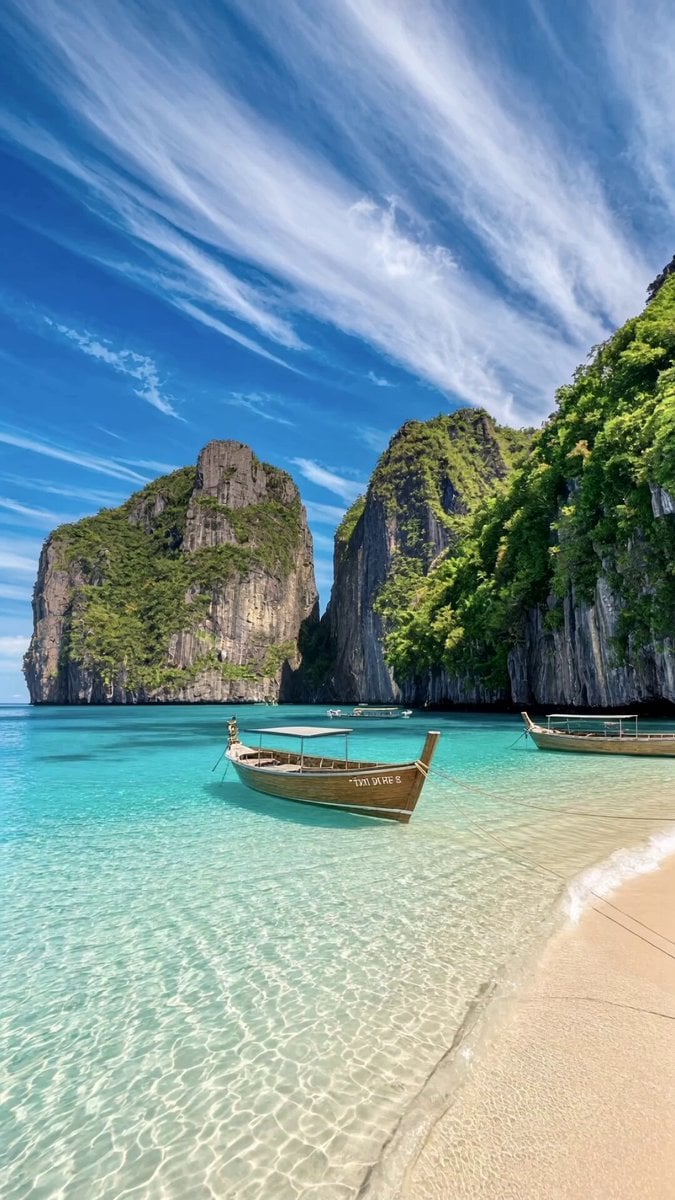
Tropical Beach Drone Shot
Browse template categories
Cinematic Coastal Aerial Drone Shot questions
How do I use the Cinematic Coastal Aerial Drone Shot template?
Add your photo if the template asks for one, edit the prompt if you like — the template's model and format are already selected — and press Generate. Your version opens in PicX Studio.
Can I customize the Cinematic Coastal Aerial Drone Shot template?
Yes. You can change the subject, setting, lighting, mood, format, and available model controls before creating your video.
Is the Cinematic Coastal Aerial Drone Shot template free?
Opening and editing this template is free. Generating uses credits, shown on the Generate button when you are signed in.
Which AI model should I use?
Start with Seedance 2.0, which is the model associated with this template. You can compare another compatible model for a different finish.
Looking for something else? Browse all templates.

Your photo, any look
Thousands of ready templates for every top image and video model, from one credit balance.