
Hyper-realistic Sci-Fi Short Film Storyboard for Grok Imagine
A detailed, multi-scene storyboard prompt for Grok Imagine, requesting a 15-second hyper-realistic sci-fi short video.
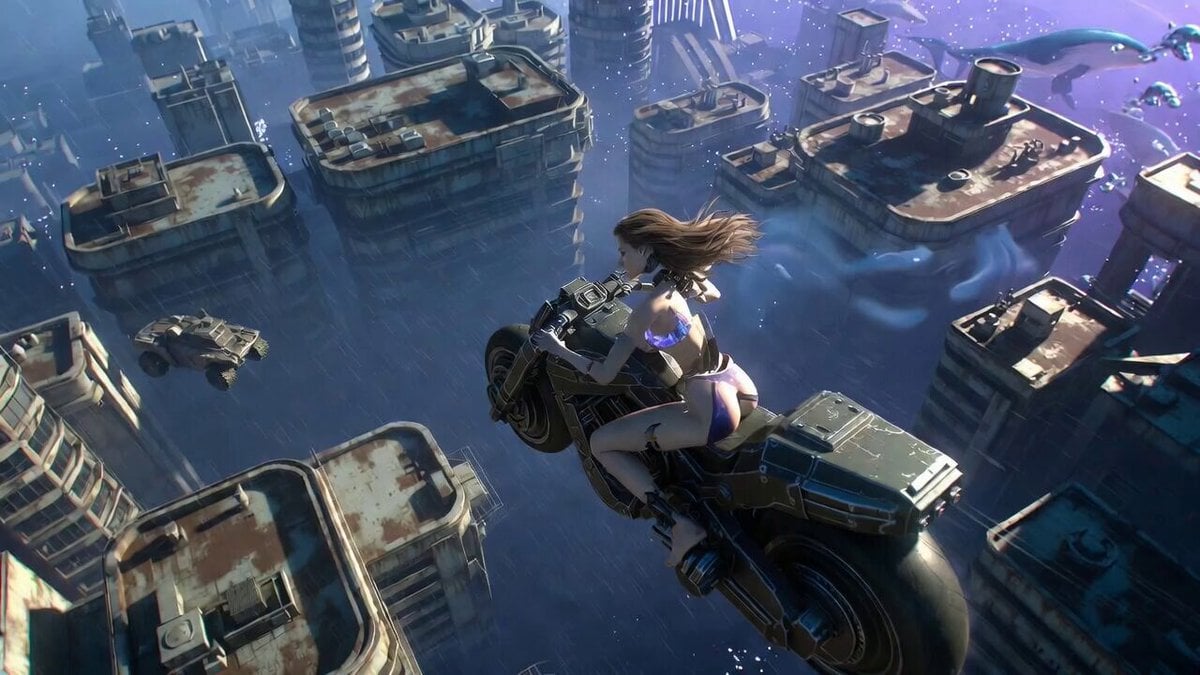
- Prompt included
- Model and format preset
- Free template
The prompt behind this video
Copy the exact prompt behind Hyper-realistic Sci-Fi Short Film Storyboard for Grok Imagine, or open it in the studio and make it yours.
15秒超写实科幻短视频分镜脚本,电影级多机位拍摄,丰富景别切换,全景/中景/近景/特写/仰拍/俯拍/环绕运镜/跟拍推进/特写交替,UE5影视级渲染,8K超高清,60帧流畅动态,高对比度光影,金属硬核质感,红色能量流光特效,极强真实感,科幻史诗氛围 00:00-00:05 开场镜头:8K分辨率/DLSS 3.5超分/实时光追全局照明,广角镜头俯视未来都市,纳米级材质呈现建筑表面锈蚀细节,雨滴粒子系统与RTXDI光线交互产生动态焦散效果,赛博朋克式孤寂氛围,Lumen全局光照营造蓝紫色环境光
How to use Hyper-realistic Sci-Fi Short Film Storyboard for Grok Imagine in 3 steps
- 1
Open
The prompt is already in the box next to the preview, with the template's model and format selected.
- 2…a portrait of your subject in softgolden-hour light, 85mm…
Personalize
Edit the subject and creative details for your destination.
- 3Generate
Generate
Press Generate — your video is created in PicX Studio, so you can compare it with the original and refine one variable at a time.
More like this
Templates with the same subject, style or setup. Open one to see its prompt.
Oceanic Civilization Epic Sci-Fi Film
Grok-imagine 1.5 Digital Human Video Script
Grok Imagine Mechanical and Ethereal Creature Prompts
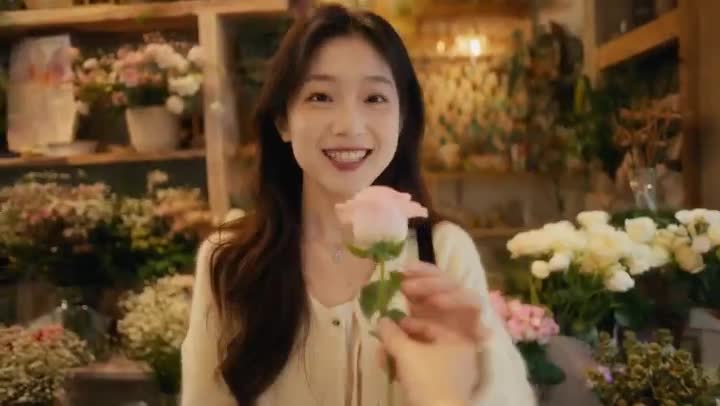
Global Flower Thank-You Film
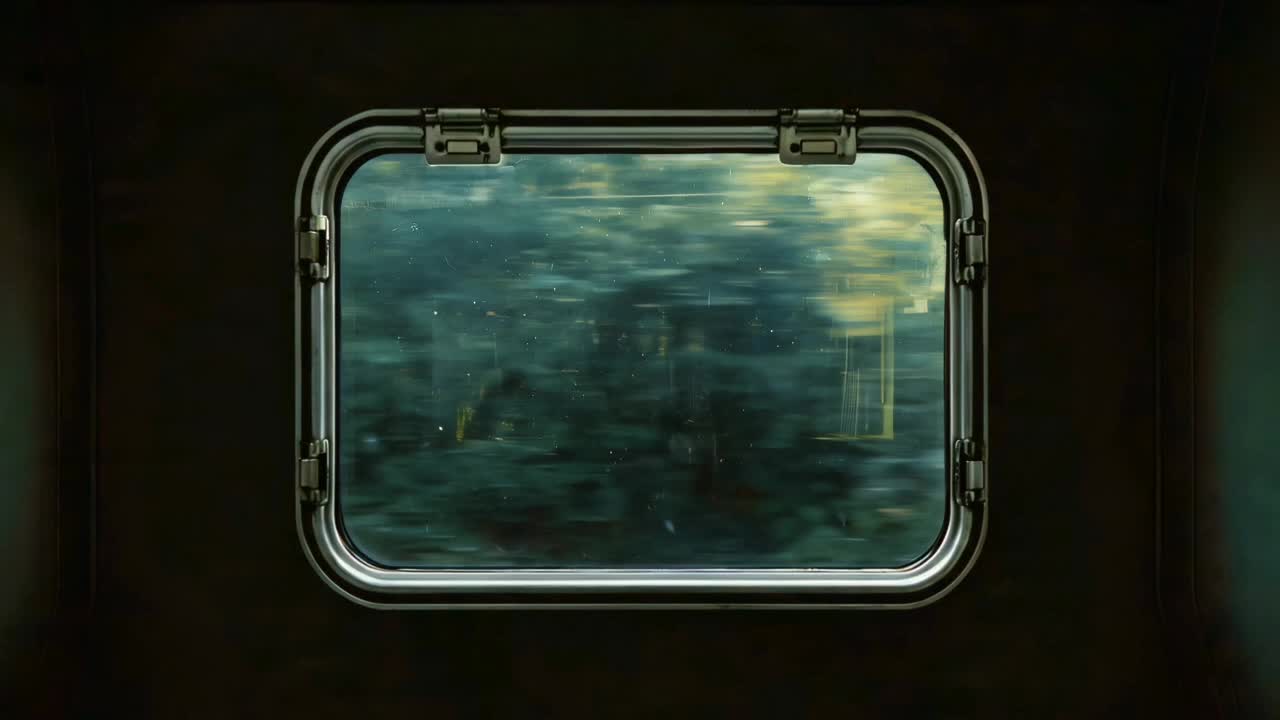
Window-to-Eye Concept Film
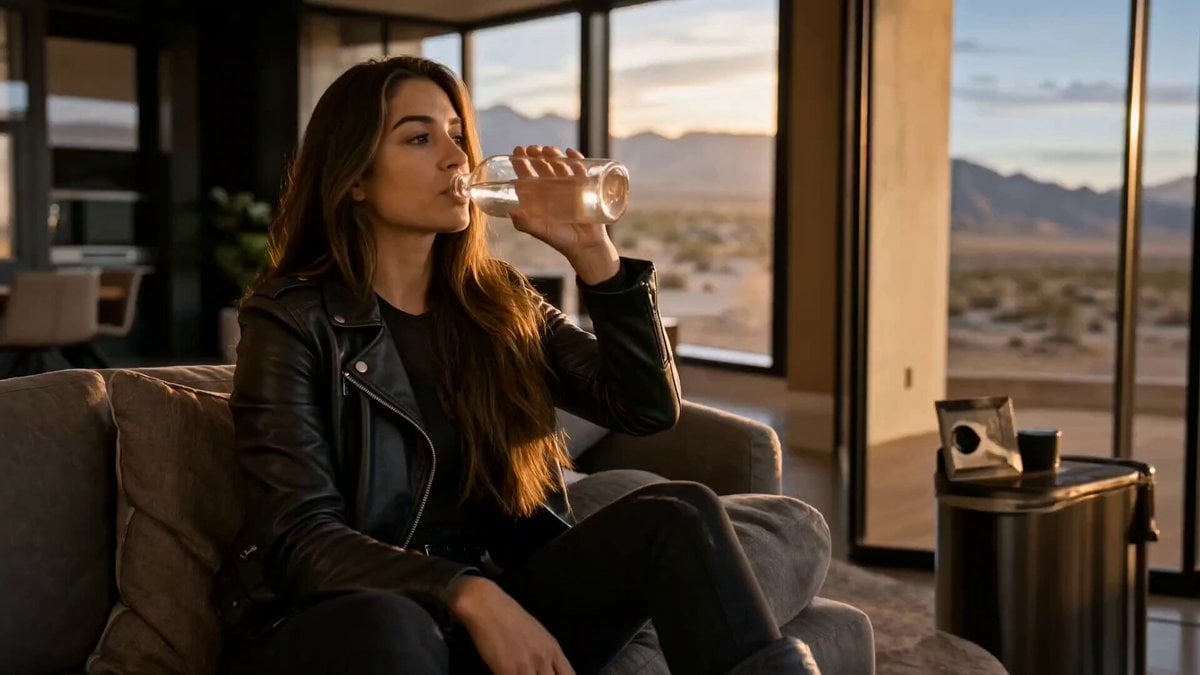
Cinematic Short Film Scene 2
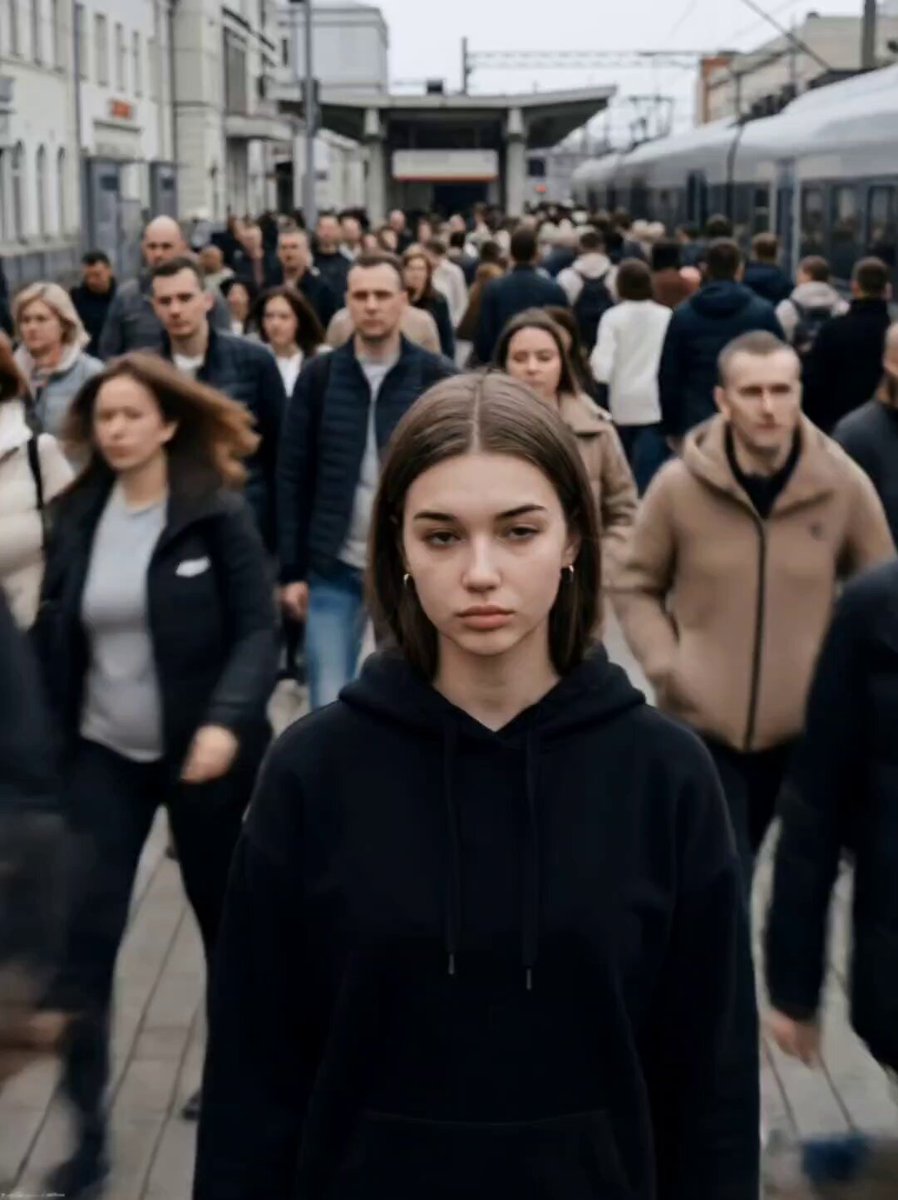
Cinematic Short Film Scene
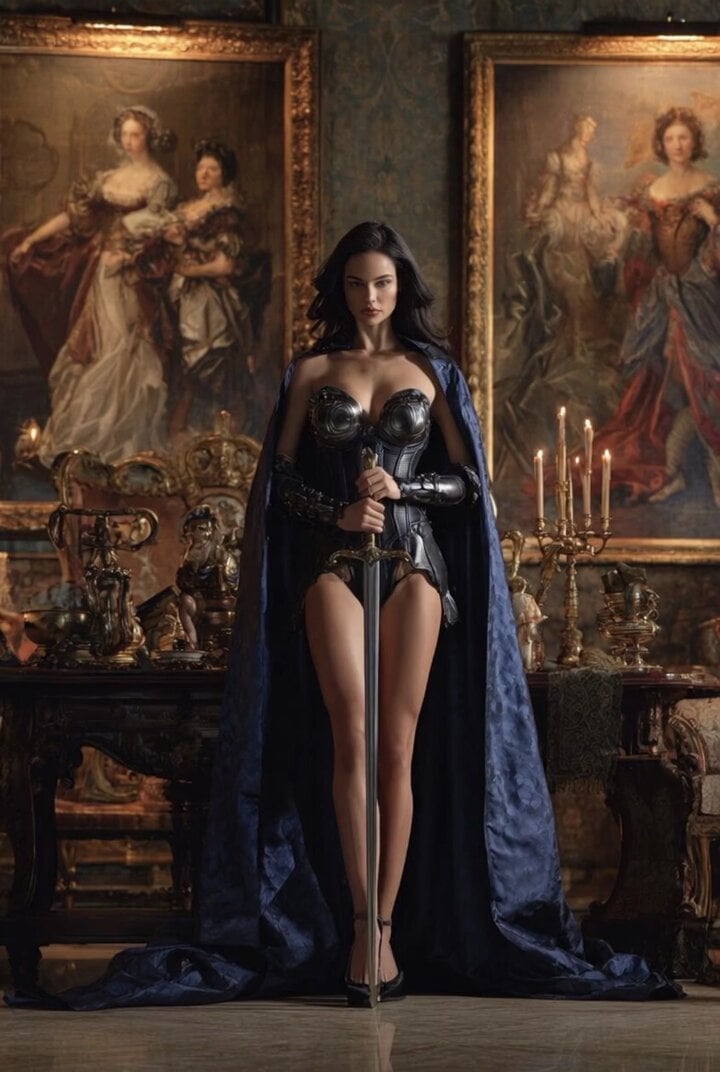
Grok Imagine Video of a Graceful Warrior
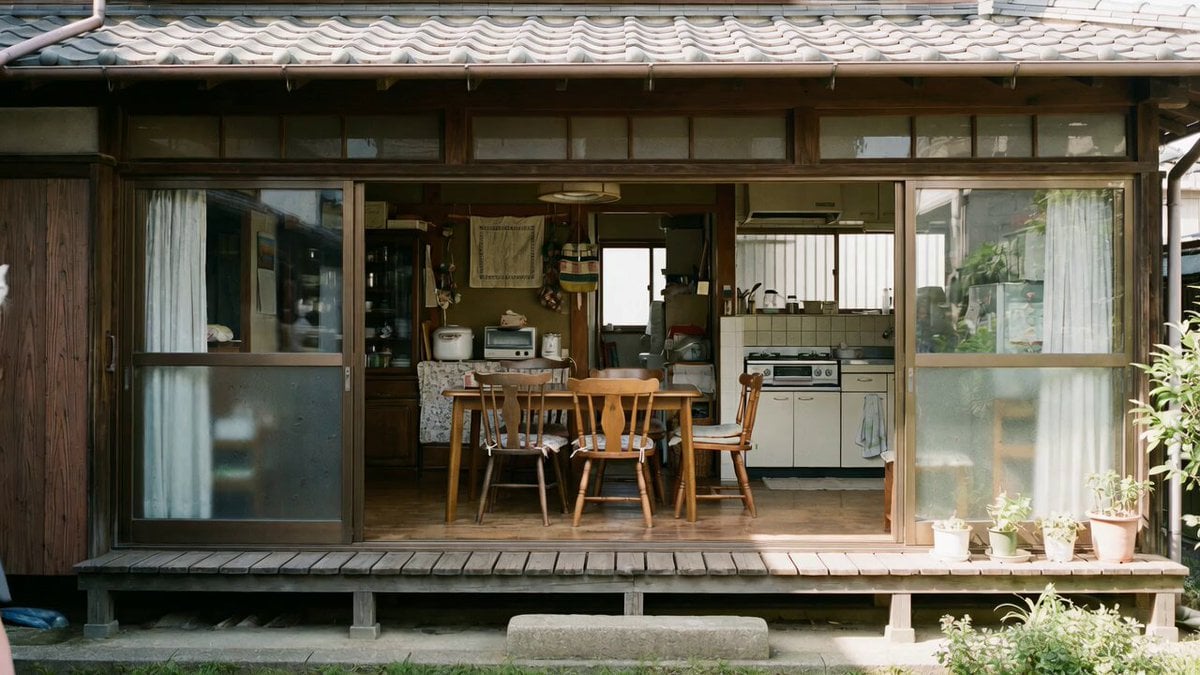
Grok Imagine prompt with negative constraints and scenario

Grok Imagine prompt for cinematic VFX scene (Scene 2 - Landing)
Grok Imagine video prompt part 1: Morning routine
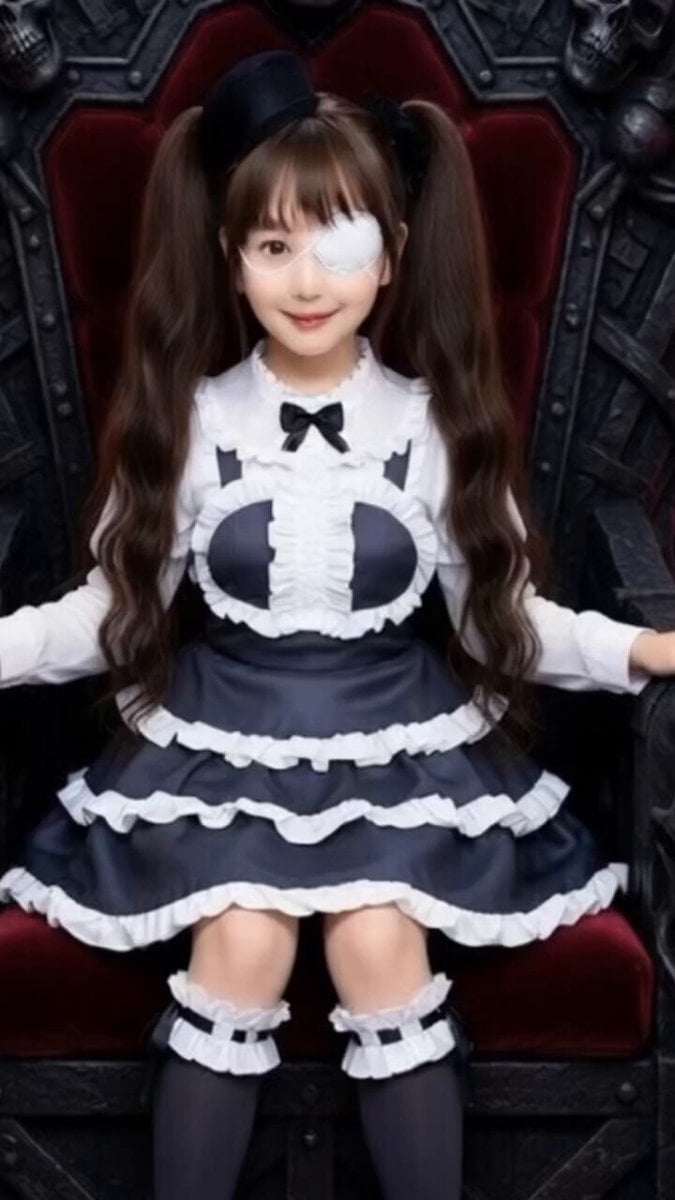
Grok Imagine Prompt: Yurine Kingdom Apocalypse Day
Make it yours
Hyper-realistic Sci-Fi Short Film Storyboard for Grok Imagine works as-is. These are the safest ways to change it without losing the look.
Change one field
Copy a single group, rewrite it, and generate again so you can see what that field is doing.
Keep the frame, change the subject
Hold the composition and light of Hyper-realistic Sci-Fi Short Film Storyboard for Grok Imagine, then swap wardrobe, props or the person for a new take.
| If the result… | Why | Fix |
|---|---|---|
| The result drifts from the preview | Too many fields changed at once. | Reuse Hyper-realistic Sci-Fi Short Film Storyboard for Grok Imagine as-is first, then change one group — subject, light, or setting. |
| The model over-stylizes the scene | The prose prompt leaves finish and camera underspecified. | Add one camera or lighting sentence and stay on Grok Imagine. |
More Grok Imagine templates
Other prompts made for Grok Imagine.

Kaleidoscopic Cosmic Dolphin Video

Horror Daffy Duck Video Transition

America 250th Anniversary Celebration

Glowing Water Forest Night Prompt

Soft Pink Roses Dreamer Prompt

Ninja Wizard Levitation Jump

Coffee Cup Interaction Motion

Voice Controlled Water Animation

Pterodactyl Transformation Journey

Candle Mandala Mirror Video
More video prompts
Fresh picks from across the catalog.
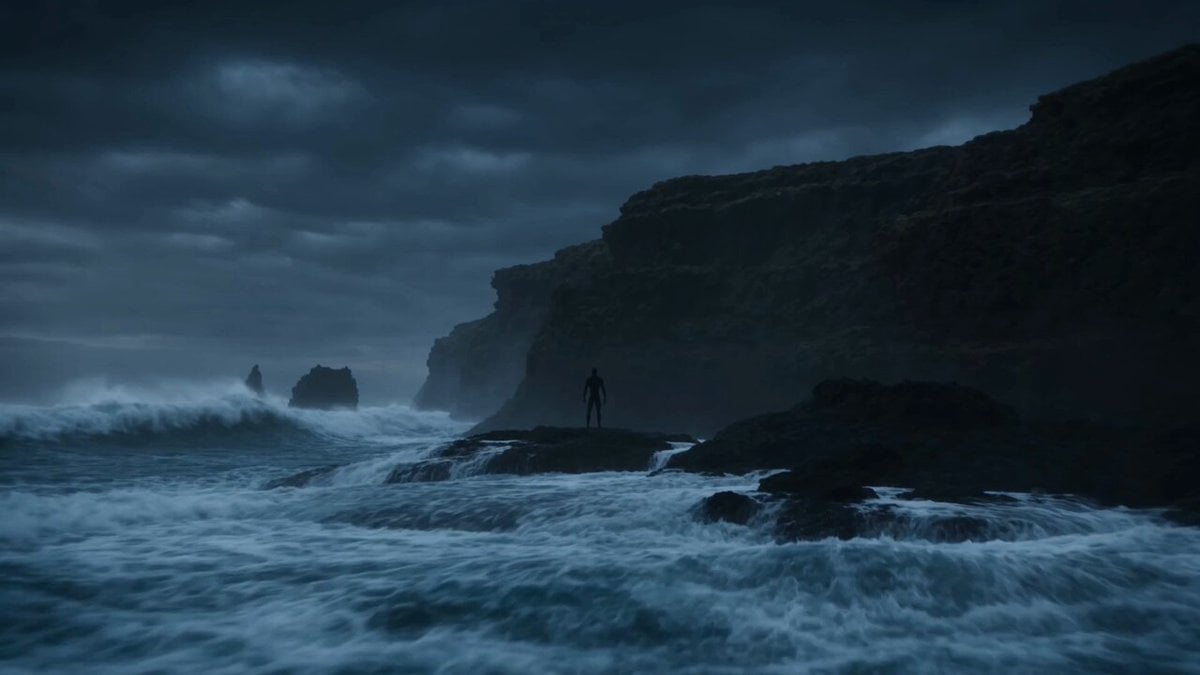
Cinematic Water Transformation Scene
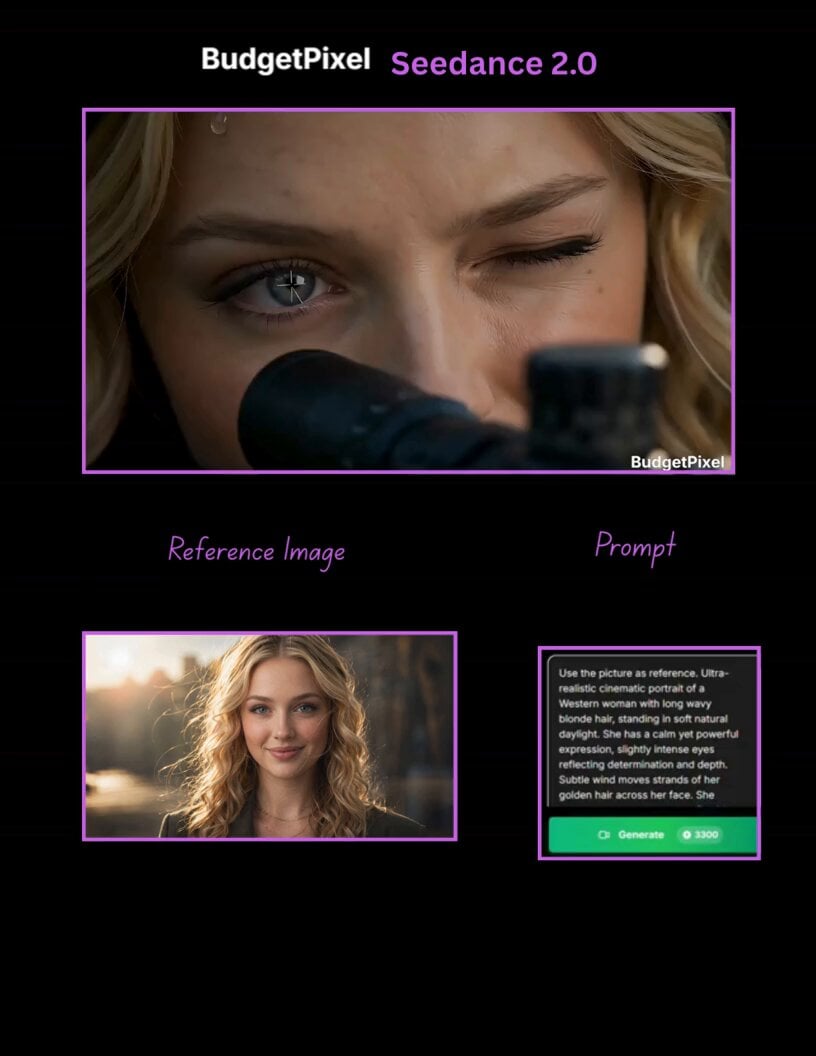
Cinematic Portrait of a Wavy Blonde Woman
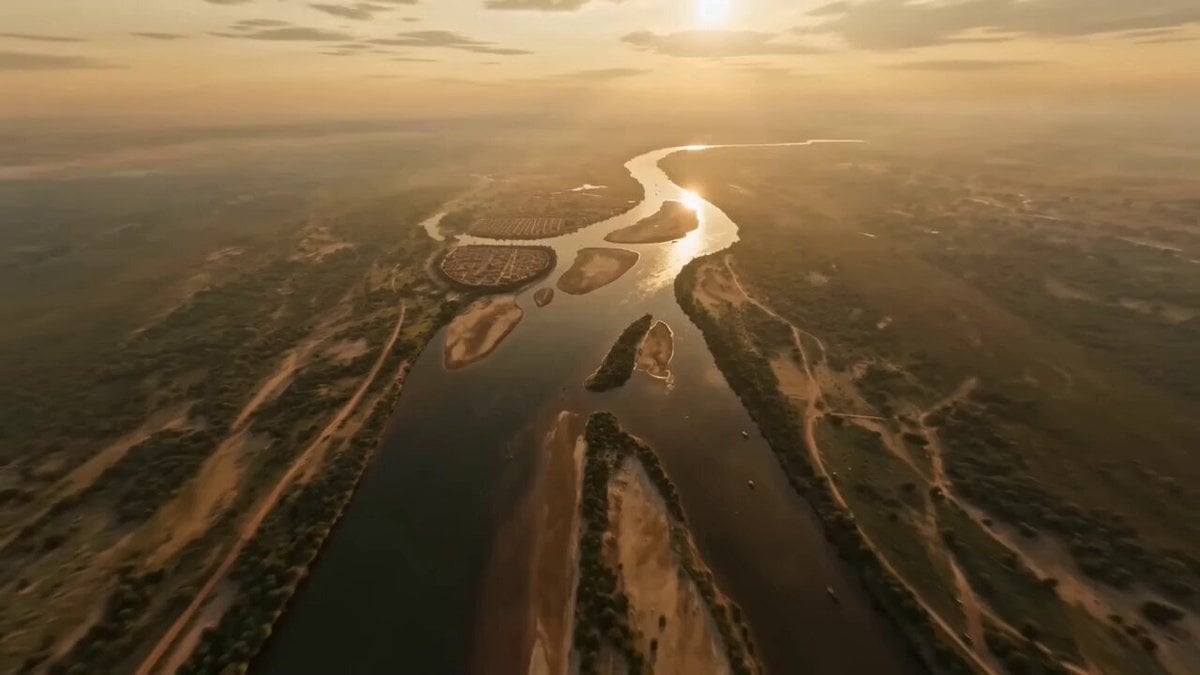
Ancient Indian Kingdom FPV
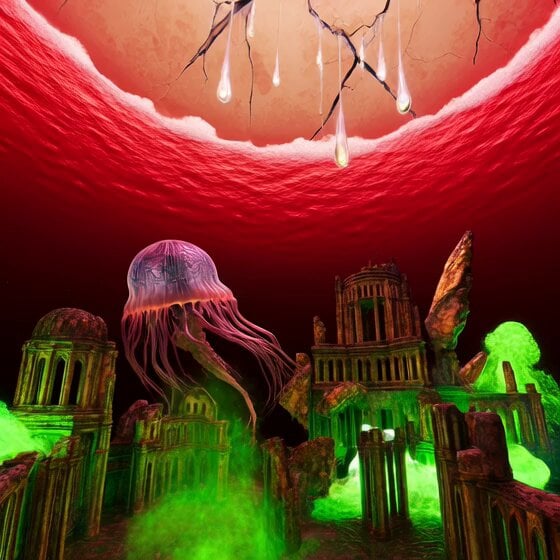
Inverted Dream-Realm Nightmare Video
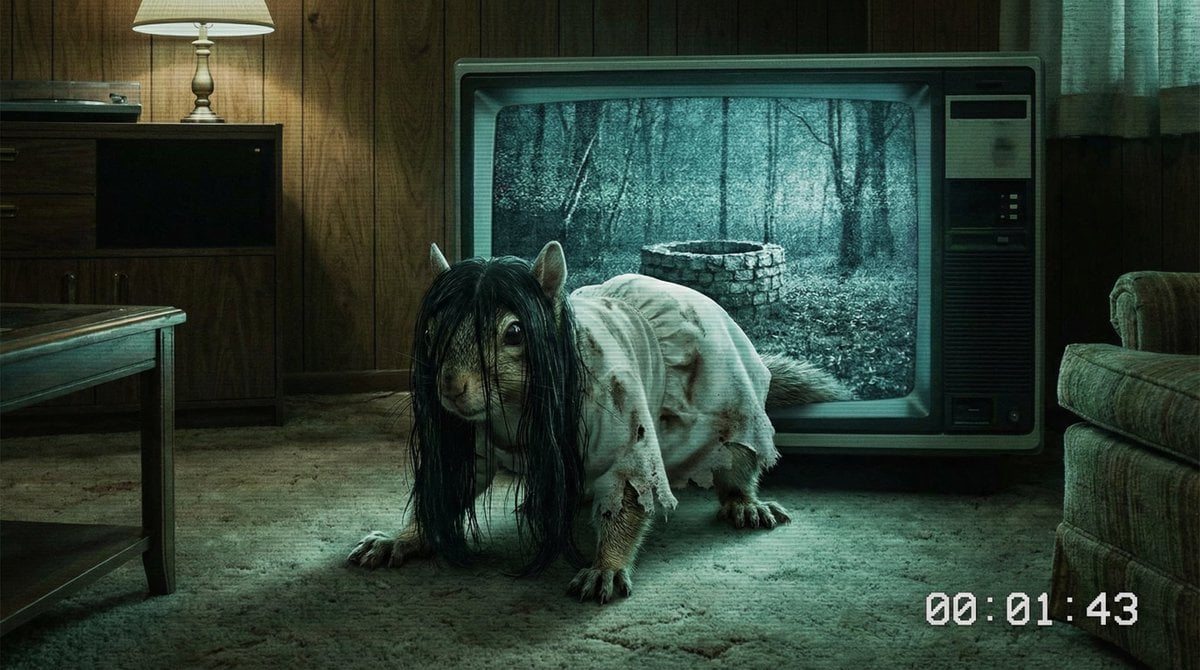
Horror Movie Squirrel Killer Screenshot

Seedance 2.0 Cinematic JSON System Prompt
Majestic Glowing Whale Fantasy
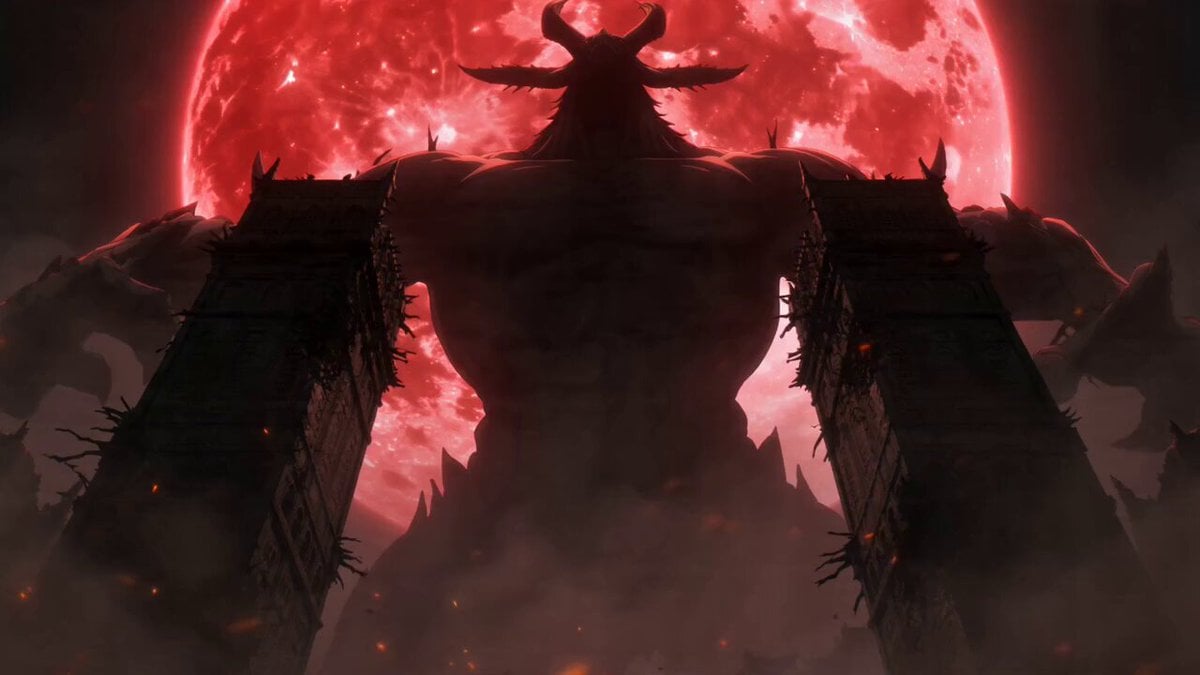
Dark Fantasy Anime Swordsman vs Demon
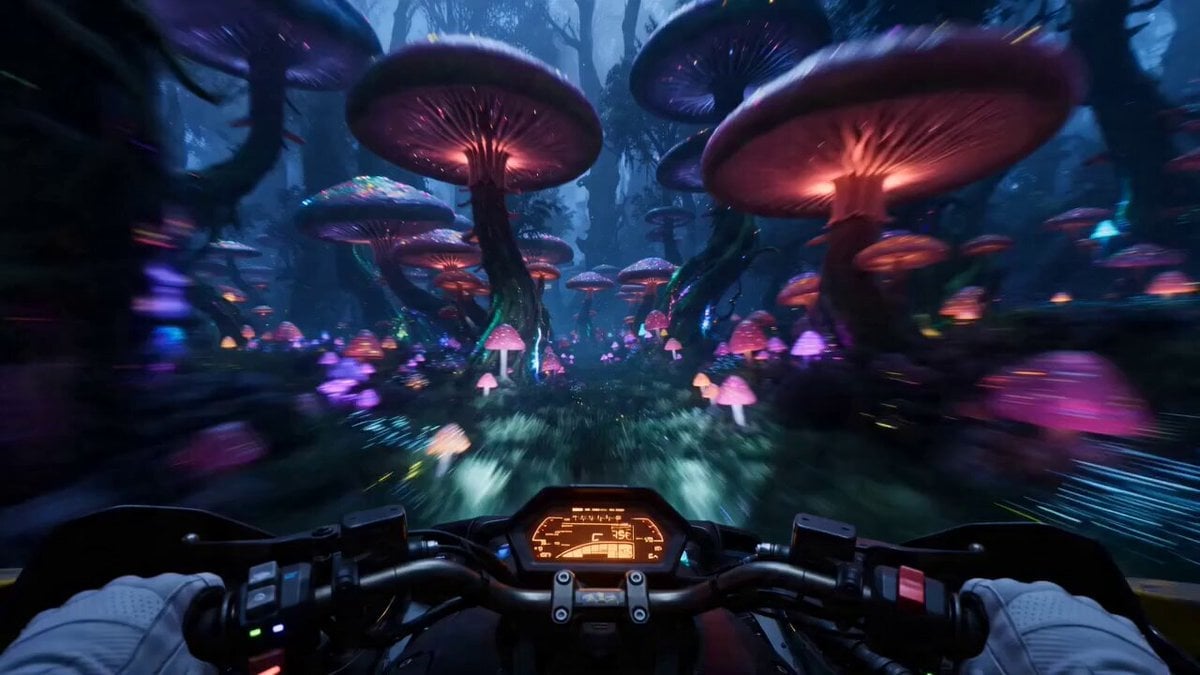
Surreal Alien Jungle Hoverbike Chase
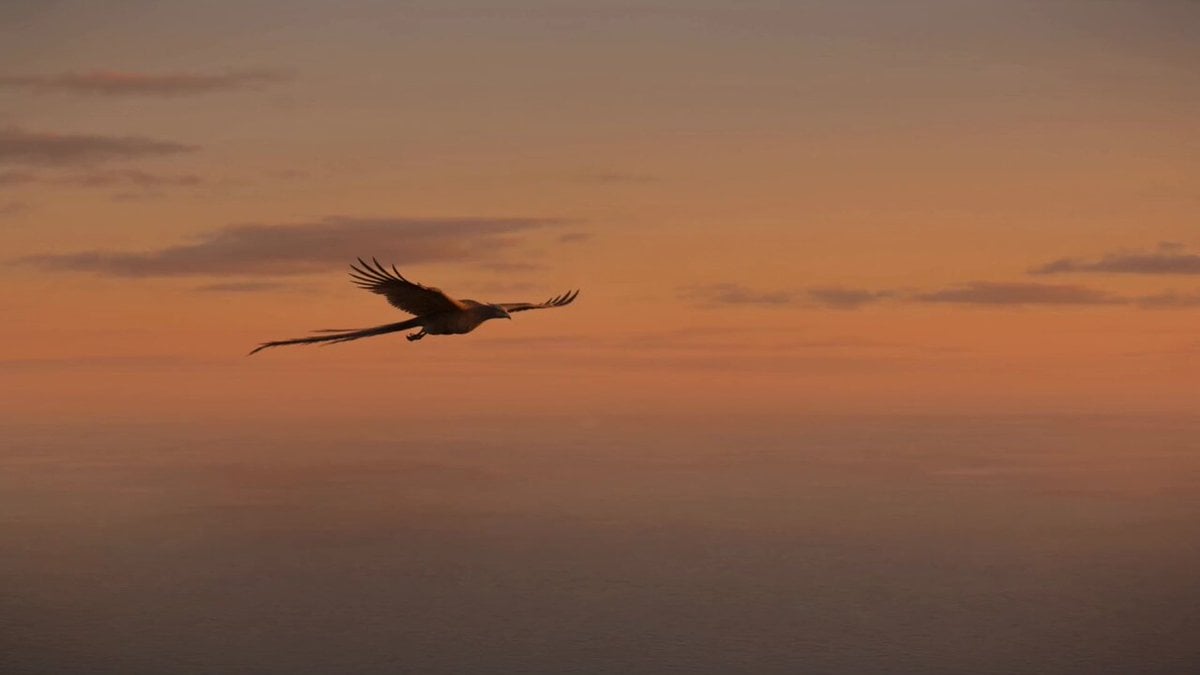
Golden Hour Fire Bird Transformation
Browse template categories
Hyper-realistic Sci-Fi Short Film Storyboard for Grok Imagine questions
How do I use the Hyper-realistic Sci-Fi Short Film Storyboard for Grok Imagine template?
Add your photo if the template asks for one, edit the prompt if you like — the template's model and format are already selected — and press Generate. Your version opens in PicX Studio.
Can I customize the Hyper-realistic Sci-Fi Short Film Storyboard for Grok Imagine template?
Yes. You can change the subject, setting, lighting, mood, format, and available model controls before creating your video.
Is the Hyper-realistic Sci-Fi Short Film Storyboard for Grok Imagine template free?
Opening and editing this template is free. Generating uses credits, shown on the Generate button when you are signed in.
Which AI model should I use?
Start with Grok Imagine, which is the model associated with this template. You can compare another compatible model for a different finish.
Looking for something else? Browse all templates.

Your photo, any look
Thousands of ready templates for every top image and video model, from one credit balance.