
High-Speed Motorbike Cinematic Shots
A collection of ten detailed cinematic shot prompts for a motorbike sequence, showcasing tracking shots, acceleration, and motion blur for Seedance 2.0.
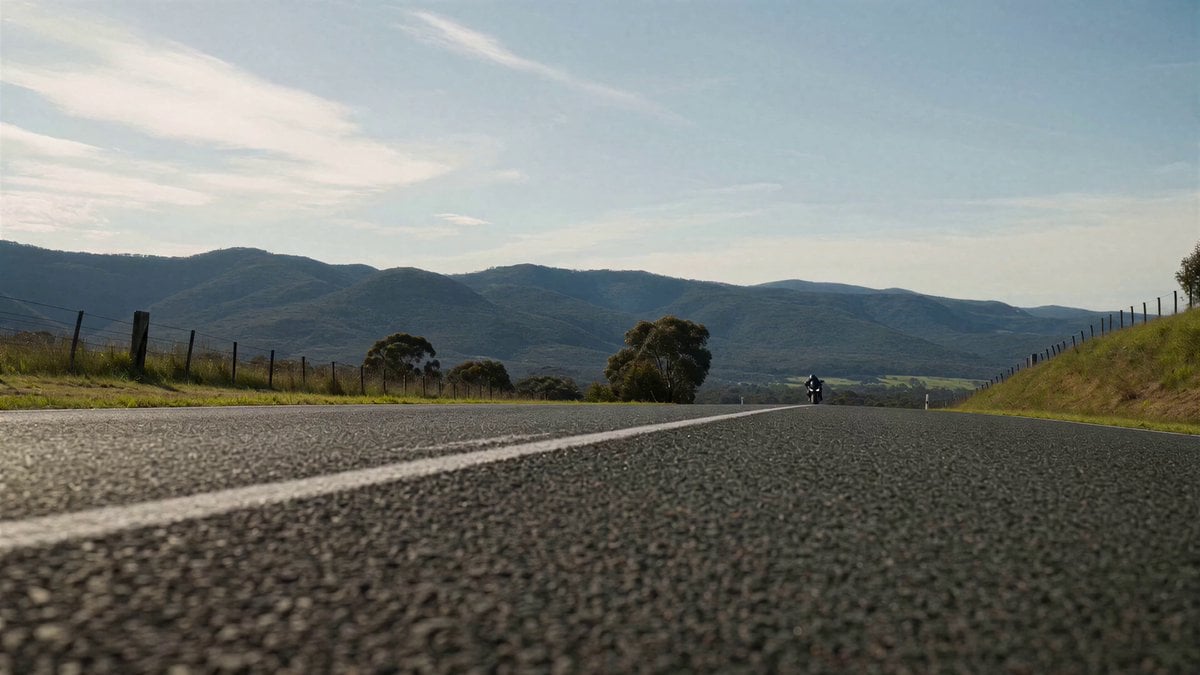
- Prompt included
- Model and format preset
- Premium template
The prompt behind this video
Copy the exact prompt behind High-Speed Motorbike Cinematic Shots, or open it in the studio and make it yours.
SHOT 01: Ultra-low tracking shot inches above asphalt, a sportbike already at extreme speed blasting into frame on a wide open road, rider fully tucked, smooth stable posture, road texture heavily blurred, immediate velocity, hyper-realistic, cinematic, 8k detail. SHOT 02: Side tracking shot pacing the bike at high speed, perfectly stable line, suspension subtly working over the road surface, reflections sliding across the fairings, controlled power, no erratic movement, photorealistic. SHOT 03: Rear tracking shot, the motorcycle accelerating hard, exhaust vibration visible, heat distortion behind the bike, strong forward pull, clean high-speed motion. SHOT 04: Front-facing shot as the bike approaches rapidly in a straight line, rider locked in aerodynamic position, wind pressure visible in slight gear movement, smooth and precise, intense closing speed. SHOT 05: Close-up on rear wheel under steady acceleration, tire gripping cleanly, subtle deformation under load, no slip, pure traction, asphalt texture crisp, mechanical realism. SHOT 06: Wide angle shot of the bike carving a long, smooth curve at speed, no aggressive lean extremes, just precise line control, continuous motion, fluid and confident riding. SHOT 07: Tracking shot alongside the bike as it exits the curve and accelerates harder, engine power building, background stretching into motion blur, stable but intense forward momentum. SHOT 08: Ultra-low pass-by shot as the motorcycle blasts past the camera at extreme speed, air displacement and motion blur overwhelming the frame, clean trajectory, no instability. SHOT 09: Long rear shot as the bike continues accelerating into the distance, heat haze trailing behind, road lines compressing visually, sustained speed and control. SHOT 10: Wide cinematic shot of the open road ahead as the motorcycle disappears toward the horizon, environment calm but charged with residual energy, smooth finish, no chaos.
How to use High-Speed Motorbike Cinematic Shots in 3 steps
- 1
Open
The prompt is already in the box next to the preview, with the template's model and format selected.
- 2…a portrait of your subject in softgolden-hour light, 85mm…
Personalize
Edit the subject and creative details for your destination.
- 3Generate
Generate
Press Generate — your video is created in PicX Studio, so you can compare it with the original and refine one variable at a time.
More like this
Templates with the same subject, style or setup. Open one to see its prompt.
Highway Biker — Aggressive Lane Split (PixVerse C1)
Korean Motorbike Delivery Action Video Prompt
Dubai Skybridge Motorbike Stunt Video Prompt
Cinematic Motorbike Ride at Dusk
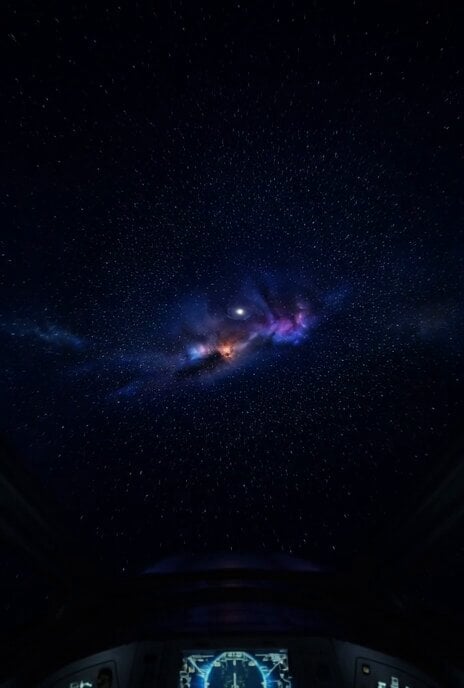
Hyper-Speed Galactic Flight

Lightspeed Cinematic Time Freeze

High-Speed Magic Battle Animation
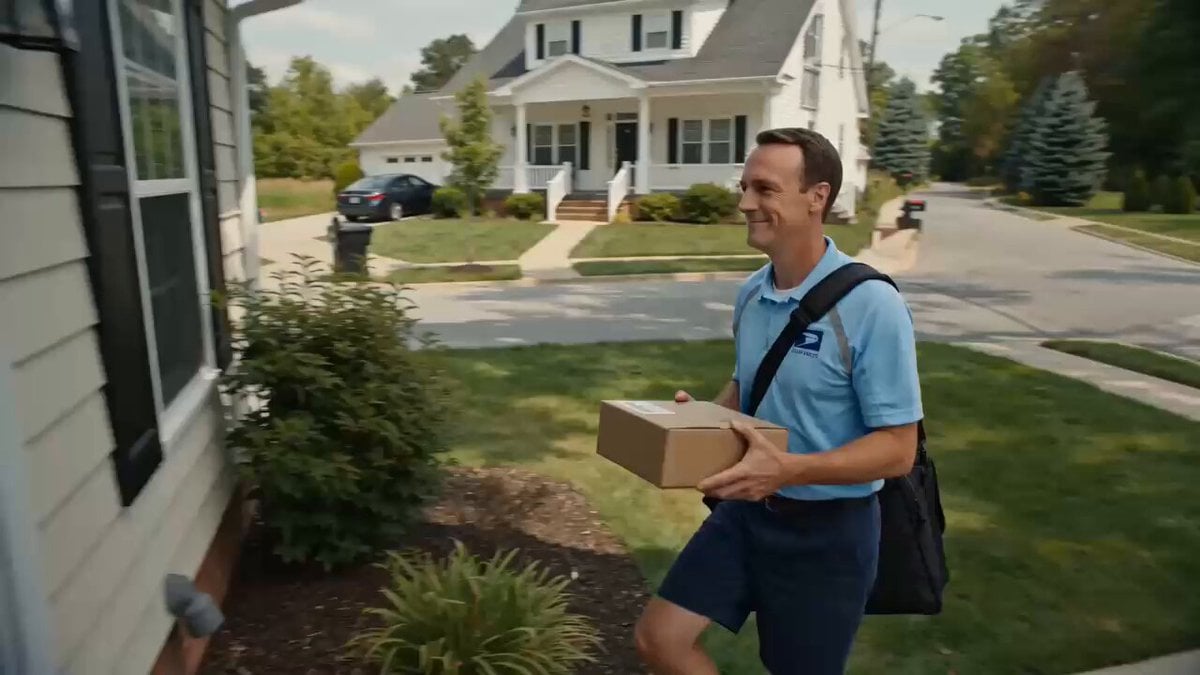
Superhuman Speed Delivery Man Cinematic Sequence
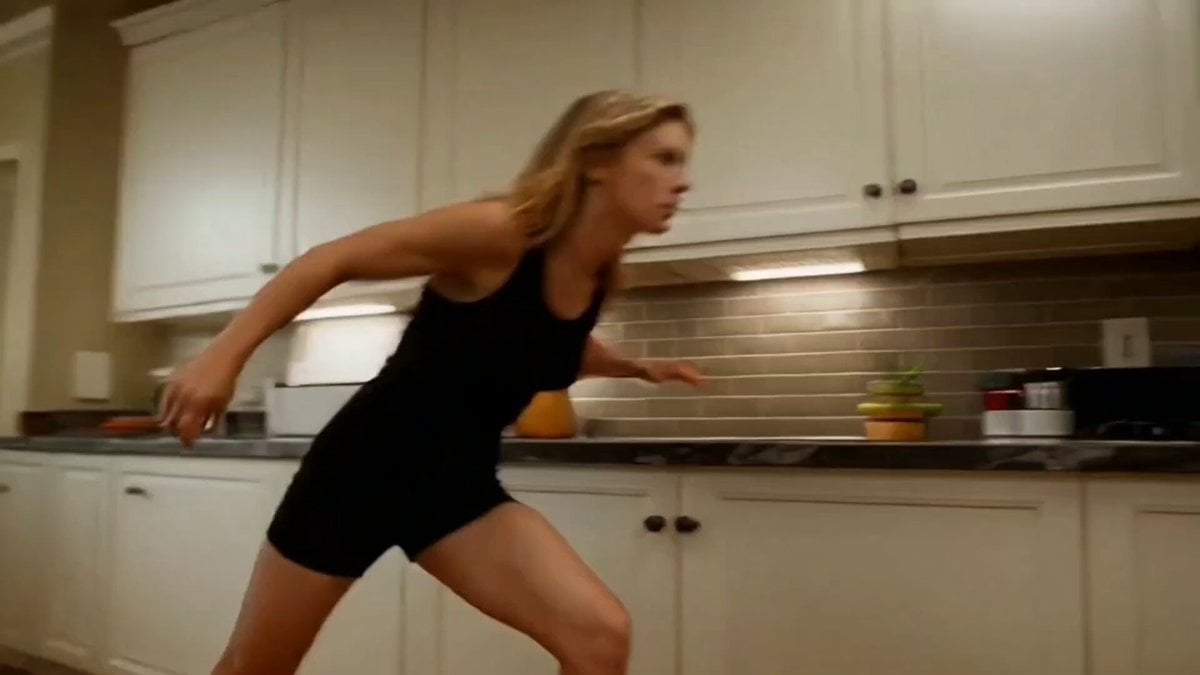
Super-Speed Kitchen Action Comedy Prompt
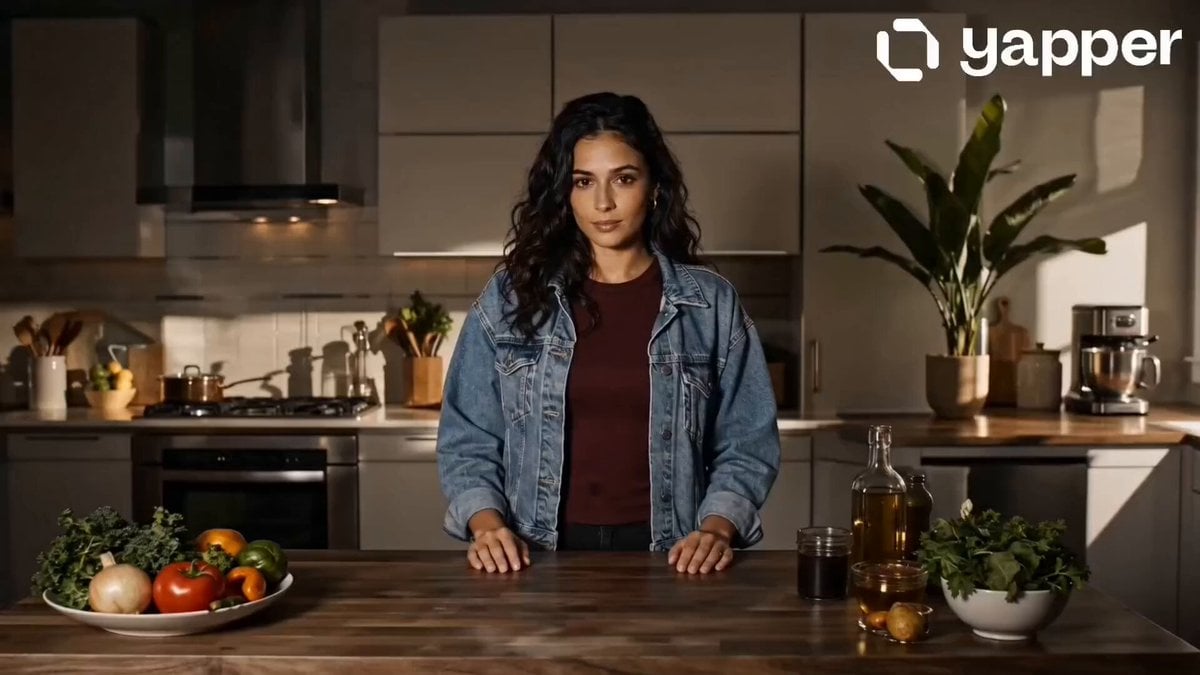
Speed Cooking Cinematic Sequence
Speedster Superhuman Run
Kraken vs Speedboat Action Battle
Make it yours
High-Speed Motorbike Cinematic Shots works as-is. These are the safest ways to change it without losing the look.
Change one field
Copy a single group, rewrite it, and generate again so you can see what that field is doing.
Keep the frame, change the subject
Hold the composition and light of High-Speed Motorbike Cinematic Shots, then swap wardrobe, props or the person for a new take.
| If the result… | Why | Fix |
|---|---|---|
| The result drifts from the preview | Too many fields changed at once. | Reuse High-Speed Motorbike Cinematic Shots as-is first, then change one group — subject, light, or setting. |
| The model over-stylizes the scene | The prose prompt leaves finish and camera underspecified. | Add one camera or lighting sentence and stay on Seedance 2.0. |
More Seedance 2.0 templates
Other prompts made for Seedance 2.0.

Comical Martial Arts Punch Scene

Maglev Train Action Sequence

Martial Arts Fight Sequence

Wuxia Protection and Trust Script

Vintage Korean Arcade MiniDV Vlog

Mercedes 190 SL Luxury Ad

Rainy Night Supernatural Reverse Comedy Video Script

Amazon Civilization Discovery

Futuristic South Asian City Transformation

Cozy Luxury Cafe Commercial
More video prompts
Fresh picks from across the catalog.
Mint Scooter Coastal Road Ride
Cinematic Action Sequence for Seedance 2.0
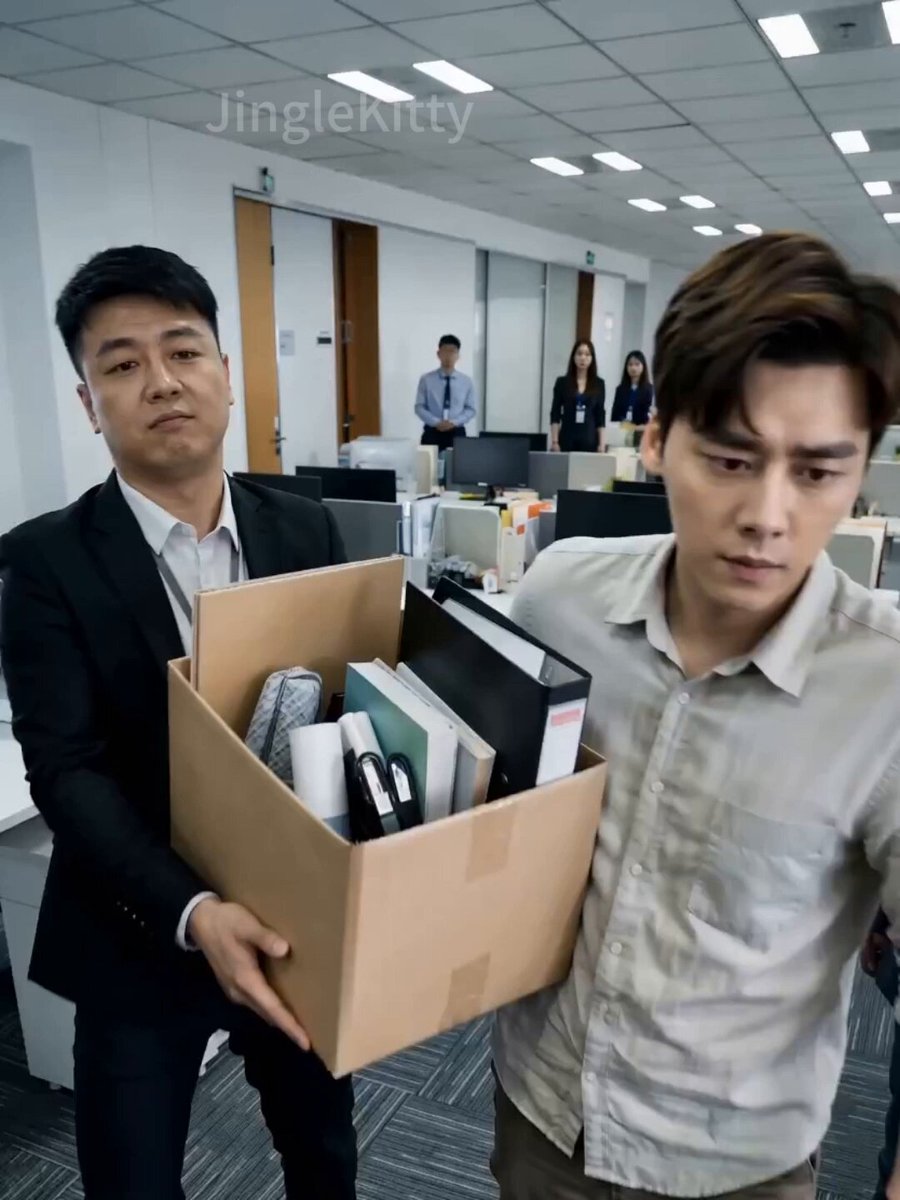
Short Drama: 'The Dragon Turns Over: Ex Can't Reach'
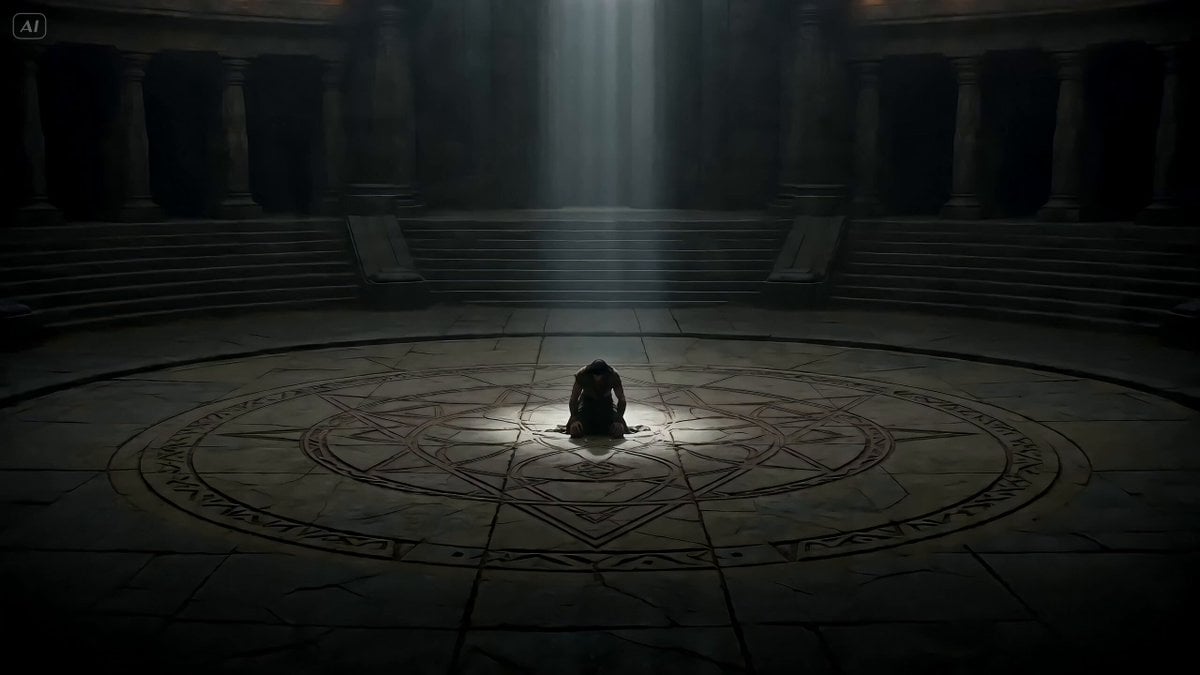
Cinematic Warrior Transformation VFX
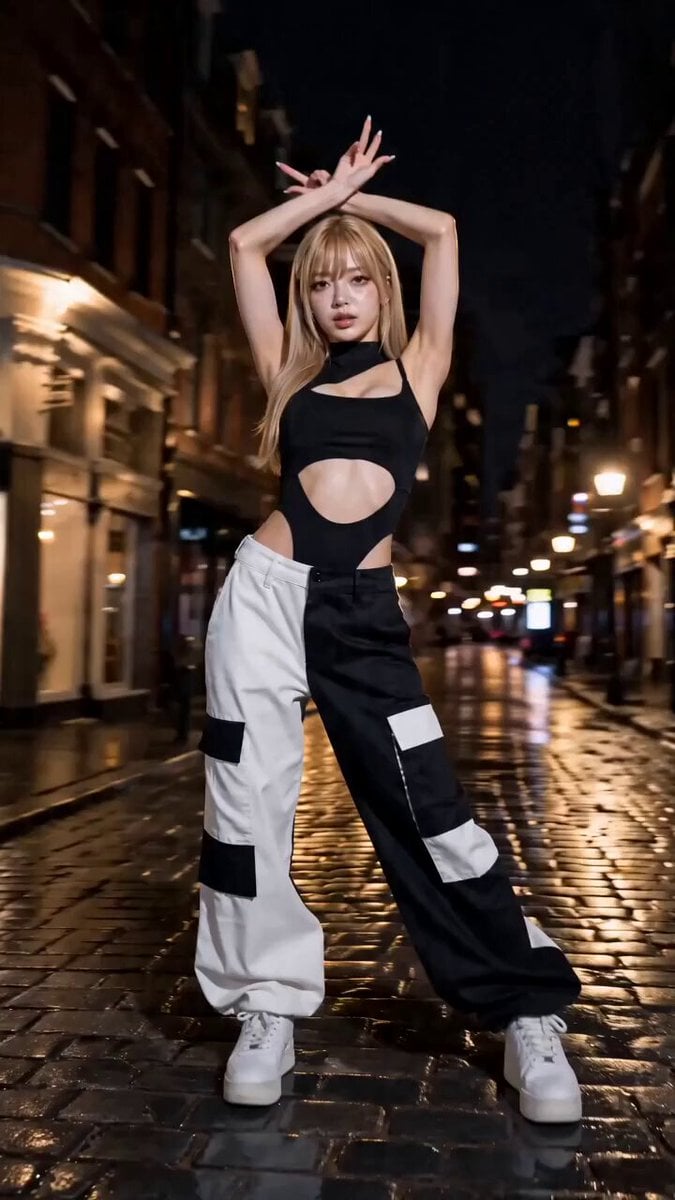
Fashion Vogue Dance Break
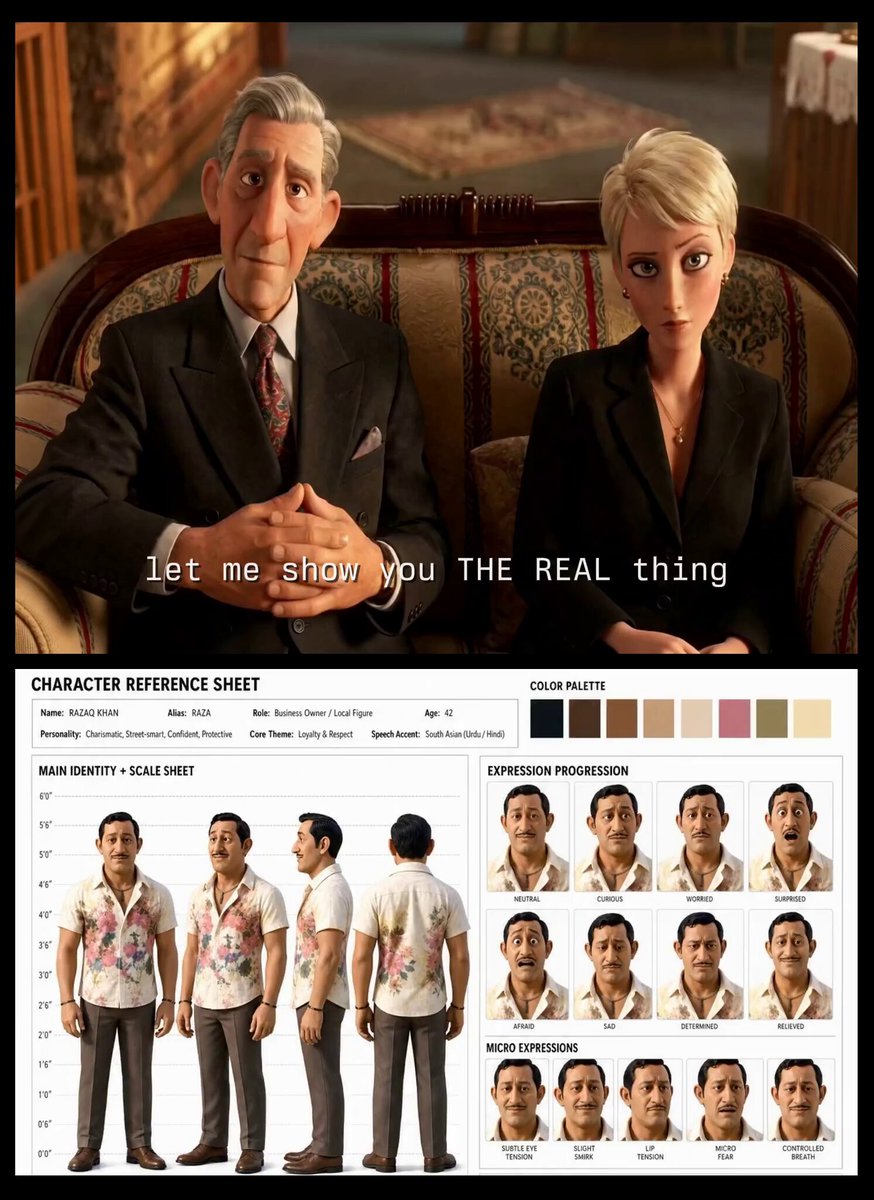
Turkish Carpet Seller Multi-Cut Video
Urban Street Dance Commercial

second video prompt of a majestic lunar deer

Saturday coffee and Starship V3 video
GoPro POV Mountain Bike Sunset Descent
Browse template categories
High-Speed Motorbike Cinematic Shots questions
How do I use the High-Speed Motorbike Cinematic Shots template?
Add your photo if the template asks for one, edit the prompt if you like — the template's model and format are already selected — and press Generate. Your version opens in PicX Studio.
Can I customize the High-Speed Motorbike Cinematic Shots template?
Yes. You can change the subject, setting, lighting, mood, format, and available model controls before creating your video.
Is the High-Speed Motorbike Cinematic Shots template free?
Opening and editing this template is free. Generating uses credits, shown on the Generate button when you are signed in.
Which AI model should I use?
Start with Seedance 2.0, which is the model associated with this template. You can compare another compatible model for a different finish.
Looking for something else? Browse all templates.

Your photo, any look
Thousands of ready templates for every top image and video model, from one credit balance.