
Cinematic Romantic Storyboard
A complex, multi-portion prompt for a narrative video about two strangers meeting and facing conflict, using cinematic lighting and slow-motion effects.
- Prompt included
- Model and format preset
- Premium template
The prompt behind this video
Copy the exact prompt behind Cinematic Romantic Storyboard, or open it in the studio and make it yours.
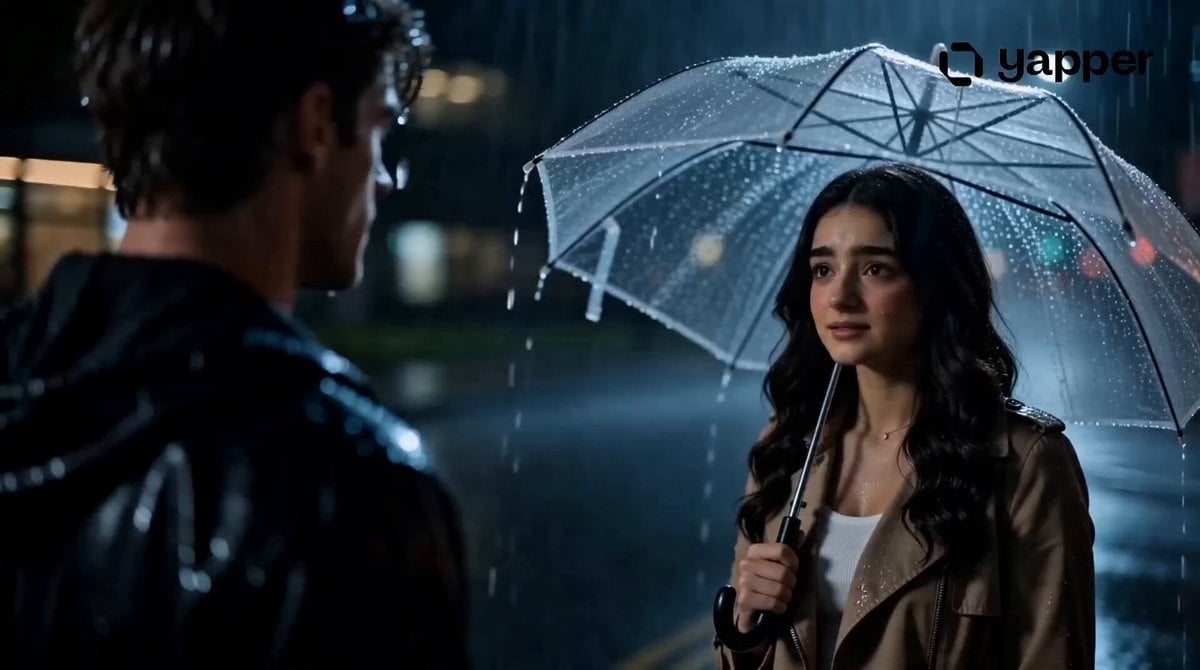
PORTION 1 (0 :00–0:04) The First Glance Visual Prompt: Ultra-realistic cinematic video, golden hour lighting, modern university campus, soft warm tones, shallow depth of field. Ai Girllie (24, elegant, subtle futuristic vibe) walks past a glass building. John (26, photographer, casual aesthetic) lifts his camera, pauses as he notices her. Slow-motion eye contact. Leaves falling gently. Voiceover (soft, emotional): "Sometimes… love begins before words ever exist." PORTION 2 (0 :04–0:08) Growing Connection Visual Prompt: Smooth cinematic montage. Cozy café, warm ambient lighting. Ai Girllie smiling softly. John shows her photos on his camera. Close-up of fingers brushing unintentionally. Natural chemistry, shallow depth, cinematic bokeh. Voiceover: "In quiet moments… two strangers start feeling like home." PORTION 3 (0 :08–0:12) The Conflict Visual Prompt: Rainy night scene, dramatic lighting. Ai Girllie under an umbrella, emotional but composed. John stands across the street, blurred by rain. Phone screen close-up: multiple missed calls. Slow-motion rain creating emotional distance. Voiceover: "But love isn’t simple… sometimes the world pulls hearts apart." PORTION 4 (0 :12–0:16) The Choice Visual Prompt: Soft sunrise, pastel sky, hopeful tone. Ai Girllie turns as John runs toward her, slightly out of breath. He stops. Silence. Eye contact. She smiles gently, a tear forms. Warm light flare fills the frame
How to use Cinematic Romantic Storyboard in 3 steps
- 1
Open
The prompt is already in the box next to the preview, with the template's model and format selected.
- 2…a portrait of your subject in softgolden-hour light, 85mm…
Personalize
Edit the subject and creative details for your destination.
- 3Generate
Generate
Press Generate — your video is created in PicX Studio, so you can compare it with the original and refine one variable at a time.
More like this
Templates with the same subject, style or setup. Open one to see its prompt.
3x3 Grid Storyboard Racing — Kling 3.0 O3 Pro
Dragon Rider Cinematic Flight — Seedance 2.5
Gpt2 Gpt2 Seedance Storyboard to Video
1950s Romantic Drama Scene
3D Animated Romantic Comedy Clip
K-Drama Style Romantic Sunset Scene
Romantic Bedroom Selfie Vlog

Romantic Comedy Tiktok Style Video
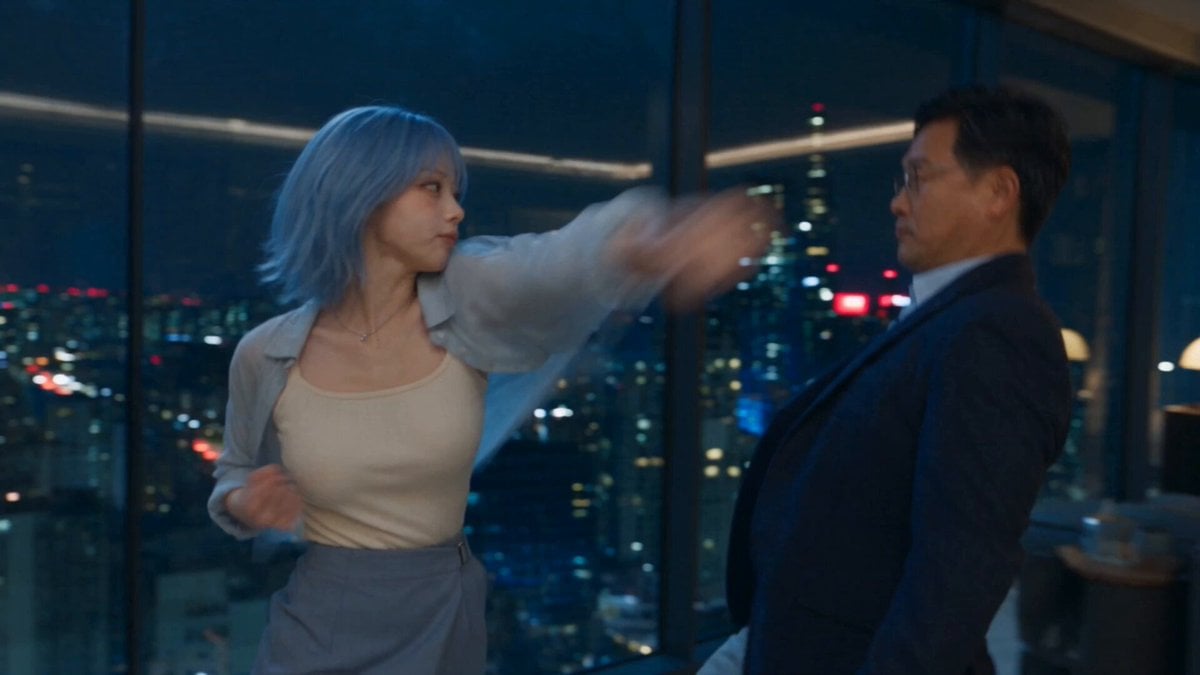
Romantic Action Comedy Office Scene
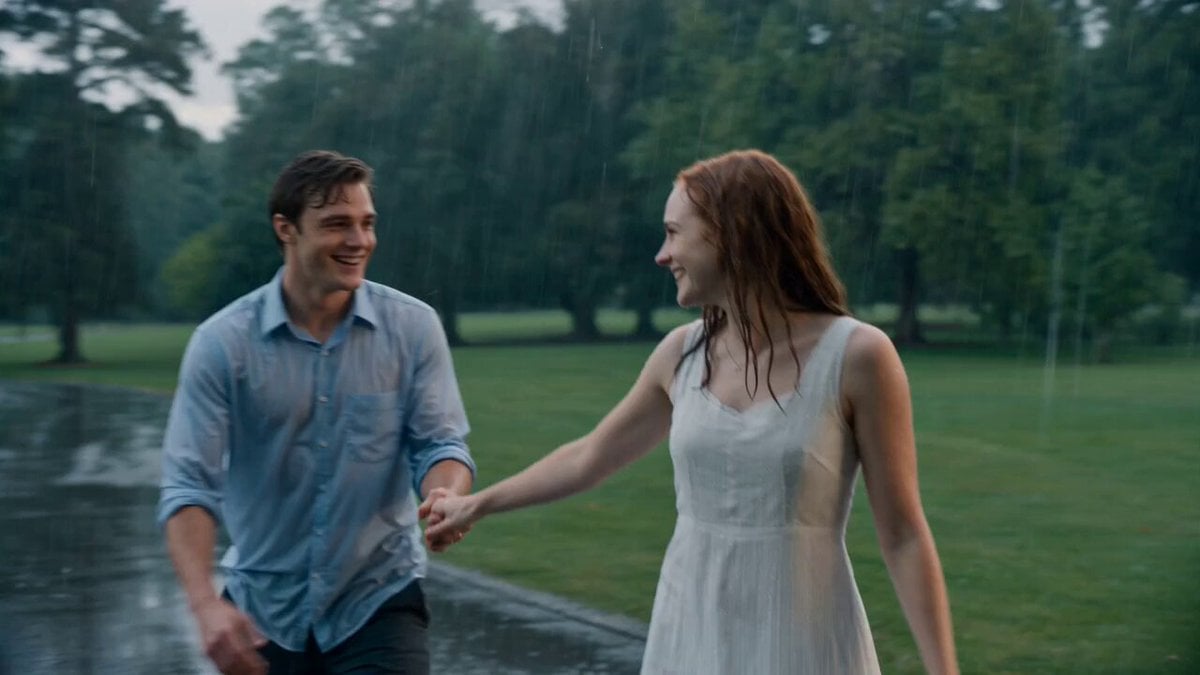
Cinematic Rainy Park Romantic Walk
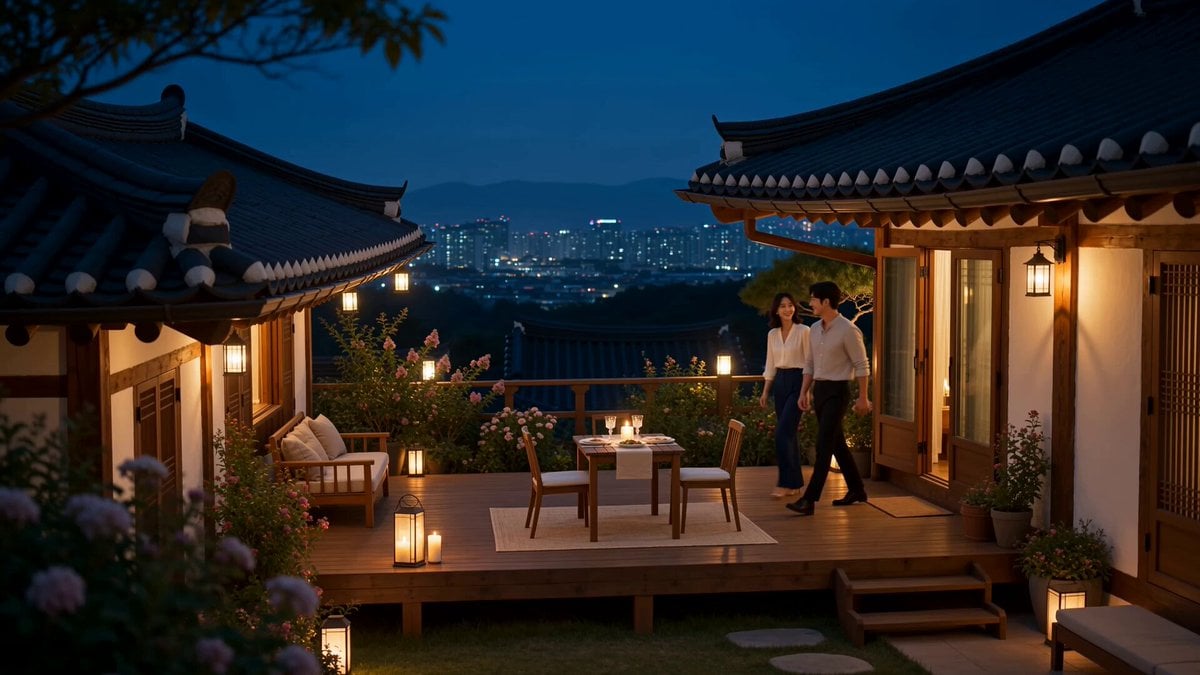
Romantic Korean Couple Courtyard Dinner
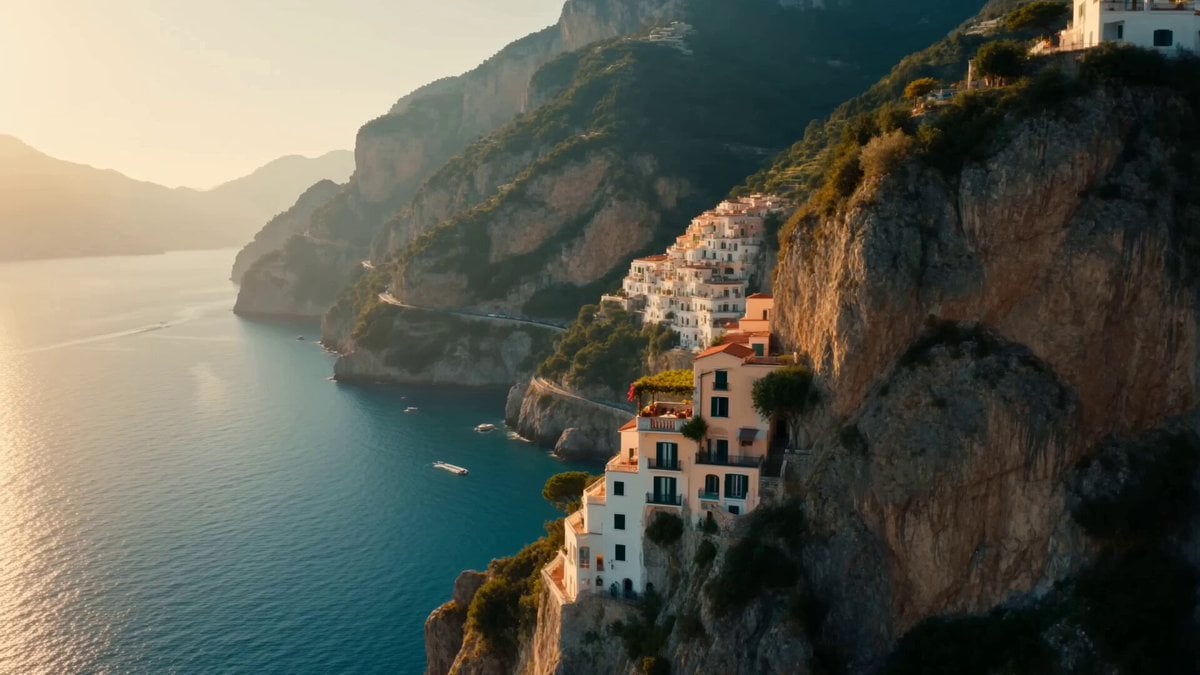
Romantic Amalfi Coast Pasta Lunch
Make it yours
Cinematic Romantic Storyboard works as-is. These are the safest ways to change it without losing the look.
Change one field
Copy a single group, rewrite it, and generate again so you can see what that field is doing.
Keep the frame, change the subject
Hold the composition and light of Cinematic Romantic Storyboard, then swap wardrobe, props or the person for a new take.
| If the result… | Why | Fix |
|---|---|---|
| The result drifts from the preview | Too many fields changed at once. | Reuse Cinematic Romantic Storyboard as-is first, then change one group — subject, light, or setting. |
| The model over-stylizes the scene | The prose prompt leaves finish and camera underspecified. | Add one camera or lighting sentence and stay on Seedance 2.0. |
More Seedance 2.0 templates
Other prompts made for Seedance 2.0.

Comical Martial Arts Punch Scene

Maglev Train Action Sequence

Martial Arts Fight Sequence

Wuxia Protection and Trust Script

Vintage Korean Arcade MiniDV Vlog

Mercedes 190 SL Luxury Ad

Rainy Night Supernatural Reverse Comedy Video Script

Amazon Civilization Discovery

Futuristic South Asian City Transformation

Cozy Luxury Cafe Commercial
More video prompts
Fresh picks from across the catalog.
Cyberpunk Assassin Neon Action Sequence
Matrix Style Spy Action Sequence
Cinematic Schoolgirl Action Short

Plot to Megacity Construction Timelapse
Istanbul sidewalk time-stealing sequence
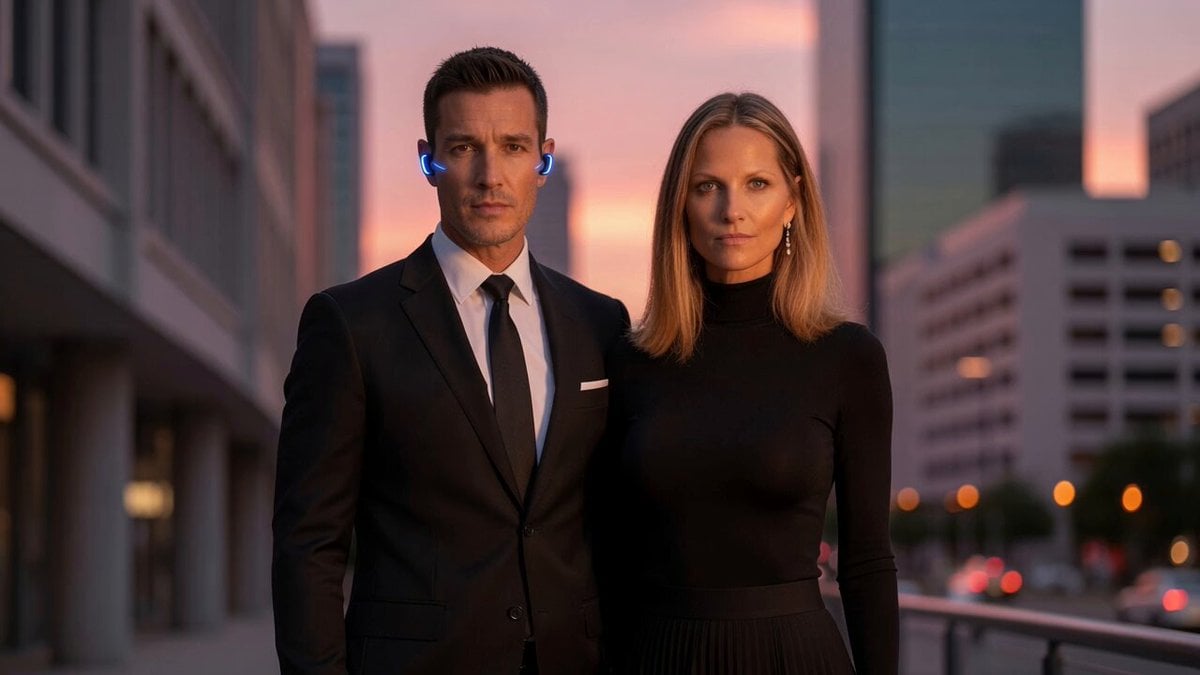
Orbital Camera Dusk Couple Scene
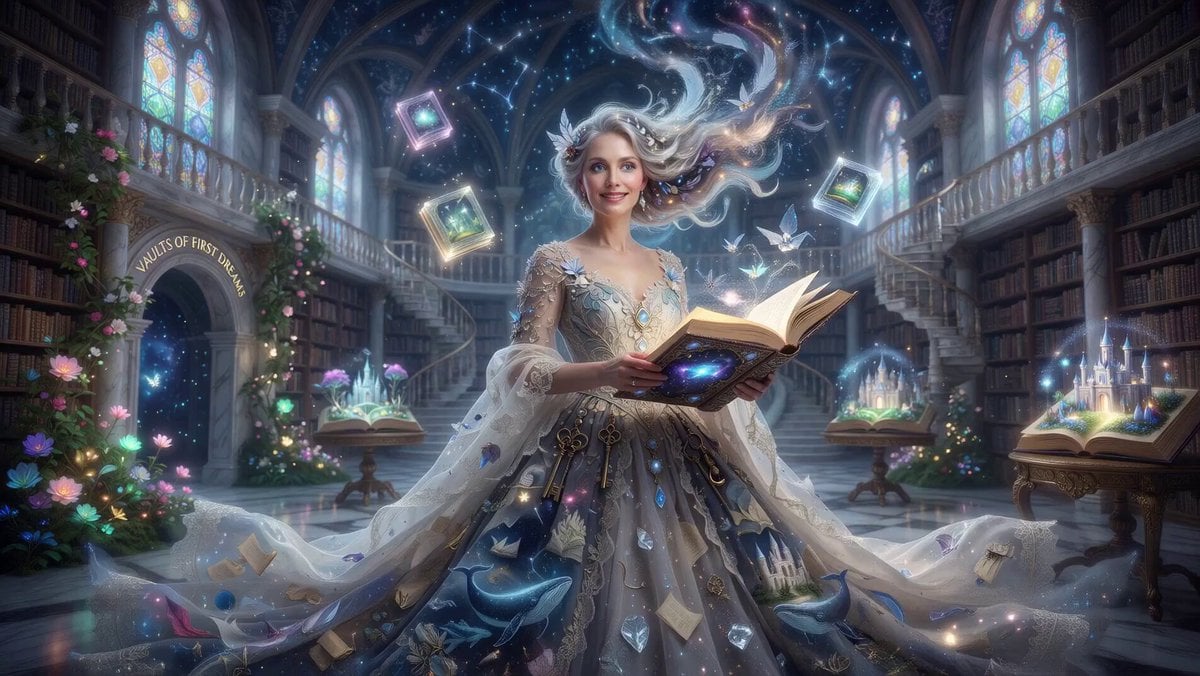
Library of Forgotten Dreams
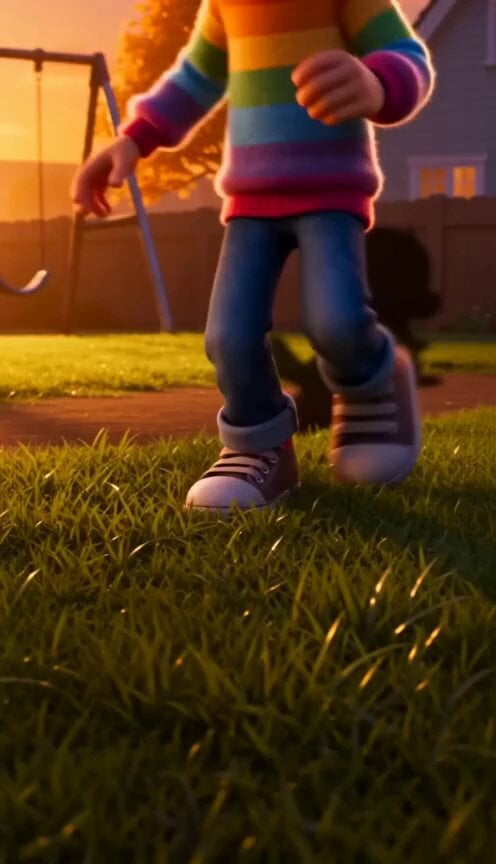
The Shadow Quit 3D Animation
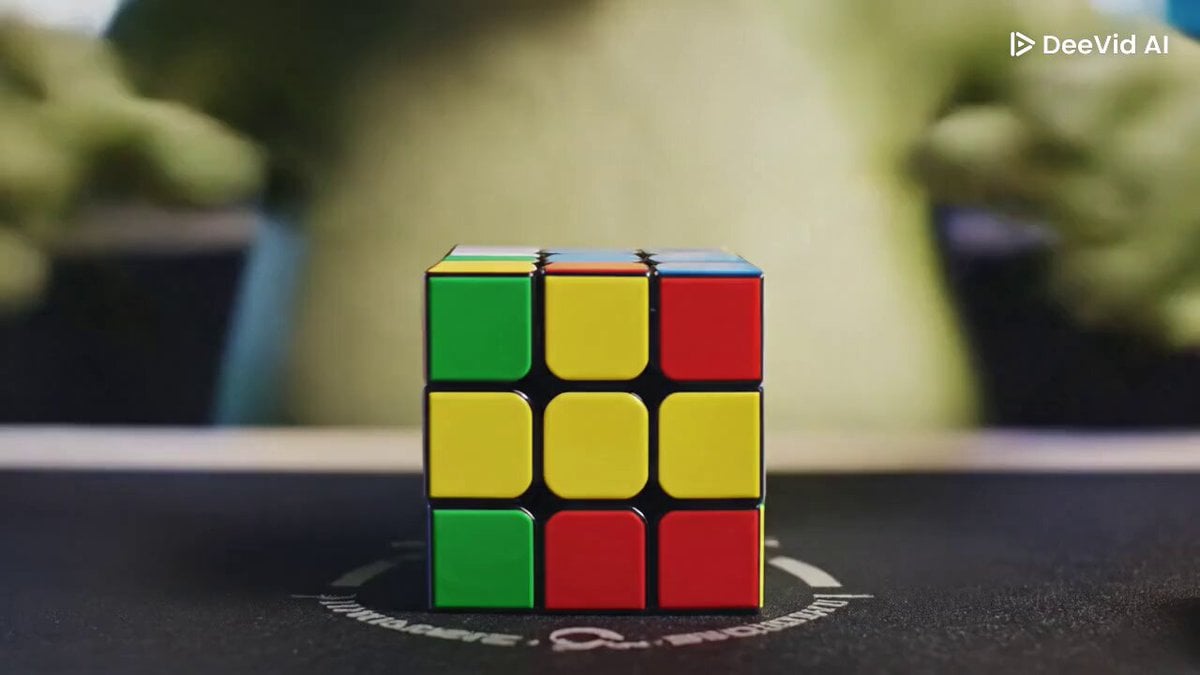
Pepe the Frog Speedcubing Animation Prompt
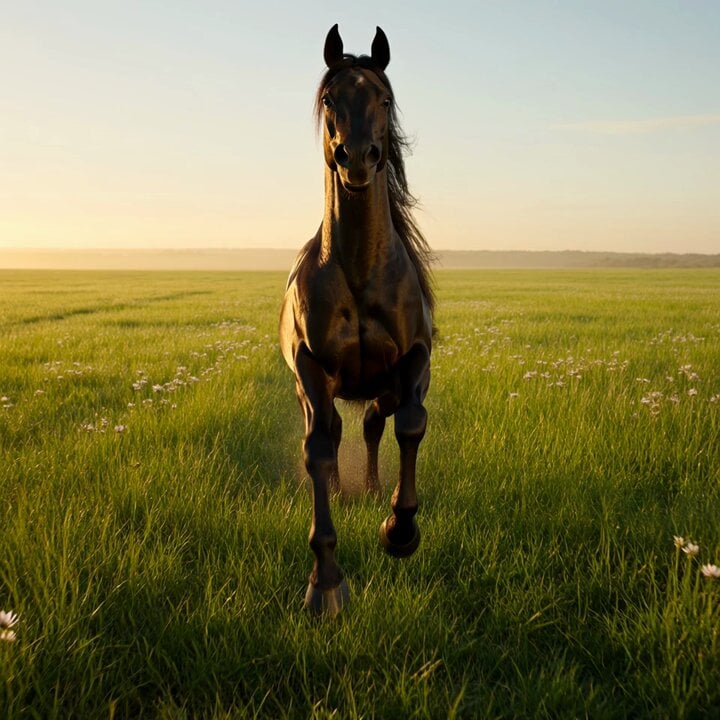
second video prompt of a majestic black horse galloping
Browse template categories
Cinematic Romantic Storyboard questions
How do I use the Cinematic Romantic Storyboard template?
Add your photo if the template asks for one, edit the prompt if you like — the template's model and format are already selected — and press Generate. Your version opens in PicX Studio.
Can I customize the Cinematic Romantic Storyboard template?
Yes. You can change the subject, setting, lighting, mood, format, and available model controls before creating your video.
Is the Cinematic Romantic Storyboard template free?
Opening and editing this template is free. Generating uses credits, shown on the Generate button when you are signed in.
Which AI model should I use?
Start with Seedance 2.0, which is the model associated with this template. You can compare another compatible model for a different finish.
Looking for something else? Browse all templates.

Your photo, any look
Thousands of ready templates for every top image and video model, from one credit balance.