
Cinematic Birthday Celebration Sequence
A highly detailed multi-shot video prompt for a birthday sequence, focusing on character consistency and emotional storytelling.
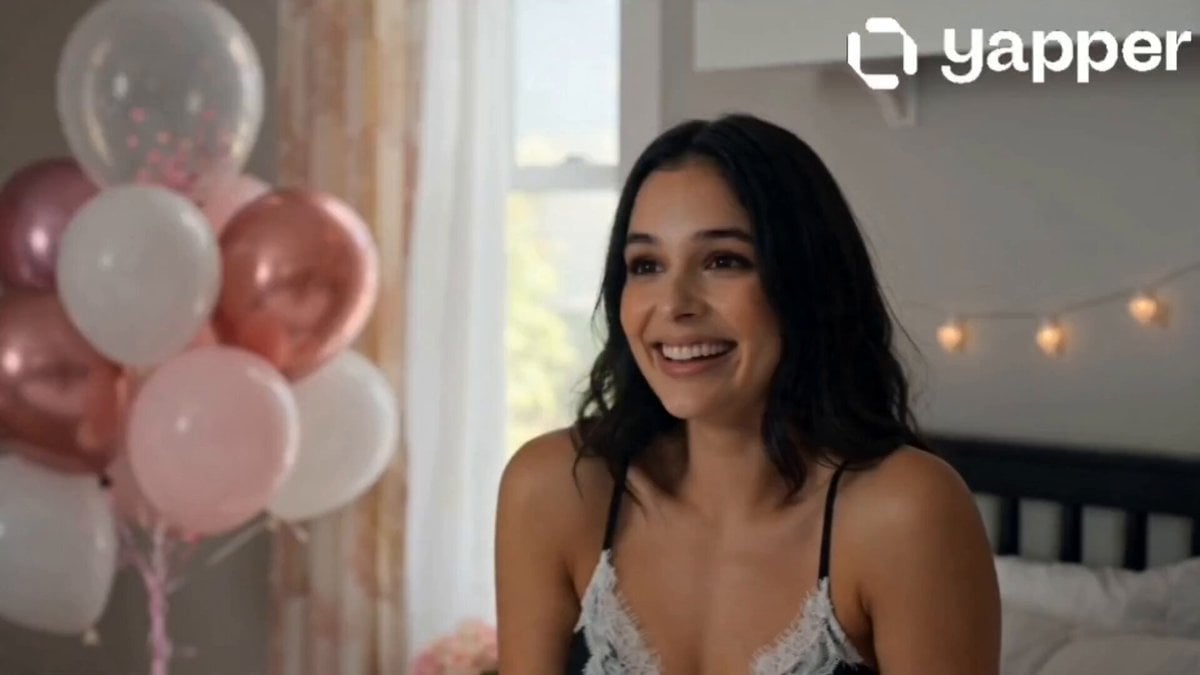
- Prompt included
- Model and format preset
- Premium template
The prompt behind this video
Copy the exact prompt behind Cinematic Birthday Celebration Sequence, or open it in the studio and make it yours.
0s–4s Close-up of a young girl waking up in a softly lit bedroom, warm golden sunlight through curtains, she gently smiles while checking her phone filled with birthday wishes, natural makeup, SAME facial features as reference image, cinematic lighting, shallow depth of field, ultra-realistic, 4K 4s–8s Cut to a cozy, beautifully decorated room with balloons and fairy lights, her friends surprise her with a birthday cake, everyone cheering, she laughs happily, SAME face as reference image, joyful expressions, cinematic camera movement, vibrant colors, soft glow, high detail 8s–12s Her boyfriend enters — a well-dressed young man with neatly styled dark hair, sharp jawline, warm expressive eyes, wearing a clean elegant outfit (white shirt with a fitted blazer), minimal accessories, charming and calm presence ,he presents a beautiful bouquet of fresh flowers, she looks surprised and emotional, soft eye contact, SAME facial features maintained, romantic cinematic tone, warm lighting, slight slow motion, realistic textures, elegant framing 12s–16s Final scene: she stands surrounded by friends, holding the bouquet and cake, boyfriend beside her smiling softly, candles glowing, she closes her eyes to make a wish, SAME face consistency, cinematic wide shot, dreamy atmosphere, soft bokeh lights, high-end film look
How to use Cinematic Birthday Celebration Sequence in 3 steps
- 1Upload ImagePNG, JPG or paste
Add your photo
Upload the photo the template builds on. The prompt, model and format are already set.
- 2…a portrait of your subject in softgolden-hour light, 85mm…
Personalize
Edit the subject and creative details for your destination.
- 3Generate
Generate
Press Generate — your video is created in PicX Studio, so you can compare it with the original and refine one variable at a time.
More like this
Templates with the same subject, style or setup. Open one to see its prompt.

Luxury Rooftop Birthday Celebration
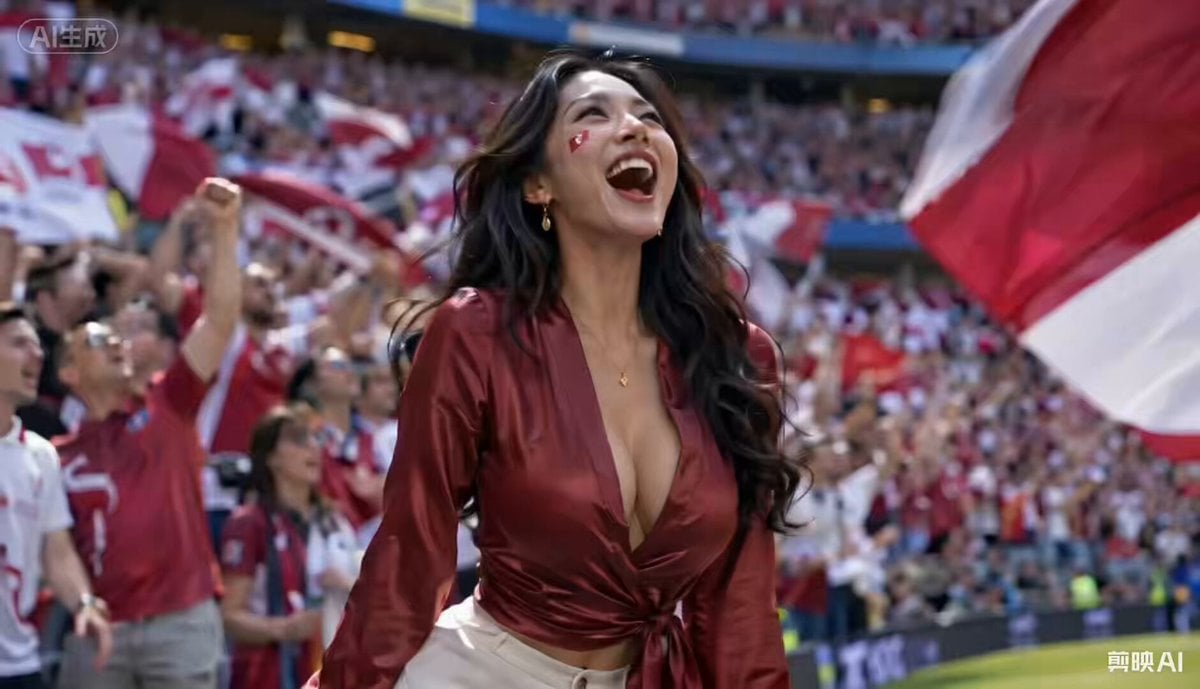
Football Stadium Fan Celebration Sequence
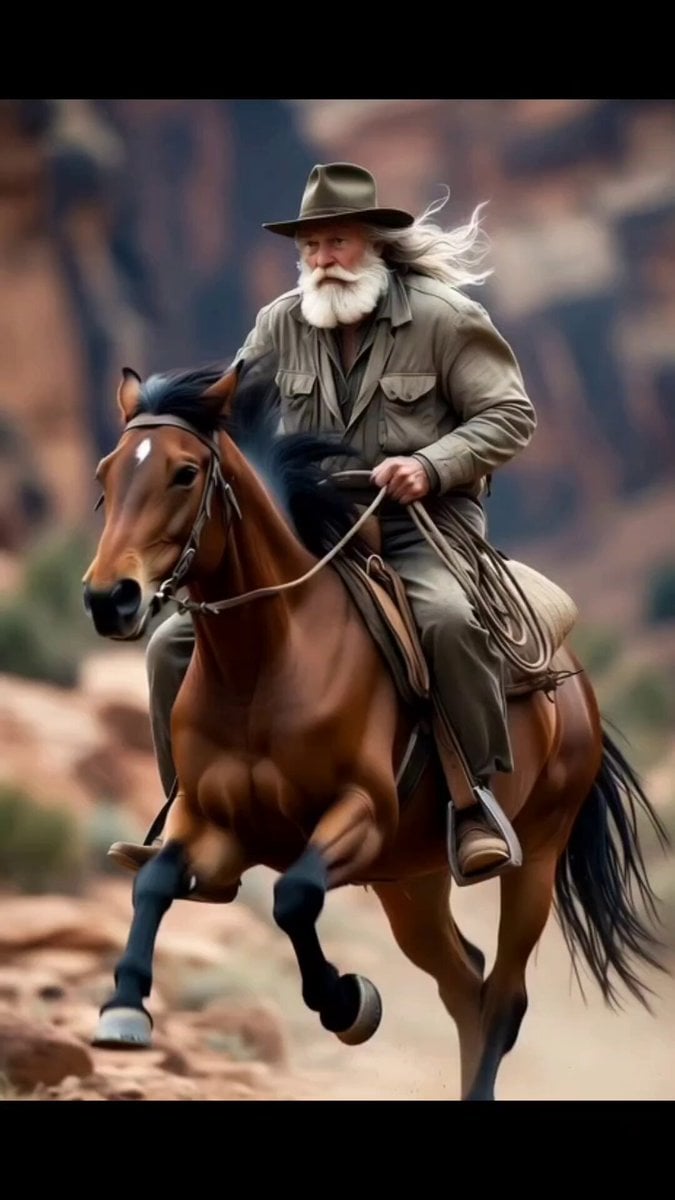
Wild Horse Trainer Birthday Video Sequence Prompt
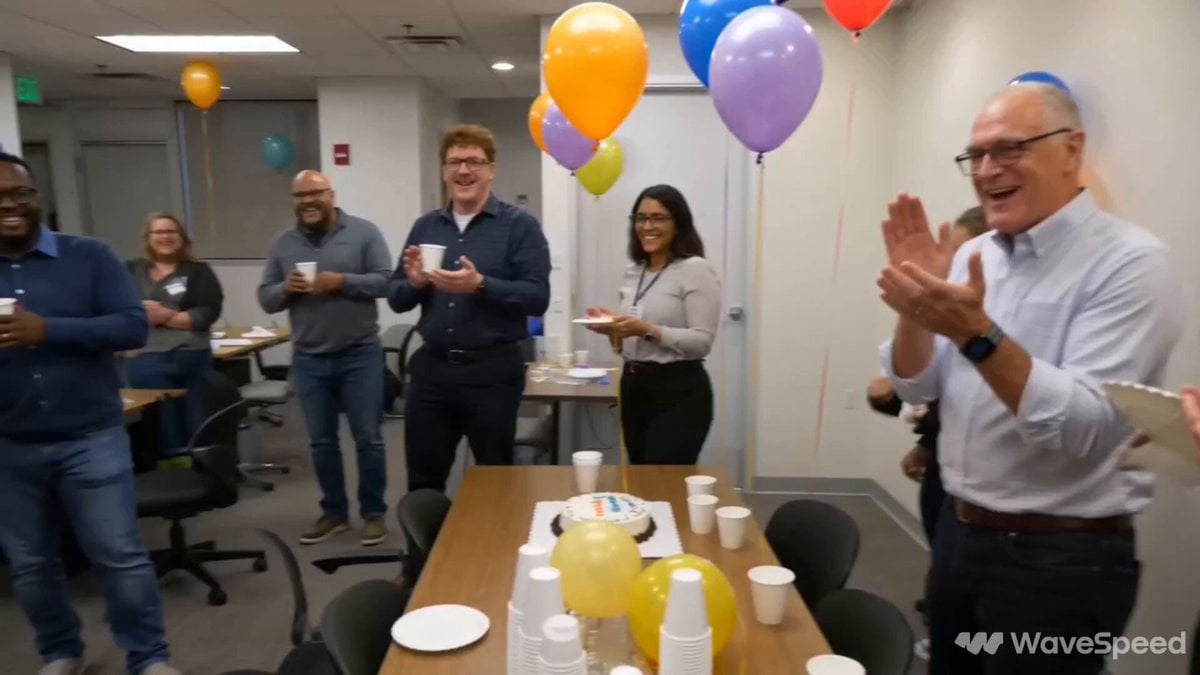
Smartphone Office Celebration Montage

Solo Birthday Party Cinematic Storyboard
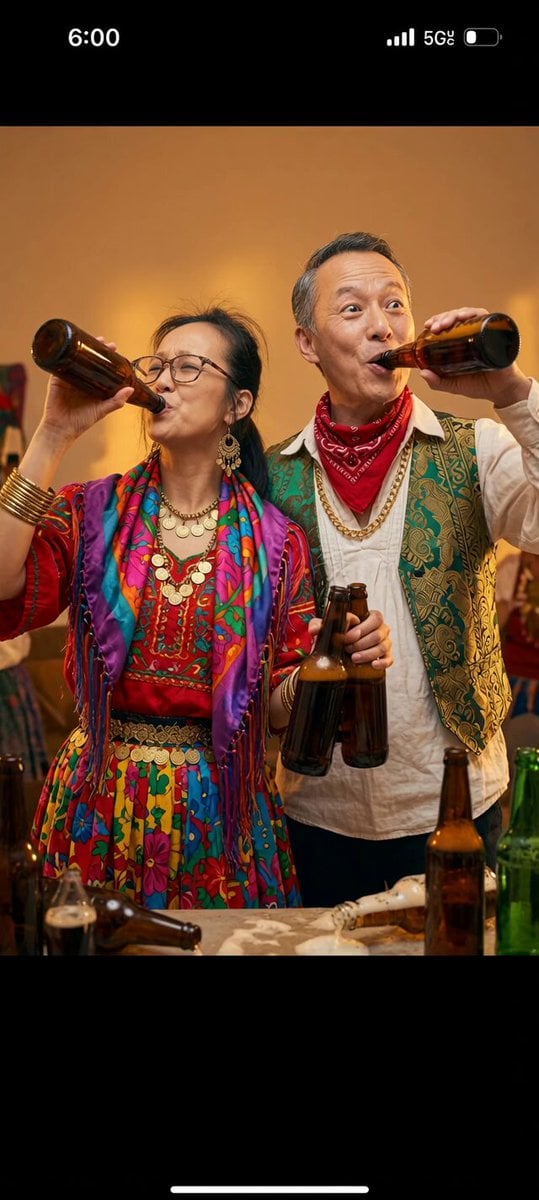
Romani Couple Celebration
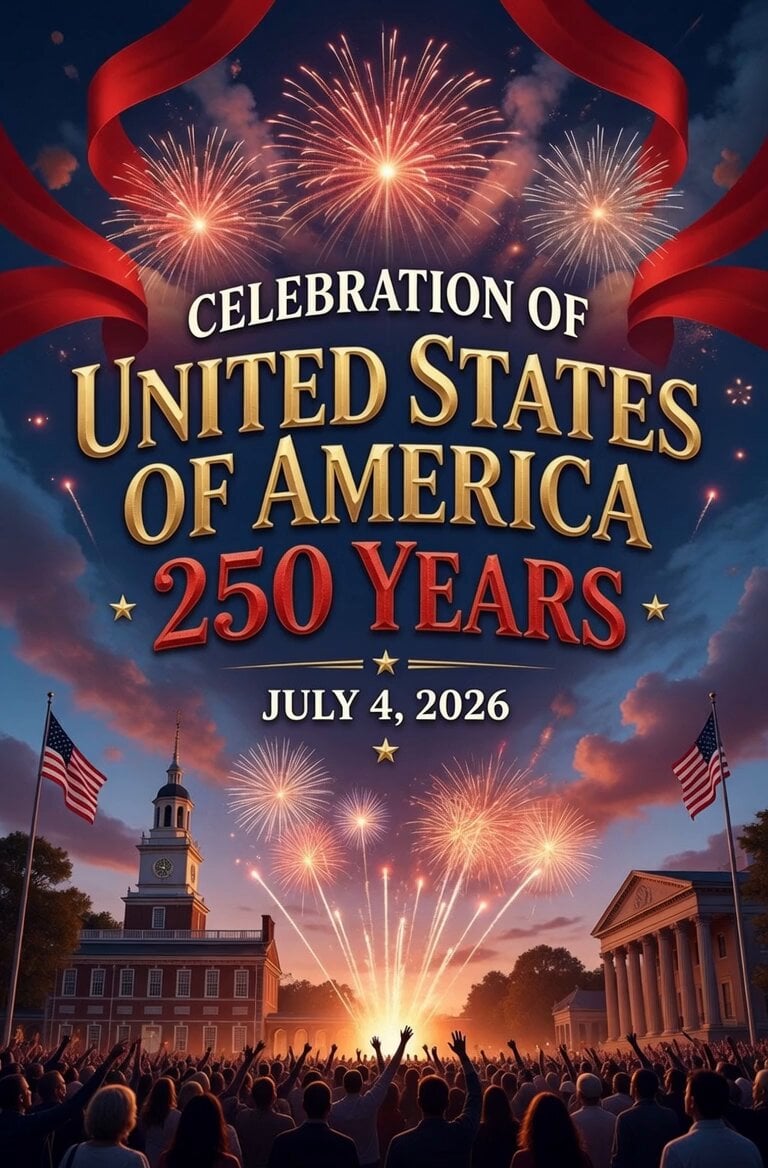
America 250th Anniversary Celebration

Musical Shrimp Birthday Party

Singing Happy Birthday with Candles
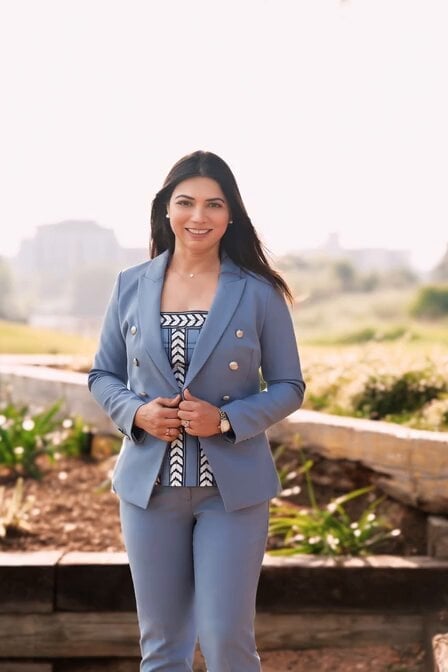
AI Clone World Cup Victory Celebration Video
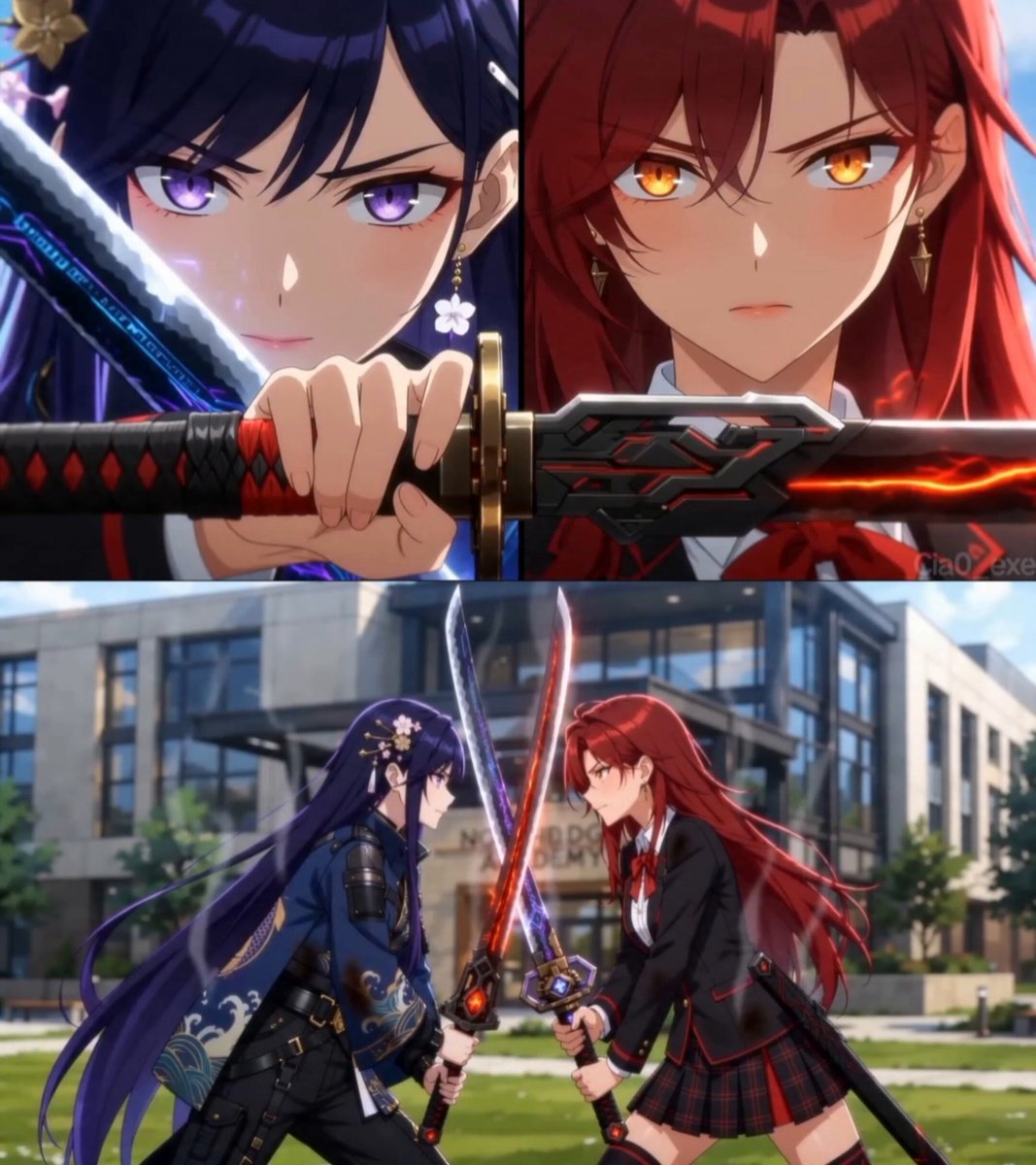
Cinematic Anime Celebration Video
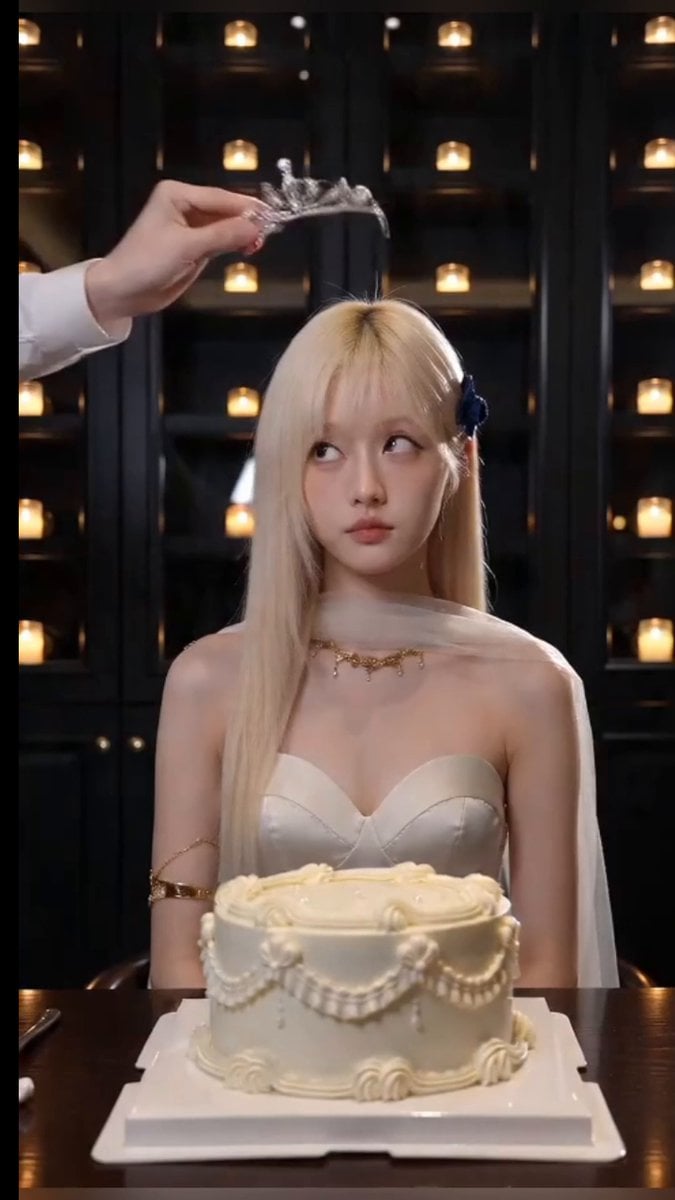
Cinematic Birthday Fire Breathing Video
Make it yours
Cinematic Birthday Celebration Sequence works as-is. These are the safest ways to change it without losing the look.
Change one field
Copy a single group, rewrite it, and generate again so you can see what that field is doing.
Keep the frame, change the subject
Hold the composition and light of Cinematic Birthday Celebration Sequence, then swap wardrobe, props or the person for a new take.
| If the result… | Why | Fix |
|---|---|---|
| The result drifts from the preview | Too many fields changed at once. | Reuse Cinematic Birthday Celebration Sequence as-is first, then change one group — subject, light, or setting. |
| The model over-stylizes the scene | The prose prompt leaves finish and camera underspecified. | Add one camera or lighting sentence and stay on Seedance 2.0. |
More Seedance 2.0 templates
Other prompts made for Seedance 2.0.

Comical Martial Arts Punch Scene

Maglev Train Action Sequence

Martial Arts Fight Sequence

Wuxia Protection and Trust Script

Vintage Korean Arcade MiniDV Vlog

Mercedes 190 SL Luxury Ad

Rainy Night Supernatural Reverse Comedy Video Script

Amazon Civilization Discovery

Futuristic South Asian City Transformation

Cozy Luxury Cafe Commercial
More video prompts
Fresh picks from across the catalog.
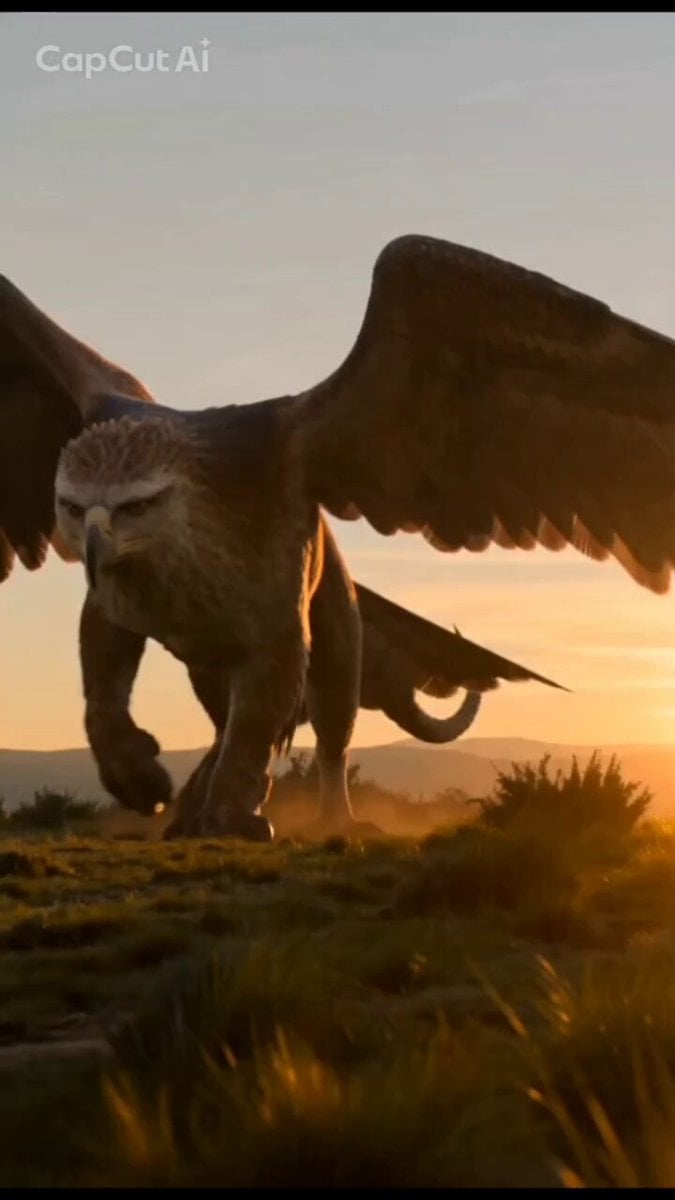
Mystical Griffin and Boy Encounter
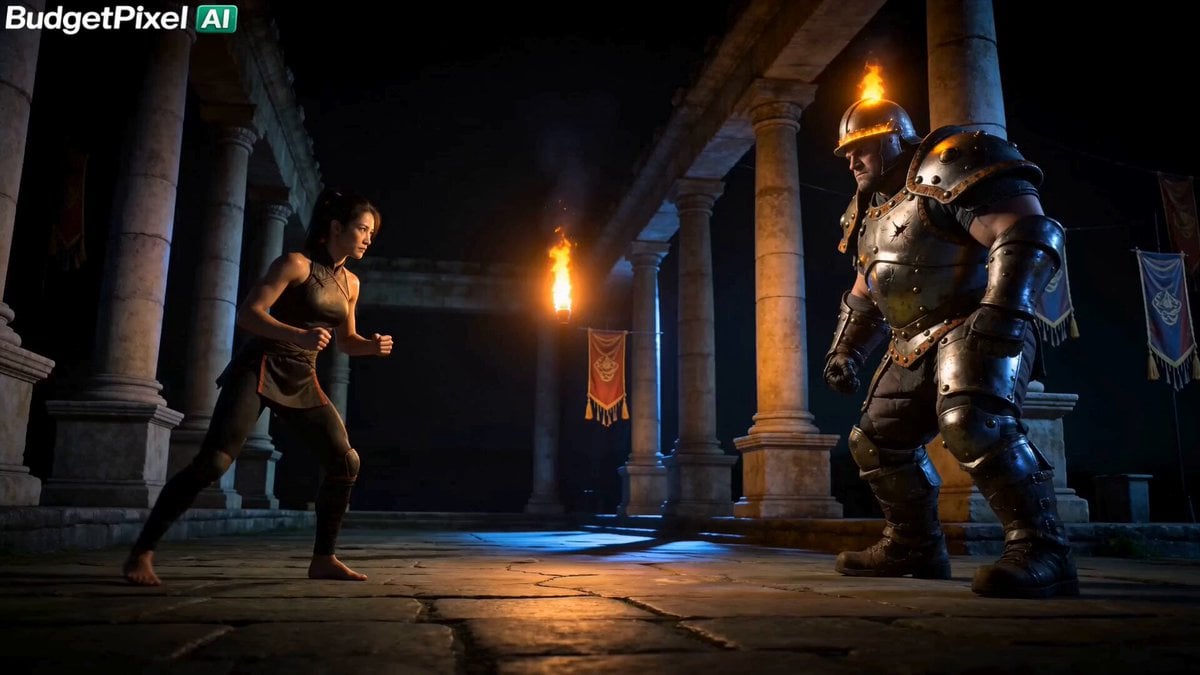
Iron Lotus Strike Combat Scene
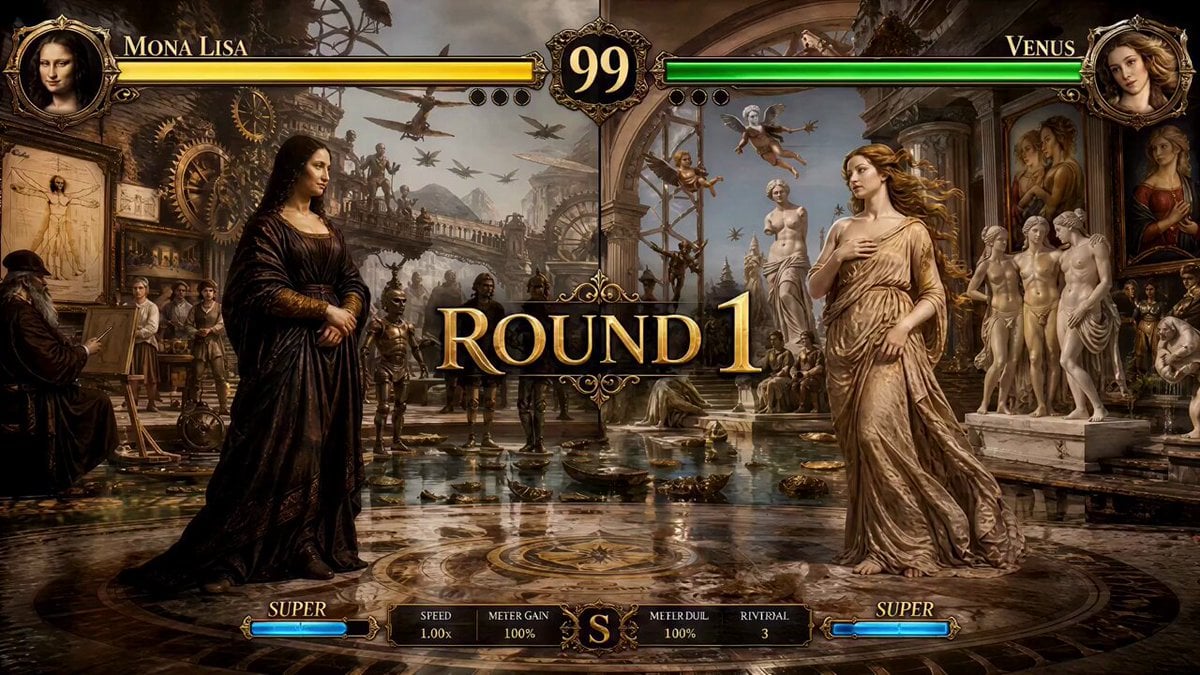
Mona Lisa vs Venus Fighting Game Style
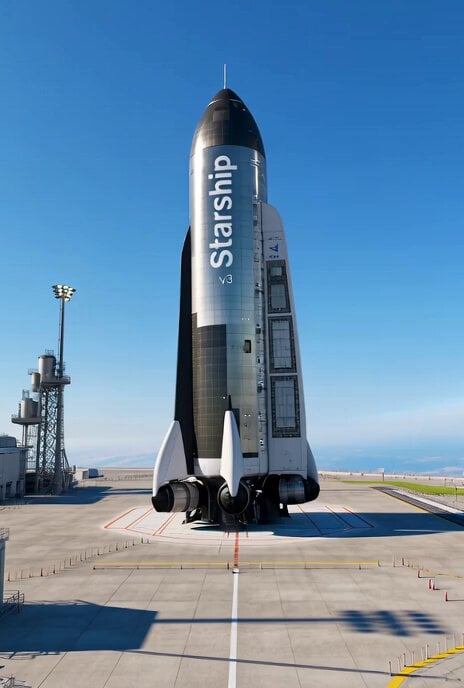
Starship v3 ready for Mars exploration
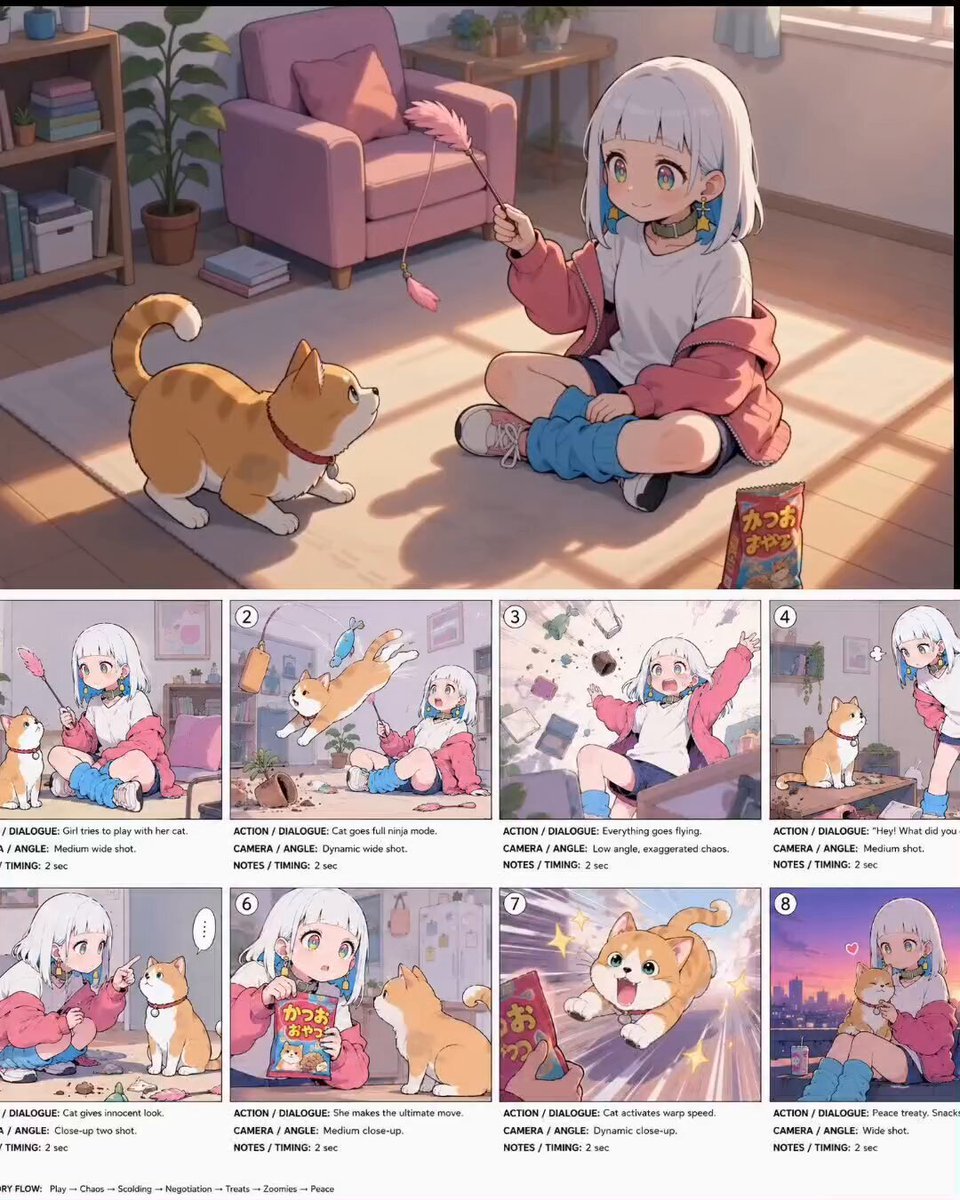
Anime Comedy Chaos Video Prompt
Cyberpunk Simulation Senses and Lollipop
Bioluminescent Aquarium Dolphin Whirlpool
Mystical Red Fox St. Patrick's Day Video Prompt
Anime Street Dance Paint Splash
Impossible Siege Tower Camera Shot Prompt for Seedance 2.0
Browse template categories
Cinematic Birthday Celebration Sequence questions
How do I use the Cinematic Birthday Celebration Sequence template?
Add your photo if the template asks for one, edit the prompt if you like — the template's model and format are already selected — and press Generate. Your version opens in PicX Studio.
Can I customize the Cinematic Birthday Celebration Sequence template?
Yes. You can change the subject, setting, lighting, mood, format, and available model controls before creating your video.
Is the Cinematic Birthday Celebration Sequence template free?
Opening and editing this template is free. Generating uses credits, shown on the Generate button when you are signed in.
Which AI model should I use?
Start with Seedance 2.0, which is the model associated with this template. You can compare another compatible model for a different finish.
Looking for something else? Browse all templates.

Your photo, any look
Thousands of ready templates for every top image and video model, from one credit balance.