
Urban Sign Street Style Template
Urban Sign Street Style Template is a ready photo look.
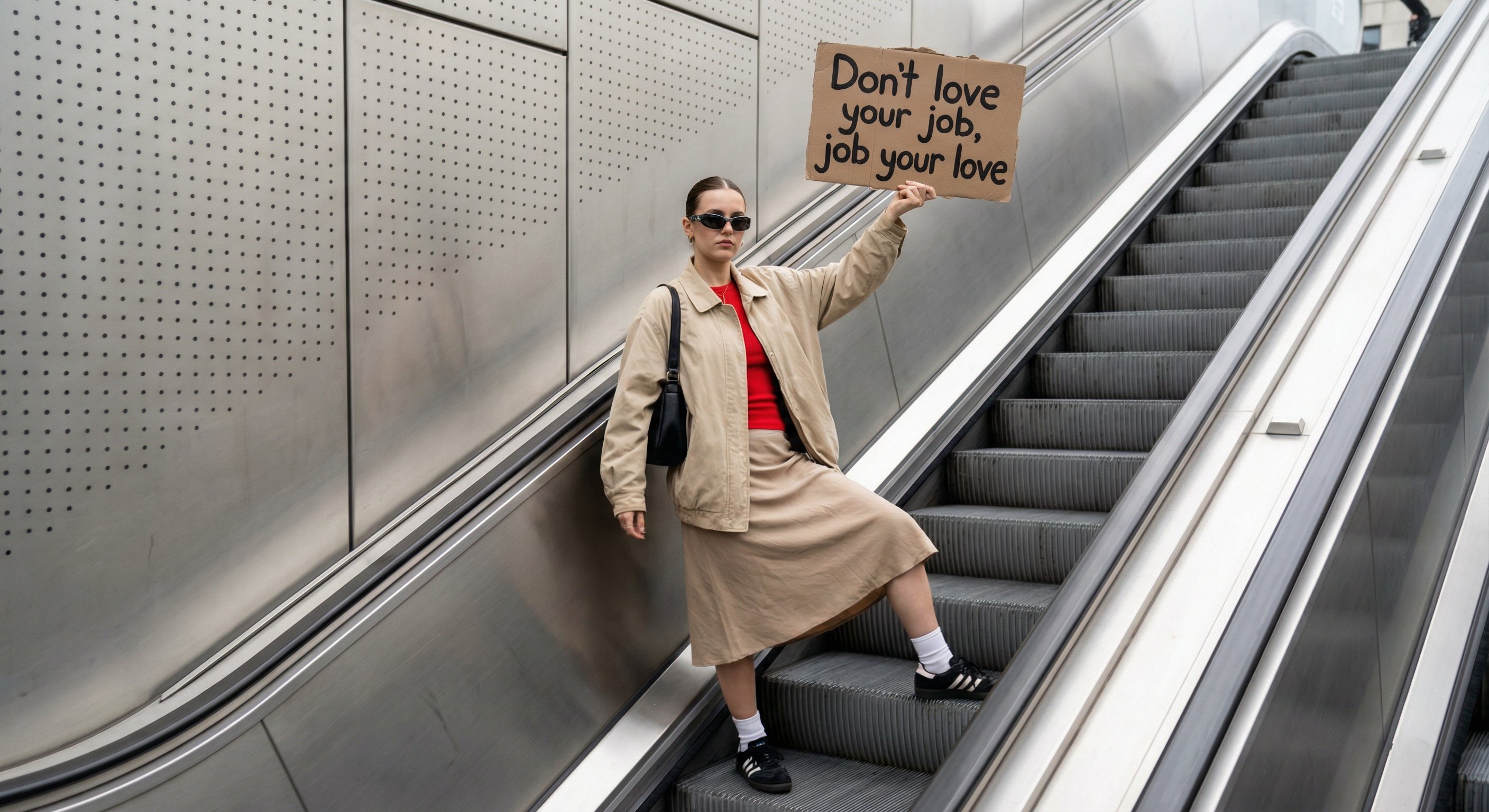
- Prompt included
- Model and format preset
- Free template
The prompt behind this image
Copy the exact prompt behind Urban Sign Street Style Template, or open it in the studio and make it yours.
- Subject › Description
- Young woman standing diagonally on outdoor escalator steps in urban public space, one foot positioned higher than the other on adjacent steps, holding rough brown cardboard sign above head with one arm extended upward, body positioned mid-movement with dynamic posture, carrying black shoulder bag
- Subject › Age
- 20-25 years old
- Subject › Expression
- Determined and expressive behind dark sunglasses, mouth slightly open as if mid-speech or declaration
- Subject › Hair › Color
- Dark brown
- Subject › Hair › Style
- Neatly tied back in sleek ponytail or bun, smooth texture
- Subject › Clothing › Top › Type
- Bright red fitted top or t-shirt
- Subject › Clothing › Top › Color
- Vibrant crimson red
- Subject › Clothing › Top › Details
- Visible underneath oversized jacket
- Subject › Clothing › Jacket › Type
- Oversized beige jacket
- Subject › Clothing › Jacket › Color
- Light sandy beige
- Subject › Clothing › Jacket › Details
- Relaxed fit, draped casually, natural fabric texture
- Subject › Clothing › Bottom › Type
- Knee-length skirt
- Subject › Clothing › Bottom › Color
- Light beige
- Subject › Clothing › Bottom › Details
- Flowing fabric, mid-thigh length
- Subject › Clothing › Footwear › Type
- Black sneakers
- Subject › Clothing › Footwear › Color
- Matte black
- Subject › Clothing › Footwear › Details
- Casual streetwear style
- Subject › Clothing › Socks › Type
- White ankle socks
- Subject › Clothing › Socks › Color
- Pure white
- Subject › Clothing › Socks › Details
- Visible above sneakers
- Subject › Face › Sunglasses
- Dark sunglasses, reflective lenses, full coverage
- Subject › Face › Skin Texture
- Natural skin texture, visible pores, slight imperfections
- Accessories › Bag › Type
- Black shoulder bag
- Accessories › Bag › Details
- Casual shoulder bag, worn across body or on one shoulder
Raw JSON
{
  "subject": {
    "description": "Young woman standing diagonally on outdoor escalator steps in urban public space, one foot positioned higher than the other on adjacent steps, holding rough brown cardboard sign above head with one arm extended upward, body positioned mid-movement with dynamic posture, carrying black shoulder bag",
    "age": "20-25 years old",
    "expression": [ "Determined and expressive behind dark sunglasses, mouth slightly open as if mid-speech or declaration"],
    "hair": {"color": "Dark brown", "style": "Neatly tied back in sleek ponytail or bun, smooth texture"},
    "clothing": {
      "top": {"type": "Bright red fitted top or t-shirt", "color": "Vibrant crimson red", "details": "Visible underneath oversized jacket"},
      "jacket": {"type": "Oversized beige jacket", "color": "Light sandy beige", "details": "Relaxed fit, draped casually, natural fabric texture"},
      "bottom": {"type": "Knee-length skirt", "color": "Light beige", "details": "Flowing fabric, mid-thigh length"},
      "footwear": {"type": "Black sneakers", "color": "Matte black", "details": "Casual streetwear style"},
      "socks": {"type": "White ankle socks", "color": "Pure white", "details": "Visible above sneakers"}
    },
    "face": {"sunglasses": "Dark sunglasses, reflective lenses, full coverage", "skin_texture": "Natural skin texture, visible pores, slight imperfections"}
  },
  "accessories": {
    "bag": {"type": "Black shoulder bag", "details": "Casual shoulder bag, worn across body or on one shoulder"},
    "prop": {
      "type": "Handmade protest sign",
      "details": "Rough brown cardboard with slightly uneven ragged edges, hand-painted bold black lettering reading ['Don't love your job, job your love'], imperfect human brush strokes with natural spacing variations, text shows brush texture and slight inconsistencies typical of handmade signs"
    }
  },
  "photography": {
    "camera_style": "Documentary street photography captured on mirrorless camera or smartphone",
    "angle": "Eye-level slight angle, natural perspective as if passing by",
    "shot_type": "Full body shot from mid-thigh up, diagonal composition following escalator lines",
    "texture": "Subtle film grain, natural motion blur suggesting mid-movement capture, authentic sharpness falloff"
  },
  "background": {
    "setting": "Modern urban outdoor space with escalator",
    "elements": ["Metallic wall with dotted textured panels", "Escalator handrails creating strong leading lines", "Modern architectural elements", "Public space infrastructure"],
    "atmosphere": "Natural daylight, soft and diffused, candid street photography vibe",
    "lighting": "Natural overcast daylight, soft shadows throughout, no dramatic highlights, even illumination, realistic shadow depth on steps and wall"
  }
}How to use Urban Sign Street Style Template in 3 steps
- 1
Open
The prompt is already in the box next to the preview, with the template's model and format selected.
- 2…a portrait of your subject in softgolden-hour light, 85mm…
Personalize
Edit the subject and creative details for your destination.
- 3Generate
Generate
Press Generate — your image is created in PicX Studio, so you can compare it with the original and refine one variable at a time.
More like this
Templates with the same subject, style or setup. Open one to see its prompt.
Cinematic Academic Signaling Thumbnail
Cinematic Street Fashion Portrait Motion Blur Crowd
Subway Platform Quiet Introspective Portrait
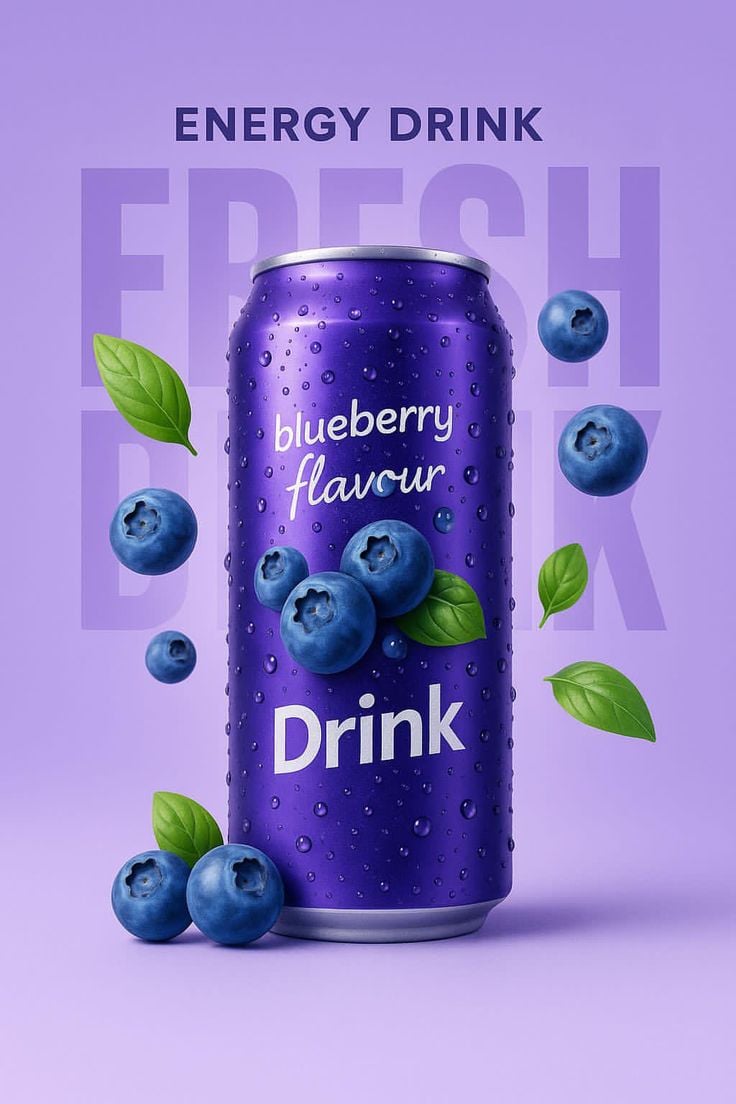
Blueberry Energy Drink Mockup
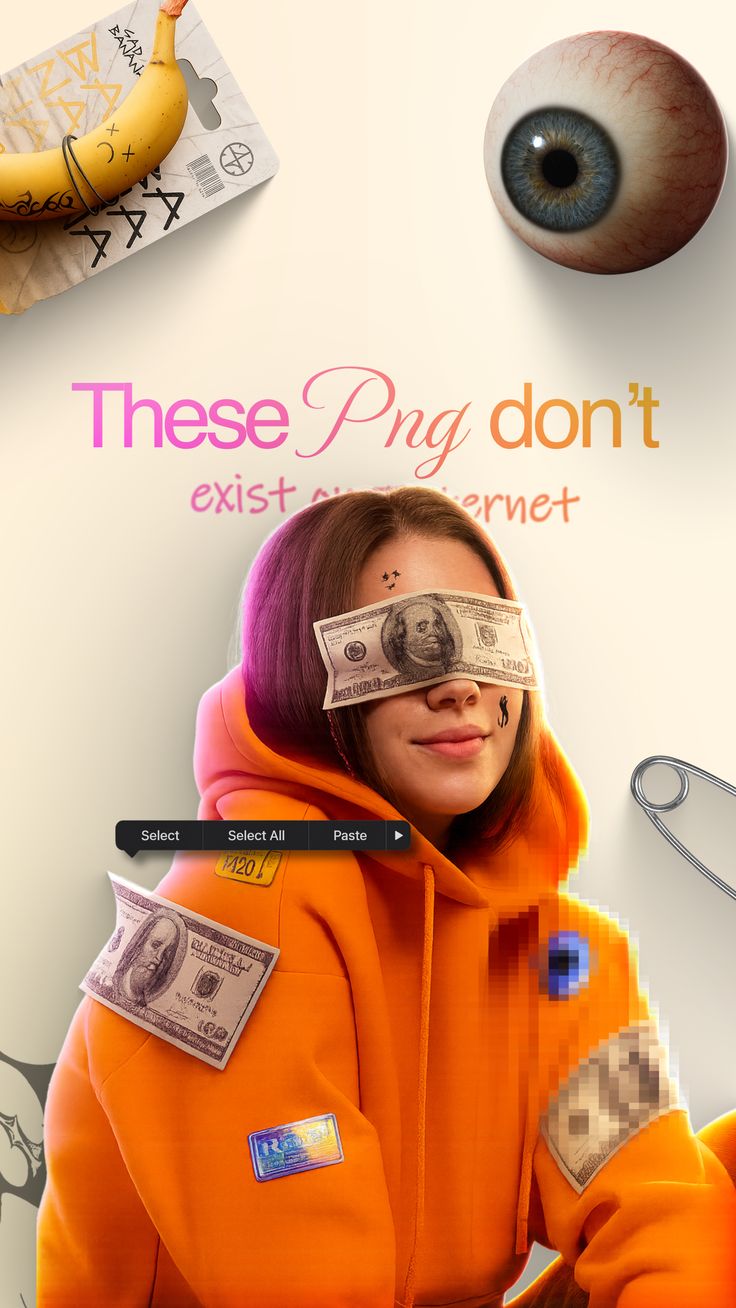
These PNG Don’t Exist

Urban Fashion Editorial Collage Streetwear Poster
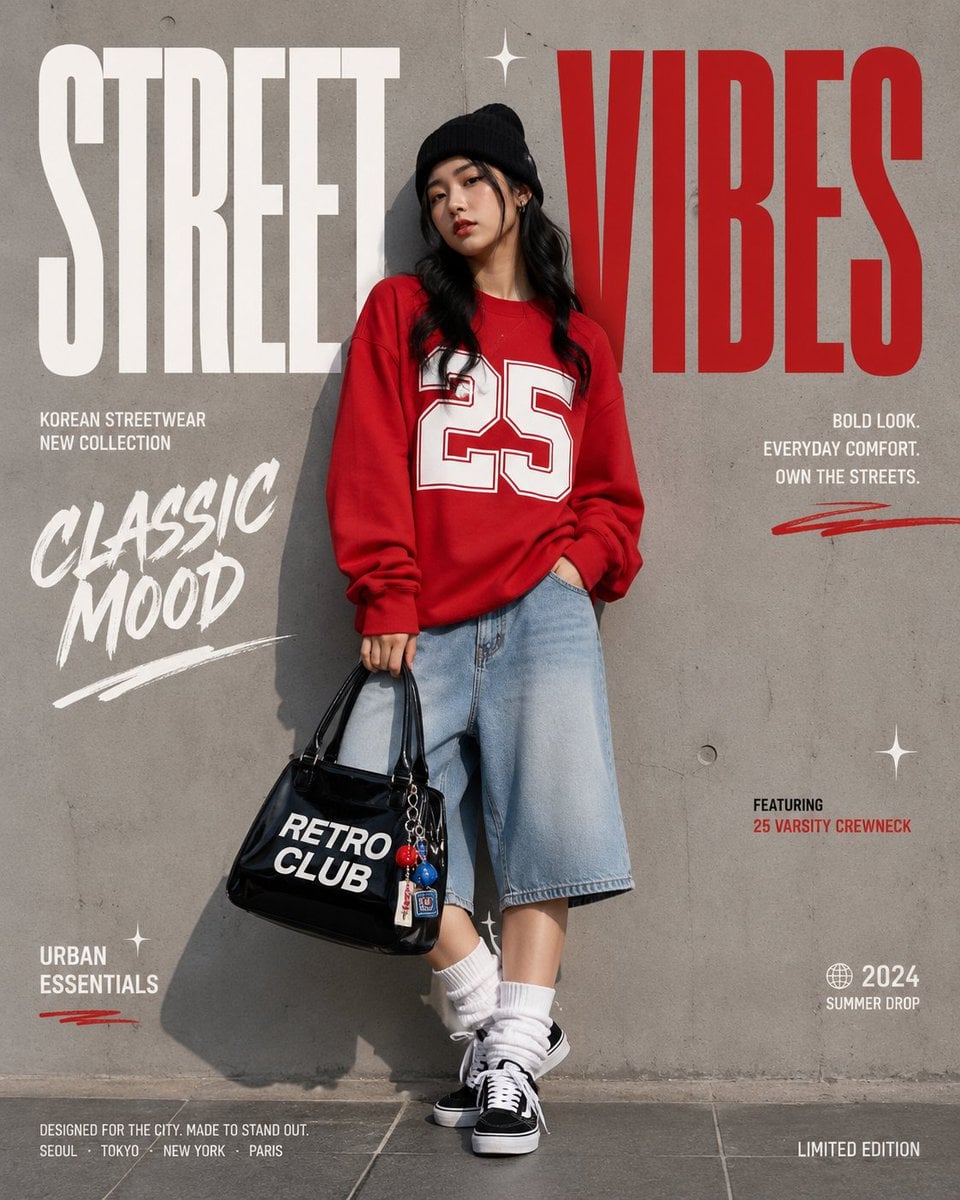
Korean Streetwear Minimalist Campaign Portrait
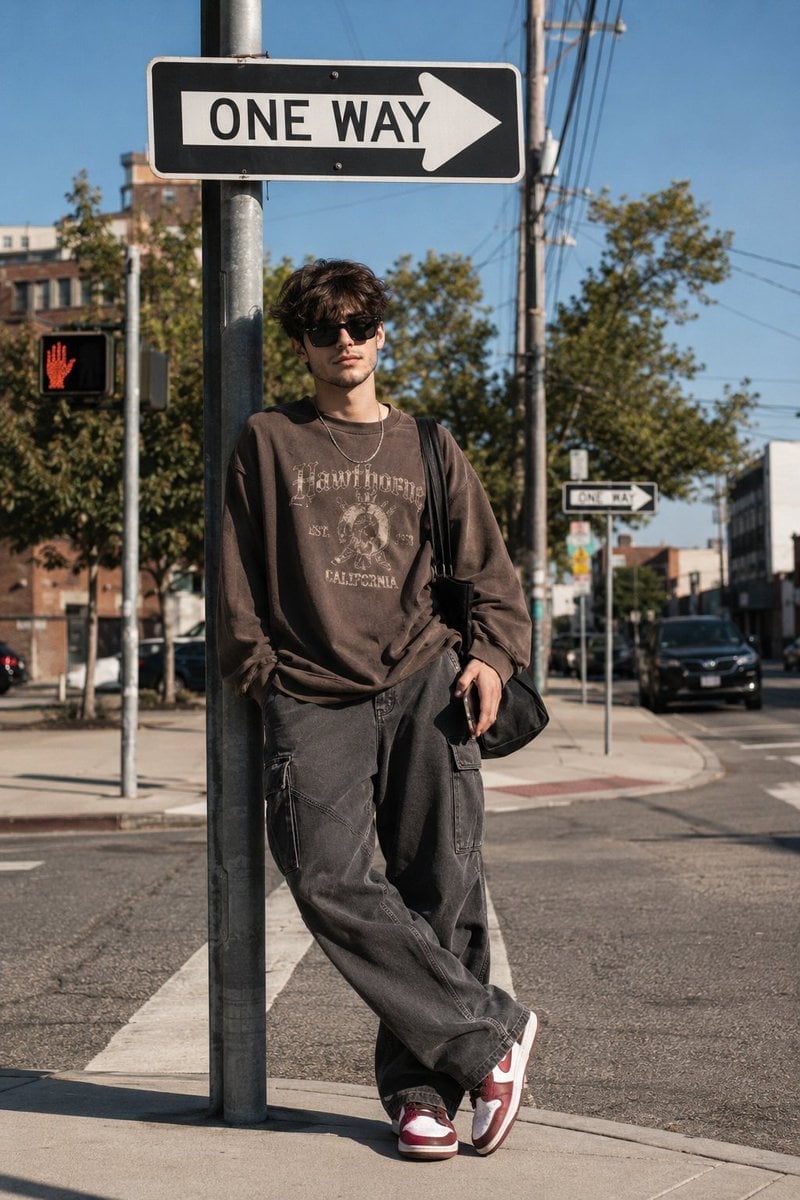
Cinematic Korean Streetwear Street Portrait
Frozen Street Luxe Graffiti Fashion Campaign
Giant Forced Perspective Street Product Selfie

Two Tickets, One Night

Meet Me When It Rains
Make it yours
Urban Sign Street Style Template works as-is. These are the safest ways to change it without losing the look.
Swap the setting
Keep the rest of the prompt and replace the location block. The current setting is “Modern urban outdoor space with escalator”.
Swap the light
One lighting change is enough to compare takes. Current light: “Natural overcast daylight, soft shadows throughout, no dramatic highlights, even”.
Change one field
Copy a single group, rewrite it, and generate again so you can see what that field is doing.
| If the result… | Why | Fix |
|---|---|---|
| The result drifts from the preview | Too many fields changed at once. | Reuse Urban Sign Street Style Template as-is first, then change one group — subject, light, or setting. |
| PicX Studio ignores part of the JSON | Some models flatten or skip nested keys. | Keep the same values and paste them as a short paragraph instead. |
More image prompts
Fresh picks from across the catalog.
Anime Strawberry Promo Banner Set
Shadow Puppet Style Transformation
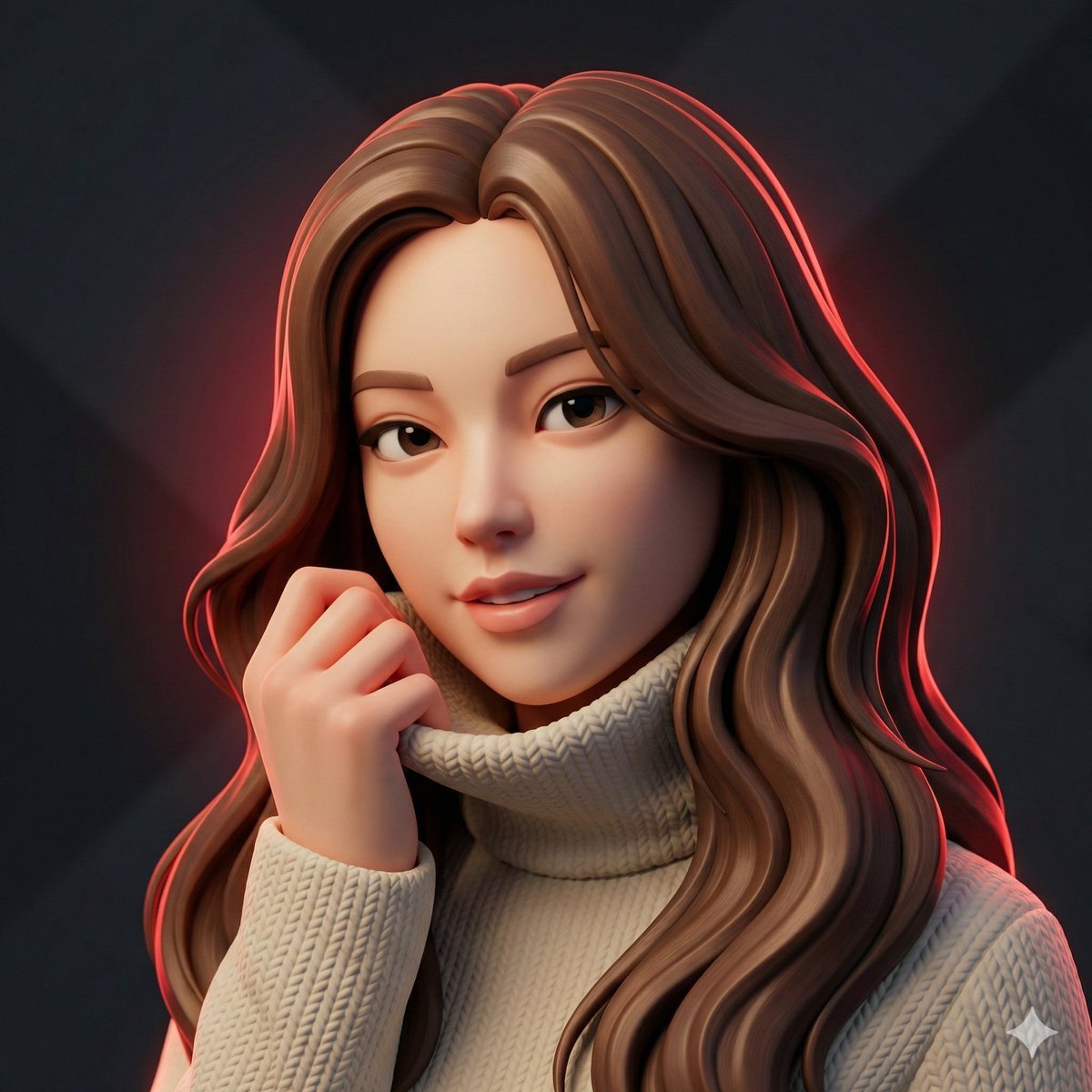
Hyper-Stylized 3D Character Synthesis (Designer Toy Aesthetic)
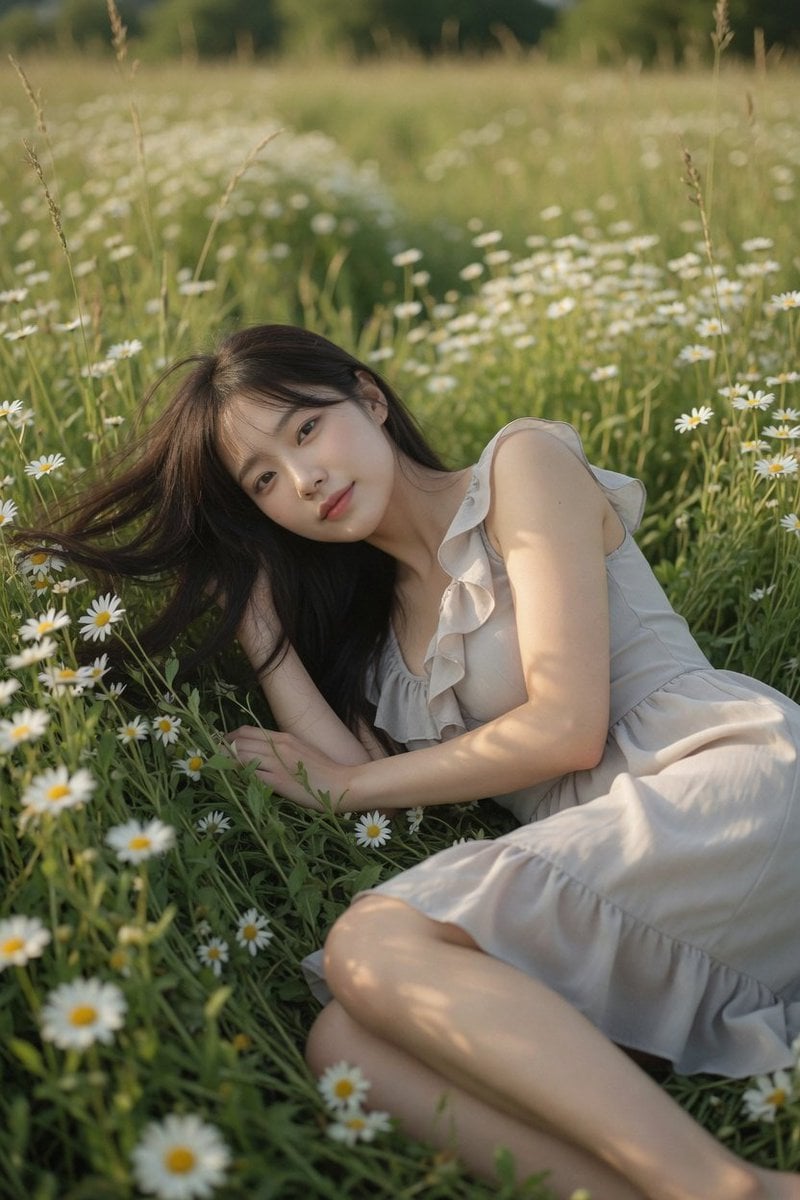
Daisy Field Cinematic Portrait
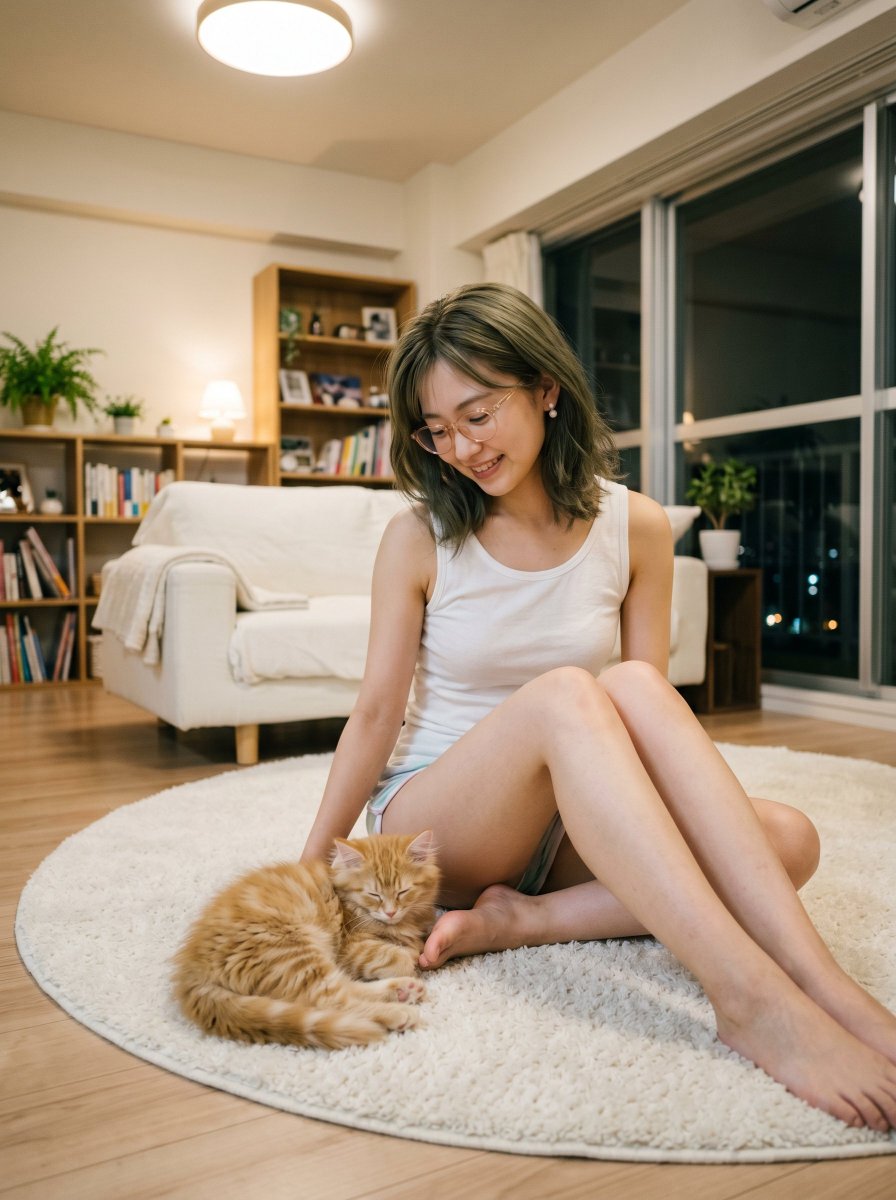
Cozy Apartment Woman With Kitten
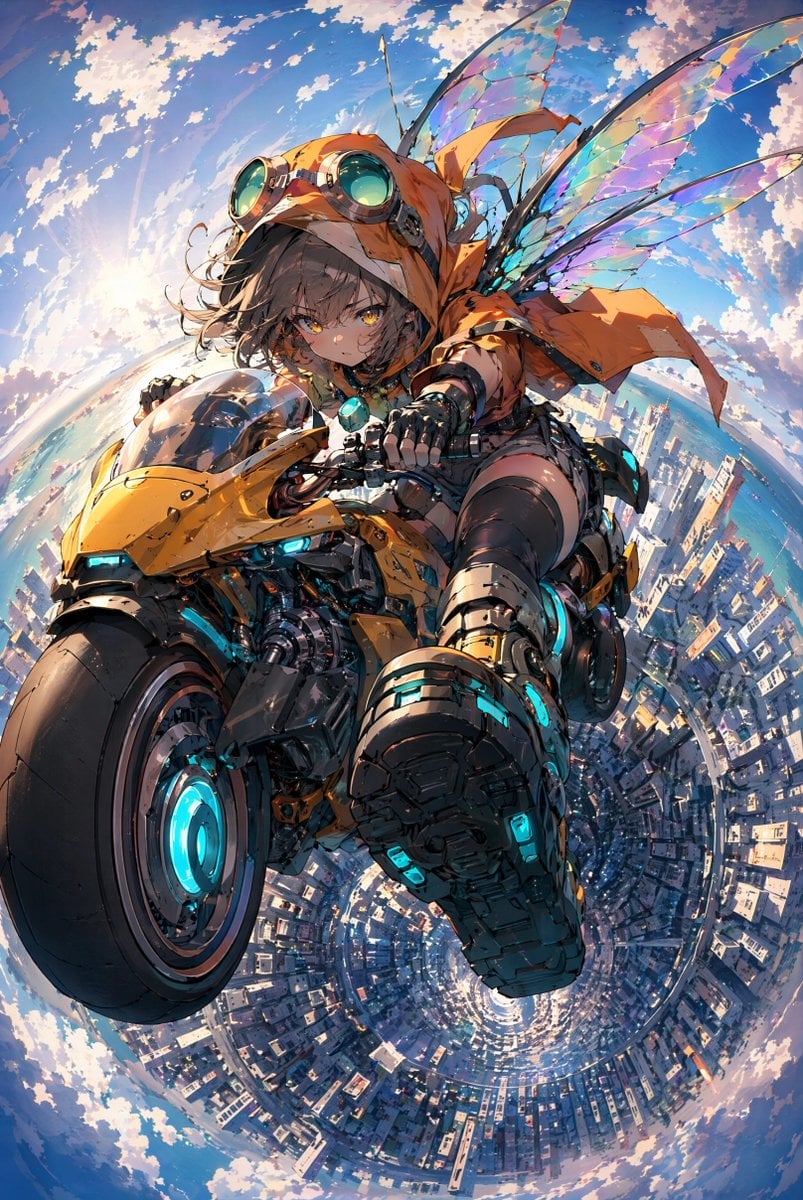
Fairy Biker Above Tiny-Planet City
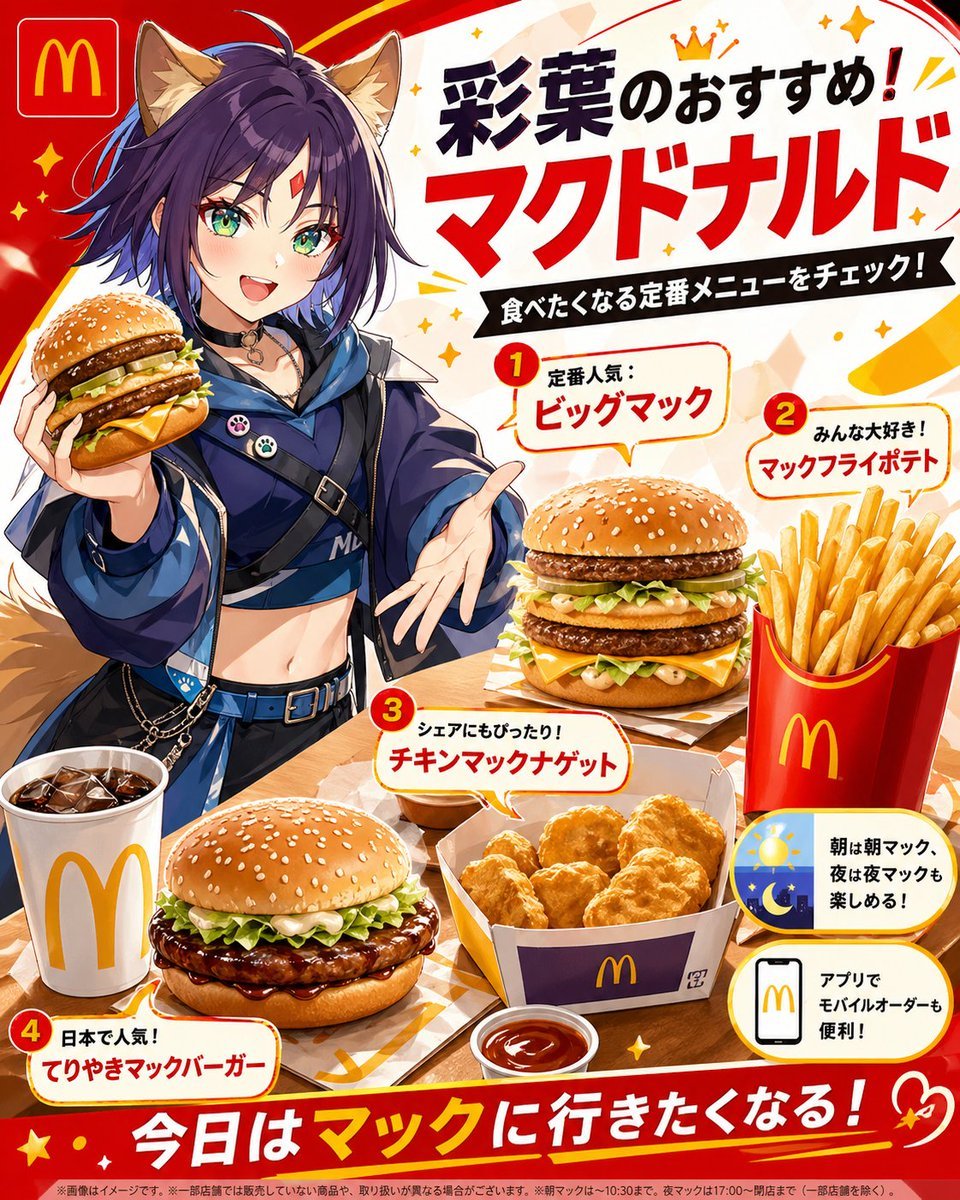
Anime McDonald's Recommendation Poster

Luxury 3D Birthday Poster
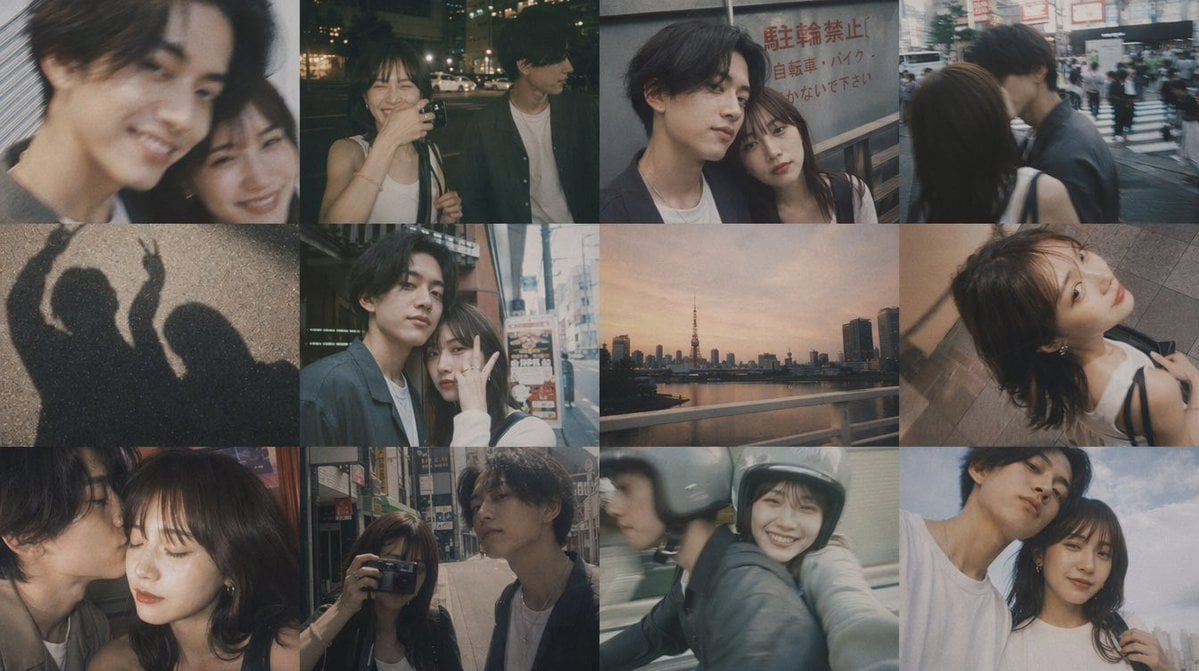
Romantic Tokyo Couple Photo Collage
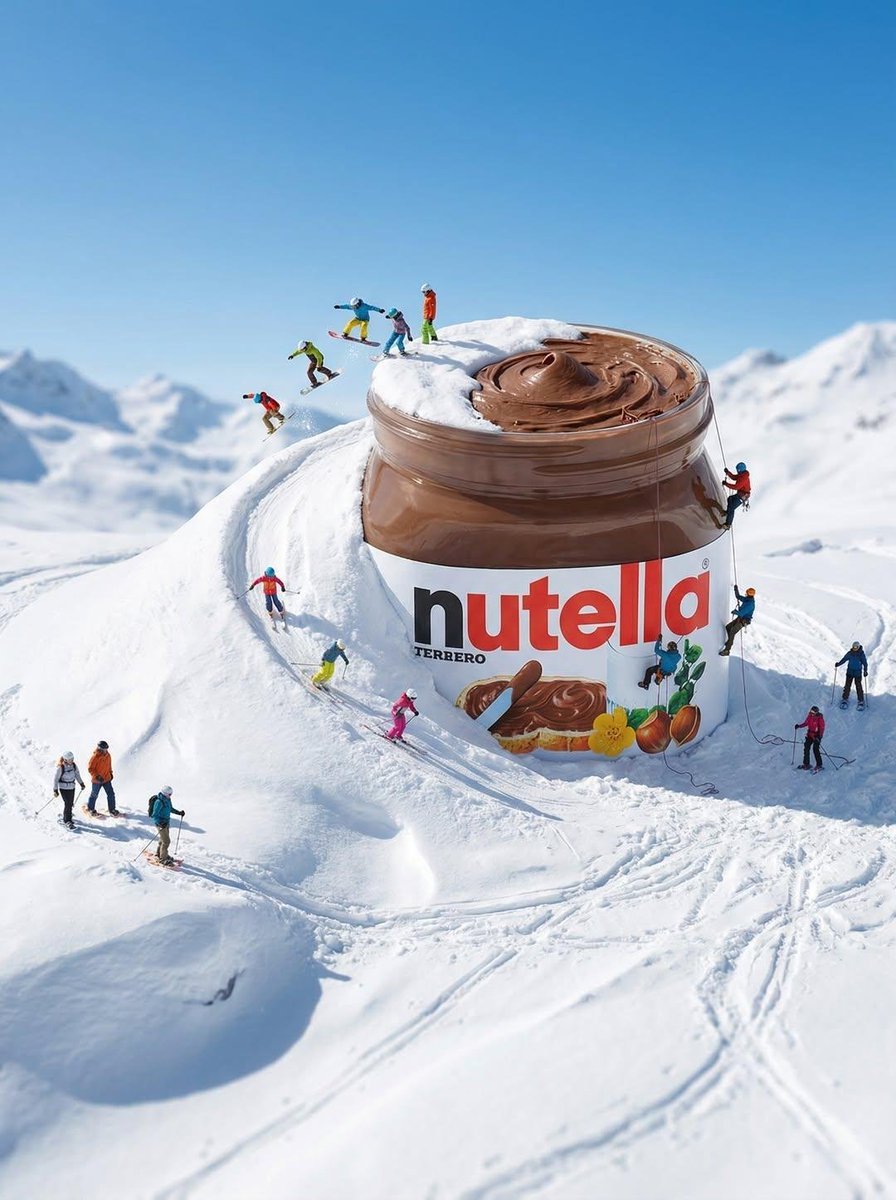
Gigantic Product Buried in Snow with Miniature Explorers
Browse template categories
Urban Sign Street Style Template questions
How do I use the Urban Sign Street Style Template template?
Add your photo if the template asks for one, edit the prompt if you like — the template's model and format are already selected — and press Generate. Your version opens in PicX Studio.
Can I customize the Urban Sign Street Style Template template?
Yes. You can change the subject, setting, lighting, mood, format, and available model controls before creating your image.
Is the Urban Sign Street Style Template template free?
Opening and editing this template is free. Generating uses credits, shown on the Generate button when you are signed in.
Which AI model should I use?
Choose a compatible model in PicX Studio based on the style, speed, and output controls your project needs.
Looking for something else? Browse all templates.

Your photo, any look
Thousands of ready templates for every top image and video model, from one credit balance.