
One Girl. Many Moods.
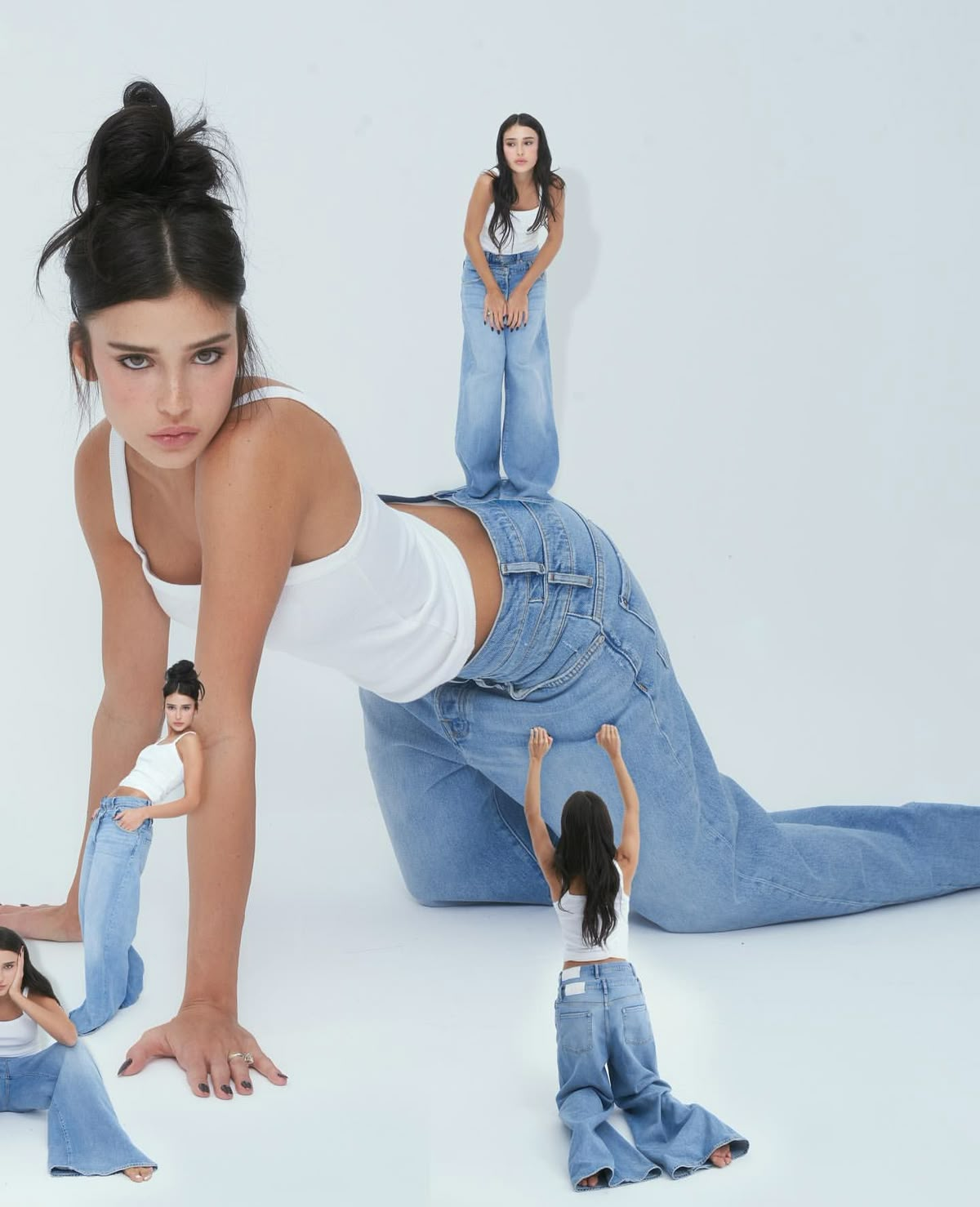
One Girl. Many Moods. is a ready photo look.
- Prompt included
- Model and format preset
- Free template
The prompt behind this image
Copy the exact prompt behind One Girl. Many Moods., or open it in the studio and make it yours.
- Prompt
- A surreal high-fashion editorial photograph featuring a female model duplicated at different scales. One giant version of the model dominates the scene in a crawling pose, wearing a white fitted tank top and light blue baggy jeans. Several miniature versions of the same model interact with the giant figure, standing on the jeans, climbing the hip, leaning against the arm, and posing confidently. The illusion of scale and gravity creates a conceptual fashion art effect. The background is a pure white seamless studio with no props. Soft even studio lighting highlights skin tones and denim texture. Minimalist, modern, surreal fashion editorial style with strong visual impact.
- Negative Prompt
- busy background, dark lighting, fantasy creatures, extra limbs, distorted body proportions, clutter, harsh shadows, low resolution
- Style
- surreal high-fashion editorial photography
- Lighting
- soft studio lighting, even exposure, minimal shadows
- Camera › Angle
- eye-level with composite scale illusion
- Camera › Lens
- 35mm
- Camera › Aperture
- f/8
- Camera › Focus
- sharp focus across all subjects
- Composition
- giant subject with miniature duplicates, balanced scale illusion, clean negative space
- Background
- pure white seamless studio backdrop
- Mood
- artistic, bold, conceptual, fashion-forward
- Quality
- ultra high resolution, professional fashion editorial, photorealistic surrealism
Raw JSON
{
  "prompt": "A surreal high-fashion editorial photograph featuring a female model duplicated at different scales. One giant version of the model dominates the scene in a crawling pose, wearing a white fitted tank top and light blue baggy jeans. Several miniature versions of the same model interact with the giant figure, standing on the jeans, climbing the hip, leaning against the arm, and posing confidently. The illusion of scale and gravity creates a conceptual fashion art effect. The background is a pure white seamless studio with no props. Soft even studio lighting highlights skin tones and denim texture. Minimalist, modern, surreal fashion editorial style with strong visual impact.",
  "negative_prompt": "busy background, dark lighting, fantasy creatures, extra limbs, distorted body proportions, clutter, harsh shadows, low resolution",
  "style": "surreal high-fashion editorial photography",
  "lighting": "soft studio lighting, even exposure, minimal shadows",
  "camera": {
    "angle": "eye-level with composite scale illusion",
    "lens": "35mm",
    "aperture": "f/8",
    "focus": "sharp focus across all subjects"
  },
  "composition": "giant subject with miniature duplicates, balanced scale illusion, clean negative space",
  "background": "pure white seamless studio backdrop",
  "mood": "artistic, bold, conceptual, fashion-forward",
  "quality": "ultra high resolution, professional fashion editorial, photorealistic surrealism"
}How to use One Girl. Many Moods. in 3 steps
- 1
Open
The prompt is already in the box next to the preview, with the template's model and format selected.
- 2…a portrait of your subject in softgolden-hour light, 85mm…
Personalize
Edit the subject and creative details for your destination.
- 3Generate
Generate
Press Generate — your image is created in PicX Studio, so you can compare it with the original and refine one variable at a time.
More like this
Templates with the same subject, style or setup. Open one to see its prompt.
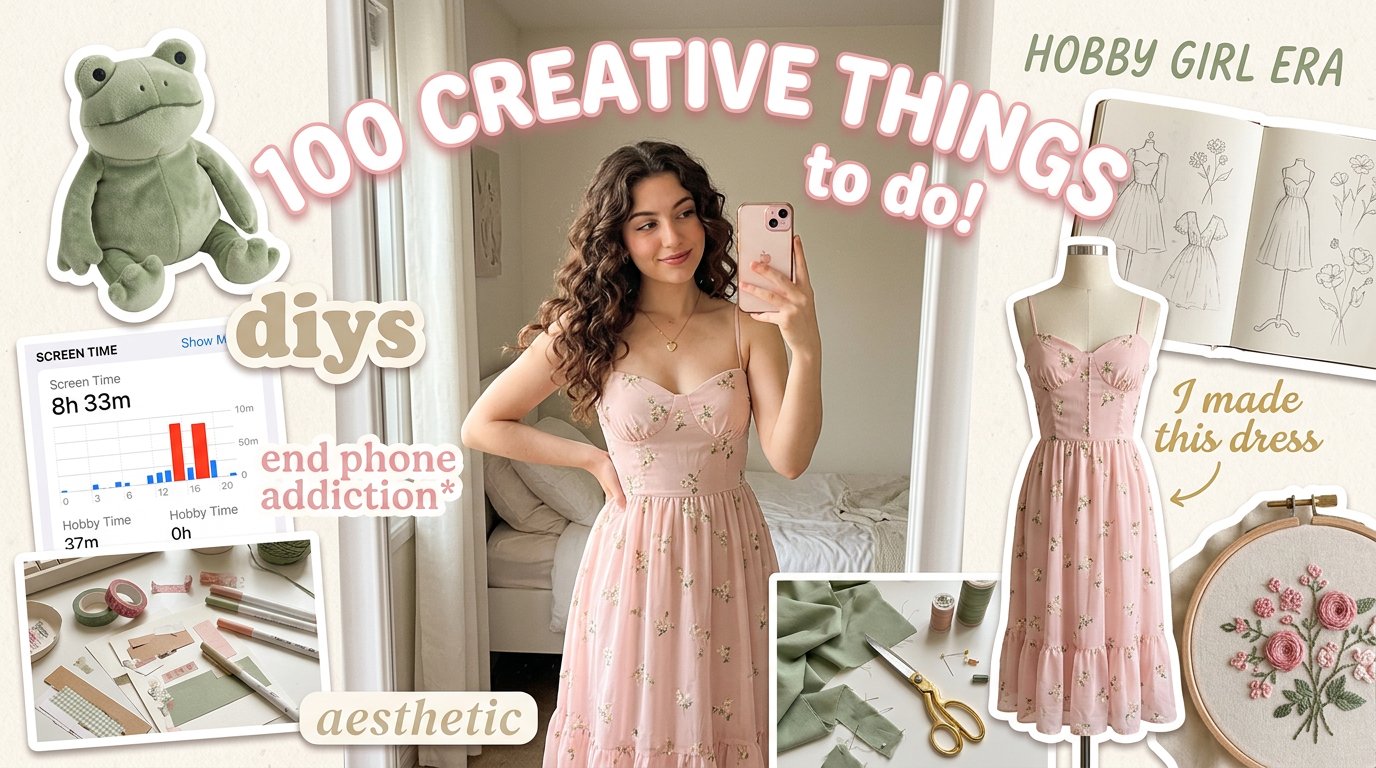
Aesthetic Hobby Girl Collage Youtube Thumbnail
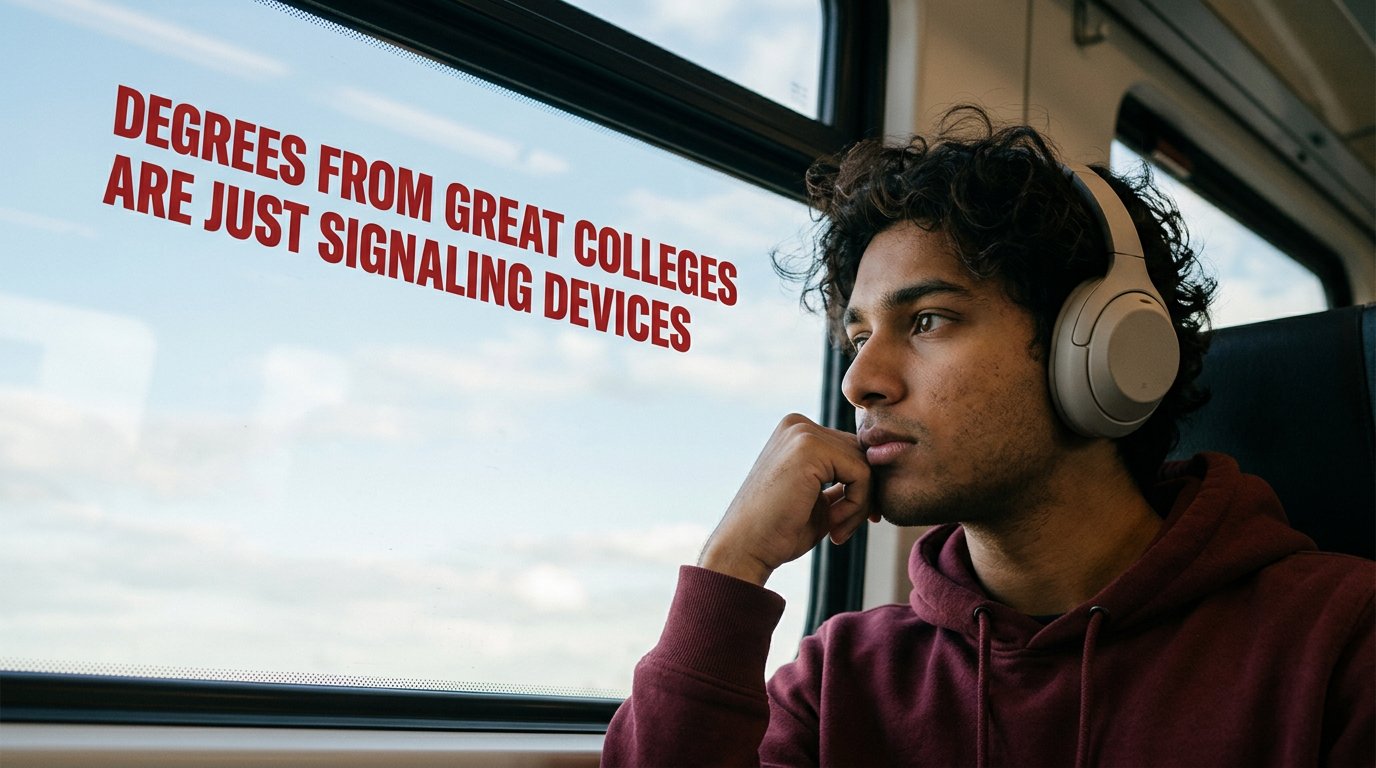
Cinematic Academic Signaling Thumbnail
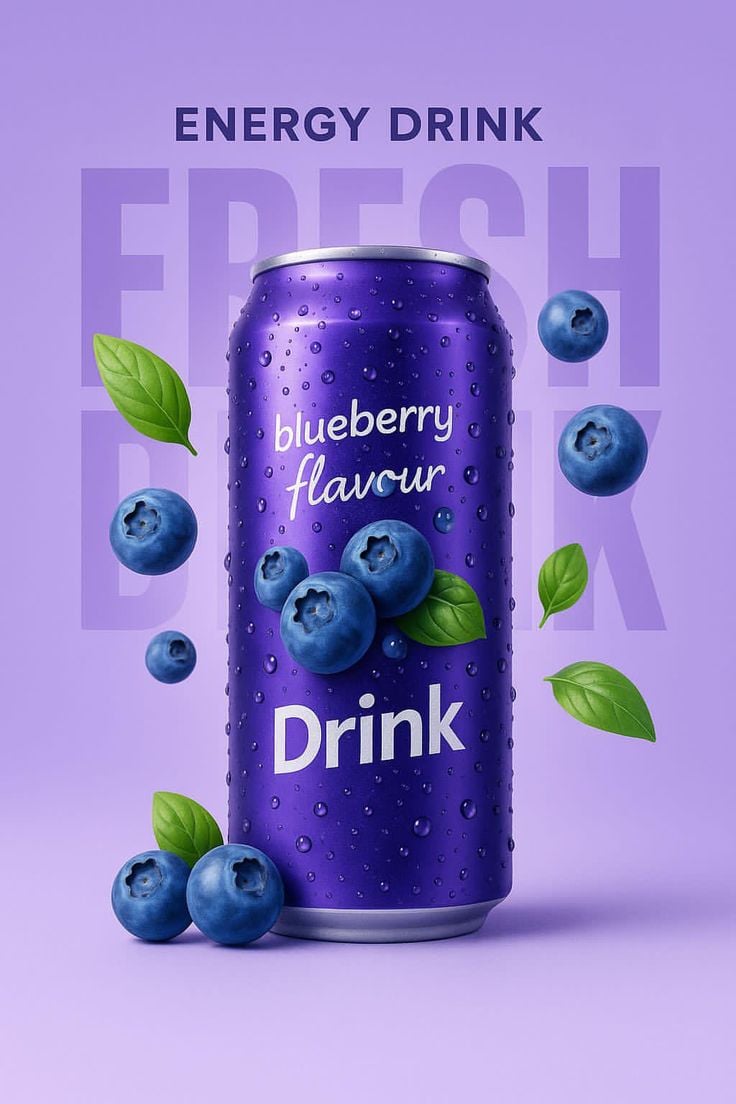
Blueberry Energy Drink Mockup
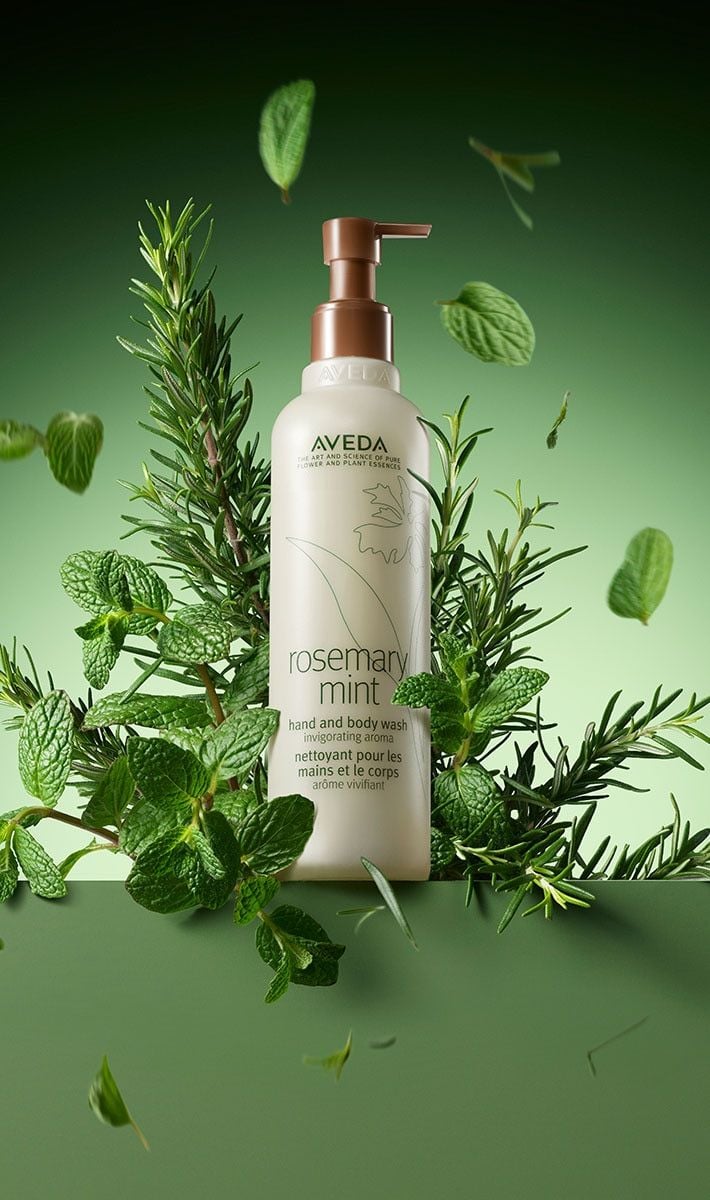
Botanical Rosemary Mint Product Showcase
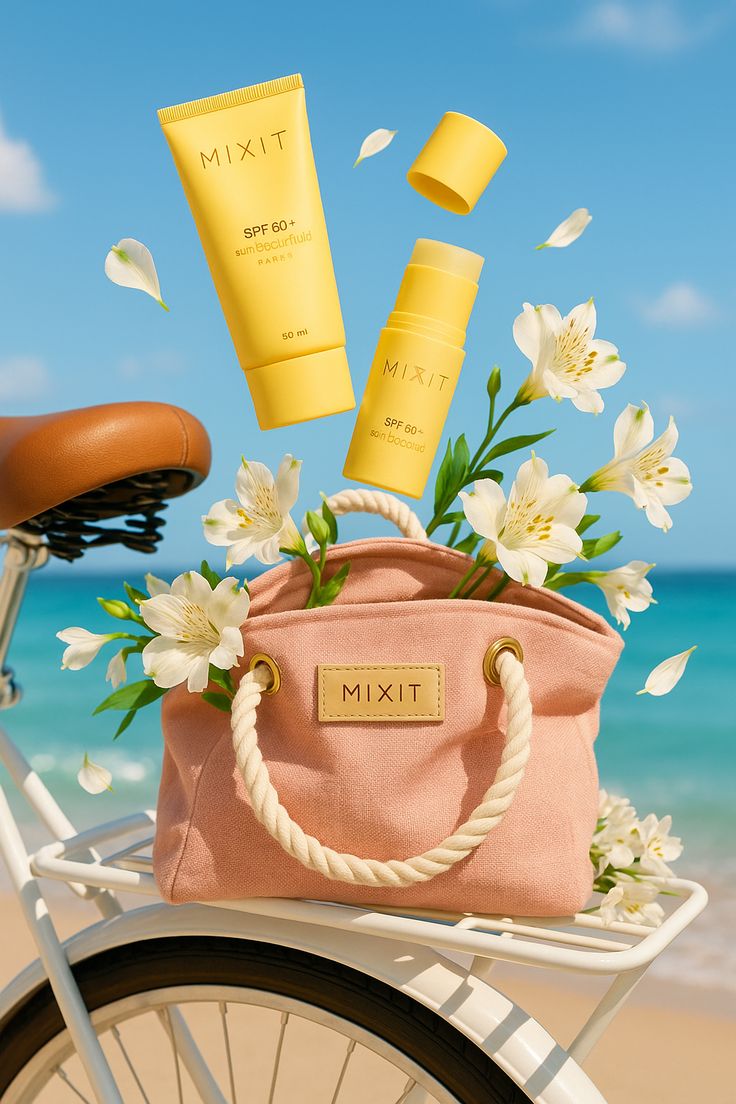
Sun-Kissed Summer Skincare Beachfront
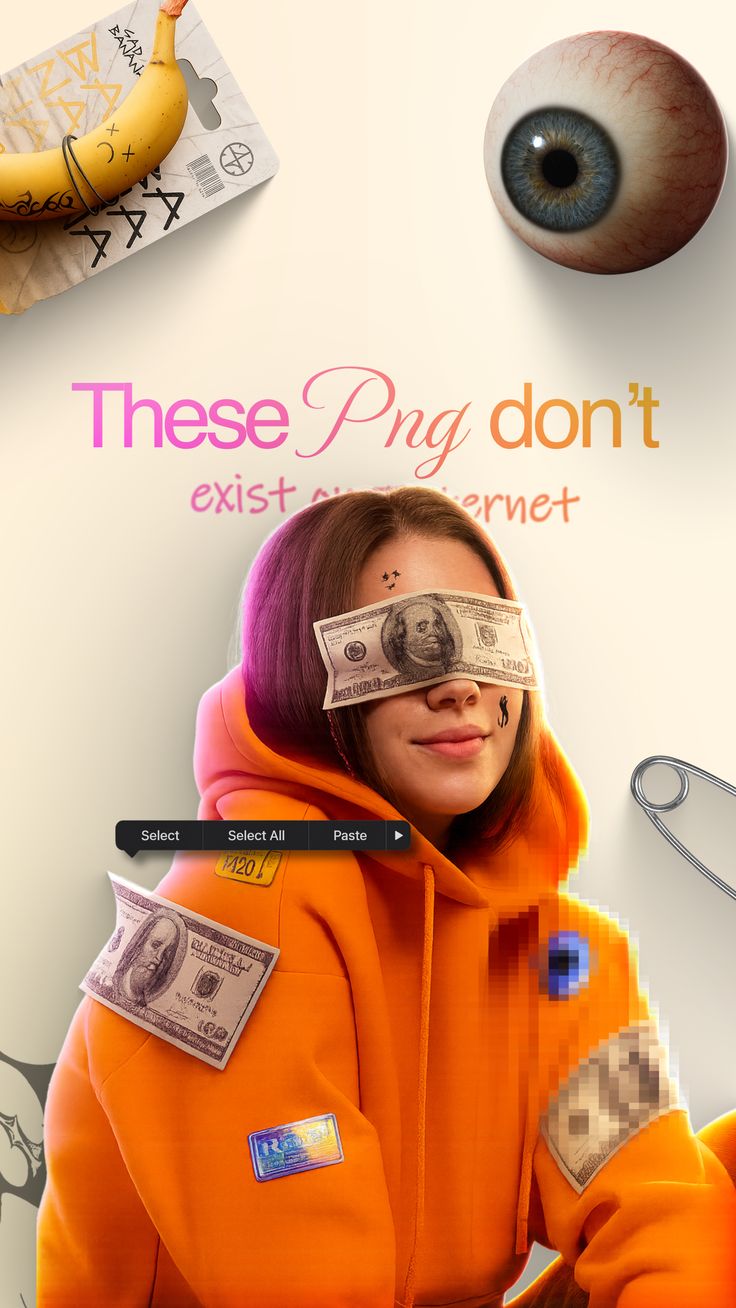
These PNG Don’t Exist
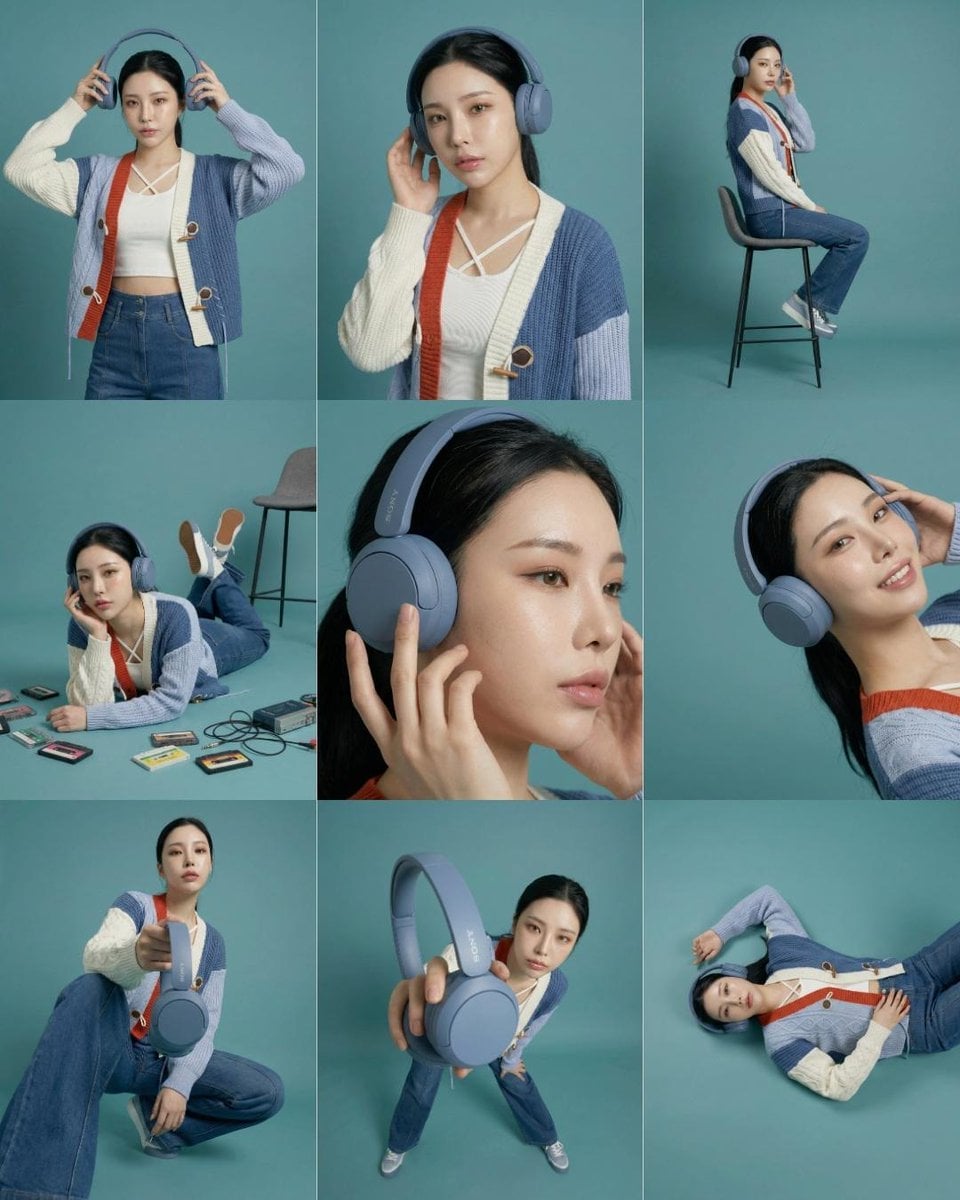
Headphones Lifestyle Nine Panel Grid
Tropical Hammock Latte — Nano Banana iPhone Style
Persephone deity card
Mirror Selfie Chibi Characters Pixar Style
Teen Girl Alpine Lake Mountain View

Chibi Girls Hugging Air Conditioner Comic
Make it yours
One Girl. Many Moods. works as-is. These are the safest ways to change it without losing the look.
Swap the setting
Keep the rest of the prompt and replace the location block. The current setting is “pure white seamless studio backdrop”.
Swap the light
One lighting change is enough to compare takes. Current light: “soft studio lighting, even exposure, minimal shadows”.
Change one field
Copy a single group, rewrite it, and generate again so you can see what that field is doing.
| If the result… | Why | Fix |
|---|---|---|
| The result drifts from the preview | Too many fields changed at once. | Reuse One Girl. Many Moods. as-is first, then change one group — subject, light, or setting. |
| PicX Studio ignores part of the JSON | Some models flatten or skip nested keys. | Keep the same values and paste them as a short paragraph instead. |
More image prompts
Fresh picks from across the catalog.

Hyper-Realistic Football Goal Celebration
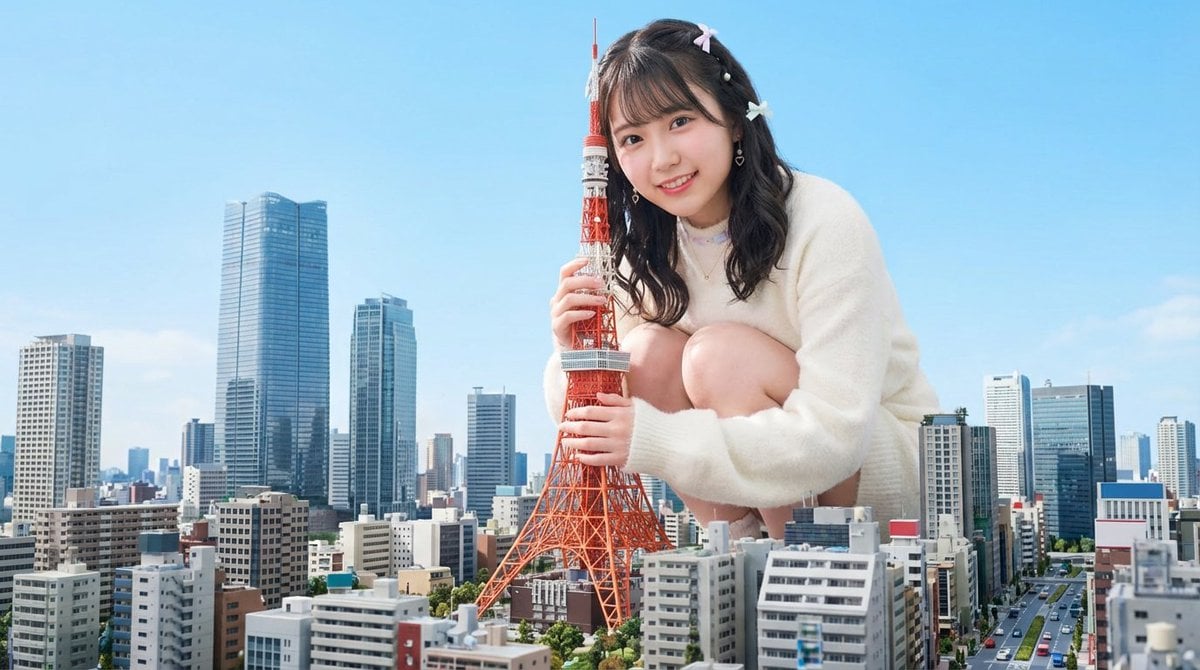
Giant Hugging Tokyo Tower Photo Prompt
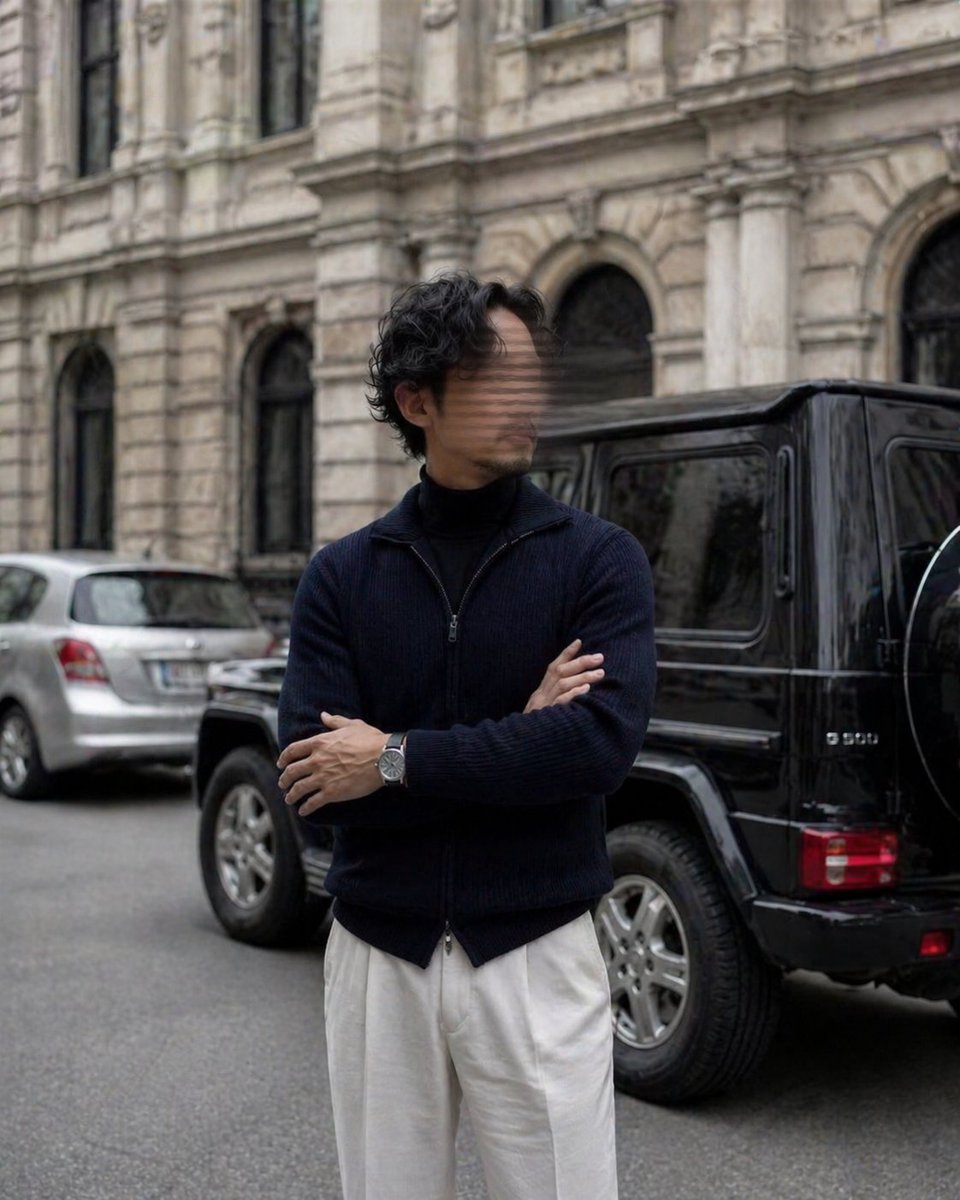
Luxury Street Style Portrait
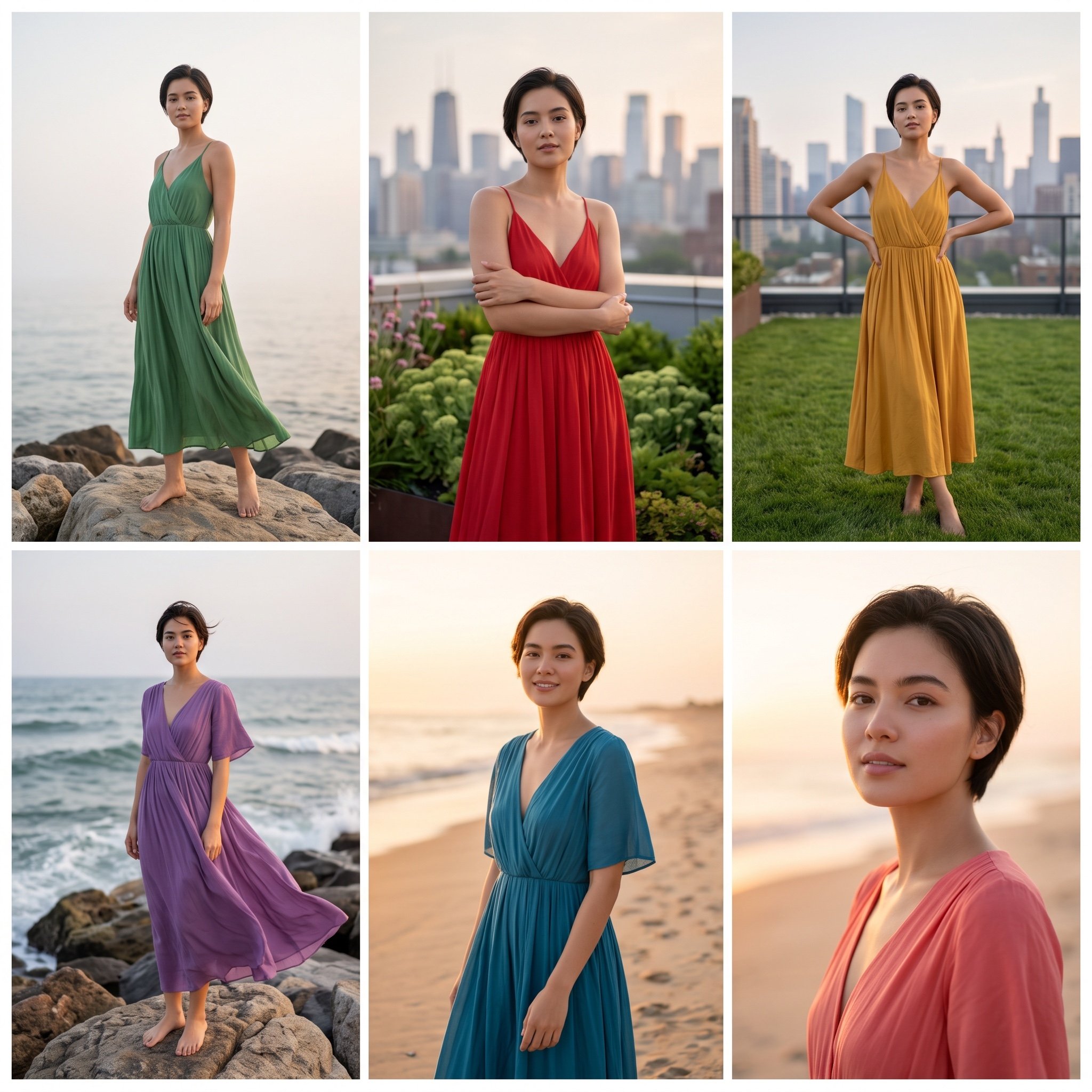
3x2 Collage of Woman in Flowing Dresses
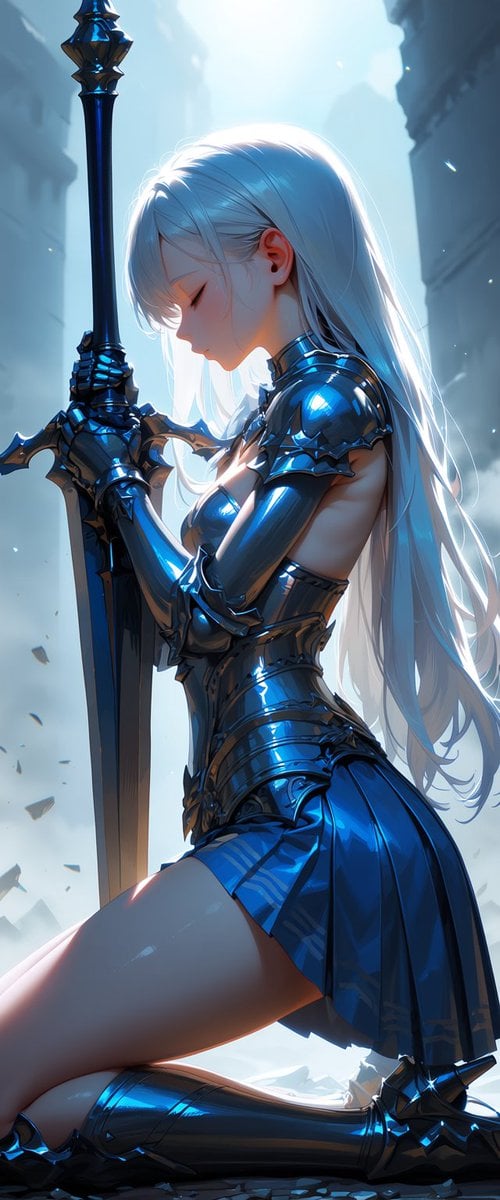
Kneeling Blue Armored Knight

Cinematic Hamster Deadlift Video Prompt
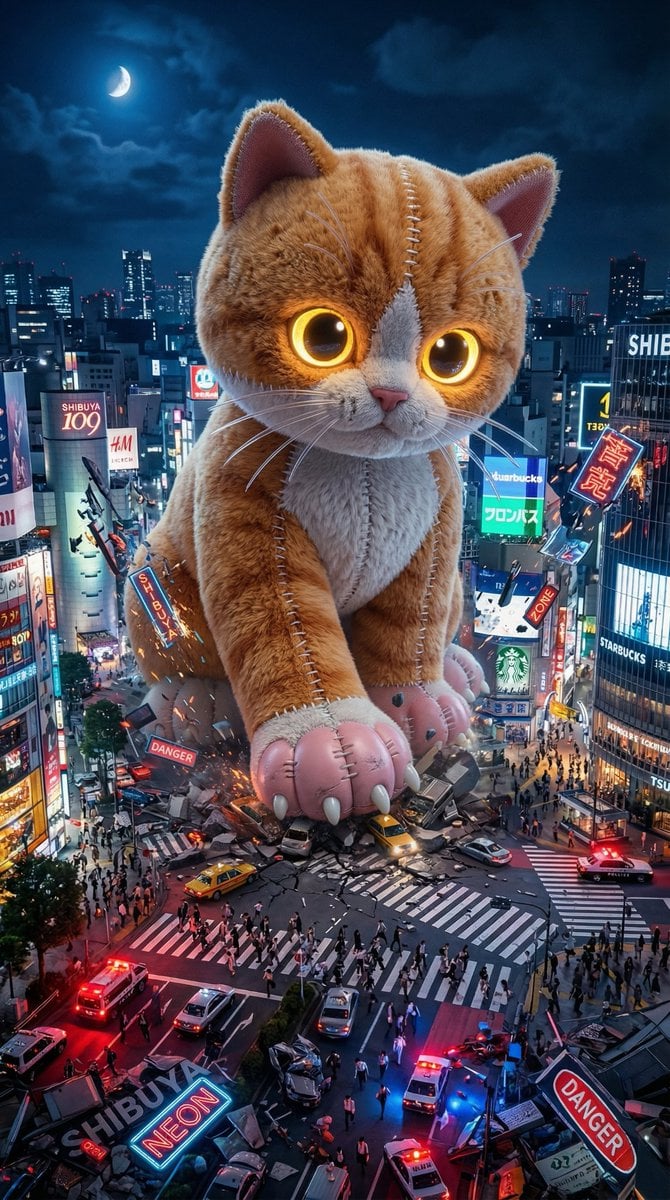
Plush Kaiju Cat Smashing Tokyo
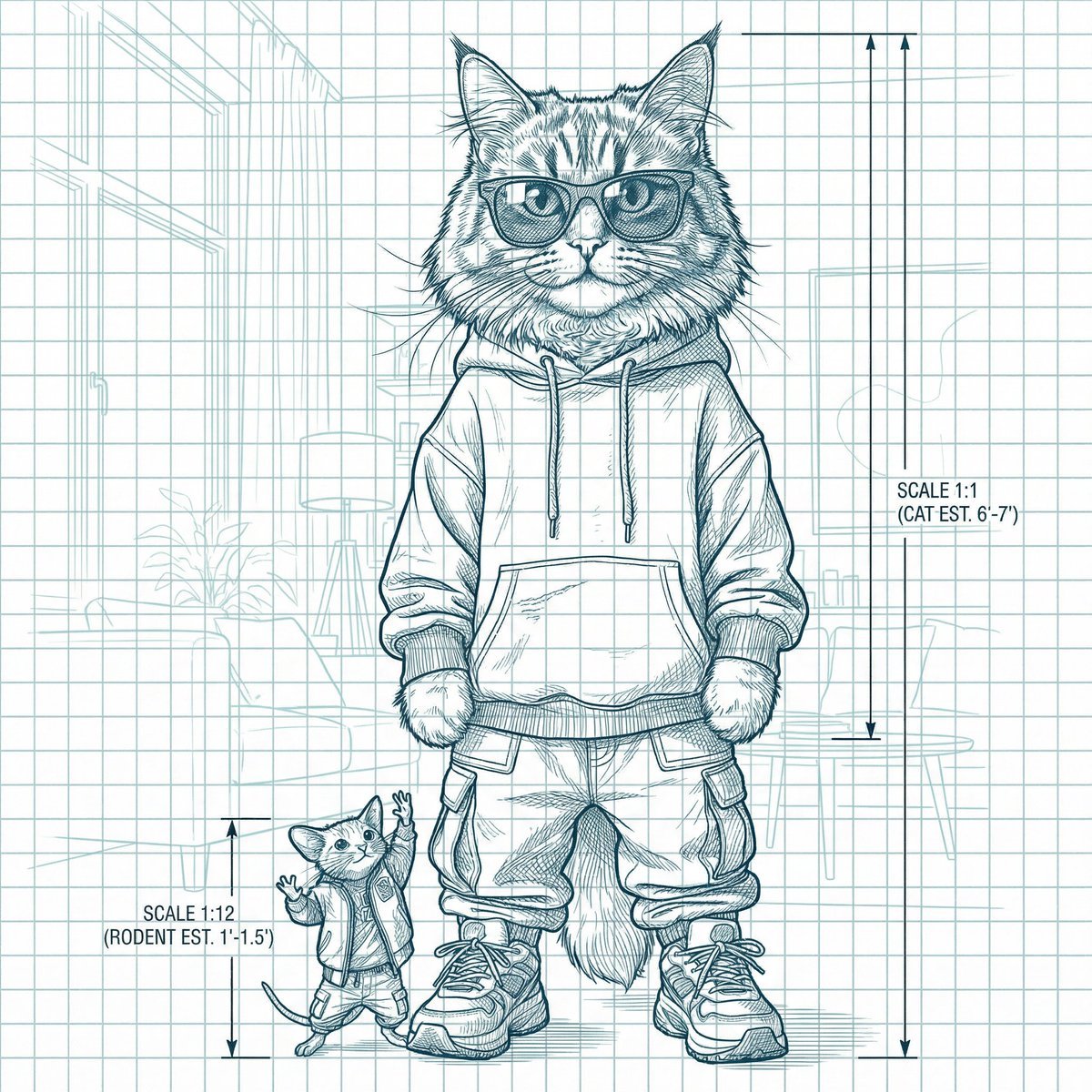
Blueprint-style technical schematic generation

Visual Novel Psychological Horror Concept Art
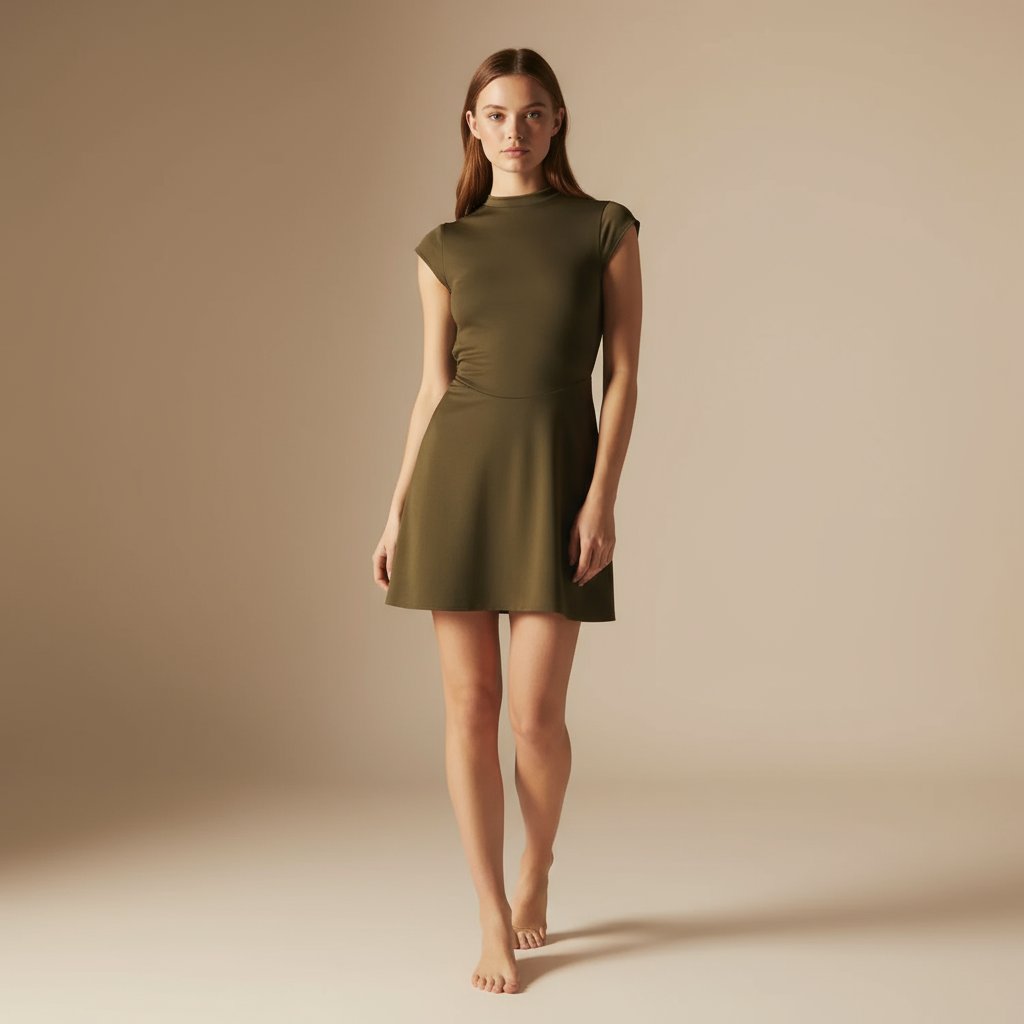
E-commerce Full-Body Product Shot Prompt (Olive Green Dress)
Browse template categories
One Girl. Many Moods. questions
How do I use the One Girl. Many Moods. template?
Add your photo if the template asks for one, edit the prompt if you like — the template's model and format are already selected — and press Generate. Your version opens in PicX Studio.
Can I customize the One Girl. Many Moods. template?
Yes. You can change the subject, setting, lighting, mood, format, and available model controls before creating your image.
Is the One Girl. Many Moods. template free?
Opening and editing this template is free. Generating uses credits, shown on the Generate button when you are signed in.
Which AI model should I use?
Choose a compatible model in PicX Studio based on the style, speed, and output controls your project needs.
Looking for something else? Browse all templates.

Your photo, any look
Thousands of ready templates for every top image and video model, from one credit balance.