
Cinematic Hamster Deadlift Video Prompt
A detailed video generation prompt for creating an ultra-realistic, cinematic scene of a small hamster performing a deadlift in a gym, focusing on slow, dramatic buildup, hyper-realistic style, and low-angle perspective…
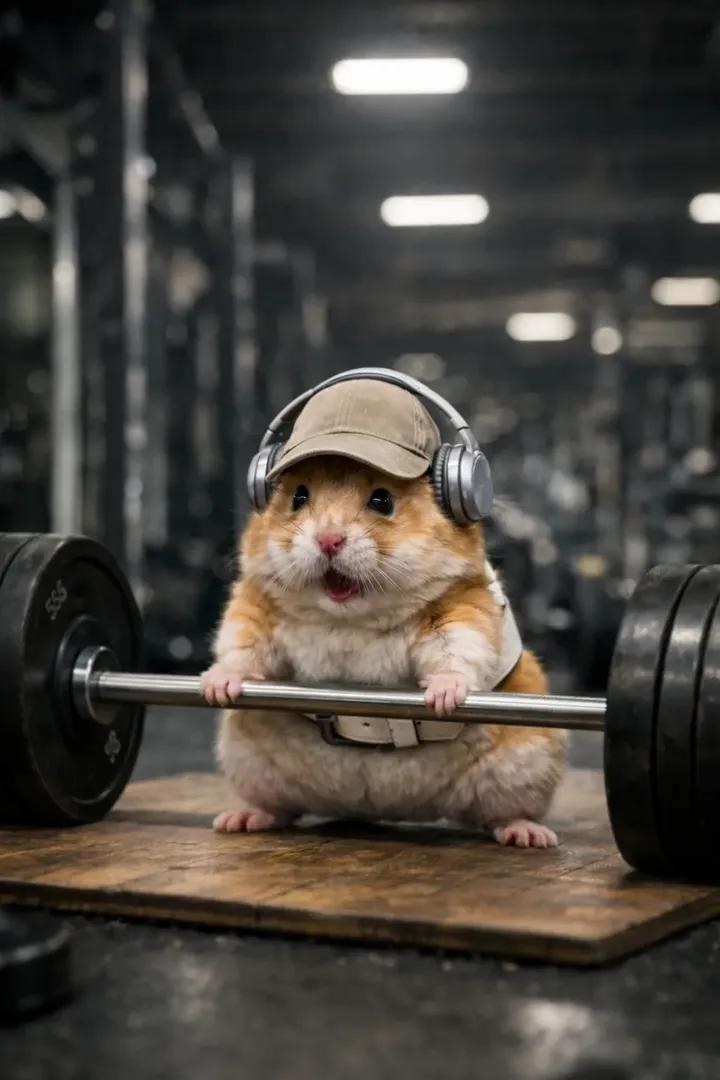
- Prompt included
- Model and format preset
- Free template
The prompt behind this image
Copy the exact prompt behind Cinematic Hamster Deadlift Video Prompt, or open it in the studio and make it yours.
Ultra-realistic cinematic gym scene featuring a small tan-and-white hamster wearing a beige baseball cap, silver over-ear headphones, and a white lifting belt. Scene opens with the barbell resting fully on the ground on a worn wooden lifting platform. The hamster is in a proper deadlift stance — feet planted wide, paws gripping the bar, back straight, head slightly lifted forward. 0–4 seconds: Slow, dramatic buildup. The hamster struggles to initiate the lift — muscles tense, fur slightly trembling, paws tightening on the bar. Subtle body shake, controlled strain, deep focus. No camera shake. No text. No flashy effects. 4–8 seconds: The hamster successfully deadlifts the barbell in one smooth, powerful motion, lifting it from the floor to full standing lockout. Chest up, shoulders back, bar held firmly at hip level. The effort turns into quiet triumph. Cinematic low front angle throughout to exaggerate scale and power. Shallow depth of field with a modern gym environment softly blurred in the background. Cool neutral gym lighting with realistic reflections on metal plates and soft shadows on the floor. Style: Hyper-realistic, premium movie realism, high contrast, clean motion, no distortion, no surreal physics, no bar intersecting the body, no camera jumps, no visual noise. Emotional tone: determination → victory.
How to use Cinematic Hamster Deadlift Video Prompt in 3 steps
- 1
Open
The prompt is already in the box next to the preview, with the template's model and format selected.
- 2…a portrait of your subject in softgolden-hour light, 85mm…
Personalize
Edit the subject and creative details for your destination.
- 3Generate
Generate
Press Generate — your image is created in PicX Studio, so you can compare it with the original and refine one variable at a time.
More like this
Templates with the same subject, style or setup. Open one to see its prompt.
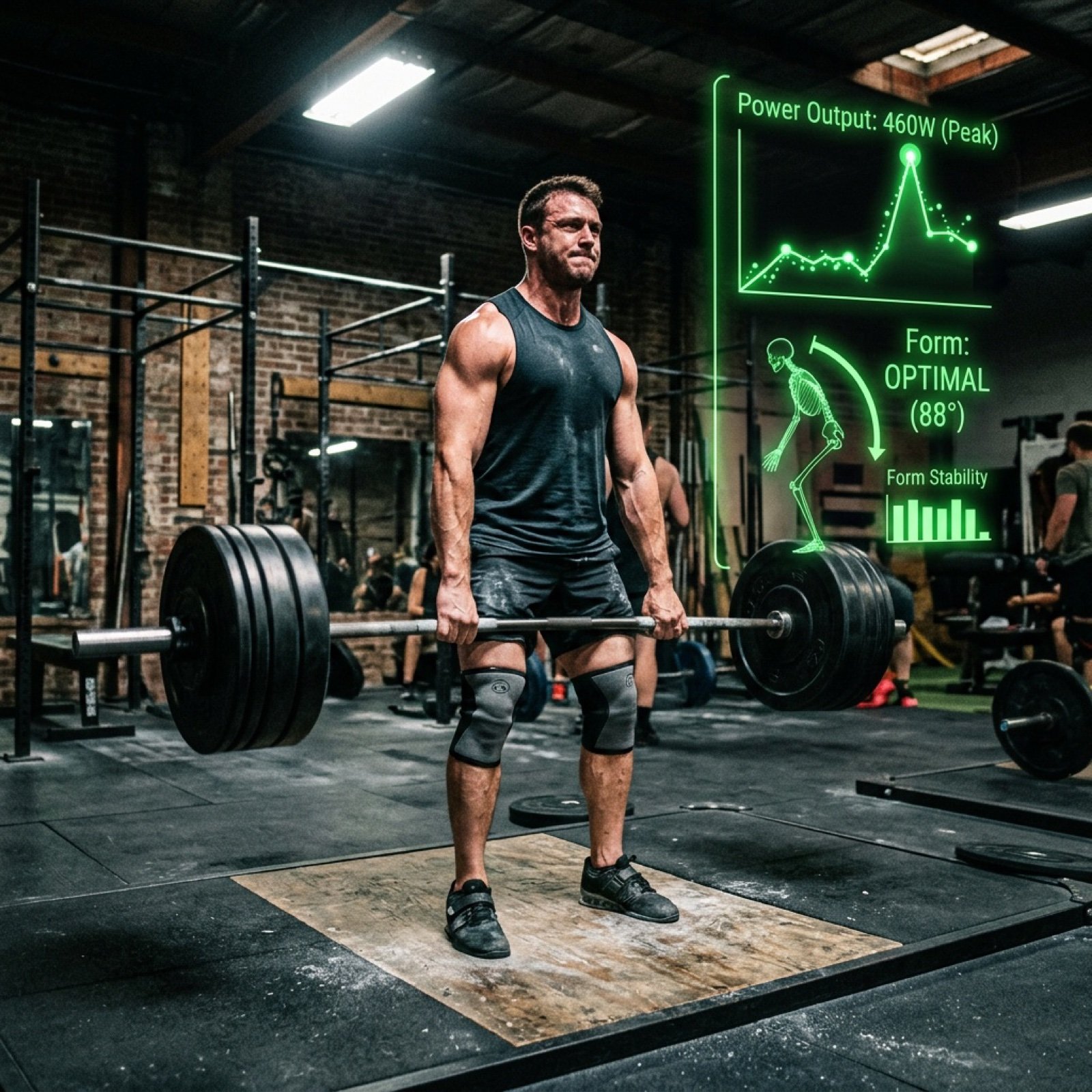
Text-to-Video Prompt: Deadlift with Animated HUD Overlays
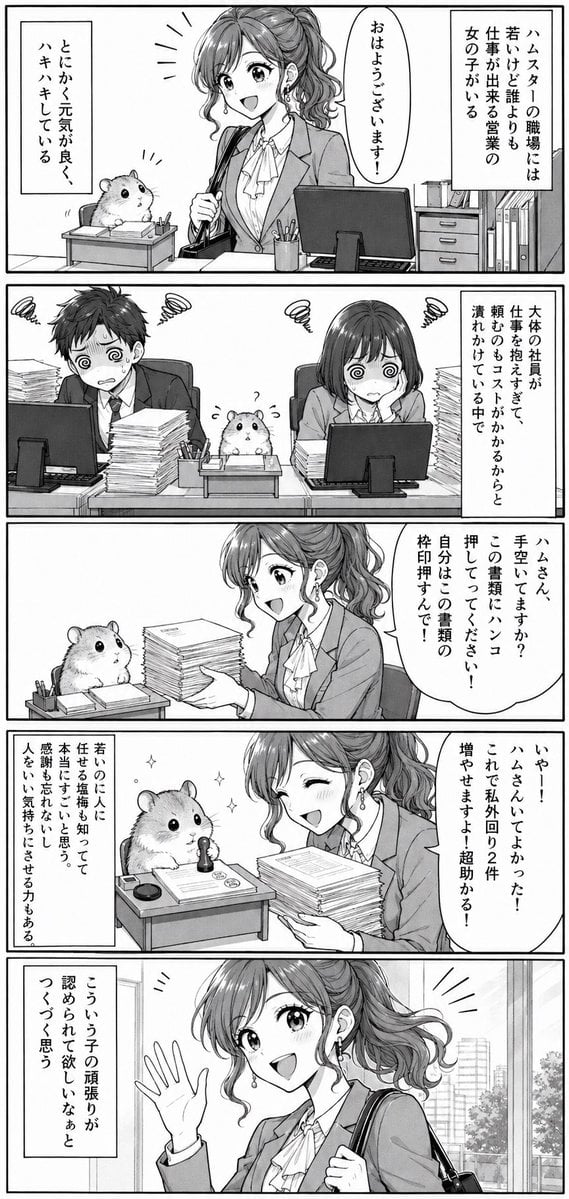
Office Hamster Manga Diary
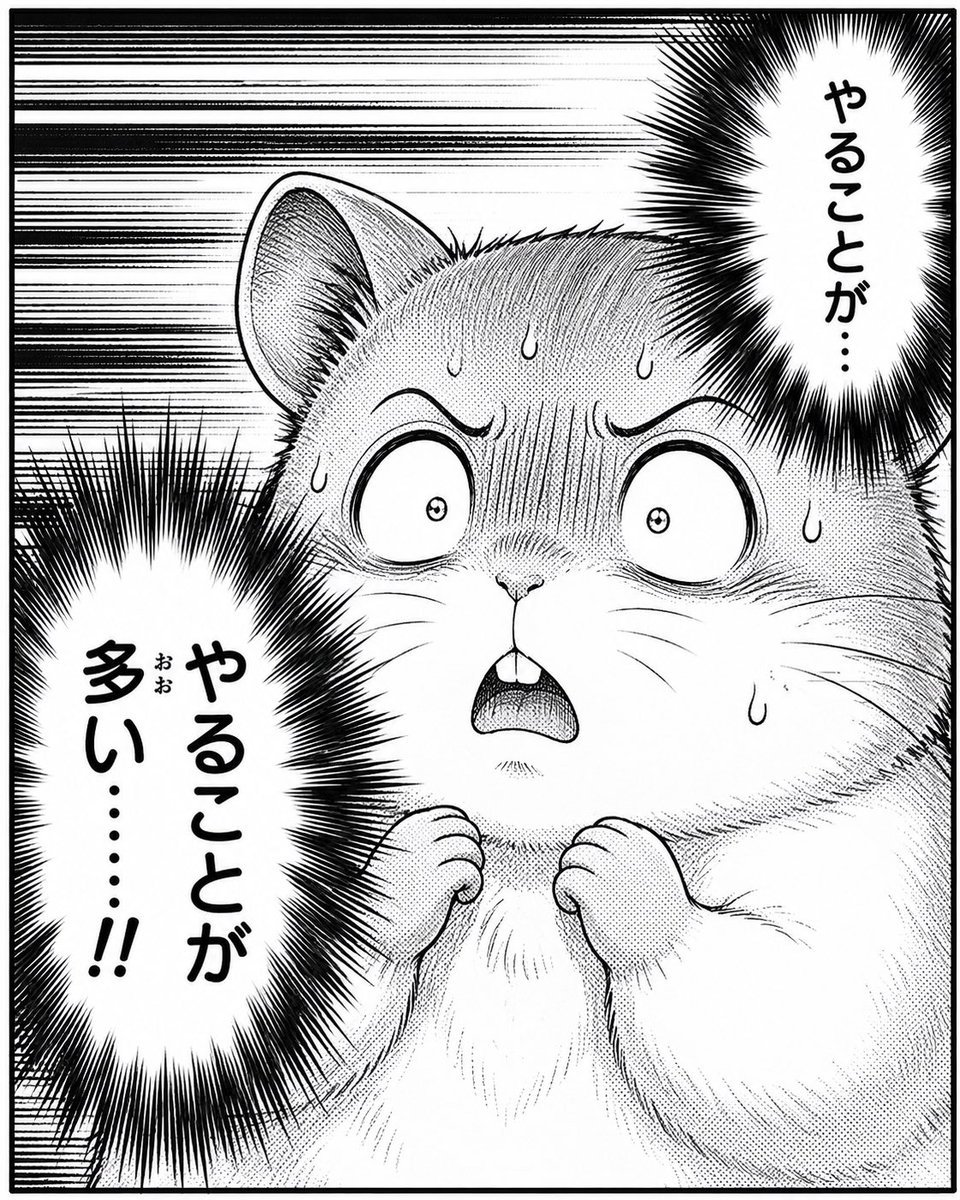
Panicked Hamster Manga Panel
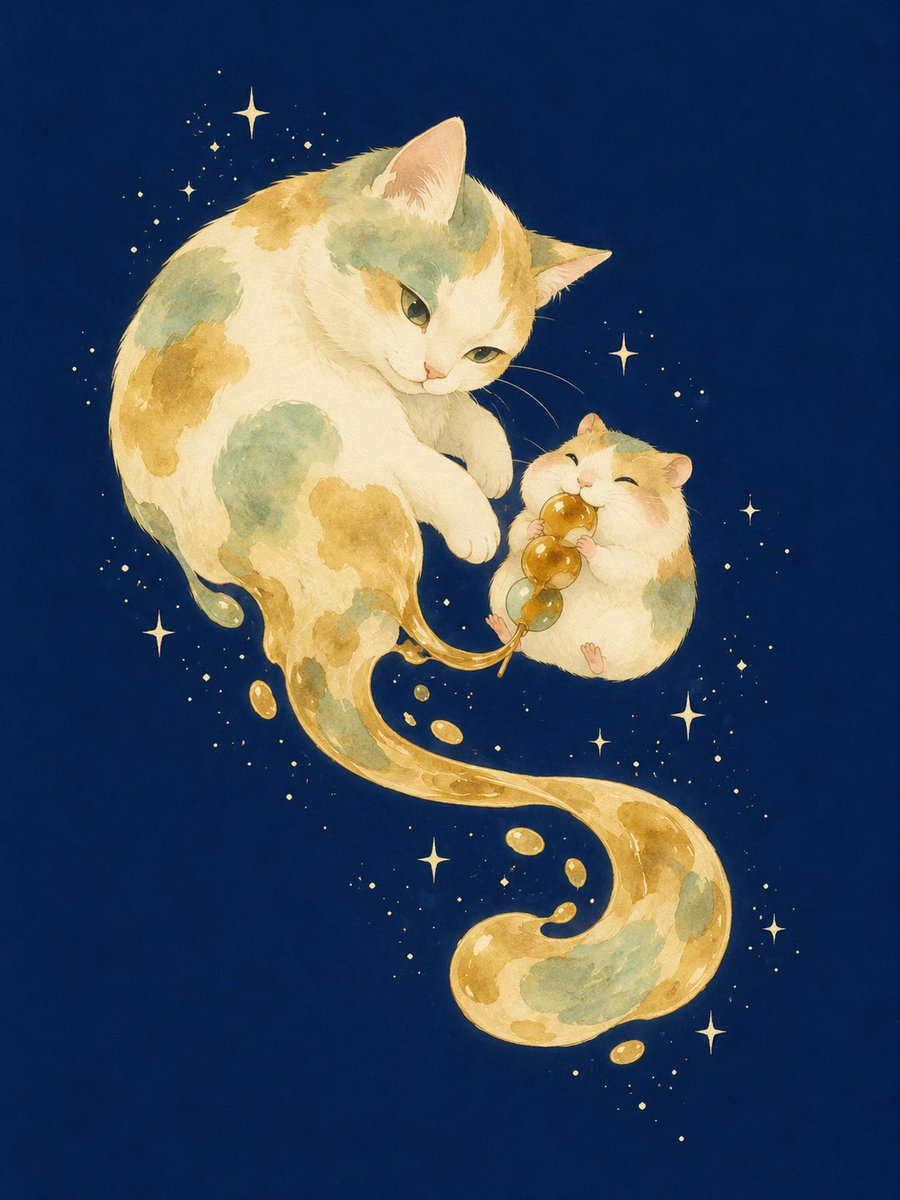
Mitarashi Calico Cat and Hamster
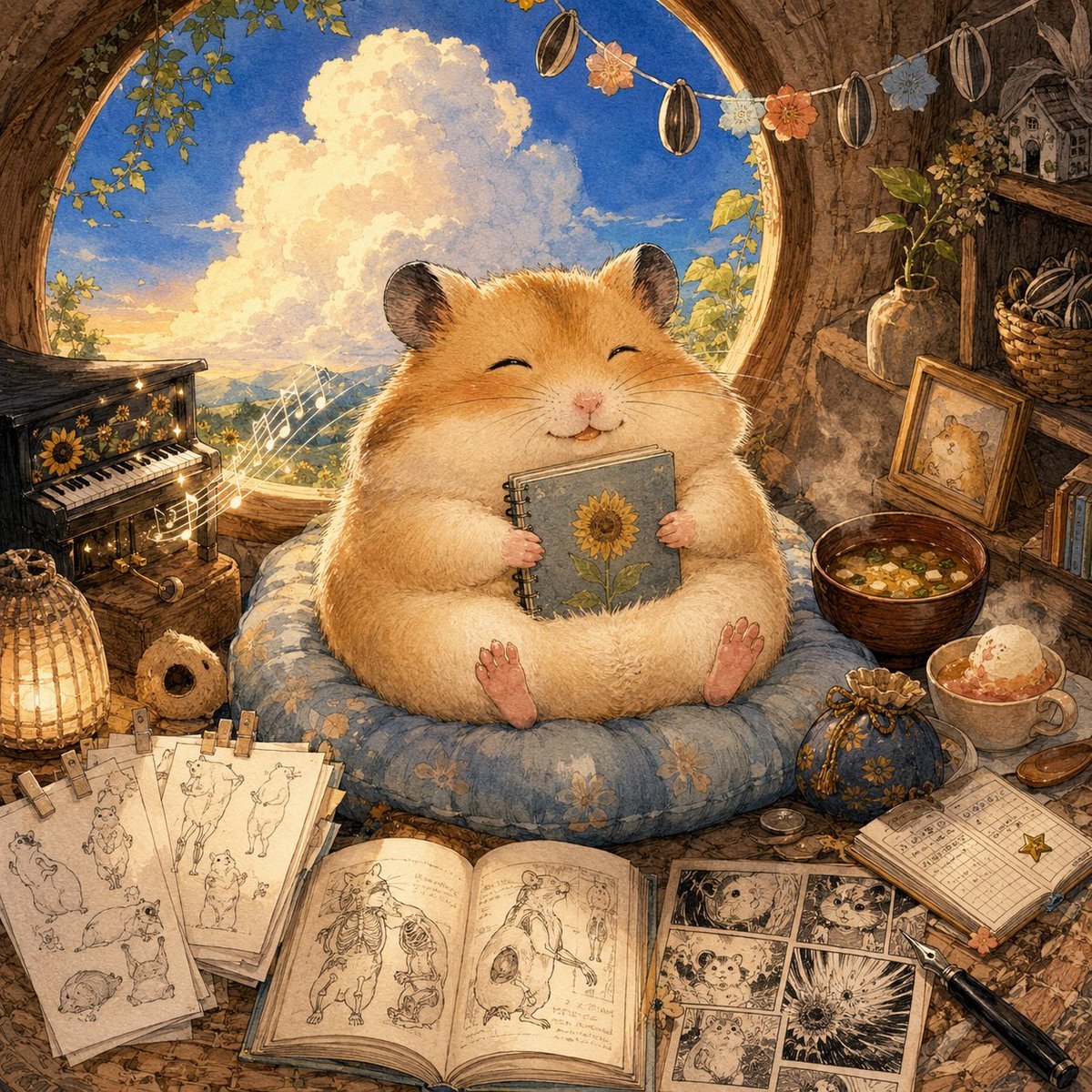
Happiest Hamster Portrait
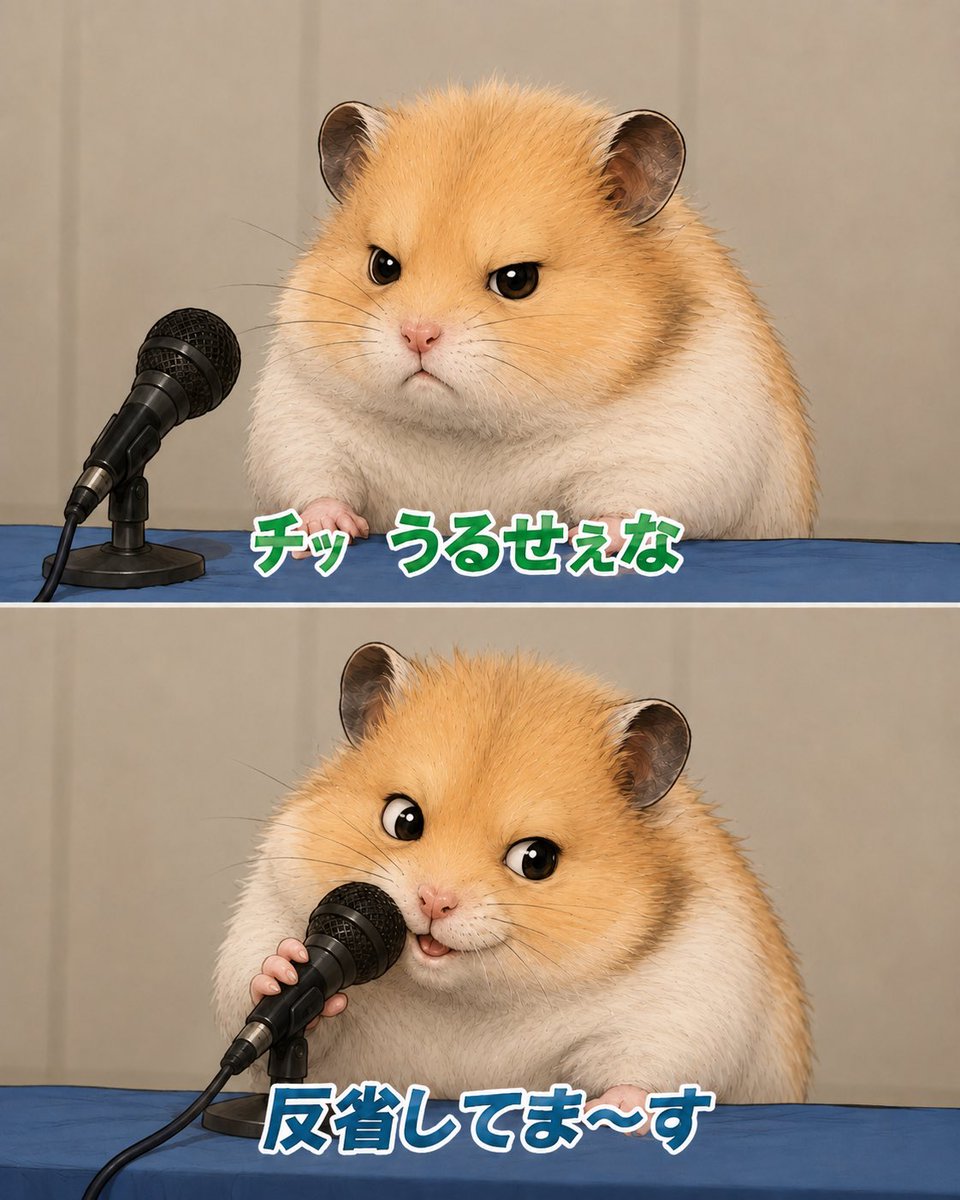
Apologizing Hamster Meme
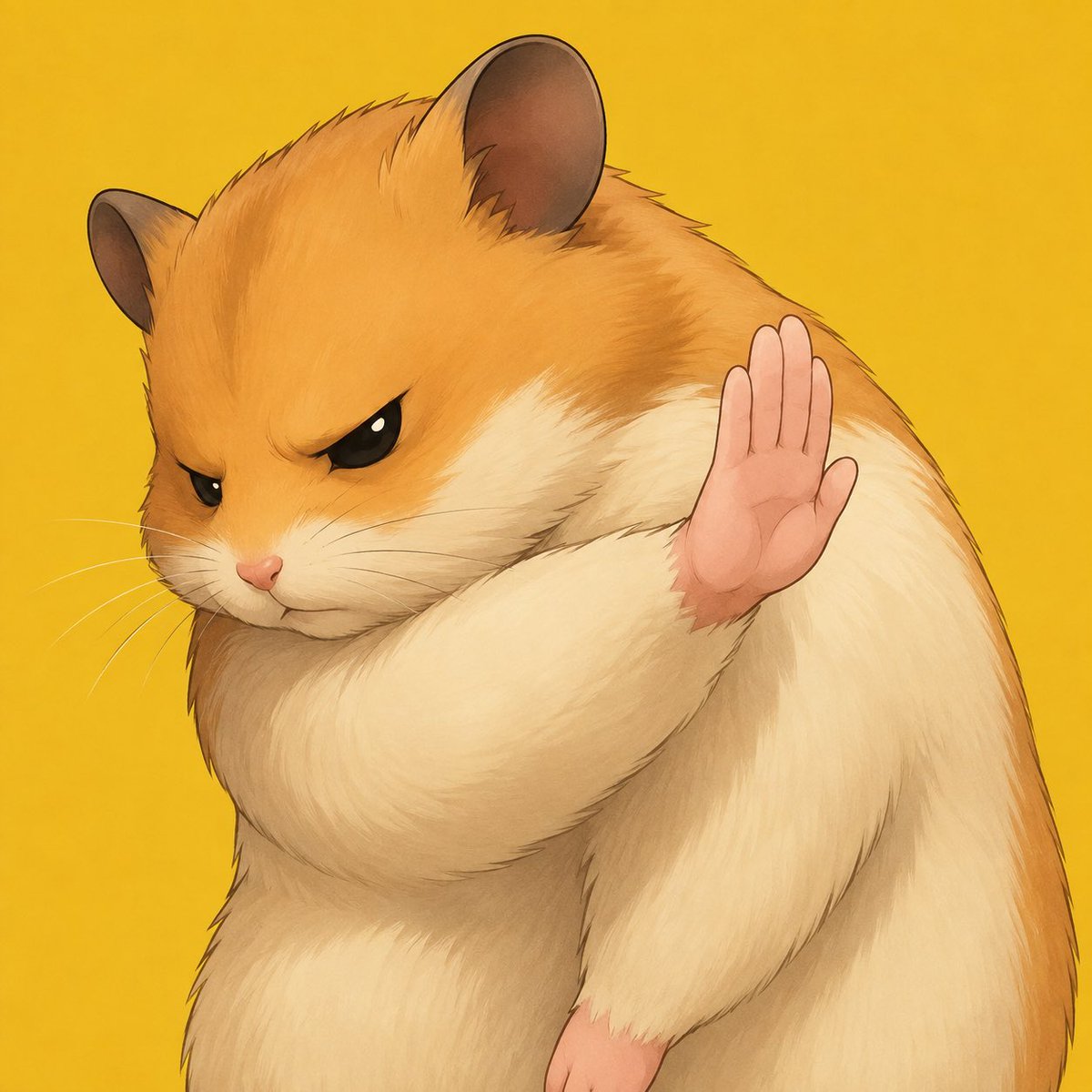
Grumpy Hamster Stop Gesture
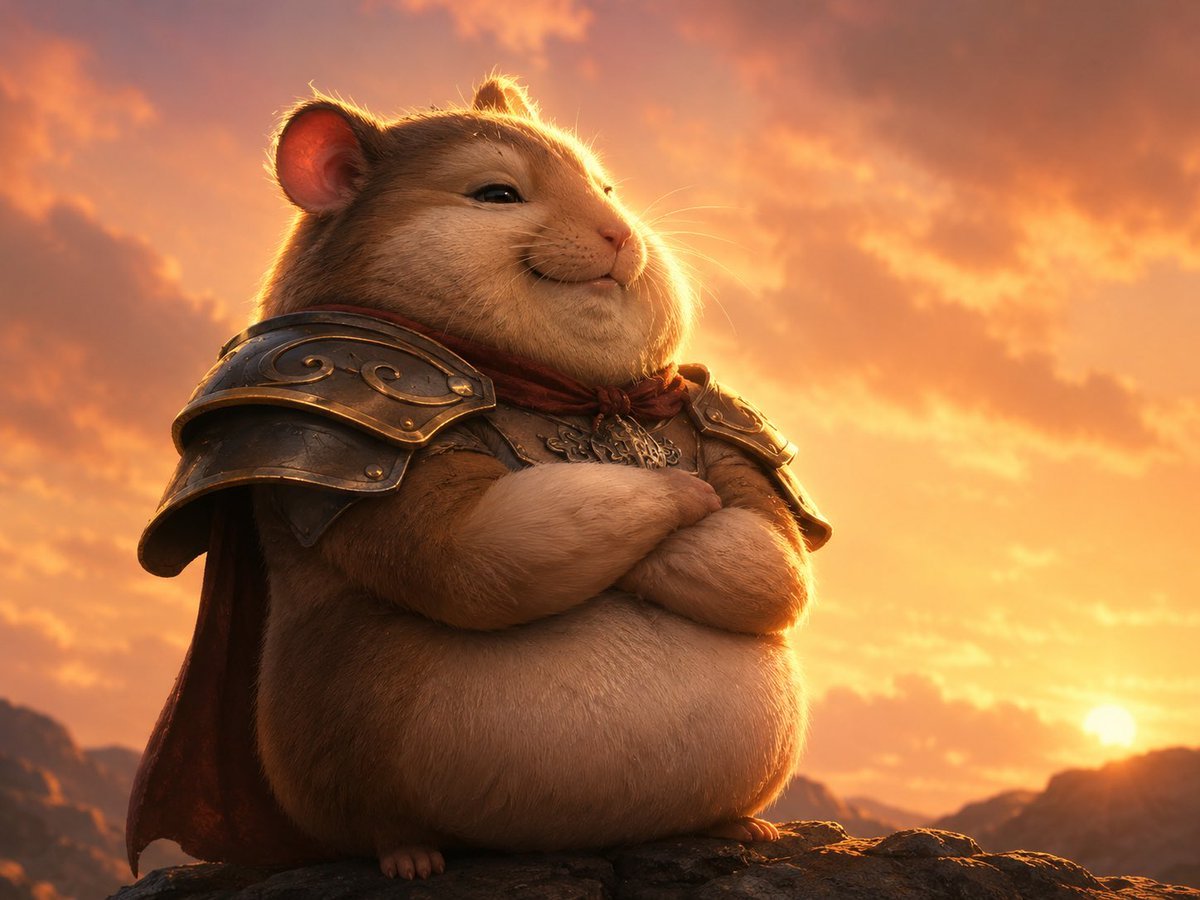
Proud Hamster Warlord at Sunset
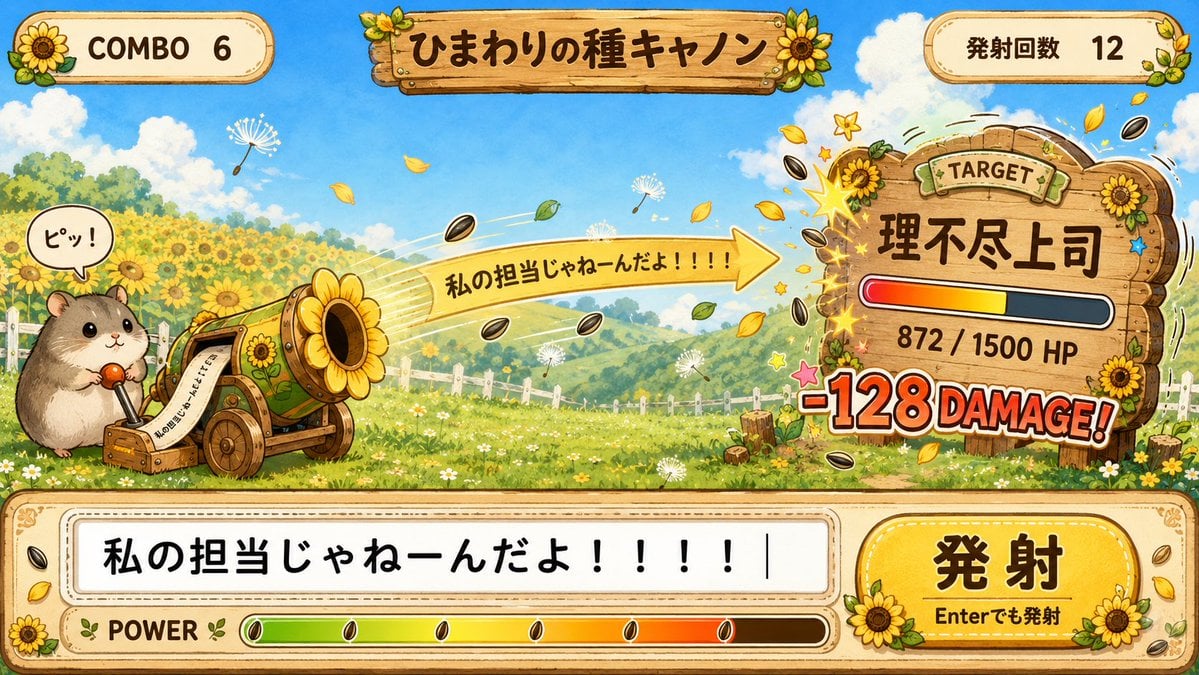
Hamster Sunflower Cannon Game UI
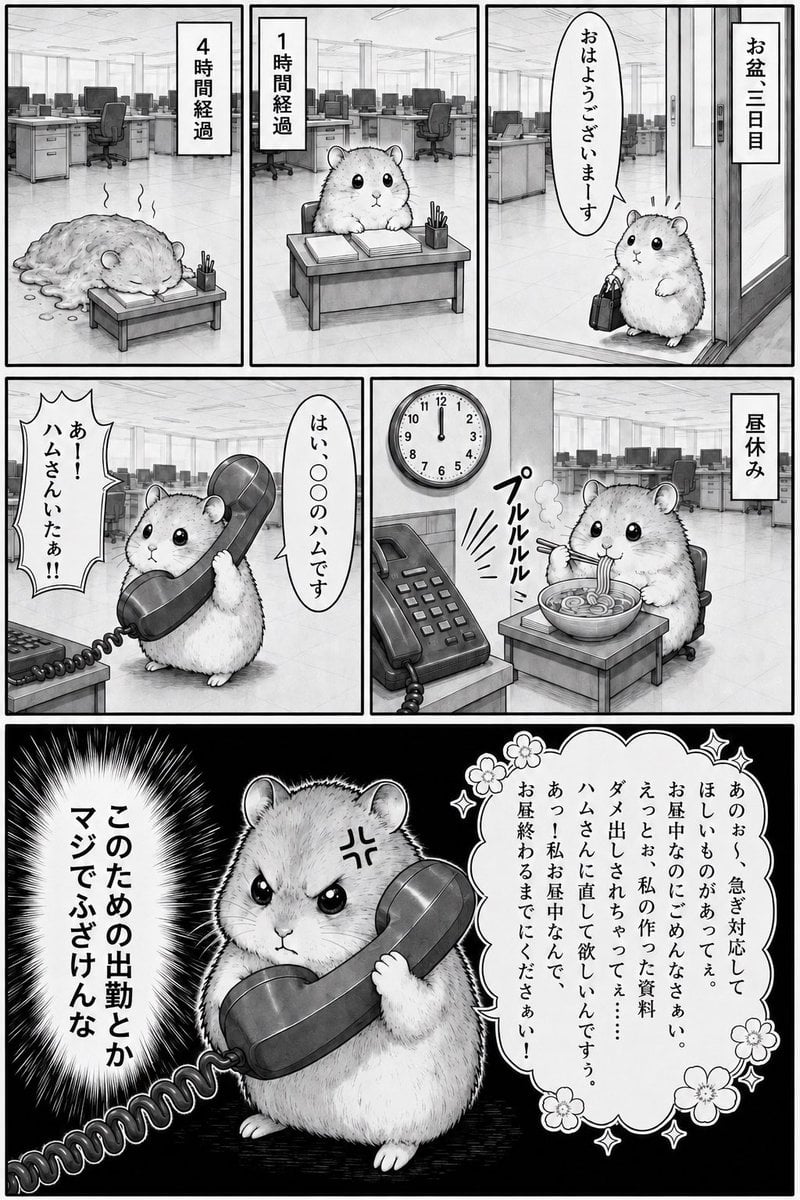
Office Hamster Lunch Break Manga
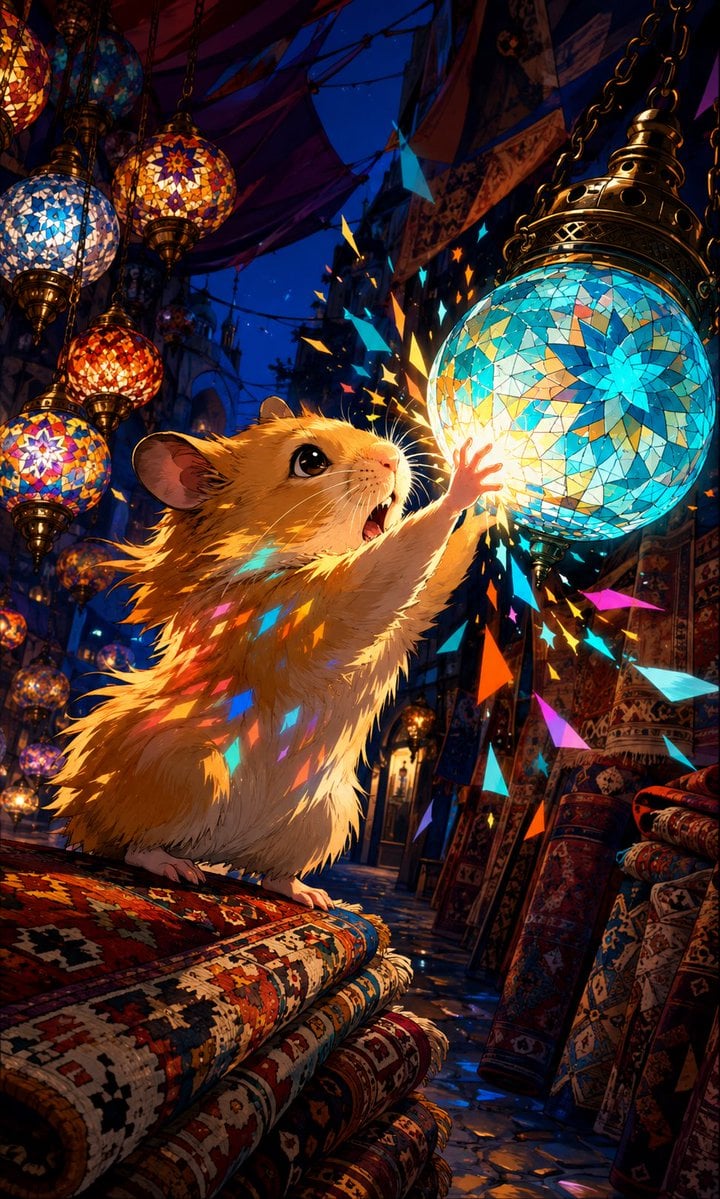
Hamster in Turkish Lantern Bazaar
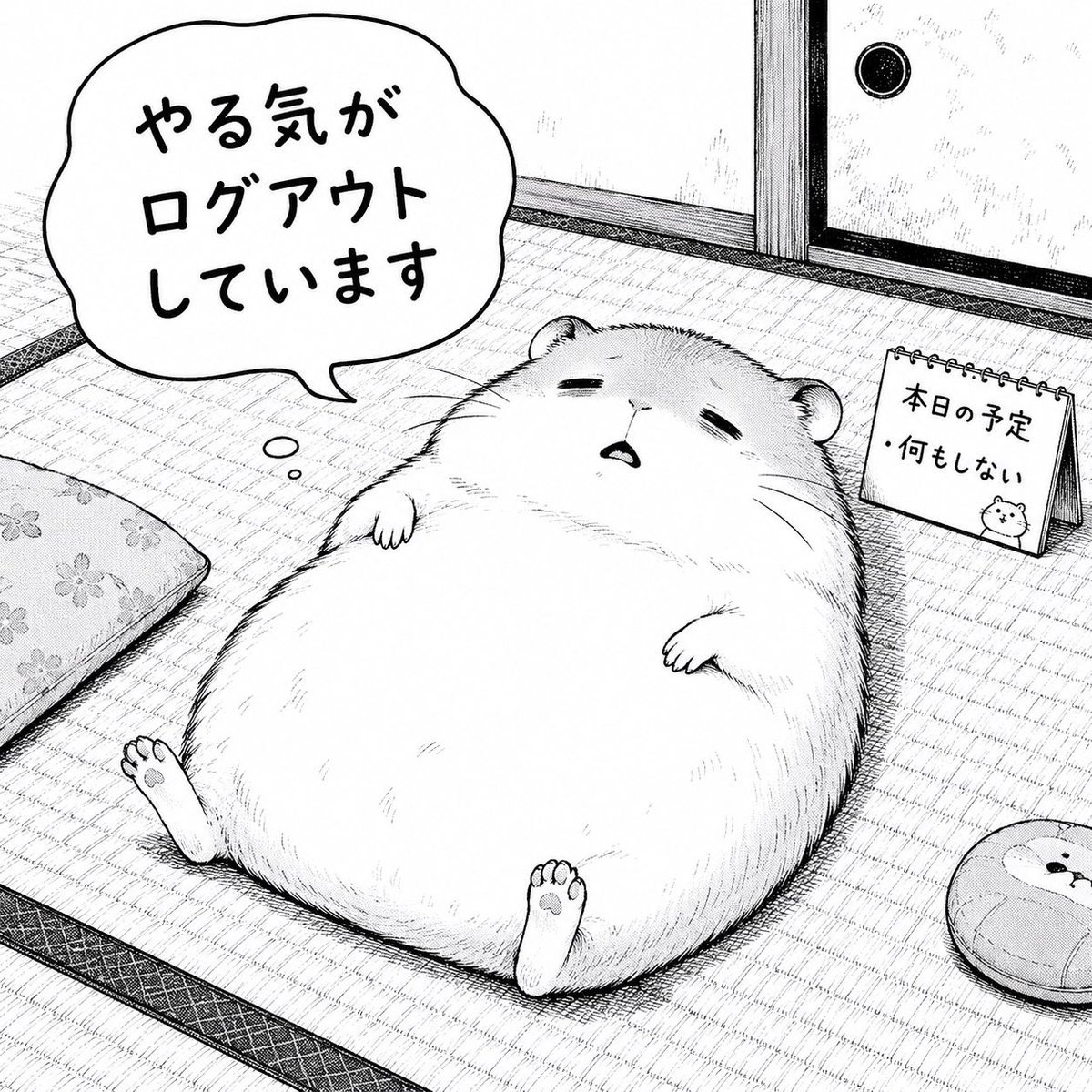
Unmotivated Hamster Manga Panel
Make it yours
Cinematic Hamster Deadlift Video Prompt works as-is. These are the safest ways to change it without losing the look.
Change one field
Copy a single group, rewrite it, and generate again so you can see what that field is doing.
Keep the frame, change the subject
Hold the composition and light of Cinematic Hamster Deadlift Video Prompt, then swap wardrobe, props or the person for a new take.
| If the result… | Why | Fix |
|---|---|---|
| The result drifts from the preview | Too many fields changed at once. | Reuse Cinematic Hamster Deadlift Video Prompt as-is first, then change one group — subject, light, or setting. |
| The model over-stylizes the scene | The prose prompt leaves finish and camera underspecified. | Add one camera or lighting sentence and stay on Nano Banana 2. |
More Nano Banana 2 templates
Other prompts made for Nano Banana 2.

Photorealistic Leaf Shaped Like a Dragon

K-Pop Idol Portrait Grid for Rapid Selection

Poetic Rain Forest Portrait During Golden Hour

Urban Street Portrait with Cartoon Inner Self Duo

Candid Nighttime Photo with Cat Prompt

High-Concept 3D Diorama Generation Prompt

Cinematic Futuristic Studio Portrait Template

Skincare Editorial Photography Collage Prompt

Hyper-Realistic Commercial Product Photography (Splash Effect)

Hyper-Realistic Nightclub Portrait Prompt
More image prompts
Fresh picks from across the catalog.
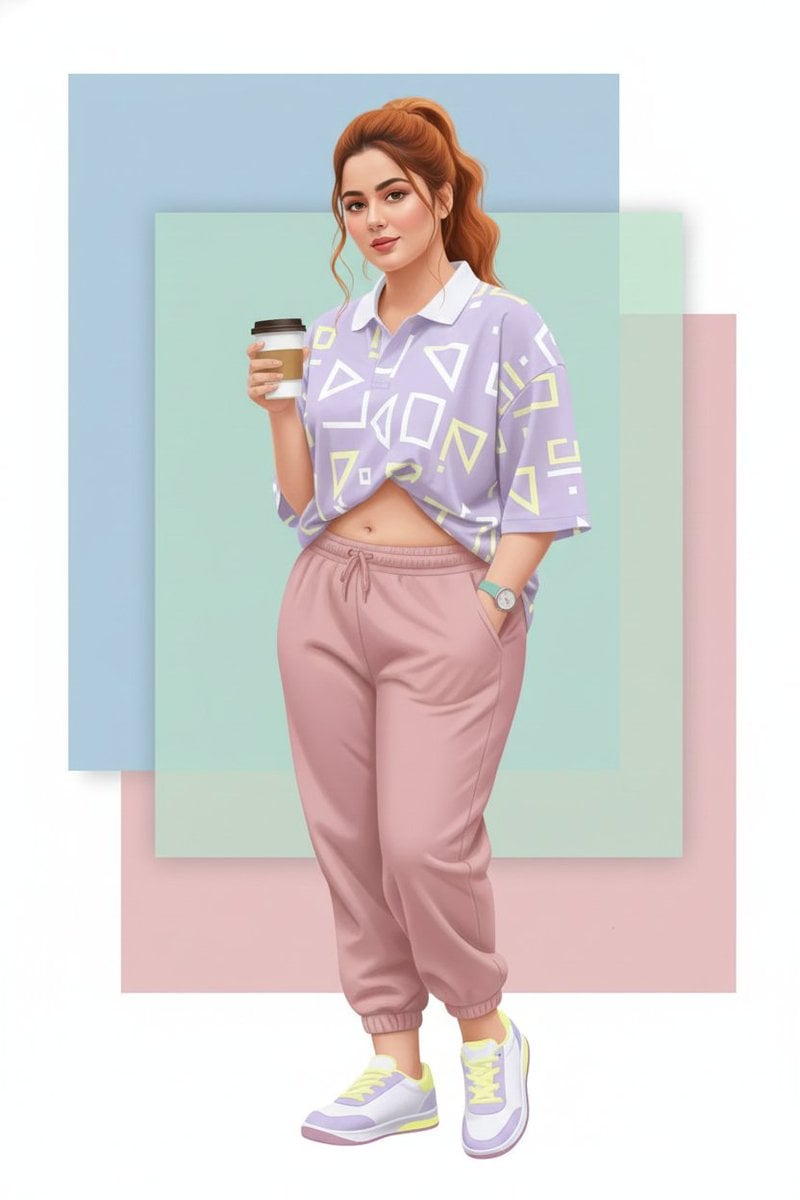
Vector Art Style Transformation Prompt

AI Creator Holographic Promo Portrait
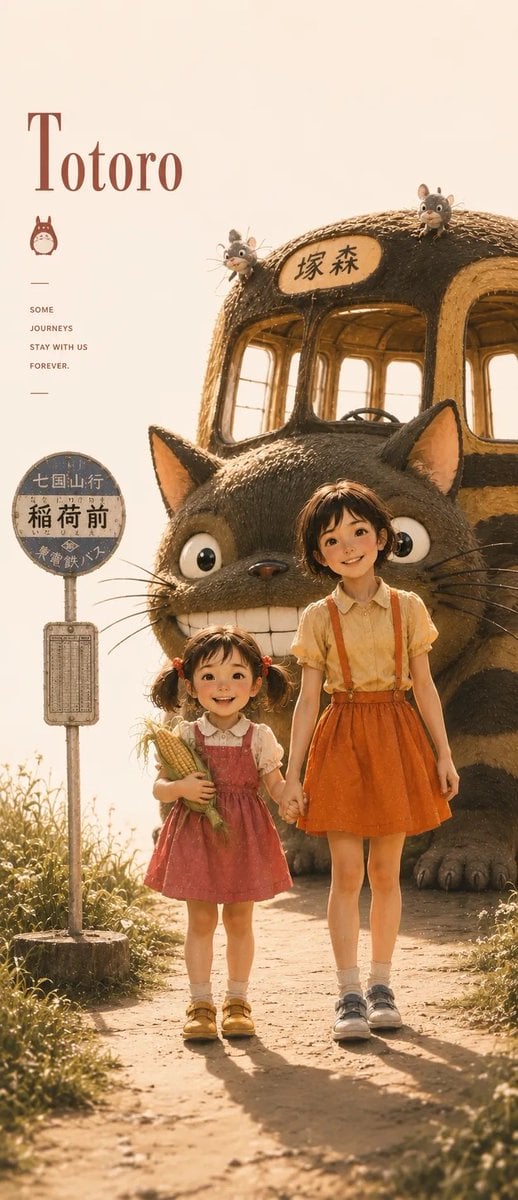
Satsuki My Neighbor Totoro Anime Portrait
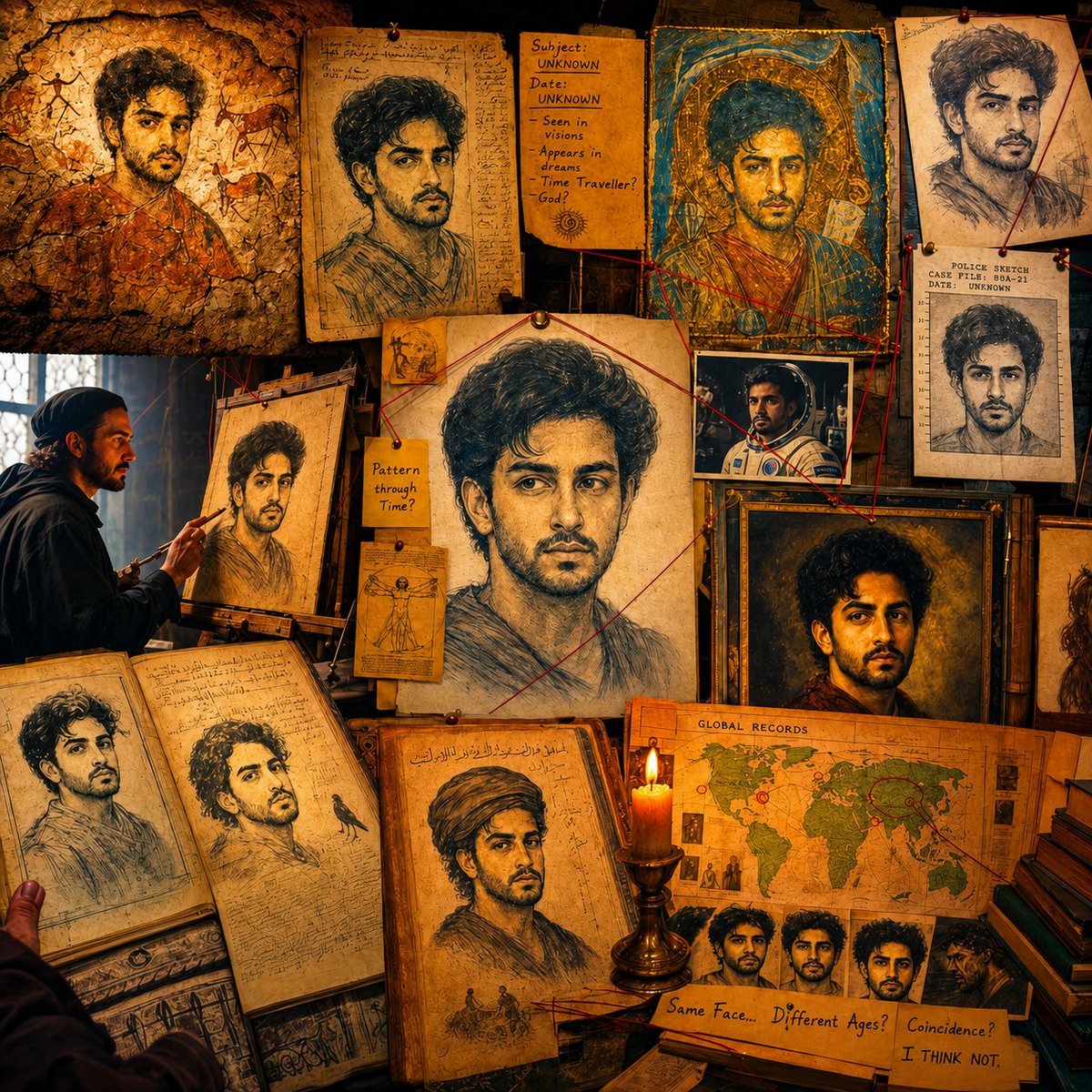
Surreal Conspiracy History Sketch Concept
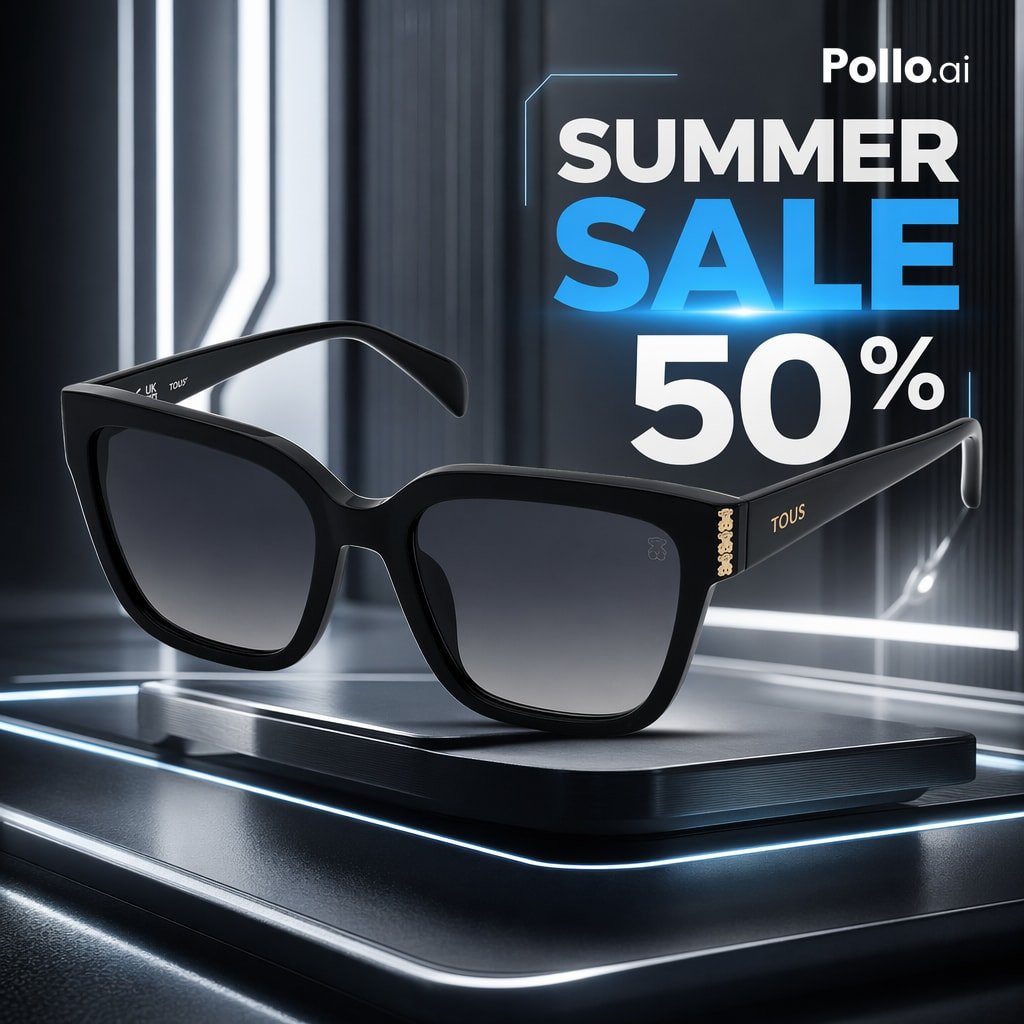
Luxury Sunglasses Summer Sale Ad
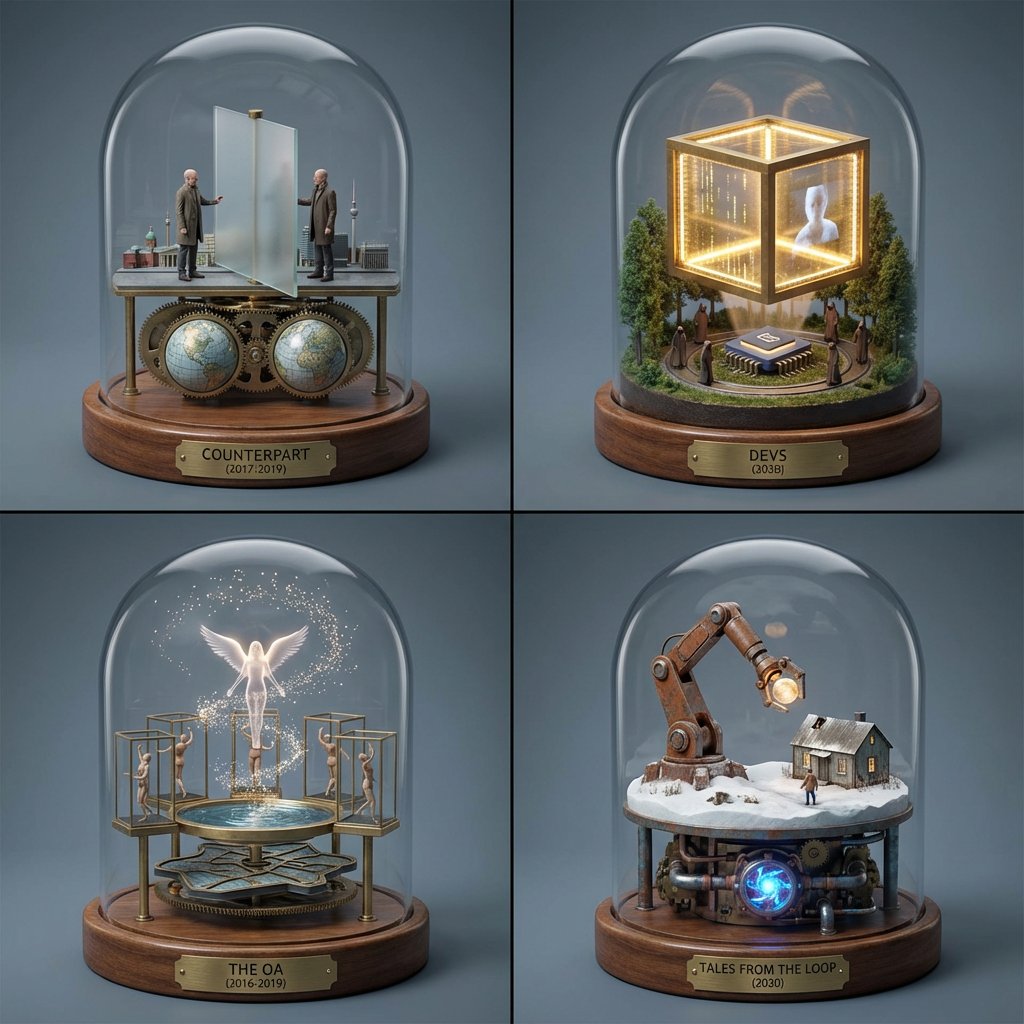
TV Series Recommendation Engine & Miniature Set Designer
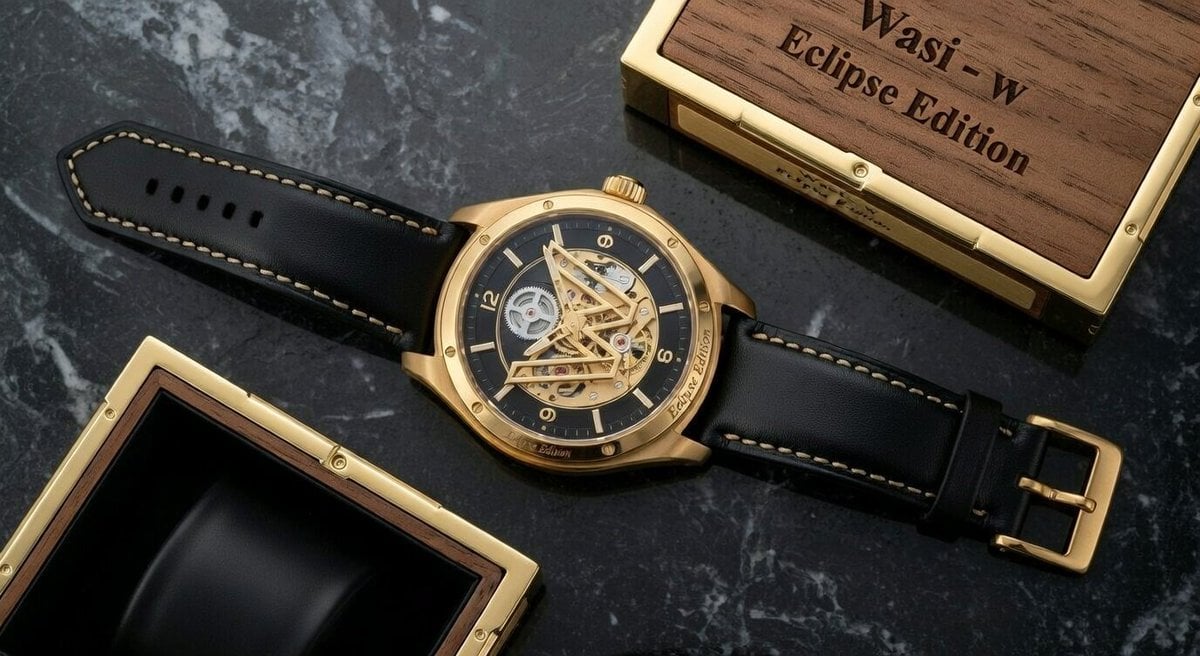
Macro Photograph of Luxury Watch
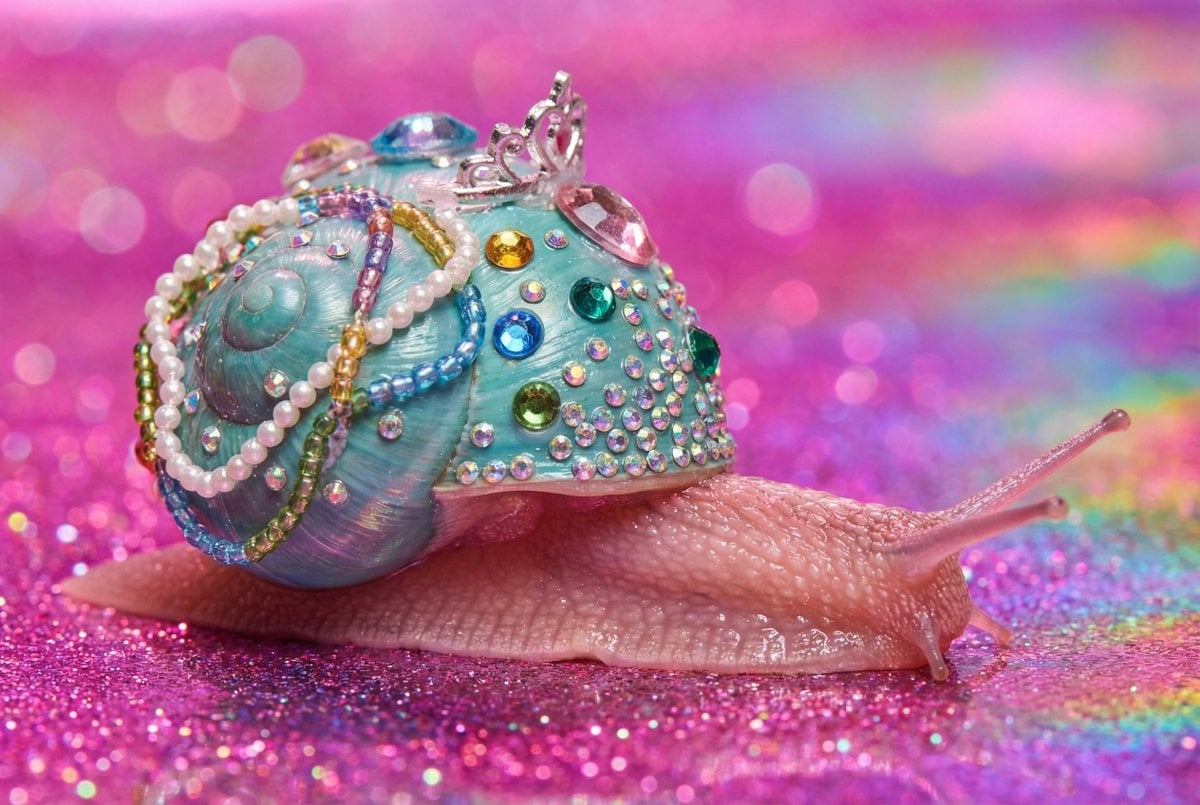
Macro Snail with Plastic Costume Jewelry
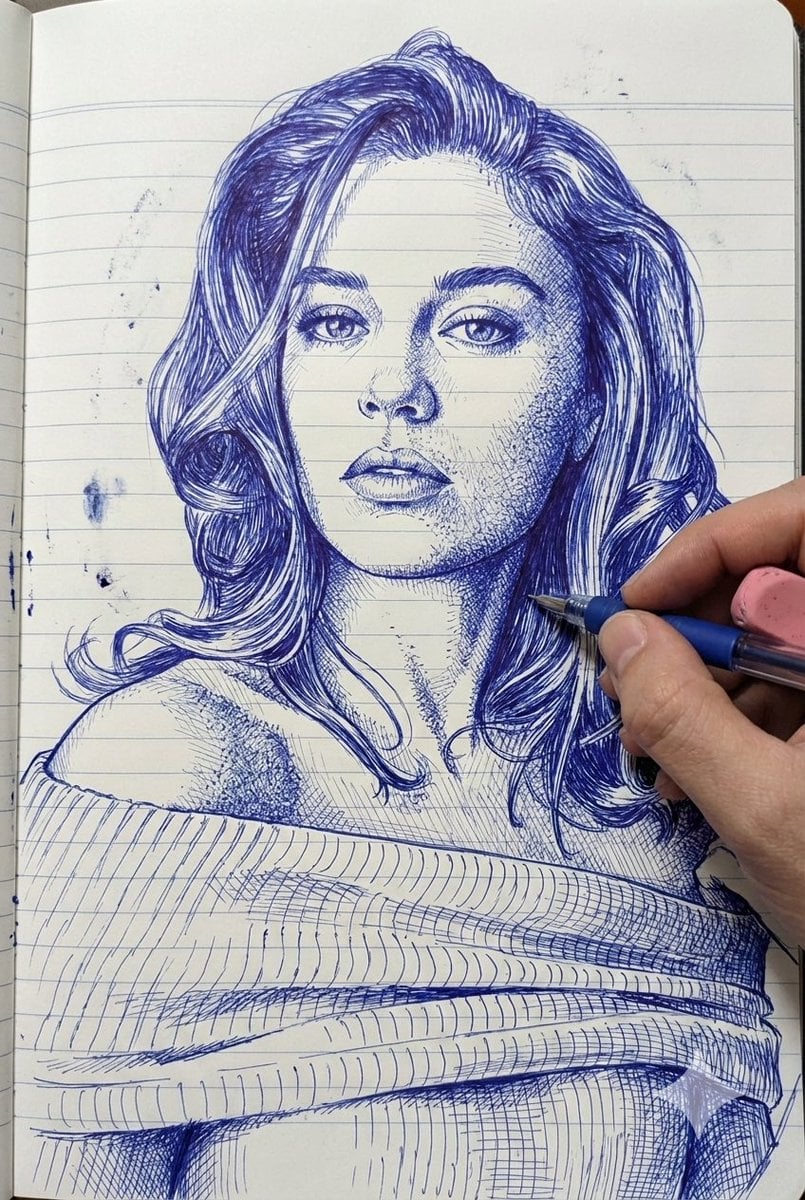
Photo-Style Line Drawing Sketch Prompt
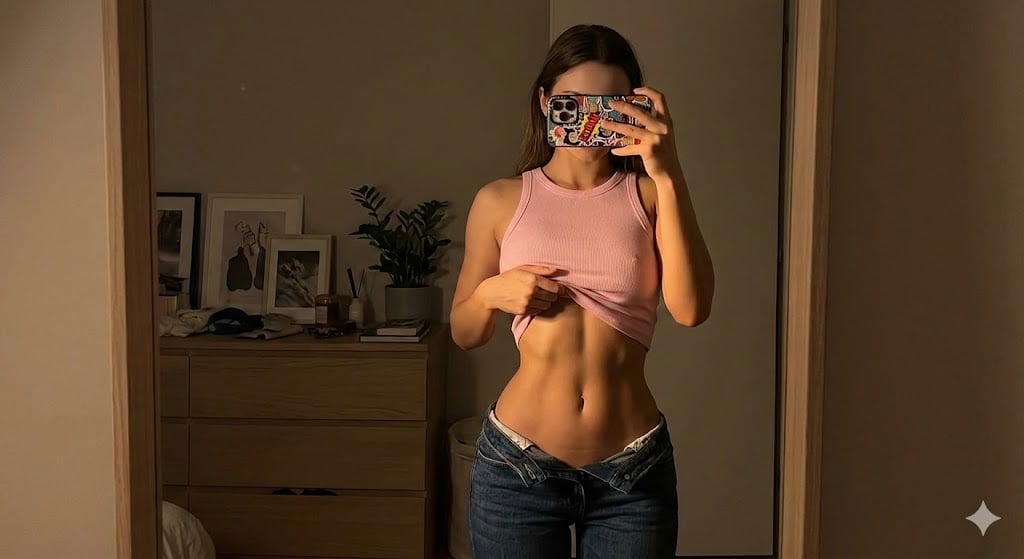
Dramatic Mirror Selfie Image Prompt for Nano Banana Pro
Browse template categories
Cinematic Hamster Deadlift Video Prompt questions
How do I use the Cinematic Hamster Deadlift Video Prompt template?
Add your photo if the template asks for one, edit the prompt if you like — the template's model and format are already selected — and press Generate. Your version opens in PicX Studio.
Can I customize the Cinematic Hamster Deadlift Video Prompt template?
Yes. You can change the subject, setting, lighting, mood, format, and available model controls before creating your image.
Is the Cinematic Hamster Deadlift Video Prompt template free?
Opening and editing this template is free. Generating uses credits, shown on the Generate button when you are signed in.
Which AI model should I use?
Start with Nano Banana 2, which is the model associated with this template. You can compare another compatible model for a different finish.
Looking for something else? Browse all templates.

Your photo, any look
Thousands of ready templates for every top image and video model, from one credit balance.