
Office Hamster Lunch Break Manga
A six-panel black-and-white manga diary comic showing a hardworking hamster employee getting interrupted by a work call during lunch.
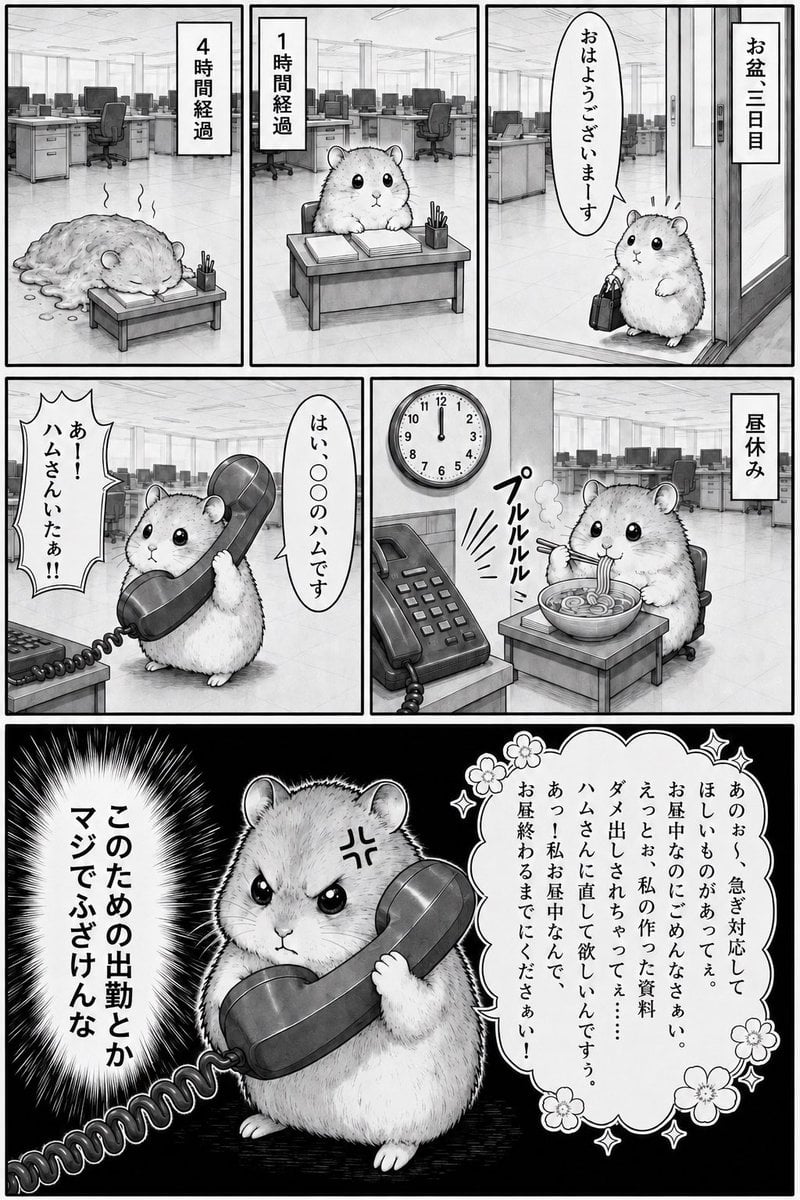
- Prompt included
- Model and format preset
- Free template
The prompt behind this image
Copy the exact prompt behind Office Hamster Lunch Break Manga, or open it in the studio and make it yours.
Goal: Create a monochrome Japanese manga-style diary comic about an overworked office hamster employee, with a dry humorous tone about being interrupted during lunch. Canvas: Vertical black-and-white manga page, approximately 2:3 aspect ratio, thick black outer border and thick gutters. Use detailed grayscale pencil/ink shading, screentone-like texture, clean line art, and a realistic open-plan office background with desks, monitors, chairs, fluorescent ceiling lights, glass doors, and office phones. Layout: Use exactly 6 panels. Top row has 3 panels: two narrow office-time panels and one wider entrance panel. Middle row has 2 panels: a phone-call panel on the left and lunch panel on the right. Bottom row is 1 large dramatic panel spanning the full width. Character: The protagonist is a cute round dwarf hamster employee, fluffy and realistic but expressive, with small ears, glossy black eyes, tiny paws, and no clothes. Show the hamster exactly 6 times: 1) collapsed into a melted exhausted pile at a low desk after four hours, 2) sitting upright at the desk after one hour, 3) entering the office holding a small briefcase, 4) answering a large desk phone receiver, 5) eating noodles during lunch, 6) angrily gripping the phone receiver in the dramatic final panel. Panel details: - Panel 1, top left: Empty open office in the background. The hamster is slumped like a flattened furry puddle beside a small low desk with papers and a pencil cup. Steam-like exhaustion wisps rise from the body. A vertical caption box reads {argument name="four hour caption" default="4時間経過"}. - Panel 2, top center: Same office and low desk. The hamster sits alert at the desk with stacked documents, a notebook, and a pencil cup. A vertical caption box reads {argument name="one hour caption" default="1時間経過"}. - Panel 3, top right: Office entrance with sliding glass doors. The hamster stands politely with a small black briefcase, looking up. A vertical caption box reads {argument name="third day caption" default="お盆三日目"}. A speech bubble says a polite good-morning greeting. - Panel 4, middle left: The hamster holds an oversized telephone receiver with both paws, standing near a desk phone. Use a jagged burst speech bubble from the caller at left and a narrow vertical reply bubble from the hamster at right, suggesting the caller asks for a specific hamster and the hamster answers politely. - Panel 5, middle right: Lunch break scene. Wall clock shows exactly 12:00. Desk phone sits in the foreground. The hamster sits at the low desk eating a bowl of noodles with chopsticks; steam rises from the bowl and slurping sound effects appear beside it. A vertical caption box reads {argument name="lunch caption" default="昼休み"}. - Panel 6, bottom full-width: Dramatic high-contrast black background. The hamster is centered, angry and serious, gripping the large telephone receiver with the coiled cord extending toward the viewer. Add an anger mark on the forehead and intense dark eyes. On the left, include a large white explosive radial burst with bold vertical text reading {argument name="final outburst text" default="このための出勤とかマジでふざけんな"}. On the right, include a decorative flower-edged thought/speech bubble filled with a long apologetic customer-service explanation in vertical Japanese-style text, implying the hamster is saying they are on lunch break and asking the caller to call back after lunch. Visual style: Traditional black-and-white manga, humorous office slice-of-life, detailed shaded backgrounds, soft furry hamster rendering, strong panel borders, vertical Japanese manga typography, expressive speech bubbles, sound effects, and exaggerated comedic contrast in the final panel. Constraints: Use exactly 6 panels and exactly one hamster appearance per panel. Keep the page monochrome with no color. Do not add humans. Do not add extra panels, logos, watermarks, or unrelated text.
How to use Office Hamster Lunch Break Manga in 3 steps
- 1Upload ImagePNG, JPG or paste
Add your photo
Upload the photo the template builds on. The prompt, model and format are already set.
- 2…a portrait of your subject in softgolden-hour light, 85mm…
Personalize
Edit the subject and creative details for your destination.
- 3Generate
Generate
Press Generate — your image is created in PicX Studio, so you can compare it with the original and refine one variable at a time.
More like this
Templates with the same subject, style or setup. Open one to see its prompt.
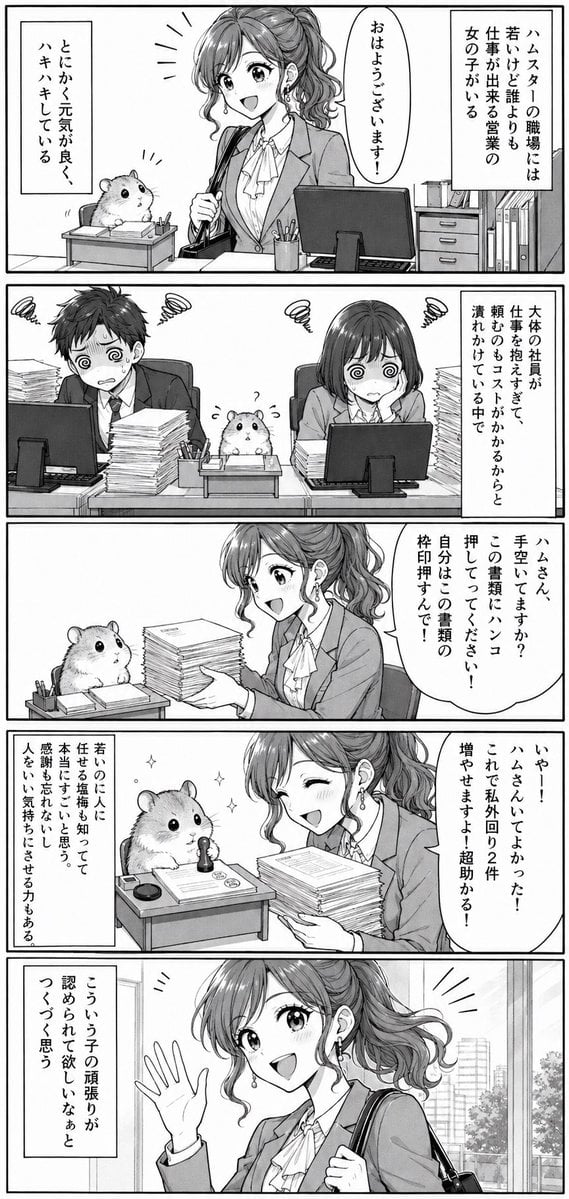
Office Hamster Manga Diary
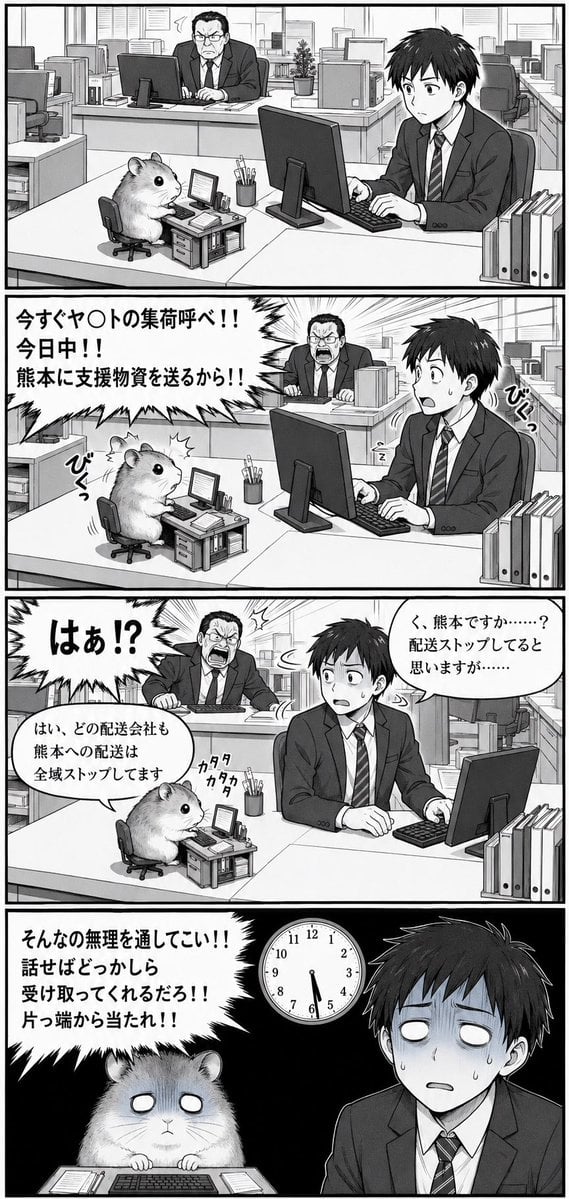
Hamster Office Manga Emergency

Quiet Hamster Manga Page
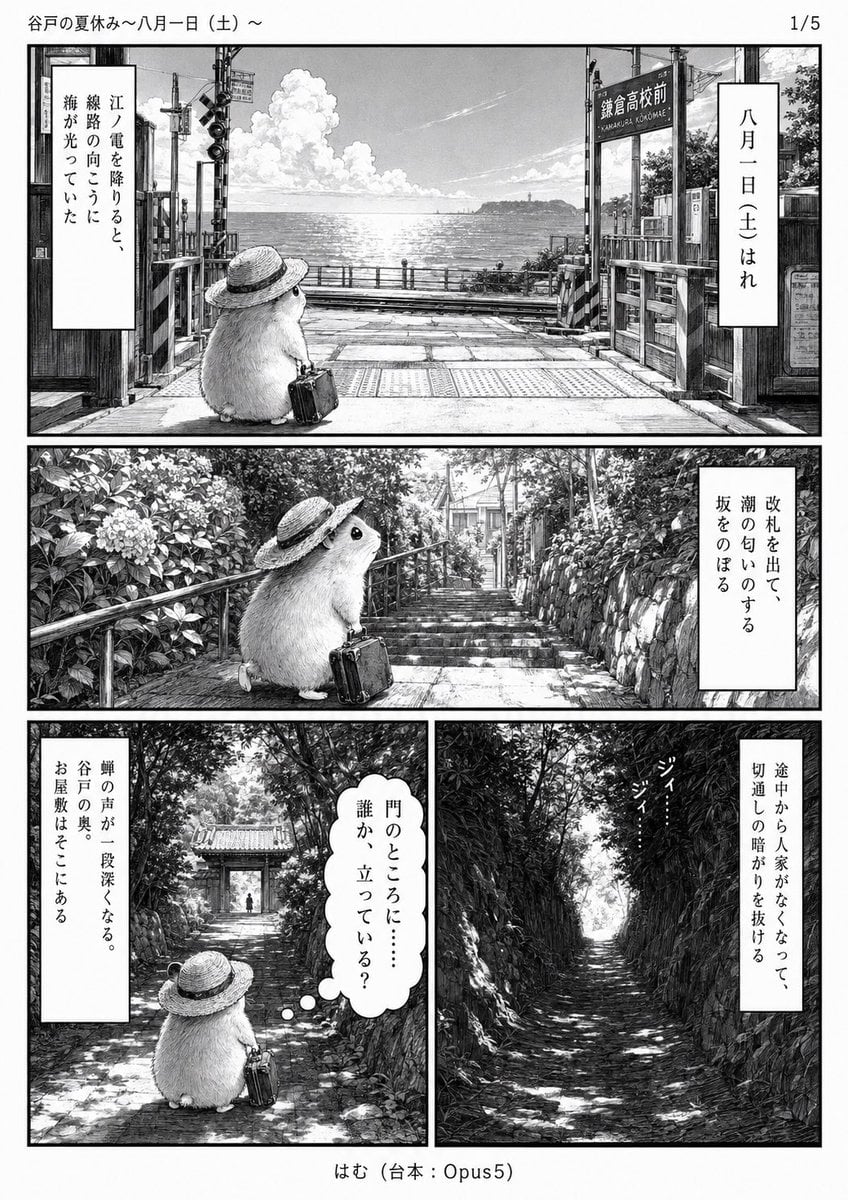
Monochrome Summer Hamster Manga Page

Hamster Taiko Festival Manga Scene
Manga Cat-Eared Girl Breaking Up Fight
Moonlit Hamster Ice Bath Manga
Two-Panel Hamster Manga Scene

Late-Night Hamster Manga Page
Monochrome Manga Hamster Dialogue Page
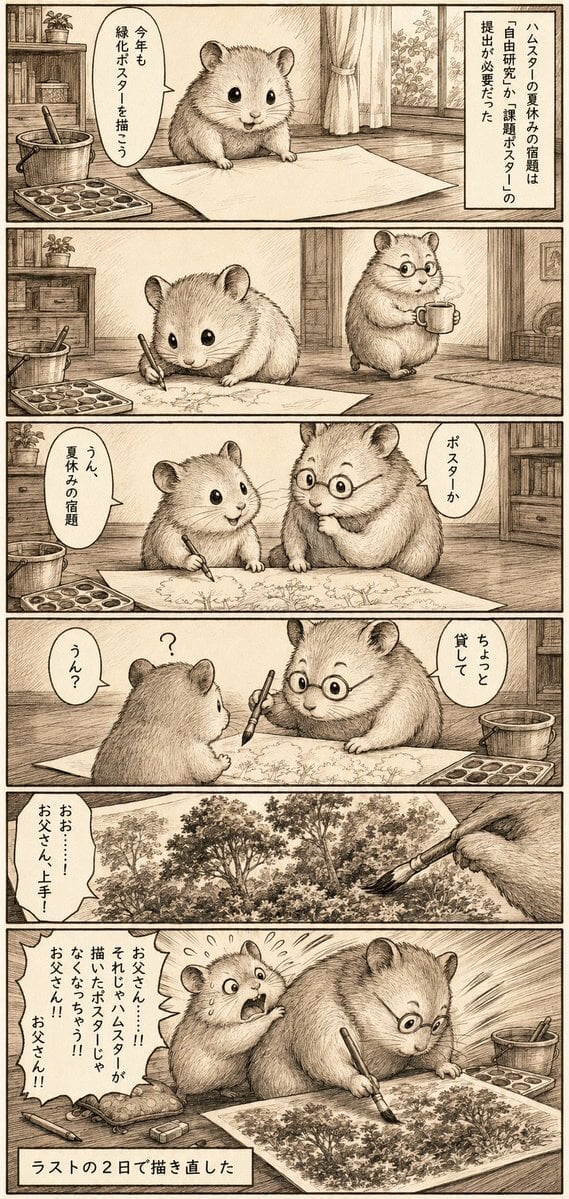
Sepia Hamster Summer Homework Manga
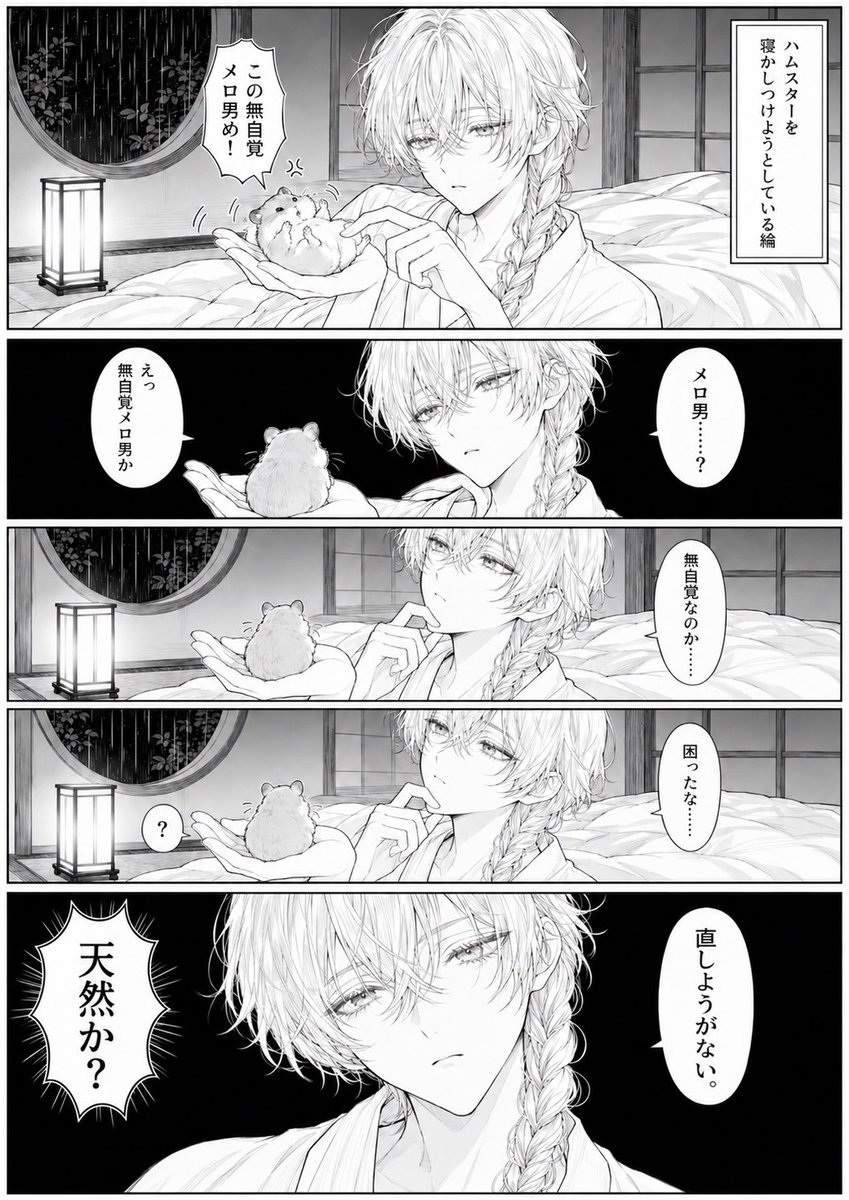
Manga Page: Sleepy Beauty and Hamster
Make it yours
Office Hamster Lunch Break Manga works as-is. These are the safest ways to change it without losing the look.
Change one field
Copy a single group, rewrite it, and generate again so you can see what that field is doing.
Keep the frame, change the subject
Hold the composition and light of Office Hamster Lunch Break Manga, then swap wardrobe, props or the person for a new take.
| If the result… | Why | Fix |
|---|---|---|
| The result drifts from the preview | Too many fields changed at once. | Reuse Office Hamster Lunch Break Manga as-is first, then change one group — subject, light, or setting. |
| The model over-stylizes the scene | The prose prompt leaves finish and camera underspecified. | Add one camera or lighting sentence and stay on GPT Image 2. |
More GPT Image 2 templates
Other prompts made for GPT Image 2.

Six VTuber Japanese Logo Sheet

Realistic Portrait of Woman and Deer

The Vista Modular Condo Poster

AI Model Routing Comparison Infographic

2.5D Anime Art Board

Isometric Productivity Desk Scene

New York Double Exposure Poster

Four-Panel AI Landscape Comparison

Japanese Tatami Lifestyle Magazine Cover

NESCAFÉ Coffee Map Poster
More image prompts
Fresh picks from across the catalog.

Cinematic Outdoor Portrait in Streetwear at Golden Hour
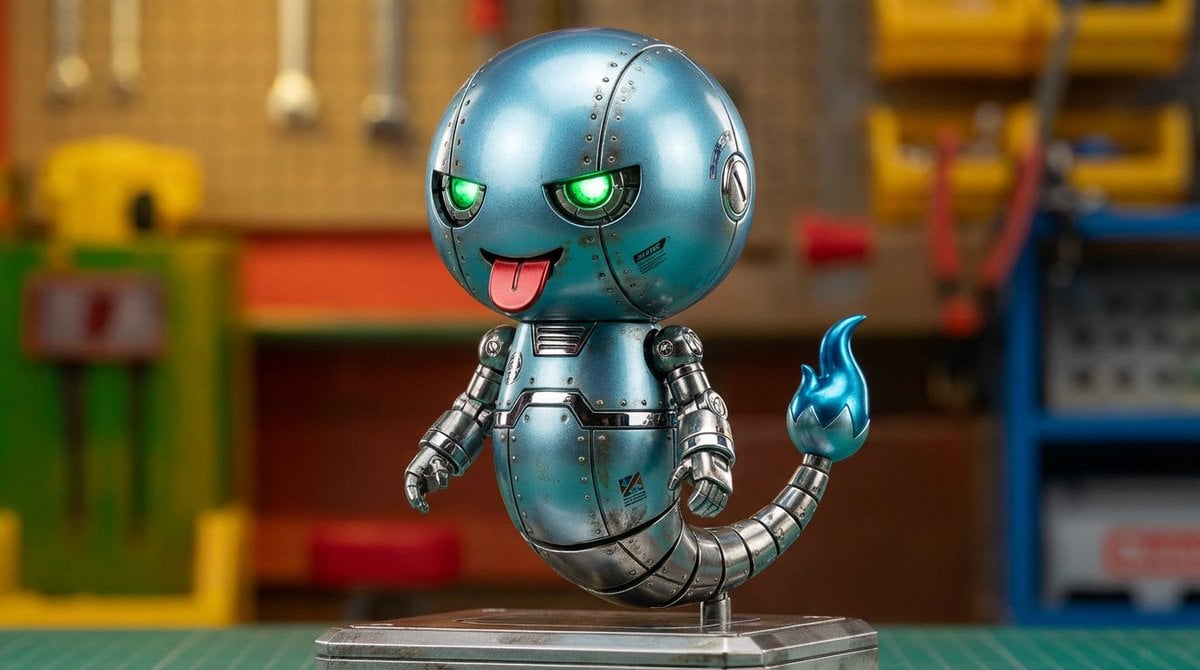
Character transformed into superalloy robot style
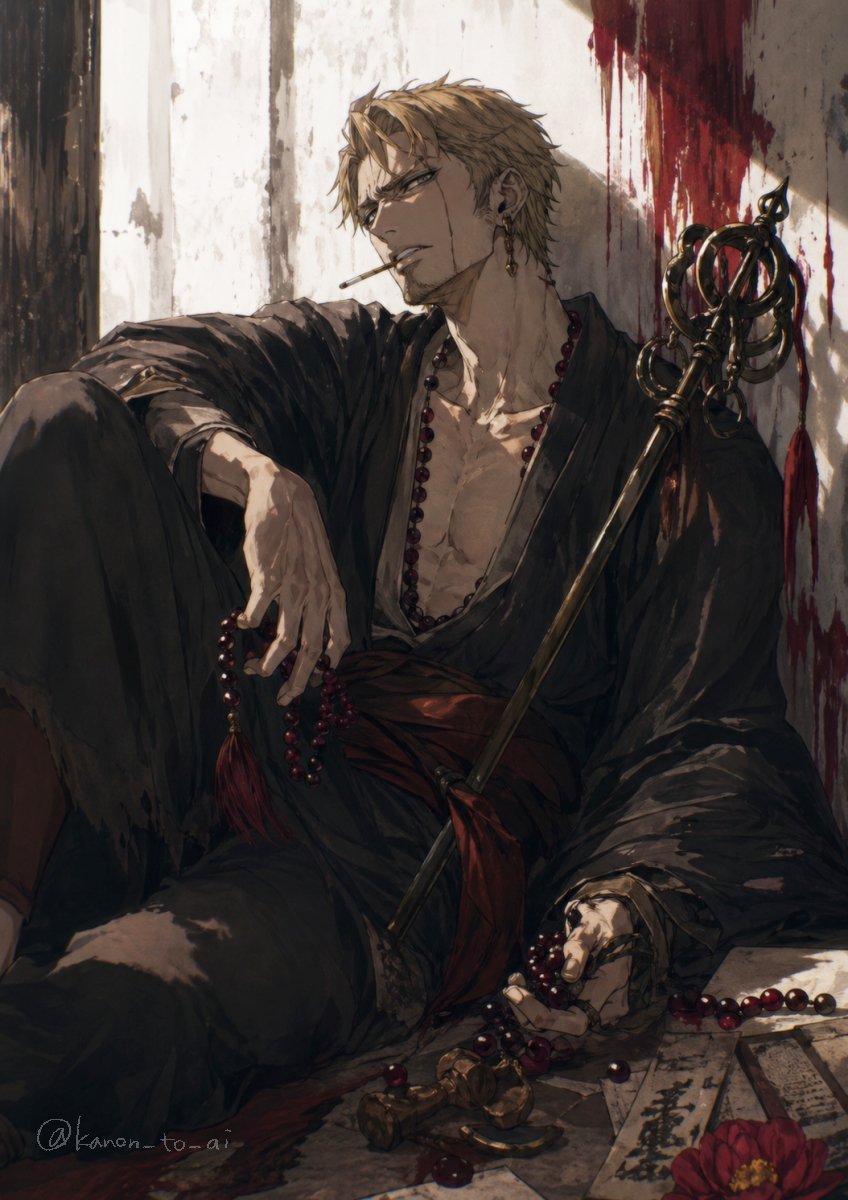
Dark Fantasy Wounded Monk Portrait

Vintage Movie Poster Prompt using Gemini Nano Banana Pro
Minimal Layout Stress Test Composition

Comparison of Nano Banana Pro and Seedre

Censored Cafe Portrait Photo

Passport Photo Aesthetic Portrait

Gilgamesh and Enkidu Dinner Scene
Realistic Cyber-Aesthetic Futuristic Business Card
Browse template categories
Office Hamster Lunch Break Manga questions
How do I use the Office Hamster Lunch Break Manga template?
Add your photo if the template asks for one, edit the prompt if you like — the template's model and format are already selected — and press Generate. Your version opens in PicX Studio.
Can I customize the Office Hamster Lunch Break Manga template?
Yes. You can change the subject, setting, lighting, mood, format, and available model controls before creating your image.
Is the Office Hamster Lunch Break Manga template free?
Opening and editing this template is free. Generating uses credits, shown on the Generate button when you are signed in.
Which AI model should I use?
Start with GPT Image 2, which is the model associated with this template. You can compare another compatible model for a different finish.
Looking for something else? Browse all templates.

Your photo, any look
Thousands of ready templates for every top image and video model, from one credit balance.