
Cinematic Outdoor Portrait in Streetwear at Golden Hour
A prompt for generating a cinematic outdoor portrait of a subject in oversized streetwear, seated on a concrete structure.
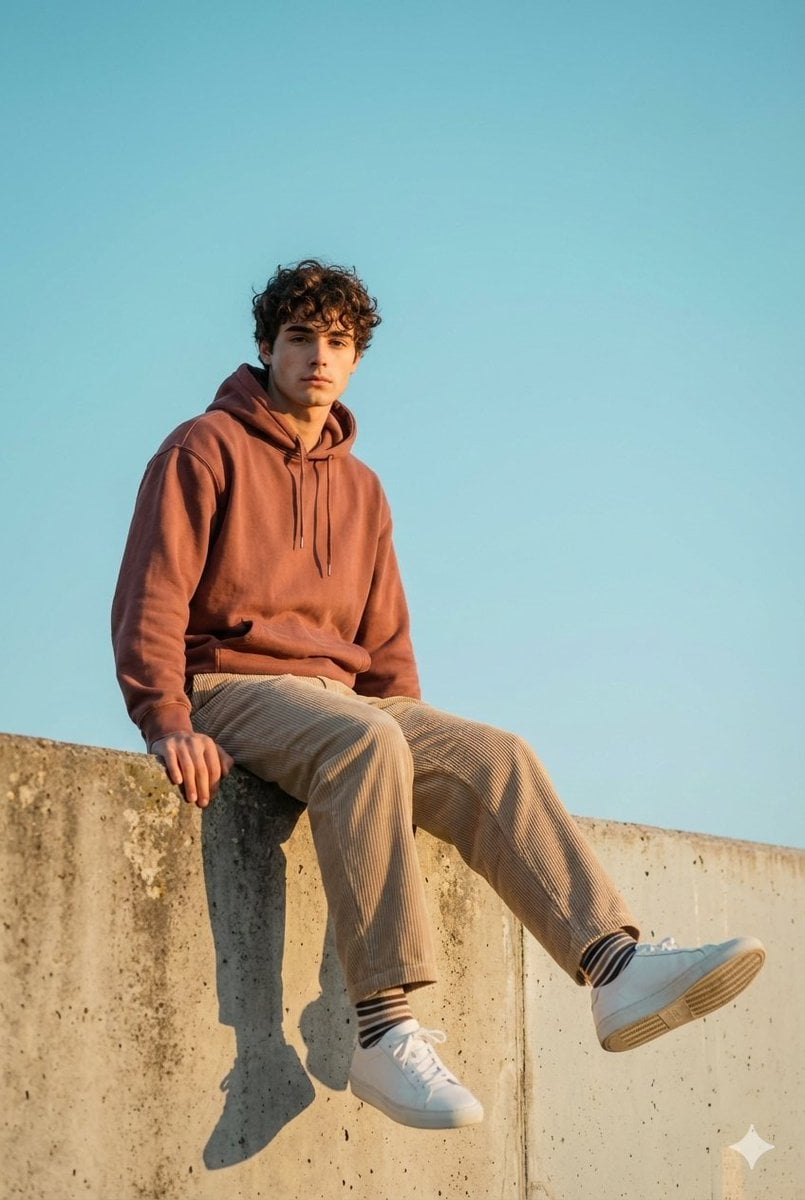
- Prompt included
- Model and format preset
- Free template
The prompt behind this image
Copy the exact prompt behind Cinematic Outdoor Portrait in Streetwear at Golden Hour, or open it in the studio and make it yours.
Cinematic Outdoor Portrait Captured In Warm Natural Daylight, With The Subject Seated Casually On The Edge Of A Textured Concrete Structure. The Framing Is Slightly Low-angled And Mid-distance, Placing The Subject Against A Vast, Uninterrupted Sky In Soft Cyan-blue (#8ec9e8), Creating A Clean, Minimalist Backdrop. Lighting Is Golden-hour Warm (-6200k), Casting Soft Highlights Across The Face And Clothing, While Producing A Long, Crisp Shadow On The Wall Below, The Pose Is Relaxed And Editorial: Hands Resting At The Sides, Legs Extended With One Foot Slightly Raised, And A Calm, Introspective Facial Expression Directed Toward The Camera. Wardrobe Features Oversized Casual Streetwear-muted Rust-colored Hoodie, Wide Beige Corduroy Pants, Striped Socks, And Clean White Sneakers-styled In Matte Textures That Absorb The Sunlight Softly. The Concrete Surface Adds Subtle Grain And Visual Weight, Contrasting With The Airy Sky. Lens Simulation Approximates A 50mm Full-frame At F/2.8, Providing Moderate Depth Of Field With Sharp Detail On The Subject And Gentle Natural Falloff Into The Sky. The Color Palette Blends Warm Earth Tones With Bright Atmospheric Blues, Creating A Serene, Youthful, And Editorial Mood. Editorial, Modern, High-detail, Cinematic Composition, Ultra-realistic Textures, Professional Fashion Photography Style
How to use Cinematic Outdoor Portrait in Streetwear at Golden Hour in 3 steps
- 1
Open
The prompt is already in the box next to the preview, with the template's model and format selected.
- 2…a portrait of your subject in softgolden-hour light, 85mm…
Personalize
Edit the subject and creative details for your destination.
- 3Generate
Generate
Press Generate — your image is created in PicX Studio, so you can compare it with the original and refine one variable at a time.
More like this
Templates with the same subject, style or setup. Open one to see its prompt.

80s Golden Hour Cinema

Rooftop Fisheye — Cat-Ear Balaclava at Golden Hour
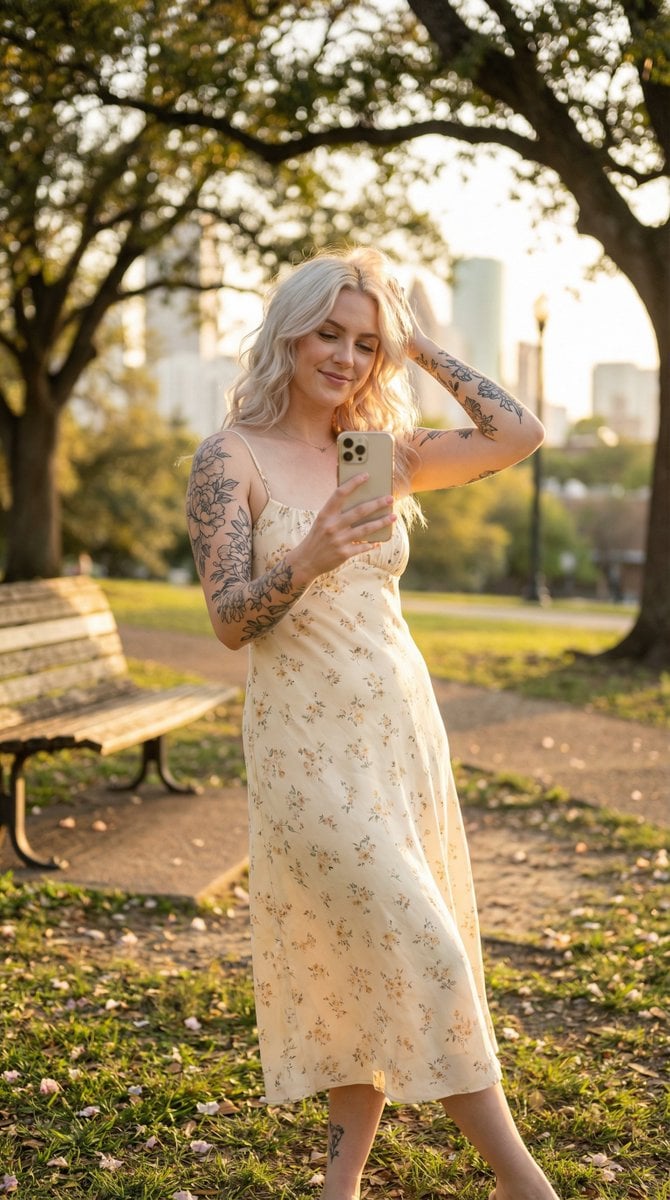
Golden Hour Outdoor Lifestyle Portrait Prompt
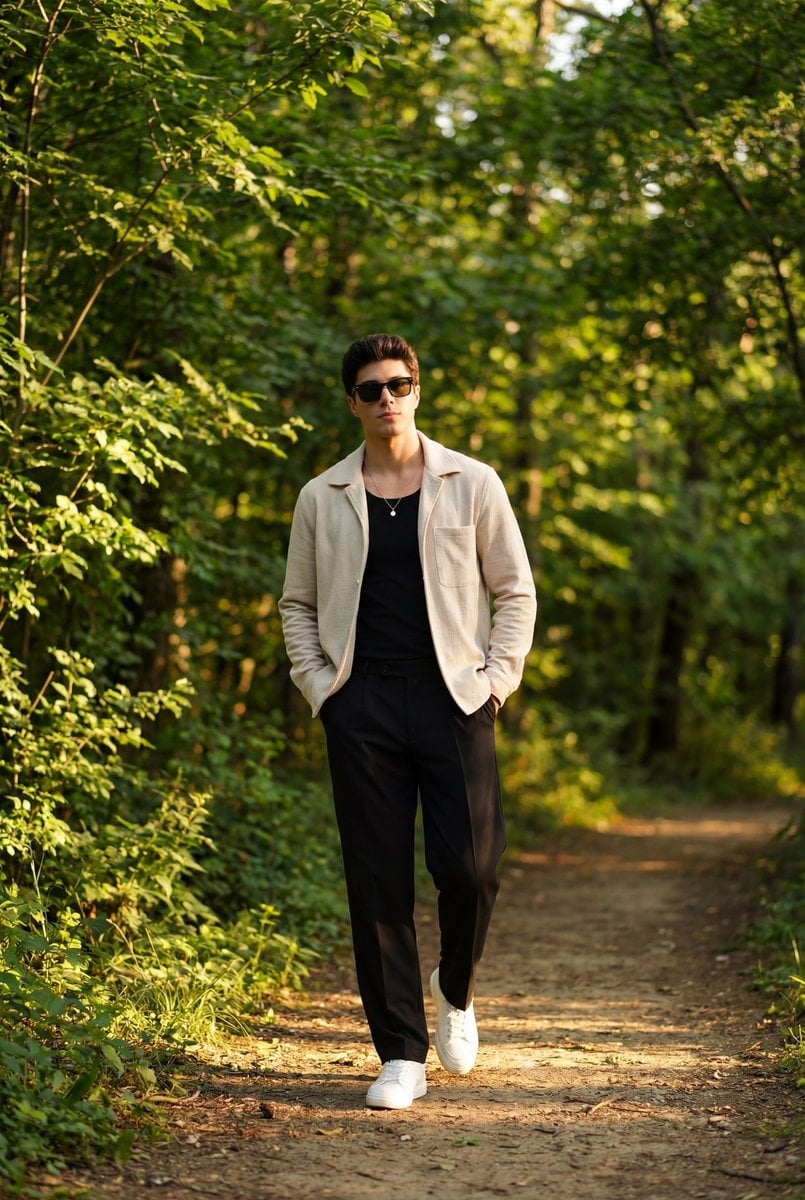
Golden Hour Outdoor Portrait of a Stylish Man
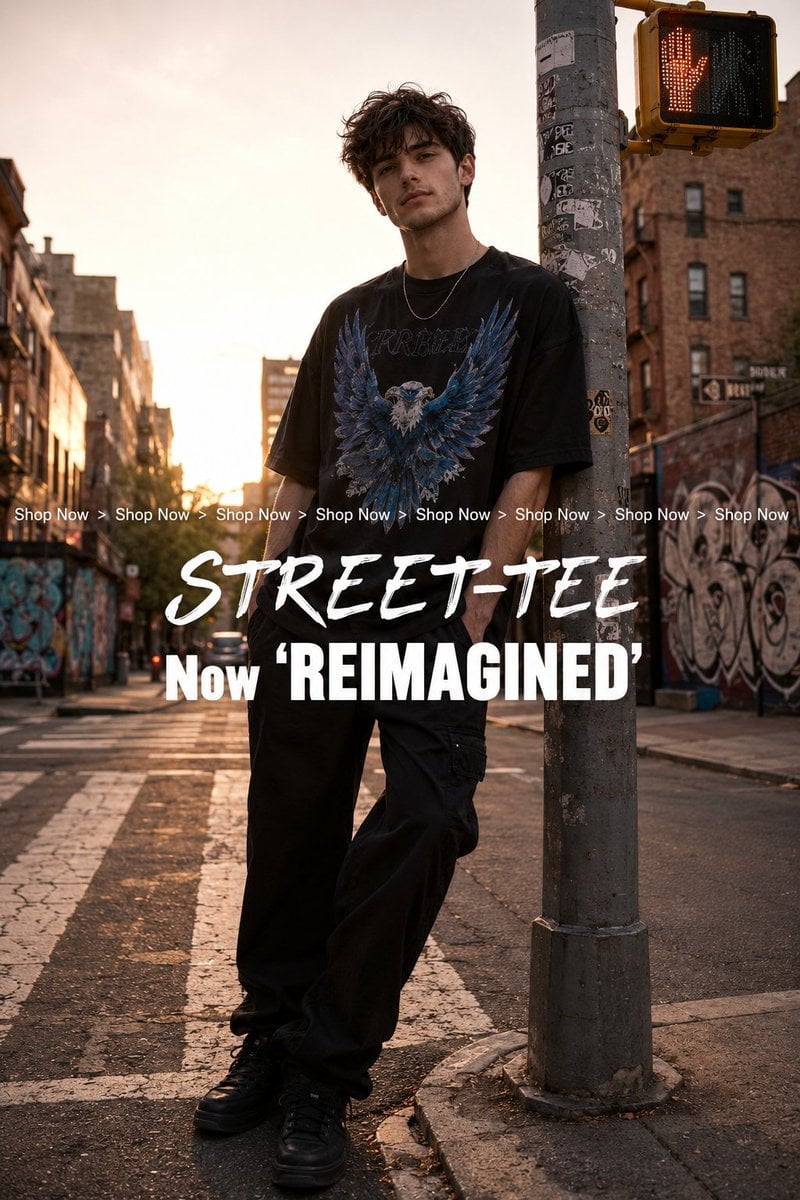
Golden Hour Streetwear Facebook Ad
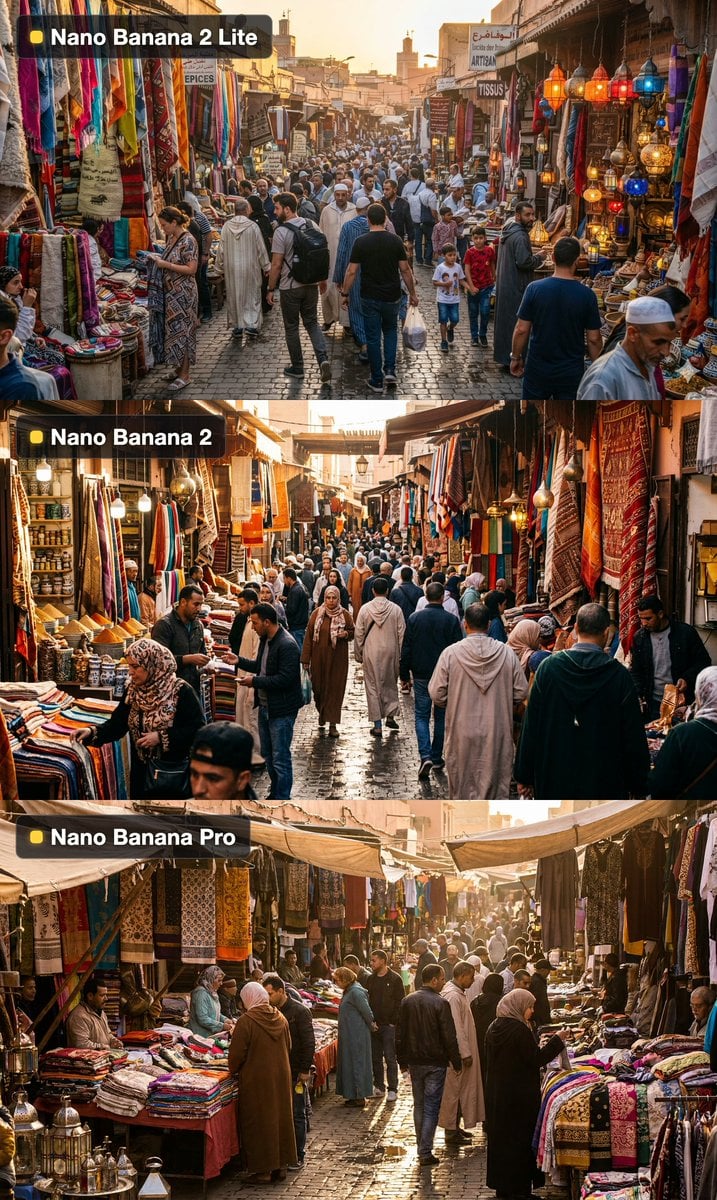
Golden Hour Outdoor Market
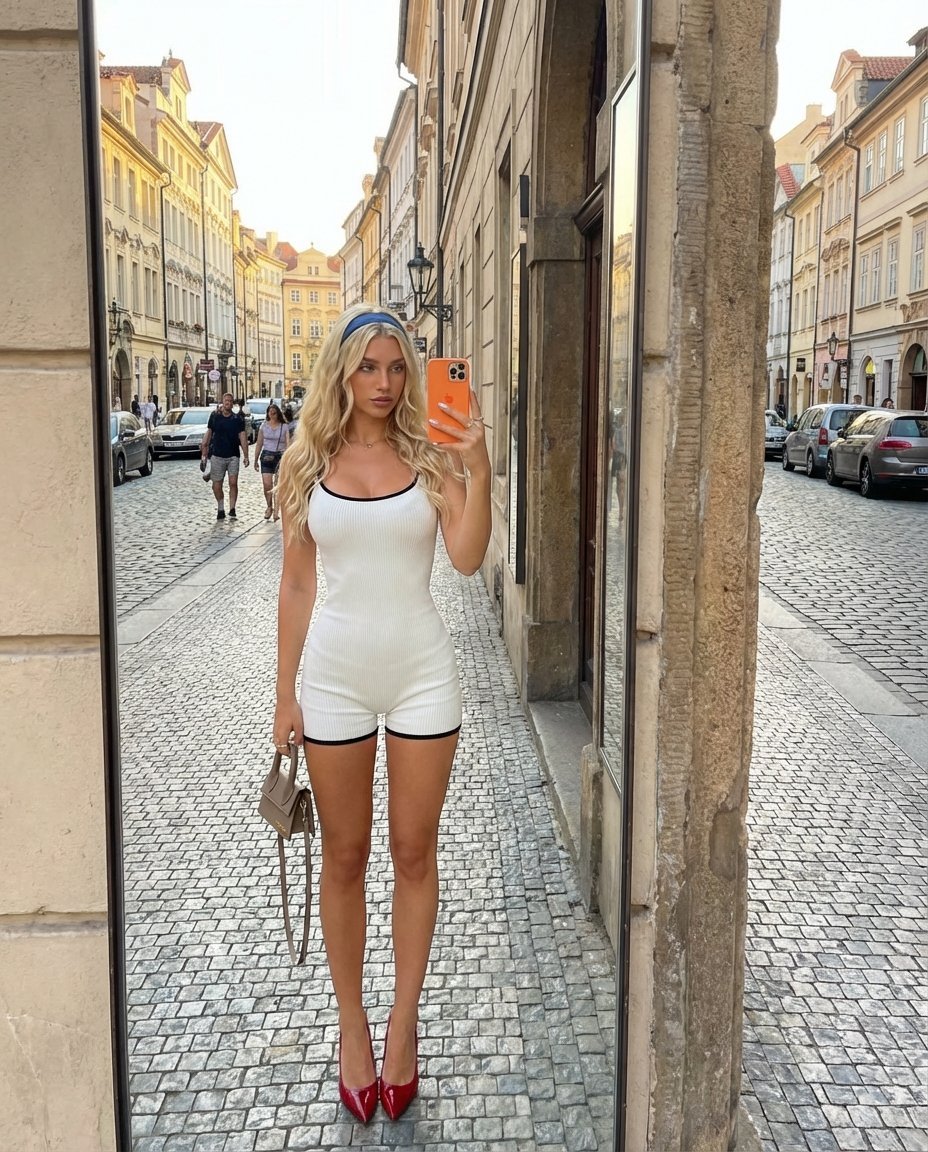
Outdoor Mirror Selfie in European City at Golden Hour

Cinematic Golden Hour Garden Portrait

Cinematic Golden Hour Urban Portrait

Golden Hour Redhead Portrait

Golden Hour Cinematic Boss Energy Portrait

Golden Hour Cinematic Portrait
Make it yours
Cinematic Outdoor Portrait in Streetwear at Golden Hour works as-is. These are the safest ways to change it without losing the look.
Change one field
Copy a single group, rewrite it, and generate again so you can see what that field is doing.
Keep the frame, change the subject
Hold the composition and light of Cinematic Outdoor Portrait in Streetwear at Golden Hour, then swap wardrobe, props or the person for a new take.
| If the result… | Why | Fix |
|---|---|---|
| The result drifts from the preview | Too many fields changed at once. | Reuse Cinematic Outdoor Portrait in Streetwear at Golden Hour as-is first, then change one group — subject, light, or setting. |
| The model over-stylizes the scene | The prose prompt leaves finish and camera underspecified. | Add one camera or lighting sentence and stay on Nano Banana 2. |
More Nano Banana 2 templates
Other prompts made for Nano Banana 2.

Photorealistic Leaf Shaped Like a Dragon

K-Pop Idol Portrait Grid for Rapid Selection

Urban Street Portrait with Cartoon Inner Self Duo

Candid Nighttime Photo with Cat Prompt

High-Concept 3D Diorama Generation Prompt

Cinematic Futuristic Studio Portrait Template

Skincare Editorial Photography Collage Prompt

Hyper-Realistic Commercial Product Photography (Splash Effect)

Hyper-Realistic Nightclub Portrait Prompt

Cinematic Urban Rain Scene Prompt (Neo-Noir)
More image prompts
Fresh picks from across the catalog.

Turn a reference image into a realistic Christmas cake

Tiny Medieval Knight vs. Towering Pink Birthday Cake
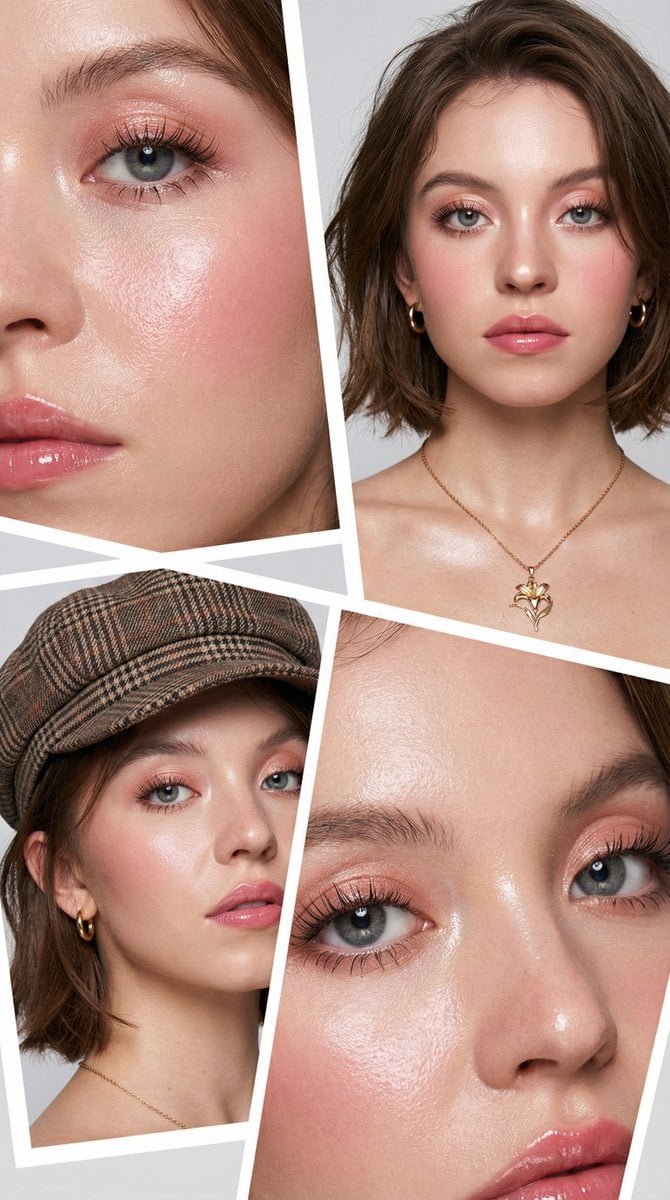
Korean Beauty Editorial Collage Prompt
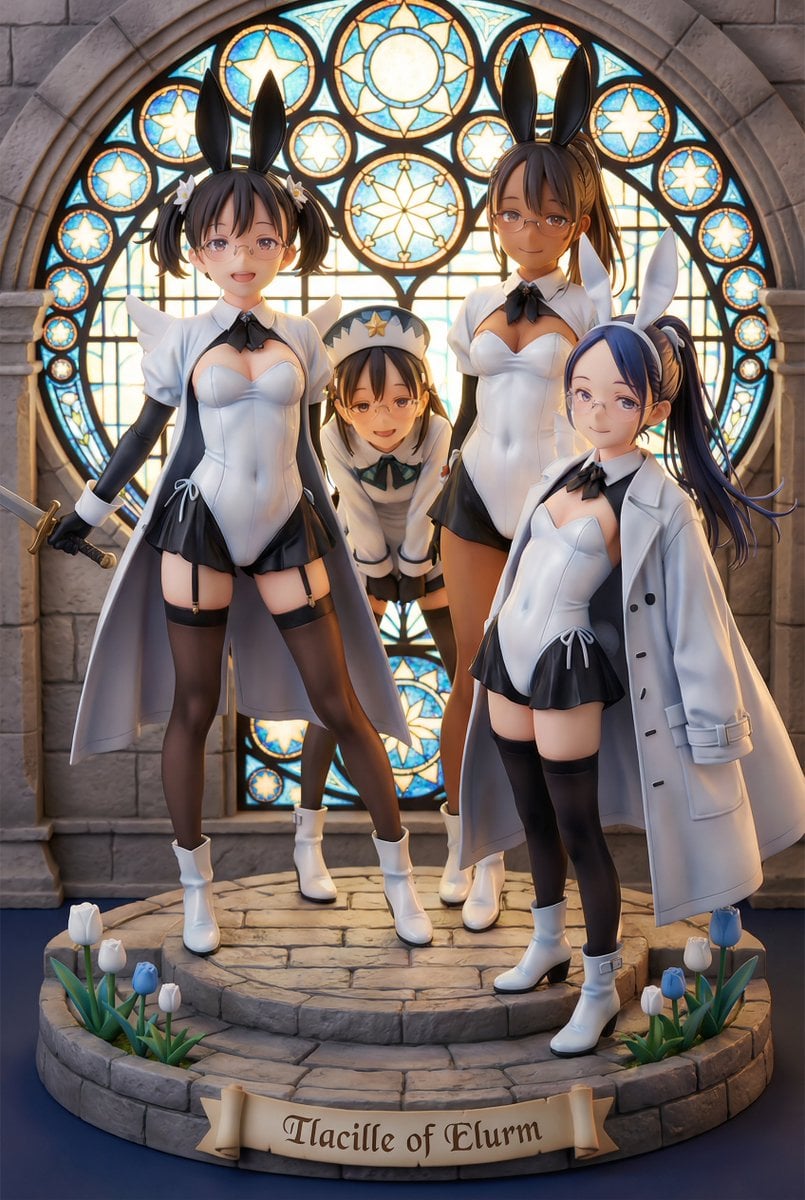
White Fairy Party Figurine Generation
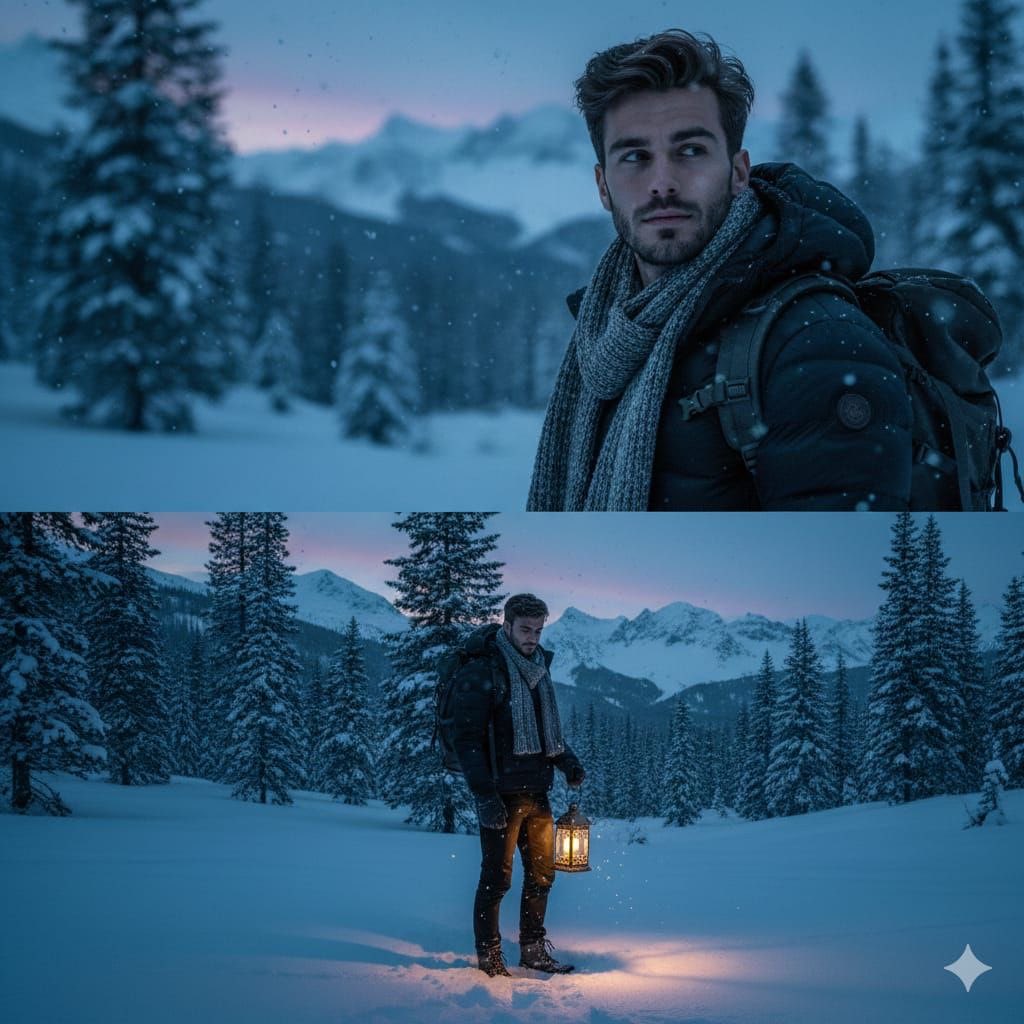
Cinematic Winter Forest Portrait
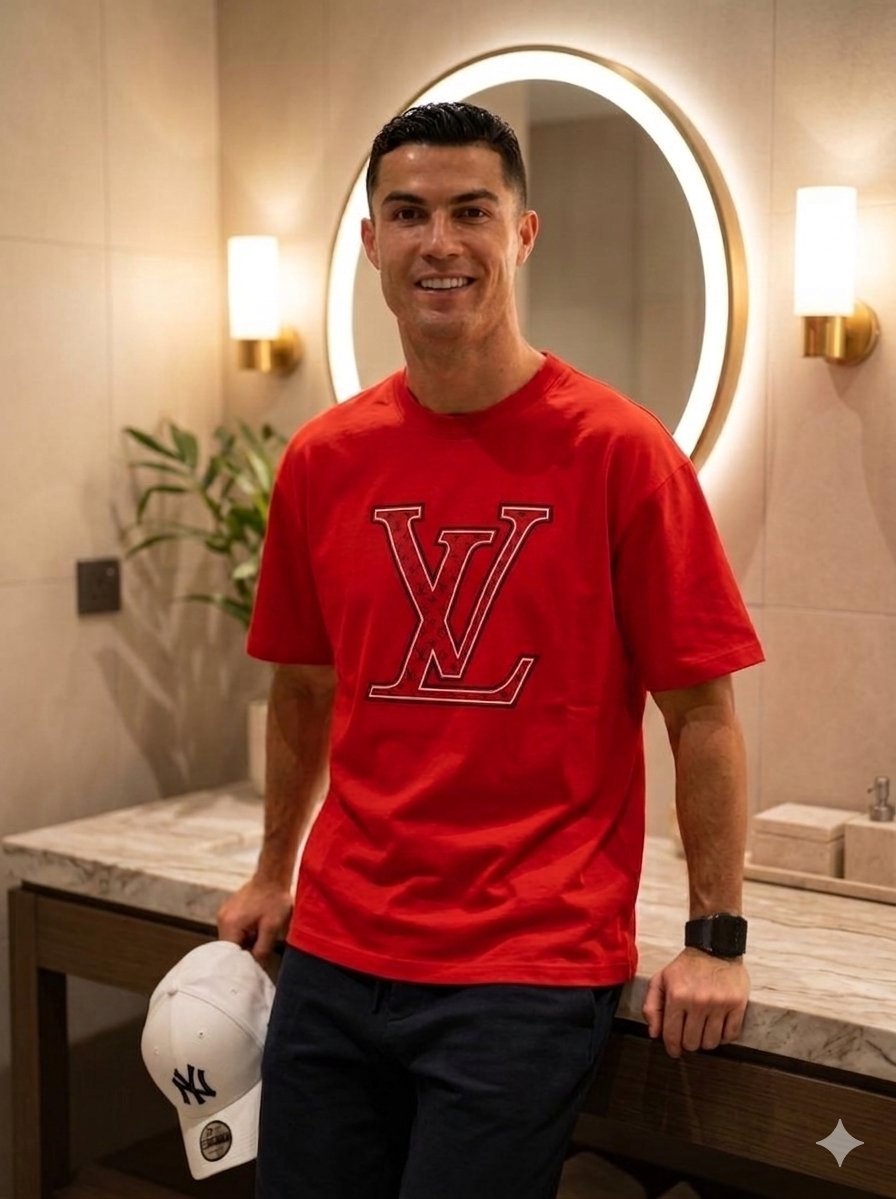
Luxury Lifestyle Portrait Prompt for Nano Banana Pro
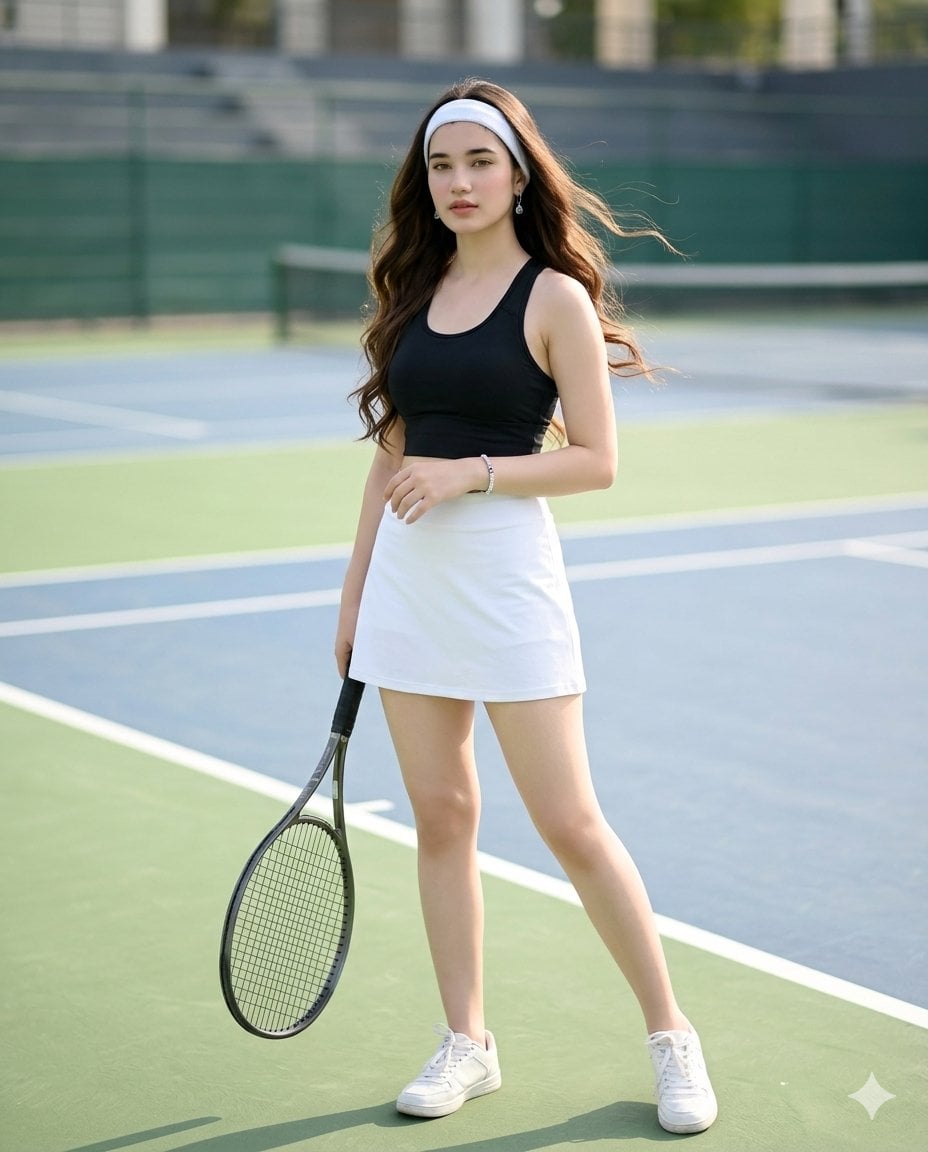
Realistic Tennis Player Portrait
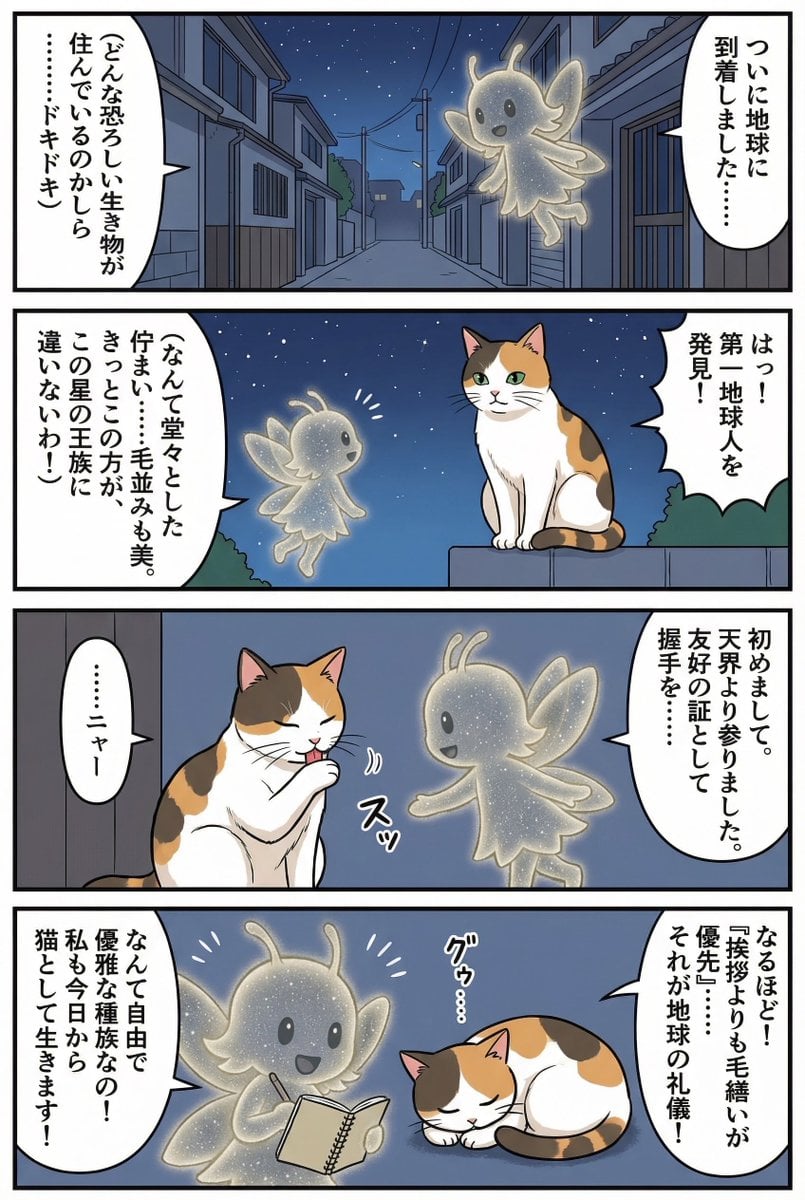
Four-panel manga of a fairy who thinks Earth is a cat planet
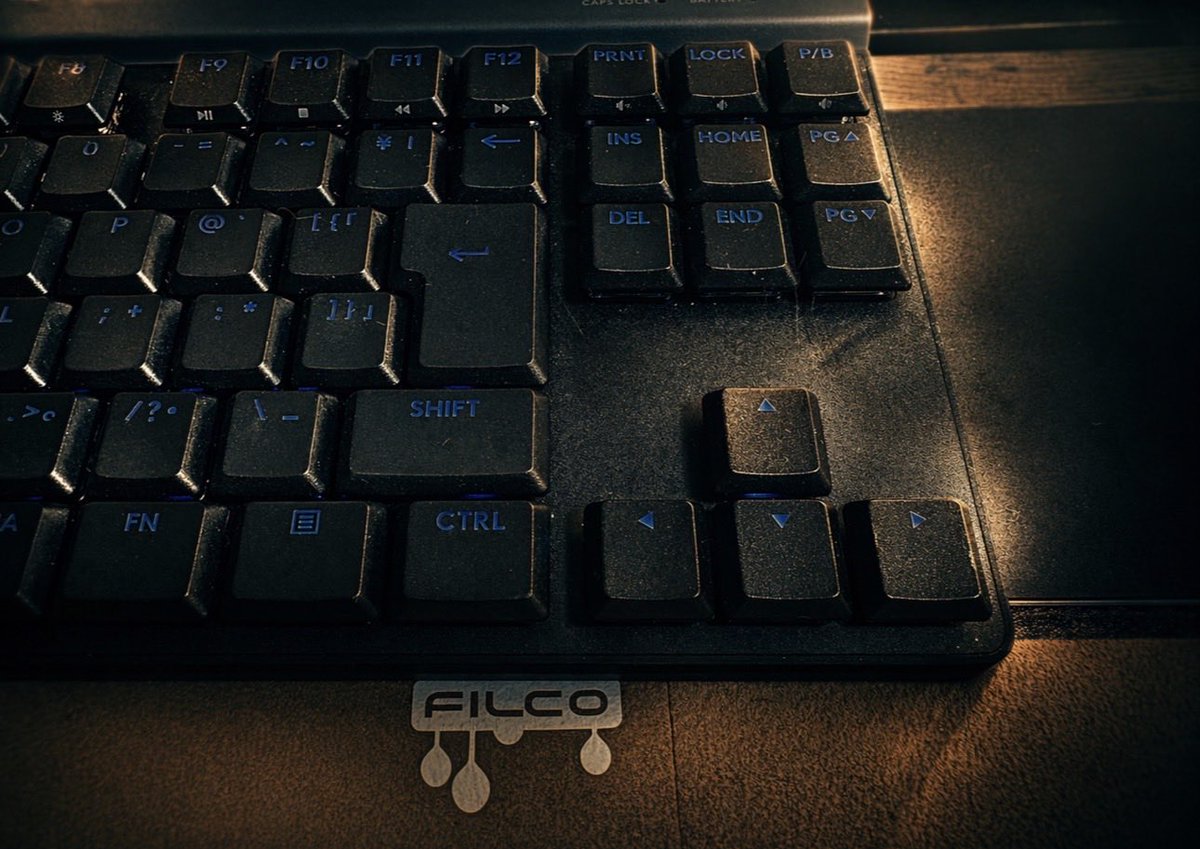
Dramatic Film Filter Processing
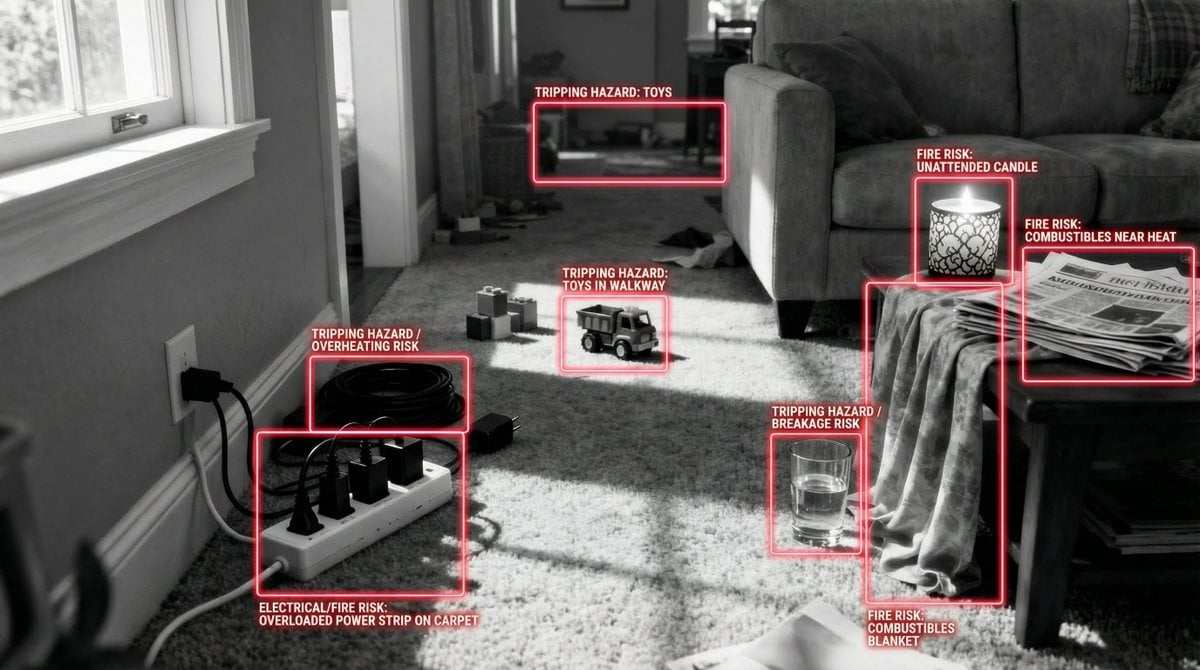
Safety Hazard Analysis and Visualization
Browse template categories
Cinematic Outdoor Portrait in Streetwear at Golden Hour questions
How do I use the Cinematic Outdoor Portrait in Streetwear at Golden Hour template?
Add your photo if the template asks for one, edit the prompt if you like — the template's model and format are already selected — and press Generate. Your version opens in PicX Studio.
Can I customize the Cinematic Outdoor Portrait in Streetwear at Golden Hour template?
Yes. You can change the subject, setting, lighting, mood, format, and available model controls before creating your image.
Is the Cinematic Outdoor Portrait in Streetwear at Golden Hour template free?
Opening and editing this template is free. Generating uses credits, shown on the Generate button when you are signed in.
Which AI model should I use?
Start with Nano Banana 2, which is the model associated with this template. You can compare another compatible model for a different finish.
Looking for something else? Browse all templates.

Your photo, any look
Thousands of ready templates for every top image and video model, from one credit balance.