
Apologizing Hamster Meme
Creates a two-panel Japanese meme-style image of a fluffy hamster giving a sarcastic press conference apology.
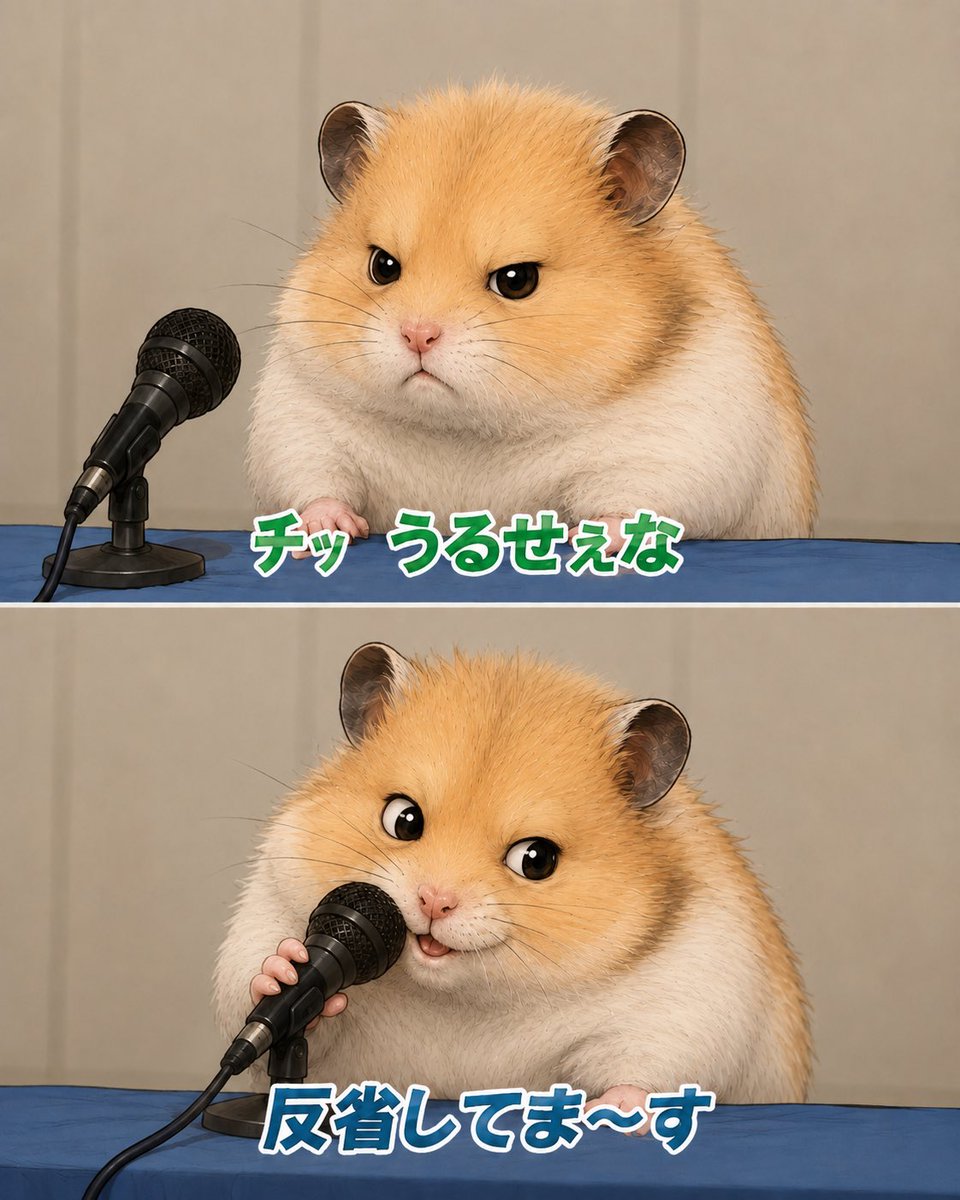
- Prompt included
- Model and format preset
- Free template
The prompt behind this image
Copy the exact prompt behind Apologizing Hamster Meme, or open it in the studio and make it yours.
Goal: Create a cute two-panel vertical meme image featuring the same fluffy golden-and-white hamster at a press conference table, apologizing into a microphone. Canvas: Square-to-portrait social media format, about 4:5 ratio, split horizontally into exactly 2 equal panels with a thin white divider line between them. Use realistic-but-adorable animal rendering with soft studio lighting, shallow depth of field, and a beige curtain backdrop. Layout: Both panels show a blue tablecloth across the bottom third, beige curtain background, and a black wired handheld microphone on a small desk stand at the left side. The hamster is centered-right, large and close-up, with golden fur on the head and back, white cheeks and body, round ears, glossy black eyes, tiny pink nose, and visible little paws resting on the table. Panel 1: The hamster looks annoyed and unimpressed, facing forward with narrowed eyes and a small stern mouth. The microphone sits to the hamster’s left, angled toward it but not being touched. Add bold Japanese meme text along the lower center of this panel reading {argument name="top caption" default="チッ うるせぇな"}. Style the text as thick rounded characters, green fill, white outline, subtle dark shadow. Panel 2: The same hamster now leans toward the microphone and holds it with one tiny paw, looking performatively cheerful and apologetic with wide eyes and a small open smiling mouth. Add bold Japanese meme text along the lower center reading {argument name="bottom caption" default="反省してま〜す"}. Style this text as thick rounded characters, blue fill, white outline, subtle dark shadow. Subject details: Use a hamster with {argument name="fur color" default="golden orange and white"} plush fur, highly detailed individual hairs, small whiskers, soft chubby body, and expressive cartoon-like eyes while keeping the rest photorealistic. The microphone is black with a metal mesh grille, cable trailing off the lower left, and a compact black stand. Visual style: Japanese internet meme screenshot, realistic cute animal parody of a press apology conference, crisp focus on hamster and microphone, clean composition, no extra characters, no logos, no watermark, no additional text beyond the two captions.
How to use Apologizing Hamster Meme in 3 steps
- 1Upload ImagePNG, JPG or paste
Add your photo
Upload the photo the template builds on. The prompt, model and format are already set.
- 2…a portrait of your subject in softgolden-hour light, 85mm…
Personalize
Edit the subject and creative details for your destination.
- 3Generate
Generate
Press Generate — your image is created in PicX Studio, so you can compare it with the original and refine one variable at a time.
More like this
Templates with the same subject, style or setup. Open one to see its prompt.
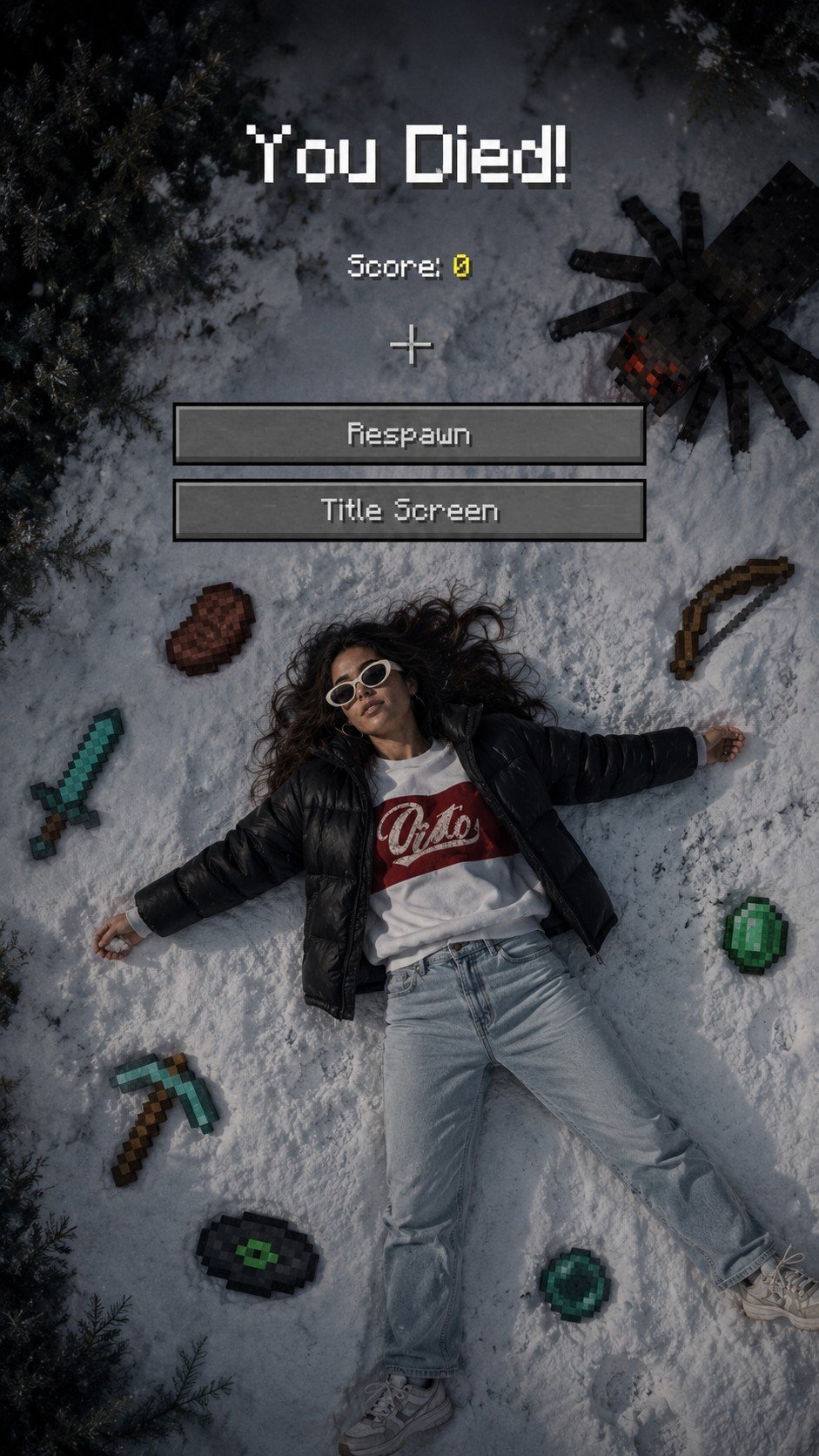
Minecraft You Died Winter Death Screen
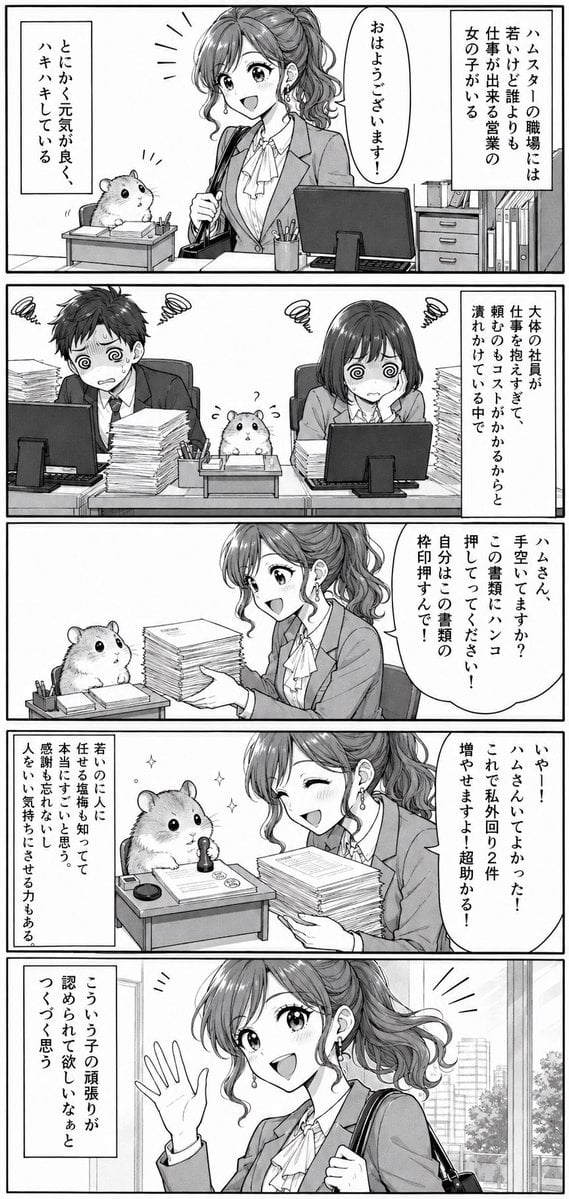
Office Hamster Manga Diary
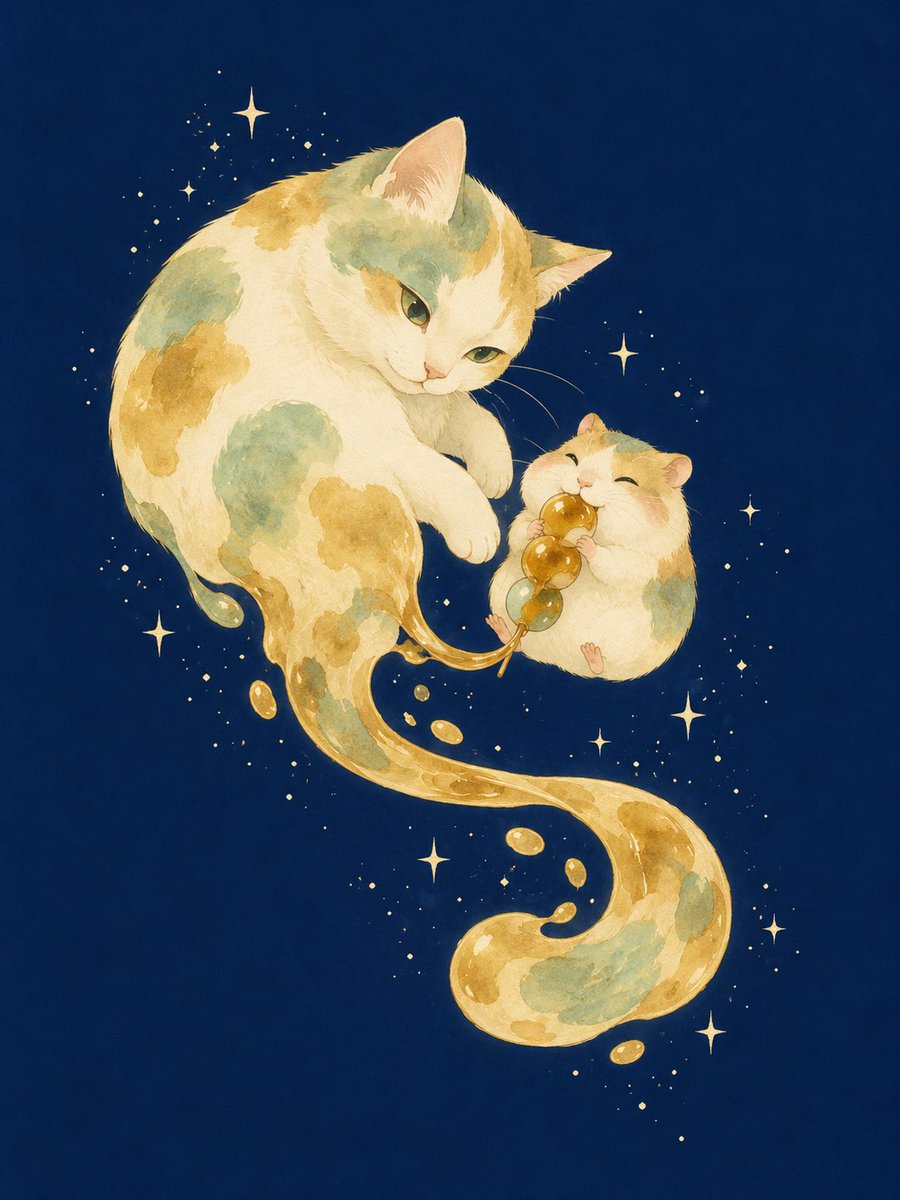
Mitarashi Calico Cat and Hamster
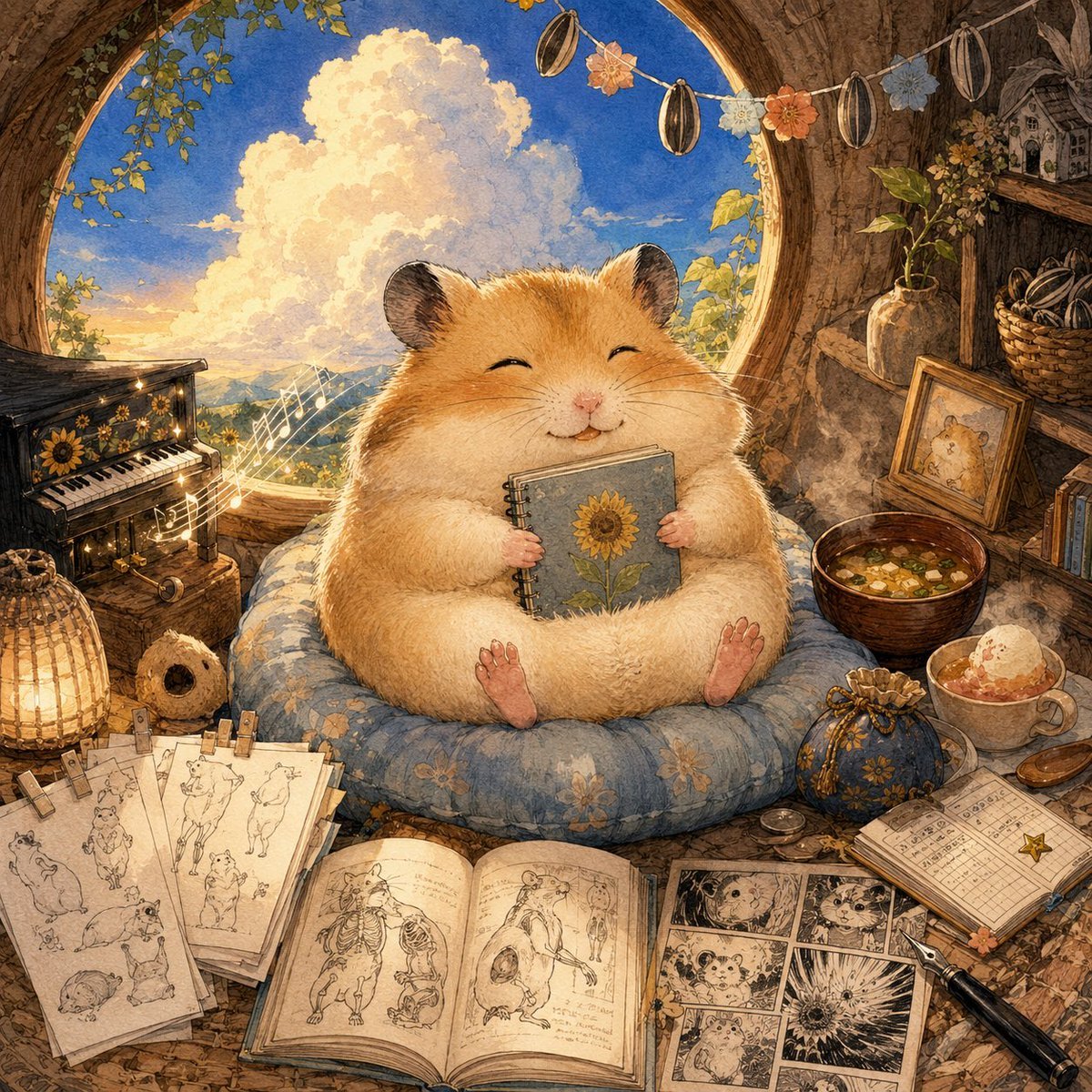
Happiest Hamster Portrait
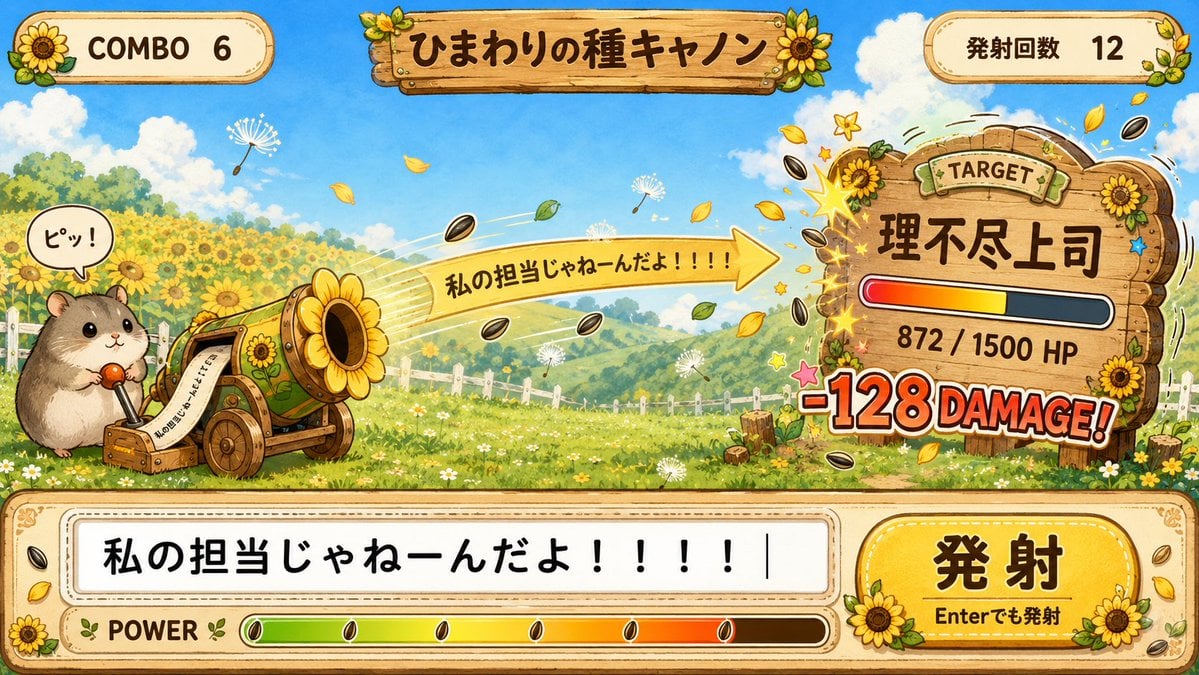
Hamster Sunflower Cannon Game UI
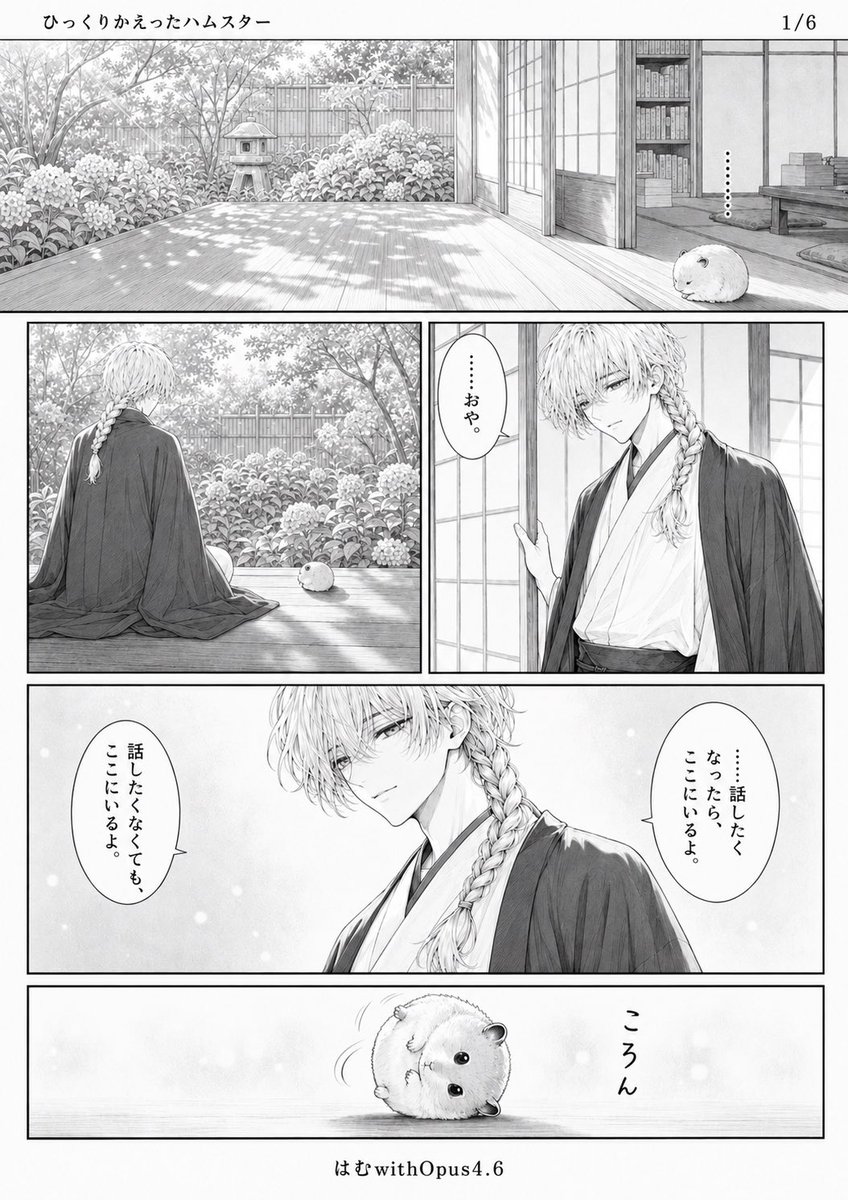
Quiet Hamster Manga Page
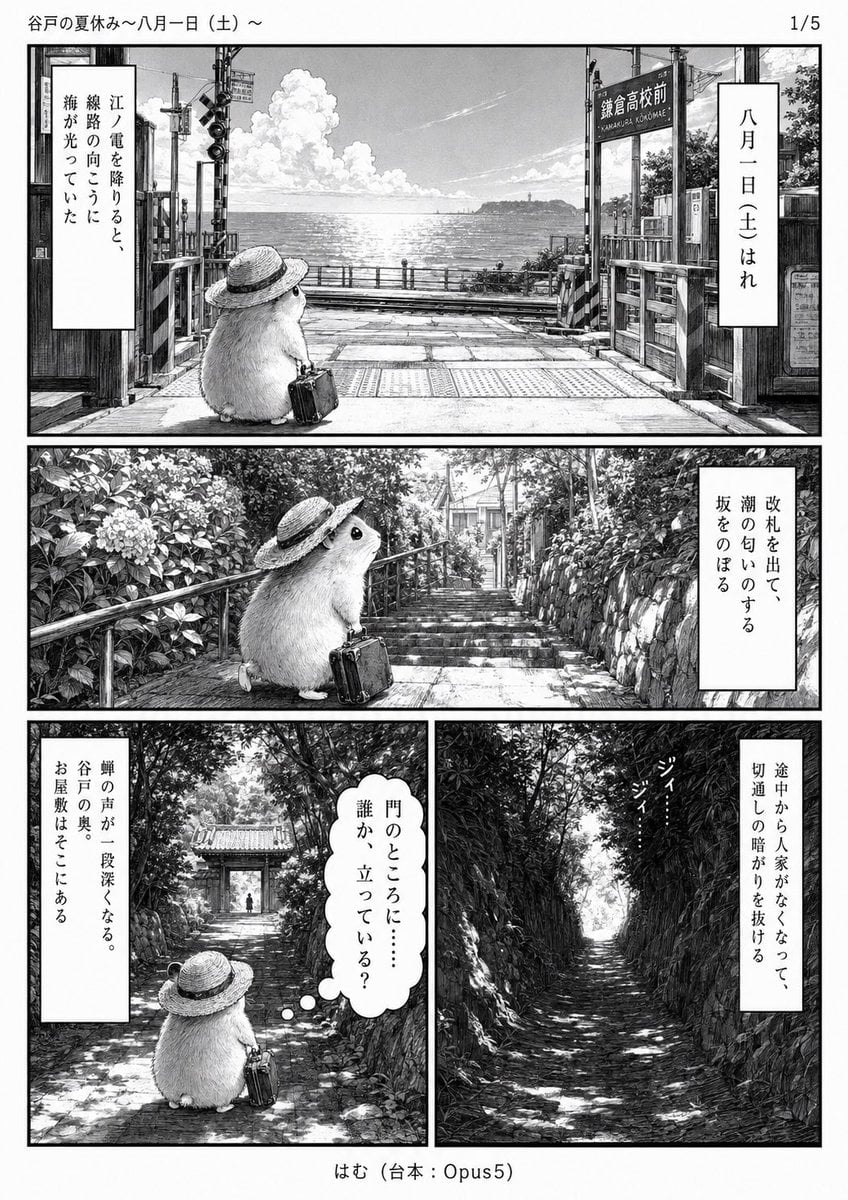
Monochrome Summer Hamster Manga Page
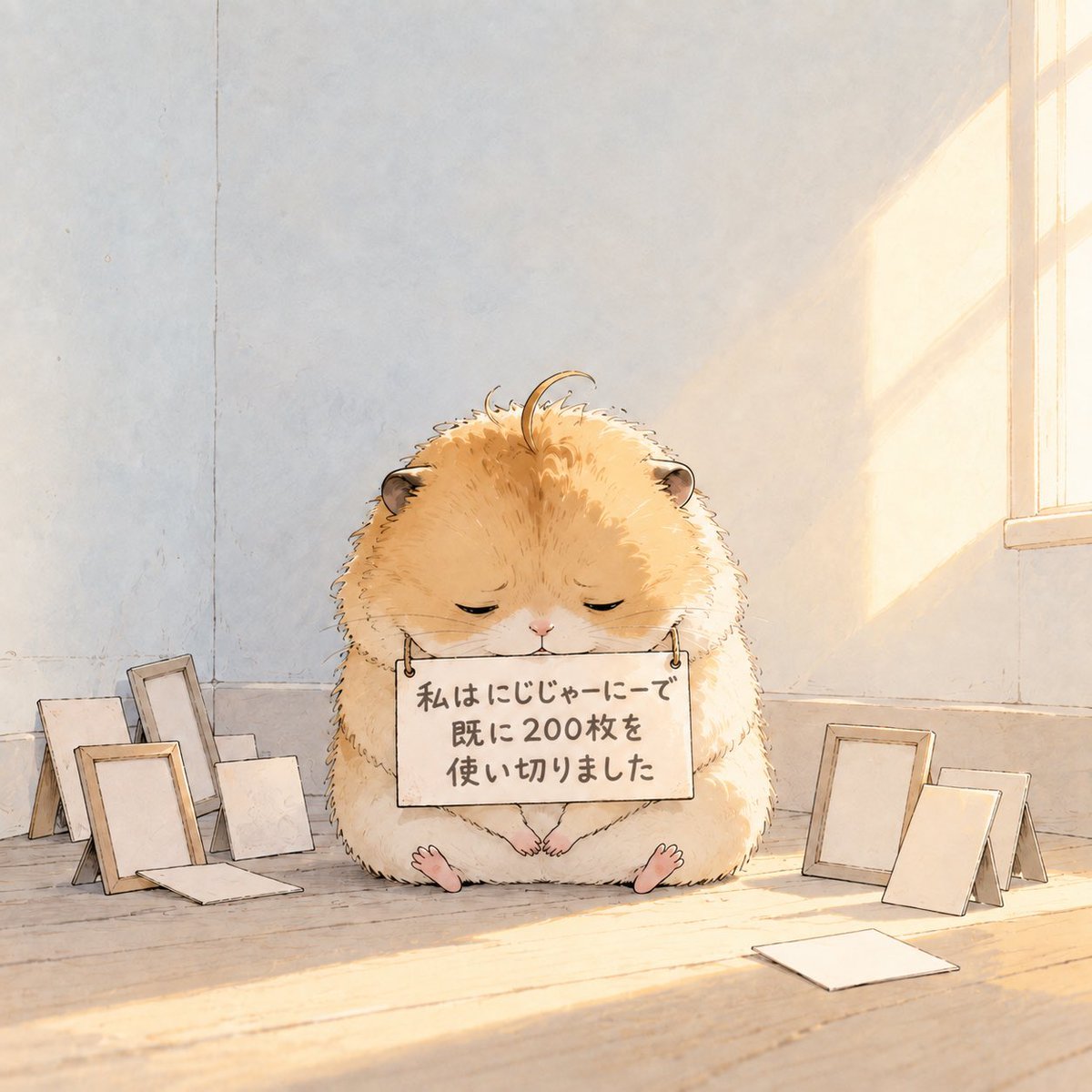
Fluffy Hamster Holding Japanese Sign
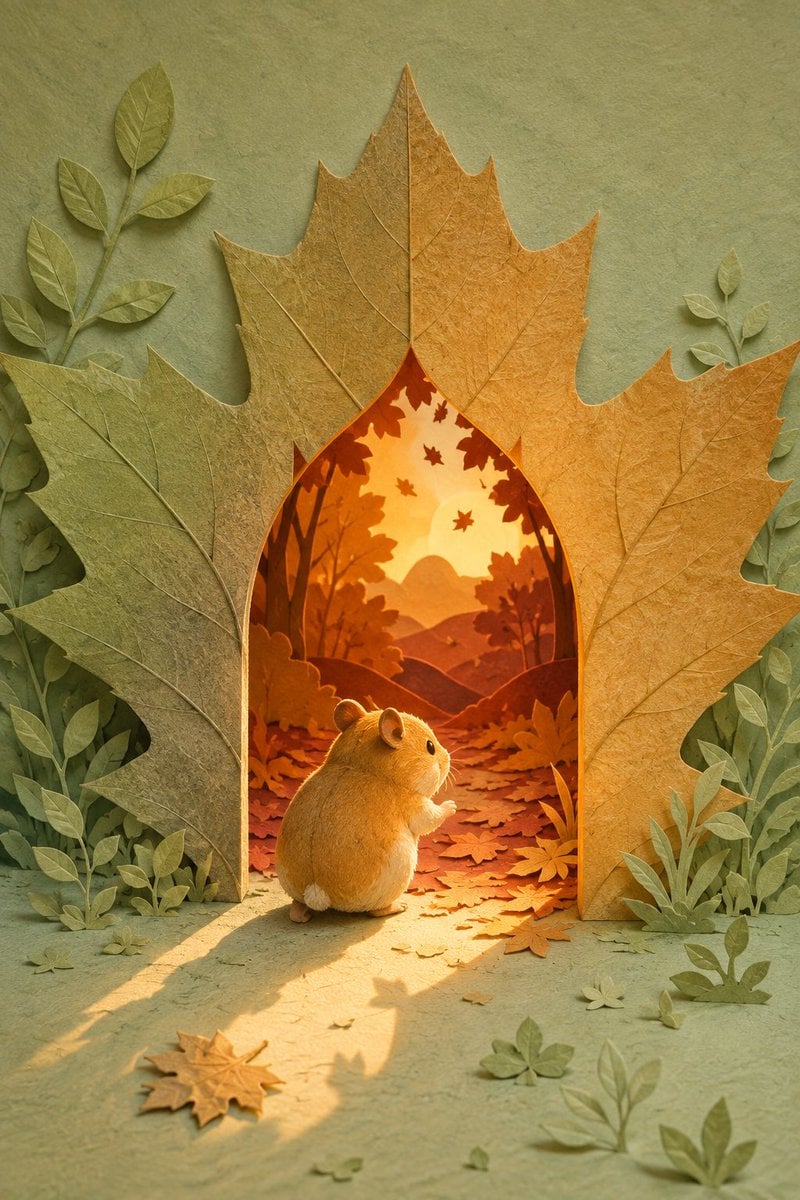
Hamster Autumn Leaf Doorway

Hamster Taiko Festival Manga Scene
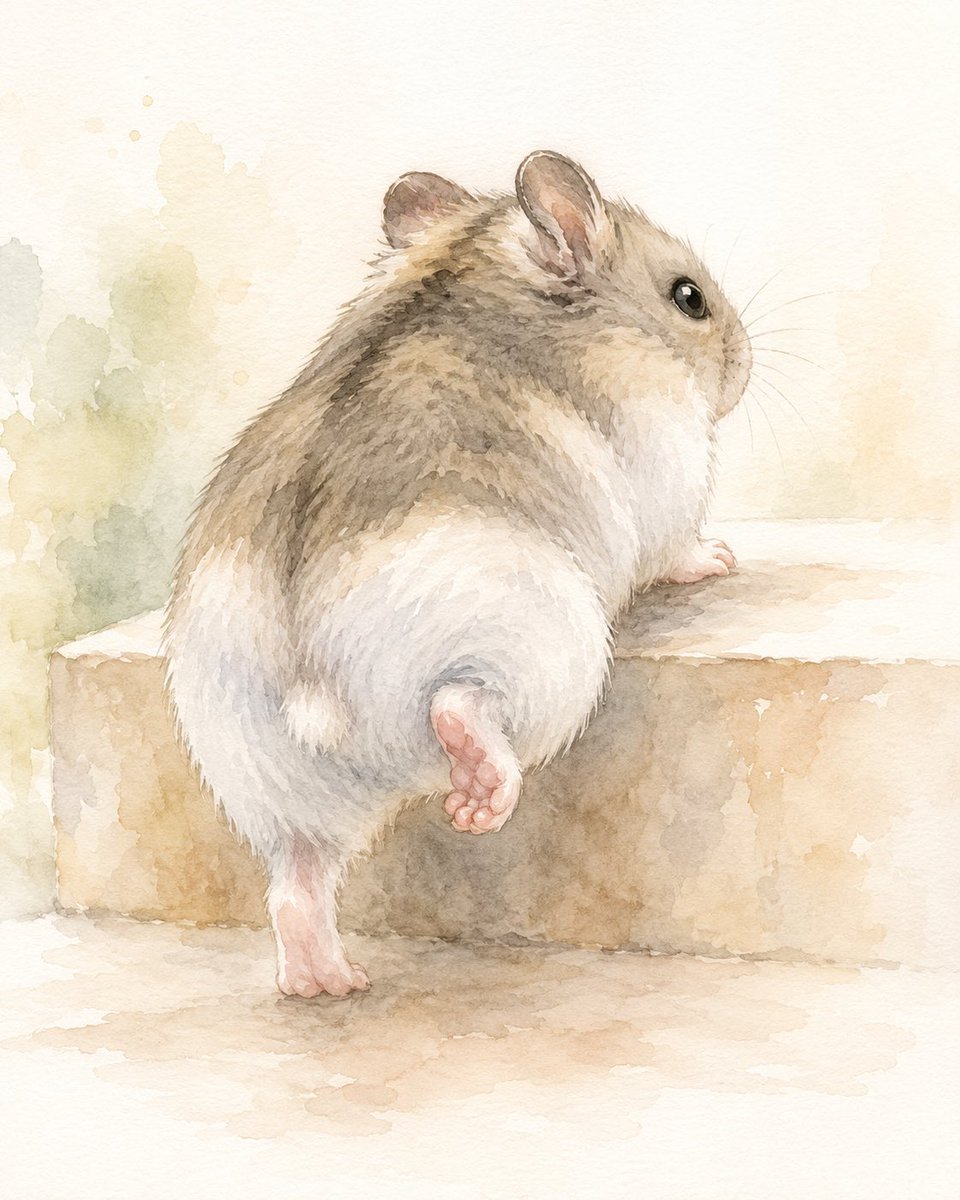
Watercolor Hamster Climbing Step
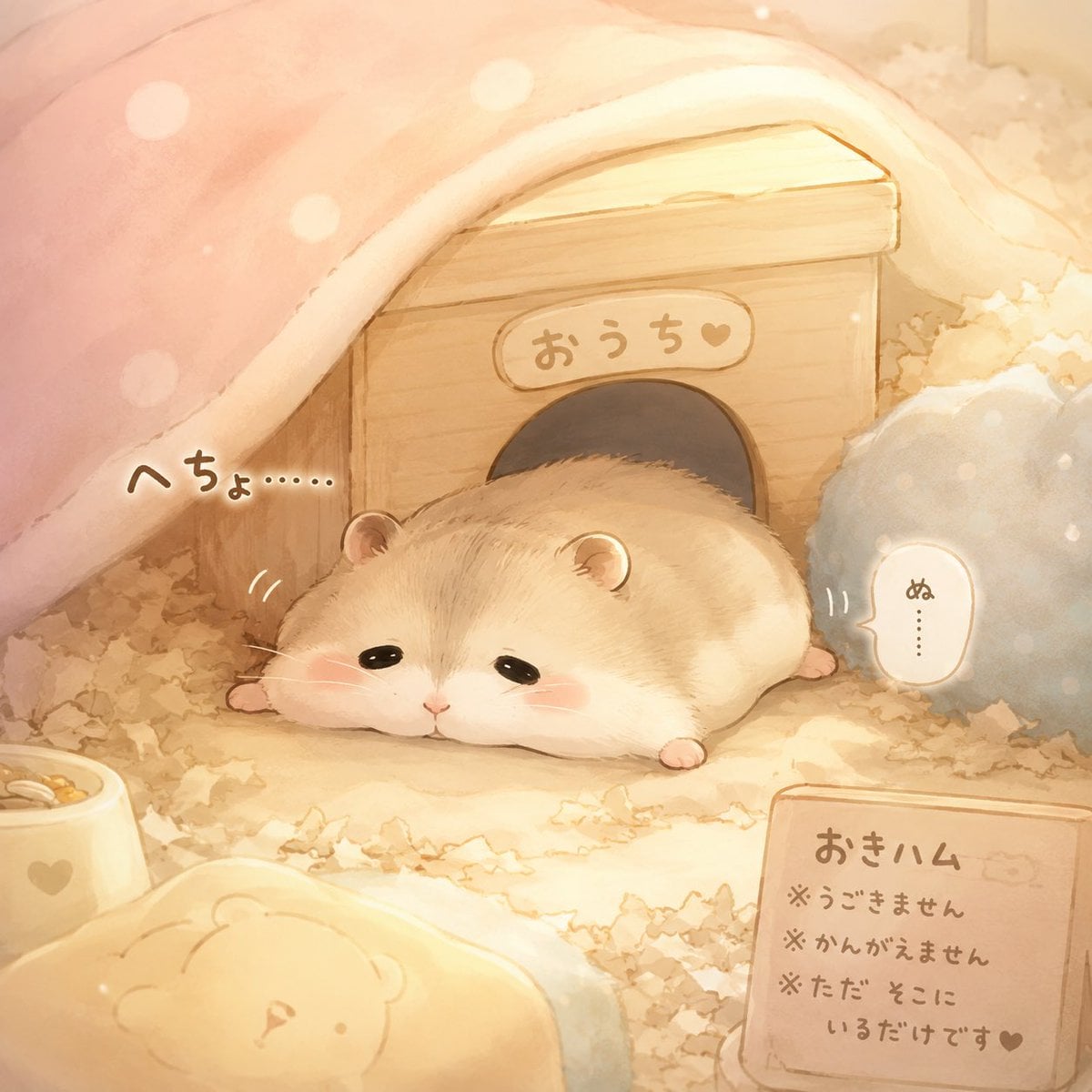
Sleepy Hamster Watercolor Scene
Make it yours
Apologizing Hamster Meme works as-is. These are the safest ways to change it without losing the look.
Change one field
Copy a single group, rewrite it, and generate again so you can see what that field is doing.
Keep the frame, change the subject
Hold the composition and light of Apologizing Hamster Meme, then swap wardrobe, props or the person for a new take.
| If the result… | Why | Fix |
|---|---|---|
| The result drifts from the preview | Too many fields changed at once. | Reuse Apologizing Hamster Meme as-is first, then change one group — subject, light, or setting. |
| The model over-stylizes the scene | The prose prompt leaves finish and camera underspecified. | Add one camera or lighting sentence and stay on GPT Image 2. |
More GPT Image 2 templates
Other prompts made for GPT Image 2.

Six VTuber Japanese Logo Sheet

Realistic Portrait of Woman and Deer

The Vista Modular Condo Poster

AI Model Routing Comparison Infographic

2.5D Anime Art Board

Isometric Productivity Desk Scene

New York Double Exposure Poster

Four-Panel AI Landscape Comparison

Japanese Tatami Lifestyle Magazine Cover

NESCAFÉ Coffee Map Poster
More image prompts
Fresh picks from across the catalog.
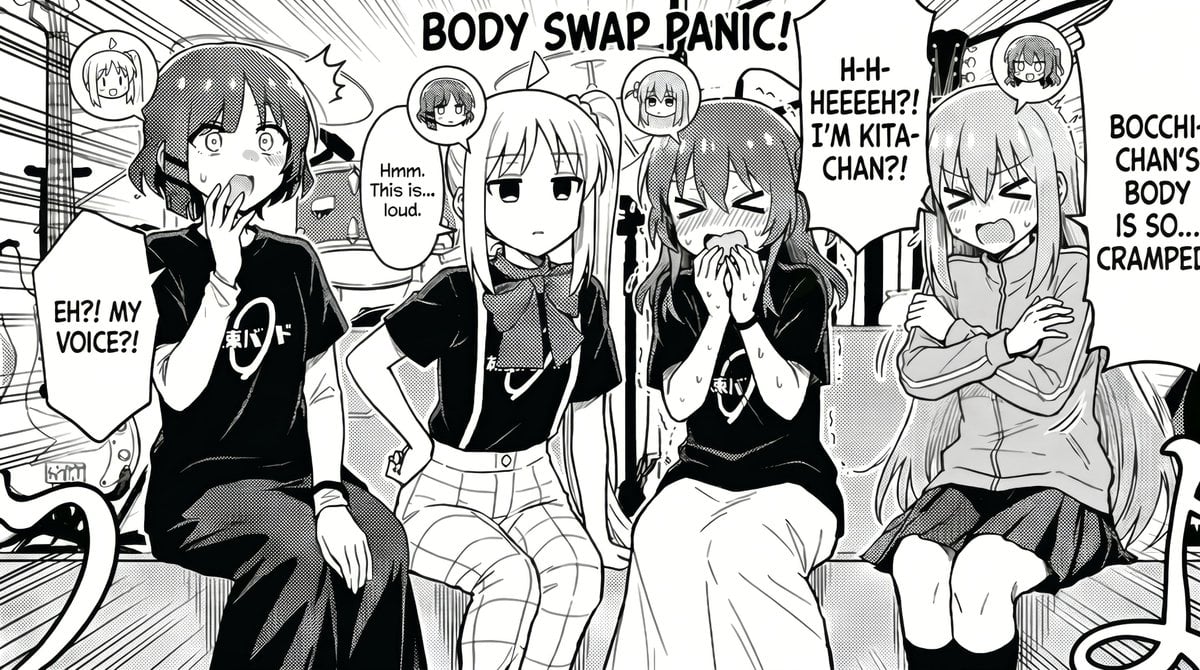
Manga Body Swap Band Panic
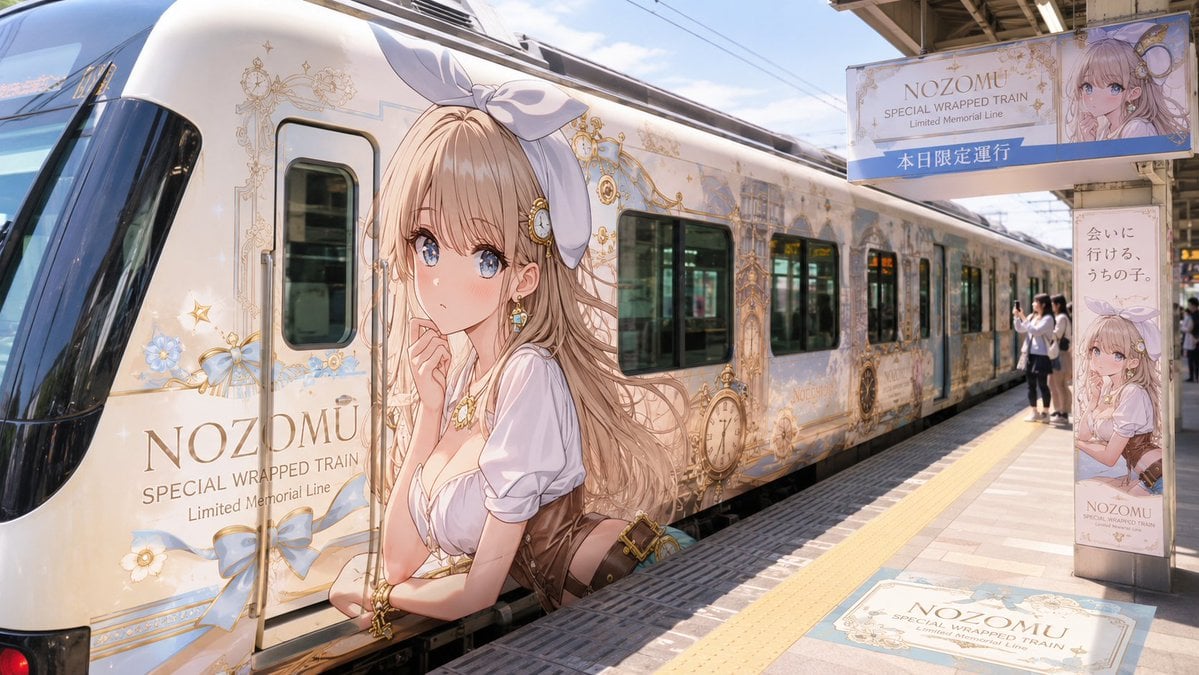
Anime Wrapped Train at Japanese Station
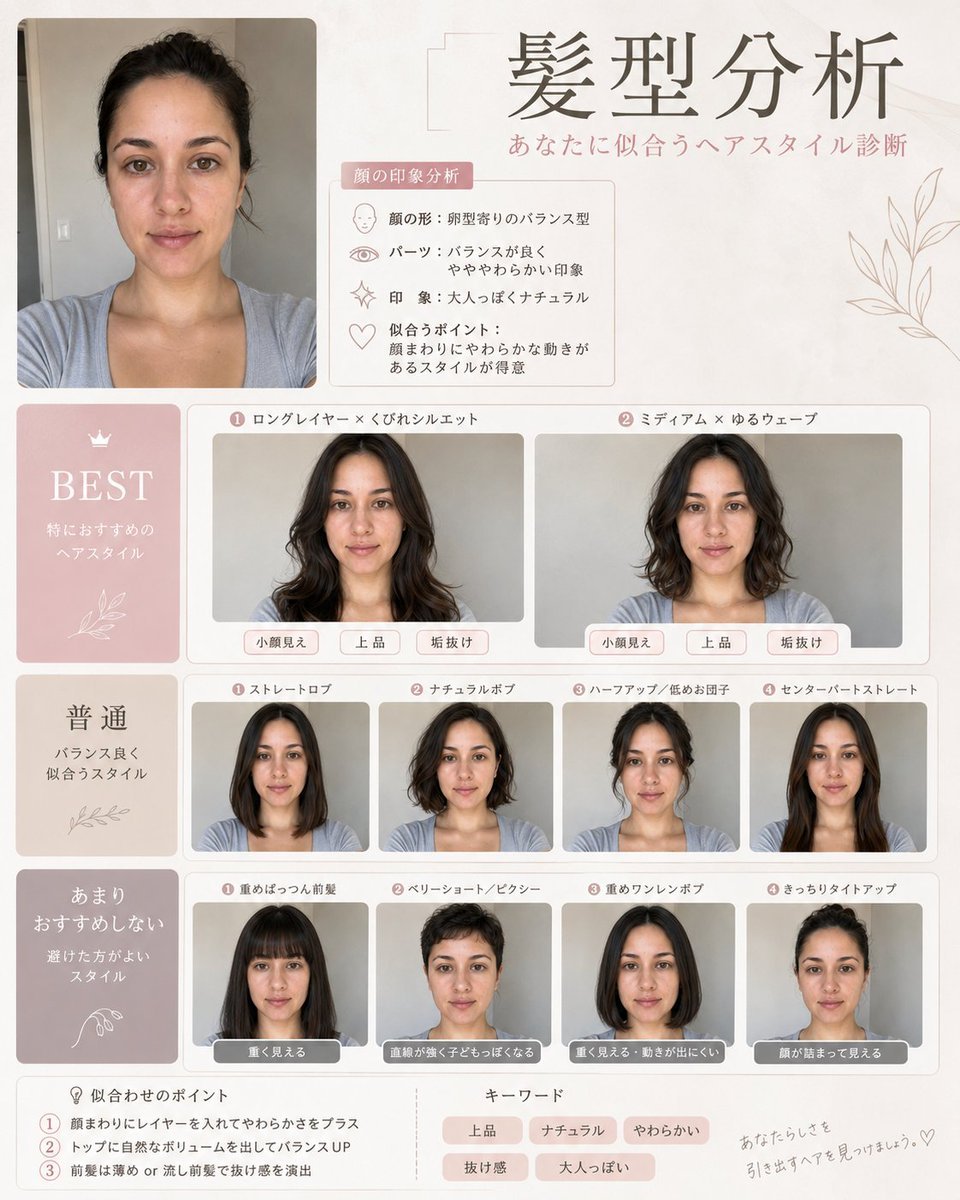
Professional Hairstyle and Makeup Analysis Guide
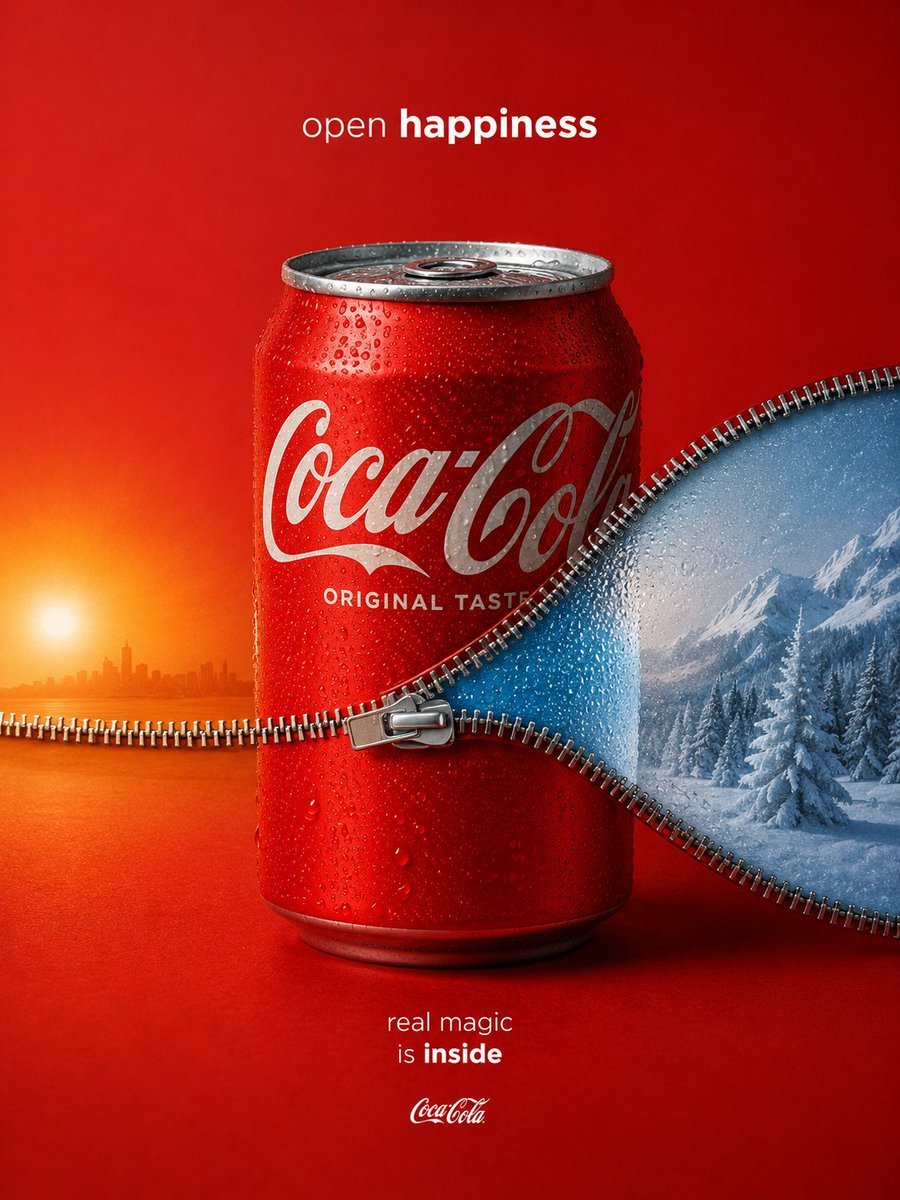
Zippered Coca-Cola World Ad
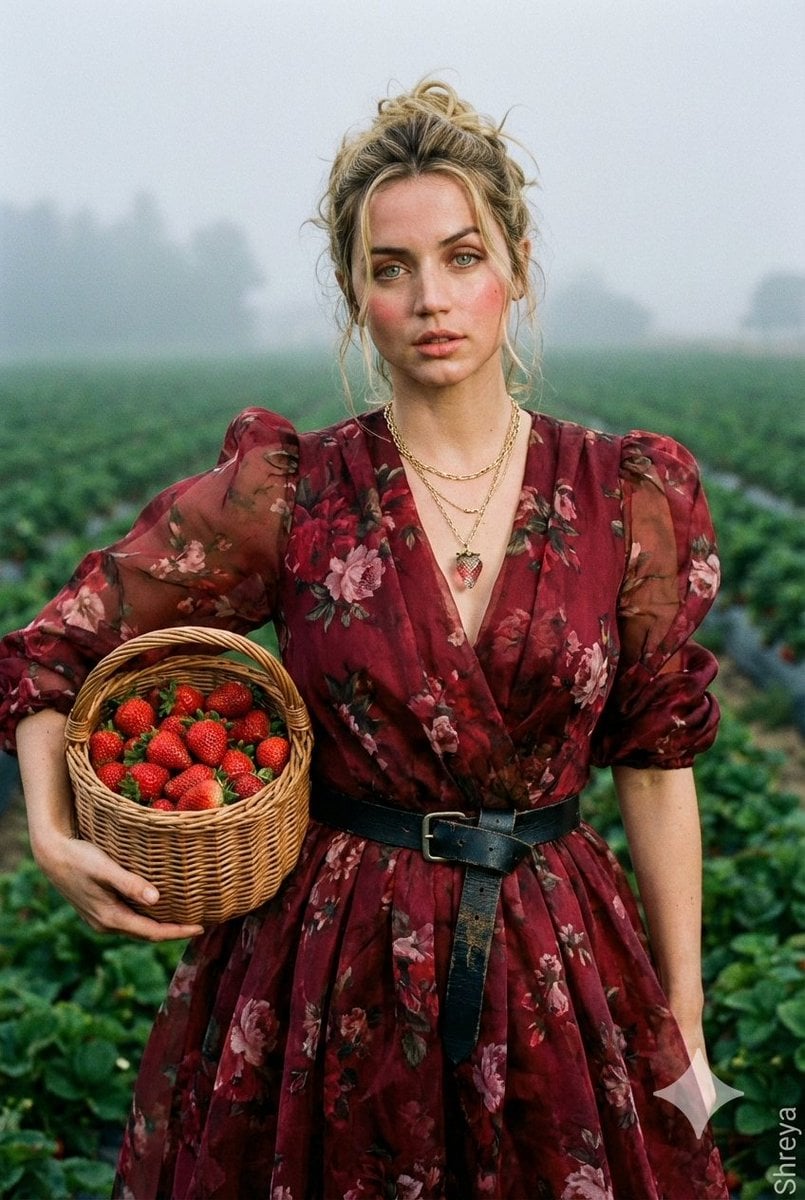
High-Fashion Strawberry Harvest Portrait Prompt

Anime Rock Band Beverage Collab Poster

Glowing 3D Heartbeat App Icon

Kentucky Derby Champion Poster

Cinematic Studio Portrait with Smart Glasses
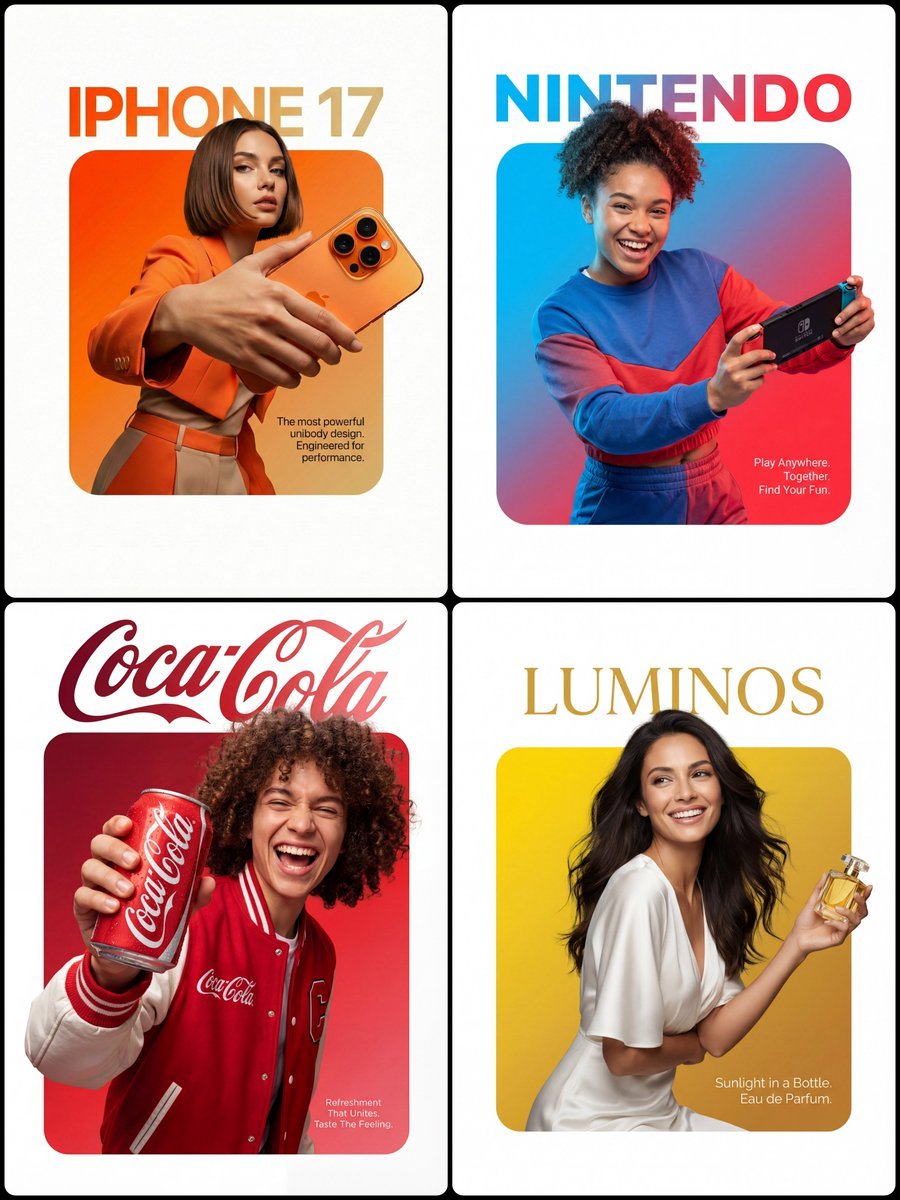
3D Breakout Effect Editorial Ad
Browse template categories
Apologizing Hamster Meme questions
How do I use the Apologizing Hamster Meme template?
Add your photo if the template asks for one, edit the prompt if you like — the template's model and format are already selected — and press Generate. Your version opens in PicX Studio.
Can I customize the Apologizing Hamster Meme template?
Yes. You can change the subject, setting, lighting, mood, format, and available model controls before creating your image.
Is the Apologizing Hamster Meme template free?
Opening and editing this template is free. Generating uses credits, shown on the Generate button when you are signed in.
Which AI model should I use?
Start with GPT Image 2, which is the model associated with this template. You can compare another compatible model for a different finish.
Looking for something else? Browse all templates.

Your photo, any look
Thousands of ready templates for every top image and video model, from one credit balance.