How do I use the Half-n-Half Drawing template?
Edit the prompt in the box under the preview — the template's model and format are already selected — and press Generate. Your version appears right on this page.
Half-n-Half Drawing is a ready photo look.

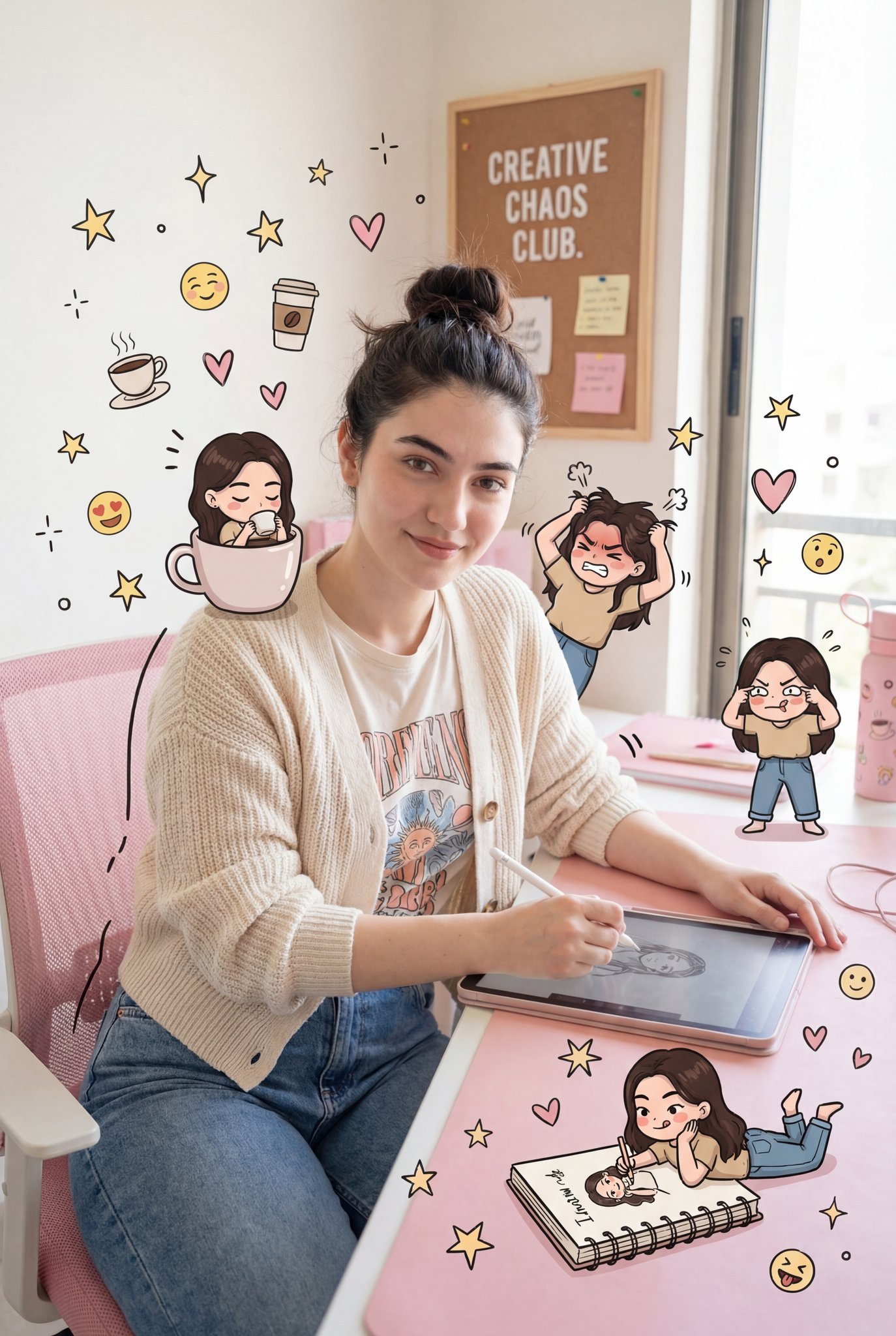
Given image wearing a light blue hoodie, holding a black pen, standing against a lined notebook paper background. The image is split vertically in half: the left side is a realistic photo, the right side is a detailed black-and-white sketch drawing in manga/comic style.The sketched side includes doodles like stars, hearts, smiley faces, and small cartoon figures around the head. The sketch also has handwritten Korean words and playful decorations. The real side blends smoothly into the drawn side, creating a half-human half-doodle art effect. Clean, aesthetic, creative, modern illustration style.”Tambahan (opsional): •Style keywords: “mixed media, half drawing half real, sketchbook art, aesthetic doodle, creative portrait” •Aspect ratio: portrait (4:5 atau 3:4) •Lighting: soft, natural, studio-like
Given image wearing a light blue hoodie, holding a black pen, standing against a lined notebook paper background. The image is split vertically in half: the left side is a realistic photo, the right side is a detailed black-and-white sketch drawing in manga/comic style.The sketched side includes doodles like stars, hearts, smiley faces, and small cartoon figures around the head. The sketch also has handwritten Korean words and playful decorations. The real side blends smoothly into the drawn side, creating a half-human half-doodle art effect. Clean, aesthetic, creative, modern illustration style.”Tambahan (opsional): •Style keywords: “mixed media, half drawing half real, sketchbook art, aesthetic doodle, creative portrait” •Aspect ratio: portrait (4:5 atau 3:4) •Lighting: soft, natural, studio-like
Edit the prompt in the box under the preview — the template's model and format are already selected — and press Generate. Your version appears right on this page.
Yes. You can change the subject, setting, lighting, mood, format, and available model controls before creating your image.
Opening and editing this template is free. Generating uses credits, shown on the Generate button when you are signed in.
Choose a compatible model in PicX Studio based on the style, speed, and output controls your project needs.
Follow a topic to a crawlable collection of related PicX Studio templates.