
Glossy Scoop Beauty Campaign
Glossy Scoop Beauty Campaign is a ready photo look.
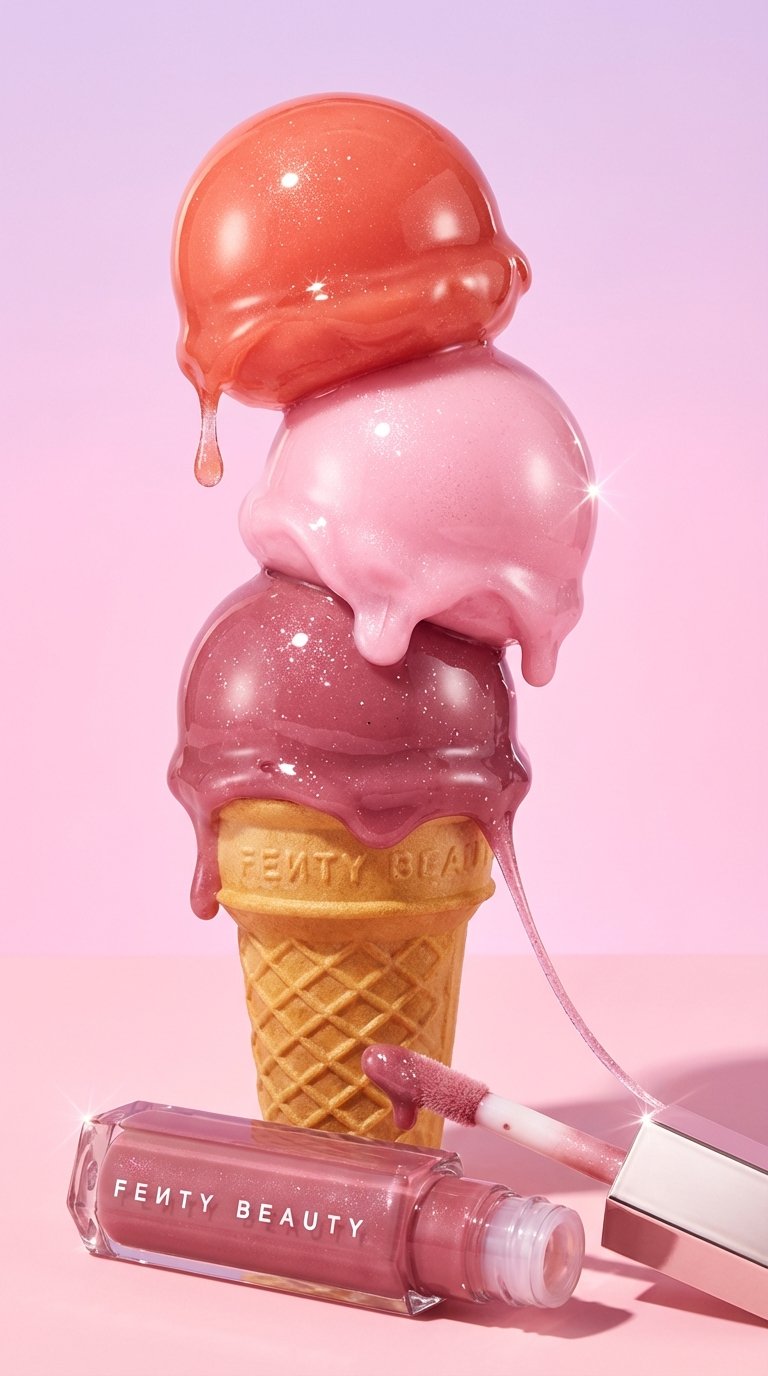
- Prompt included
- Model and format preset
- Free template
The prompt behind this image
Copy the exact prompt behind Glossy Scoop Beauty Campaign, or open it in the studio and make it yours.
Ultra-premium creative beauty product photography in vertical 9:16 format, featuring Fenty Beauty lip gloss as the hero product. At the center, a triple-scoop ice-cream cone made from realistic lip gloss textures is stacked elegantly — top scoop in warm coral, middle scoop in soft baby pink, bottom scoop in deep rose-mauve. Each scoop has mirror-like shine, smooth curvature, subtle micro-sparkle, and realistic gloss thickness, with gentle drip edges frozen mid-motion. The waffle cone is crisp, golden, and highly detailed, with subtle embossed Fenty Beauty branding and natural baked texture. The actual Fenty Beauty lip gloss product is clearly included: – One Fenty Beauty lip gloss tube placed diagonally at the base of the cone, label facing camera, brand name sharp and readable – A doe-foot applicator beside it, coated with gloss, with a thin stretch of product connecting back to the scoop, adding motion and storytelling Background is a soft pastel pink gradient, clean and modern, with no distractions. Lighting is luxury cosmetic studio lighting — strong key light to enhance gloss shine, soft fill to preserve true color, and rim lighting to define edges and elevate volume. Subtle grounded shadows add realism. Shot using a macro beauty lens, shallow depth of field with the product and branding in perfect focus, extreme clarity, flawless color accuracy, no noise, no blur. High-fashion cosmetic campaign aesthetic, playful yet luxurious mood, Sephora-level advertising quality, hyper-realistic, photoreal, 8K beauty photography, scroll-stopping, commercially ready.
How to use Glossy Scoop Beauty Campaign in 3 steps
- 1
Open
The prompt is already in the box next to the preview, with the template's model and format selected.
- 2…a portrait of your subject in softgolden-hour light, 85mm…
Personalize
Edit the subject and creative details for your destination.
- 3Generate
Generate
Press Generate — your image is created in PicX Studio, so you can compare it with the original and refine one variable at a time.
More like this
Templates with the same subject, style or setup. Open one to see its prompt.
Glossy Lips Beauty Close-Up
Realistic Cosmetic Beauty Campaign
Cosmic Nebula Lipstick Beauty Campaign
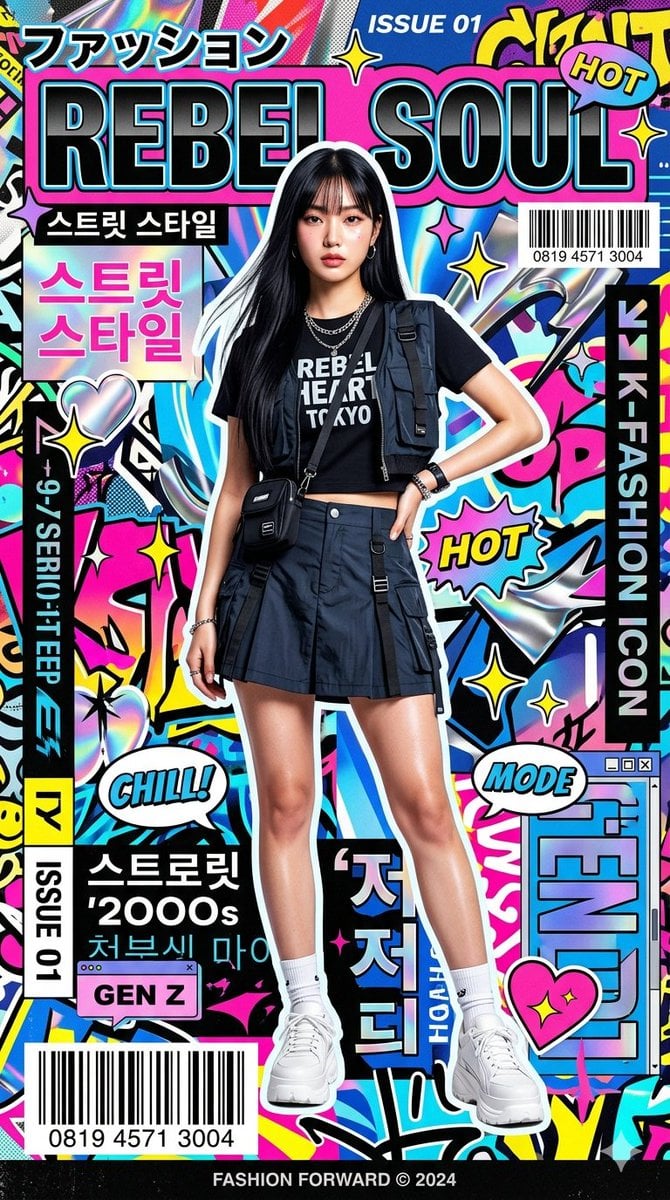
Retro Pop-Art K-Fashion Ultraluxury Campaign Poster
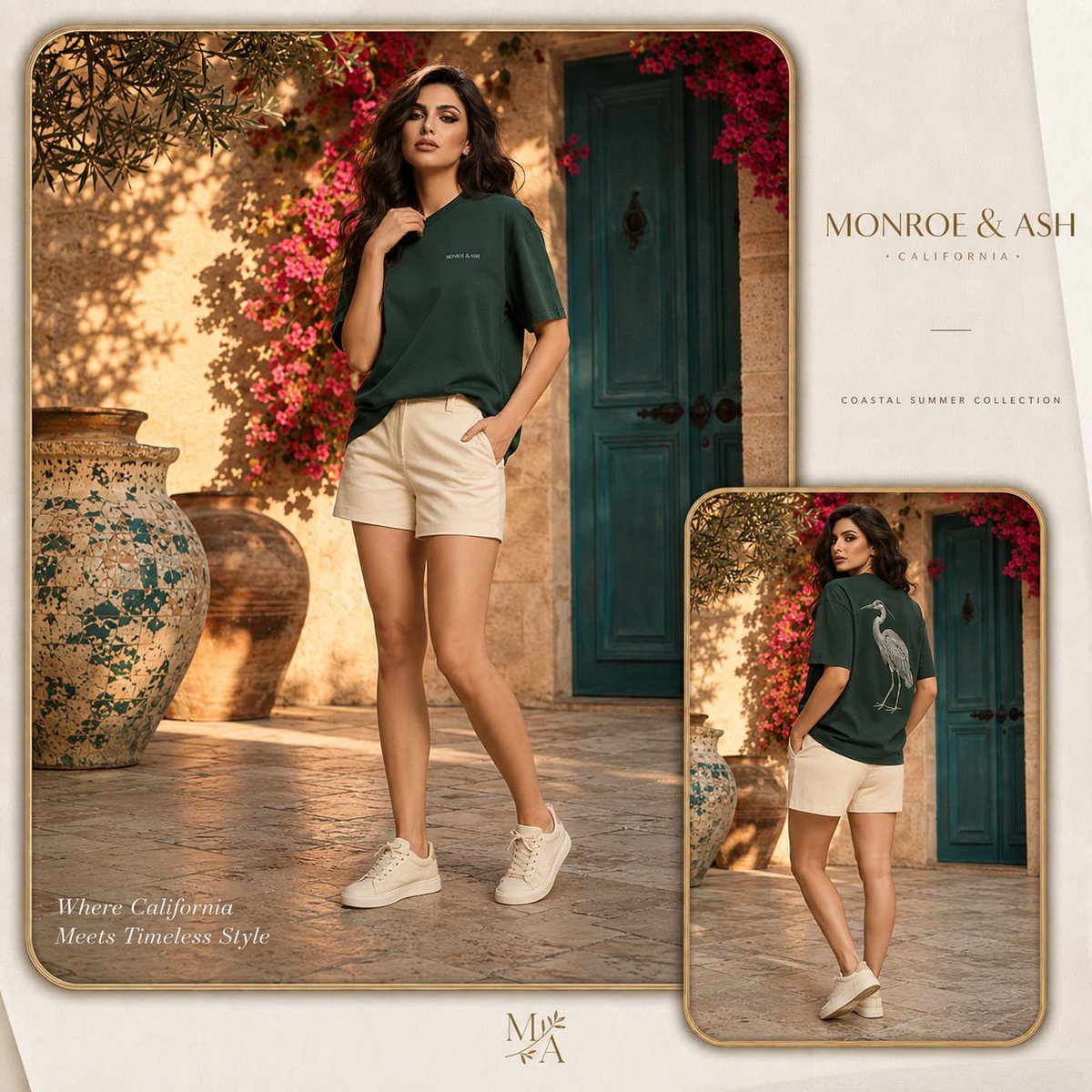
Monroe and Ash Mediterranean Luxury Fashion Campaign

Polo Ralph Lauren Luxury American Heritage Fashion Campaign

Retro Mirror Luxury Fashion Campaign Poster
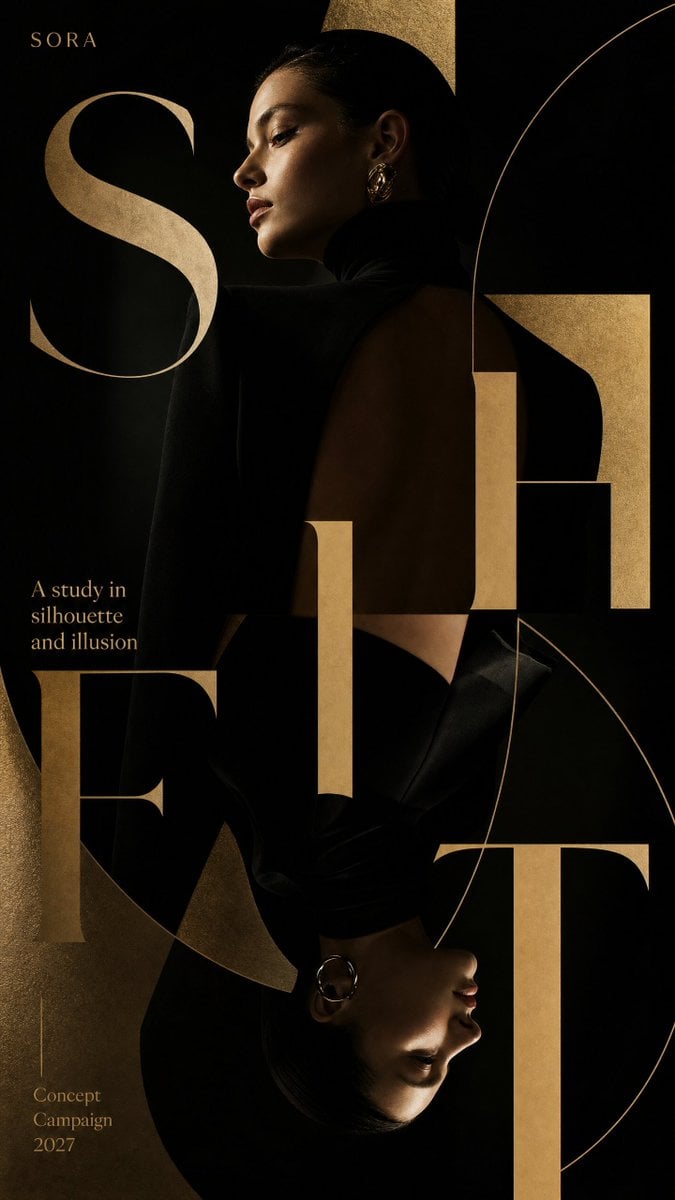
Luxury Fashion Campaign Typography Poster System
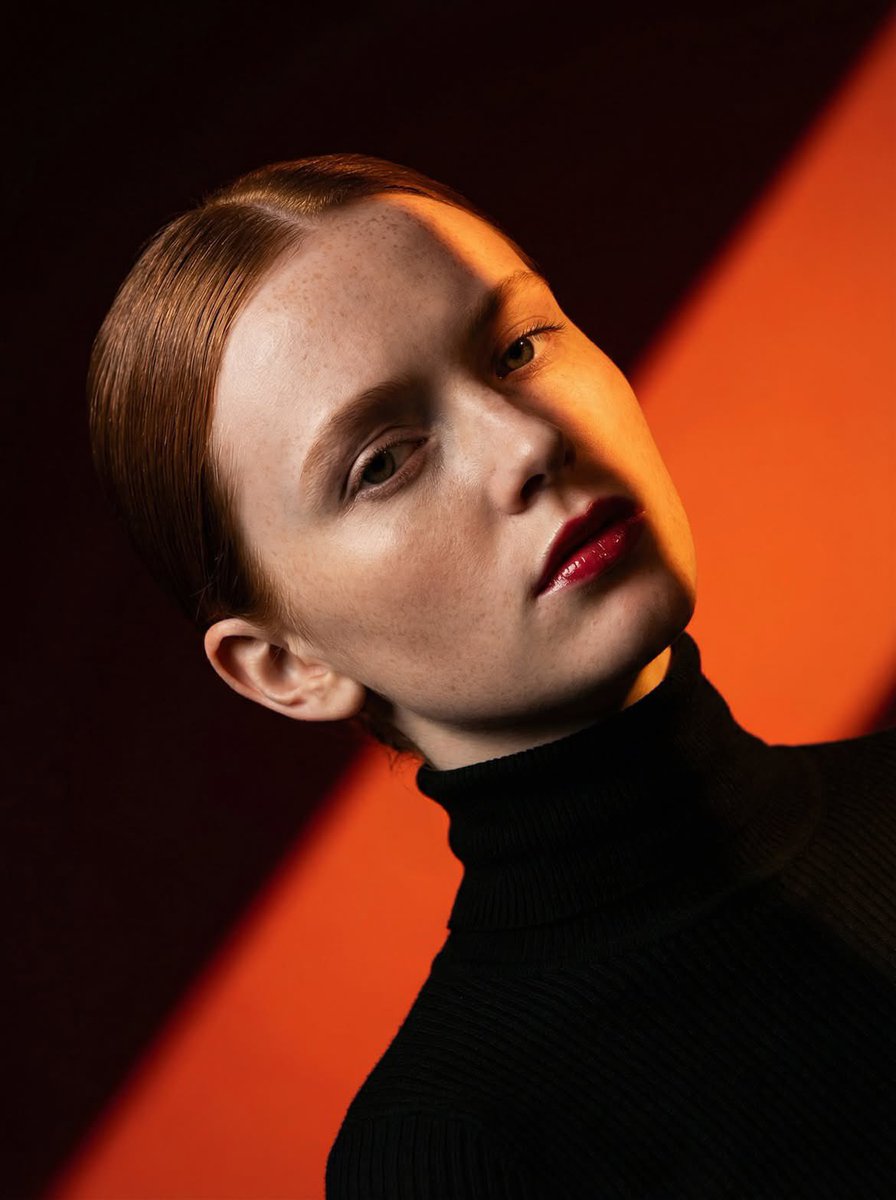
Geometric Color-Block Beauty Editorial Portrait
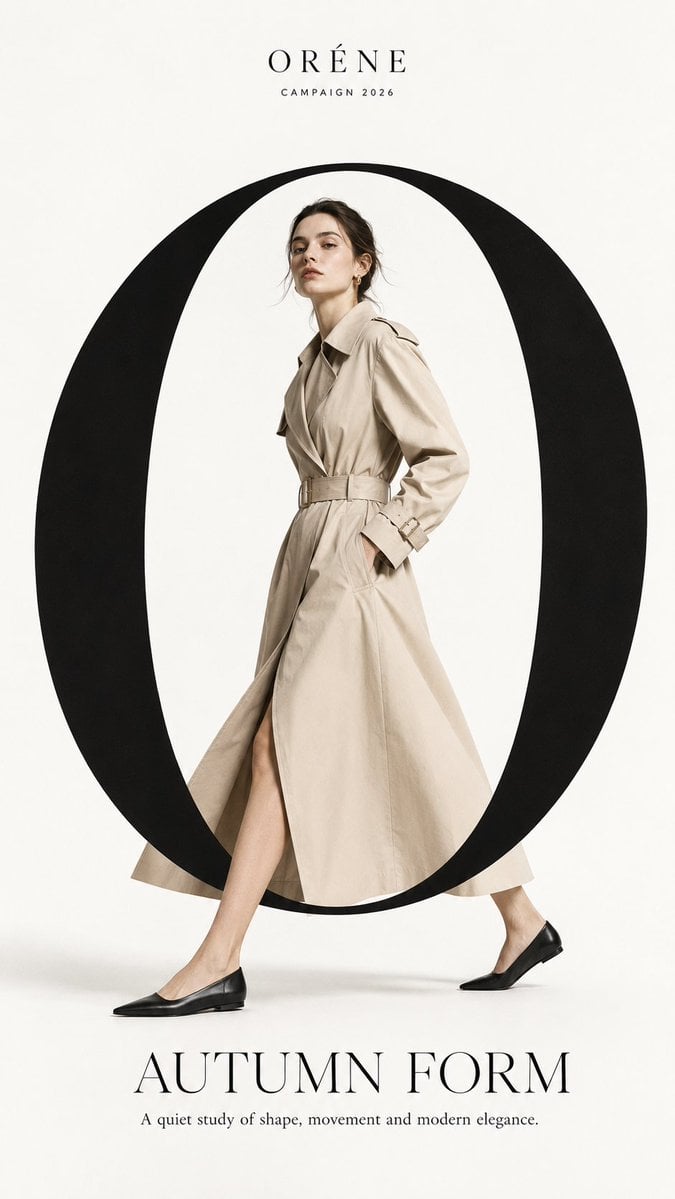
Premium Fashion Editorial Campaign Poster System
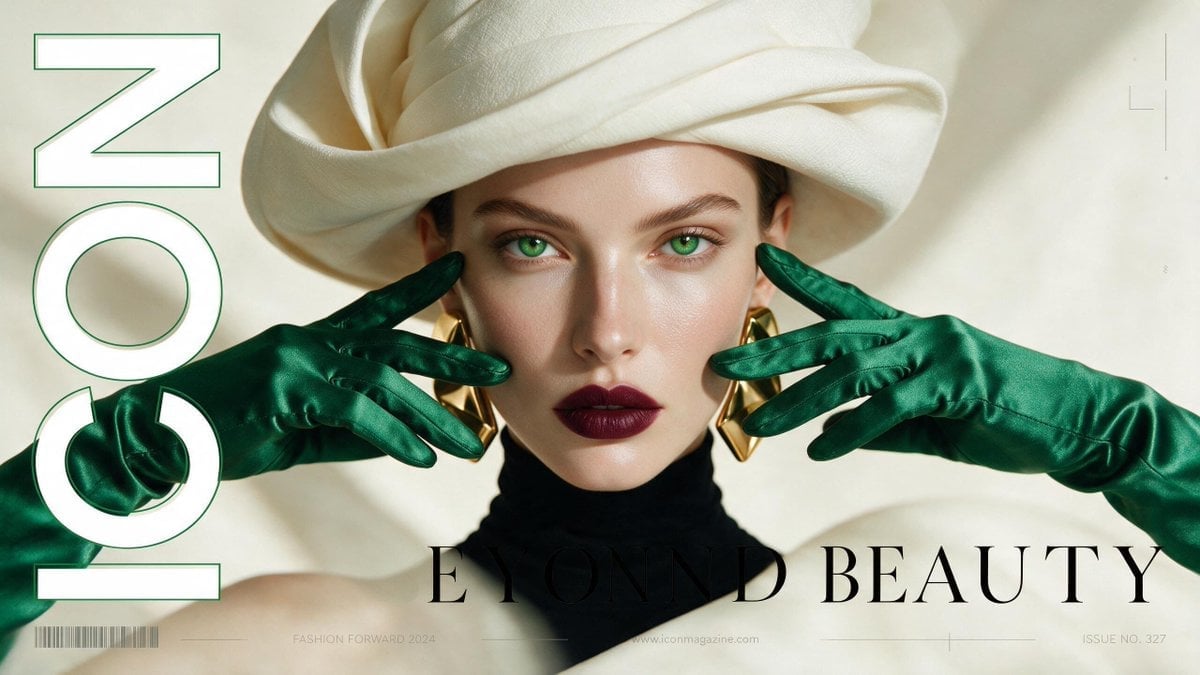
High-Fashion Editorial Magazine Cover ICON
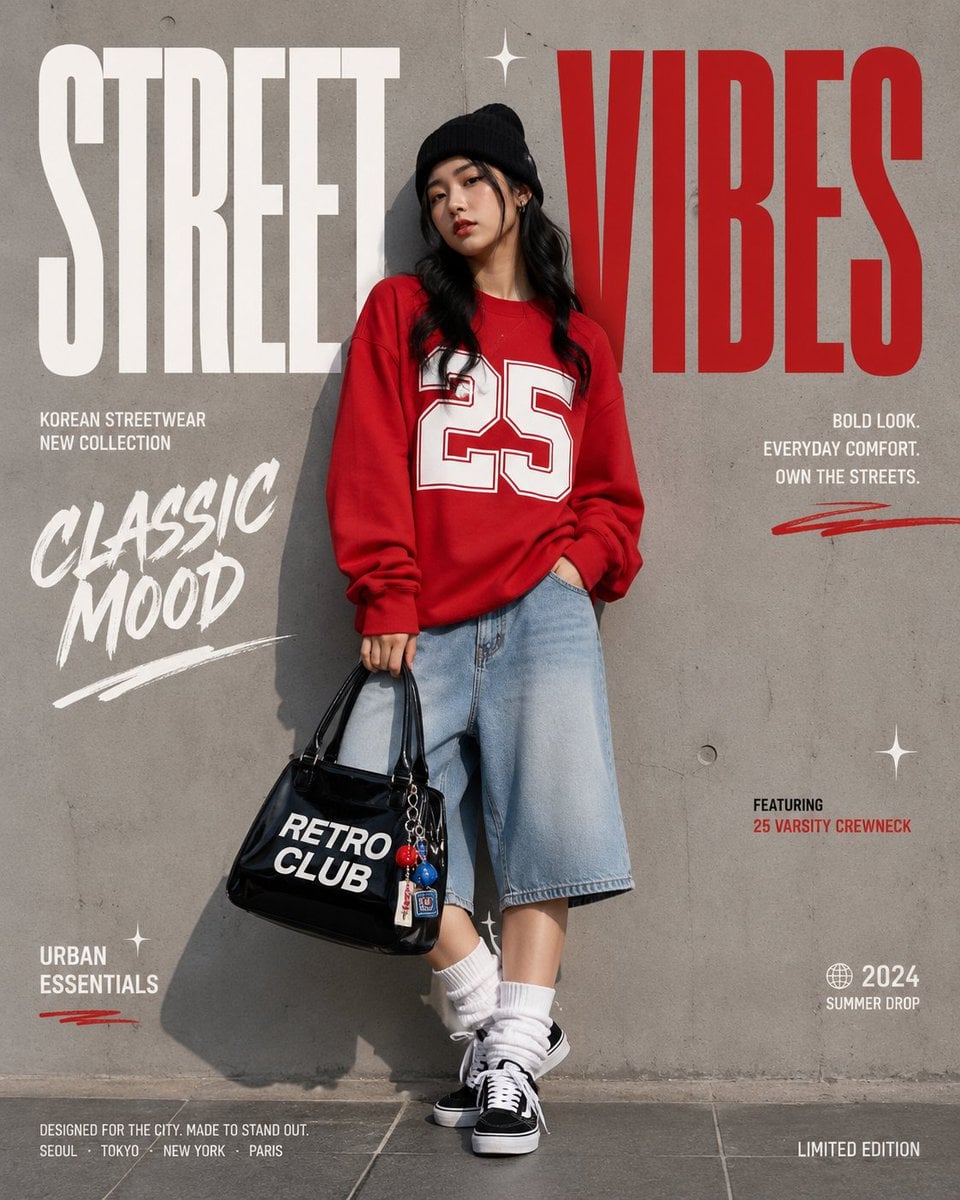
Korean Streetwear Minimalist Campaign Portrait
Make it yours
Glossy Scoop Beauty Campaign works as-is. These are the safest ways to change it without losing the look.
Change one field
Copy a single group, rewrite it, and generate again so you can see what that field is doing.
Keep the frame, change the subject
Hold the composition and light of Glossy Scoop Beauty Campaign, then swap wardrobe, props or the person for a new take.
| If the result… | Why | Fix |
|---|---|---|
| The result drifts from the preview | Too many fields changed at once. | Reuse Glossy Scoop Beauty Campaign as-is first, then change one group — subject, light, or setting. |
| The model over-stylizes the scene | The prose prompt leaves finish and camera underspecified. | Add one camera or lighting sentence and stay on PicX Studio. |
More image prompts
Fresh picks from across the catalog.

Chibi Tetsuzankou Impact Attack
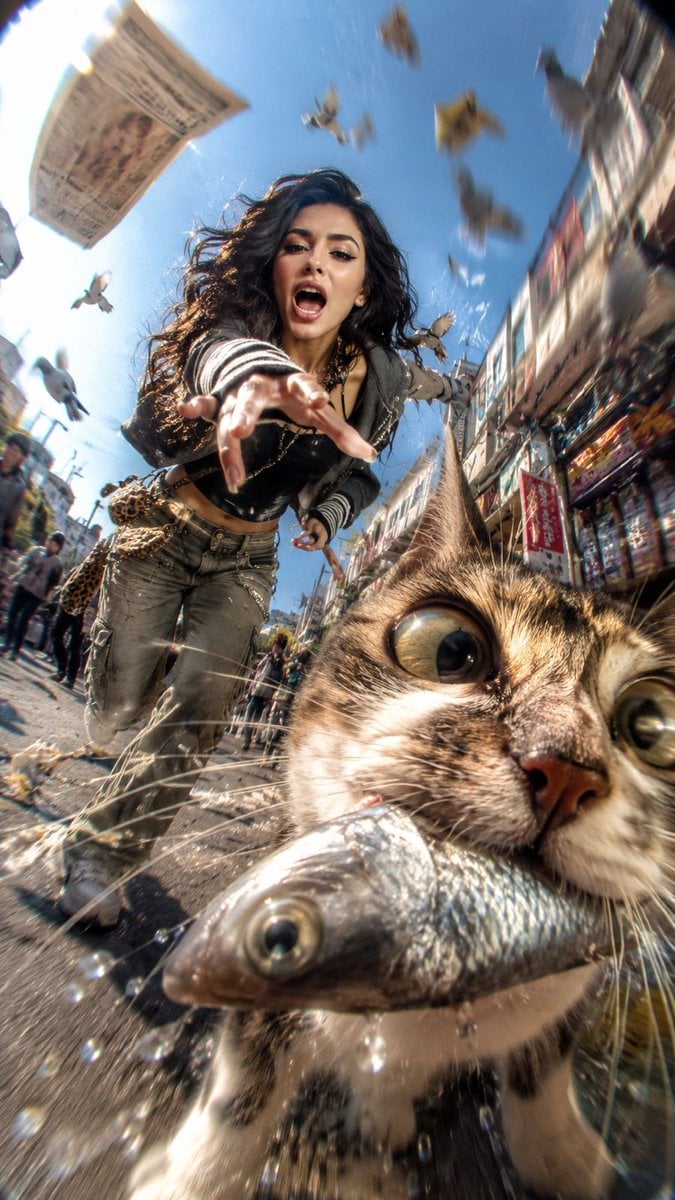
Hyper-Chaotic Japanese Digicam Snapshot
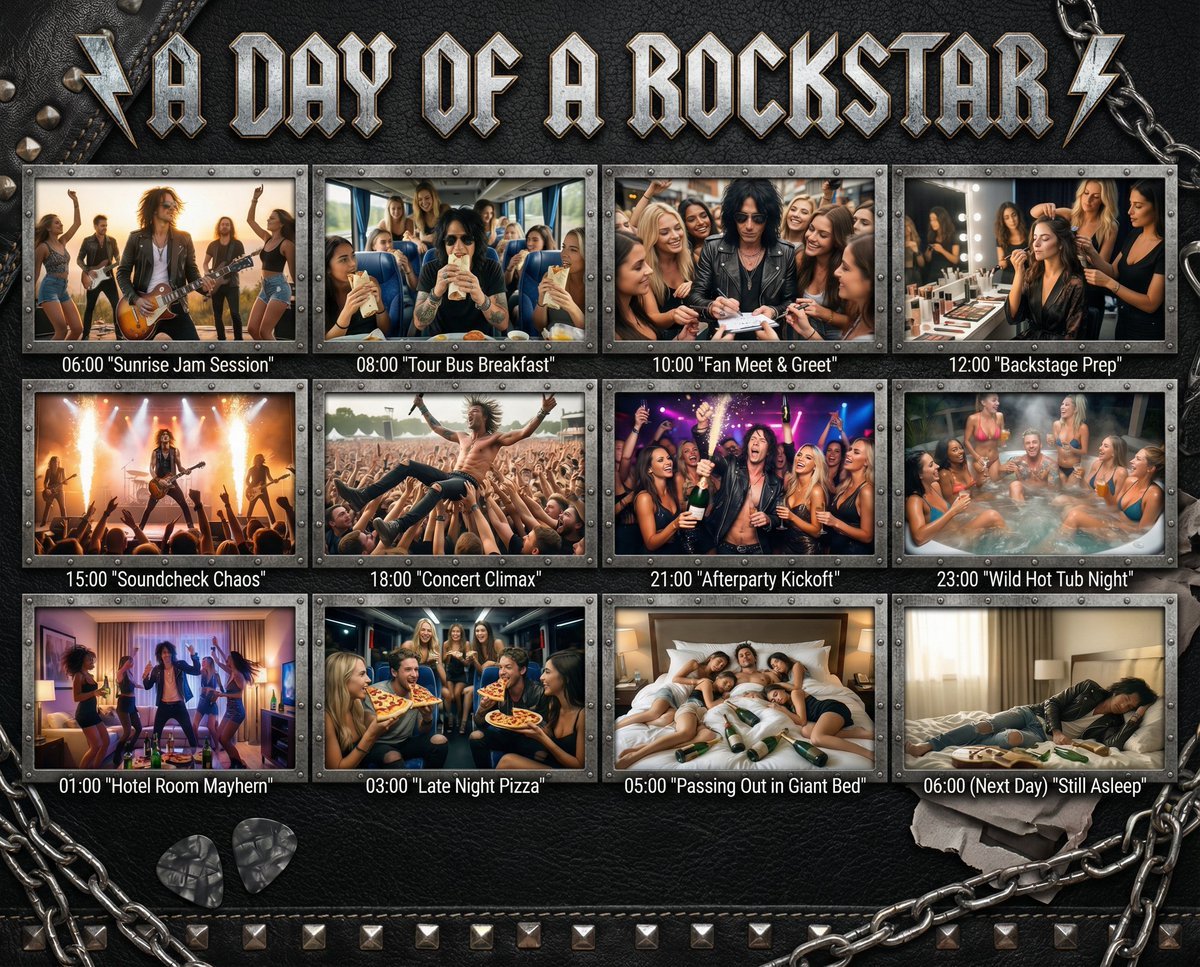
Cinematic 12-Panel Timeline of a Subject's Epic Day
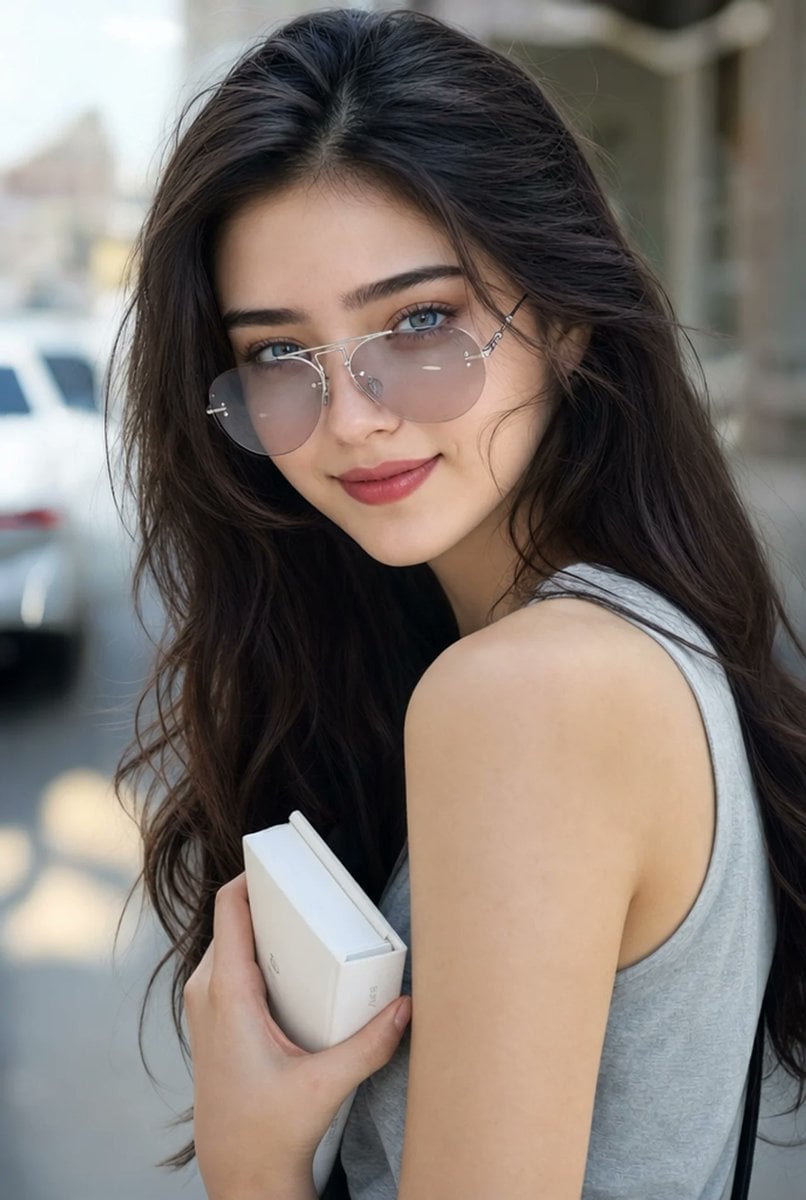
Hyperrealistic Aviator Portrait
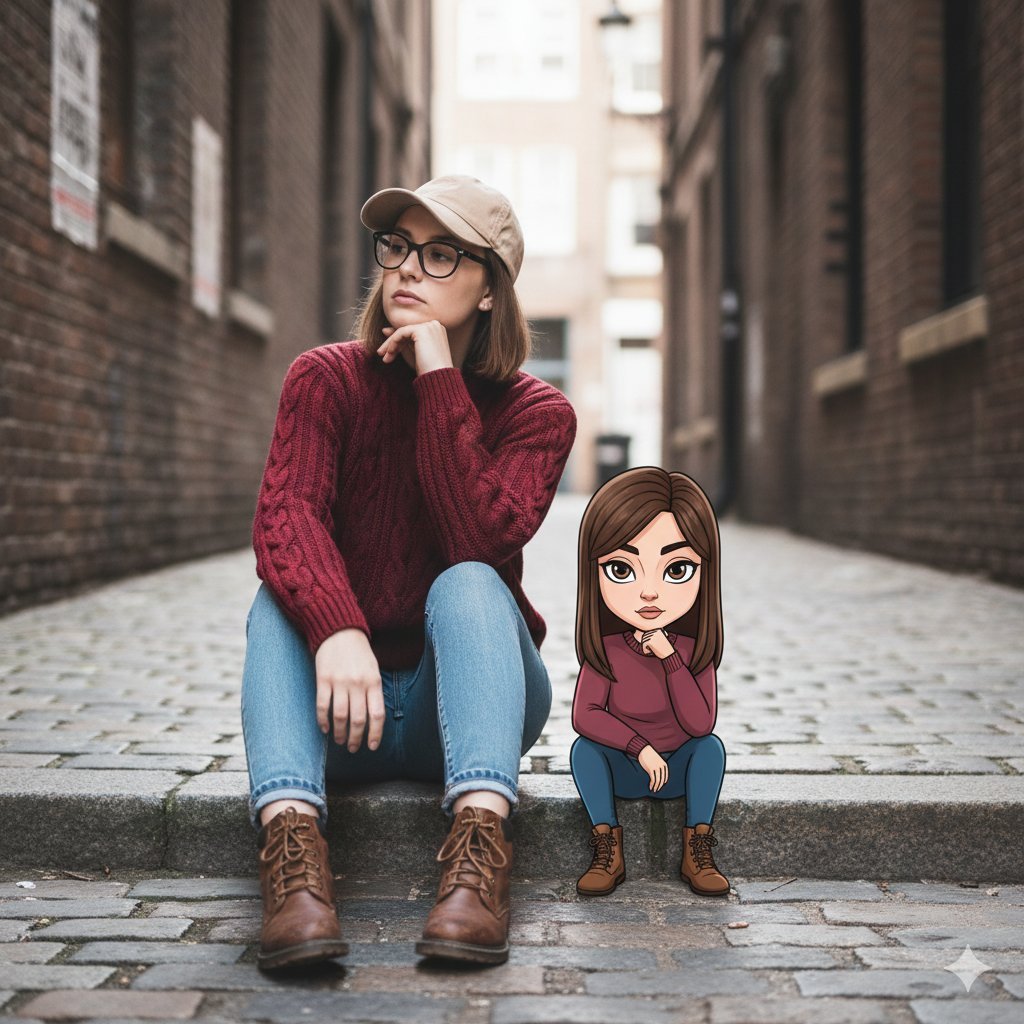
Cinematic Street Portrait with Whimsical Illustrated Avatar
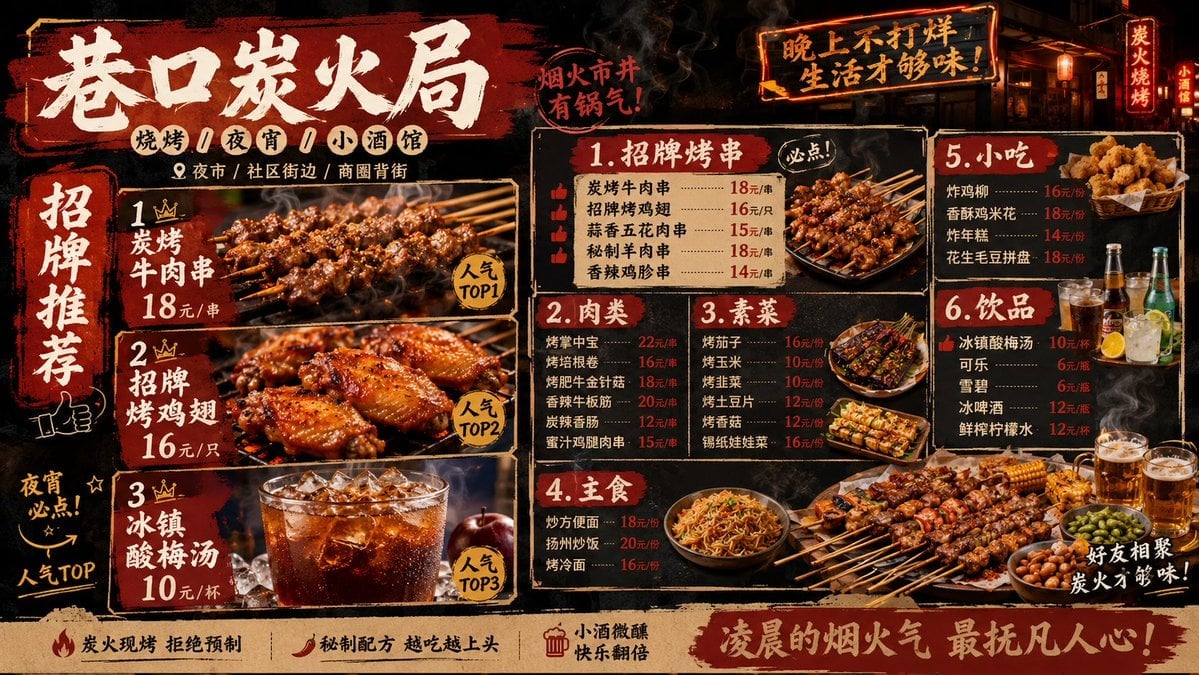
Professional Restaurant Menu Design
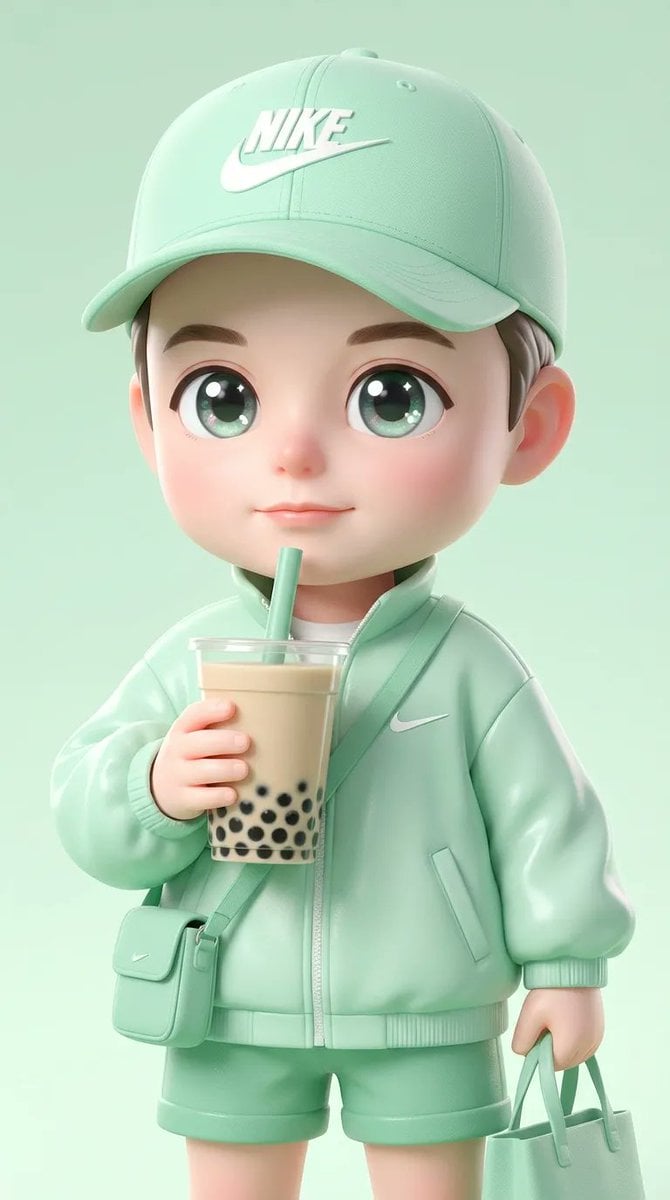
Ultra-Cute Chibi Character Prompt
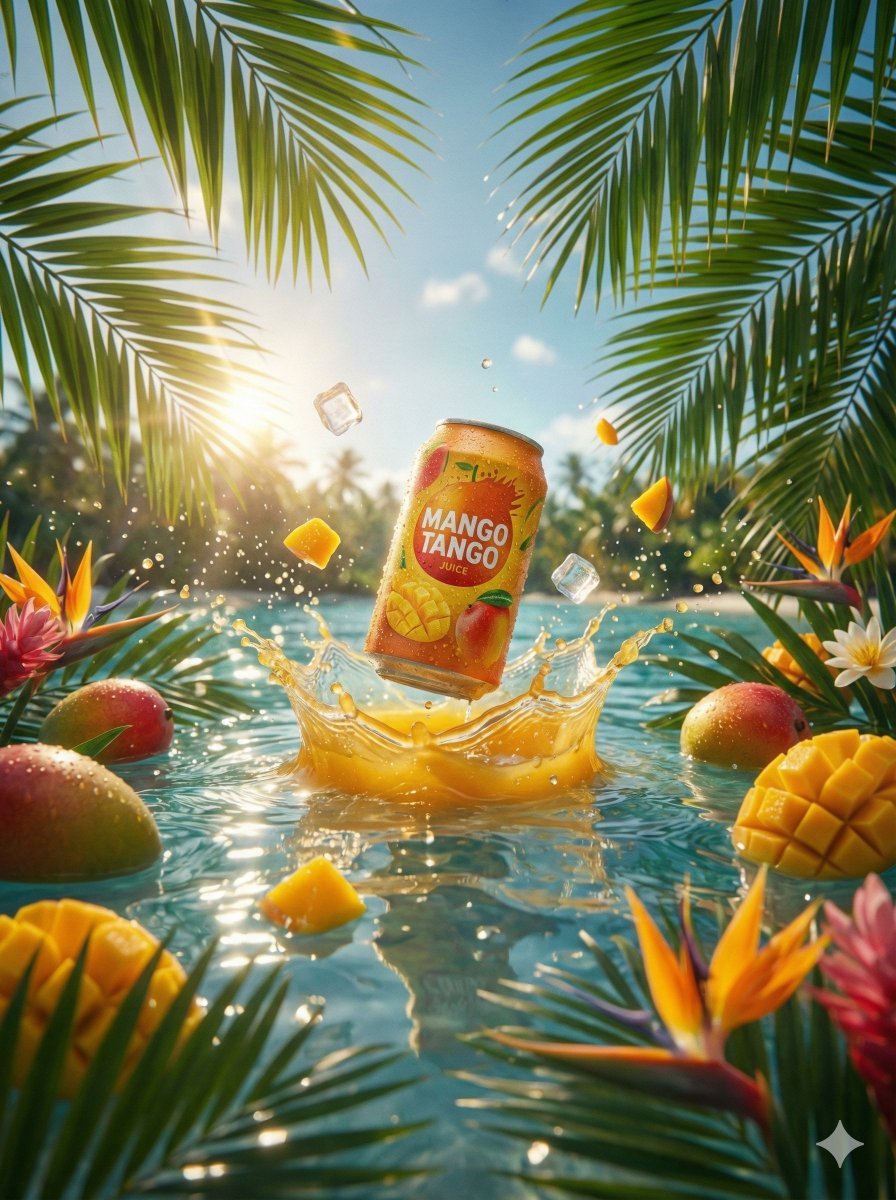
Hyper-Realistic Commercial Beverage Photography Prompt
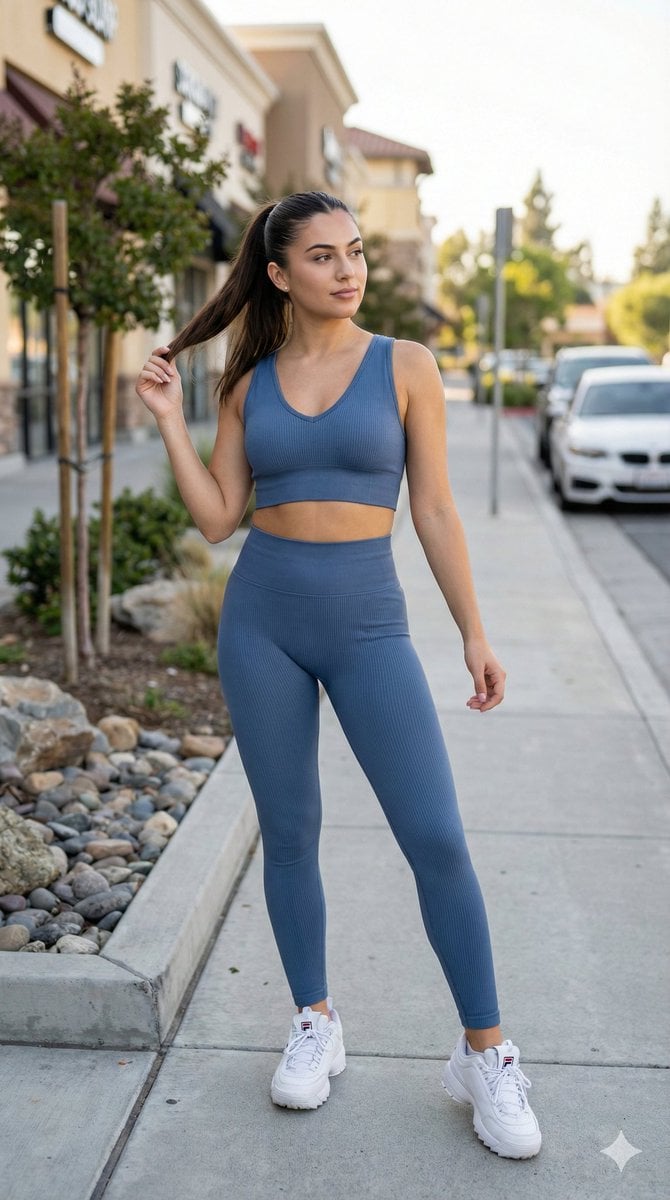
8K Cinematic Fitness Portrait on Suburban Sidewalk
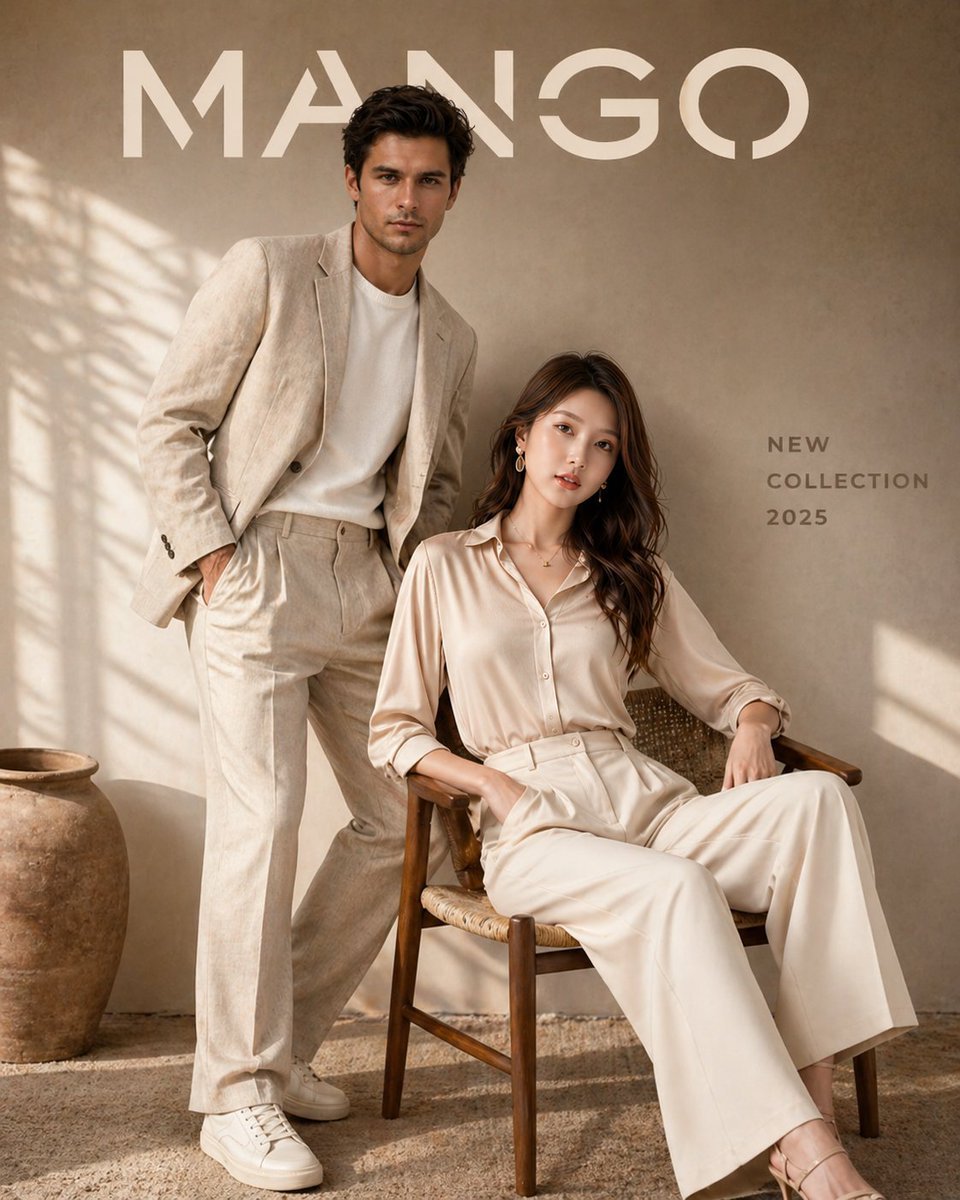
Luxury Fashion Brand Advertisement
Browse template categories
Glossy Scoop Beauty Campaign questions
How do I use the Glossy Scoop Beauty Campaign template?
Add your photo if the template asks for one, edit the prompt if you like — the template's model and format are already selected — and press Generate. Your version opens in PicX Studio.
Can I customize the Glossy Scoop Beauty Campaign template?
Yes. You can change the subject, setting, lighting, mood, format, and available model controls before creating your image.
Is the Glossy Scoop Beauty Campaign template free?
Opening and editing this template is free. Generating uses credits, shown on the Generate button when you are signed in.
Which AI model should I use?
Choose a compatible model in PicX Studio based on the style, speed, and output controls your project needs.
Looking for something else? Browse all templates.

Your photo, any look
Thousands of ready templates for every top image and video model, from one credit balance.