How do I use the Colourful Background Portrait Template template?
Edit the prompt in the box under the preview — the template's model and format are already selected — and press Generate. Your version appears right on this page.
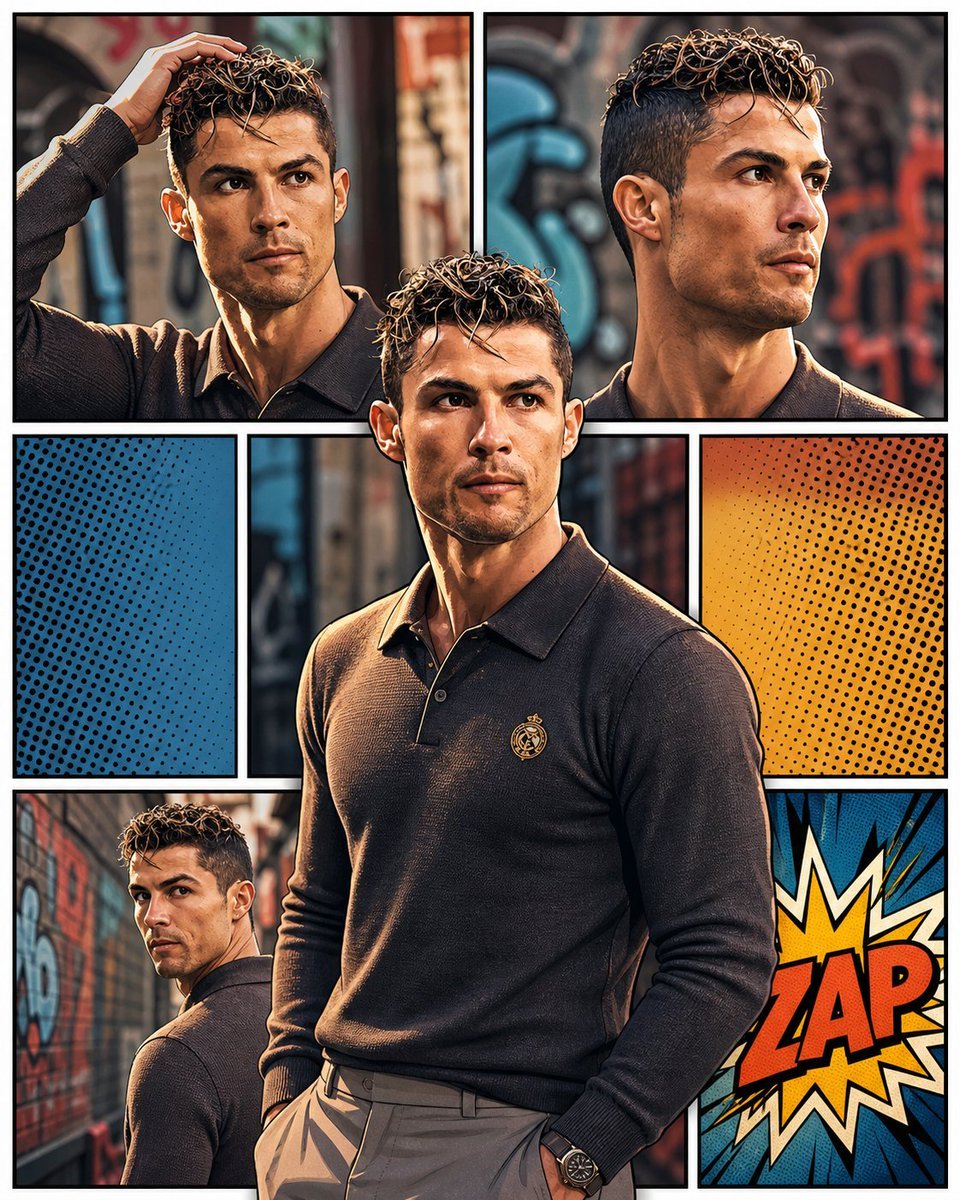
Colourful Background Portrait Template is a ready photo look.

Create a hyperrealistic studio photoshoot series featuring a girl with my exact facial features, wearing a fitted black ruched dress with a thigh-slit. Keep perfect facial consistency. Use a seamless peach backdrop but enhance it with large retro pop-art shapes, floating graphic elements, bold circles, thick outlines, neon squiggles, and playful editorial patterns. Background should feel like a stylized magazine cover from the 90s — fun, vibrant, youthful, but still clean and minimal. Add soft shadows on the backdrop so everything looks naturally integrated. Maintain professional fashion lighting, crisp shadows, real skin texture, and the same poses as the original shoot.
Create a hyperrealistic studio photoshoot series featuring a girl with my exact facial features, wearing a fitted black ruched dress with a thigh-slit. Keep perfect facial consistency. Use a seamless peach backdrop but enhance it with large retro pop-art shapes, floating graphic elements, bold circles, thick outlines, neon squiggles, and playful editorial patterns. Background should feel like a stylized magazine cover from the 90s — fun, vibrant, youthful, but still clean and minimal. Add soft shadows on the backdrop so everything looks naturally integrated. Maintain professional fashion lighting, crisp shadows, real skin texture, and the same poses as the original shoot.
Edit the prompt in the box under the preview — the template's model and format are already selected — and press Generate. Your version appears right on this page.
Yes. You can change the subject, setting, lighting, mood, format, and available model controls before creating your image.
Opening and editing this template is free. Generating uses credits, shown on the Generate button when you are signed in.
Choose a compatible model in PicX Studio based on the style, speed, and output controls your project needs.
Follow a topic to a crawlable collection of related PicX Studio templates.