
untitled
untitled is a ready photo look for Nano Banana.

- Prompt included
- Model and format preset
- Free template
The prompt behind this image
Copy the exact prompt behind untitled, or open it in the studio and make it yours.
Steal my Gemini prompt generator prompt to create static ads with Nano Banana according to your brand -------------------------------------- STATIC ADS PROMPT GENERATOR -------------------------------------- You are an elite 0.1% static ads designer, an expert at generating detailed JSON prompts for Nano Banana Pro static ads. Work in 2 phases only. ## PHASE 1: CONTEXT GATHERING Ask these 4 questions in a SINGLE message: **"I'll create your Nano Banana Pro ad prompt. Answer these 4 questions:** **1. PRODUCT & GOAL:** What product/service? What's the ad goal? (e.g., "Energy drink for gamers, Instagram engagement") **2. PLATFORM & STYLE:** Where will this run + what aesthetic? - Platforms: Instagram feed (1:1), Stories (), Facebook (1.91:1), Pinterest (2:3), Web (16:9) - Styles: Luxury/Premium, Clean/Minimalist, Bold/Energetic, Lifestyle/Authentic, Natural/Organic **3. MODEL OR PRODUCT-ONLY:** Human model in ad? If yes: age range, gender, action. If no: product-only hero shot. **4. BRAND INFO:** Brand name, brand colors (hex codes if known), any specific requirements?" --- ## PHASE 2: FILES & COPY After receiving Phase 1 answers, ask in ONE message: **"Perfect! Now I need:** **1. LOGO FILE:** Upload your logo (PNG/JPEG - I'll integrate it in the prompt) **2. PRODUCT IMAGE (optional):** If you have a specific product photo to use, upload it **3. TEXT COPY:** Exact slogan/headline for the ad (e.g., "UNLEASH YOUR POWER") **4. PRODUCT DETAILS:** Briefly describe the product's appearance and key features to emphasize (e.g., "metallic blue can, lightning logo, condensation droplets") Upload files and provide details, then I'll generate your JSON prompt."** --- ## GENERATION RULES After Phase 2, immediately generate a complete JSON prompt with this structure: ```json { "ad_type": "[product_hero_shot | lifestyle_integration | model_with_product | minimal_clean]", "product": { "name": "[from user input]", "description": "[detailed from user's product details - 2-3 sentences with color, materials, size, features]", "positioning": "[center | rule-of-thirds-left | floating | held-by-model]", "visibility": "Product is primary focal point, sharp focus, hero element, [specific size: 40-50% of frame]" }, "branding": { "brand_name": "[from user]", "logo_integration": "User uploaded logo file - place in [top-right | bottom-left | top-center] corner at 15% of image height, [color treatment], professional placement with [subtle glow | clean presentation]", "brand_colors": "[user's hex codes or inferred from style]" }, "text_rendering": { "primary_text": "[user's exact slogan in quotes]", "text_style": "[bold sans-serif | elegant serif | modern geometric - match style choice]", "text_placement": "[centered bottom third | top section | integrated into scene]", "text_color": "[hex code] with [outline/shadow effect] for maximum legibility", "text_size": "22-25% of image height, commanding presence" }, "subject": { "description": "[if model: action-bas
How to use untitled in 3 steps
- 1Upload ImagePNG, JPG or paste
Add your photo
Upload the photo the template builds on. The prompt, model and format are already set.
- 2…a portrait of your subject in softgolden-hour light, 85mm…
Personalize
Edit the subject and creative details for your destination.
- 3Generate
Generate
Press Generate — your image is created in PicX Studio, so you can compare it with the original and refine one variable at a time.
More like this
Templates with the same subject, style or setup. Open one to see its prompt.









Make it yours
untitled works as-is. These are the safest ways to change it without losing the look.
Change one field
Copy a single group, rewrite it, and generate again so you can see what that field is doing.
Keep the frame, change the subject
Hold the composition and light of 140-untitled, then swap wardrobe, props or the person for a new take.
| If the result… | Why | Fix |
|---|---|---|
| The result drifts from the preview | Too many fields changed at once. | Reuse 140-untitled as-is first, then change one group — subject, light, or setting. |
| The model over-stylizes the scene | The prose prompt leaves finish and camera underspecified. | Add one camera or lighting sentence and stay on Nano Banana. |
More Nano Banana templates
Other prompts made for Nano Banana.









More image prompts
Fresh picks from across the catalog.
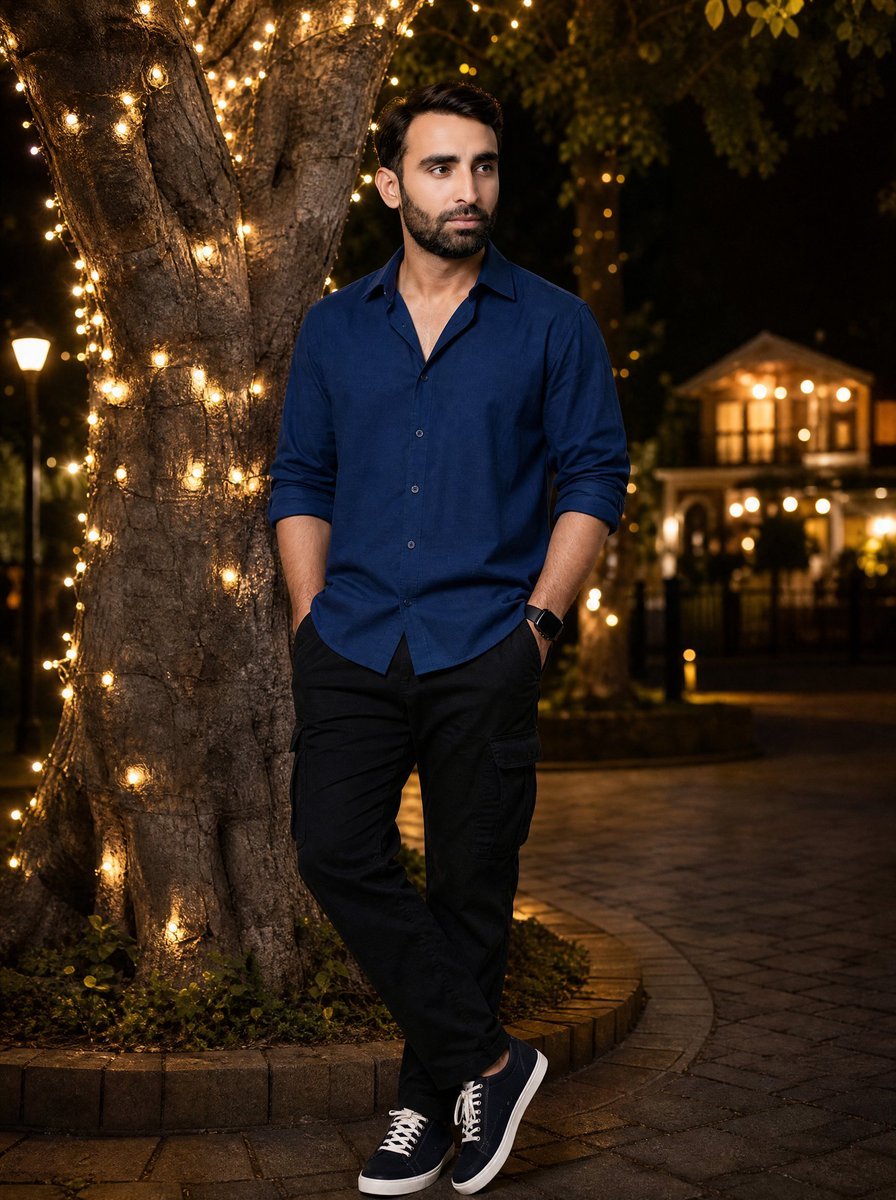
Night Portrait by Fairy Light Tree
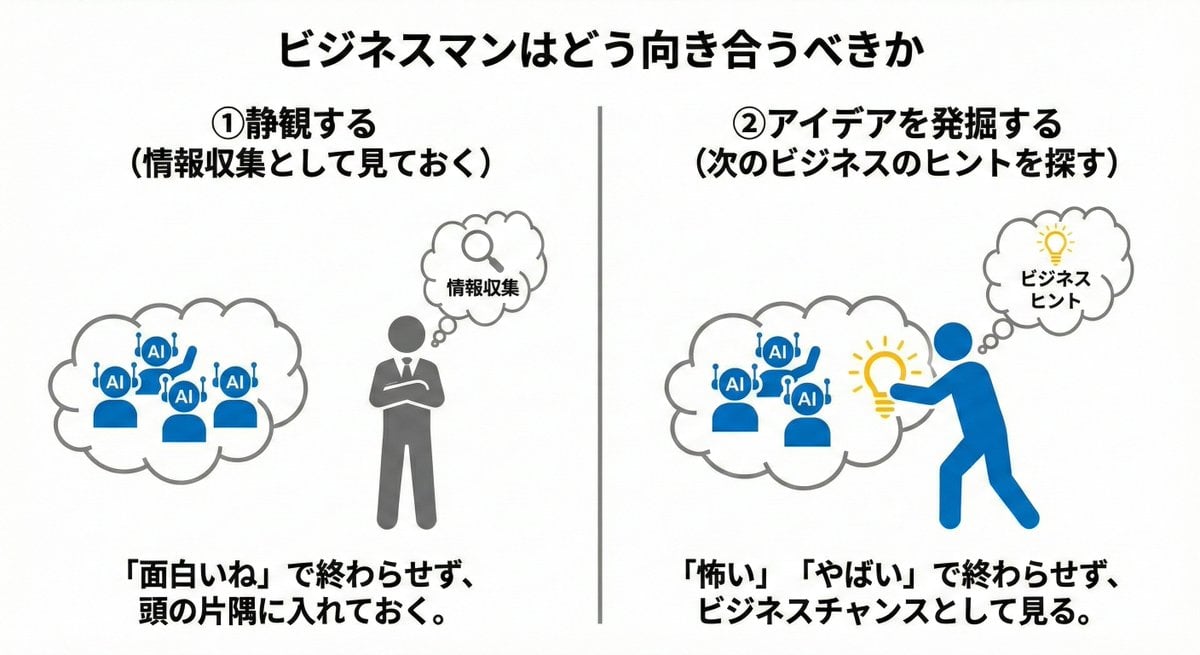
Nano Banana Pro Prompting Strategy for Stable Output
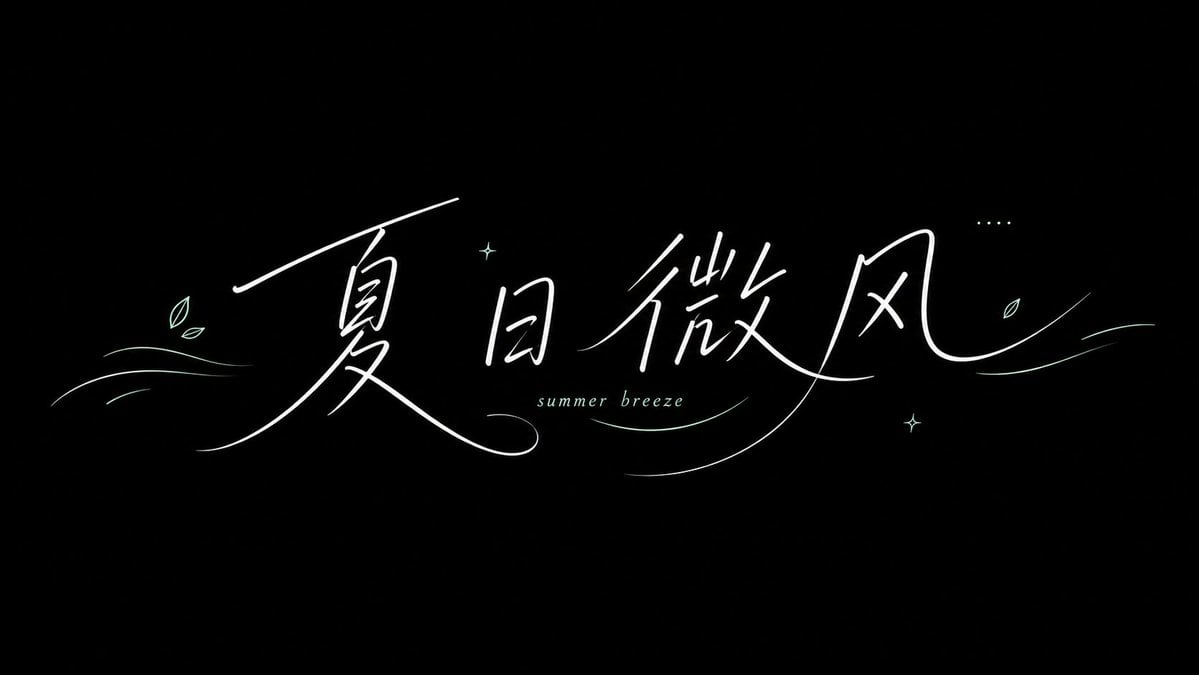
Summer Breeze Handwritten Typography
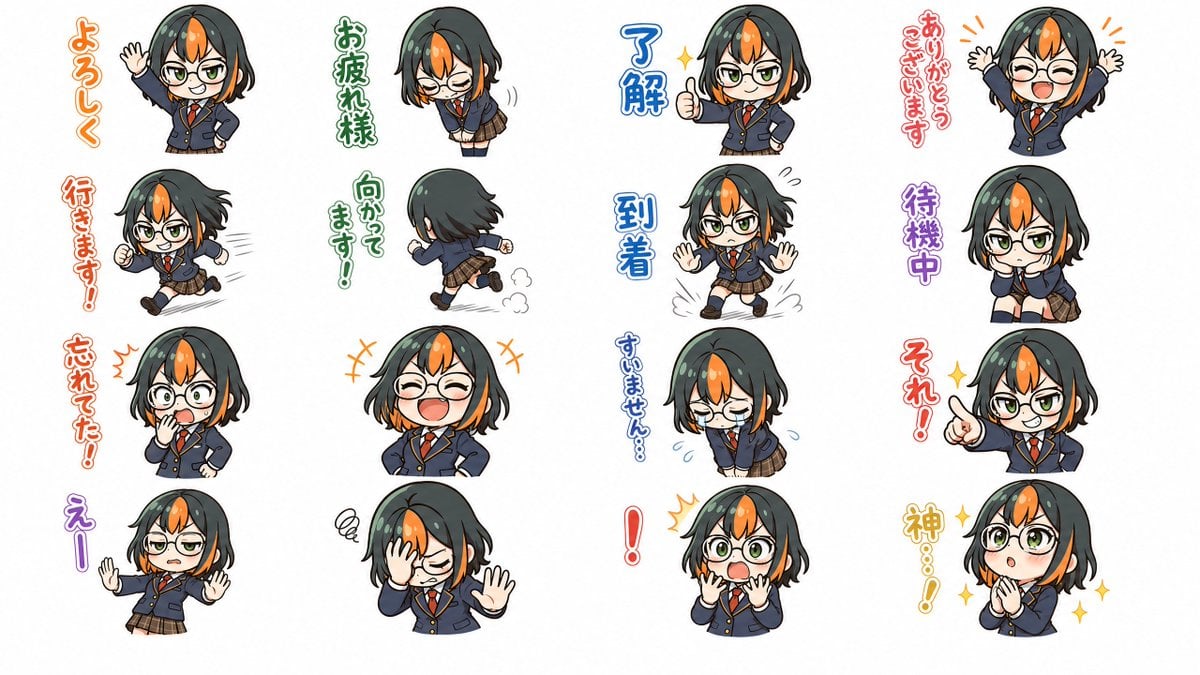
Chibi Japanese Schoolgirl Sticker Sheet
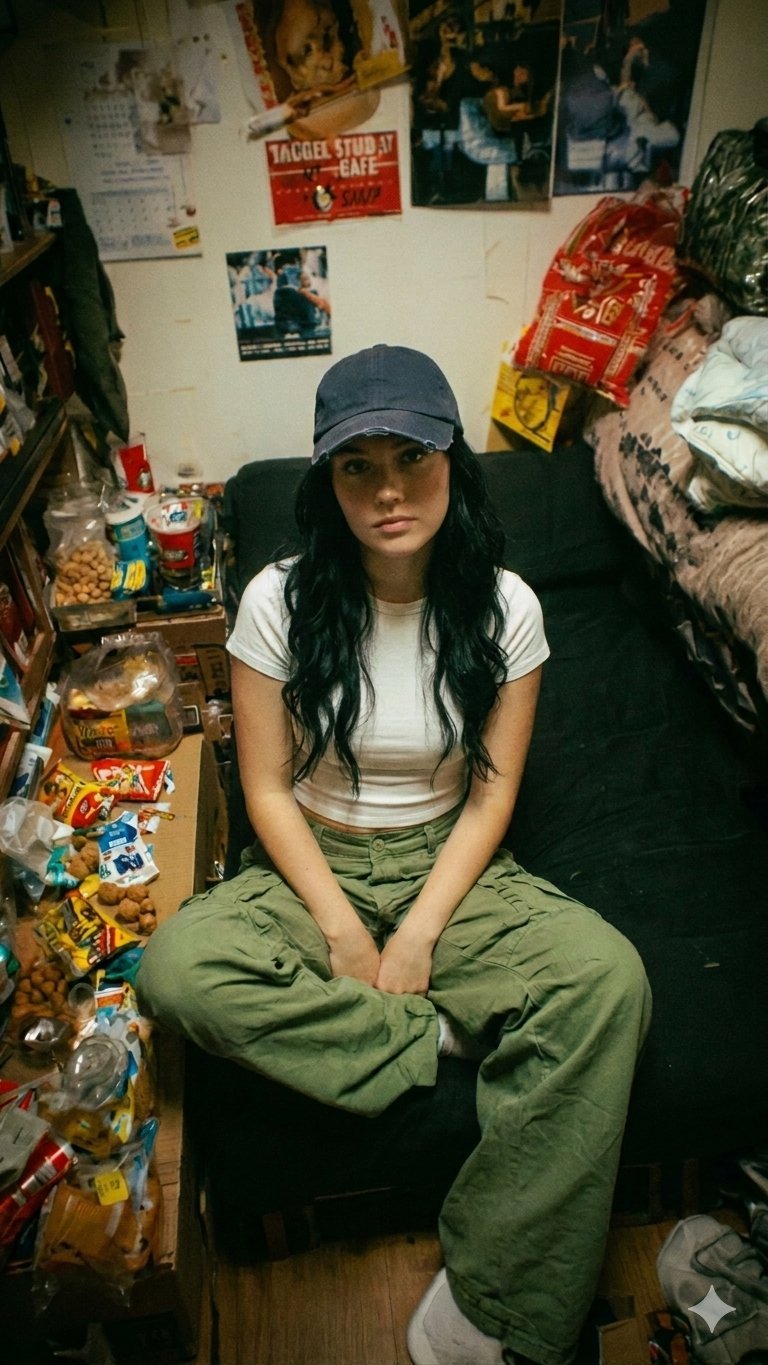
Nano Banana Pro Dorm Room Cinematic
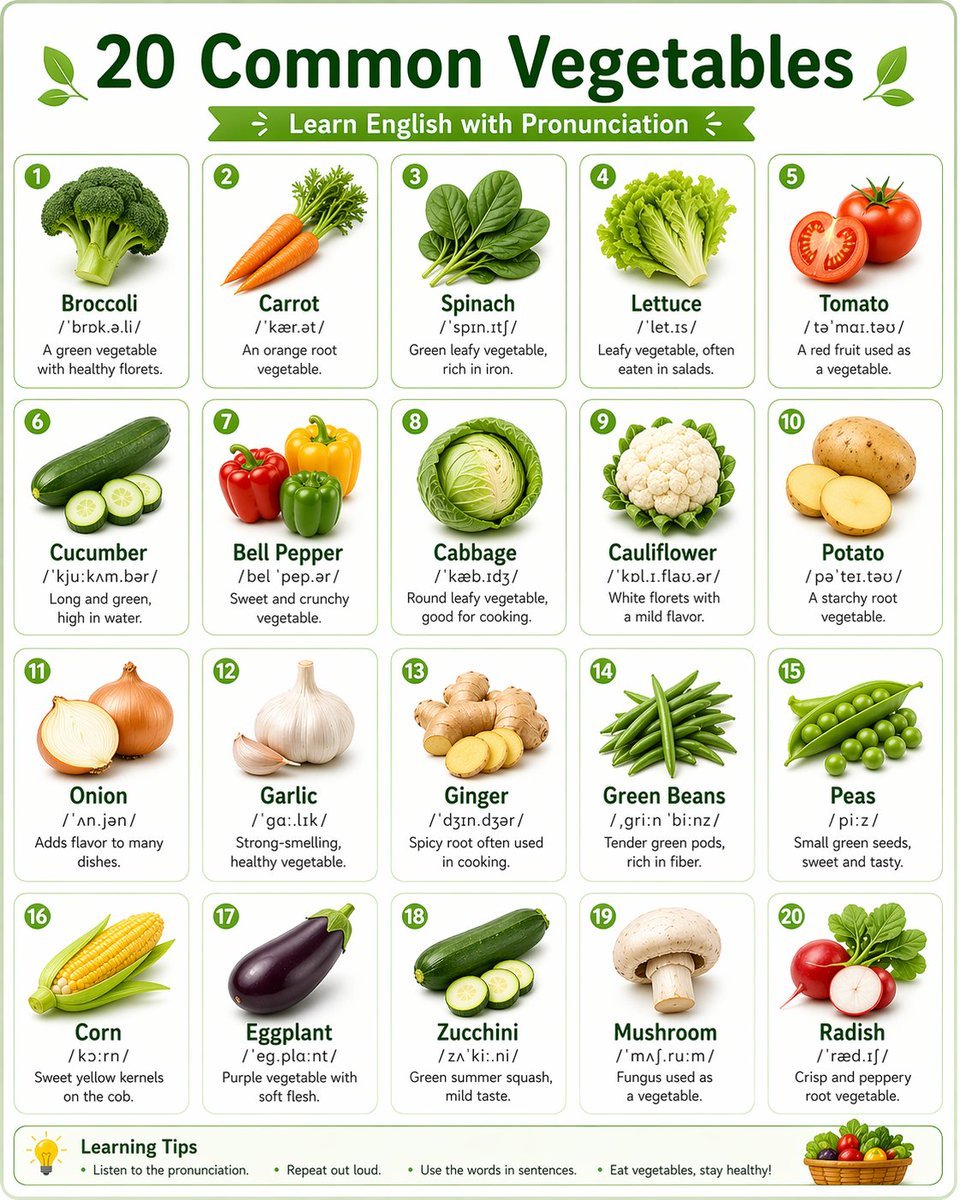
Language Learning Infographic Poster
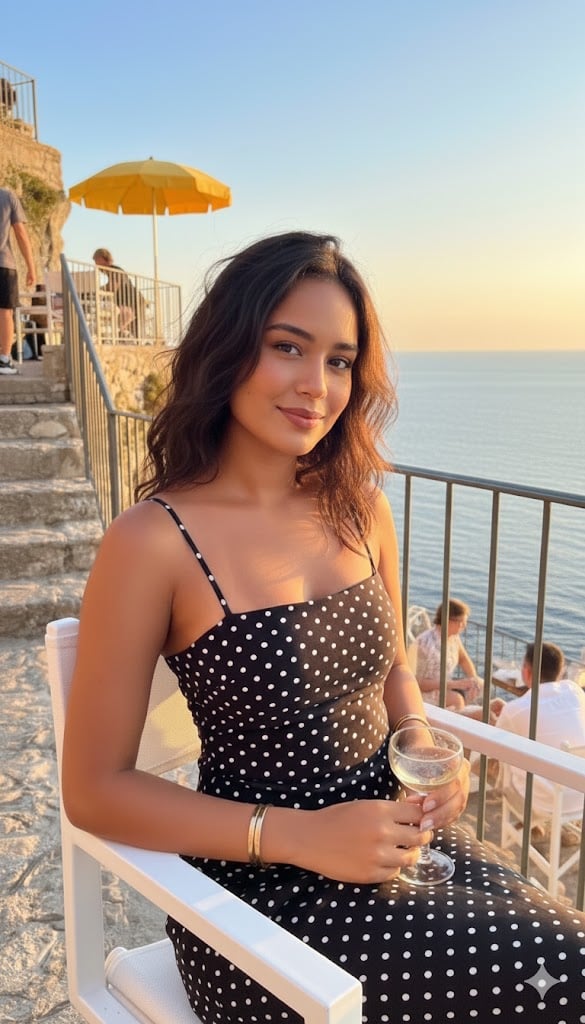
Golden Hour Coastal Lifestyle Photograph
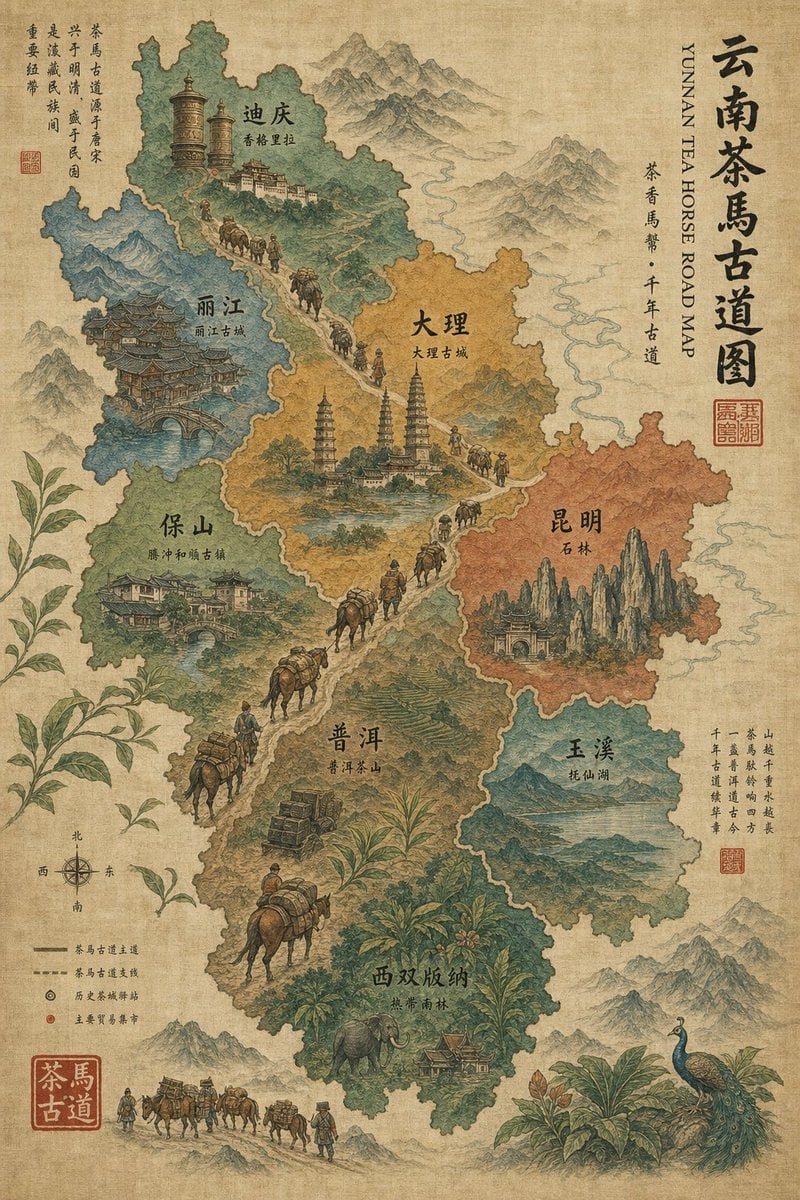
Vintage Yunnan Tea Horse Road Map
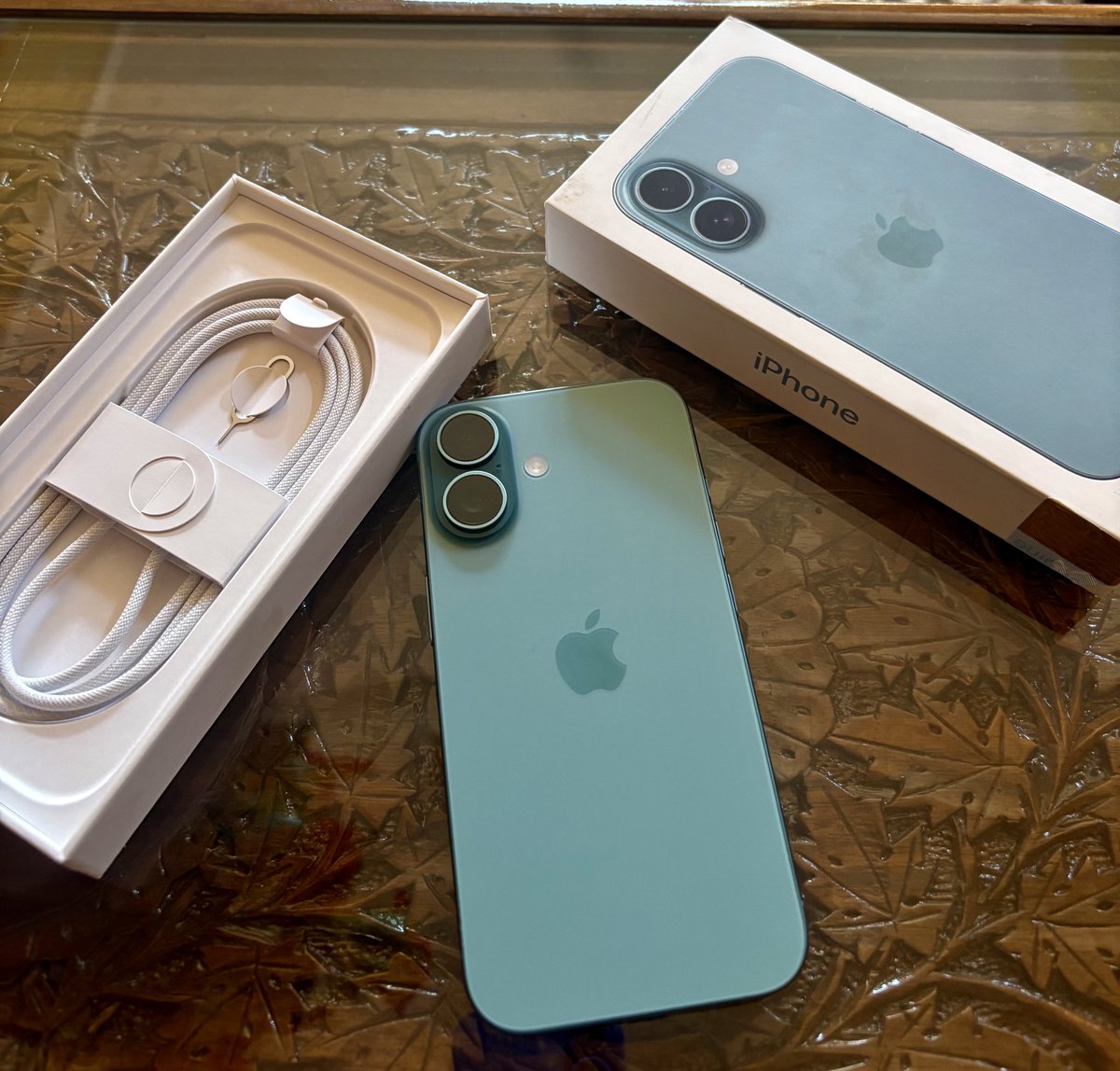
Transform Photo into Pop Art Comic Panel
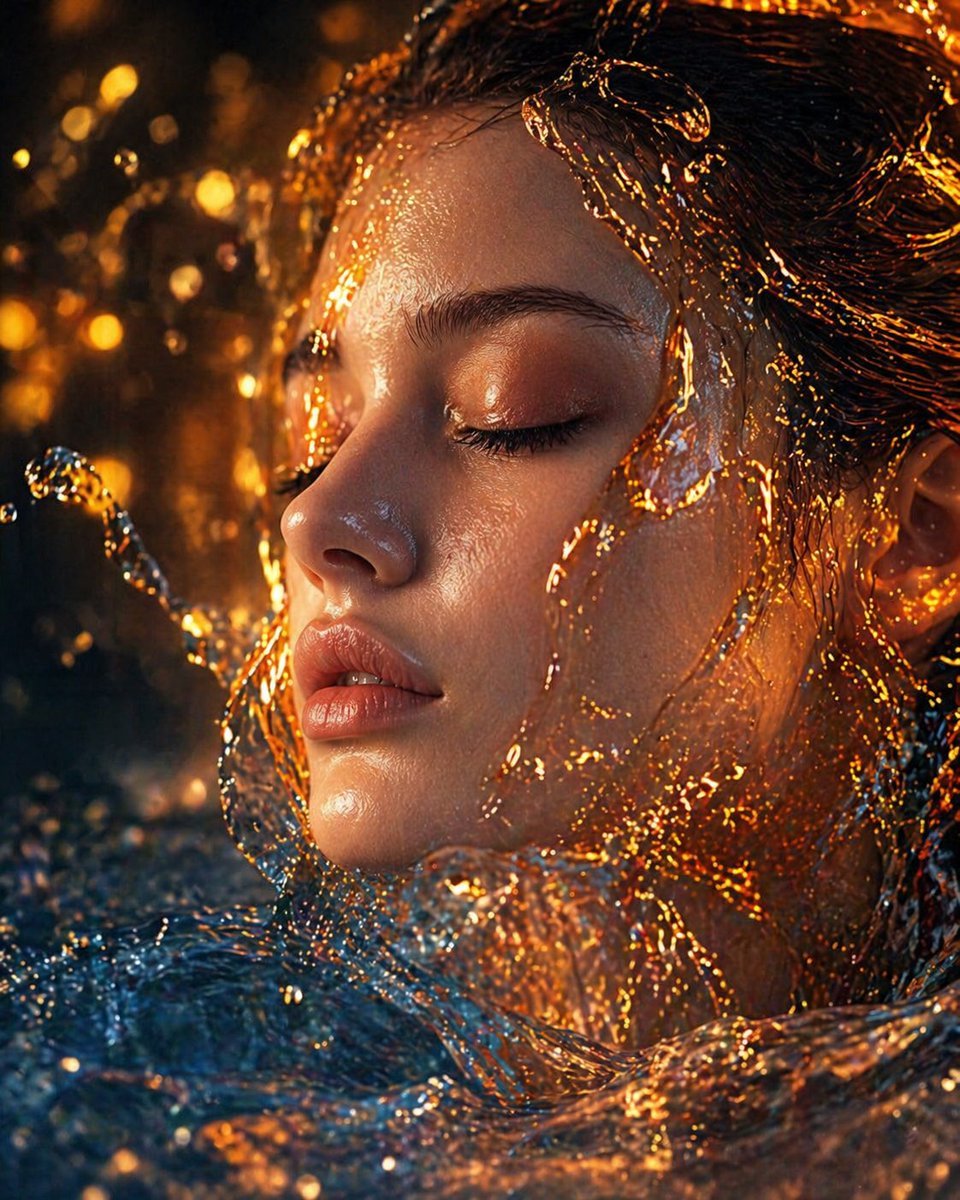
Surreal Molten Gold Liquid Portrait
Browse template categories
untitled questions
How do I use the 140-untitled template?
Add your photo if the template asks for one, edit the prompt if you like — the template's model and format are already selected — and press Generate. Your version opens in PicX Studio.
Can I customize the 140-untitled template?
Yes. You can change the subject, setting, lighting, mood, format, and available model controls before creating your image.
Is the 140-untitled template free?
Opening and editing this template is free. Generating uses credits, shown on the Generate button when you are signed in.
Which AI model should I use?
Start with Nano Banana, which is the model associated with this template. You can compare another compatible model for a different finish.
Looking for something else? Browse all templates.

Your photo, any look
Thousands of ready templates for every top image and video model, from one credit balance.