
A massive splash of energy!
A massive splash of energy! is a ready photo look.
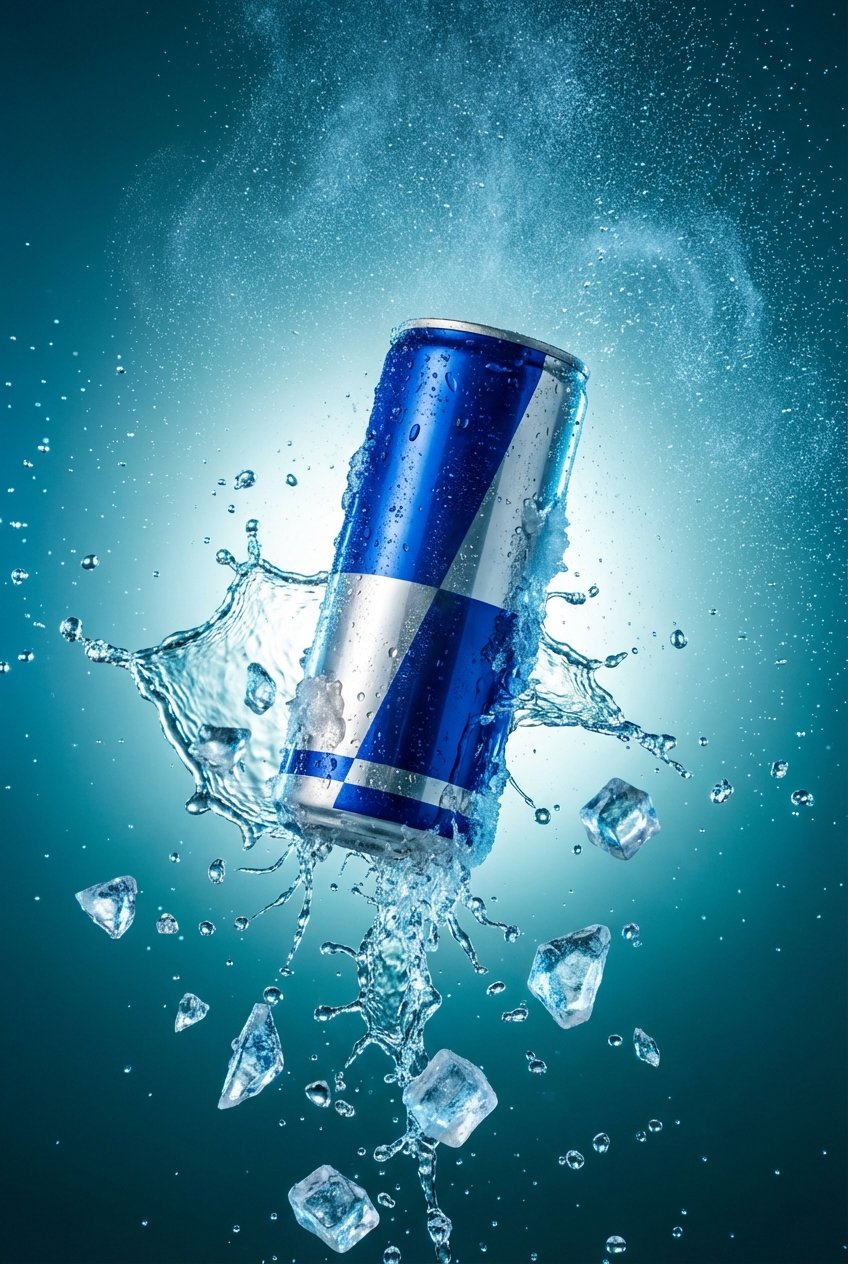
- Prompt included
- Model and format preset
- Free template
The prompt behind this image
Copy the exact prompt behind A massive splash of energy!, or open it in the studio and make it yours.
"A high-energy 3D commercial product shot of a sleek blue energy drink can. The can is splashing into a wave of clear water and crushed ice cubes. Water droplets are frozen in mid-air around the can. The lighting is dramatic and cool blue. The background is a gradient of deep ocean blue. 8k resolution, hyper-realistic, advertising standard photography."
How to use A massive splash of energy! in 3 steps
- 1
Open
The prompt is already in the box next to the preview, with the template's model and format selected.
- 2…a portrait of your subject in softgolden-hour light, 85mm…
Personalize
Edit the subject and creative details for your destination.
- 3Generate
Generate
Press Generate — your image is created in PicX Studio, so you can compare it with the original and refine one variable at a time.
More like this
Templates with the same subject, style or setup. Open one to see its prompt.
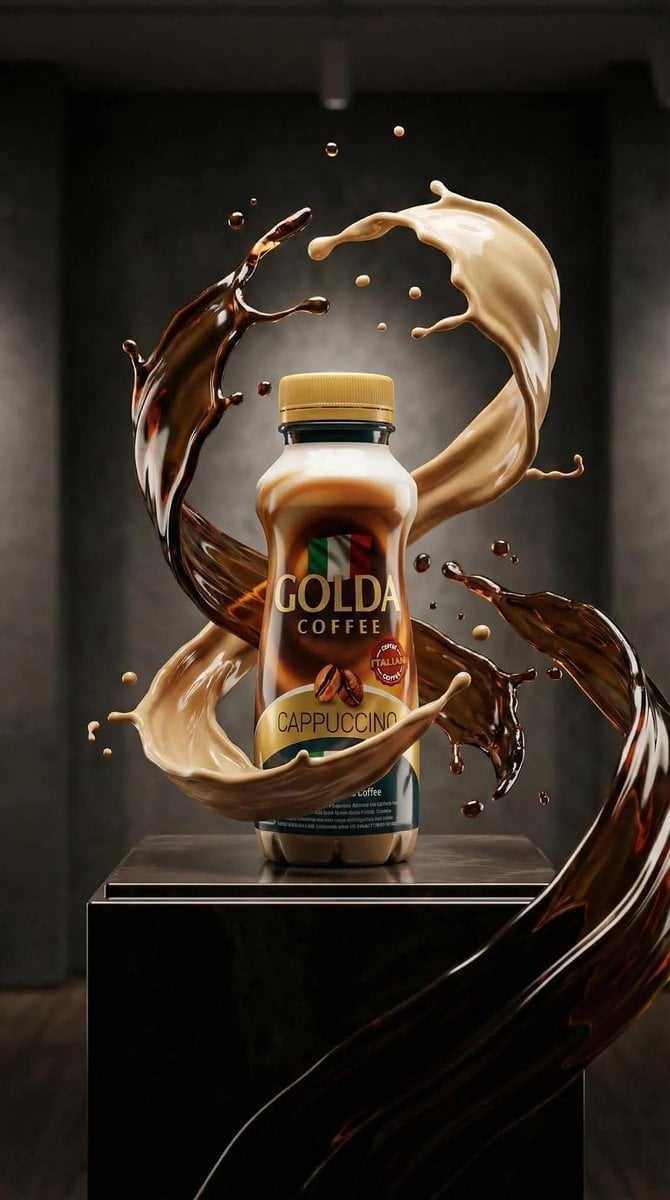
Cappuccino Bottle Splash Product Ad
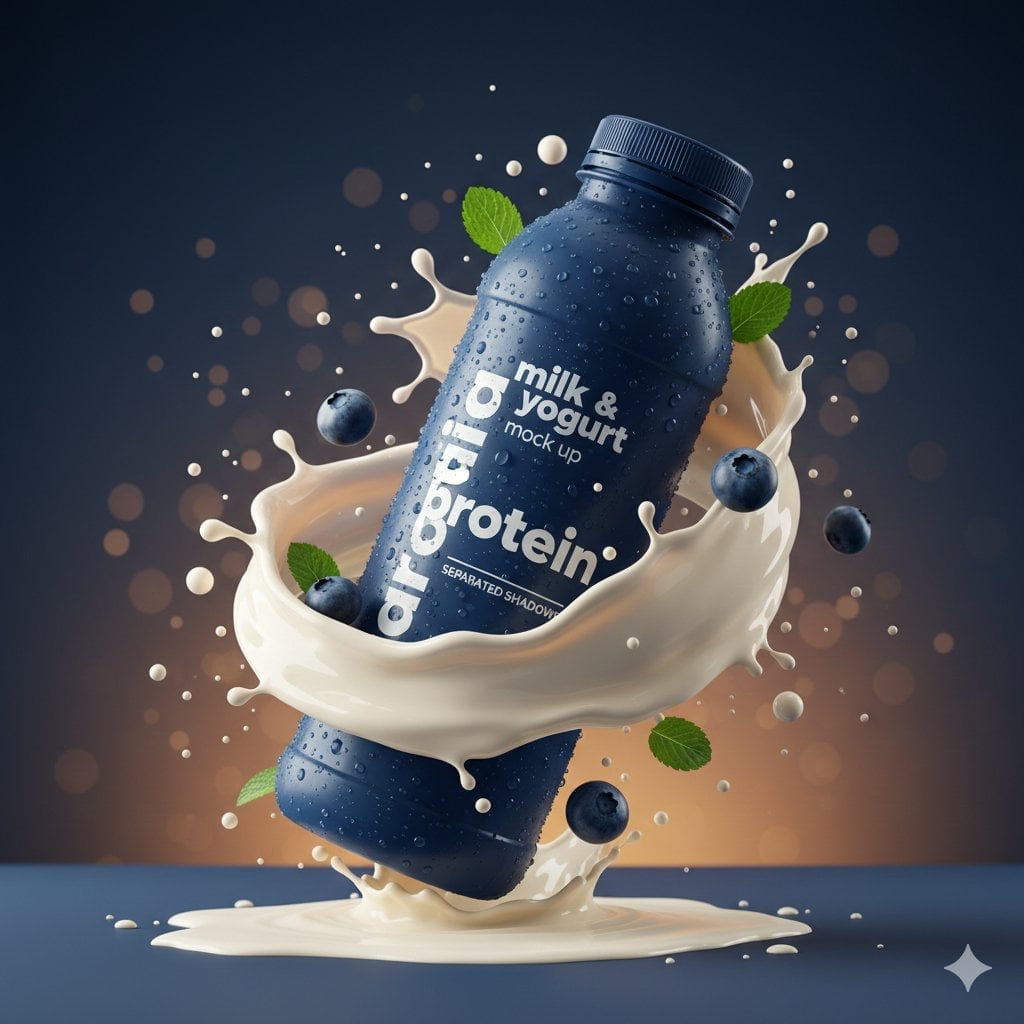
Commercial Product Splash Photography
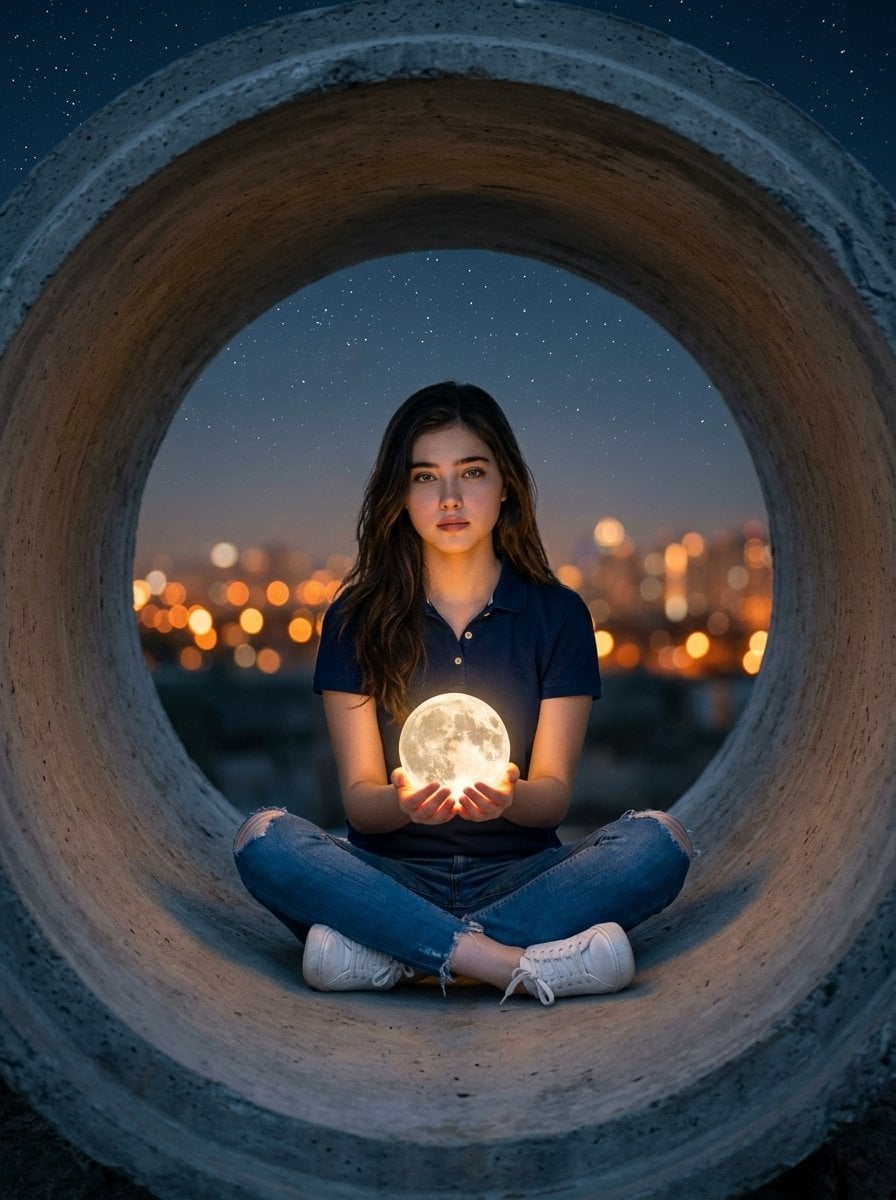
Hyper-realistic surreal photography of a woman sitting inside a massive
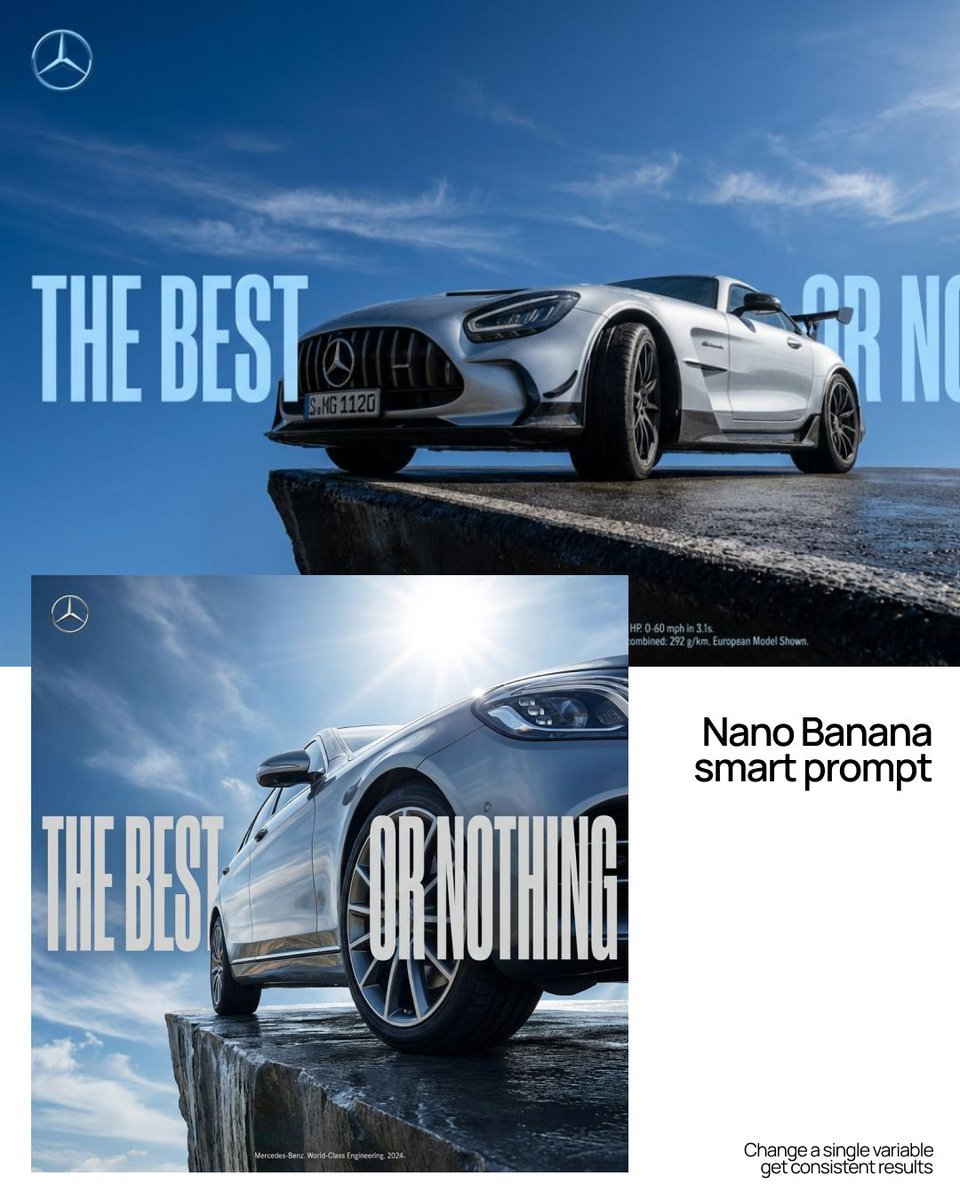
As massive, ultra-condensed bold sans-serif characters
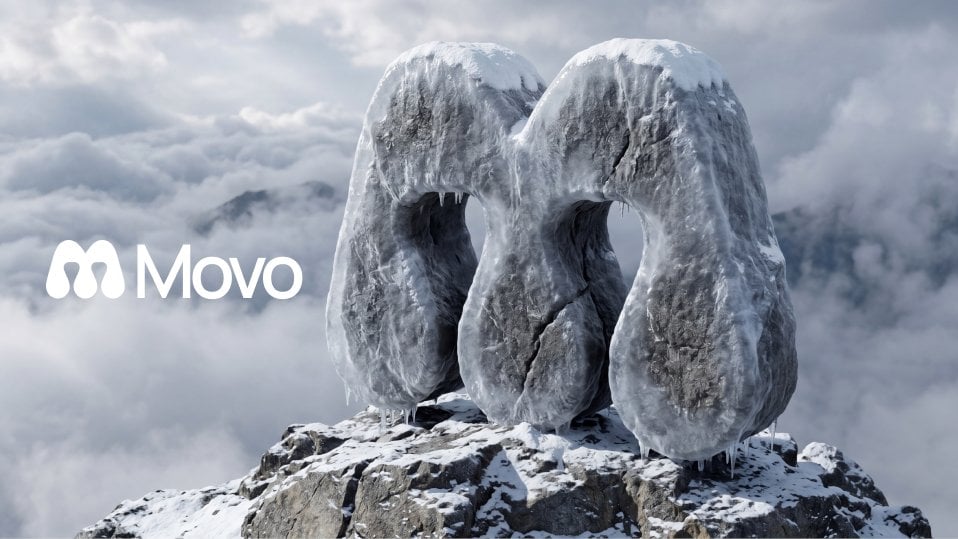
A hyper-realistic 3D render of a flat logo sculpted as a massive
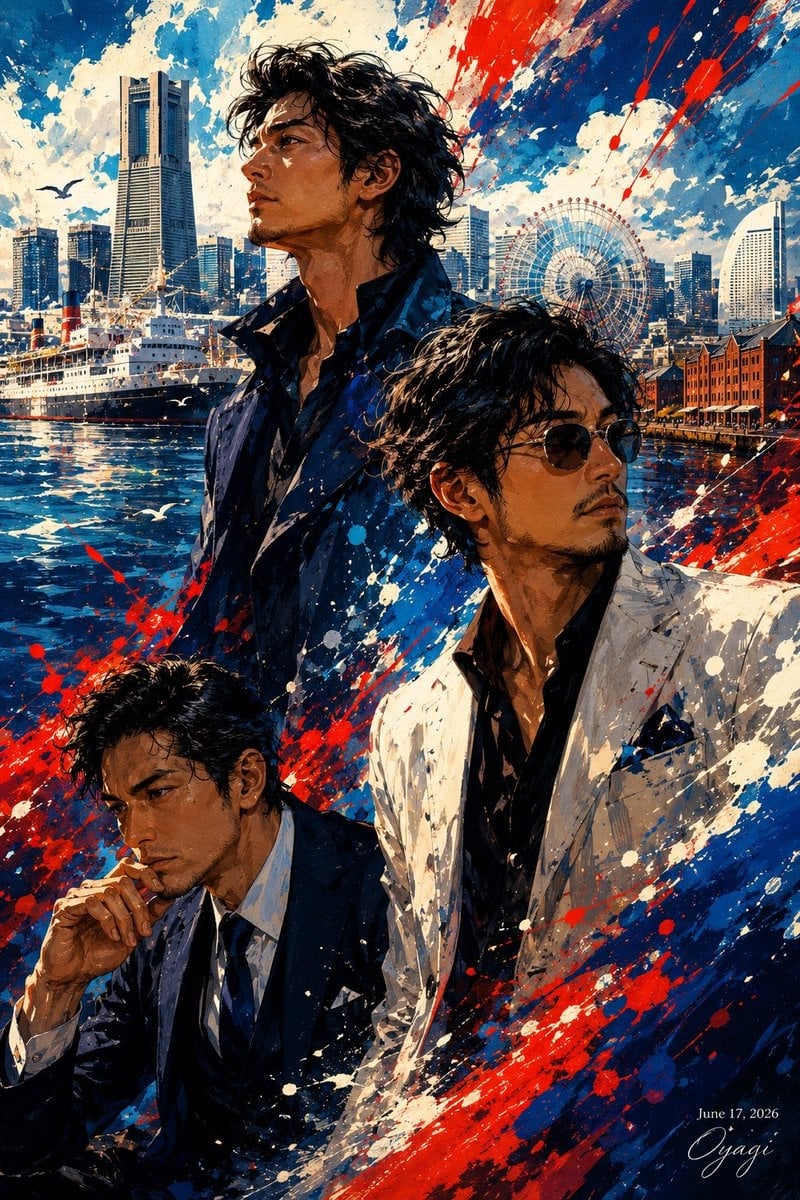
Yokohama Three Men Splash Art
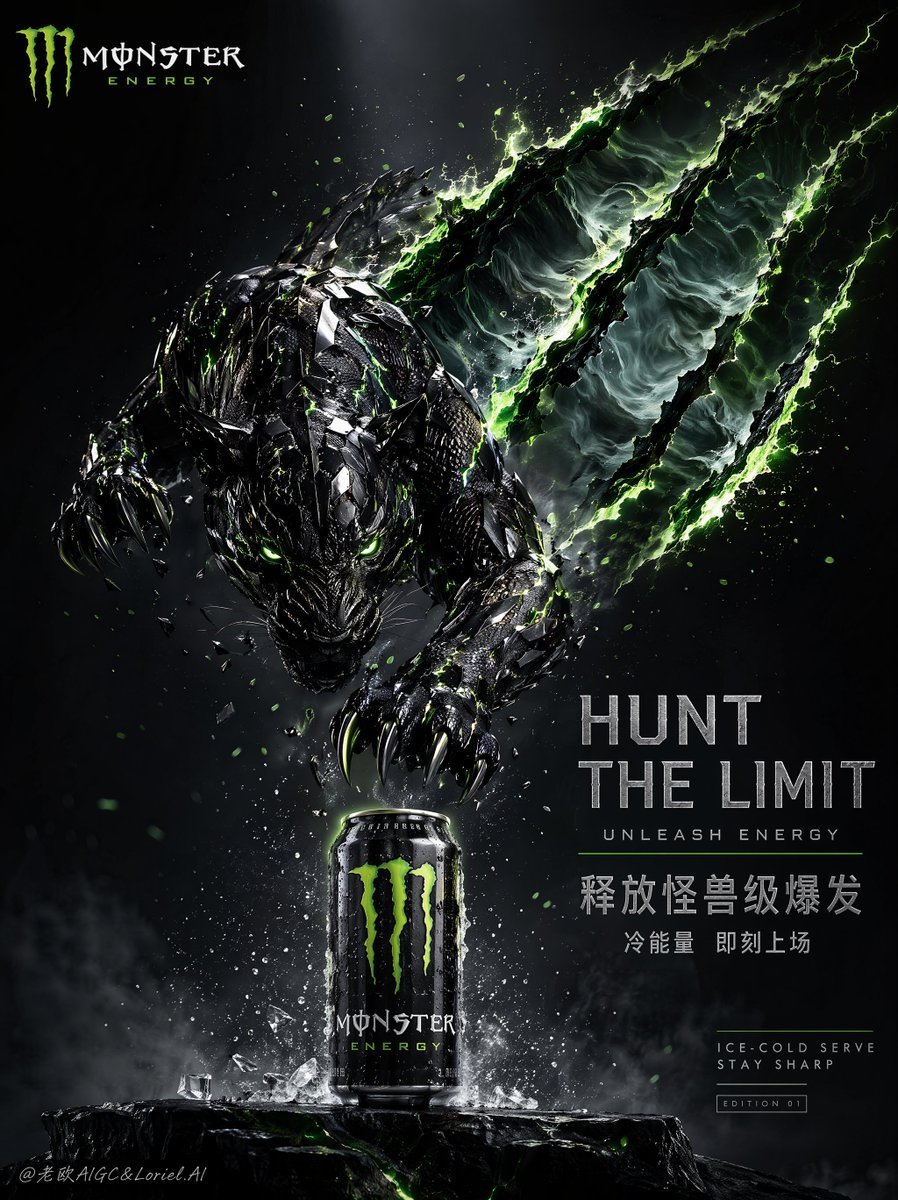
Cinematic Beast Energy Drink Poster
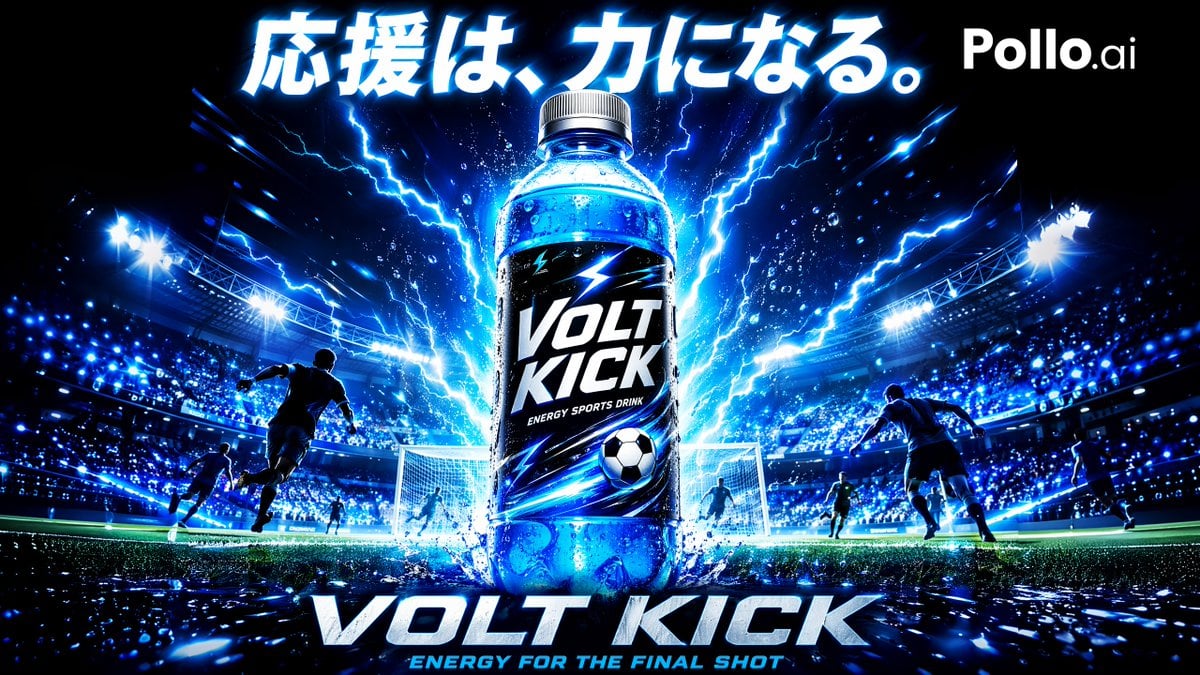
Volt Kick Soccer Energy Drink Poster
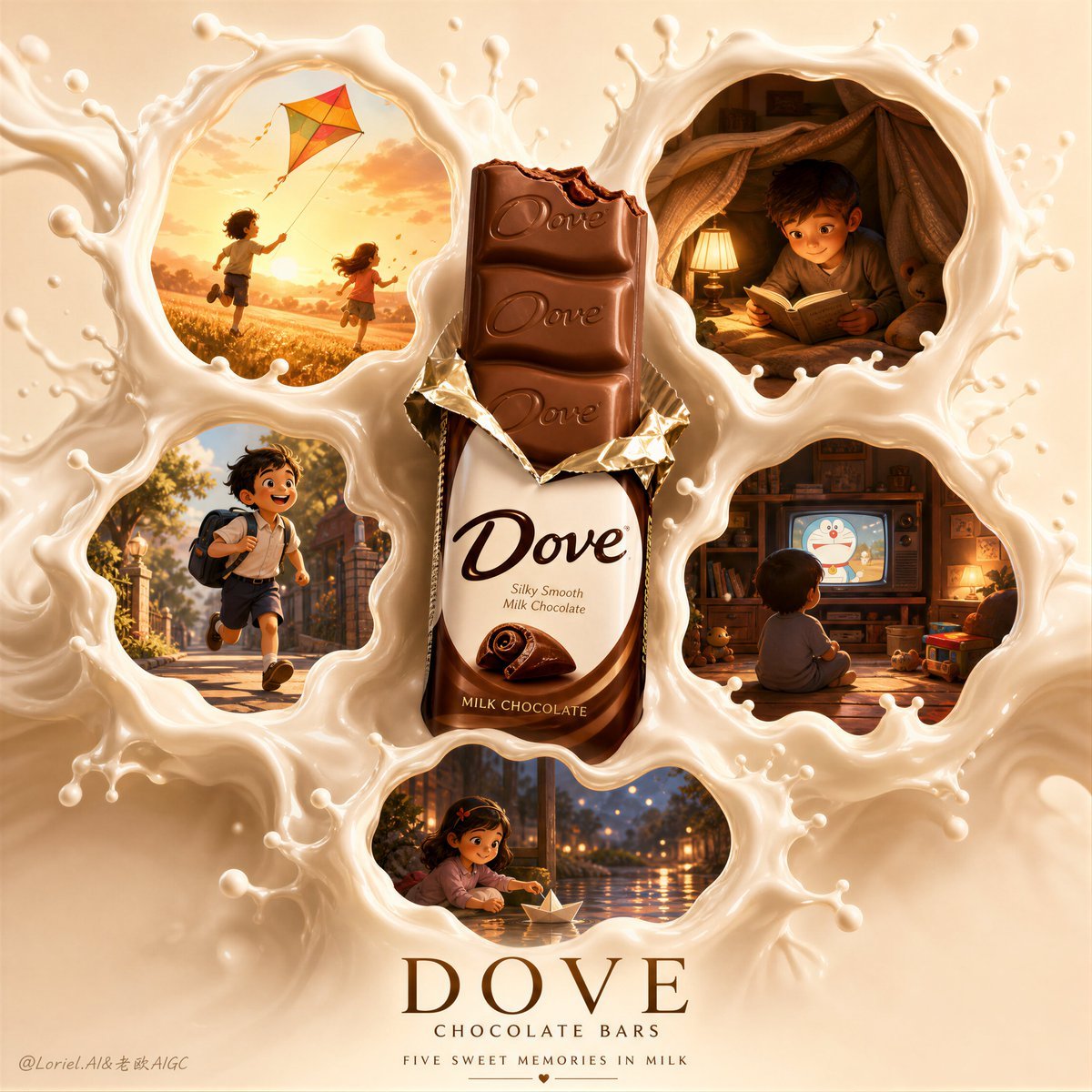
Magical Dove Chocolate Memory Splash

High-energy sports advertisement poster
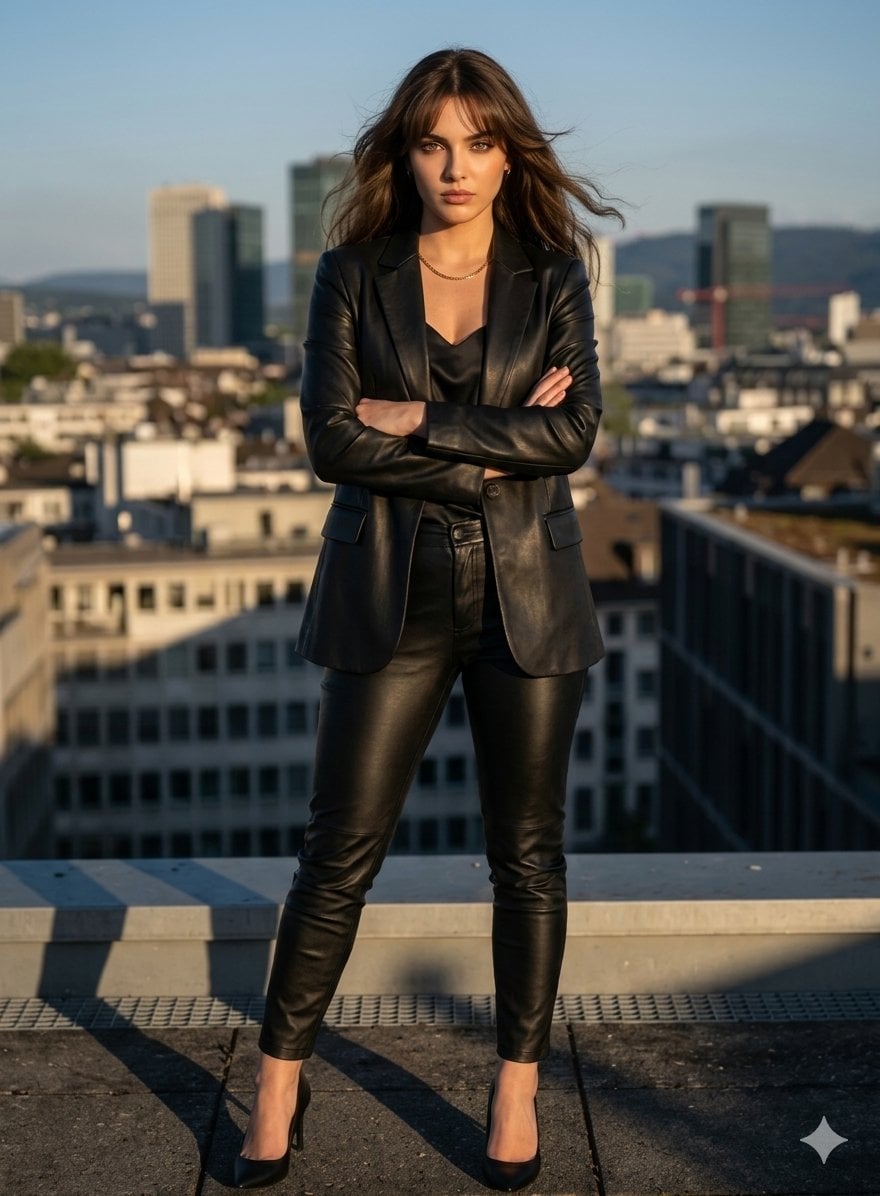
Golden Hour Cinematic Boss Energy Portrait

Surreal Monster Energy Coffee Advertisement
Make it yours
A massive splash of energy! works as-is. These are the safest ways to change it without losing the look.
Change one field
Copy a single group, rewrite it, and generate again so you can see what that field is doing.
Keep the frame, change the subject
Hold the composition and light of A massive splash of energy!, then swap wardrobe, props or the person for a new take.
| If the result… | Why | Fix |
|---|---|---|
| The result drifts from the preview | Too many fields changed at once. | Reuse A massive splash of energy! as-is first, then change one group — subject, light, or setting. |
| The model over-stylizes the scene | The prose prompt leaves finish and camera underspecified. | Add one camera or lighting sentence and stay on PicX Studio. |
More image prompts
Fresh picks from across the catalog.
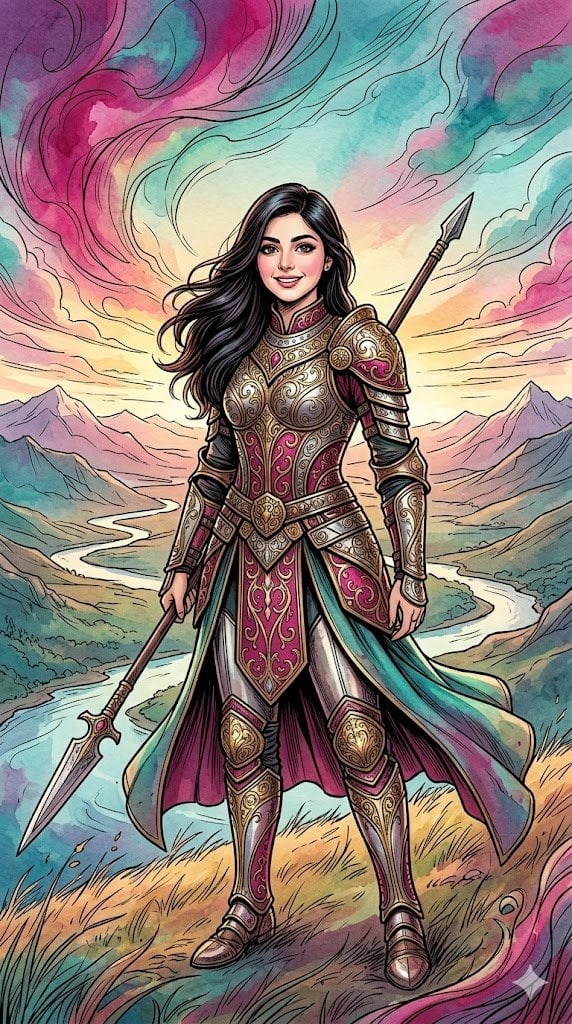
Warrior Princess Artistic Poster
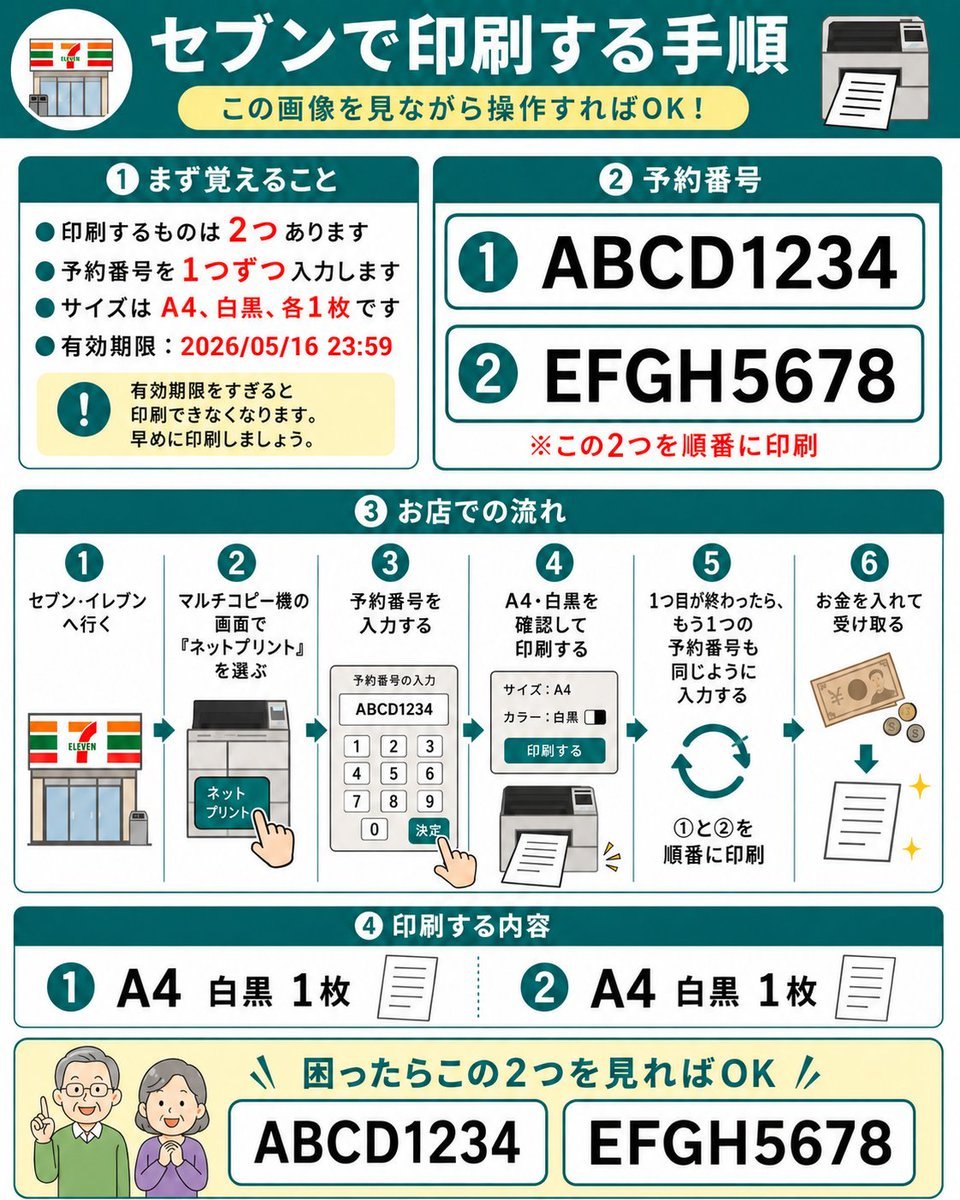
Eleven Net Print Instruction Sheet

Creative Pink Office Portrait with Chibi Characters

Cozy Man Hugging Maine Coon

Kawaii Character Snow Globes

Cyberpunk Mechanic with Massive Exosuit Backpack
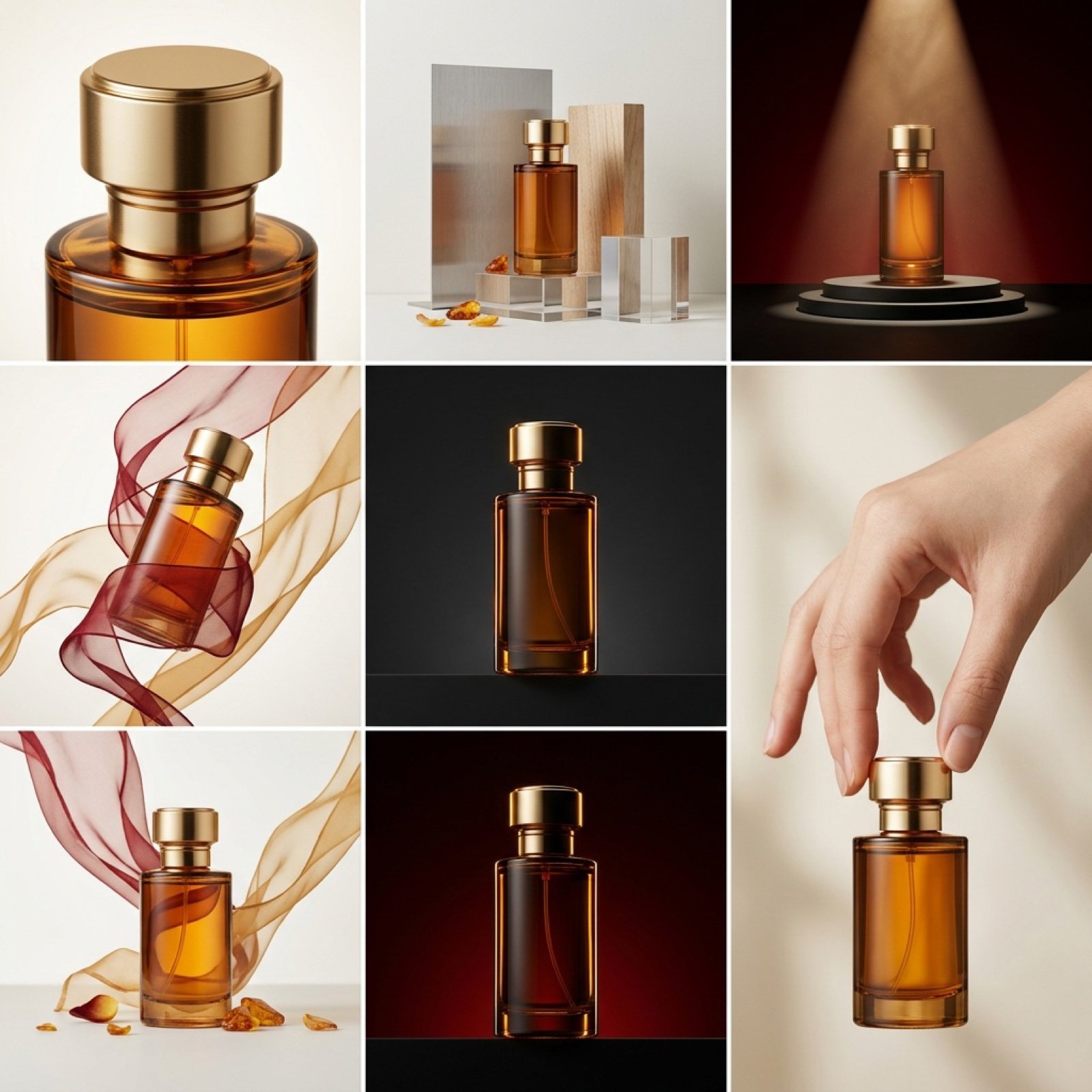
High-End Commercial Product Collage Prompt (Korean)
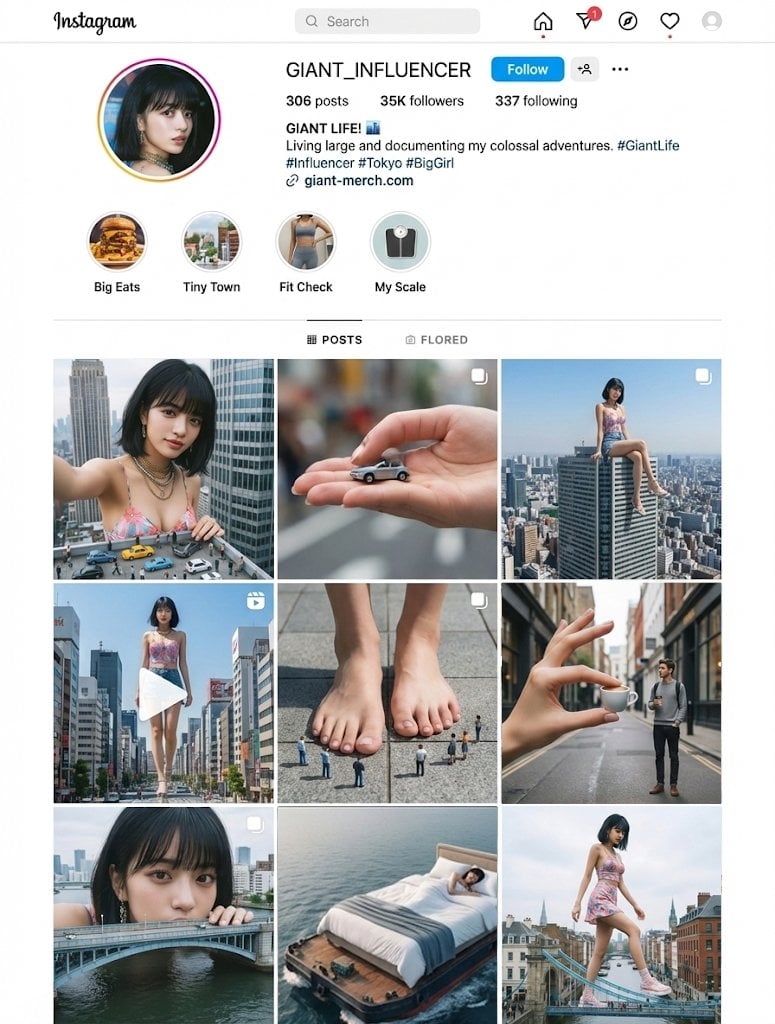
Giant's Daily Life (Unspecified Prompt)
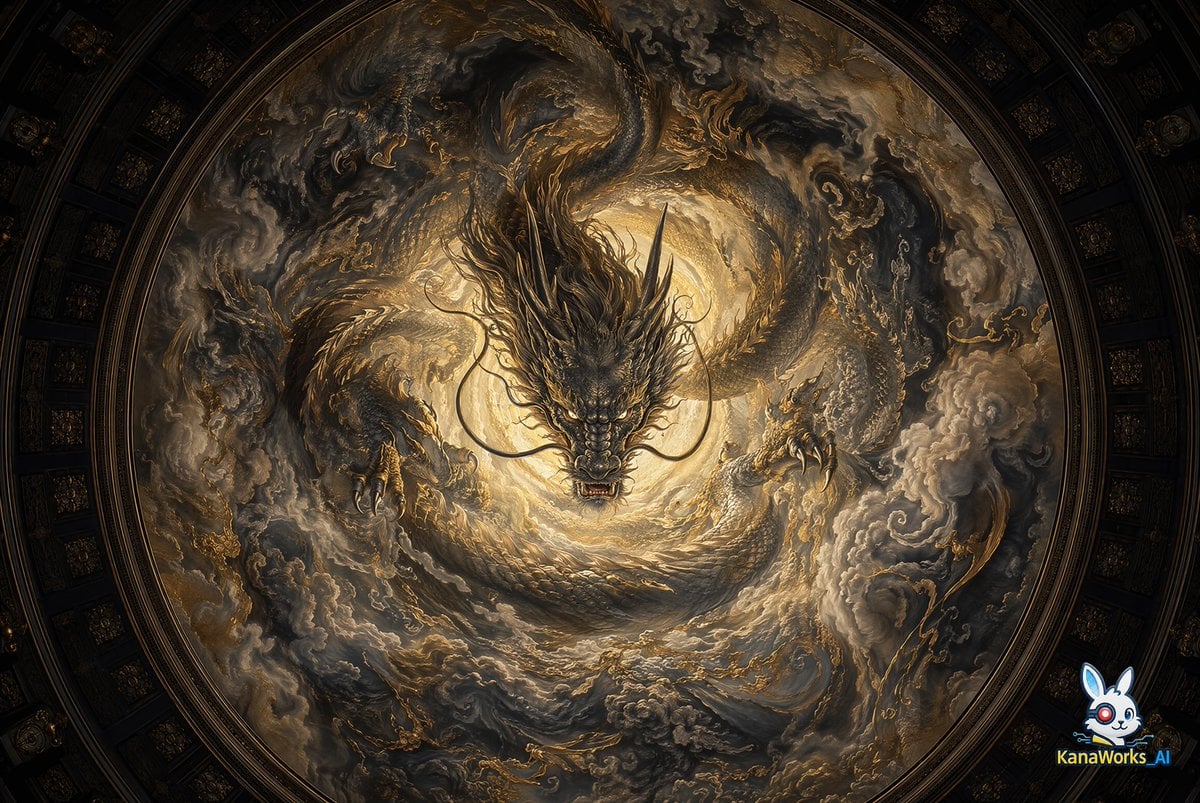
Museum-grade Crying Dragon Dome Mural
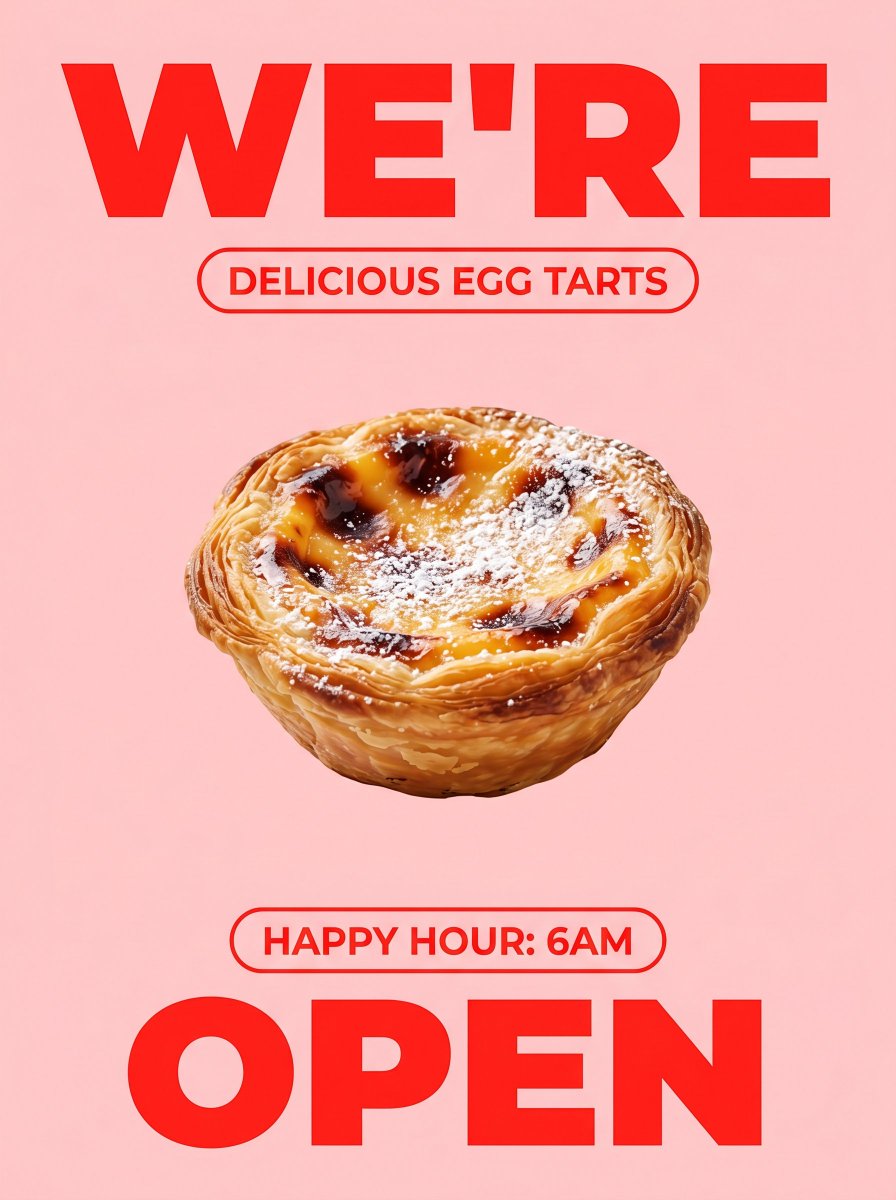
Bold Egg Tart Opening Poster
Browse template categories
A massive splash of energy! questions
How do I use the A massive splash of energy! template?
Add your photo if the template asks for one, edit the prompt if you like — the template's model and format are already selected — and press Generate. Your version opens in PicX Studio.
Can I customize the A massive splash of energy! template?
Yes. You can change the subject, setting, lighting, mood, format, and available model controls before creating your image.
Is the A massive splash of energy! template free?
Opening and editing this template is free. Generating uses credits, shown on the Generate button when you are signed in.
Which AI model should I use?
Choose a compatible model in PicX Studio based on the style, speed, and output controls your project needs.
Looking for something else? Browse all templates.

Your photo, any look
Thousands of ready templates for every top image and video model, from one credit balance.