
A hyper-realistic 3D render of a flat logo sculpted as a massive
A hyper-realistic 3D render of a flat logo sculpted as a massive, frosted stone monument standing upright on the jagged peak of a rocky mountain summit.
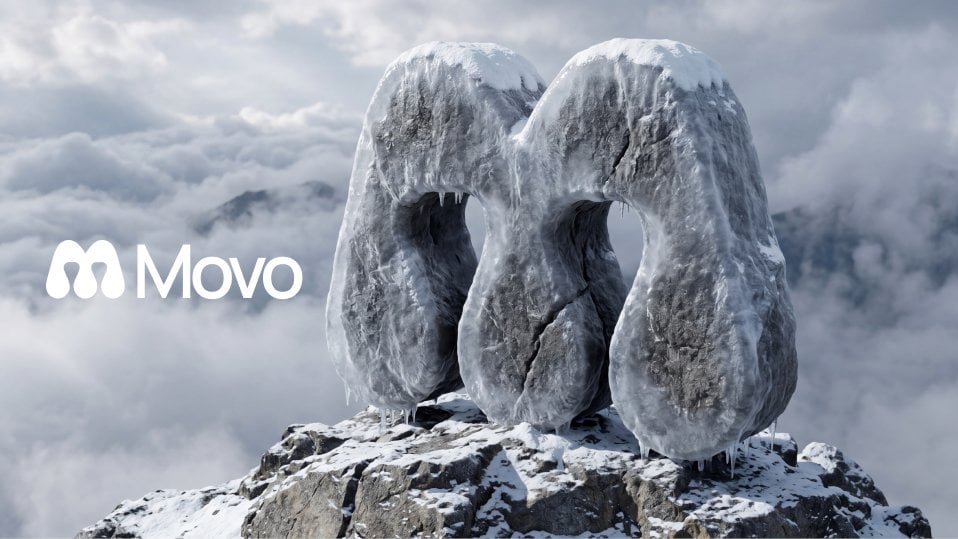
- Prompt included
- Model and format preset
- Premium template
The prompt behind this image
Copy the exact prompt behind A hyper-realistic 3D render of a flat logo sculpted as a massive, or open it in the studio and make it yours.
A hyper-realistic 3D render of a flat logo sculpted as a massive, frosted stone monument standing upright on the jagged peak of a rocky mountain summit. The logo retains its exact silhouette and proportions but is fully translated into thick, solid carved rock encased in a layer of translucent frost and ice. Each element and shape of the logo is extruded with significant depth and volume, giving it a bold, chunky sculptural mass. The surface texture is rough, dark basalt or granite stone, partially obscured by a crystalline frost coating, with deep natural cracks, chipped edges, and fine granular detail across every face. The outer boundary of the logo forms the shell of the sculpture, with negative spaces between design elements carved out as open voids cutting through the rock. The sculpture sits planted into the top of a rugged mountain peak, partially buried at its base, surrounded by cracked grey rock. A thick, textured layer of white snow and rime ice rests on the top flat surfaces of the logo forms and collects in the crevices and carved edges. Small icicles hang from the lower overhanging curves and edges, catching cold light. The entire structure has a subtle, semi-translucent frozen sheen, softening the harshness of the stone beneath. The sky behind is filled with a dramatic, dense sea of clouds rolling over distant mountain peaks, creating a misty, ethereal, and cold atmosphere. Soft, diffused light filters through the cloud layer, creating a stark contrast against the dark, frosted stone sculpture. Lighting is soft natural daylight from slightly above and to the left, casting realistic shadows beneath the logo elements and across the rocky peak below. Ambient occlusion deepens the carved negative spaces between the design forms. Camera angle is slightly low, looking up at the sculpture from a three-quarter front perspective, emphasizing the scale and monumentality of the logo form, mirroring the heroic composition of a landmark monument. Rendering style: photorealistic, cinematic, ultra-detailed, physically based rendering, no text, no additional elements only the logo as a frosted stone sculpture on a cloud-covered mountain peak.
How to use A hyper-realistic 3D render of a flat logo sculpted as a massive in 3 steps
- 1
Open
The prompt is already in the box next to the preview, with the template's model and format selected.
- 2…a portrait of your subject in softgolden-hour light, 85mm…
Personalize
Edit the subject and creative details for your destination.
- 3Generate
Generate
Press Generate — your image is created in PicX Studio, so you can compare it with the original and refine one variable at a time.
More like this
Templates with the same subject, style or setup. Open one to see its prompt.

A hyper-realistic beauty product photograph of a pink jar placed

ChatGPT Image 1 5 Google Veo 3 1
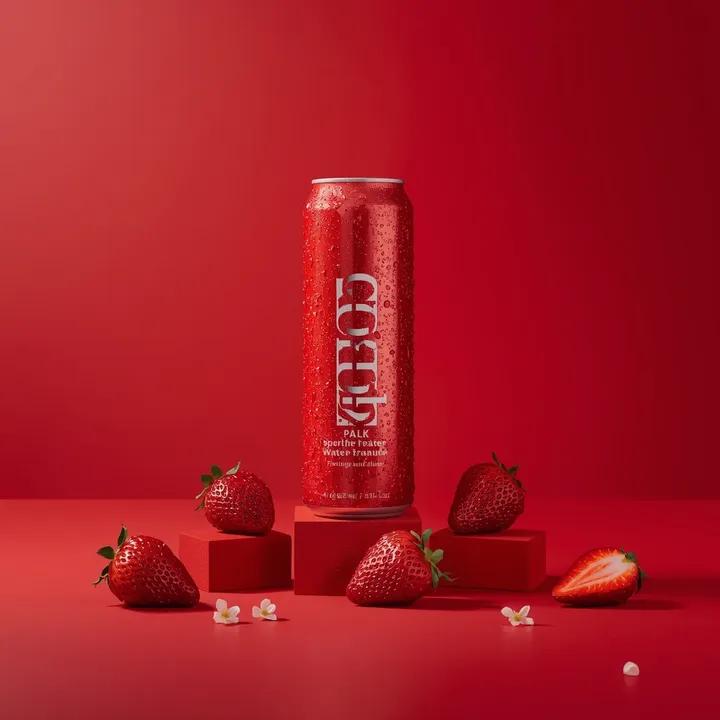
A premium studio product photograph of a tall, slim red aluminum
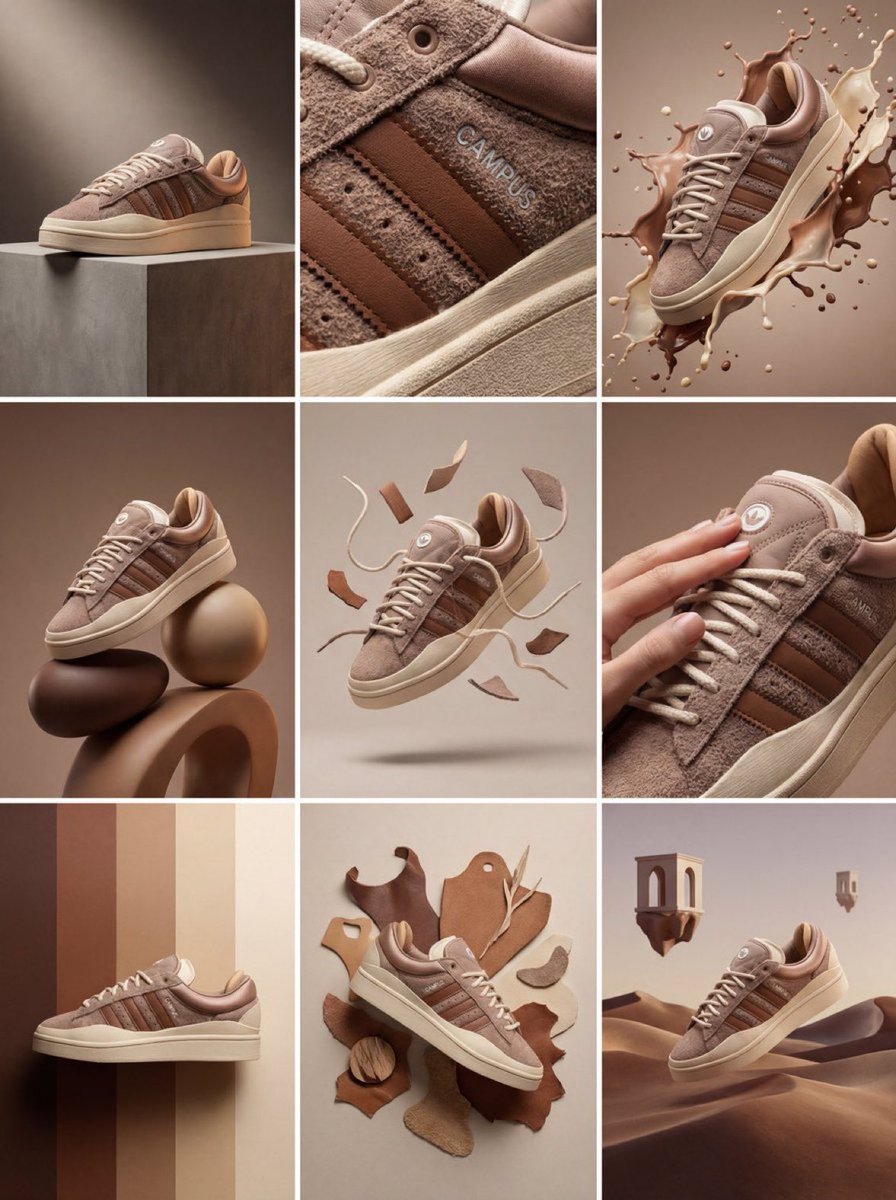
Product & Brand Prompt #1444

Product & Brand Prompt #569
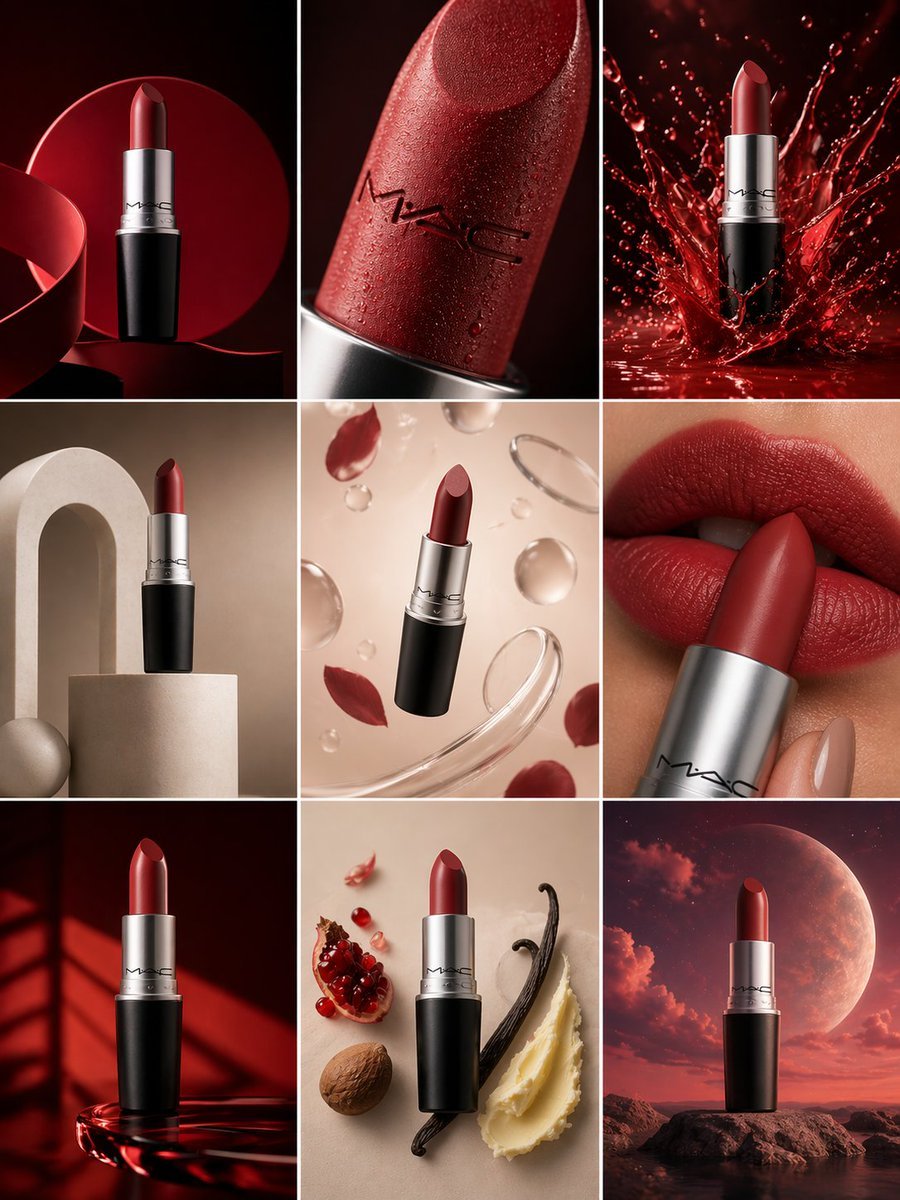
Product & Brand Prompt #285

Product & Brand Prompt #953

Act as a Senior Editorial Designer and Typographer
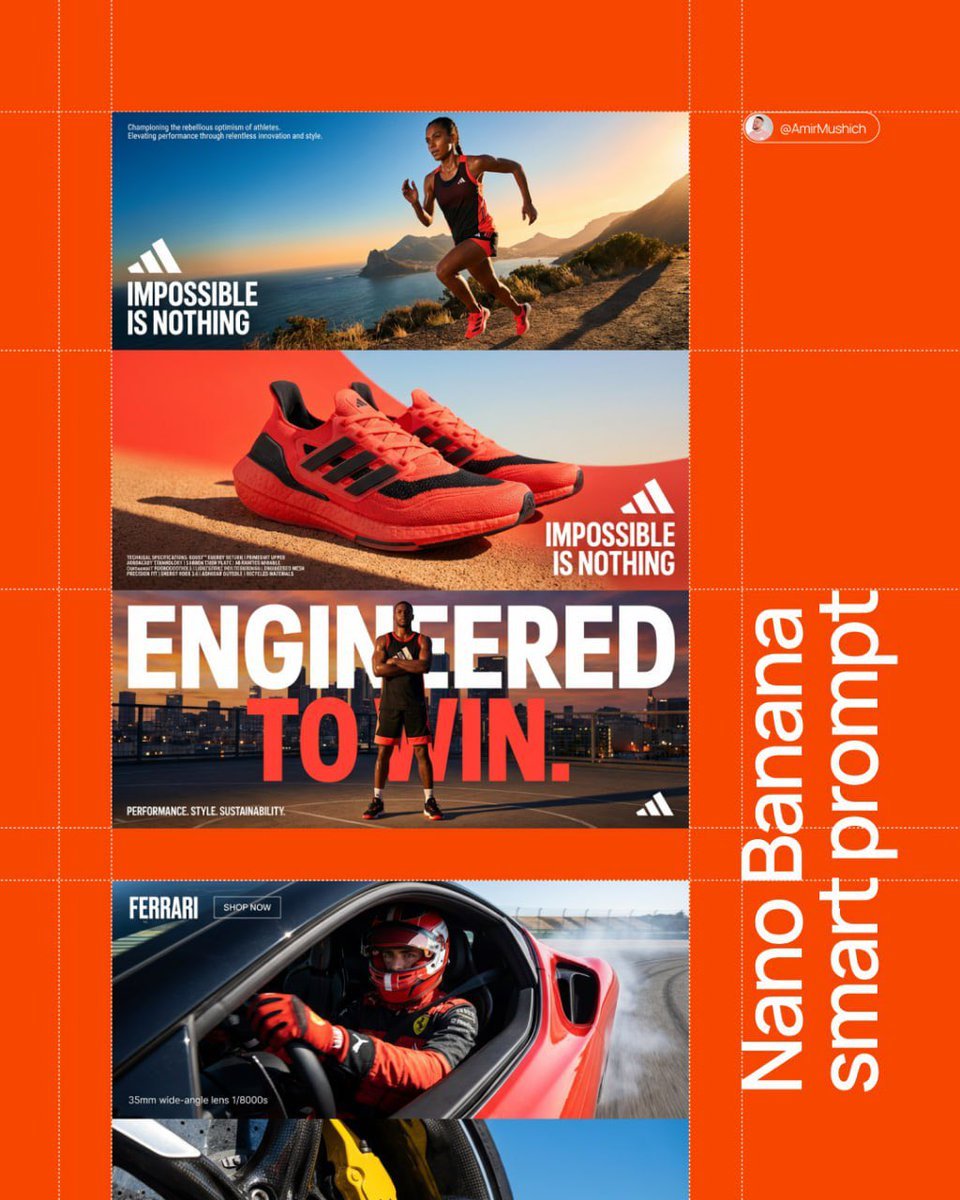
Aesthetic and fill the negative space

Clean, minimalist fashion infographic from an uploaded reference photo
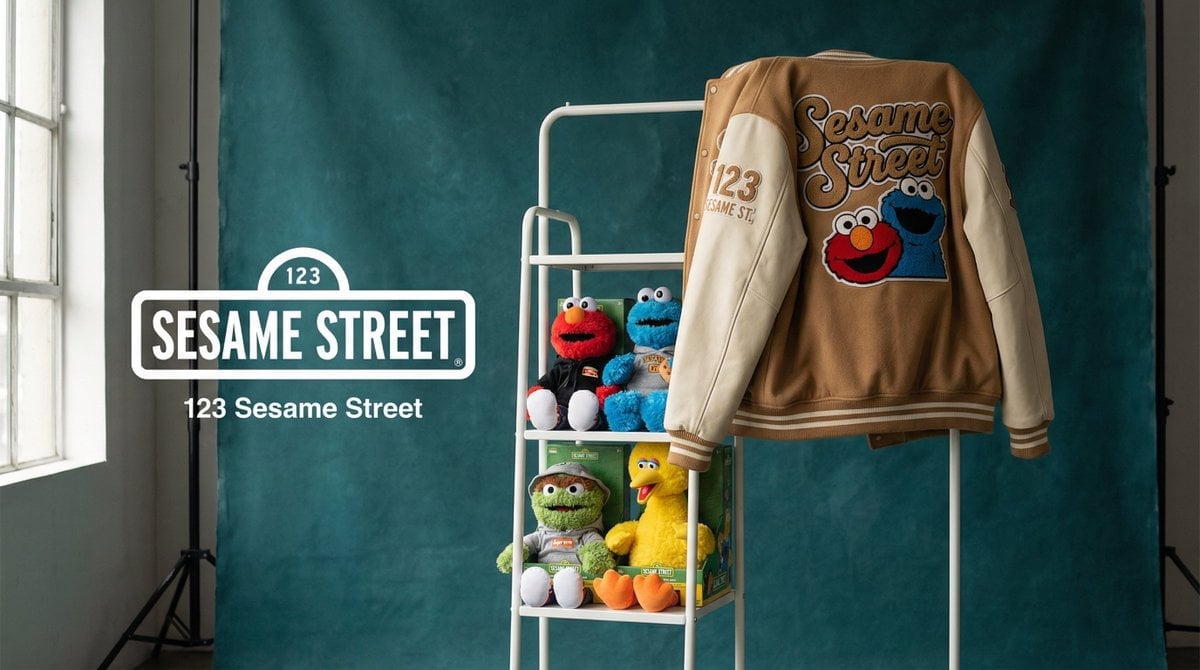
Photograph announcing a limited merchandise drop
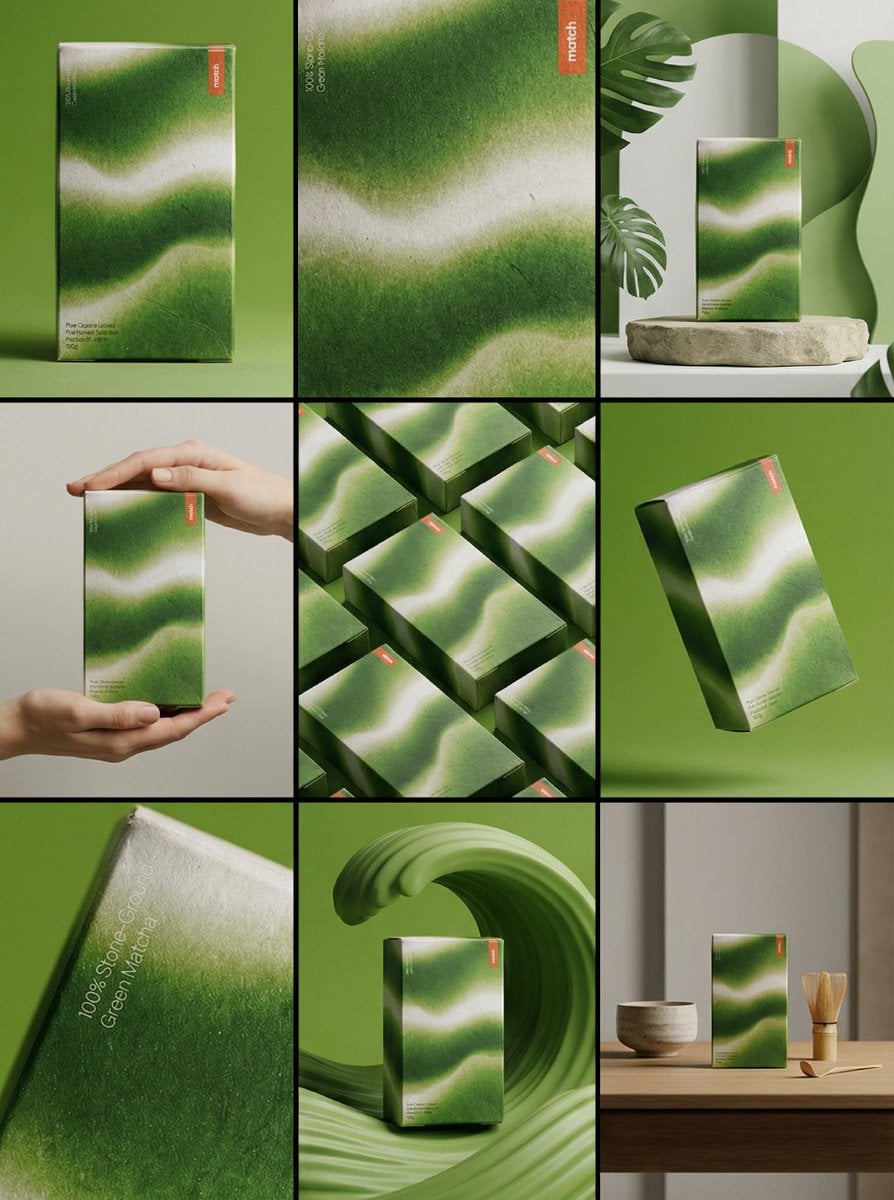
Product & Brand Prompt #341
Make it yours
A hyper-realistic 3D render of a flat logo sculpted as a massive works as-is. These are the safest ways to change it without losing the look.
Change one field
Copy a single group, rewrite it, and generate again so you can see what that field is doing.
Keep the frame, change the subject
Hold the composition and light of A hyper-realistic 3D render of a flat logo sculpted as a massive, then swap wardrobe, props or the person for a new take.
| If the result… | Why | Fix |
|---|---|---|
| The result drifts from the preview | Too many fields changed at once. | Reuse A hyper-realistic 3D render of a flat logo sculpted as a massive as-is first, then change one group — subject, light, or setting. |
| The model over-stylizes the scene | The prose prompt leaves finish and camera underspecified. | Add one camera or lighting sentence and stay on Nano Banana 2. |
More Nano Banana 2 templates
Other prompts made for Nano Banana 2.

Photorealistic Leaf Shaped Like a Dragon

K-Pop Idol Portrait Grid for Rapid Selection

Poetic Rain Forest Portrait During Golden Hour

Urban Street Portrait with Cartoon Inner Self Duo

Candid Nighttime Photo with Cat Prompt

High-Concept 3D Diorama Generation Prompt

Cinematic Futuristic Studio Portrait Template

Skincare Editorial Photography Collage Prompt

Hyper-Realistic Commercial Product Photography (Splash Effect)

Hyper-Realistic Nightclub Portrait Prompt
More image prompts
Fresh picks from across the catalog.
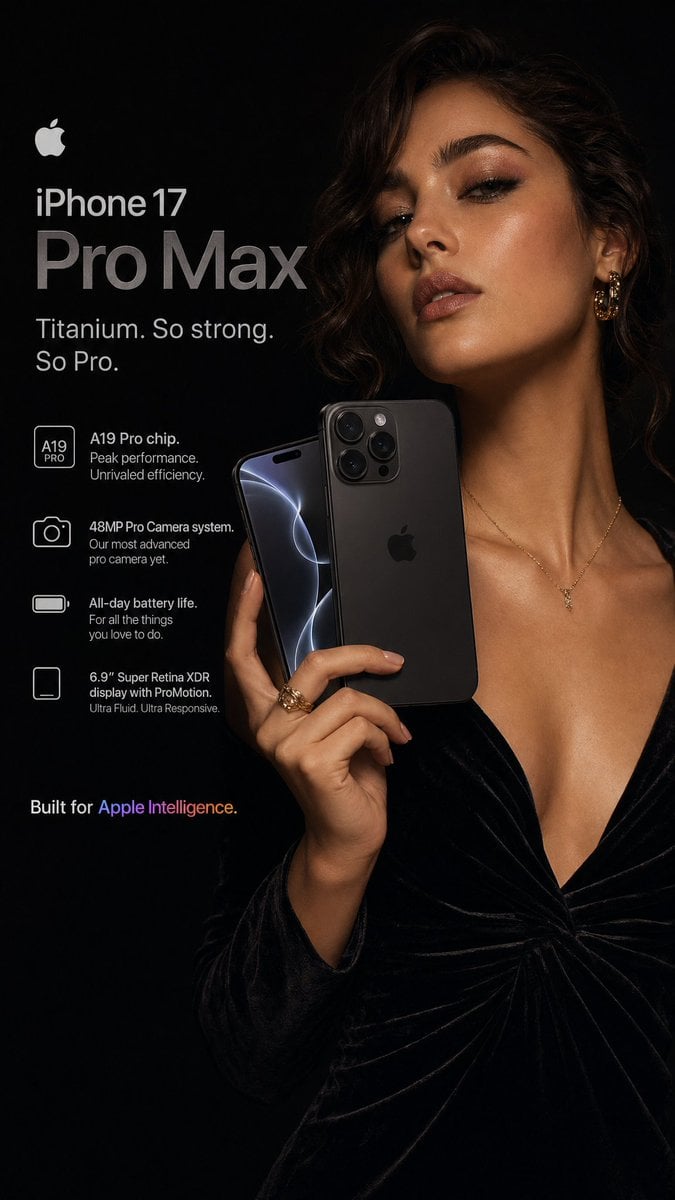
Hyperrealistic iPhone 17 Pro Max Ad

Ibaraki Travel Guide Cover

Ultra-Realistic Corporate Executive Portrait
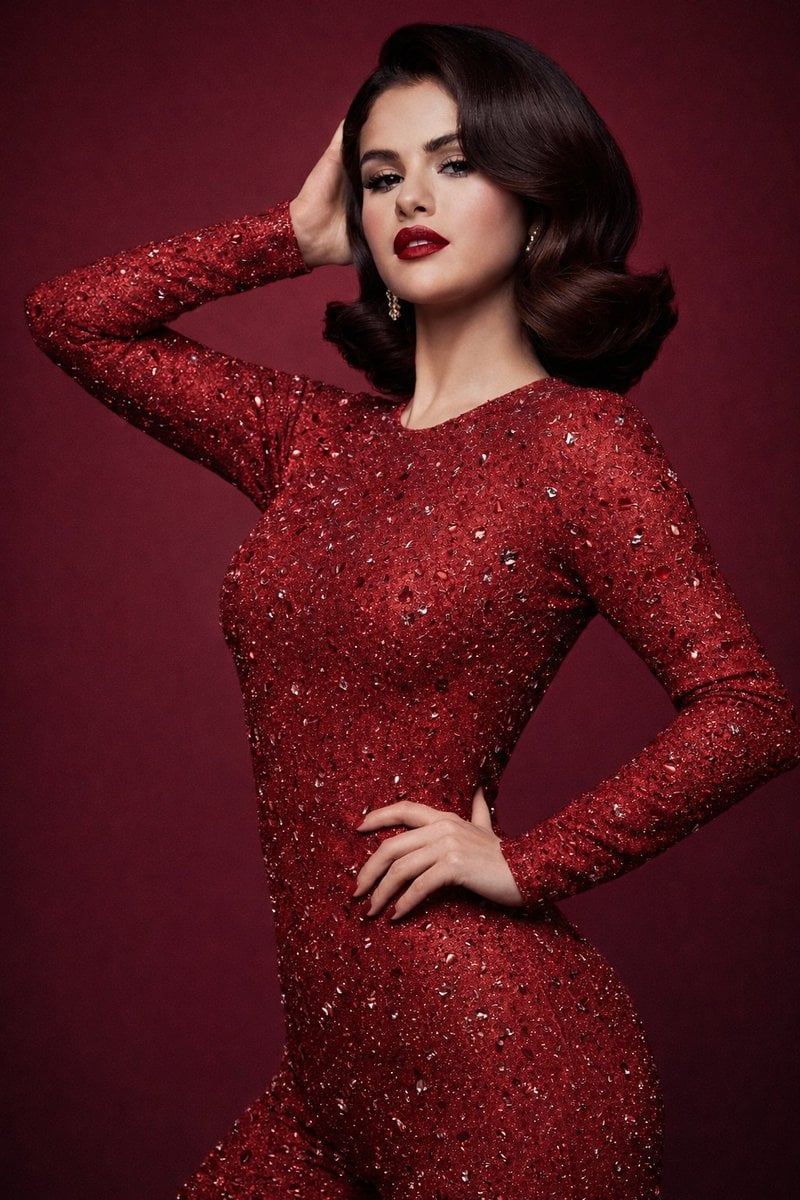
8K Studio Fashion Portrait in Red Jumpsuit
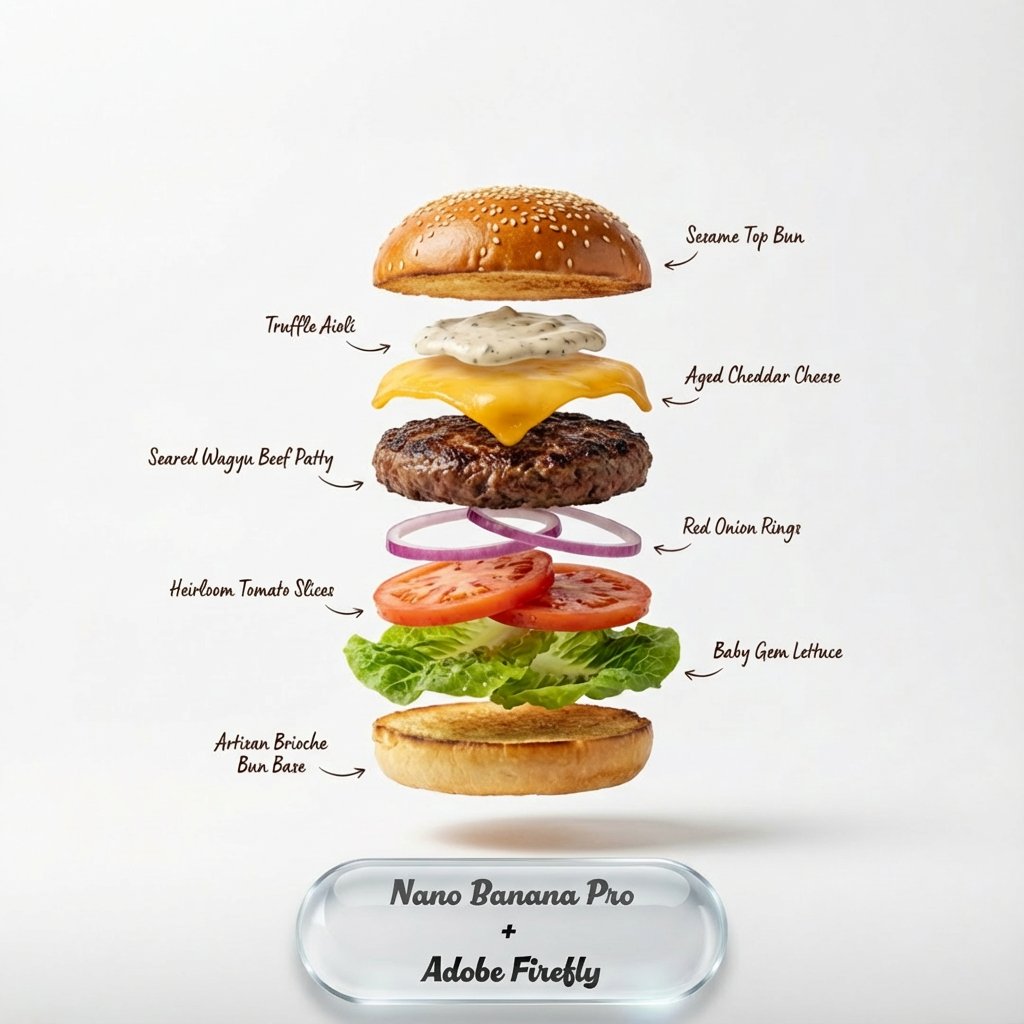
Exploding food photography prompt for Nano Banana Pro
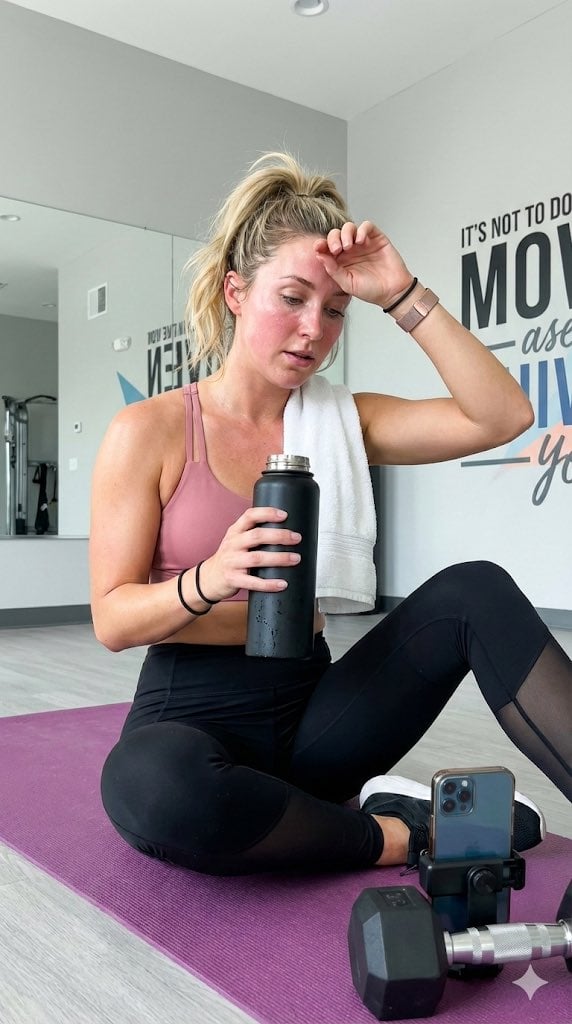
Gym selfie portrait of woman on yoga mat for Nano Banana Pro
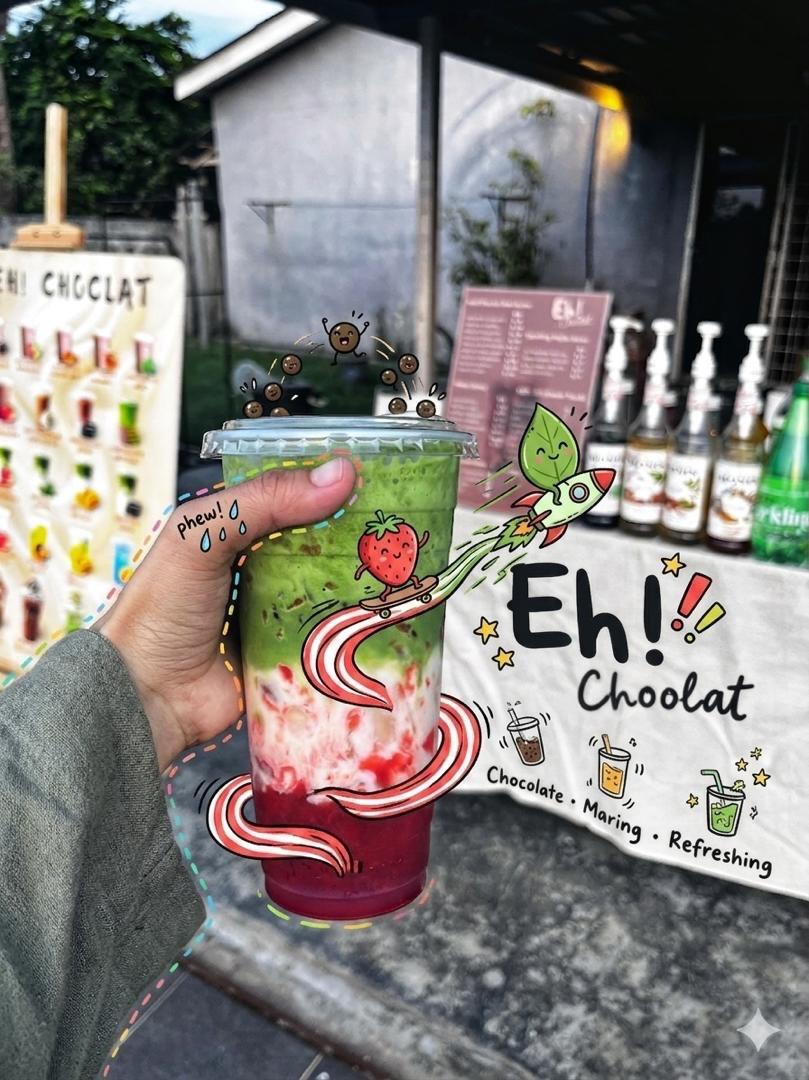
Doodled Strawberry Matcha Drink Photo

15th-Century Antique Portolan Chart
Luxury Fashion Moodboard Editorial Prompt for Nano Banana Pro
Cinematic Artisan Portrait Prompt for Model Making Workshop
Browse template categories
A hyper-realistic 3D render of a flat logo sculpted as a massive questions
How do I use the A hyper-realistic 3D render of a flat logo sculpted as a massive template?
Add your photo if the template asks for one, edit the prompt if you like — the template's model and format are already selected — and press Generate. Your version opens in PicX Studio.
Can I customize the A hyper-realistic 3D render of a flat logo sculpted as a massive template?
Yes. You can change the subject, setting, lighting, mood, format, and available model controls before creating your image.
Is the A hyper-realistic 3D render of a flat logo sculpted as a massive template free?
Opening and editing this template is free. Generating uses credits, shown on the Generate button when you are signed in.
Which AI model should I use?
Start with Nano Banana 2, which is the model associated with this template. You can compare another compatible model for a different finish.
Looking for something else? Browse all templates.

Your photo, any look
Thousands of ready templates for every top image and video model, from one credit balance.