
Instagram Storyboard Template
Creative Post for Marketing
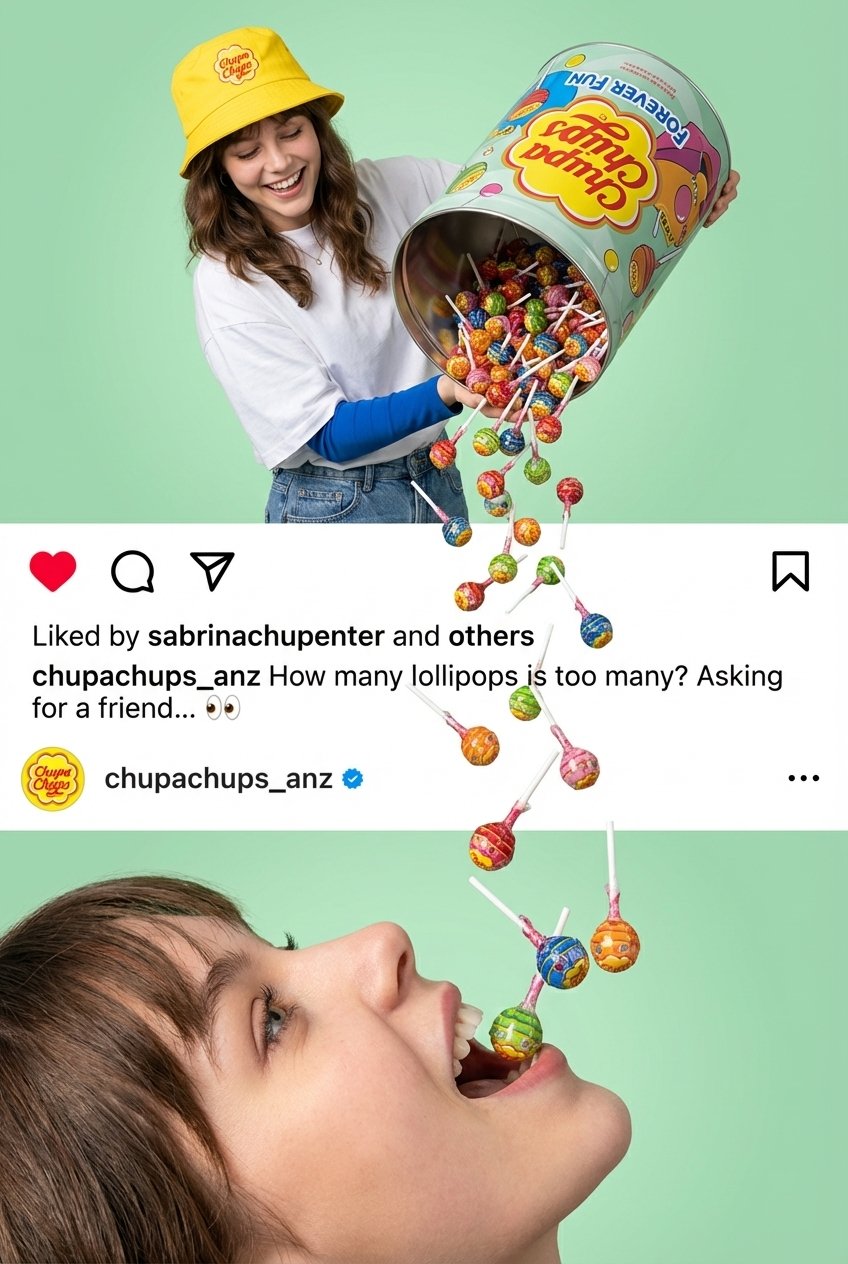
- Prompt included
- Model and format preset
- Free template
The prompt behind this image
Copy the exact prompt behind Instagram Storyboard Template, or open it in the studio and make it yours.
Use Reference Image for all human appearances. Hyperrealistic, colorful, seamless multi-section advertisement-style artwork. SECTION 1 — TOP (Person pouring giant container) A young person (replace their face with [REFERENCE_FACE]) wearing: [HAT_COLOR] bucket hat with [BRAND_LOGO] [TOP_COLOR] oversized T-shirt [INNER_SLEEVES_COLOR] inner sleeves [PANTS_TYPE] bottoms They tilt a giant [PRODUCT_CONTAINER] decorated with: [BRAND_LOGO] [CONTAINER_SLOGAN] [CARTOON_GRAPHICS_DESCRIPTION] The person is happy/smiling while [PRODUCT_ITEMS] pour out in large quantity. Background: smooth pastel [BACKGROUND_COLOR]. SECTION 2 — MIDDLE (Instagram-style UI replica) Create an Instagram UI that visually matches the reference style exactly, but generalized: UI Structure Full-width white Instagram-style bar. Top row icons, identical spacing and order: ❤️ Like icon → 💬 Comment icon → 📤 Share icon Below icons: Text line: “Liked by [USERNAME_1] and others” Next line: Username [BRAND_INSTAGRAM_USERNAME] in bold Caption text in regular font: “[CAPTION_TEXT]” Below caption: Comment bubble with: [BRAND_INSTAGRAM_USERNAME] + verified checkmark Add small [BRAND_LOGO] beside the username/comment, sized exactly as Instagram shows profile icons. UI Requirements Match spacing, padding, typography, and icon proportions 1:1 to the reference style. Same alignment Same icon sizes Same text hierarchy Interaction With Falling Elements The falling [PRODUCT_ITEMS] should pass through and overlap the UI exactly as in the reference layout. SECTION 3 — BOTTOM (Close-up face interacting with falling items) A hyperrealistic sideways close-up of [REFERENCE_FACE], mouth open playfully, interacting with or “catching” the falling [PRODUCT_ITEMS]. Background: continues the same pastel [BACKGROUND_COLOR] as Section 1. Lighting: bright, soft, high-end advertising style. OVERALL STYLE GUIDELINES Hyperrealistic, ultra-high resolution Bright, vibrant, colourful aesthetic matching [BRAND_STYLE] Extremely sharp textures and details Seamless vertical flow of falling [PRODUCT_ITEMS] connecting all 3 sections Clean, crisp commercial advertisement look The Instagram UI must be visually indistinguishable from a real one (generalized but identical formatting)
How to use Instagram Storyboard Template in 3 steps
- 1Upload ImagePNG, JPG or paste
Add your photo
Upload the photo the template builds on. The prompt, model and format are already set.
- 2…a portrait of your subject in softgolden-hour light, 85mm…
Personalize
Edit the subject and creative details for your destination.
- 3Generate
Generate
Press Generate — your image is created in PicX Studio, so you can compare it with the original and refine one variable at a time.
More like this
Templates with the same subject, style or setup. Open one to see its prompt.
Instagram Feed Grid

Mirror Selfie Chibi Characters Pixar Style

Eid al-Adha Cute Chaos — Fisheye Selfie with Farm Selfie, Mosque & Animals

Gen Z Triple Selfie Collage — Y2K Flash Photography
Gen Z Flash Selfie Triple Collage

Headphones Lifestyle Nine Panel Grid

Cozy Food Flat Lay Doodle Labels

Paris Travel Collage Grid - Face Reference
Seedance - Storyboard to Movie
Photoshoot
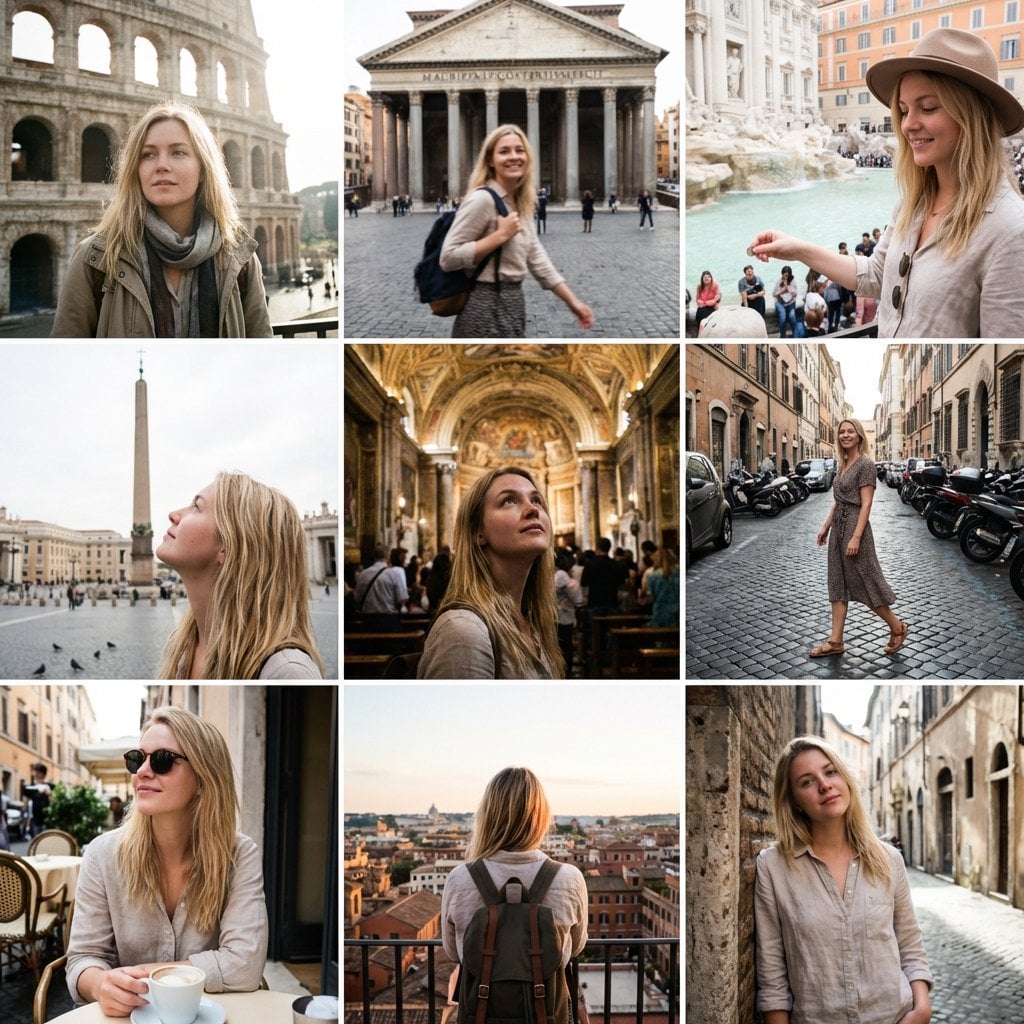
3x3 Instagram-style grid of low-quality smartphone photos featuring

Póster social premium 4 5 vertical para Instagram, ultra alta
Make it yours
Instagram Storyboard Template works as-is. These are the safest ways to change it without losing the look.
Change one field
Copy a single group, rewrite it, and generate again so you can see what that field is doing.
Keep the frame, change the subject
Hold the composition and light of Instagram Storyboard Template , then swap wardrobe, props or the person for a new take.
| If the result… | Why | Fix |
|---|---|---|
| The result drifts from the preview | Too many fields changed at once. | Reuse Instagram Storyboard Template as-is first, then change one group — subject, light, or setting. |
| The model over-stylizes the scene | The prose prompt leaves finish and camera underspecified. | Add one camera or lighting sentence and stay on PicX. |
More PicX templates
Other prompts made for PicX.
More image prompts
Fresh picks from across the catalog.

Samurai Chicken Bathtime Portrait
Hyper-realistic Fashion Poster

Cinematic Portrait of Man in Leather Jacket and Sunglasses
Anime Egirl Illustration Prompt Shootout
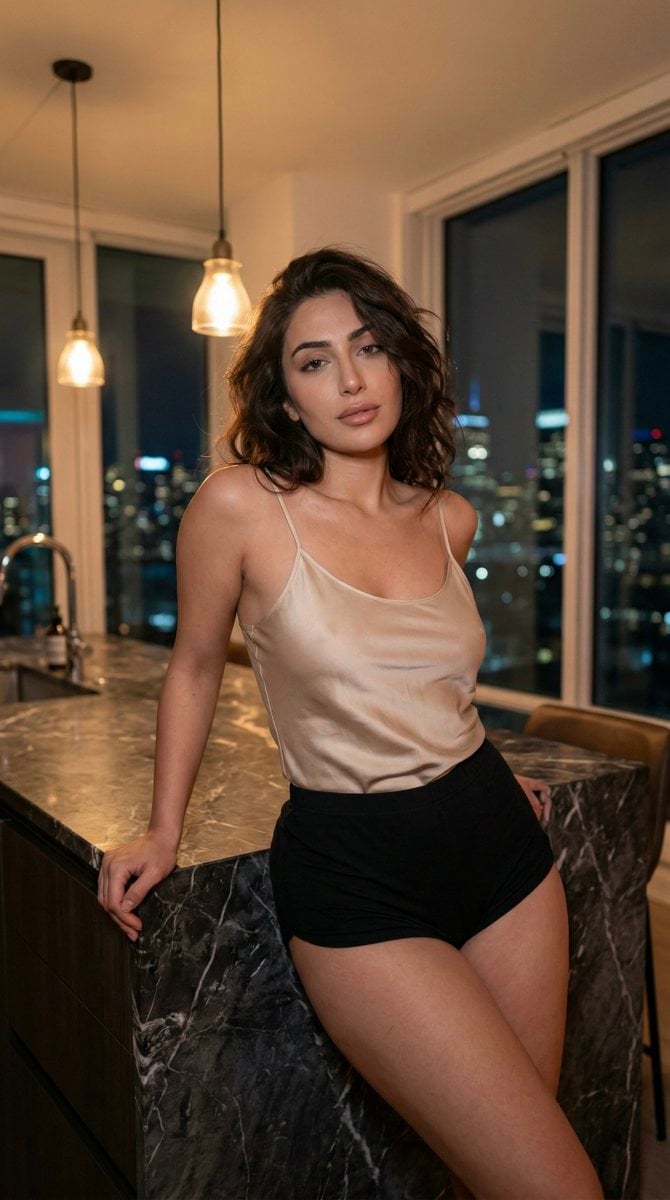
Low-Light Kitchen Portrait (Persian/Middle Eastern)
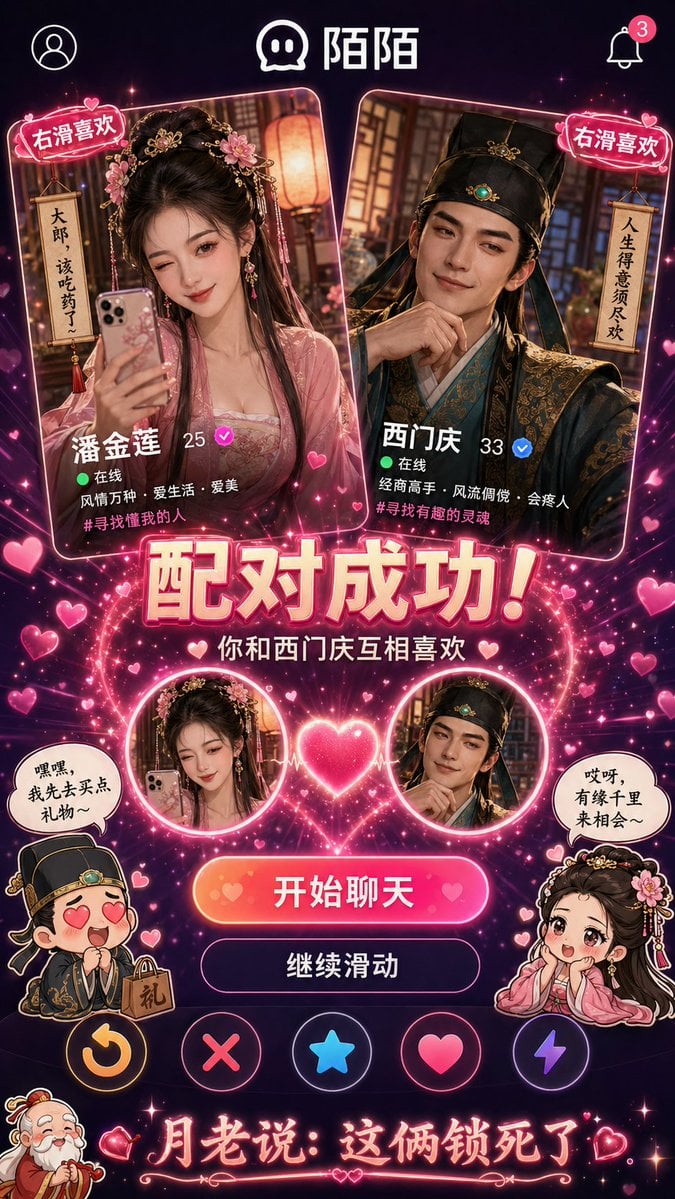
Historical Character Modern Match Interaction

Photoreal Alien in Dark Ravine
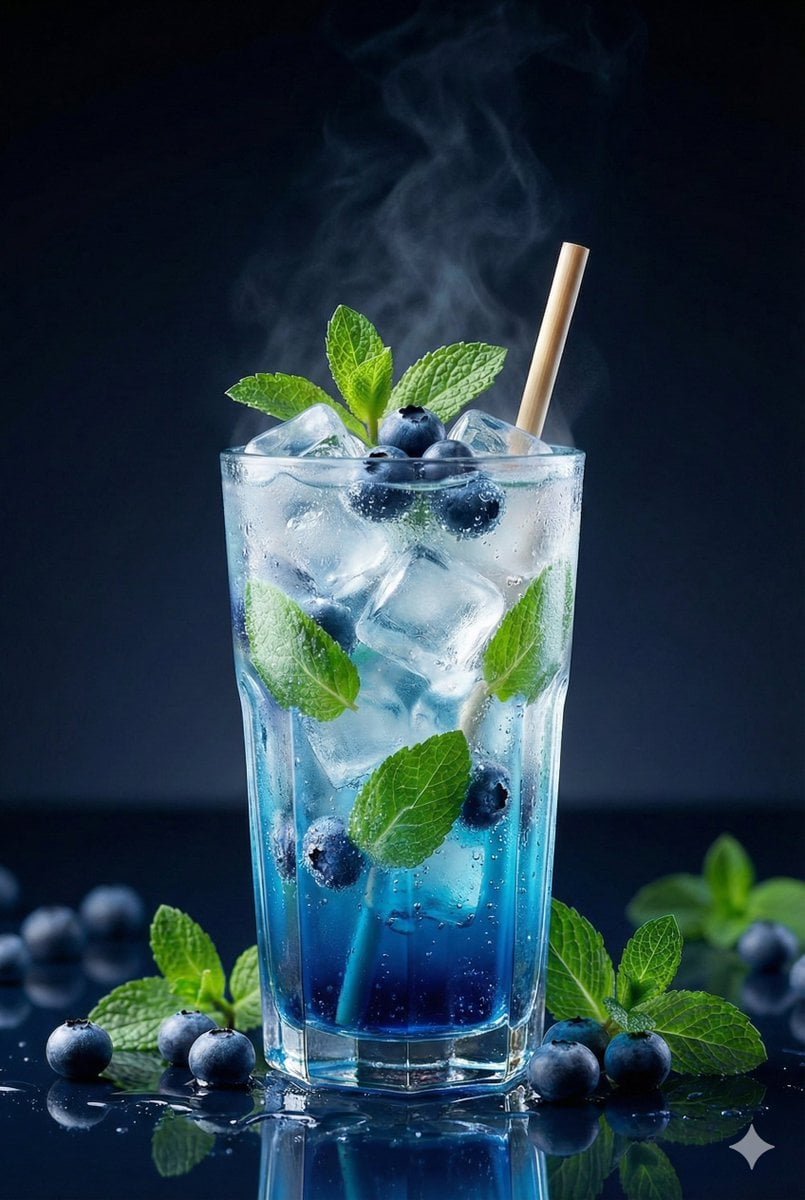
Premium Studio Shot of Blueberry Mint Iced Drink

Apple keynote-style event scene from text
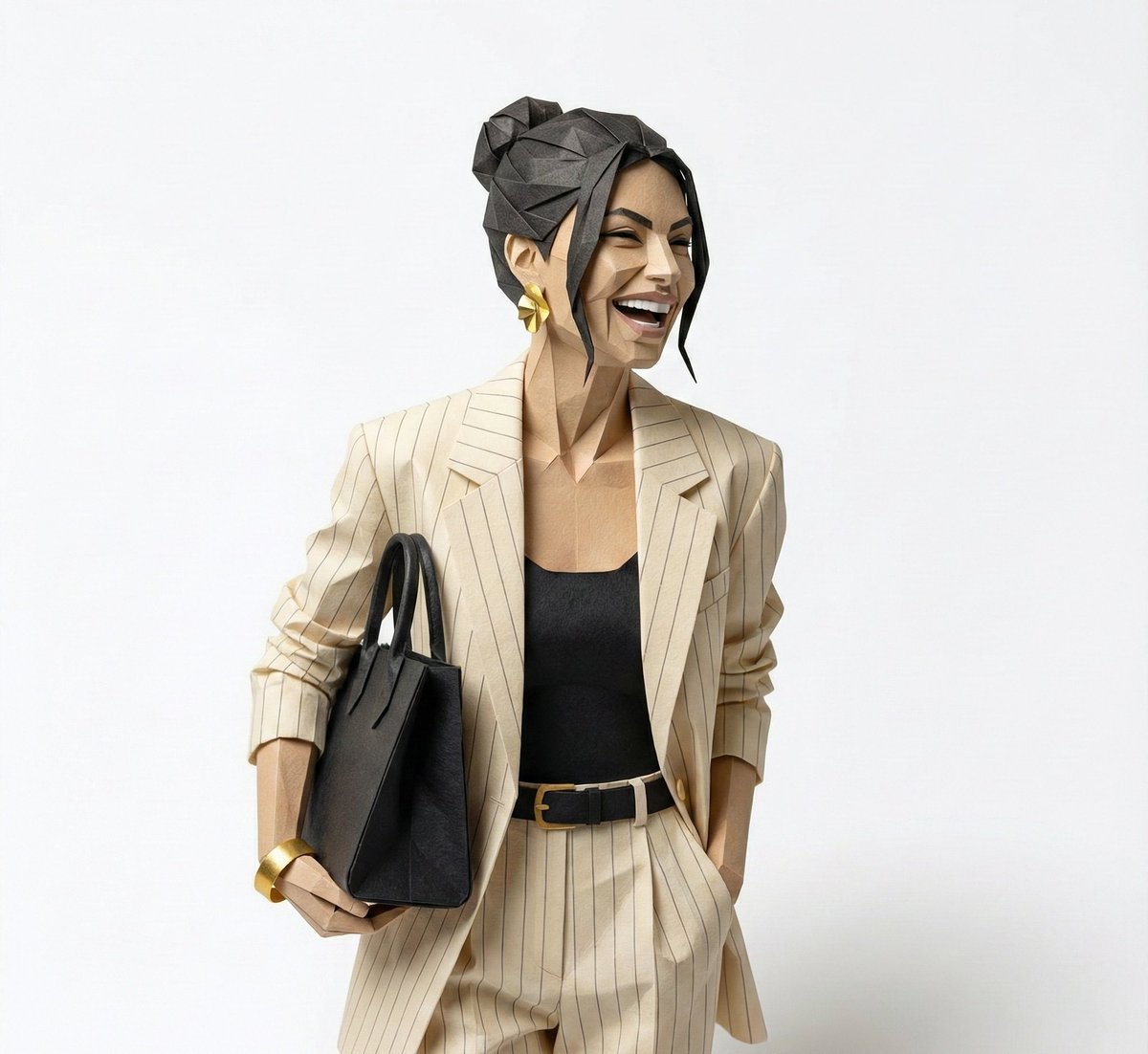
Hyper-Detailed Origami Portrait Sculpture
Browse template categories
Instagram Storyboard Template questions
How do I use the Instagram Storyboard Template template?
Add your photo if the template asks for one, edit the prompt if you like — the template's model and format are already selected — and press Generate. Your version opens in PicX Studio.
Can I customize the Instagram Storyboard Template template?
Yes. You can change the subject, setting, lighting, mood, format, and available model controls before creating your image.
Is the Instagram Storyboard Template template free?
Opening and editing this template is free. Generating uses credits, shown on the Generate button when you are signed in.
Which AI model should I use?
Start with PicX, which is the model associated with this template. You can compare another compatible model for a different finish.
Looking for something else? Browse all templates.

Your photo, any look
Thousands of ready templates for every top image and video model, from one credit balance.