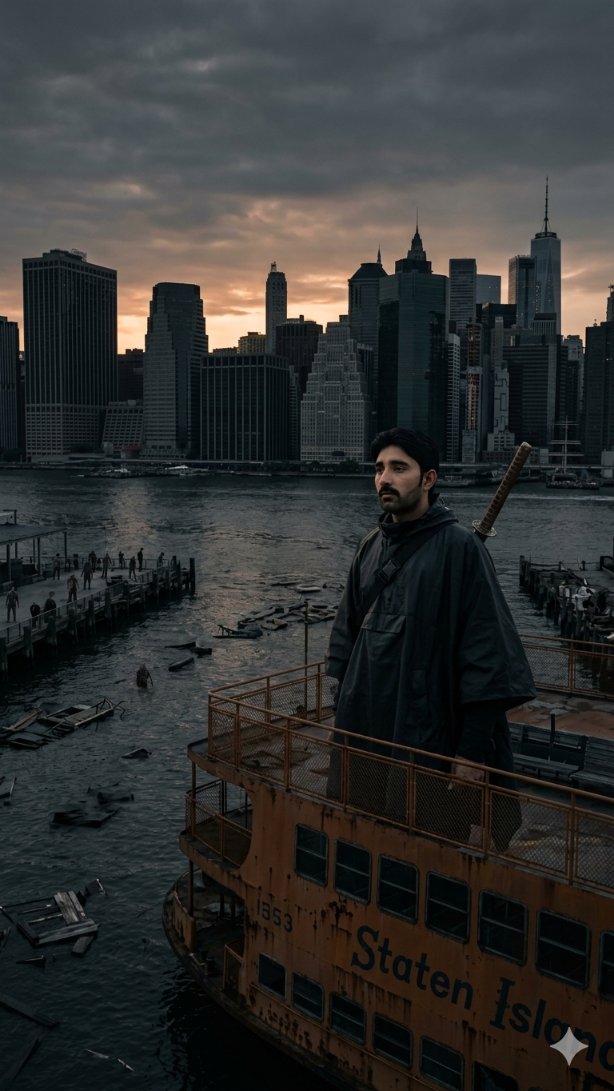
How do I use the Ocean breeze, golden vibes, and a glass of calm. template?
Choose the primary action to open PicX Studio with the available template settings. Review the model and format, personalize the creative direction, and generate when ready.
A ready image prompt for PicX Studio. Change the subject, setting, or lighting one variable at a time.
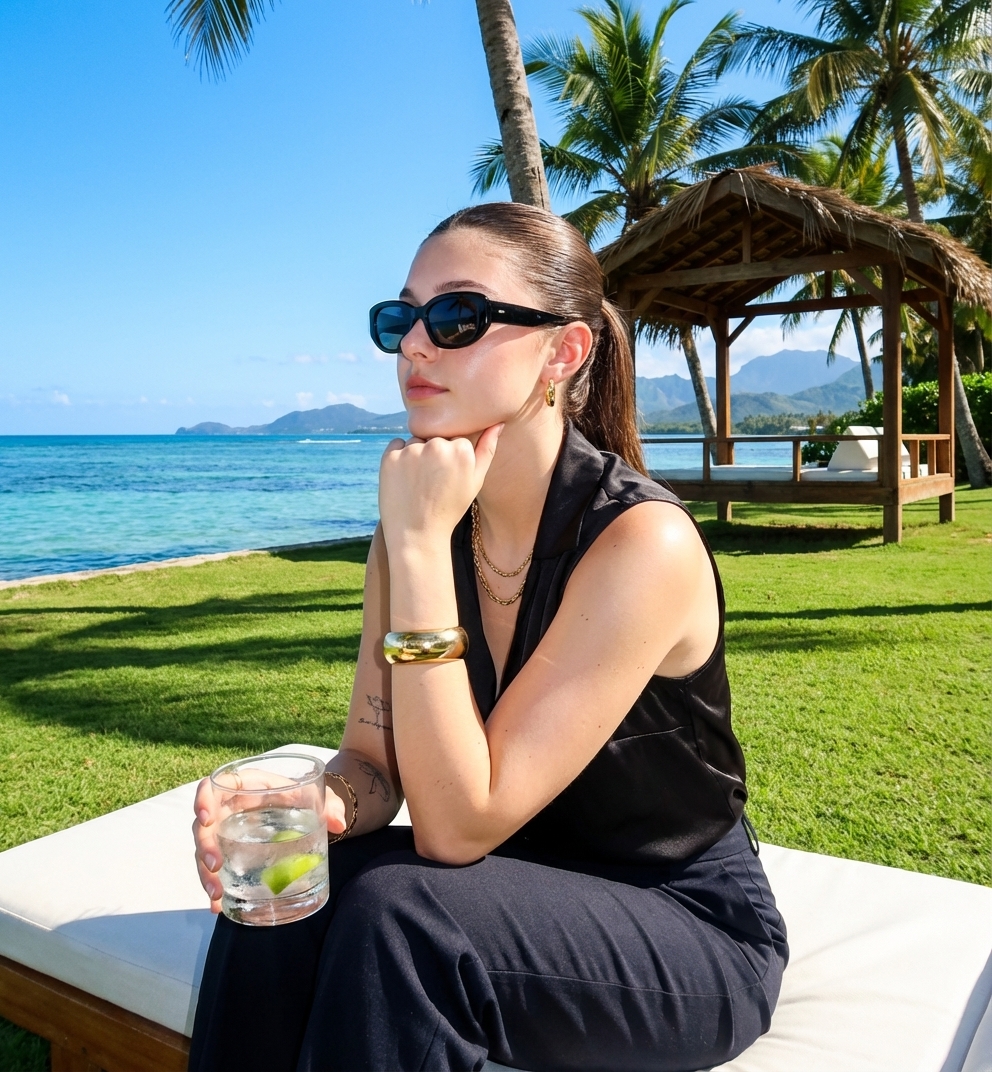
Create an ultra-hyperrealistic outdoor candid portrait series of images strictly using the uploaded image as reference. The final output must look like a real photograph taken with a point-and-shoot camera in bright daylight. with a digital camera with flash Recreate the woman exactly as shown: sitting casually on a white lounge chair on bright green grass beside a tropical waterfront. She has her hair slicked back into a tight ponytail and is wearing oversized black sunglasses, a sleeveless black satin top, and dark pants. She rests her face on one hand with a relaxed, slightly bored expression while holding a glass filled with ice and a lime slice in her other hand. Include her gold jewelry: chunky gold bracelet, layered gold necklace, and visible small tattoos on her arms. The environment: vibrant green lawn, tall palm trees, a wooden tropical hut with thatched roofing, clear blue sky, distant mountains, and shimmering ocean water behind her. Sunlight is strong and bright, creating natural highlights, lens flare, and sharp shadows consistent with harsh daytime tropical light. Maintain every texture and detail — fabric sheen, skin texture, reflections on sunglasses, ice transparency, grass blades, water reflections, and summer haze. The final image must look like a completely real, unedited vacation snapshot with zero AI artifacts or smoothing, natural color tones, and authentic point-and-shoot camera quality
Choose the primary action to open PicX Studio with the available template settings. Review the model and format, personalize the creative direction, and generate when ready.
Yes. You can change the subject, setting, lighting, mood, format, and available model controls before creating your image.
This template is free to open and customize. Generation usage is shown in PicX Studio before you create.
© 2026 PicX Studio. All rights reserved.

Choose a compatible model in PicX Studio based on the style, speed, and output controls your project needs.
Follow a topic to a crawlable collection of related PicX Studio templates.
43,474 public templates available. Verified via the PicX Studio public templates API; refreshed hourly.








![Cinematic Glass Brand Logo Volcanic Landscape — [BRAND NAME]. A CGI cinematic hero landscape with a glass logo sculpture emerging from volcanic rock. Render the](/_next/image?url=https%3A%2F%2Fcdn.picxstudio.com%2Fuploads%2Fmeigen_a9fd468cb68d_a2e4e108-a6bc-443c-8644-48d0f477dfee.jpg&w=828&q=100)





![Luxury Travel Glass Portal Poster — Create a breathtaking 4:5 vertical luxury travel artwork for {argument name="country" default="[COUNTRY]"}, inspired by high](https://cms-assets.youmind.com/media/1787386257838_497zuh_HQI0U4VbgAABRAx-300x300.jpg)





![Ironic Always Working Ocean Meme — Realistic candid photo of [person from uploaded photo] standing chest-deep in {argument name="water type" default="rough ocea](https://cms-assets.youmind.com/media/1786774871743_ky5okn_HPooO15bQAAjoPp-300x372.jpg)






![Ironic Ocean Office Meme — Realistic candid photo of [person from uploaded photo] standing chest-deep in rough ocean water, sur…](https://cms-assets.youmind.com/media/1786690130276_y8g9fn_HPkVUgZbkAAuJYV-300x402.jpg)
![Architectural Illustrator Presentation Board Template — An expert architectural illustrator's presentation board for a [{argument name="style" default="STYLE"}]](https://pbs.twimg.com/media/G8u2qO1XEAAswB4.jpg)