How do I use the Japanese GPT Image 2 Swimsuit Report Poster template?
Choose the primary action to open PicX Studio with the available template settings. Review the model and format, personalize the creative direction, and generate when ready.
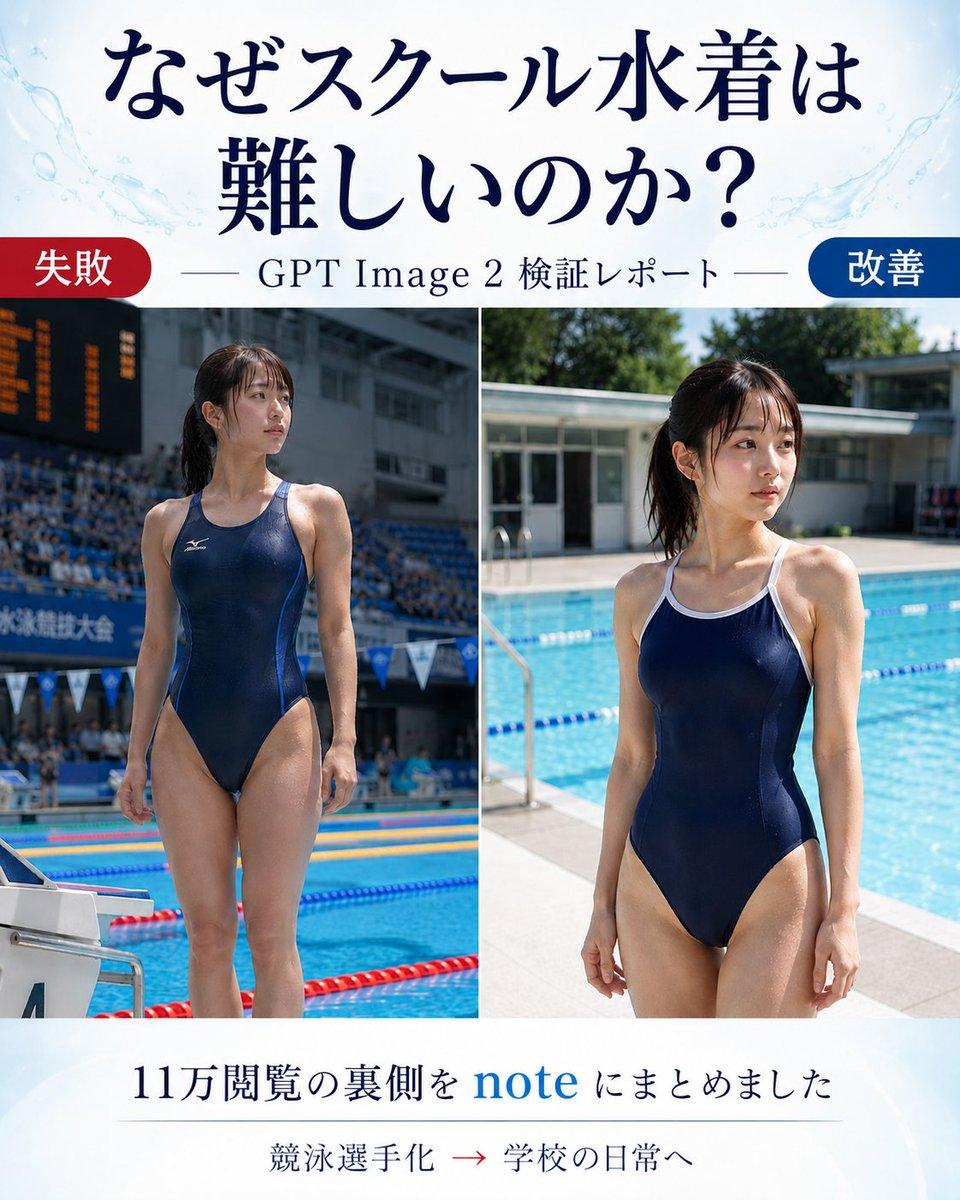
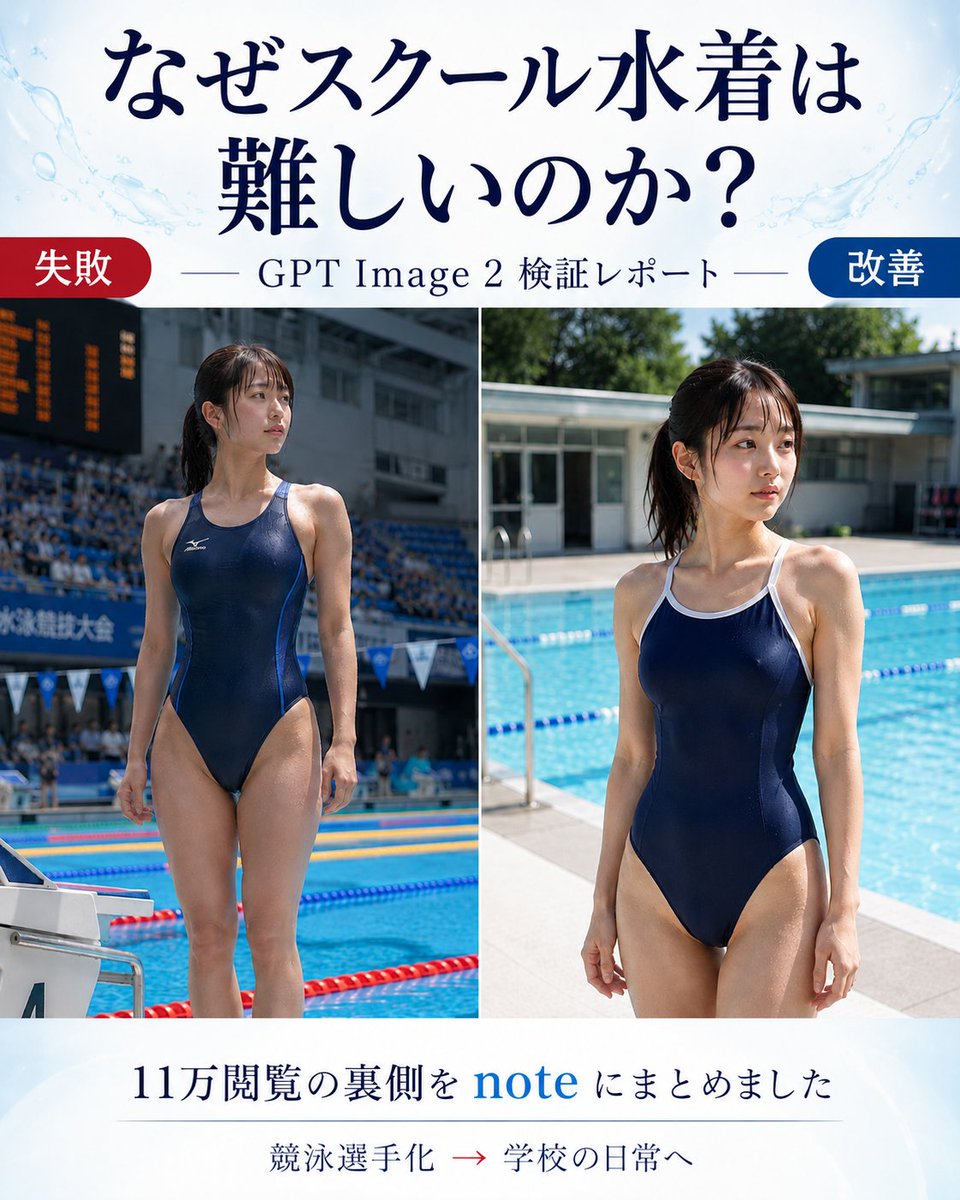
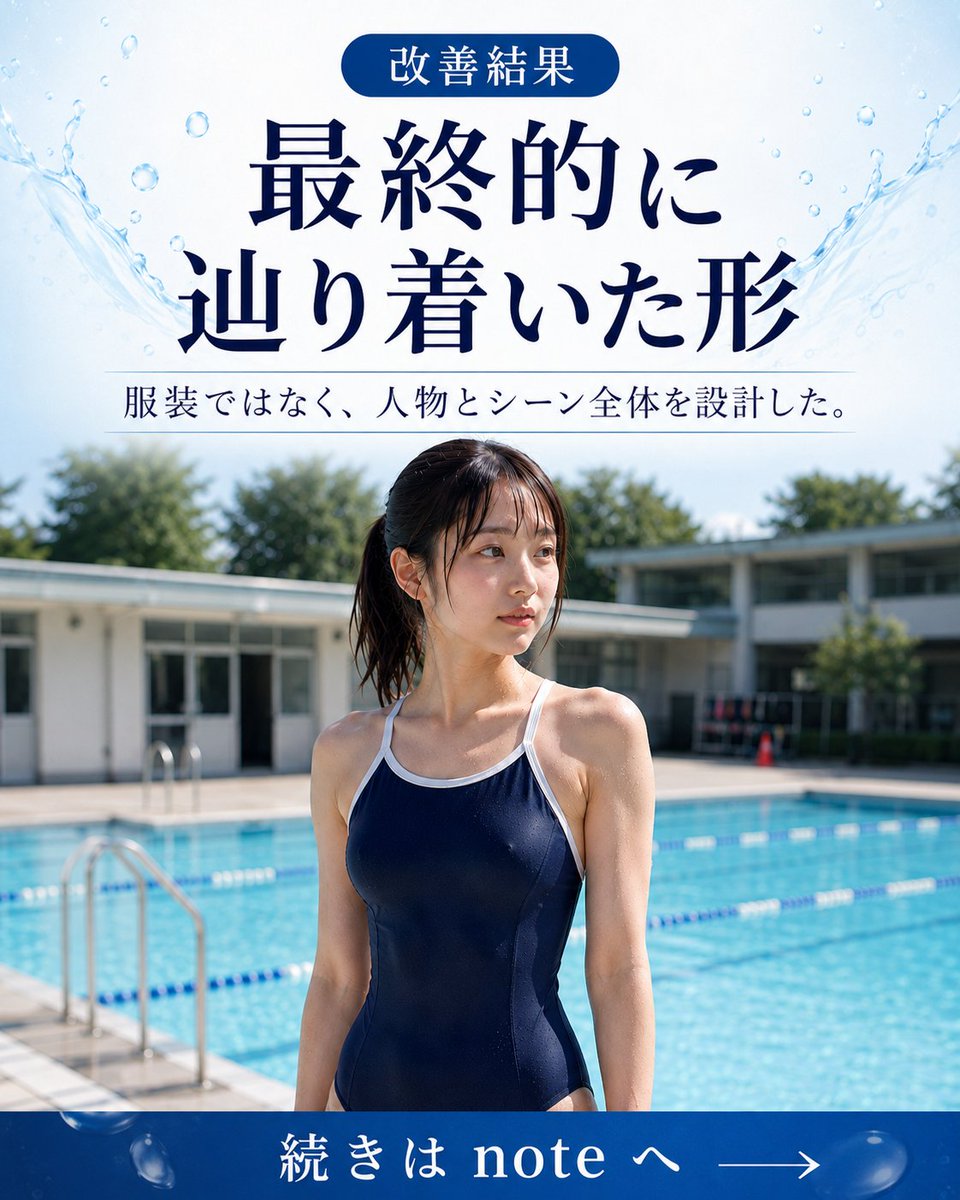
Creates a Japanese before-and-after article thumbnail comparing a failed competitive-swimmer result with an improved school-pool daily-life result. (free to use) — Free AI image template on PicX Studio.
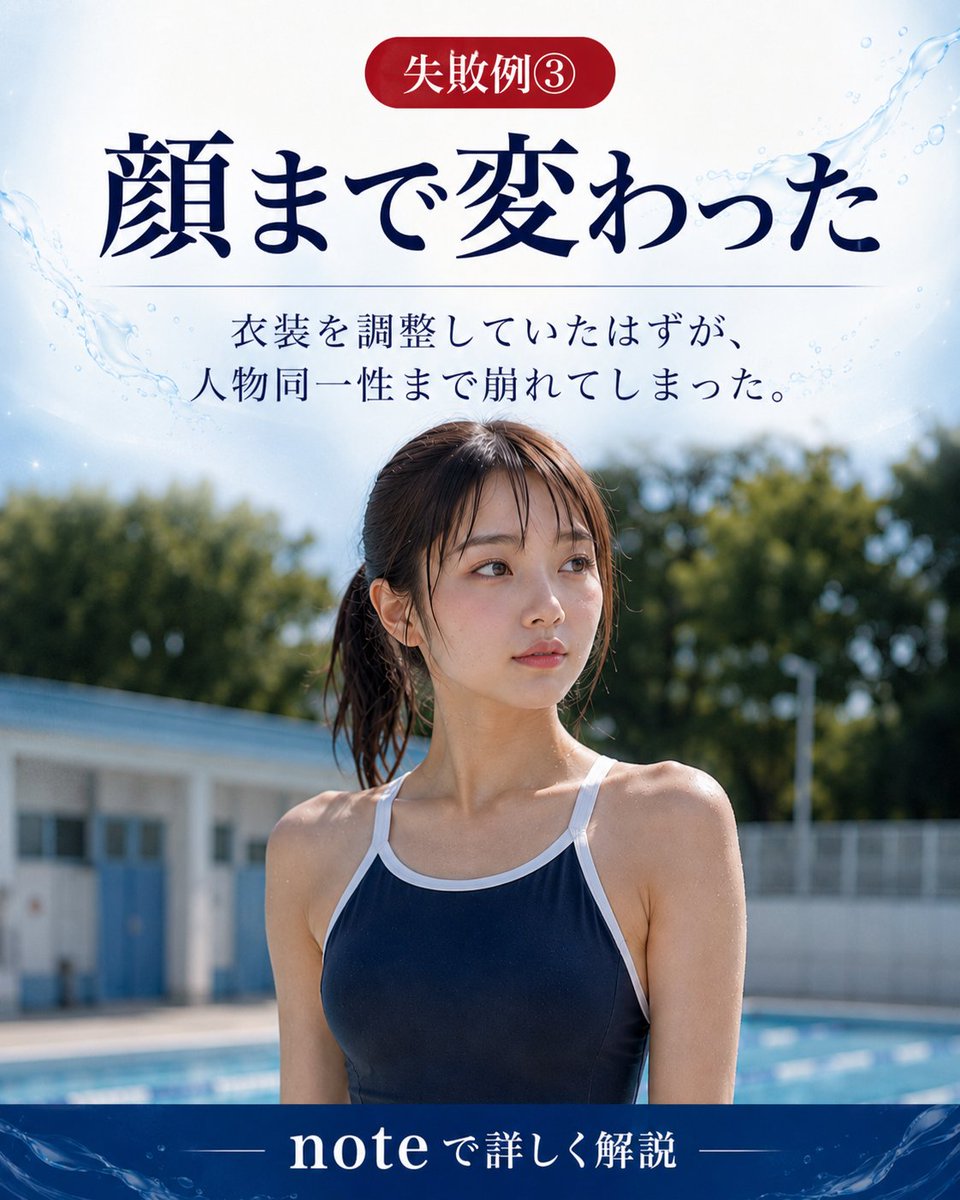
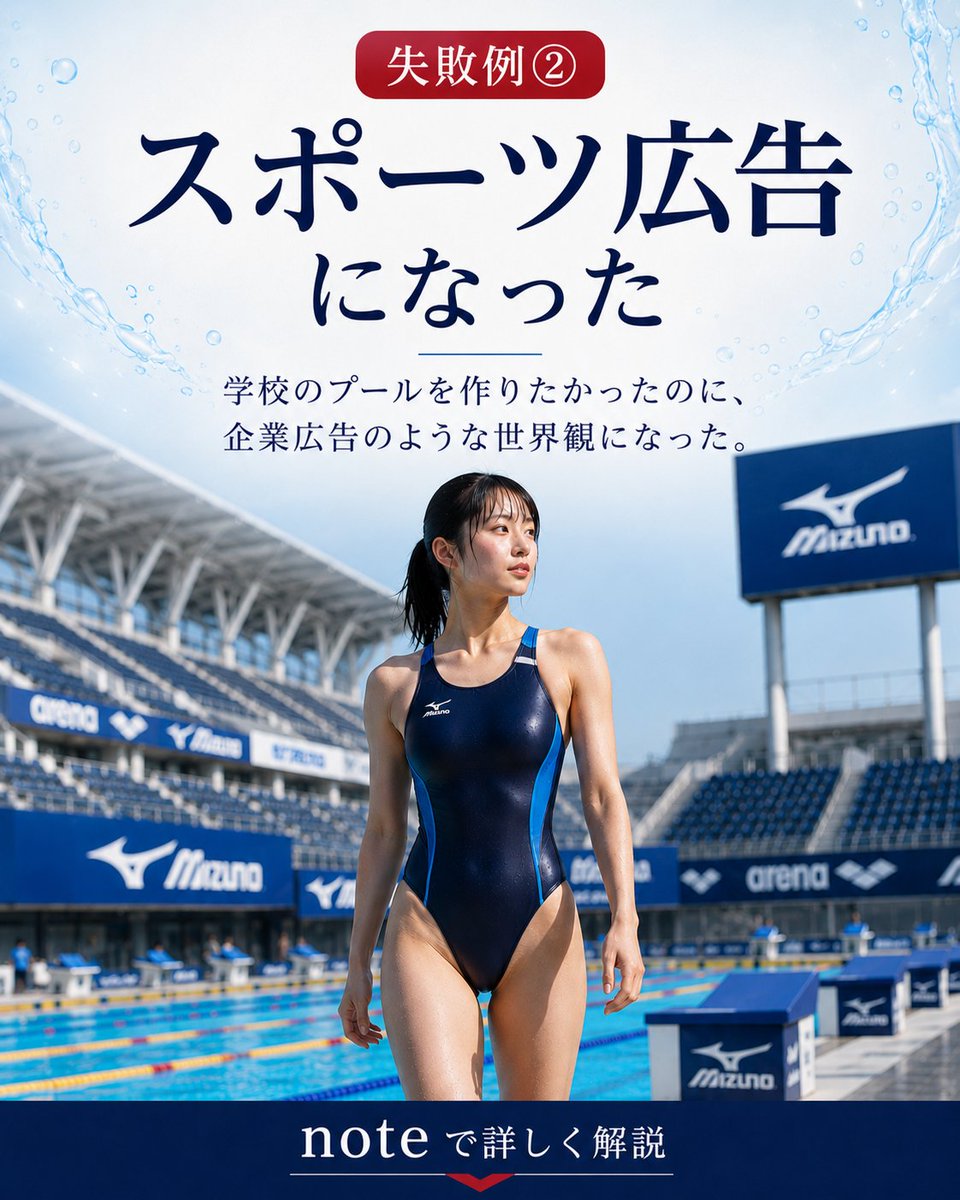
Goal: Create a vertical Japanese promotional comparison poster for an article about why generating a school swimsuit is difficult in GPT Image 2, showing a before/after visual test report. Canvas: Portrait 4:5 layout, clean editorial blog-thumbnail design, white background with pale blue watercolor splashes and subtle pool-water motifs near the top corners. Use elegant dark navy Japanese serif typography. Header: Large centered headline text in Japanese: 「なぜスクール水着は 難しいのか?」 with the line break after 「は」. Below it, add a thin horizontal rule on both sides of the subtitle 「GPT Image 2 検証レポート」. Main layout: Two large side-by-side photo panels separated by a thin white vertical divider. Use exactly 2 comparison images: left panel labeled as failure, right panel labeled as improvement. At the top-left of the image area, place a rounded red pill label reading 「失敗」. At the top-right, place a rounded blue pill label reading 「改善」. Left photo panel: A realistic full-body poolside photo of an adult woman in a navy one-piece competitive racing swimsuit, standing at an indoor or stadium-like competition pool. Make it look like a sports meet or swimming competition: spectator stands, scoreboard, lane ropes, starting block, and official competition atmosphere. Her face should be intentionally obscured with a rectangular blur/mosaic block. The pose is upright and athletic, emphasizing that the generation became too much like a competitive swimmer. Right photo panel: A realistic full-body poolside photo of an adult woman in a navy one-piece school-style swimsuit with white trim and shoulder straps, standing beside a bright outdoor school pool in daylight. Background includes blue pool water, lane ropes, pool deck, low school-building architecture, and greenery. Her face should also be intentionally obscured with a rectangular blur/mosaic block. The mood is casual school daily life rather than sports advertising. Footer: Centered Japanese text in dark navy: 「11万閲覧の裏側を note にまとめました」 with the word “note” in bright blue. Under it, add a small line of text: 「競泳選手化 → 学校の日常へ」 with the arrow in red. Use a faint divider line above the small text. Visual style: Realistic photography in the two panels, magazine/article cover composition, high contrast between the failed sports-ad look and the improved school-pool daily-life look. Keep the design polished and readable, with no extra logos or watermarks. Customizable slots: Article headline may be {argument name="headline text" default="なぜスクール水着は難しいのか?"}; subtitle may be {argument name="subtitle text" default="GPT Image 2 検証レポート"}; left label may be {argument name="left label" default="失敗"}; right label may be {argument name="right label" default="改善"}; footer text may be {argument name="footer text" default="11万閲覧の裏側を note にまとめました"}.
Use Japanese GPT Image 2 Swimsuit Report Poster to plan an AI image around gpt-image-2 generation, themes such as en and gpt-image-2. Match the preview's composition first, then personalize the subject, setting, and mood for your own project.
Use the primary action to load the template settings in PicX Studio.
Adjust the subject and creative details for your destination.
Create the image, compare the result with the preview, and refine one variable at a time.
A continuous mix — similar concepts first, woven with same-model prompts and fresh picks from the catalog.
Choose the primary action to open PicX Studio with the available template settings. Review the model and format, personalize the creative direction, and generate when ready.
Yes. You can change the subject, setting, lighting, mood, format, and available model controls before creating your image.
This template is free to open and customize. Generation usage is shown in PicX Studio before you create.
Start with gpt-image-2, which is the model associated with this template. You can compare another compatible model for a different finish.
Follow a topic to a crawlable collection of related PicX Studio templates.
39,155 public templates available. Verified via the PicX Studio public templates API; refreshed hourly.
A continuous mix — similar concepts first, woven with same-model prompts and fresh picks from the catalog.