
City Breeze Couture
City Breeze Couture is a ready photo look.
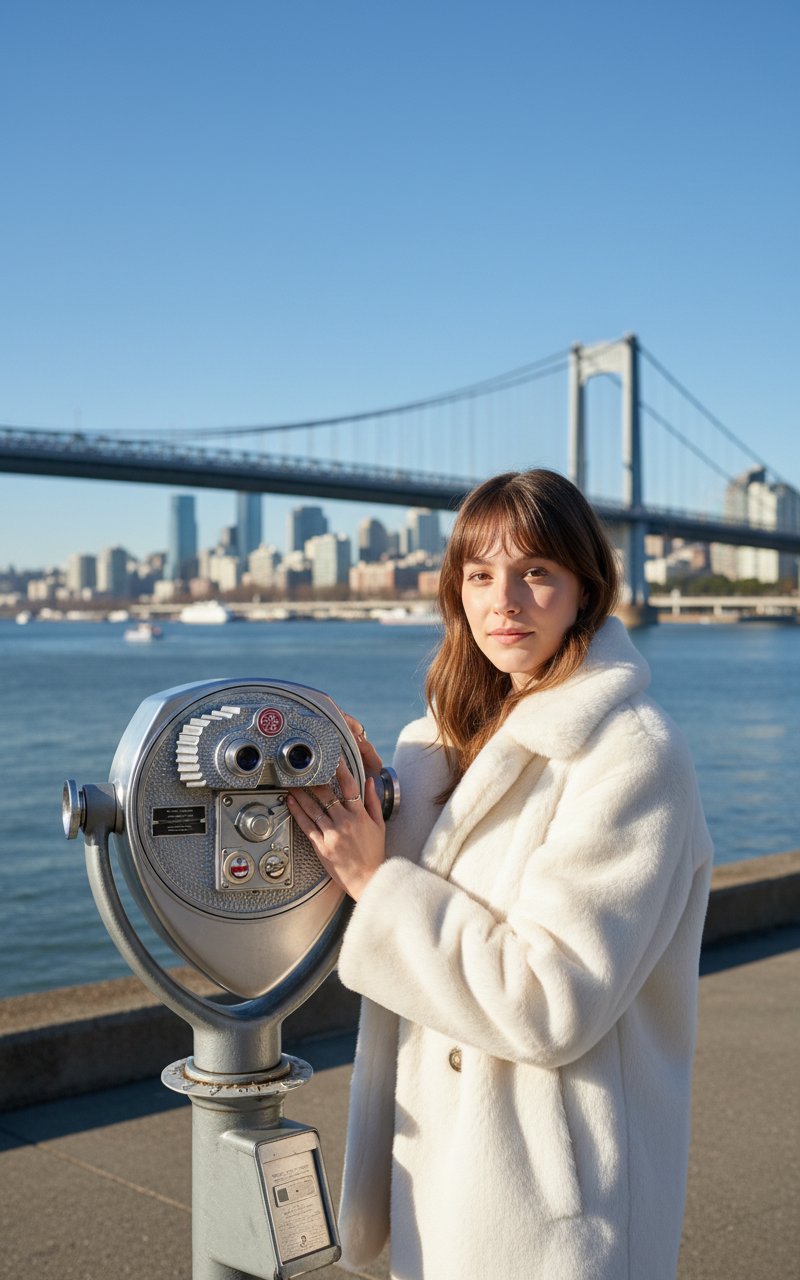
- Prompt included
- Model and format preset
- Premium template
The prompt behind this image
Copy the exact prompt behind City Breeze Couture, or open it in the studio and make it yours.
A stylish woman posing confidently beside a coin-operated binocular viewer on a waterfront promenade. She is wearing a luxurious white faux-fur winter coat, with soft natural waves in her brown hair and elegant minimal makeup. She rests her hands gently on the viewer, showcasing delicate rings and jewelry. Behind her, the iconic suspension bridge spans across the river, with the city skyline visible under a clear blue daytime sky. Crisp sunlight enhances the textures of her coat and the metallic viewer. The atmosphere reflects high-fashion editorial energy, modern city chic, ELLE magazine style, ultra-realistic 8K, clean composition, sharp details, vibrant yet natural color palette.
How to use City Breeze Couture in 3 steps
- 1
Open
The prompt is already in the box next to the preview, with the template's model and format selected.
- 2…a portrait of your subject in softgolden-hour light, 85mm…
Personalize
Edit the subject and creative details for your destination.
- 3Generate
Generate
Press Generate — your image is created in PicX Studio, so you can compare it with the original and refine one variable at a time.
More like this
Templates with the same subject, style or setup. Open one to see its prompt.
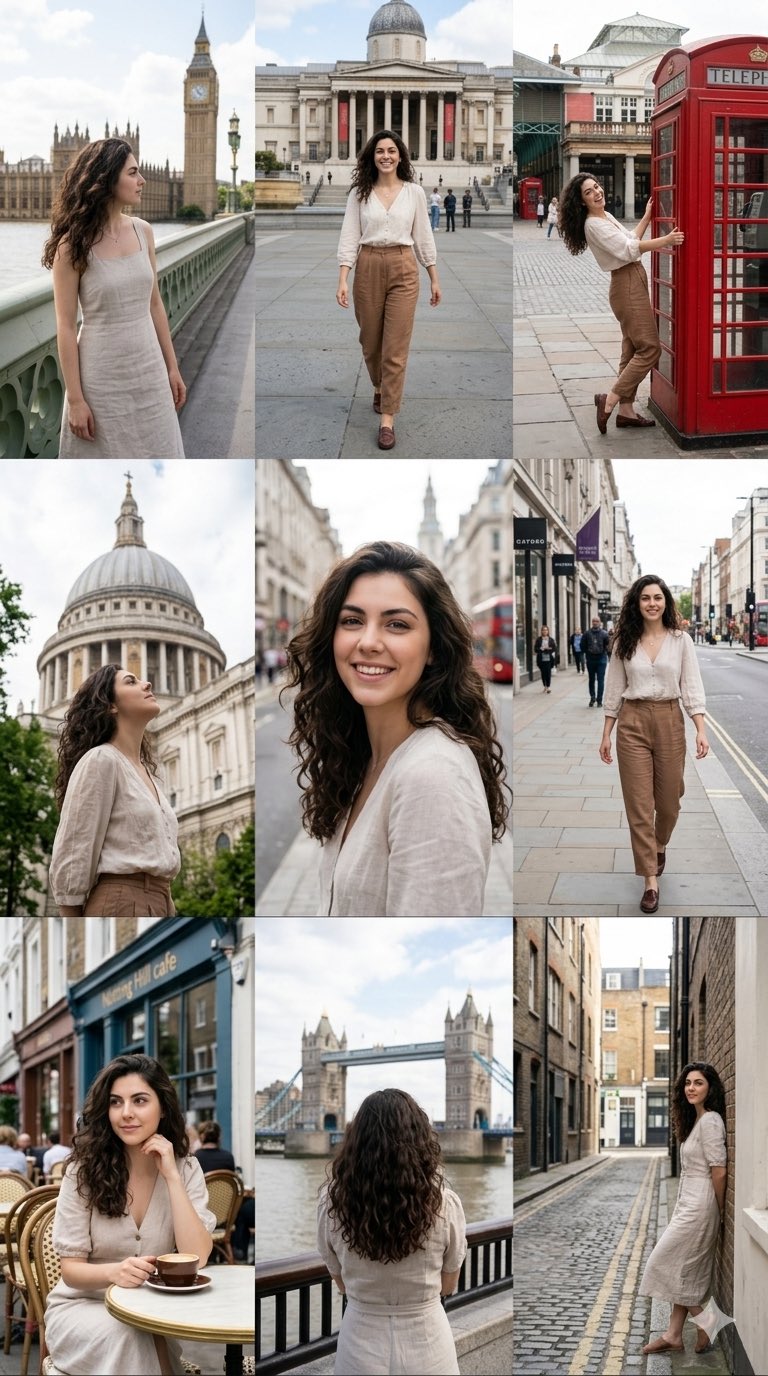
Nano Banana Pro 2.0 — 3x3 Travel Profile Grid
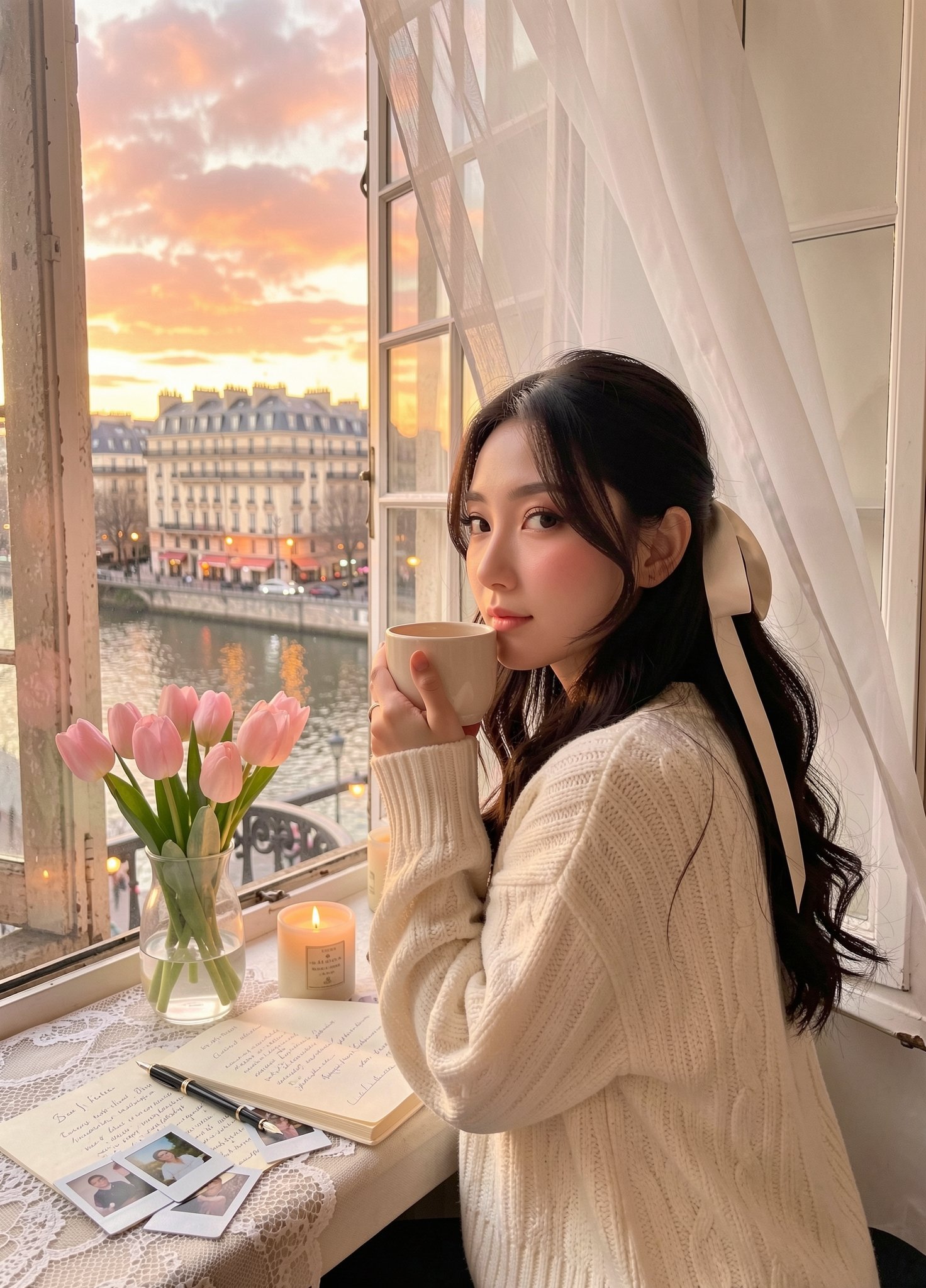
Cozy Knit Sweater Window Portrait
Minimalist Hand-Drawn Doodle Portrait
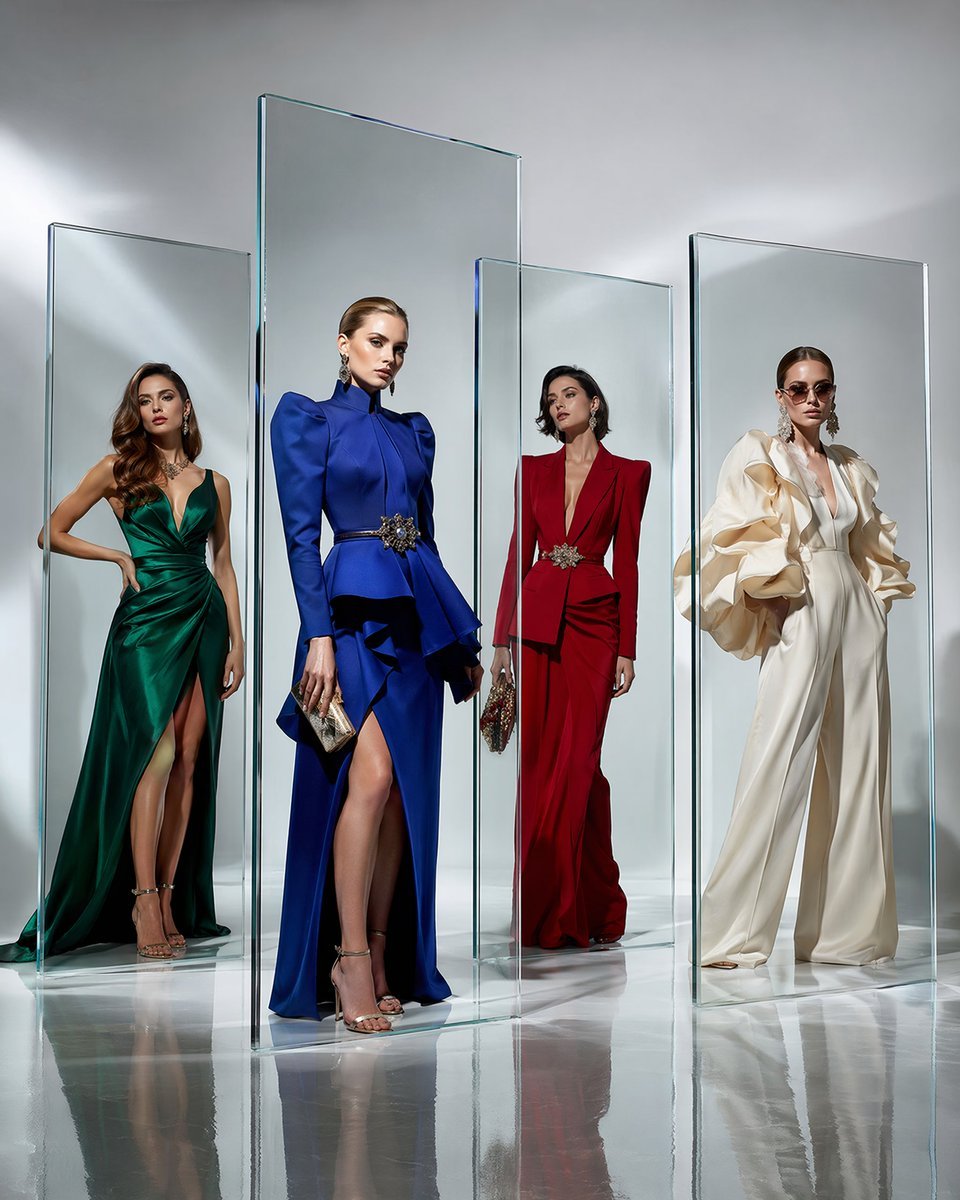
Crystal Panel European Couture Fashion Composite
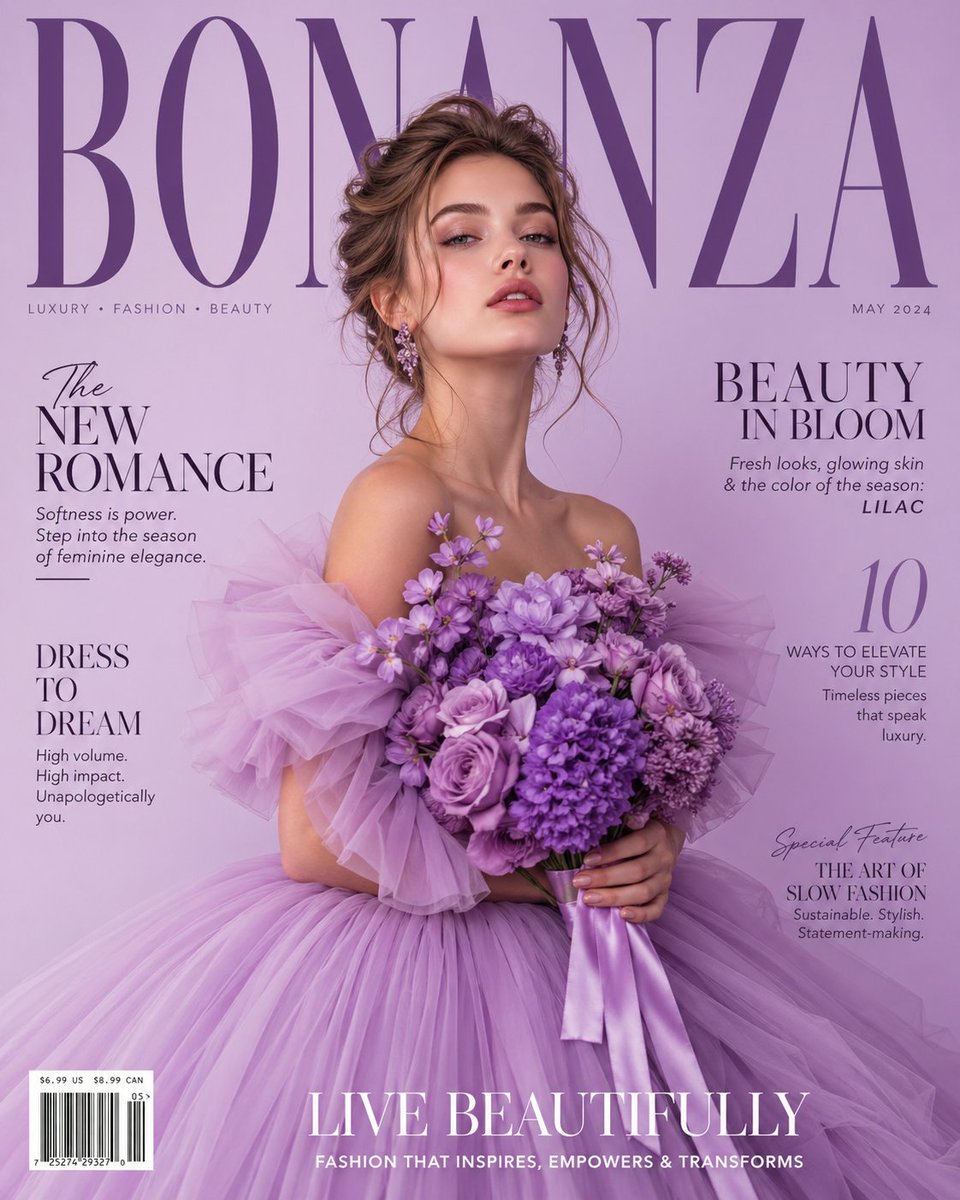
Lavender Couture Magazine Cover Fashion Portrait
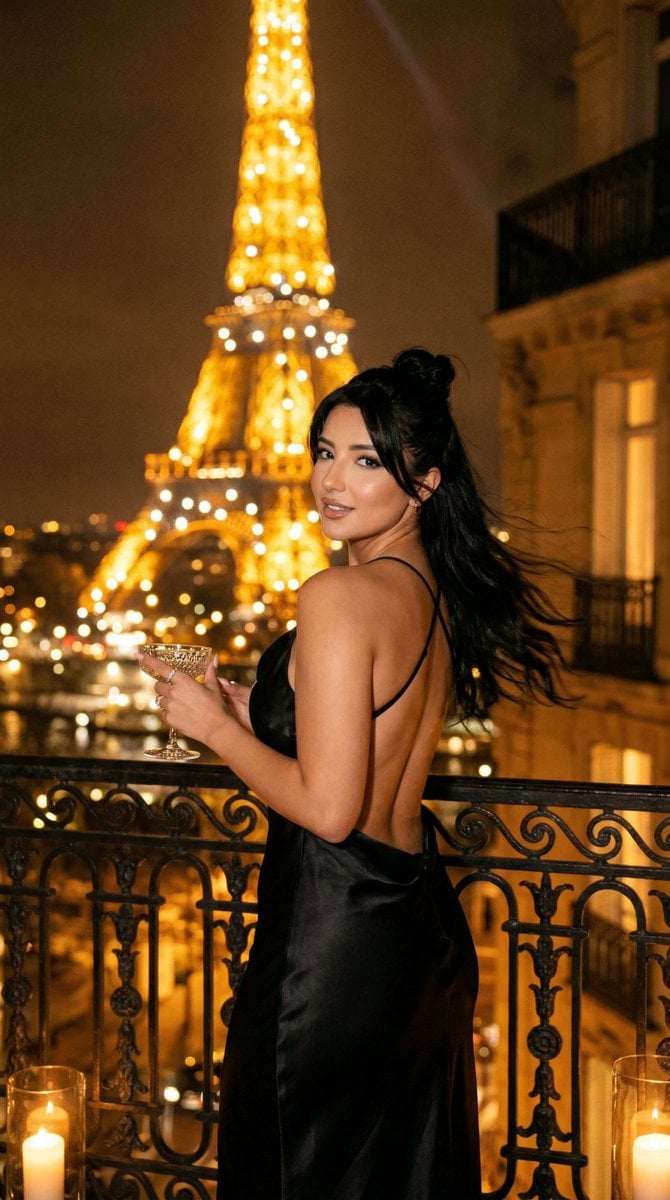
Nano Banana - Yacht Eiffel Night
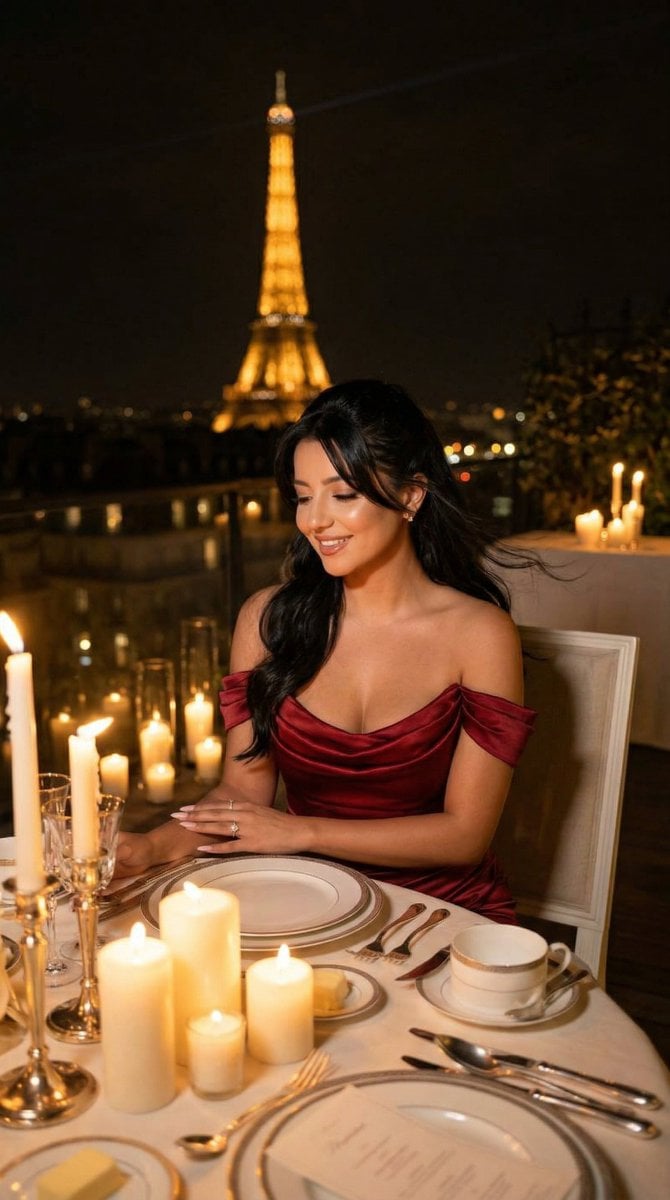
Nano Banana - Opera Red Gown Couture
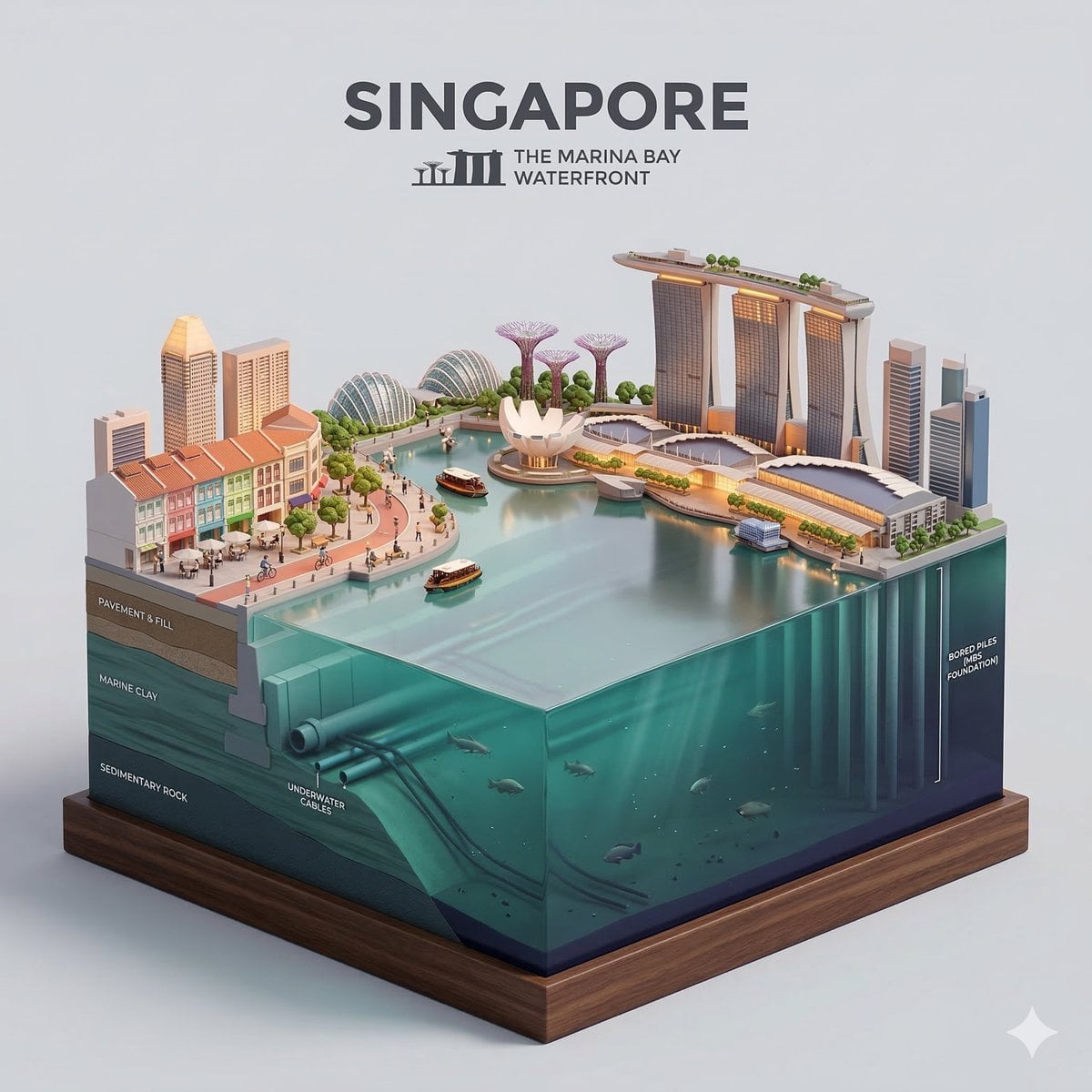
Paper Cut Cityscape Tunnel Book

Ocean breeze, golden vibes, and a glass of calm.
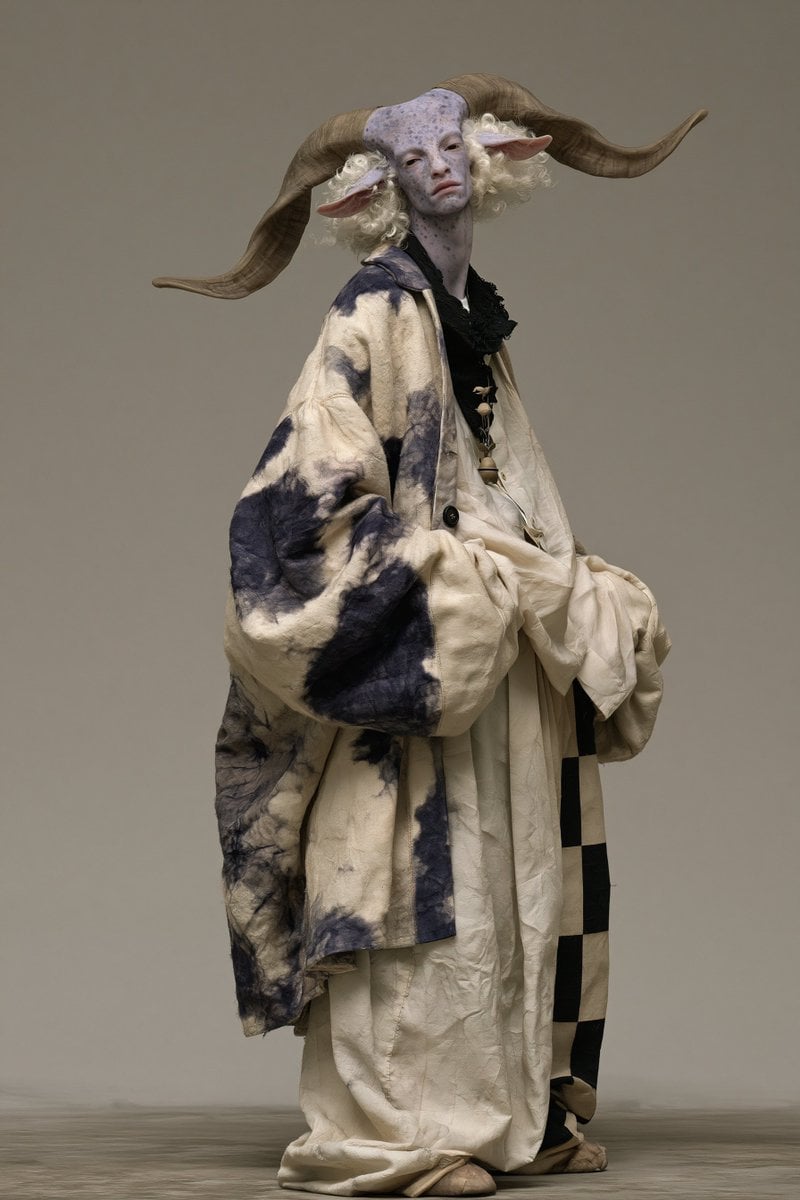
Fantasy Ram Faun Couture Portrait
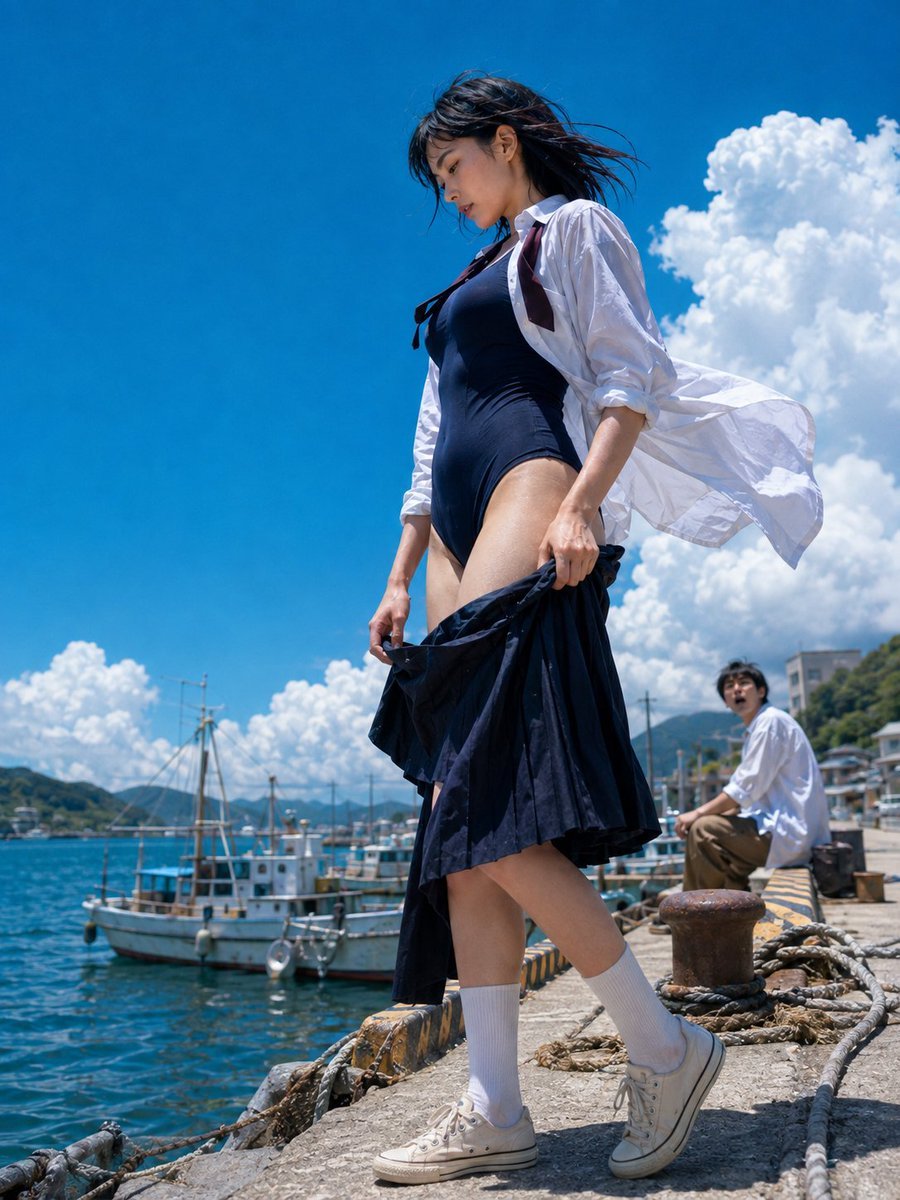
Sea Breeze Harbor Portrait

Flower Petal Sunglasses Couture Portrait
Make it yours
City Breeze Couture works as-is. These are the safest ways to change it without losing the look.
Change one field
Copy a single group, rewrite it, and generate again so you can see what that field is doing.
Keep the frame, change the subject
Hold the composition and light of City Breeze Couture, then swap wardrobe, props or the person for a new take.
| If the result… | Why | Fix |
|---|---|---|
| The result drifts from the preview | Too many fields changed at once. | Reuse City Breeze Couture as-is first, then change one group — subject, light, or setting. |
| The model over-stylizes the scene | The prose prompt leaves finish and camera underspecified. | Add one camera or lighting sentence and stay on PicX Studio. |
More image prompts
Fresh picks from across the catalog.
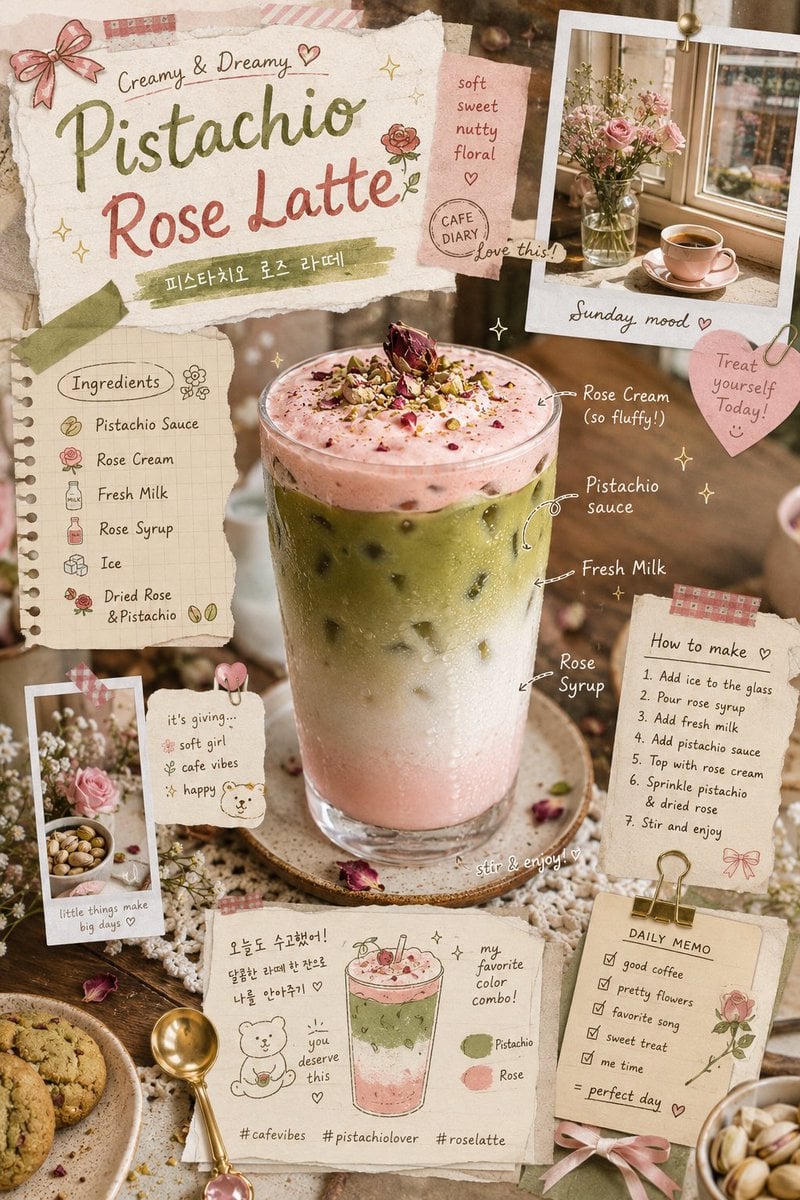
Whimsical Retro Cafe Scrapbook Poster

Unexpected High-End Product Concepts Prompt
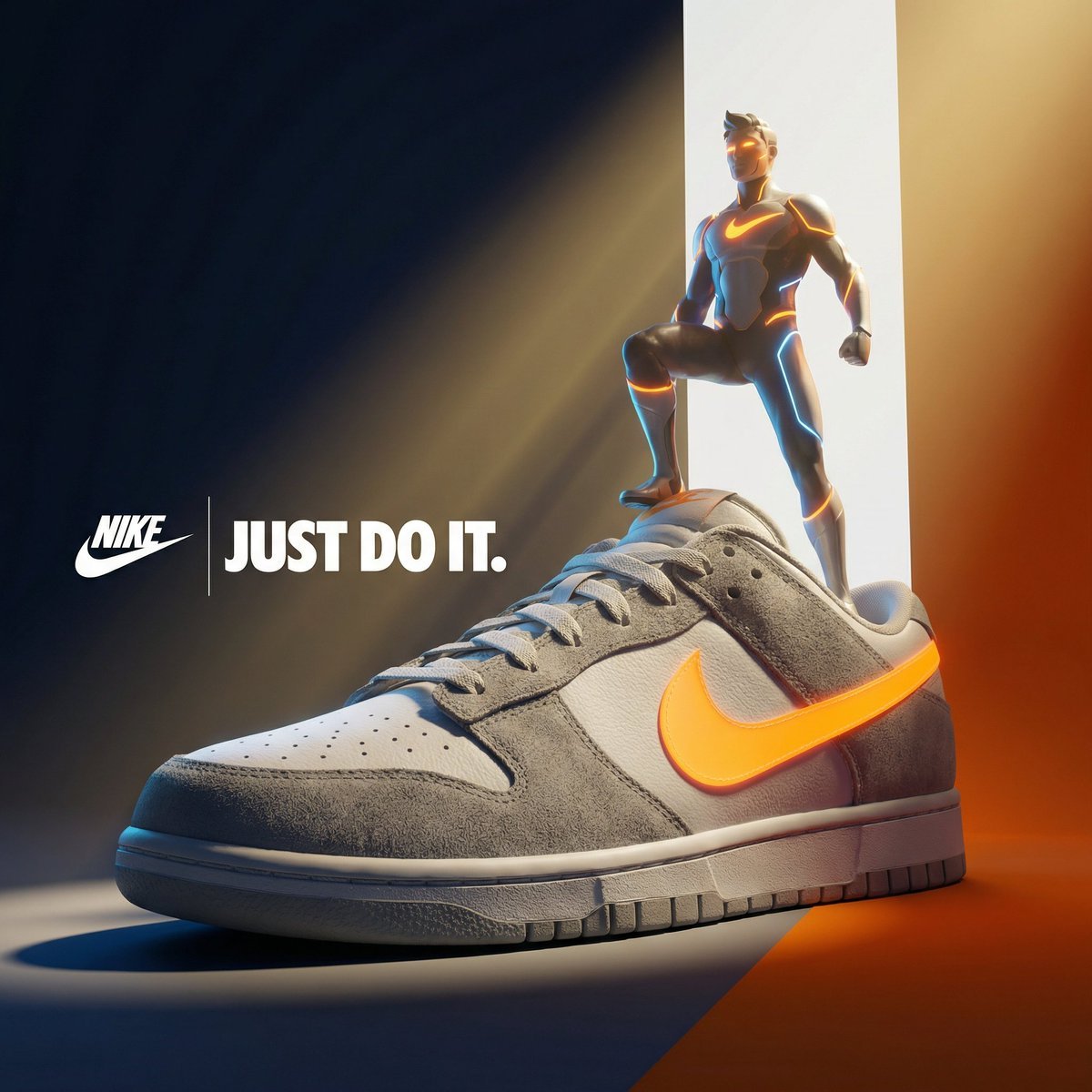
Ultra-Premium Cinematic 3D Brand Advertisement Prompt for Nano Banana Pro
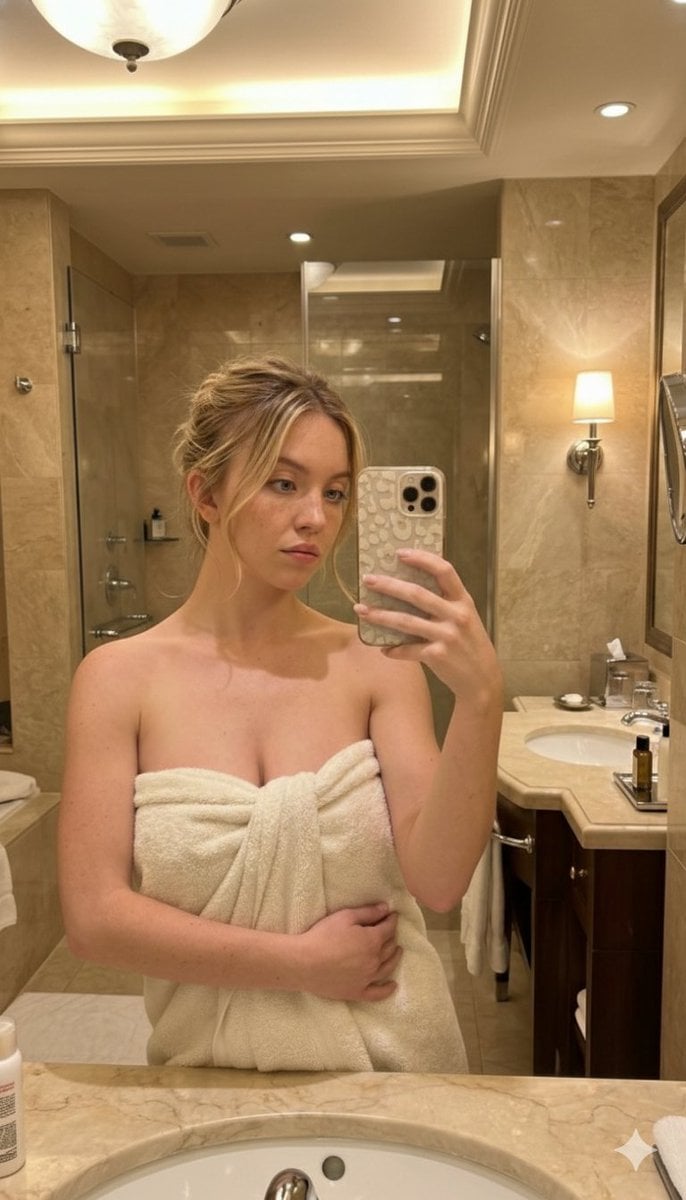
High-Angle Bathroom Mirror Selfie
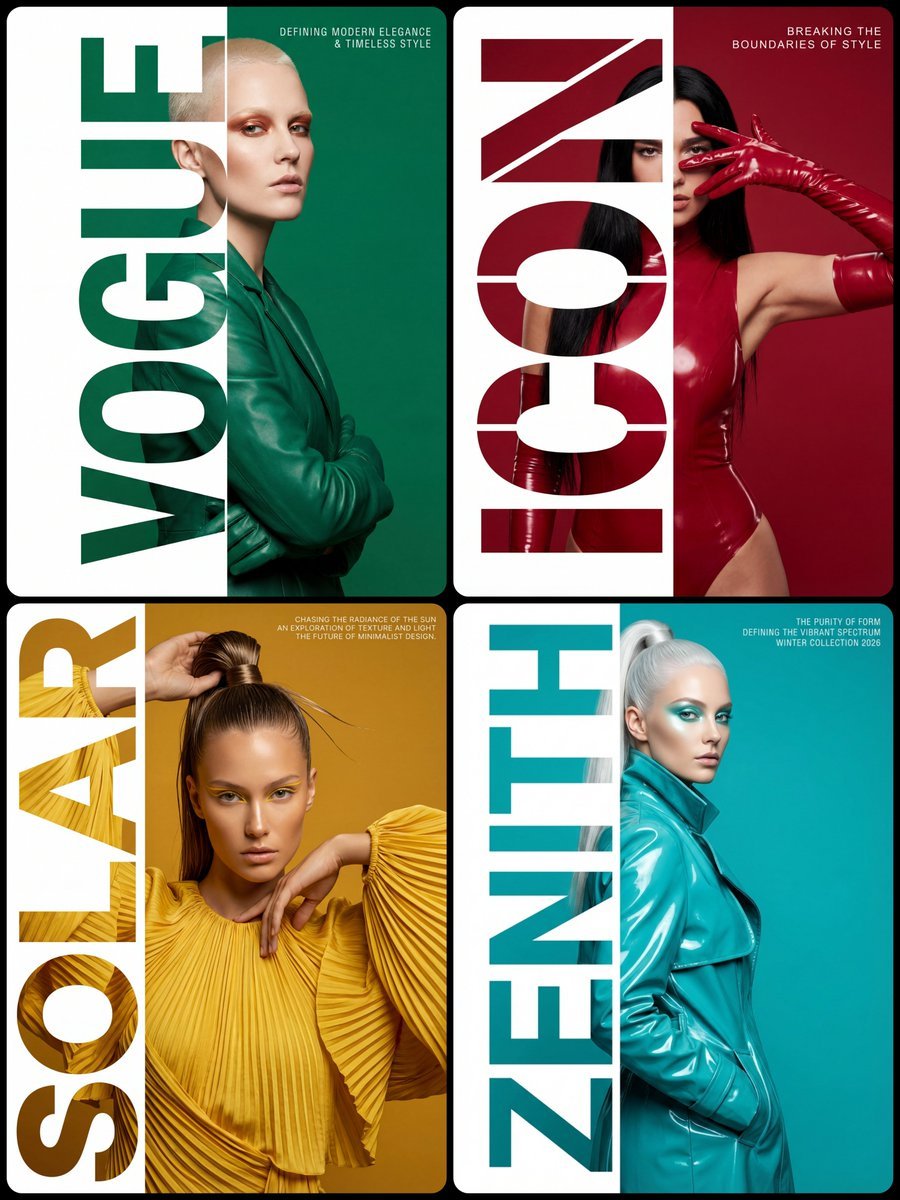
High-Fashion Typography Poster Template

Cinematic Neon Studio Portrait
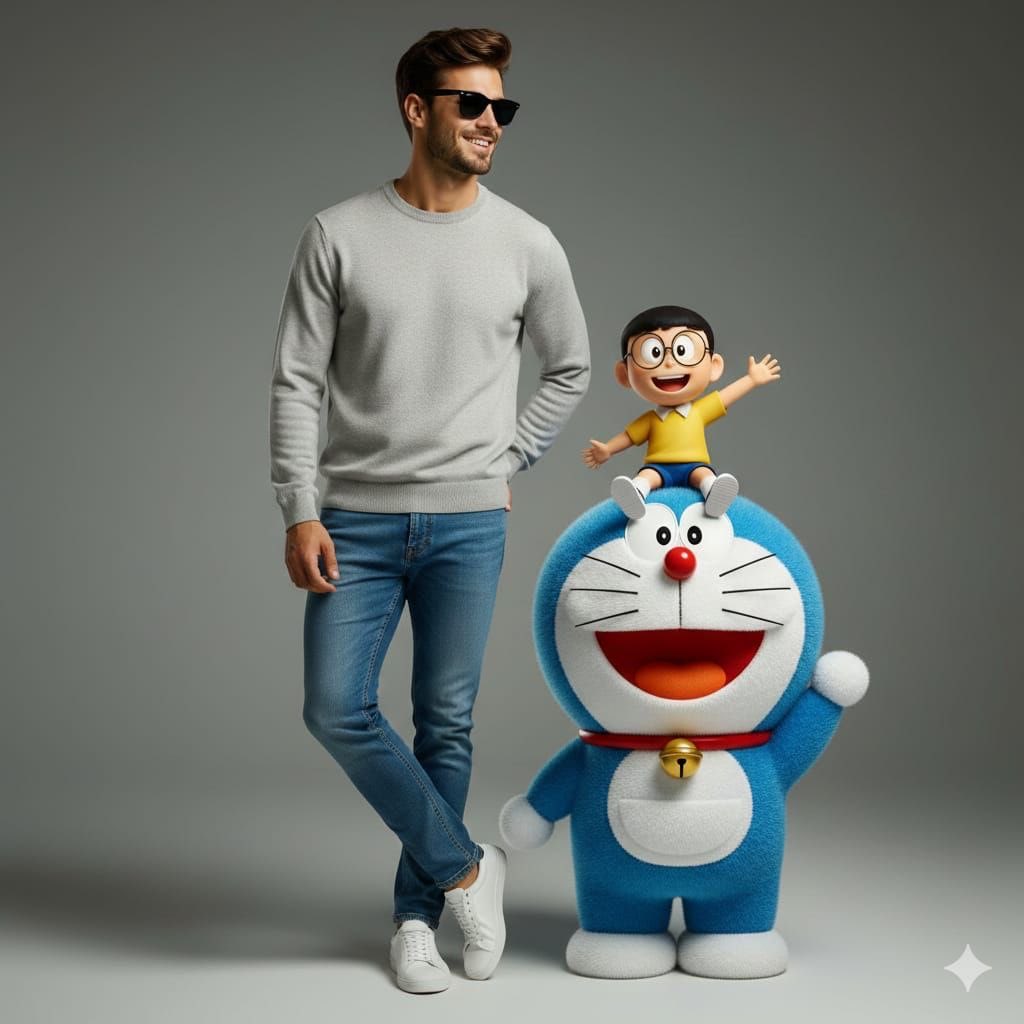
Studio Portrait with Doraemon and Nobita Prompt

3D Depth Luxury Birthday Poster
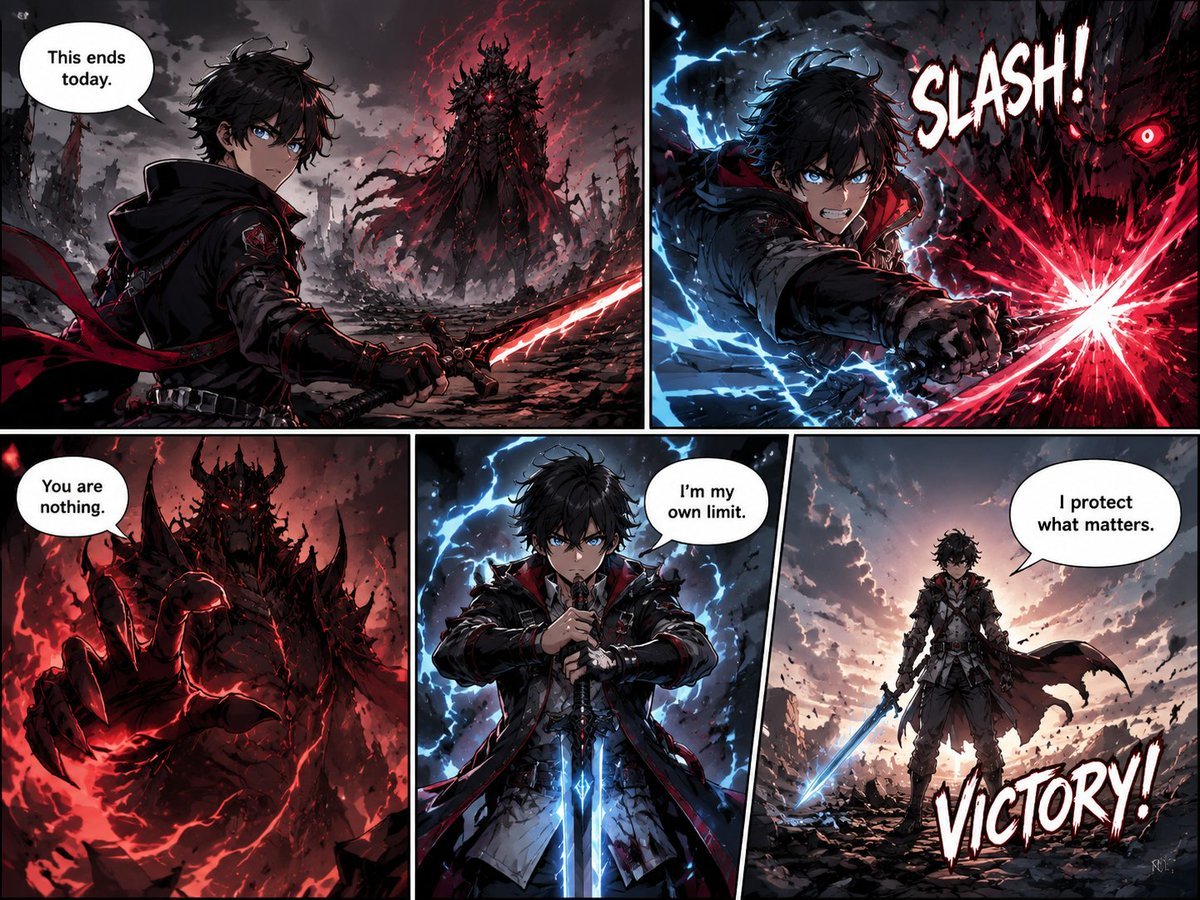
Dark Fantasy Manga Battle Page
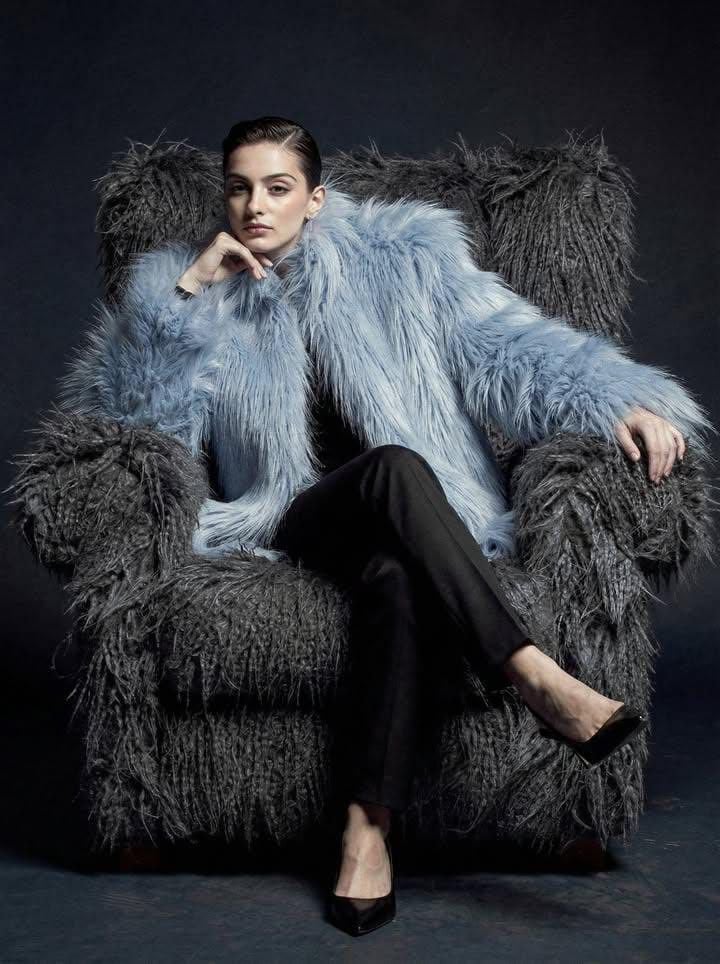
Ultra-high fashion editorial portrait in faux-fur coat
Browse template categories
City Breeze Couture questions
How do I use the City Breeze Couture template?
Add your photo if the template asks for one, edit the prompt if you like — the template's model and format are already selected — and press Generate. Your version opens in PicX Studio.
Can I customize the City Breeze Couture template?
Yes. You can change the subject, setting, lighting, mood, format, and available model controls before creating your image.
Is the City Breeze Couture template free?
Opening and editing this template is free. Generating uses credits, shown on the Generate button when you are signed in.
Which AI model should I use?
Choose a compatible model in PicX Studio based on the style, speed, and output controls your project needs.
Looking for something else? Browse all templates.

Your photo, any look
Thousands of ready templates for every top image and video model, from one credit balance.