How do I use the Smartphone Cut-out Template template?
Choose the primary action to open PicX Studio with the available template settings. Review the model and format, personalize the creative direction, and generate when ready.
A ready image prompt for PicX Studio. Change the subject, setting, or lighting one variable at a time.
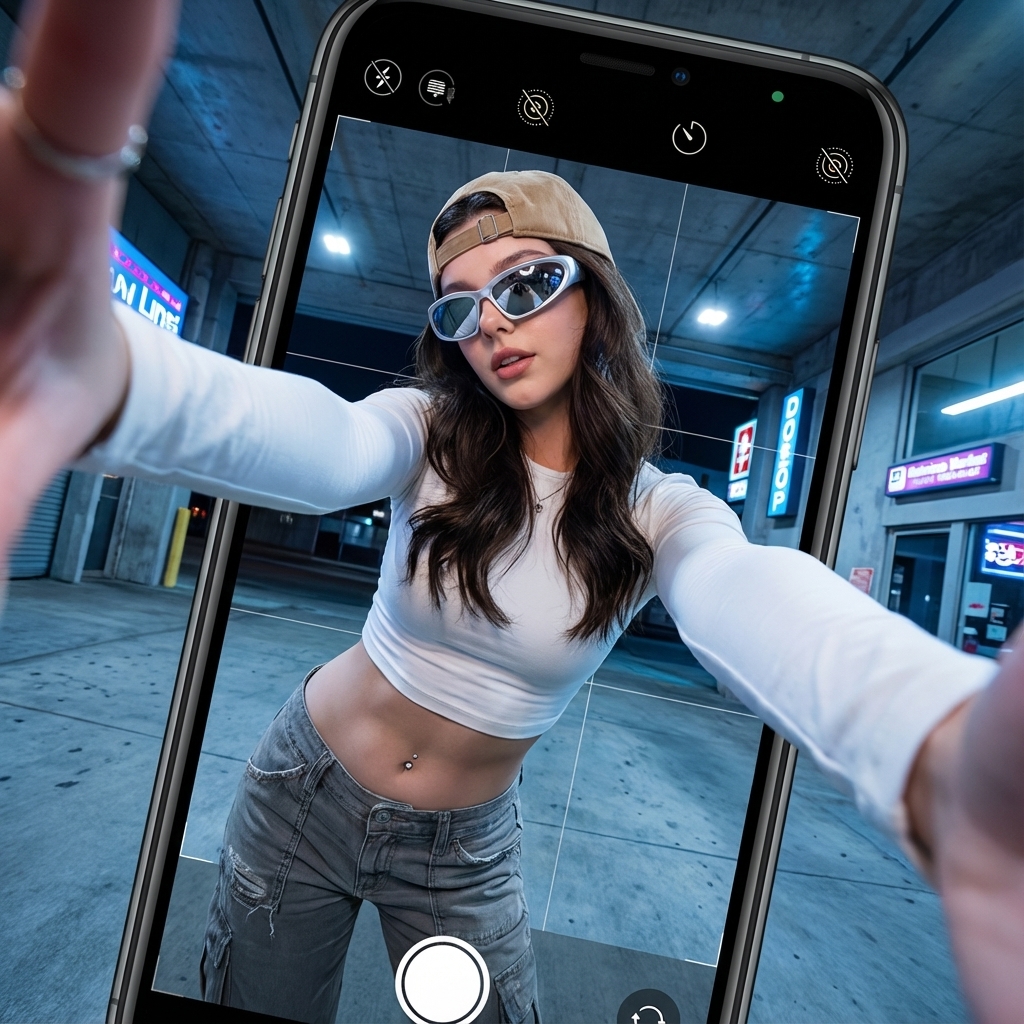
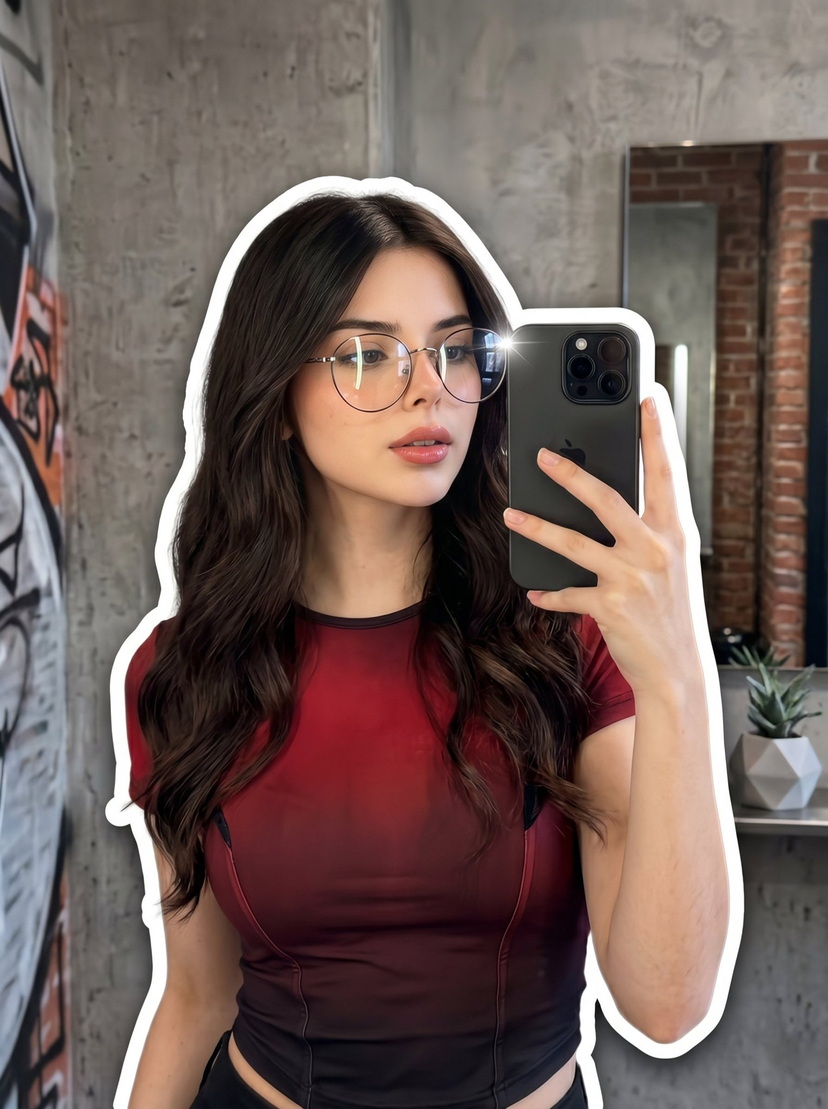
Create a hyperrealistic image using the subject's face, features, skin tone, and hair type from the uploaded reference image. The scene is a dramatic low-angle shot taken from the ground through a reflective surface, making it appear as if the viewer is inside a smartphone camera screen. The subject leans forward toward the lens with both hands extended, fingers forming a dynamic frame around the camera. She holds an oversized smartphone-frame prop showing the camera UI—shutter button, icons, and black interface—clearly and accurately. She has long natural hair, a beige cap, reflective visor-style sunglasses, a fitted long-sleeve cropped top, and low-rise textured cargo pants revealing a belly piercing. Maintain her styling energy and proportions while keeping all facial identity true to the reference. Lighting is soft and diffused under a concrete urban structure. Capture ultra-detailed skin texture, realistic shadows, crisp fabric textures, lifelike hair strands, and a subtle wide-angle/fisheye effect for depth. The final image should look like a professional editorial street-style photo with perfect clarity and realism.
Choose the primary action to open PicX Studio with the available template settings. Review the model and format, personalize the creative direction, and generate when ready.
Yes. You can change the subject, setting, lighting, mood, format, and available model controls before creating your image.
This template is free to open and customize. Generation usage is shown in PicX Studio before you create.
Choose a compatible model in PicX Studio based on the style, speed, and output controls your project needs.
Follow a topic to a crawlable collection of related PicX Studio templates.
43,474 public templates available. Verified via the PicX Studio public templates API; refreshed hourly.