
Candid Nighttime Smartphone Photo
Designed to mimic an authentic, unedited phone snapshot of a woman on a balcony at night, featuring natural imperfections and low-light grain.
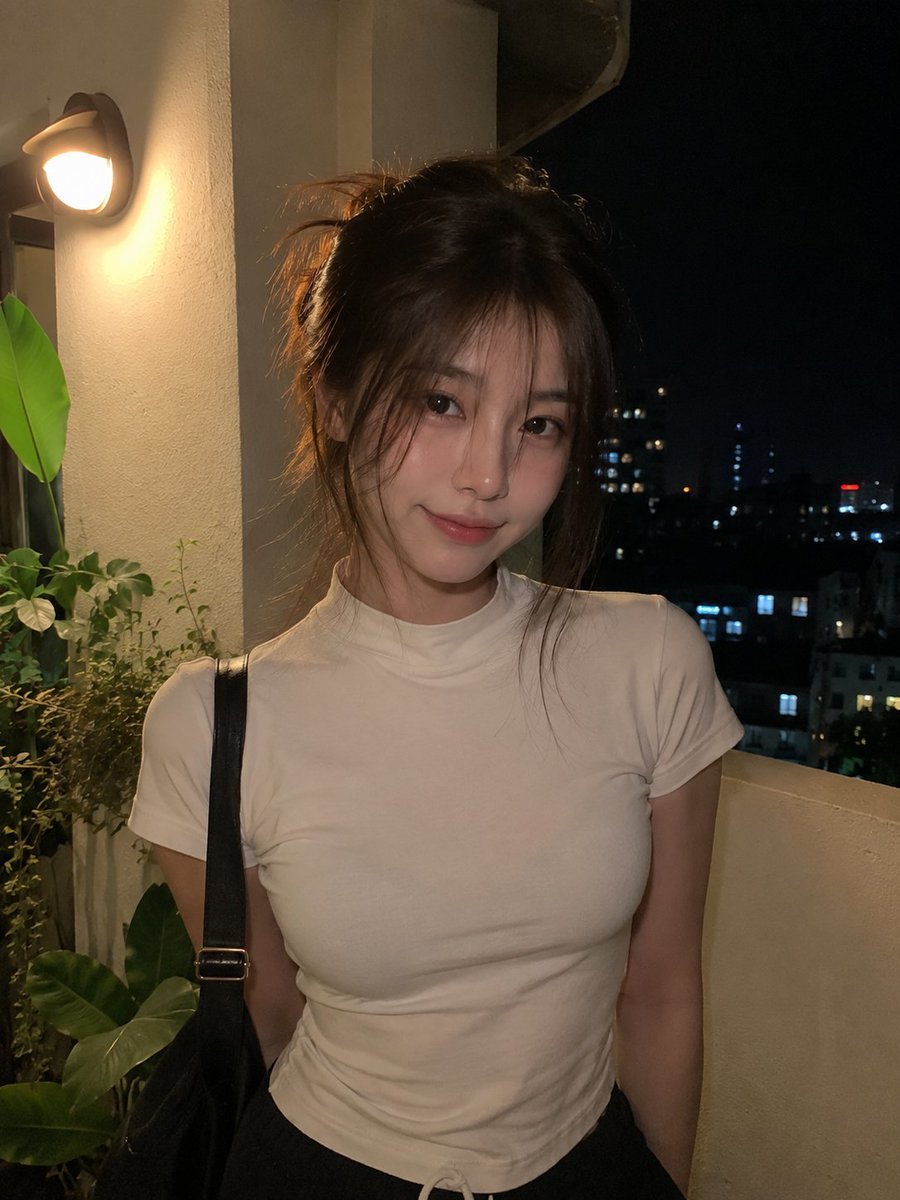
- Prompt included
- Model and format preset
- Free template
The prompt behind this image
Copy the exact prompt behind Candid Nighttime Smartphone Photo, or open it in the studio and make it yours.
A genuine-looking nighttime phone photo of a {argument name="subject" default="young East Asian woman"} standing casually on a {argument name="setting" default="small apartment balcony or terrace"}, captured spontaneously by a friend on a modern smartphone. She has medium-length dark brown hair tied loosely into a relaxed half-up style, with wispy strands falling around her cheeks and forehead. She wears a {argument name="outfit" default="simple fitted white short-sleeve high-neck top"} and dark casual bottoms, with a black shoulder bag strap visible over one shoulder. She faces the camera naturally with a soft confident smile and a slightly tilted head, looking directly into the lens. Warm light from a nearby wall lamp falls across one side of her face and hair, creating a cozy golden glow, while the rest of the scene fades naturally into deep nighttime shadows. A few green plants sit beside the wall, and a dark window or balcony opening behind her reveals blurry city lights in the distance. Make the photograph feel completely unplanned and personal: handheld smartphone framing, slightly uneven exposure, mild low-light grain, subtle autofocus softness, realistic shadows, natural skin texture, tiny hair flyaways, ordinary background imperfections, gentle warm color cast, no professional lighting, no studio setup, no cinematic grading, no beauty filter, no excessive retouching. Authentic everyday mobile-camera quality, intimate nighttime atmosphere, realistic proportions, vertical portrait photo, highly believable as an actual phone snapshot.
How to use Candid Nighttime Smartphone Photo in 3 steps
- 1
Open
The prompt is already in the box next to the preview, with the template's model and format selected.
- 2…a portrait of your subject in softgolden-hour light, 85mm…
Personalize
Edit the subject and creative details for your destination.
- 3Generate
Generate
Press Generate — your image is created in PicX Studio, so you can compare it with the original and refine one variable at a time.
More like this
Templates with the same subject, style or setup. Open one to see its prompt.
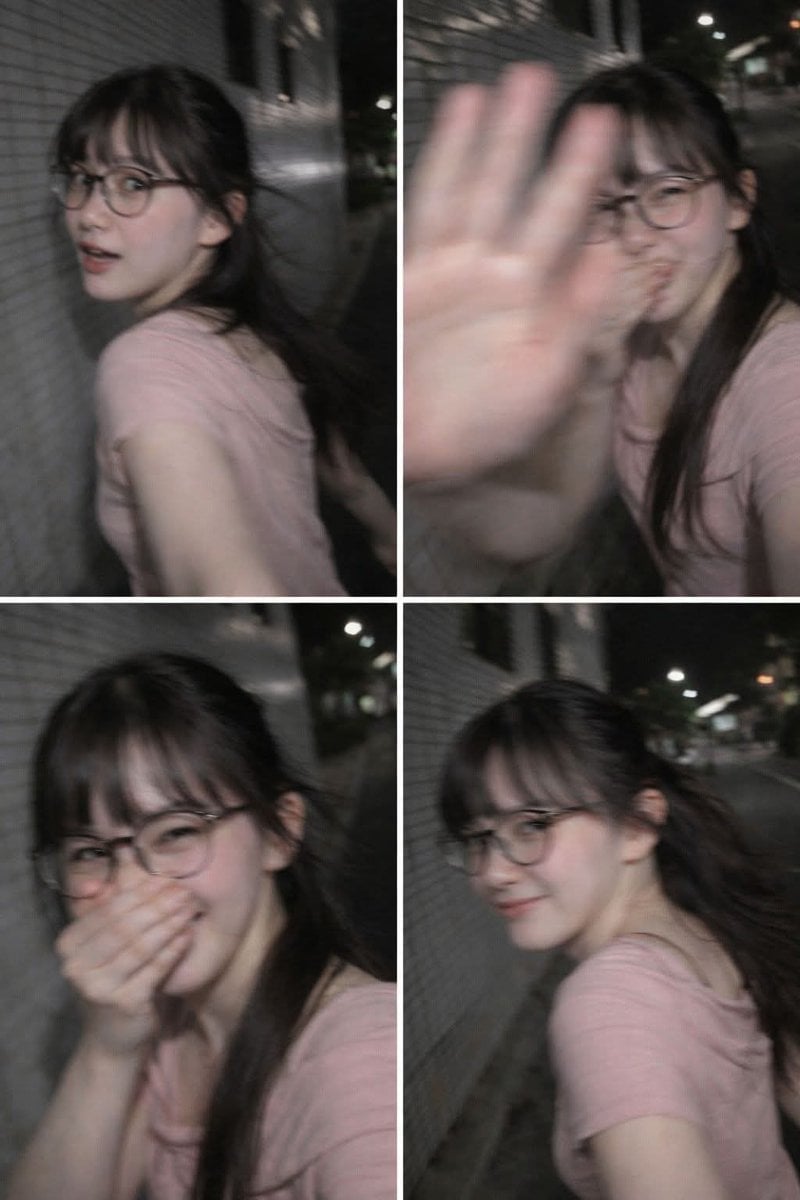
Ultra-Realistic Candid Nighttime Smartphone Photo Prompt
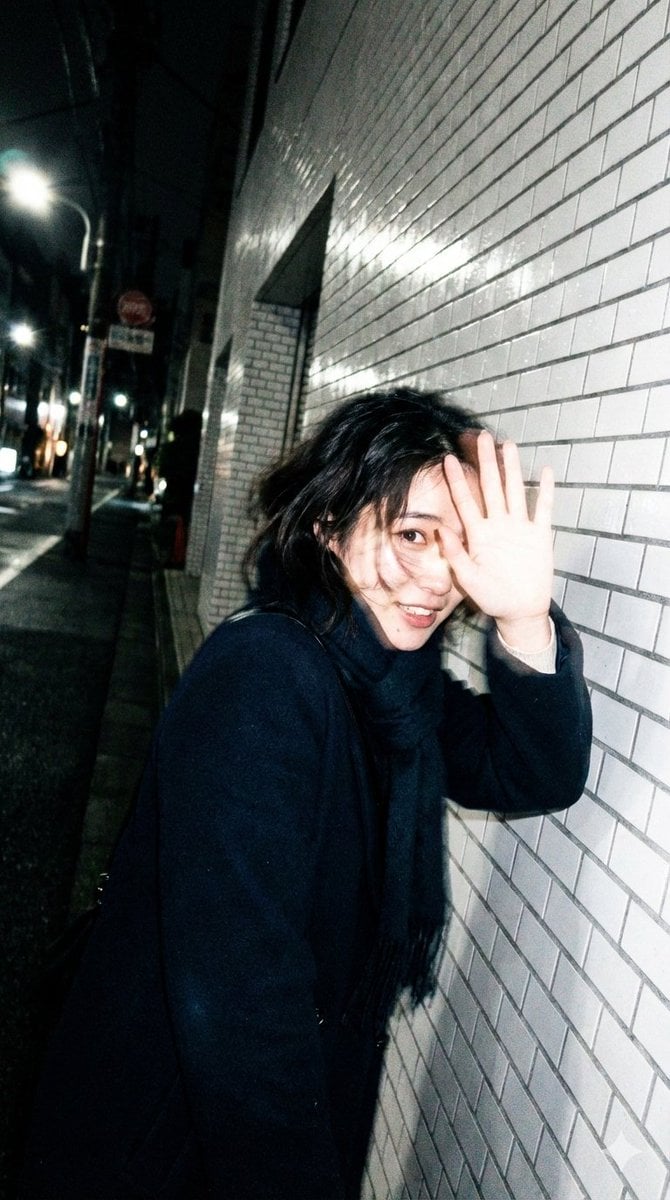
Candid, Imperfect Nighttime Smartphone Photo in Tokyo

Sunday Afternoon, 1988

Our Song was on a Cassette

The Date After College

80s College Gate
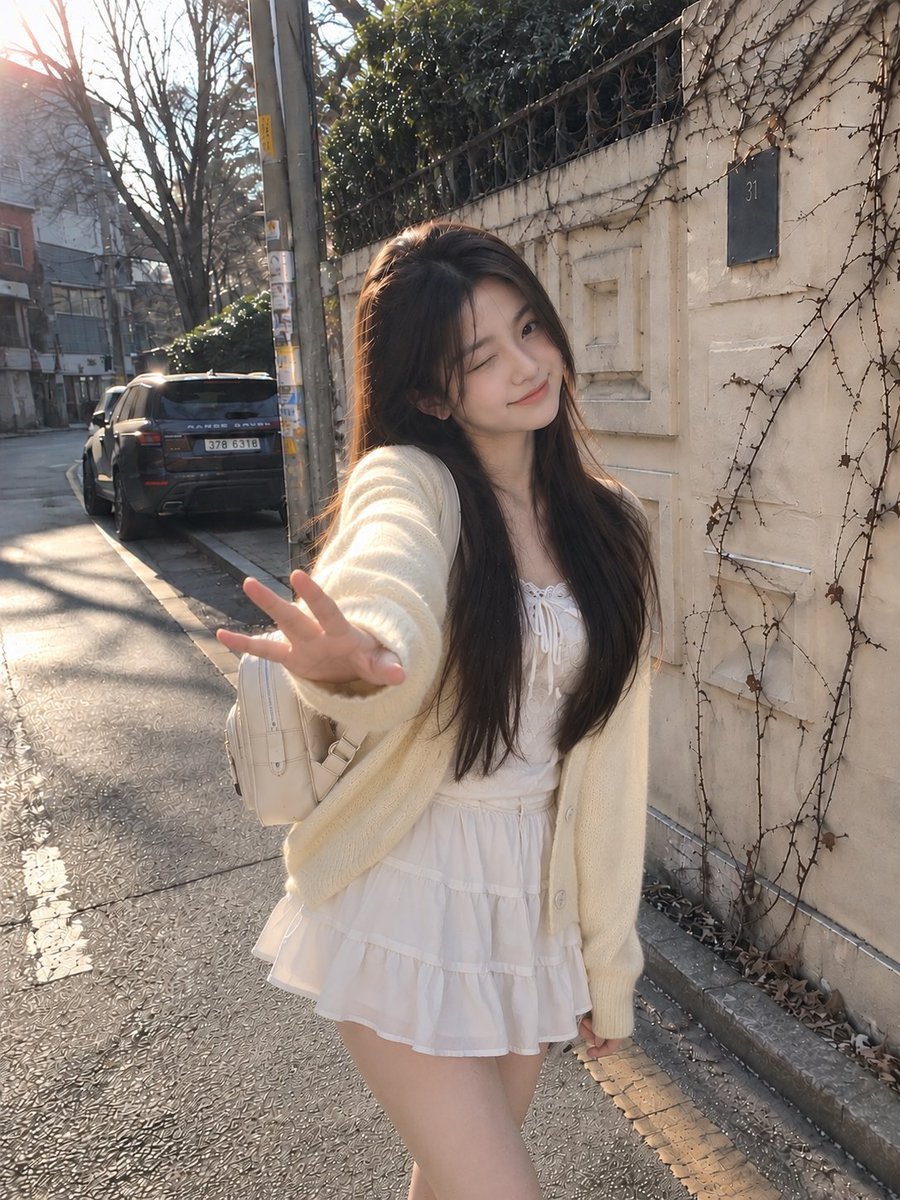
Candid Winter Smartphone Portrait
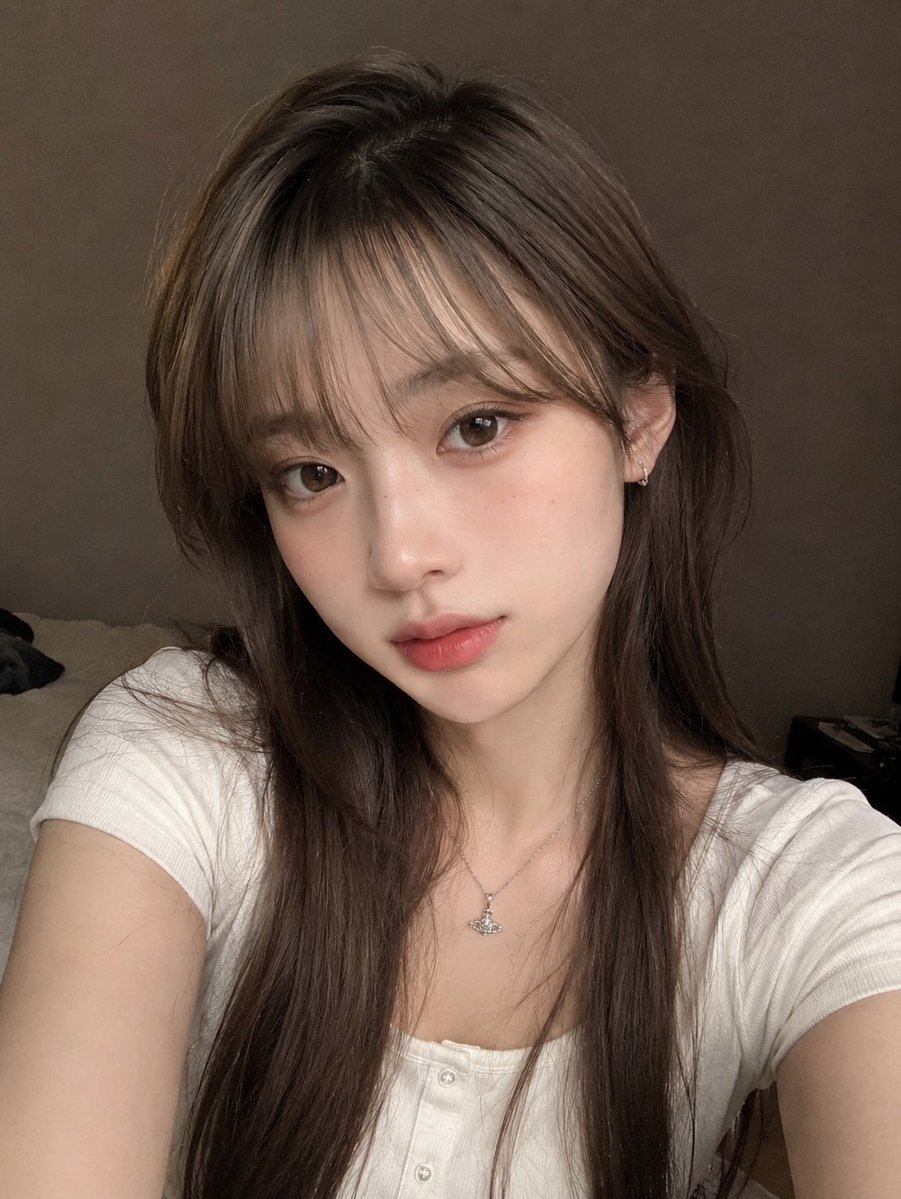
Candid Indoor Smartphone Portrait

Teen Girl Alpine Lake Mountain View
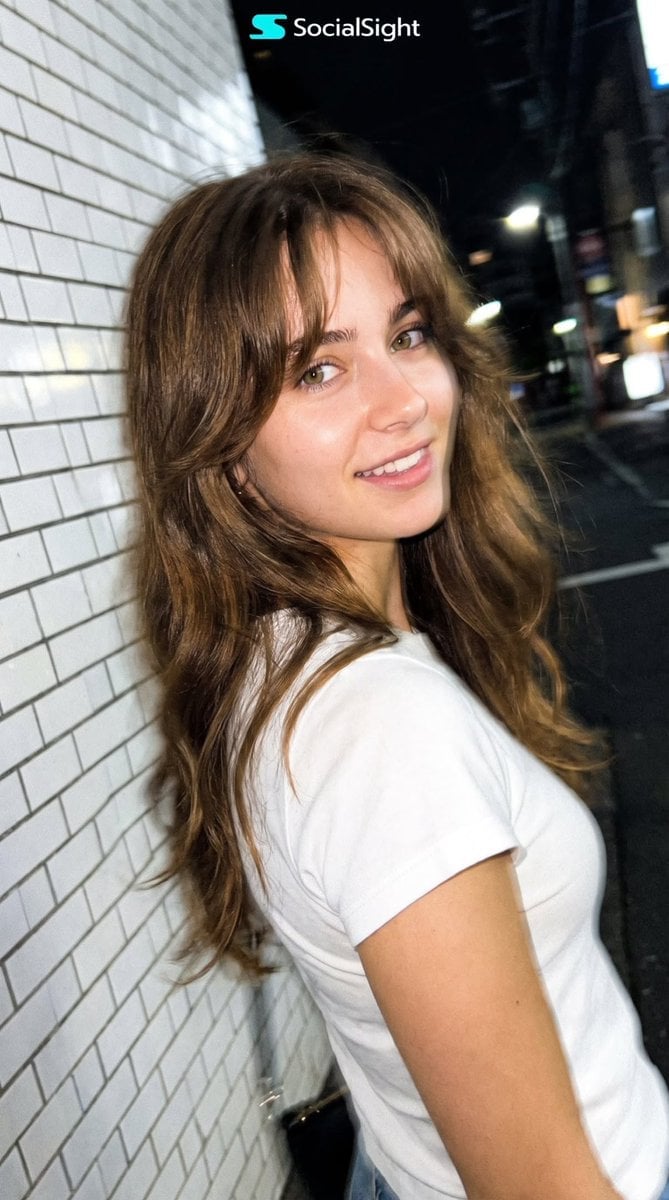
Candid Tokyo Night Smartphone Snapshot
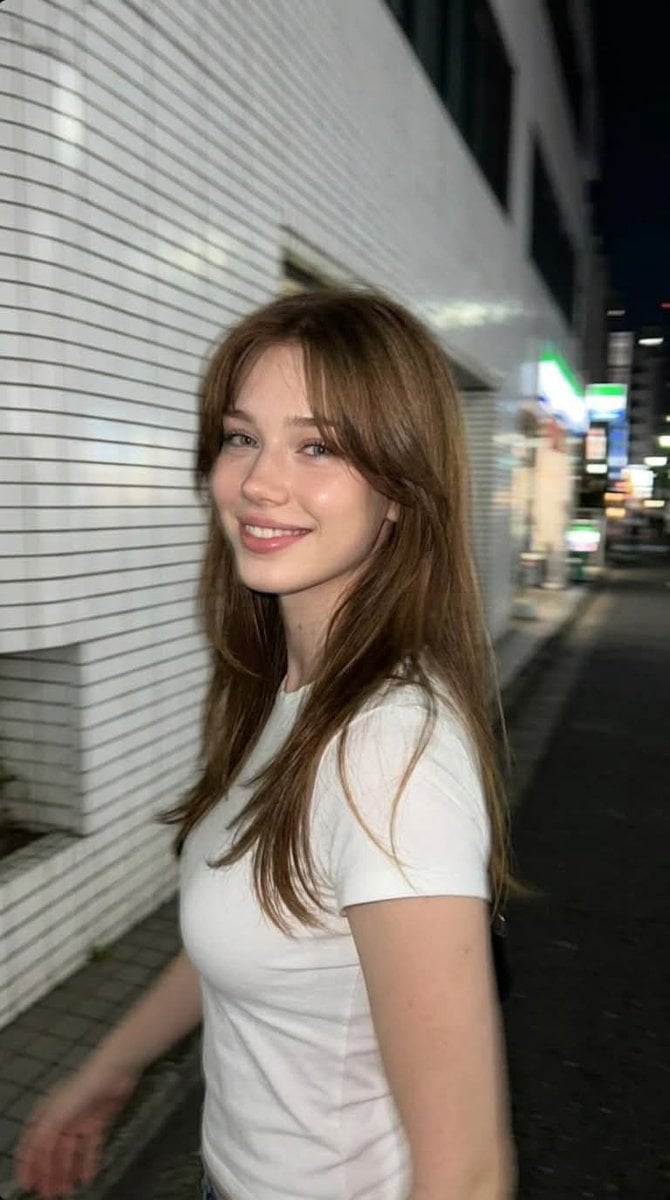
Candid Tokyo Smartphone Night Photo

Cat Photobomb Selfie — 0.5x Wide Angle Café Chaos
Make it yours
Candid Nighttime Smartphone Photo works as-is. These are the safest ways to change it without losing the look.
Change one field
Copy a single group, rewrite it, and generate again so you can see what that field is doing.
Keep the frame, change the subject
Hold the composition and light of Candid Nighttime Smartphone Photo, then swap wardrobe, props or the person for a new take.
| If the result… | Why | Fix |
|---|---|---|
| The result drifts from the preview | Too many fields changed at once. | Reuse Candid Nighttime Smartphone Photo as-is first, then change one group — subject, light, or setting. |
| The model over-stylizes the scene | The prose prompt leaves finish and camera underspecified. | Add one camera or lighting sentence and stay on GPT Image 2. |
More GPT Image 2 templates
Other prompts made for GPT Image 2.

Six VTuber Japanese Logo Sheet

Realistic Portrait of Woman and Deer

The Vista Modular Condo Poster

AI Model Routing Comparison Infographic

2.5D Anime Art Board

Isometric Productivity Desk Scene

New York Double Exposure Poster

Four-Panel AI Landscape Comparison

Japanese Tatami Lifestyle Magazine Cover

NESCAFÉ Coffee Map Poster
More image prompts
Fresh picks from across the catalog.
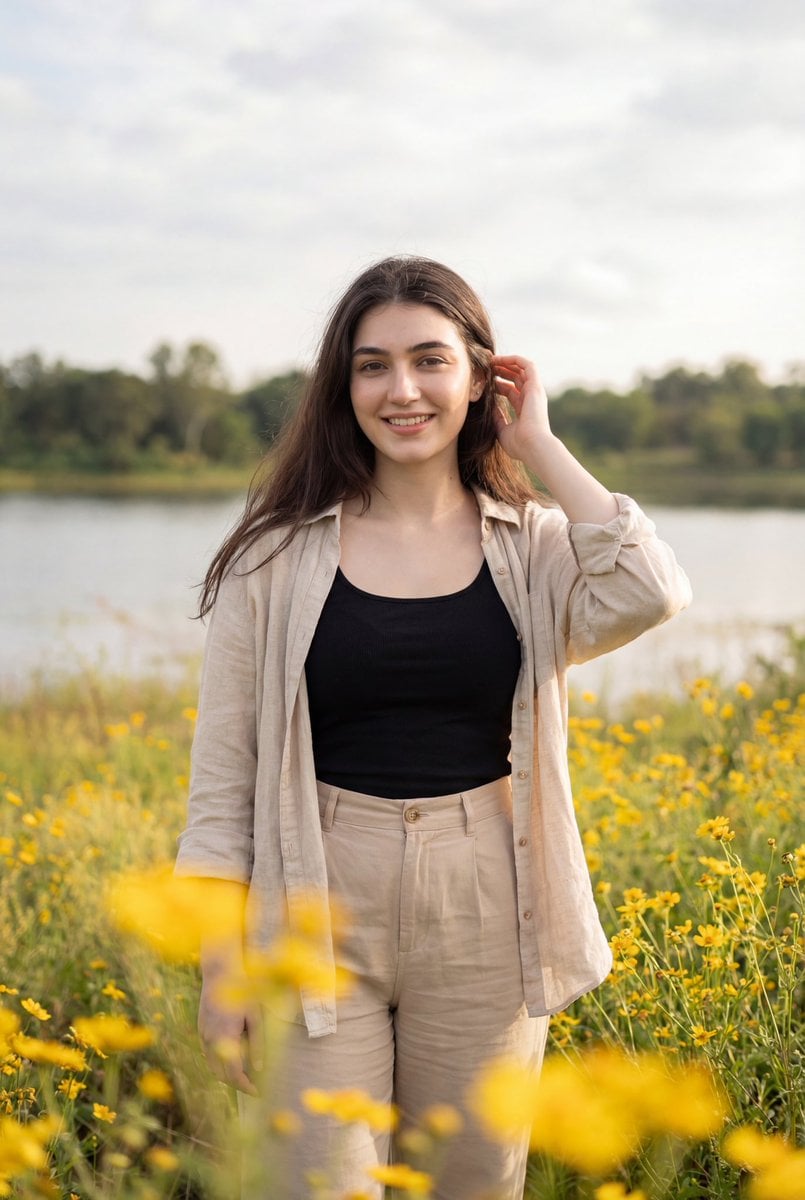
Photorealistic Portrait of Woman in Wildflowers

Stylized Anime Streetwear Poster

3x3 Grid Character Consistency Prompt
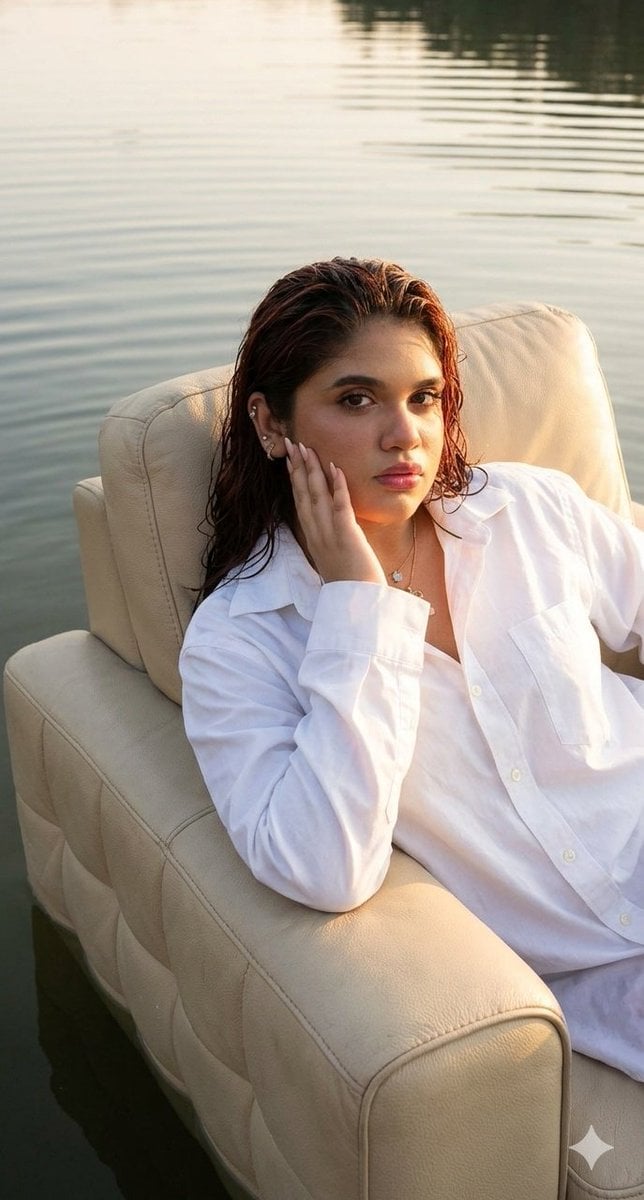
Editorial chair on lake
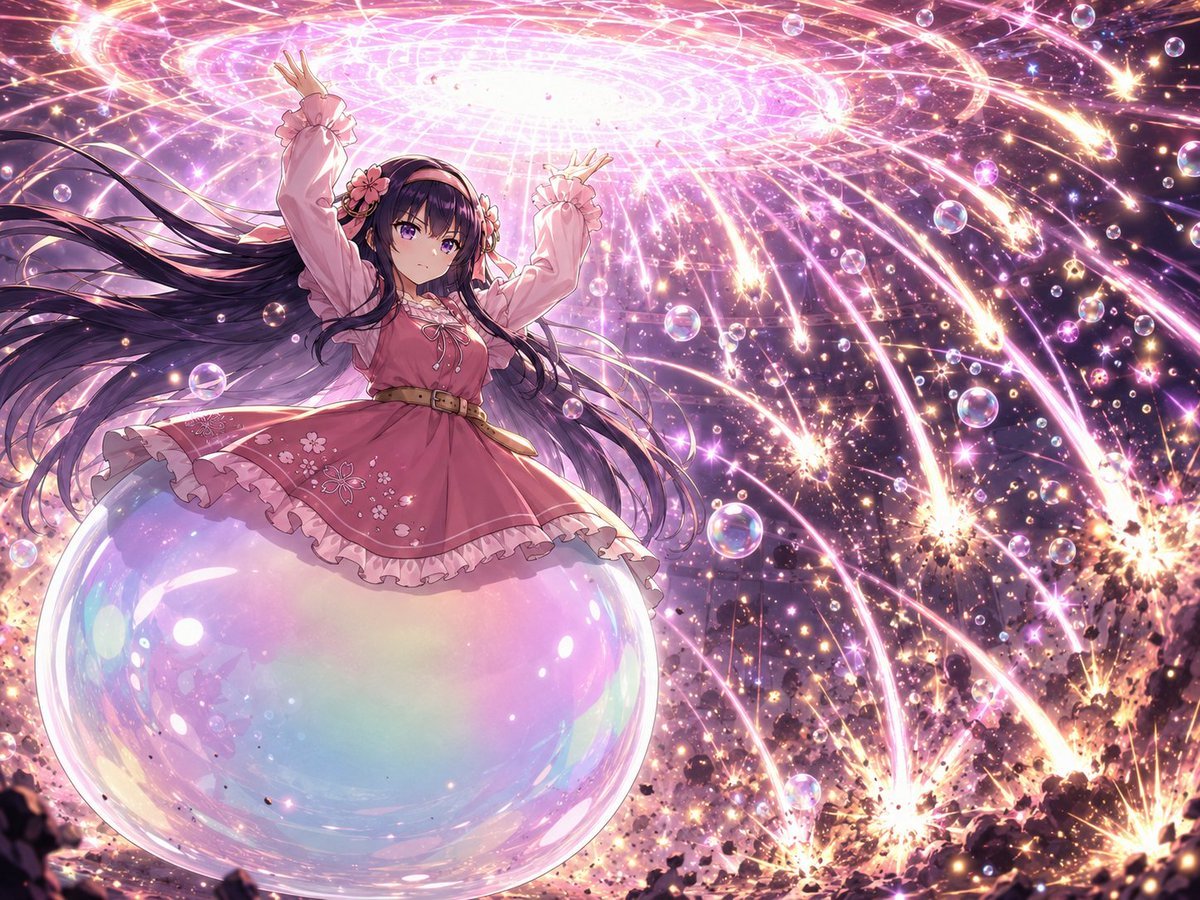
Magical Girl Starstorm on Bubble
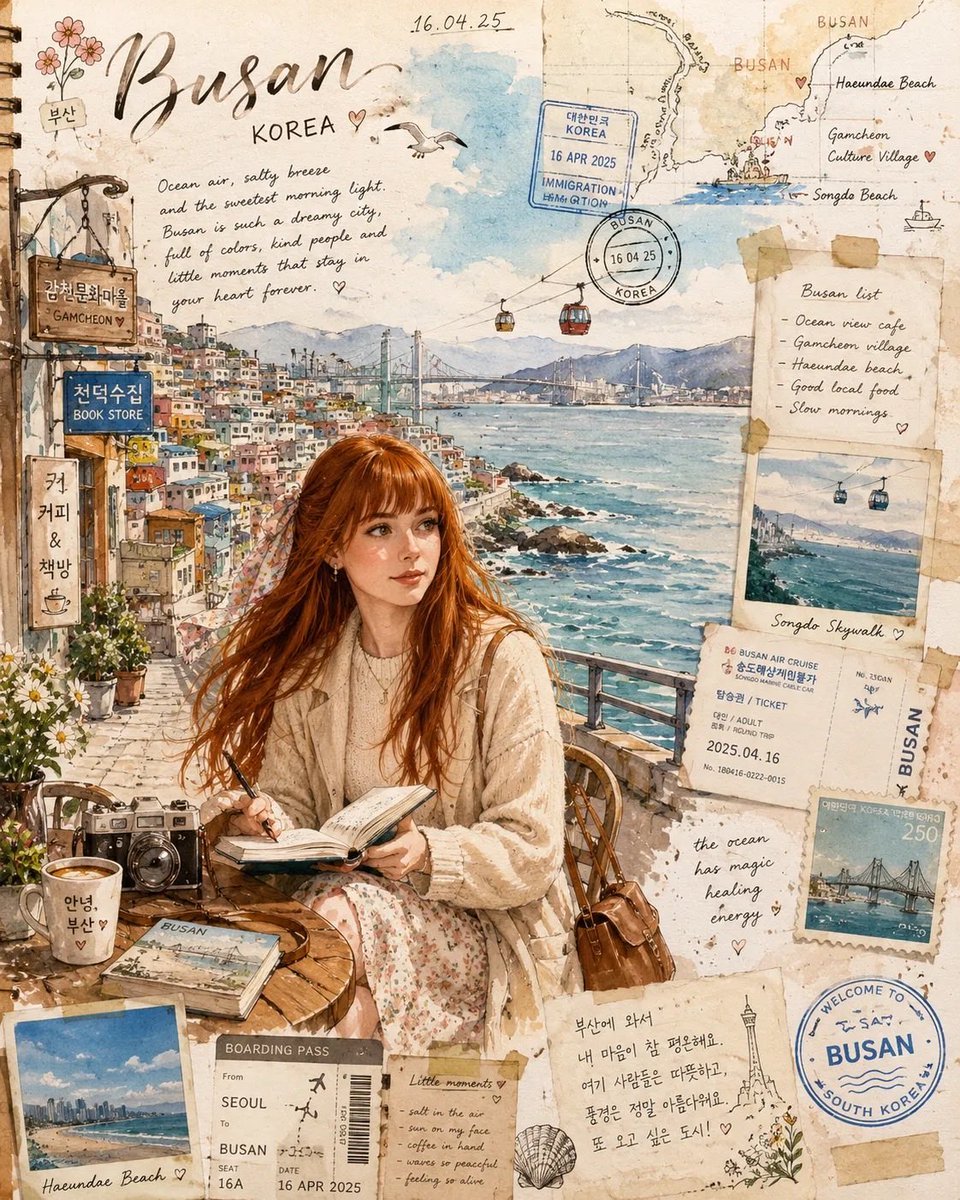
Watercolor Travel Journal Illustration

Gpt2 Youtube Thumbnail Monika Anime Banner Illustration
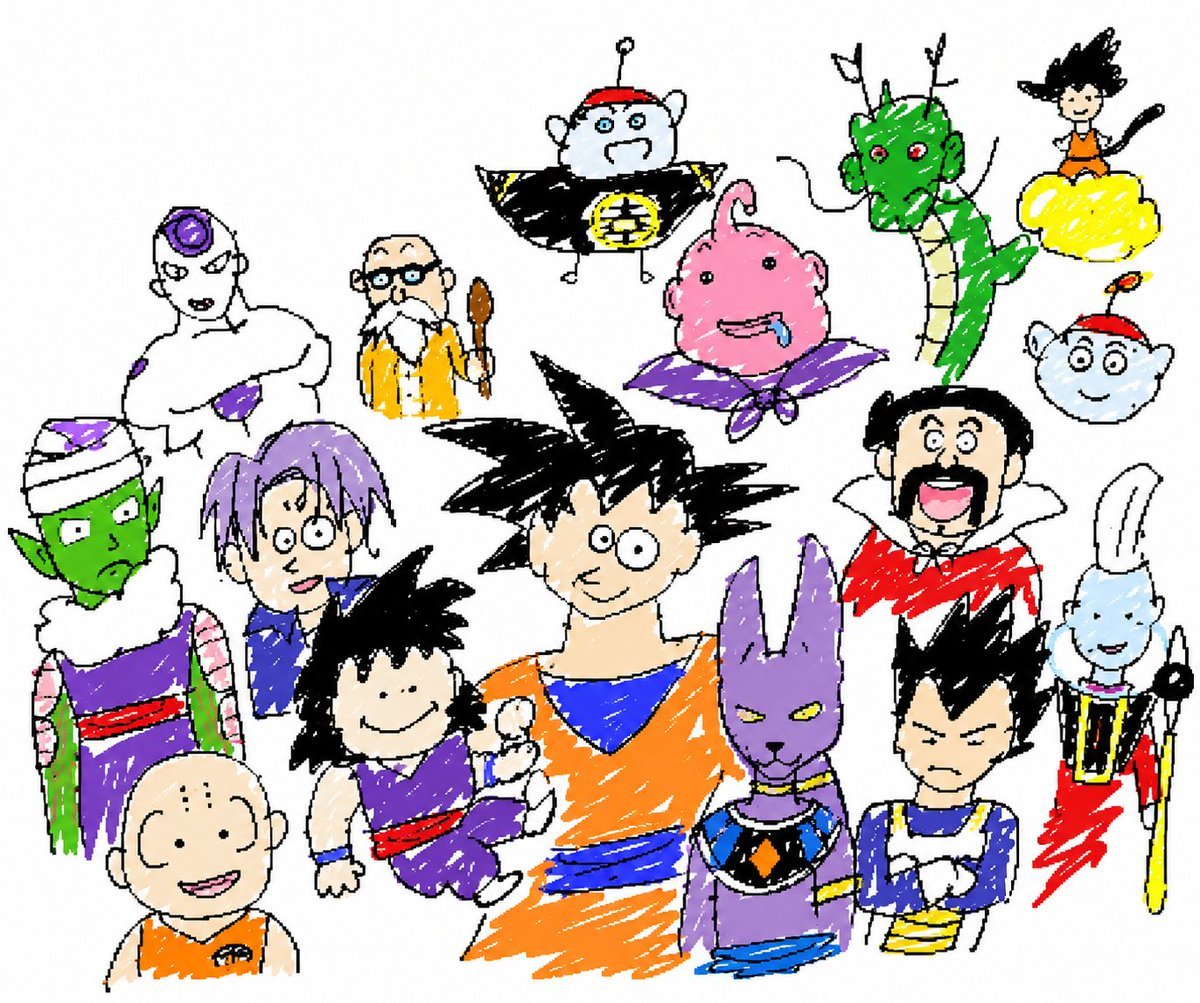
Unrestricted Photo Restoration Parody

Pastel Zodiac Avatar Grid

Detailed Biographical Infographic Poster
Browse template categories
Candid Nighttime Smartphone Photo questions
How do I use the Candid Nighttime Smartphone Photo template?
Add your photo if the template asks for one, edit the prompt if you like — the template's model and format are already selected — and press Generate. Your version opens in PicX Studio.
Can I customize the Candid Nighttime Smartphone Photo template?
Yes. You can change the subject, setting, lighting, mood, format, and available model controls before creating your image.
Is the Candid Nighttime Smartphone Photo template free?
Opening and editing this template is free. Generating uses credits, shown on the Generate button when you are signed in.
Which AI model should I use?
Start with GPT Image 2, which is the model associated with this template. You can compare another compatible model for a different finish.
Looking for something else? Browse all templates.

Your photo, any look
Thousands of ready templates for every top image and video model, from one credit balance.