
Stranger Things Cinematic Scene: Steve vs. Vecna
A highly specific, cinematic prompt inspired by the TV show Stranger Things.
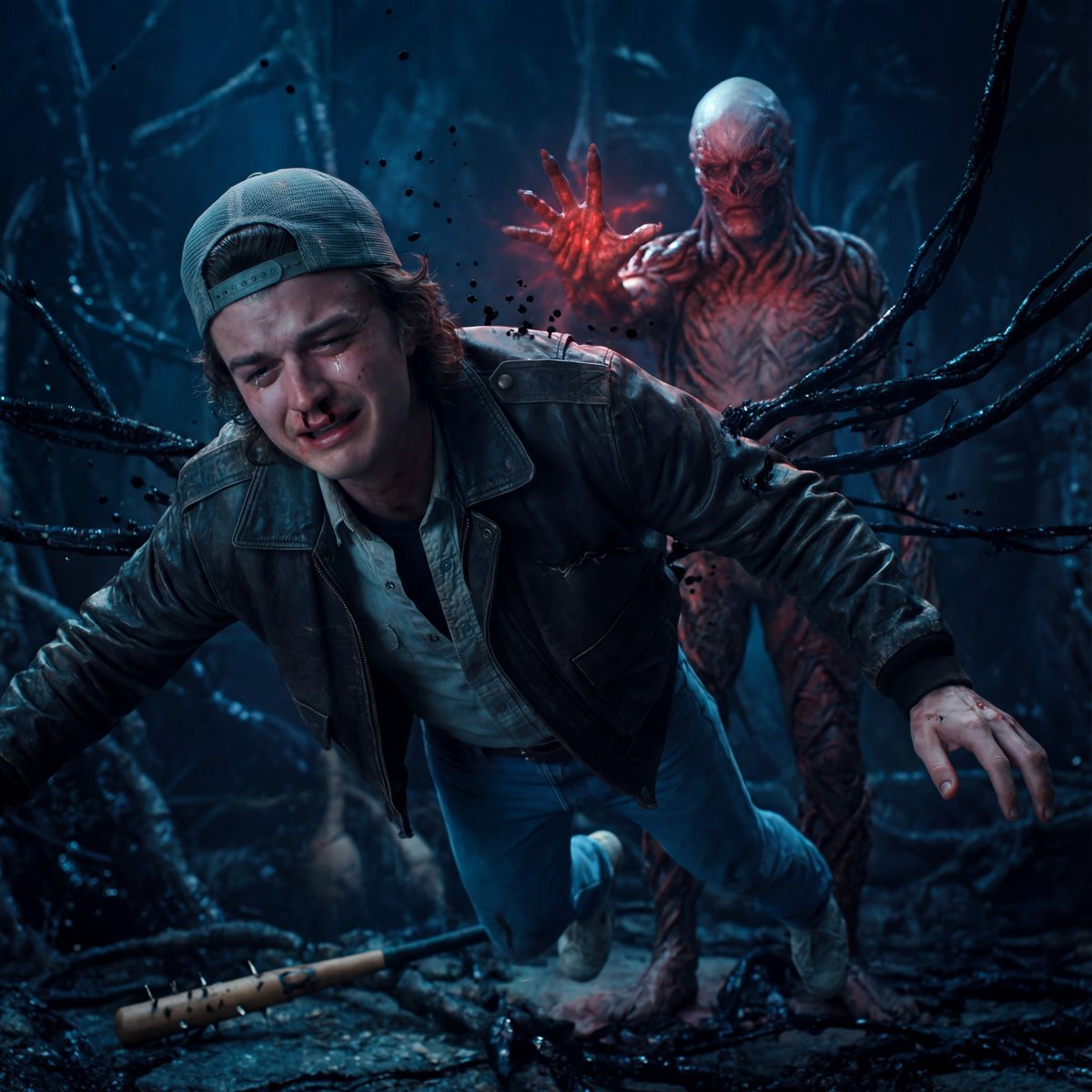
- Prompt included
- Model and format preset
- Premium template
The prompt behind this image
Copy the exact prompt behind Stranger Things Cinematic Scene: Steve vs. Vecna, or open it in the studio and make it yours.
Ultra-realistic cinematic scene inspired by Stranger Things. Steve Harrington (from Image 1) is suspended in mid-air inside the Upside Down, his face clearly visible and emotionally broken—eyes glassy with tears, lips trembling, fear mixed with acceptance. His body is slightly contorted by an unseen psychic force, veins subtly visible, a faint trail of blood from his nose. Vecna (from Image 2) appears behind him, partially emerging from darkness and red mist, not attacking violently but silently controlling the moment, one hand raised with cracked, organic skin and glowing red energy. Vecna’s presence feels inevitable and overwhelming rather than loud. The environment is alive: black vines crawl along ruined structures, spores floating slowly through the air like falling ash. Steve’s bat lies broken on the ground below, symbolizing loss and sacrifice. Lighting is highly emotional—cold blue light on Steve’s face to highlight vulnerability, contrasted with deep crimson and shadow around Vecna. Shallow depth of field, cinematic focus on Steve’s expression, volumetric fog, dramatic backlighting, hyper-real skin detail, emotional micro-expressions, Netflix dark horror drama style, photorealistic, ultra-detailed, 35mm film look
How to use Stranger Things Cinematic Scene: Steve vs. Vecna in 3 steps
- 1Upload ImagePNG, JPG or paste
Add your photo
Upload the photo the template builds on. The prompt, model and format are already set.
- 2…a portrait of your subject in softgolden-hour light, 85mm…
Personalize
Edit the subject and creative details for your destination.
- 3Generate
Generate
Press Generate — your image is created in PicX Studio, so you can compare it with the original and refine one variable at a time.
More like this
Templates with the same subject, style or setup. Open one to see its prompt.
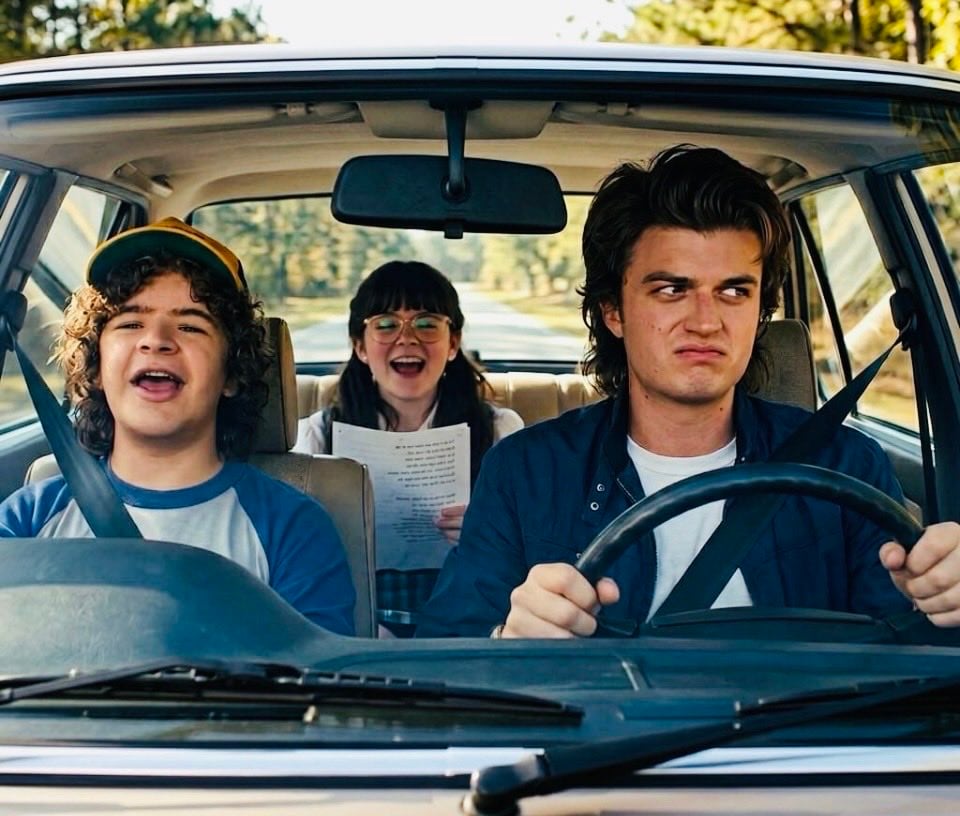
Steve and Dustin Photo Album
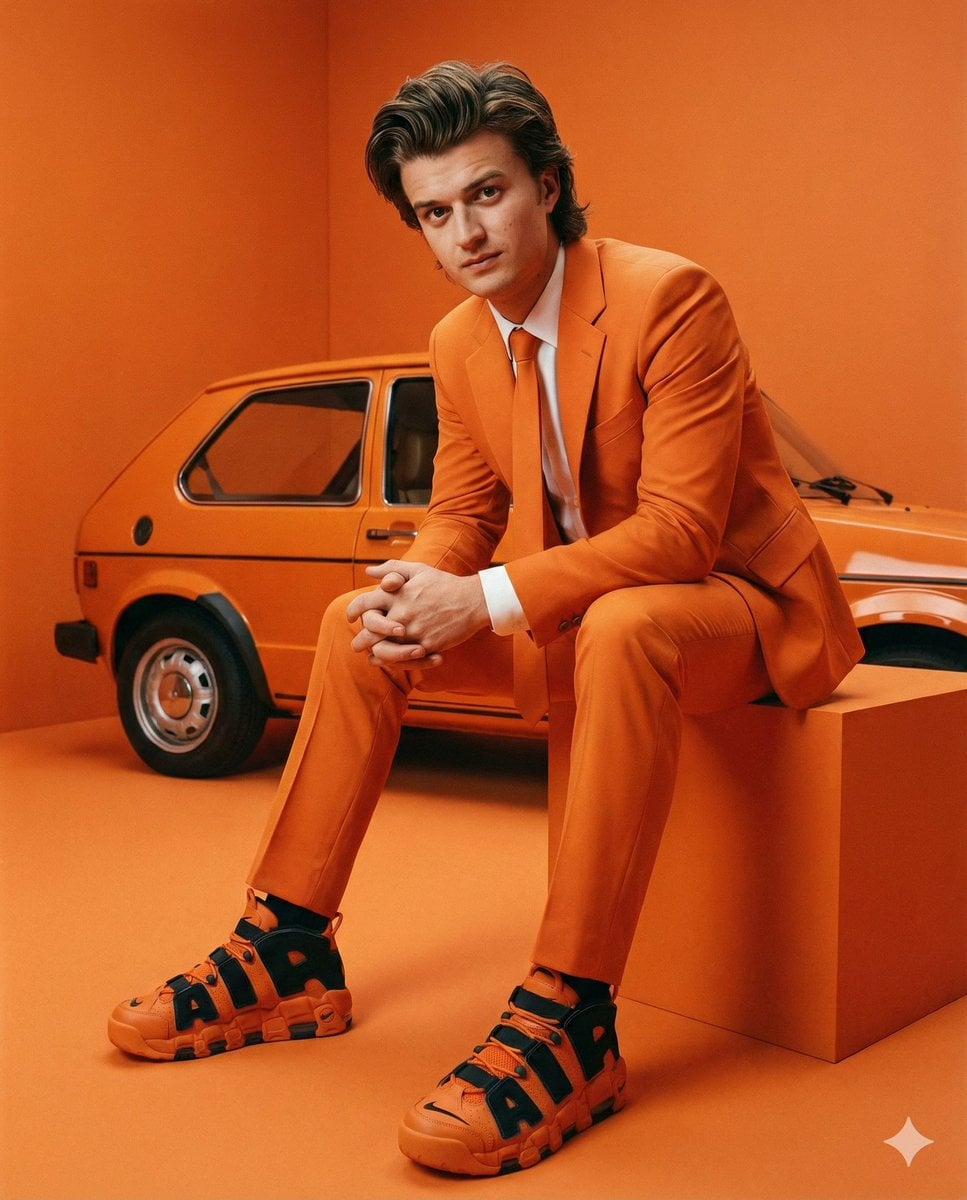
Steve Harrington Tangerine Fashion Editorial Prompt
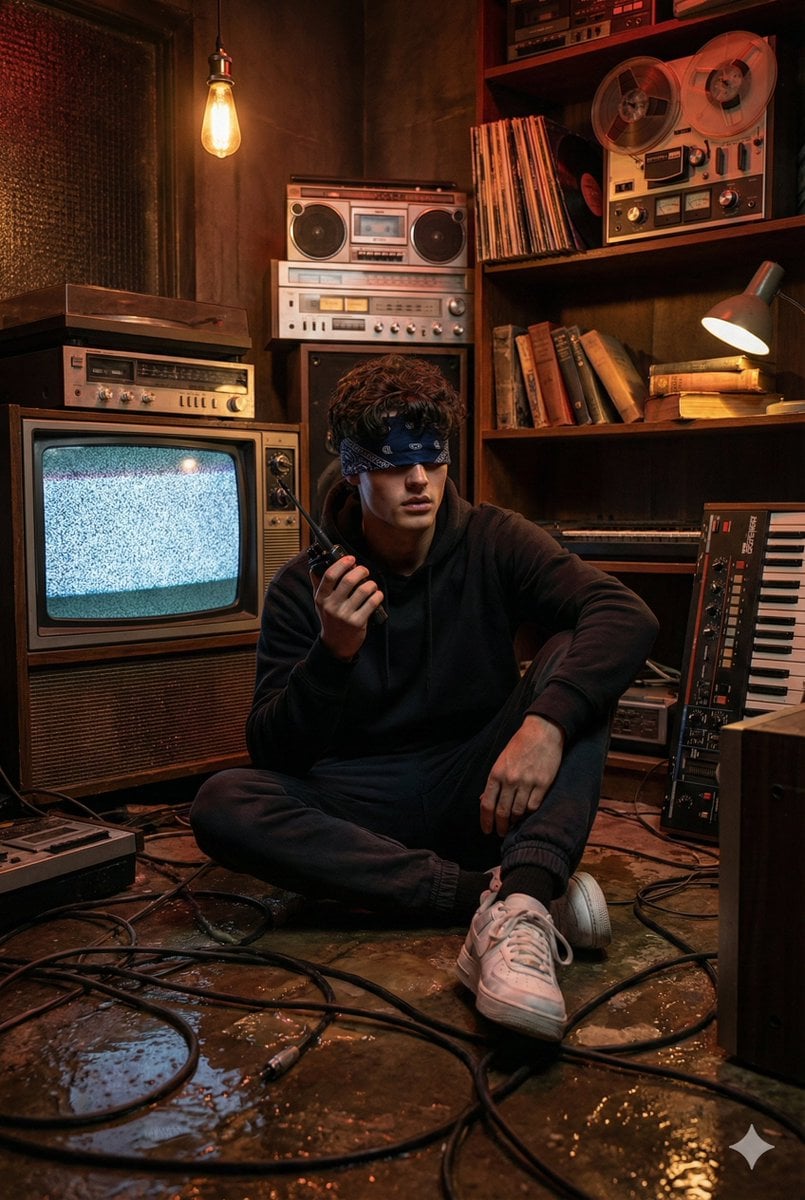
Stranger Things Inspired Cinematic Portrait
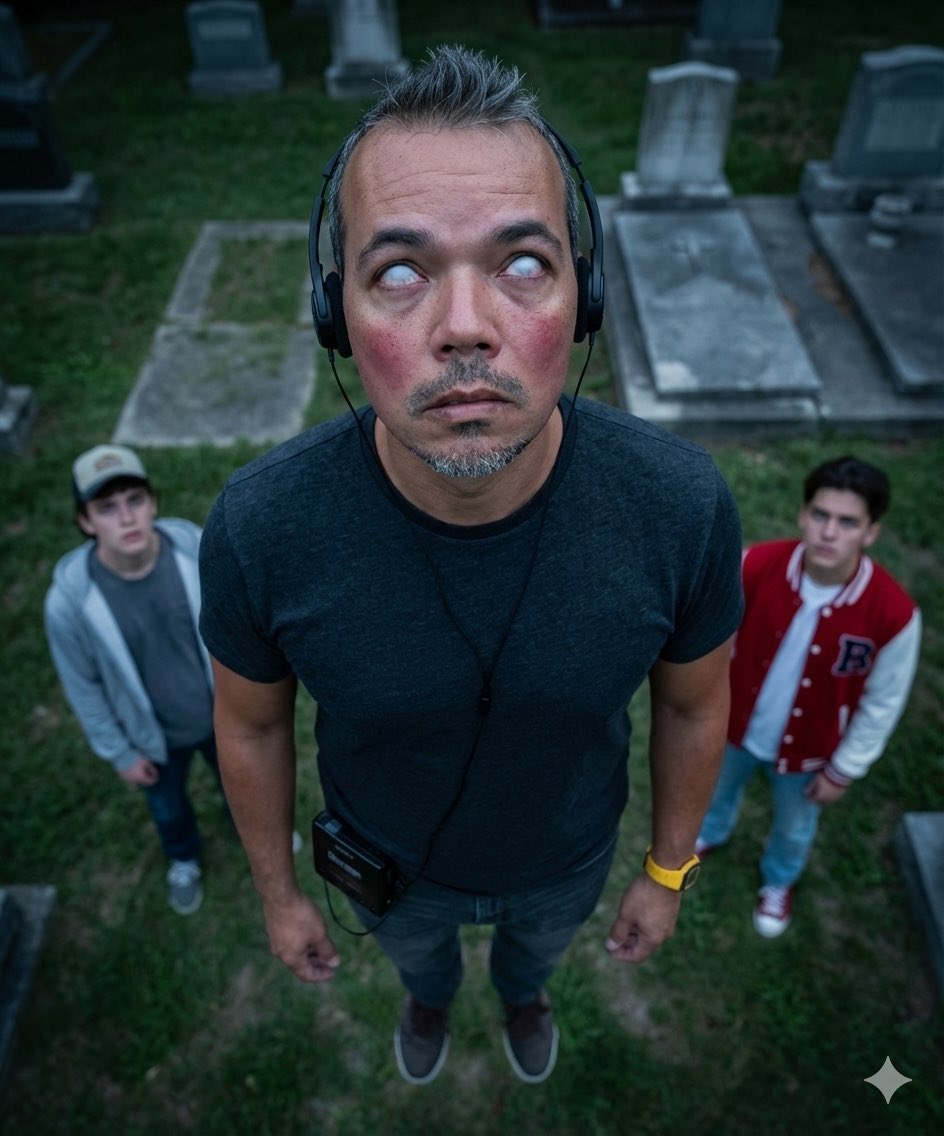
Gemini Nano Banana Pro 3.0 Stranger Things Edition Prompt
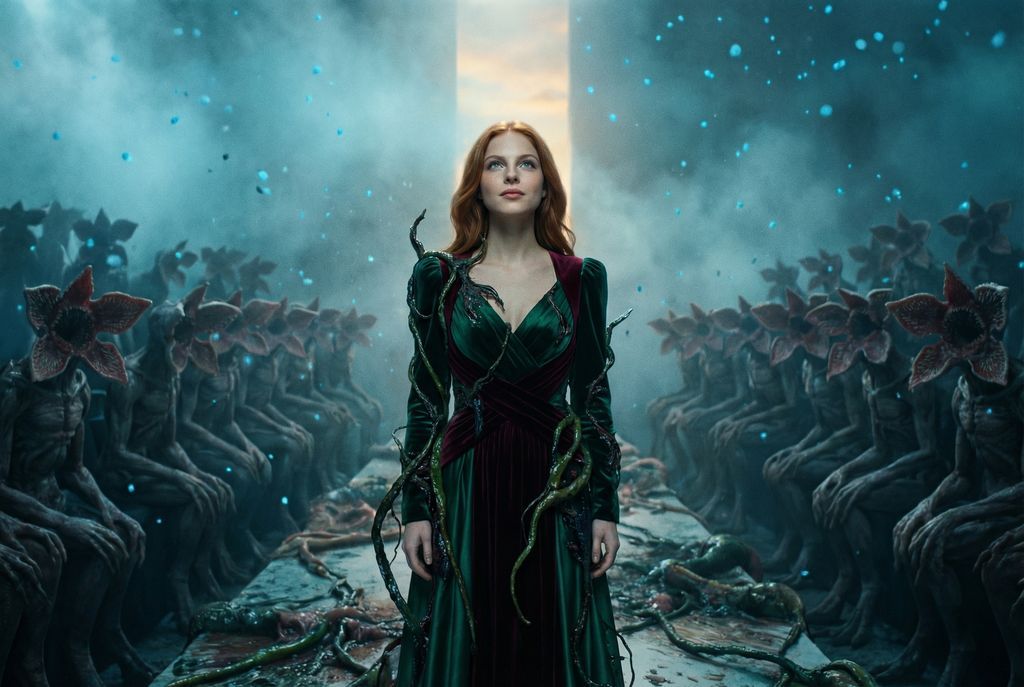
Stranger Things Inspired High-Fashion Editorial Prompt
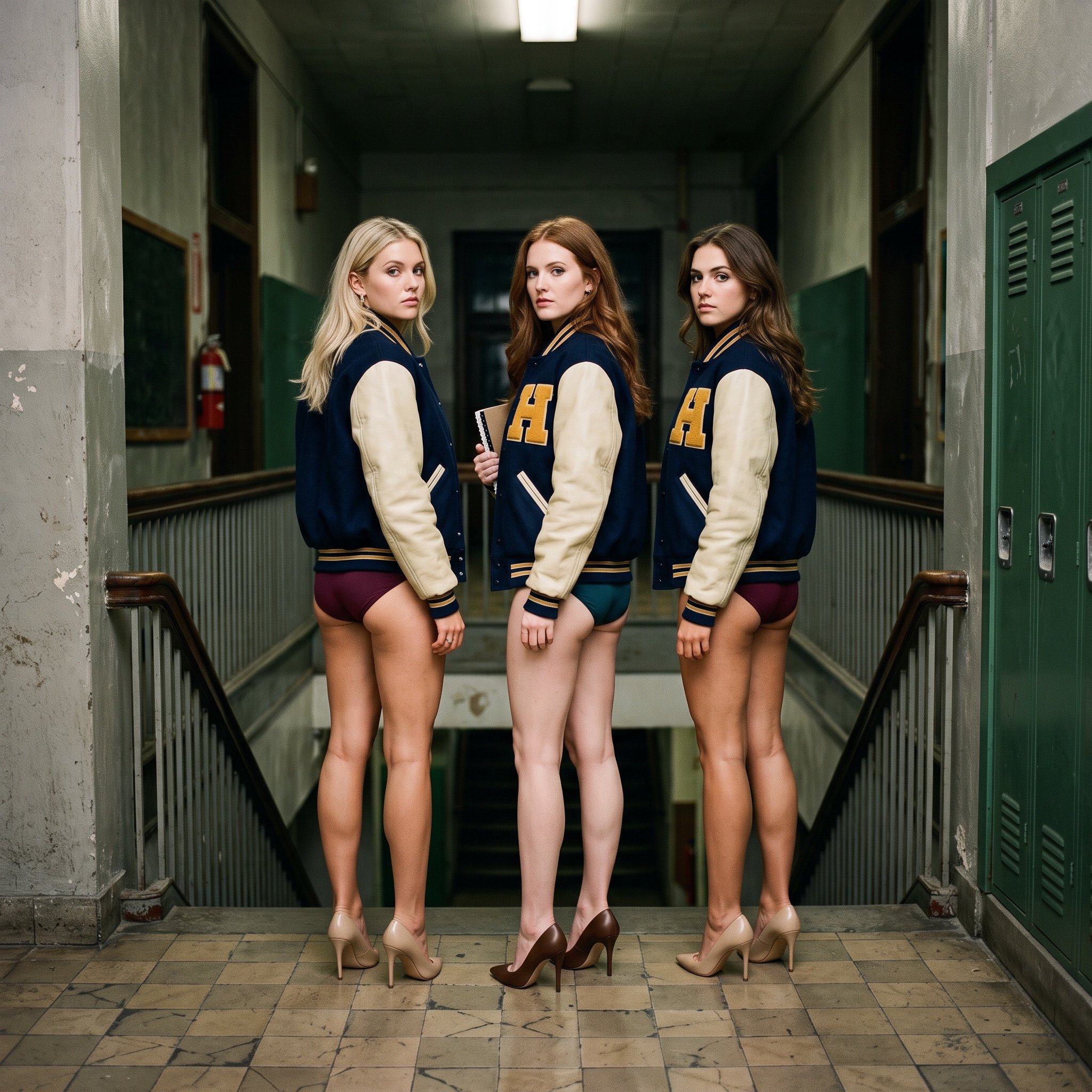
Cinematic Editorial Photograph Prompt (Stranger Things Cast)
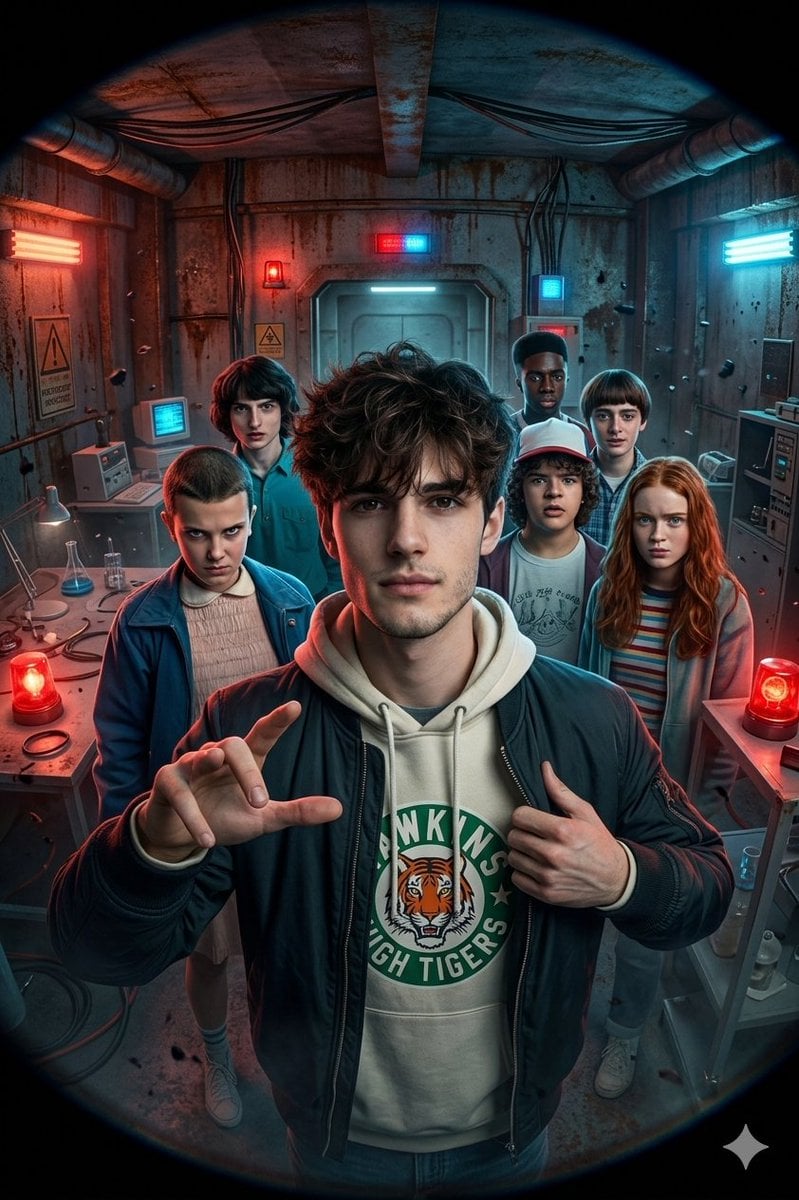
Stranger Things Action Selfie with Fish-Eye Distortion
Cinematic Storyboard: Kindness in Color
Miniature Girl on Giant Smartphone Desk
Rainy Season Pinterest Moodboard

Nice Day Anime Poster
Moon Rabbit Apothecary
Make it yours
Stranger Things Cinematic Scene: Steve vs. Vecna works as-is. These are the safest ways to change it without losing the look.
Change one field
Copy a single group, rewrite it, and generate again so you can see what that field is doing.
Keep the frame, change the subject
Hold the composition and light of Stranger Things Cinematic Scene: Steve vs. Vecna, then swap wardrobe, props or the person for a new take.
| If the result… | Why | Fix |
|---|---|---|
| The result drifts from the preview | Too many fields changed at once. | Reuse Stranger Things Cinematic Scene: Steve vs. Vecna as-is first, then change one group — subject, light, or setting. |
| The model over-stylizes the scene | The prose prompt leaves finish and camera underspecified. | Add one camera or lighting sentence and stay on Nano Banana 2. |
More Nano Banana 2 templates
Other prompts made for Nano Banana 2.

Photorealistic Leaf Shaped Like a Dragon

K-Pop Idol Portrait Grid for Rapid Selection

Poetic Rain Forest Portrait During Golden Hour

Urban Street Portrait with Cartoon Inner Self Duo

Candid Nighttime Photo with Cat Prompt

High-Concept 3D Diorama Generation Prompt

Cinematic Futuristic Studio Portrait Template

Skincare Editorial Photography Collage Prompt

Hyper-Realistic Commercial Product Photography (Splash Effect)

Hyper-Realistic Nightclub Portrait Prompt
More image prompts
Fresh picks from across the catalog.

AI Coding Assistant Promo Infographic
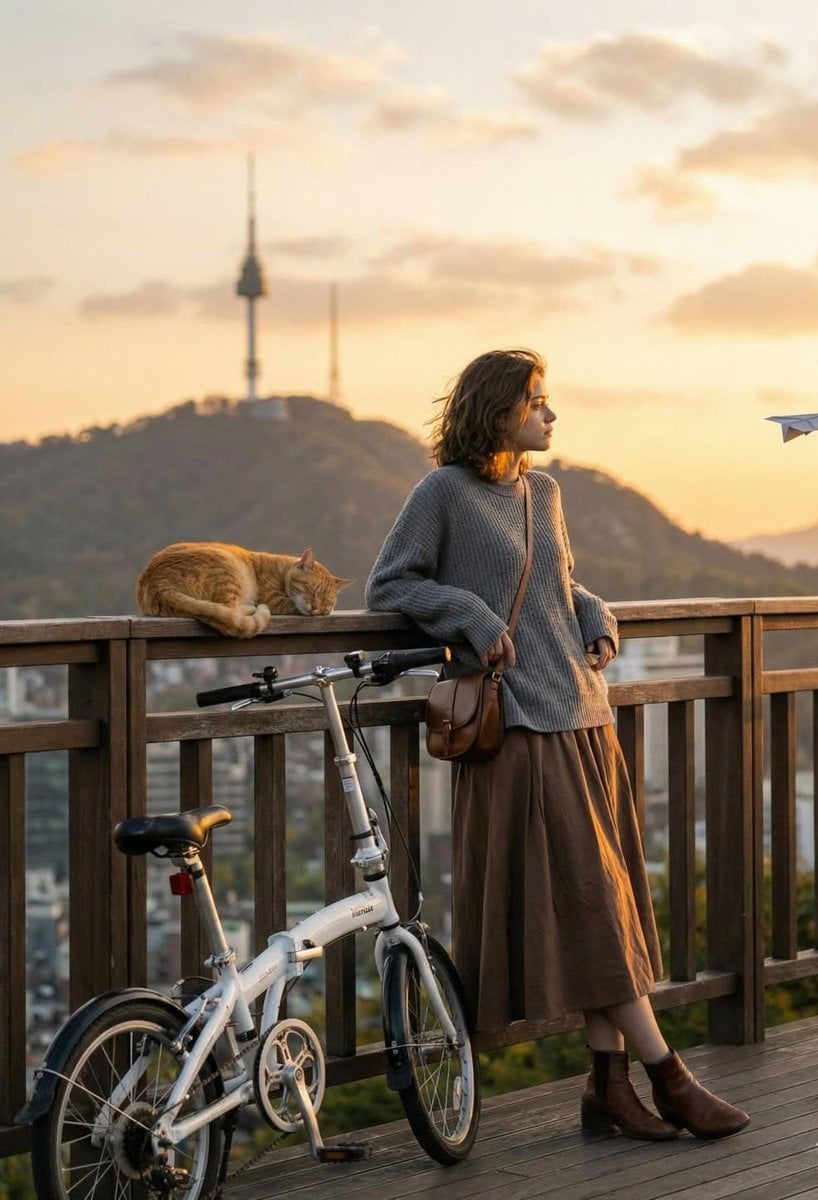
Cinematic Golden-Hour City View Portrait
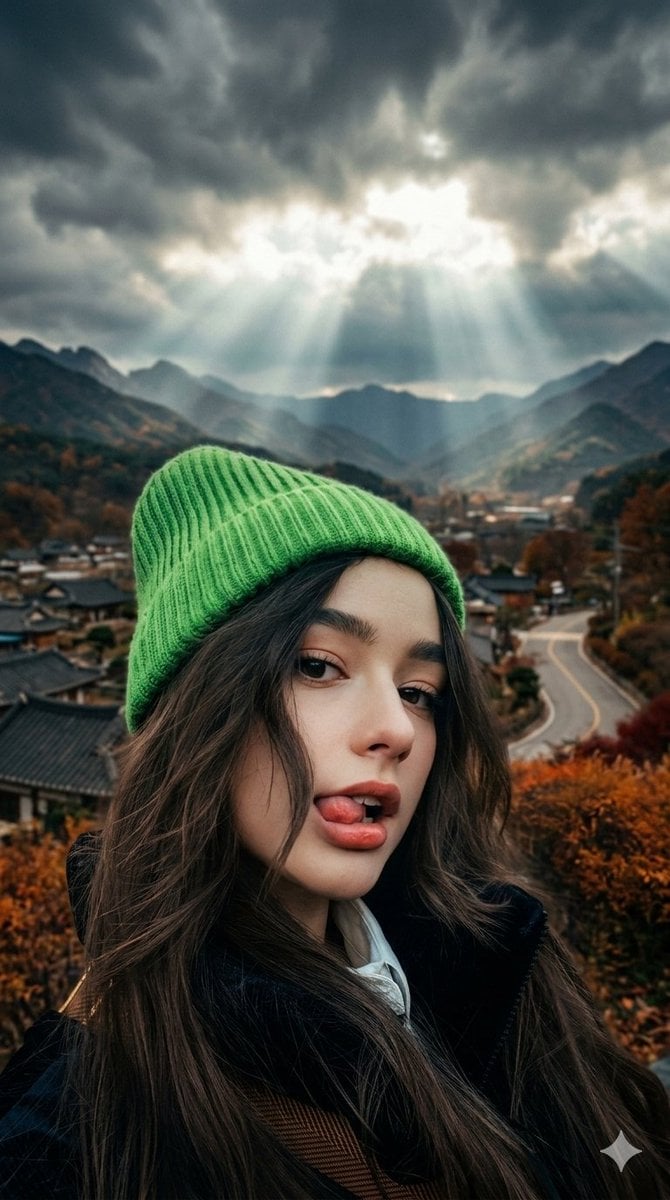
Cinematic Close-up of Woman with Neon Beanie
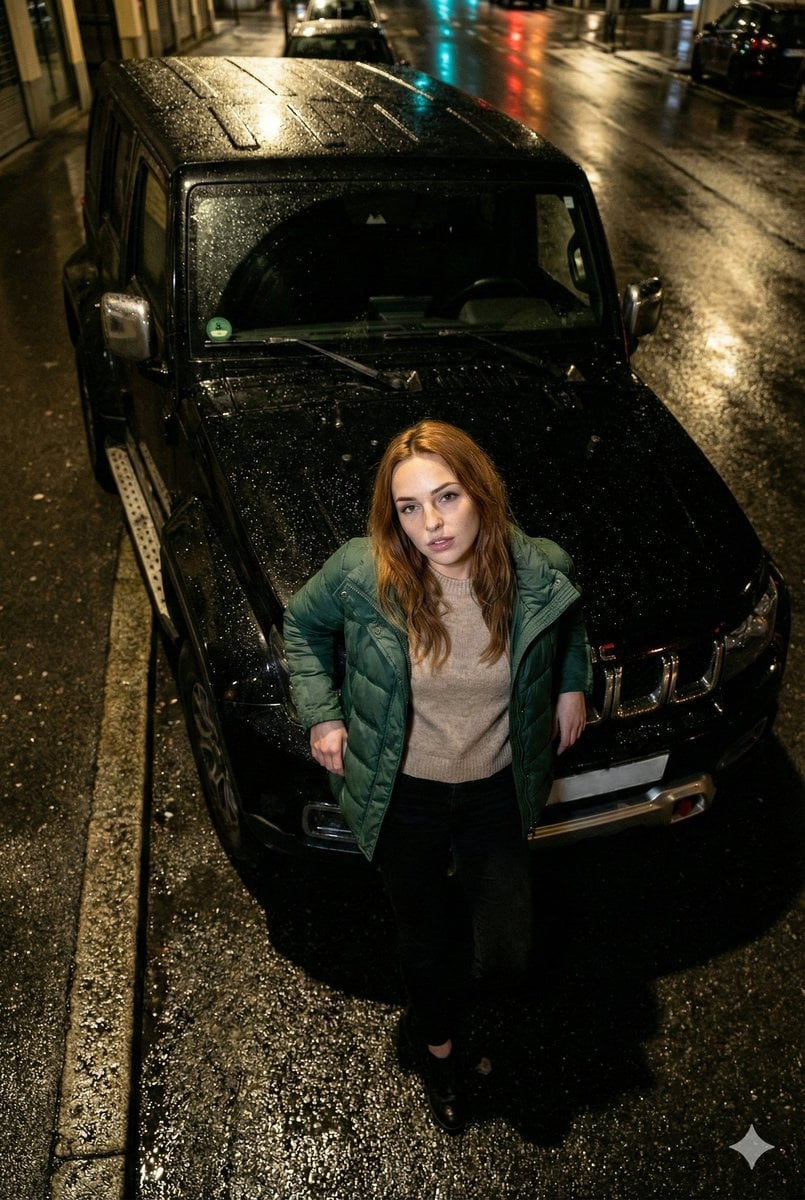
High-Angle Flash Photo on SUV Hood at Night

Yokohama Pop Summer Poster
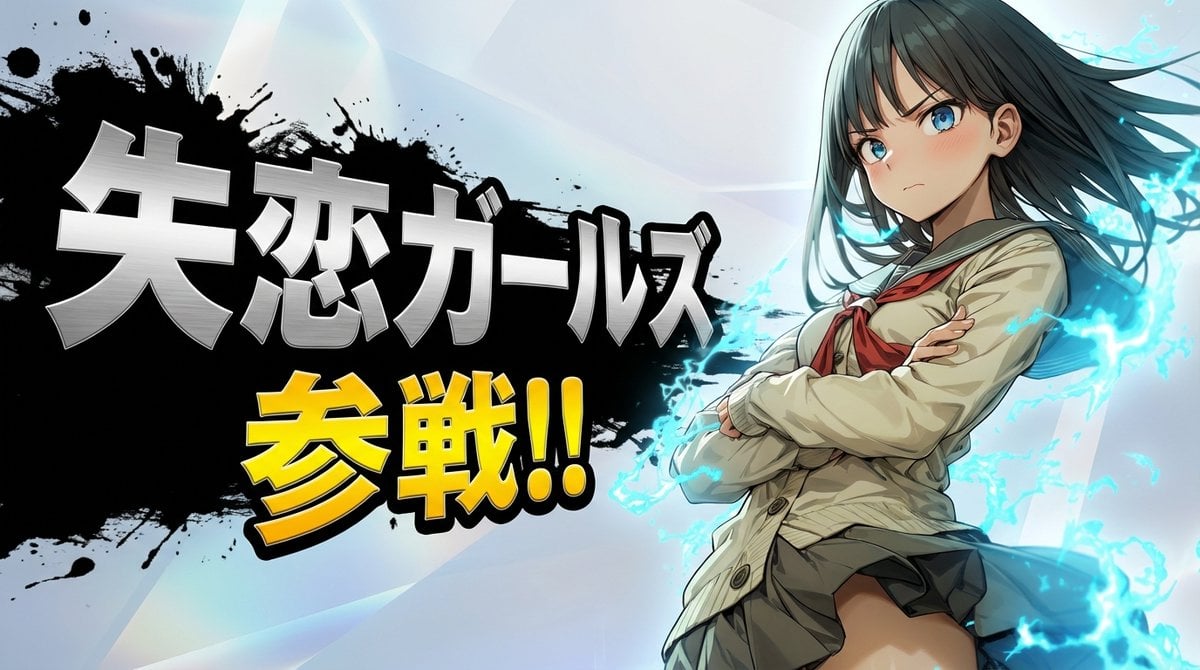
Nano Banana Pro Battle Entry Screen Prompt
Minimalist Cave Painting Style Avatar
Typographic Art Portrait
Photorealistic 3D Floor Plan Render with Furniture
Low Light iPhone Realism Hoodie Portrait Prompt for Nano Banana 2
Browse template categories
Stranger Things Cinematic Scene: Steve vs. Vecna questions
How do I use the Stranger Things Cinematic Scene: Steve vs. Vecna template?
Add your photo if the template asks for one, edit the prompt if you like — the template's model and format are already selected — and press Generate. Your version opens in PicX Studio.
Can I customize the Stranger Things Cinematic Scene: Steve vs. Vecna template?
Yes. You can change the subject, setting, lighting, mood, format, and available model controls before creating your image.
Is the Stranger Things Cinematic Scene: Steve vs. Vecna template free?
Opening and editing this template is free. Generating uses credits, shown on the Generate button when you are signed in.
Which AI model should I use?
Start with Nano Banana 2, which is the model associated with this template. You can compare another compatible model for a different finish.
Looking for something else? Browse all templates.

Your photo, any look
Thousands of ready templates for every top image and video model, from one credit balance.