
Moon Rabbit Apothecary
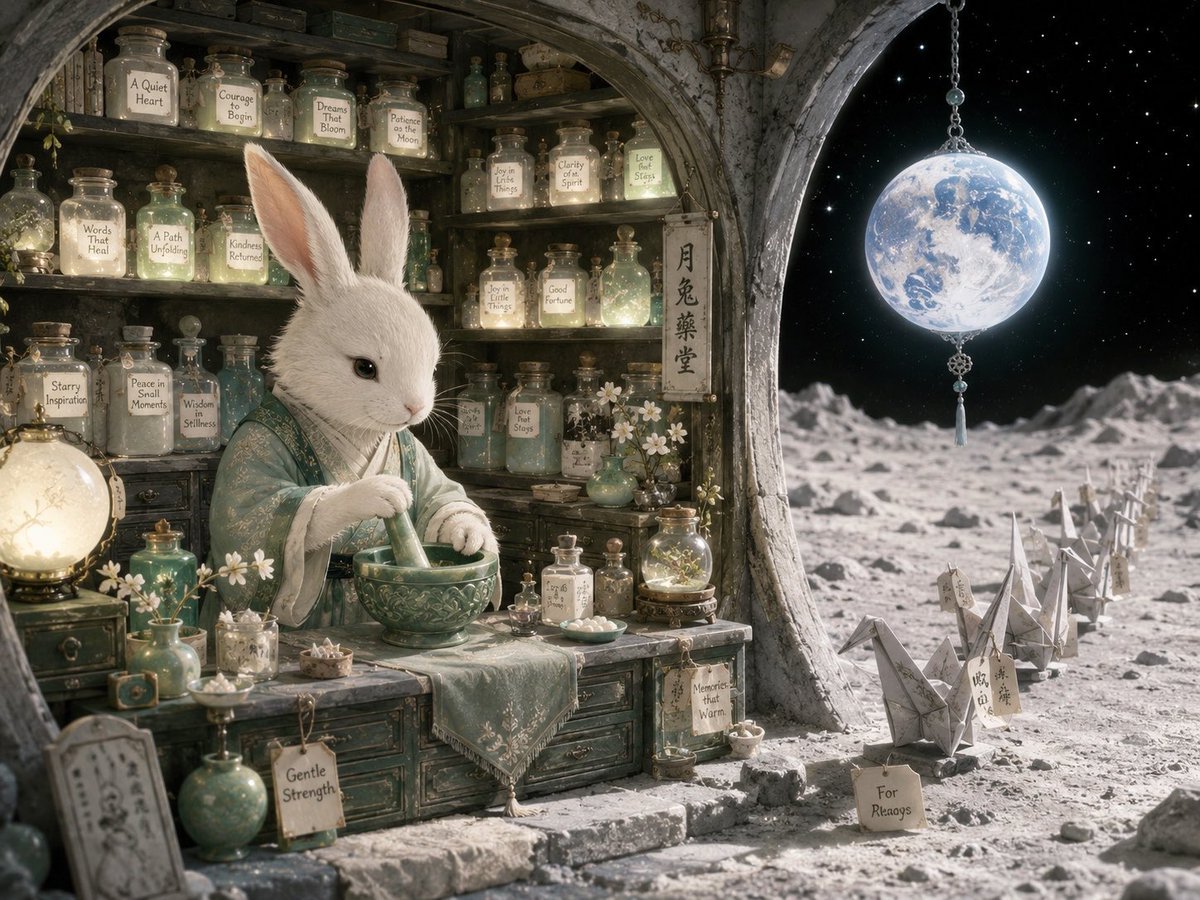
A detailed fantasy prompt for generating a cozy lunar apothecary scene with a white rabbit herbalist, glowing potion jars, and a moonlit paper-crane path.
- Prompt included
- Model and format preset
- Premium template
The prompt behind this image
Copy the exact prompt behind Moon Rabbit Apothecary, or open it in the studio and make it yours.
Goal: Create a highly detailed fantasy illustration of {argument name="character name" default="The Moon Rabbit's Apothecary"}, a cozy lunar medicine shop carved into a stone arch on the surface of the moon. Canvas: Horizontal 4:3 cinematic composition, viewed from slightly outside the shop looking inward and outward at the same time. The left two-thirds are a warm apothecary interior; the right third opens onto a cold moon landscape under a starry black sky. Main subject: A realistic white rabbit apothecary with soft fur, tall upright ears, black eyes, and delicate paws, standing behind a weathered wooden counter. The rabbit wears layered pale teal-green and cream robes with subtle floral embroidery, like a refined East Asian herbalist. It is grinding medicine in a carved green ceramic mortar with a pestle, calm and focused. Setting and layout: The shop is built into a rough gray stone moon-arch, with cracked plaster, aged wood shelves, and an arched opening framing the lunar surface. Behind the rabbit, fill the wall with old shelves of glass bottles, corked jars, tiny vials, books, herbs, and softly glowing powders. On the right, show a cratered moon plain with a winding path of folded paper cranes leading into the distance. Above the path hangs a glowing full Earth like a blue-white moon ornament, suspended from a chain with beads and a tassel. Visible repeated elements to include: Show exactly 1 white rabbit apothecary, 1 mortar and pestle, 1 hanging Earth ornament, 1 vertical shop sign with East Asian calligraphy, 1 luminous globe lamp on the counter, 1 green vase of small white flowers, 1 small glass terrarium-like potion dome, and 8 folded paper cranes on the moon path. Include exactly 19 prominent labeled jars or tags with readable hand-lettered English text: “A Quiet Heart,” “Courage to Begin,” “Dreams That Bloom,” “Patience of the Moon,” “Words That Heal,” “A Path Unfolding,” “Kindness Returned,” “Joy in Little Things,” “Clarity of Spirit,” “Love That Stays,” “Starry Inspiration,” “Peace in Small Moments,” “Wisdom in Stillness,” “Good Fortune,” “Loss of Stars,” “Gentle Strength,” “Memories that Warm,” “For Always,” and “Hope.” Style: Magical realism, storybook fantasy, ultra-detailed painterly realism, soft moonlit atmosphere, warm candlelit interior contrasted with cool silver lunar light outside. Use aged teal, ivory, gray stone, soft gold, and moon-silver colors. Materials should feel tactile: dusty glass, cork stoppers, old paper labels, carved ceramic, embroidered fabric, rough moon dust, and weathered wood. Lighting: Warm glows from potion bottles and the counter lamp illuminate the rabbit and shelves; cold blue-white rim light from the hanging Earth and moon surface lights the right side. Add tiny stars, gentle bloom, dust motes, and a quiet dreamy mood. Constraints: No modern objects, no humans, no cartoon style, no harsh neon colors, no extra animals, no watermark. Keep the composition serene, intricate, and enchanting, with readable labels where specified.
How to use Moon Rabbit Apothecary in 3 steps
- 1Upload ImagePNG, JPG or paste
Add your photo
Upload the photo the template builds on. The prompt, model and format are already set.
- 2…a portrait of your subject in softgolden-hour light, 85mm…
Personalize
Edit the subject and creative details for your destination.
- 3Generate
Generate
Press Generate — your image is created in PicX Studio, so you can compare it with the original and refine one variable at a time.
More like this
Templates with the same subject, style or setup. Open one to see its prompt.

Moonlit Fox Mask Night Market
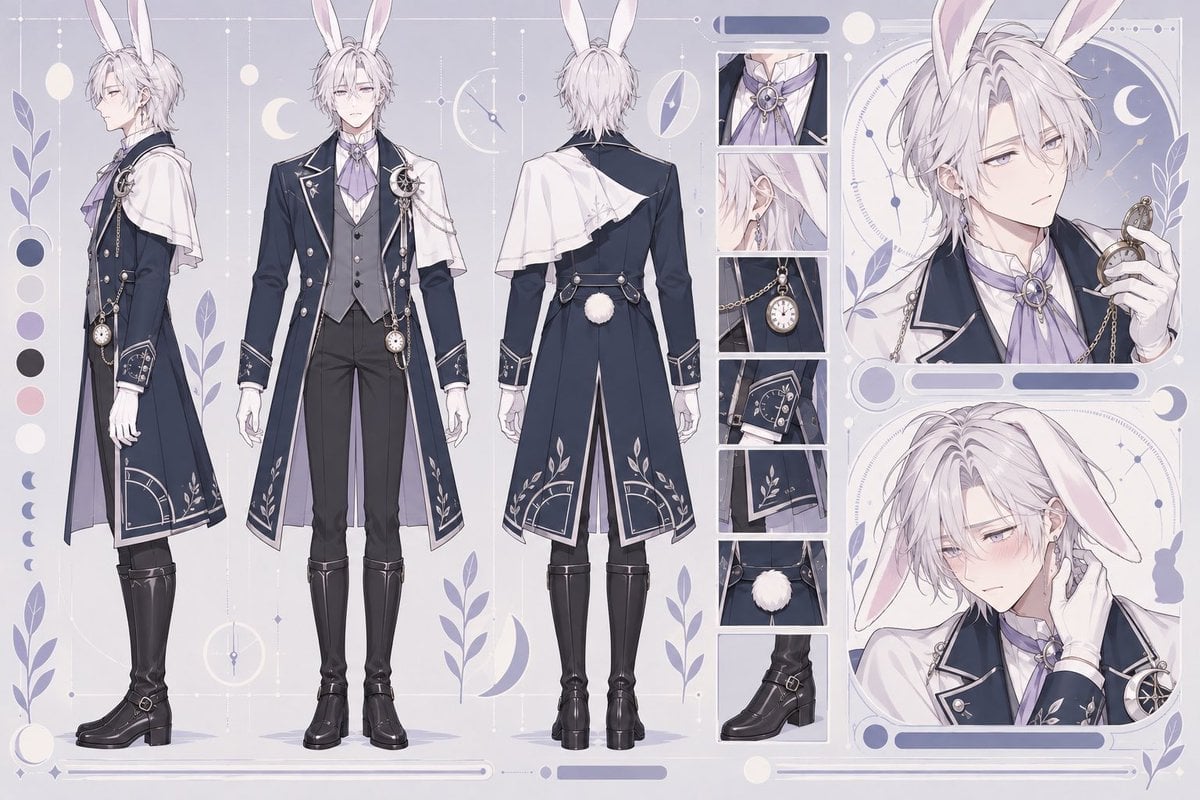
Rabbit Gentleman Character Sheet
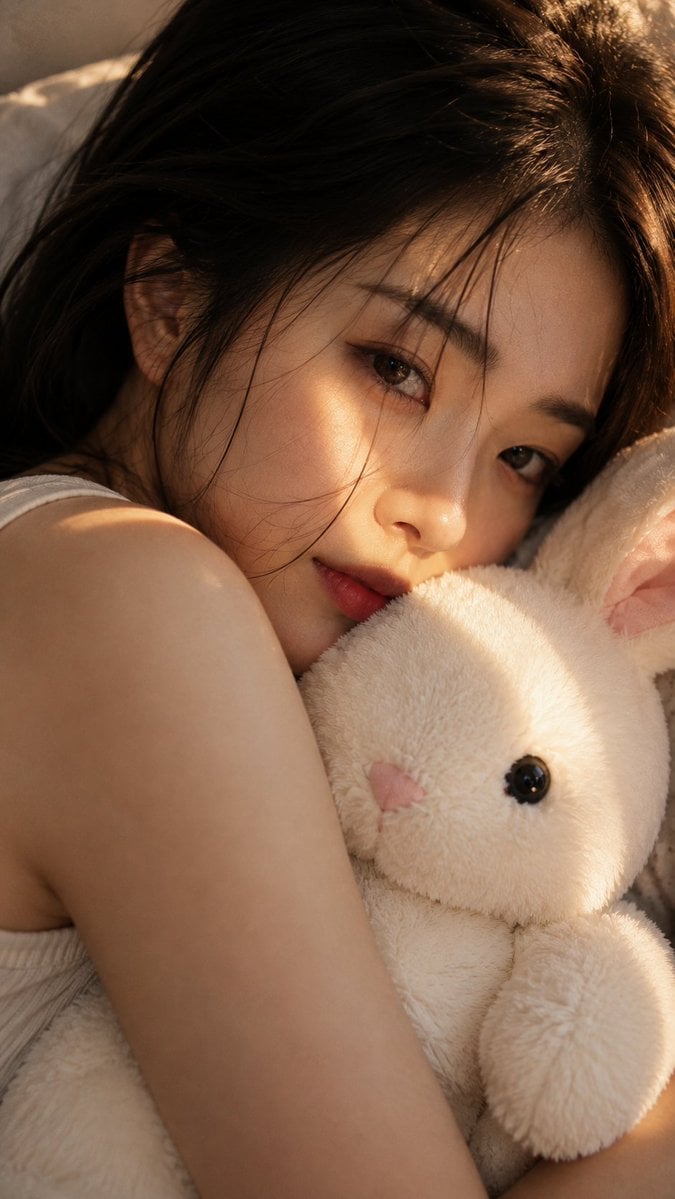
Woman with Plush Rabbit Close-up
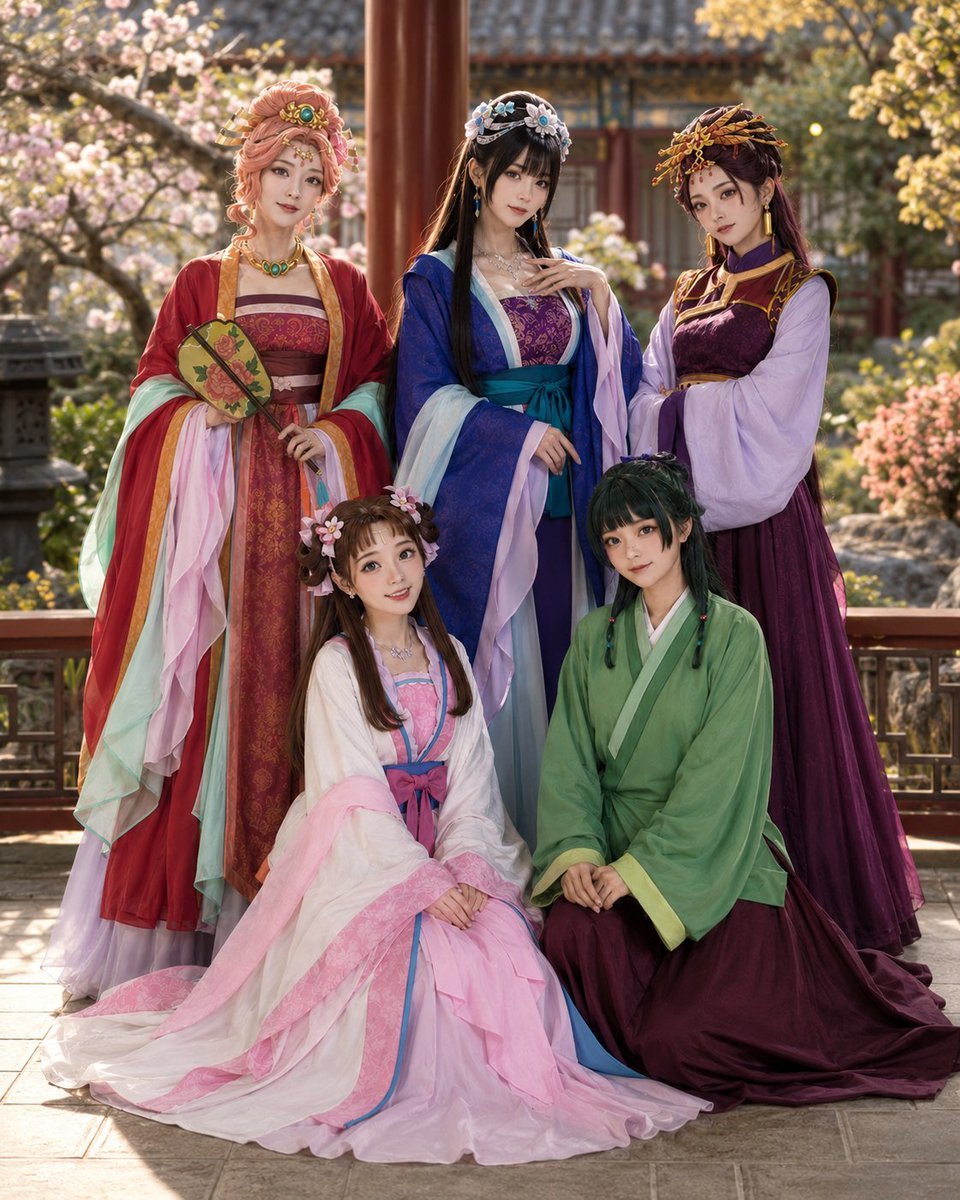
The Apothecary Diaries Character Group
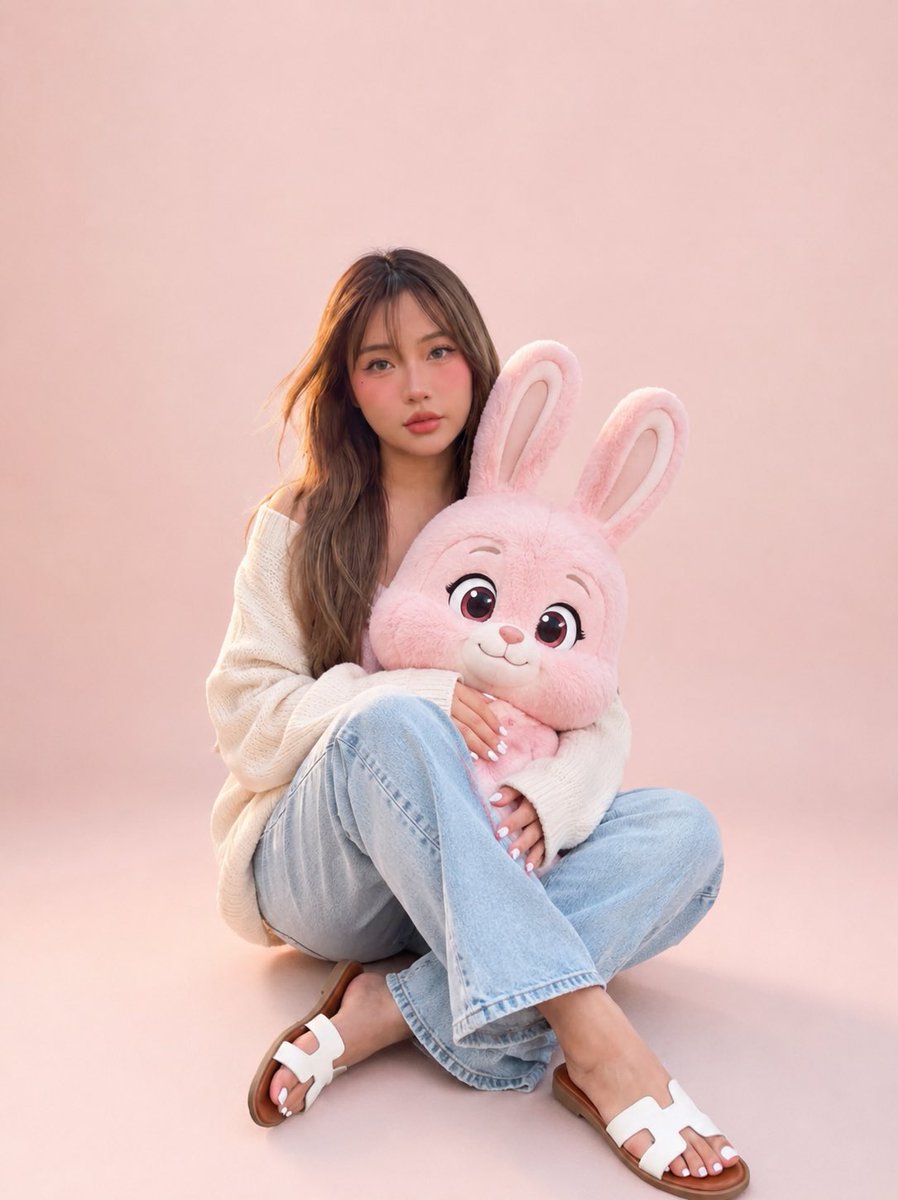
Portrait with Cartoon Pink Rabbit
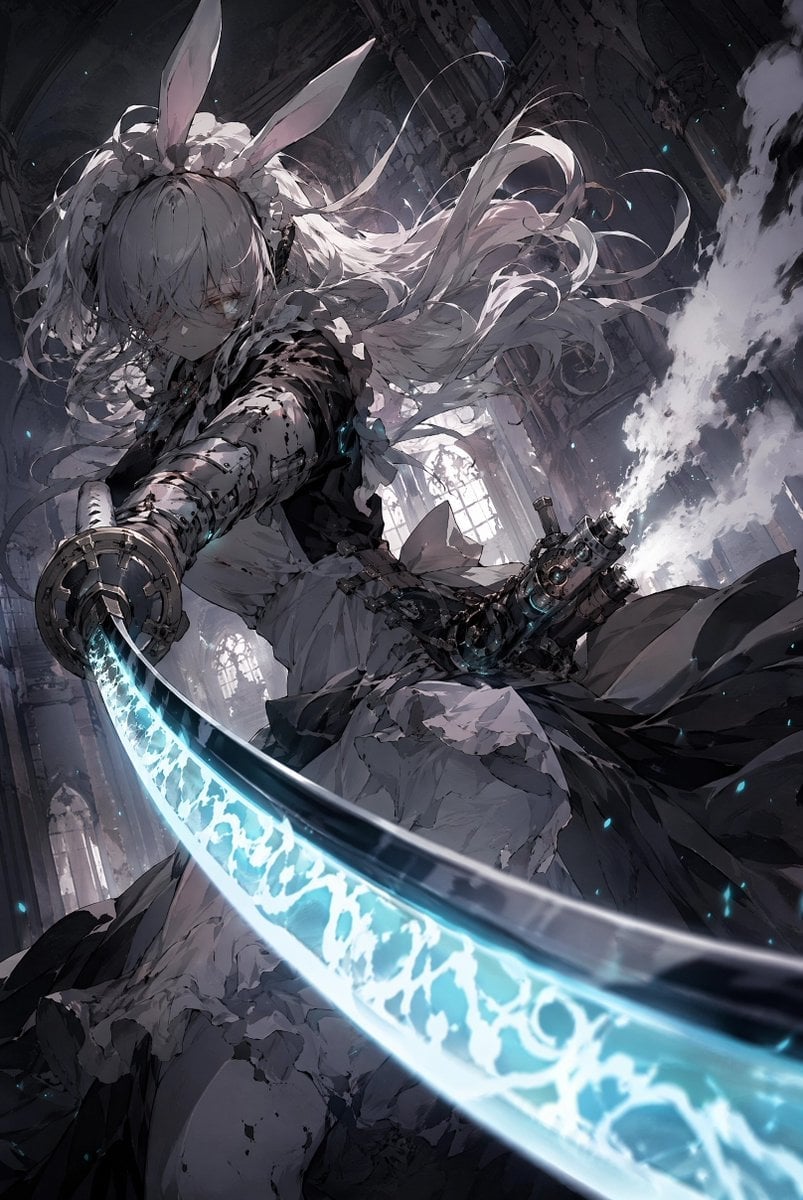
Rabbit-Eared Swordswoman in Ruined Cathedral
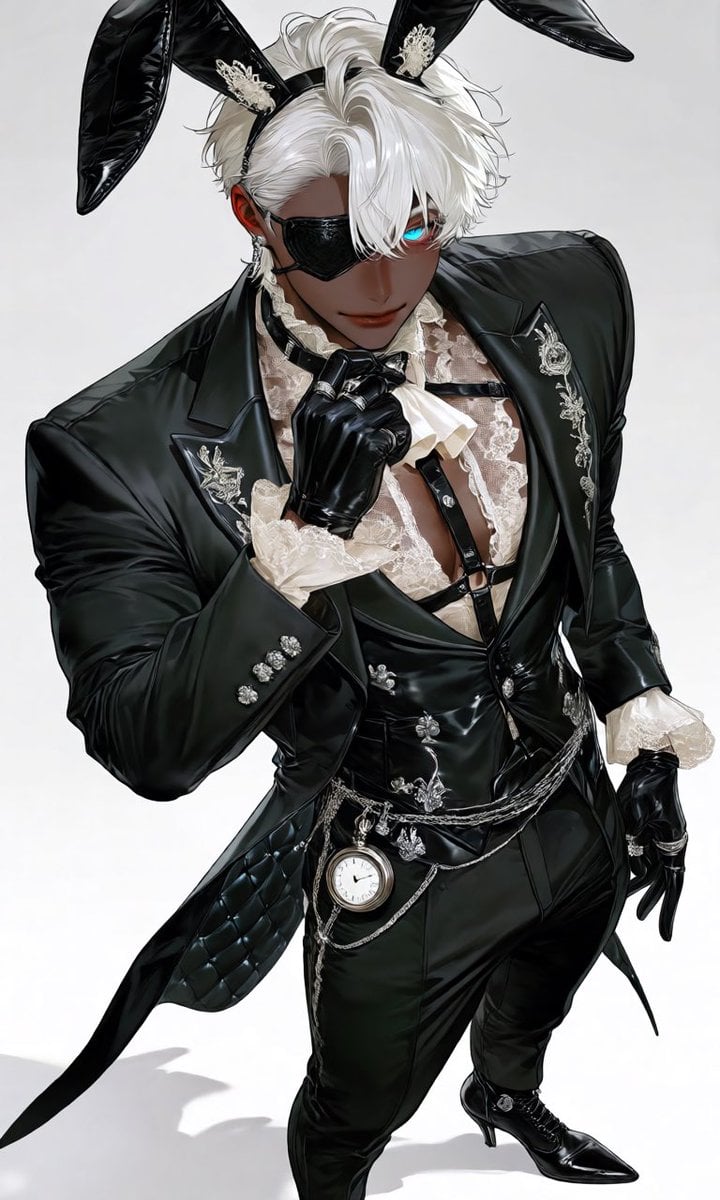
Luxury Rabbit Suit Fashion
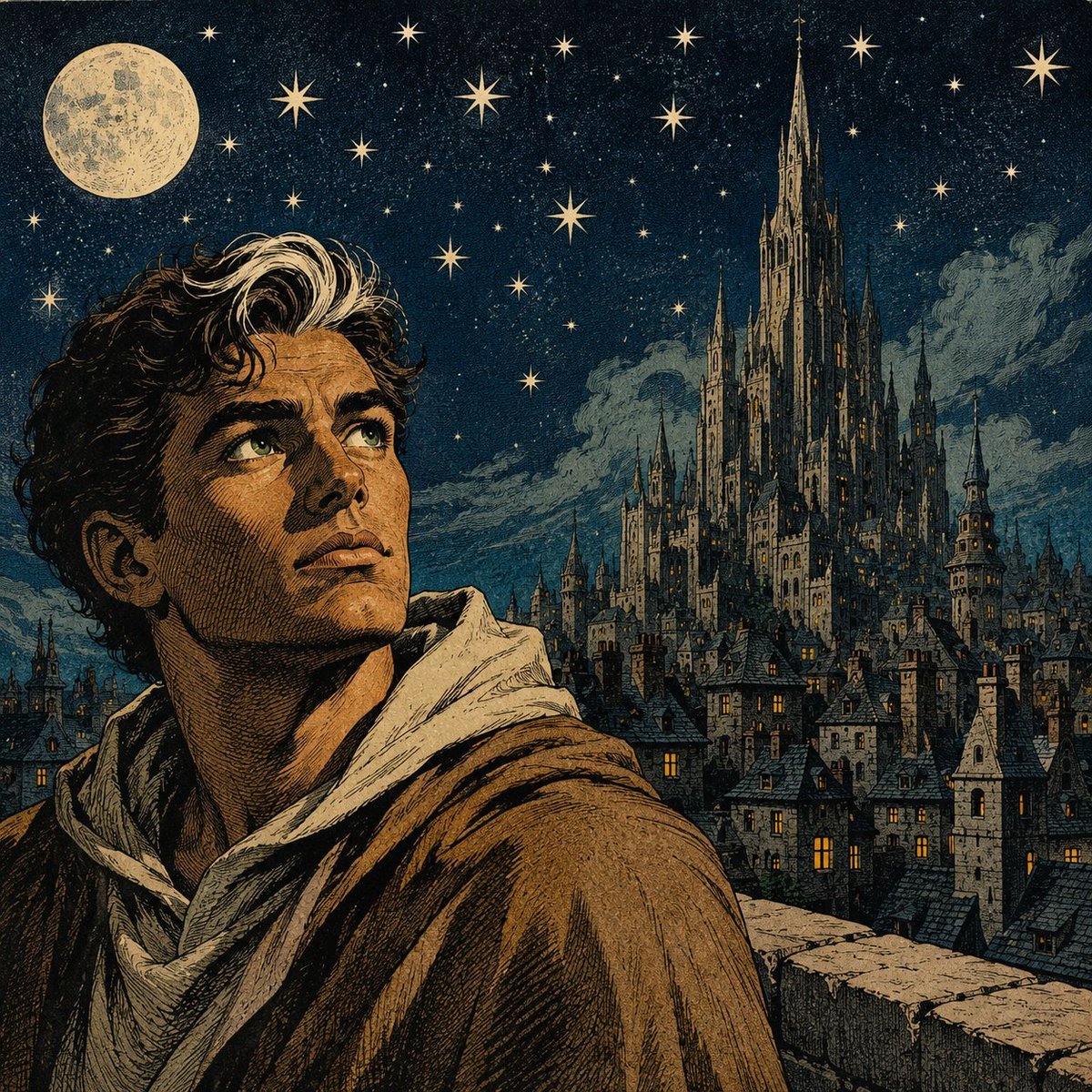
Moonlit Gothic Fantasy Traveler
Kawaii Brick Moon Chibi Diorama
Anime Schoolgirl on the Moon
Moonlit Hamster Ice Bath Manga
Vintage Rabbit Collage Specimen
Make it yours
Moon Rabbit Apothecary works as-is. These are the safest ways to change it without losing the look.
Change one field
Copy a single group, rewrite it, and generate again so you can see what that field is doing.
Keep the frame, change the subject
Hold the composition and light of Moon Rabbit Apothecary, then swap wardrobe, props or the person for a new take.
| If the result… | Why | Fix |
|---|---|---|
| The result drifts from the preview | Too many fields changed at once. | Reuse Moon Rabbit Apothecary as-is first, then change one group — subject, light, or setting. |
| The model over-stylizes the scene | The prose prompt leaves finish and camera underspecified. | Add one camera or lighting sentence and stay on GPT Image 2. |
More GPT Image 2 templates
Other prompts made for GPT Image 2.

Six VTuber Japanese Logo Sheet

Realistic Portrait of Woman and Deer

The Vista Modular Condo Poster

AI Model Routing Comparison Infographic

2.5D Anime Art Board

Isometric Productivity Desk Scene

New York Double Exposure Poster

Four-Panel AI Landscape Comparison

Japanese Tatami Lifestyle Magazine Cover

NESCAFÉ Coffee Map Poster
More image prompts
Fresh picks from across the catalog.
Sci-Fi Western Lunar Rider
Ultra-realistic Food Advertisement Shot of an Indian Samosa
Minimalist Cormorant Fishing Poster
Moody Japanese Railway Crossing Portrait
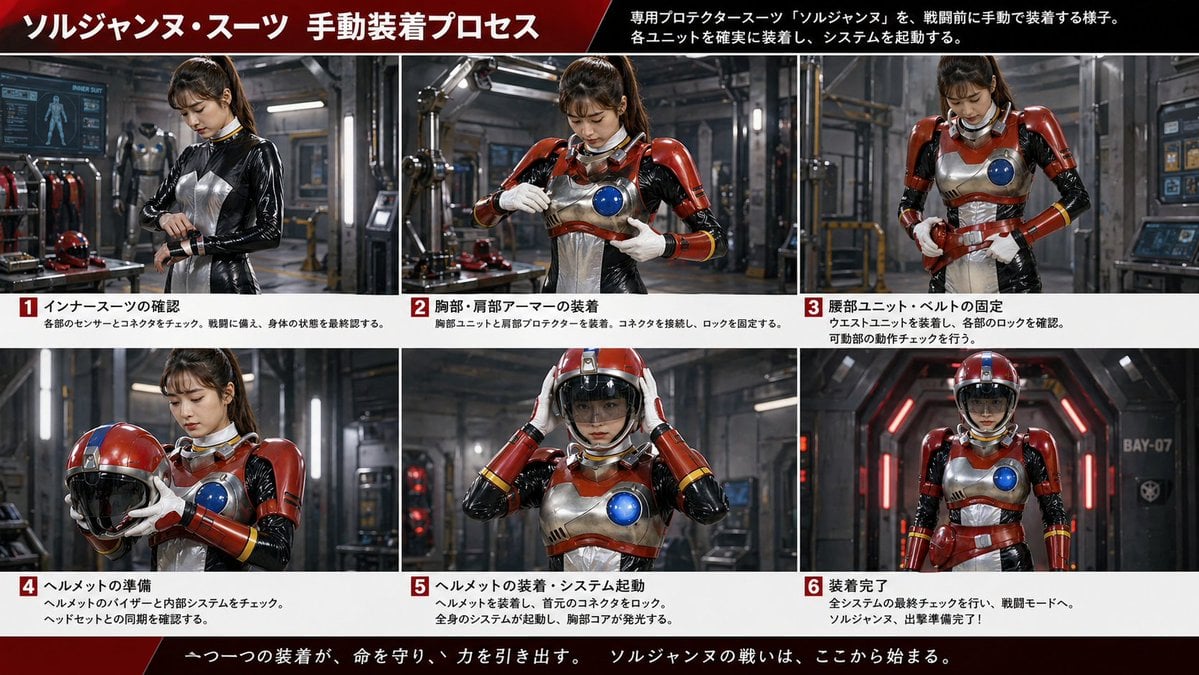
Japanese Sci-Fi Suit-Up Process Board
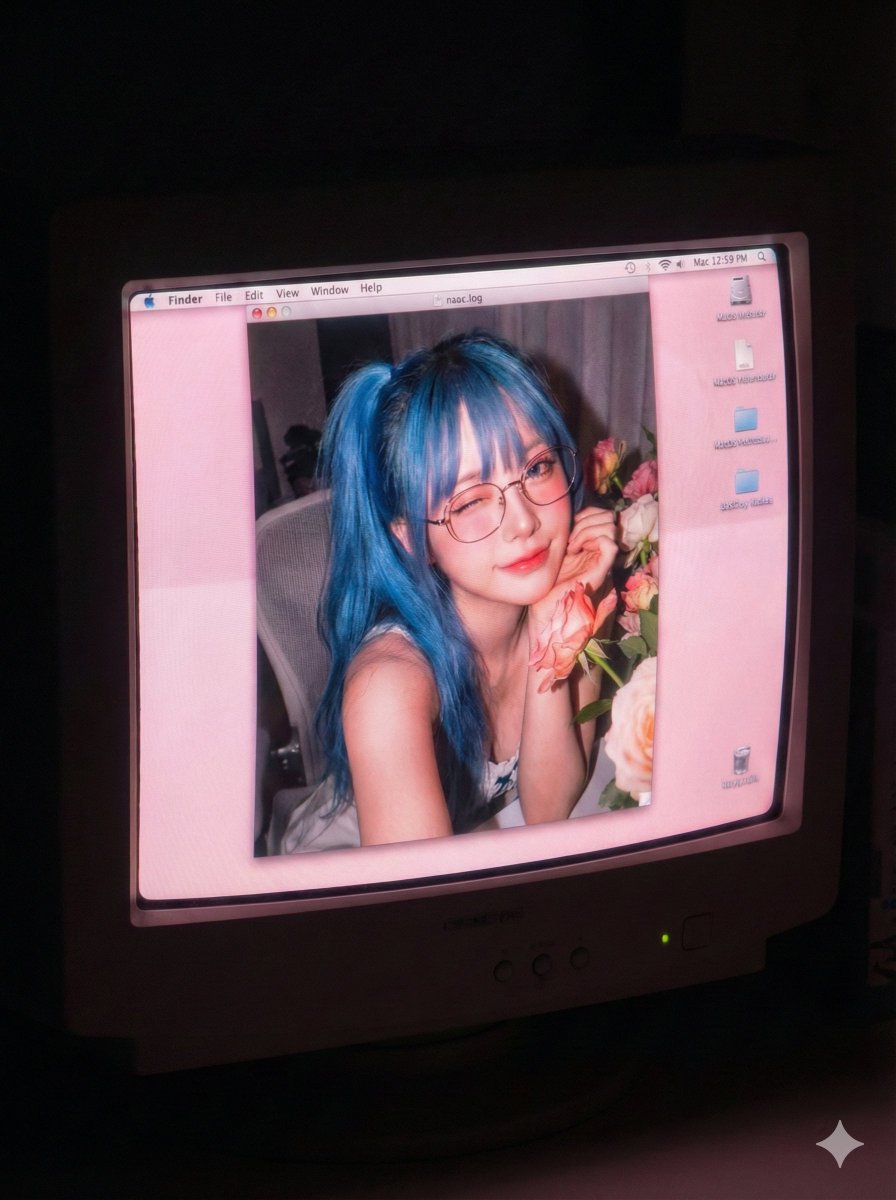
Old Computer Effect Portrait Prompt
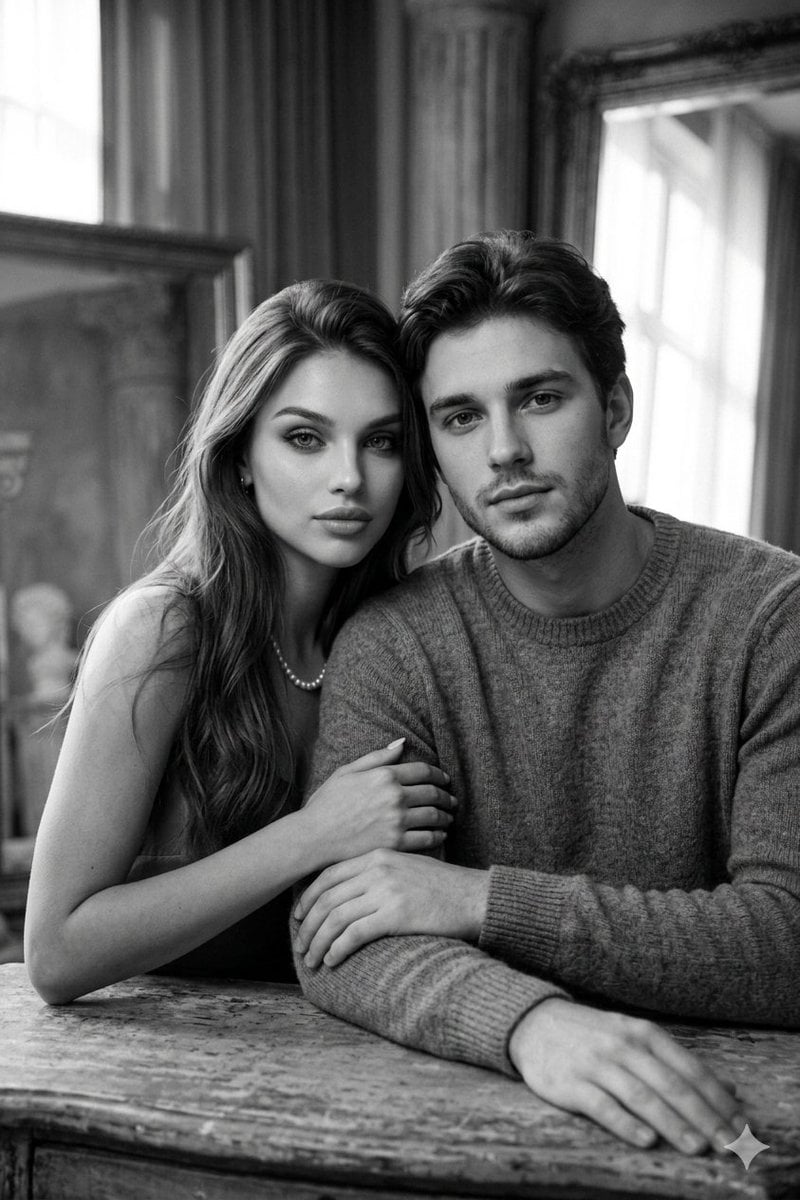
Cinematic Monochrome Couple Portrait
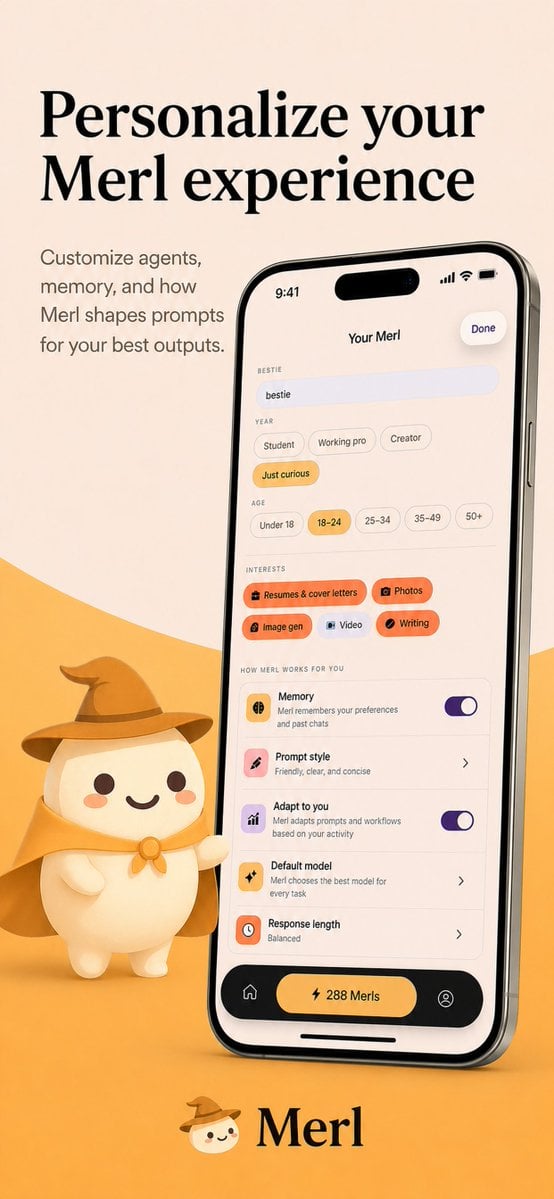
Merl iOS Personalization Screenshot
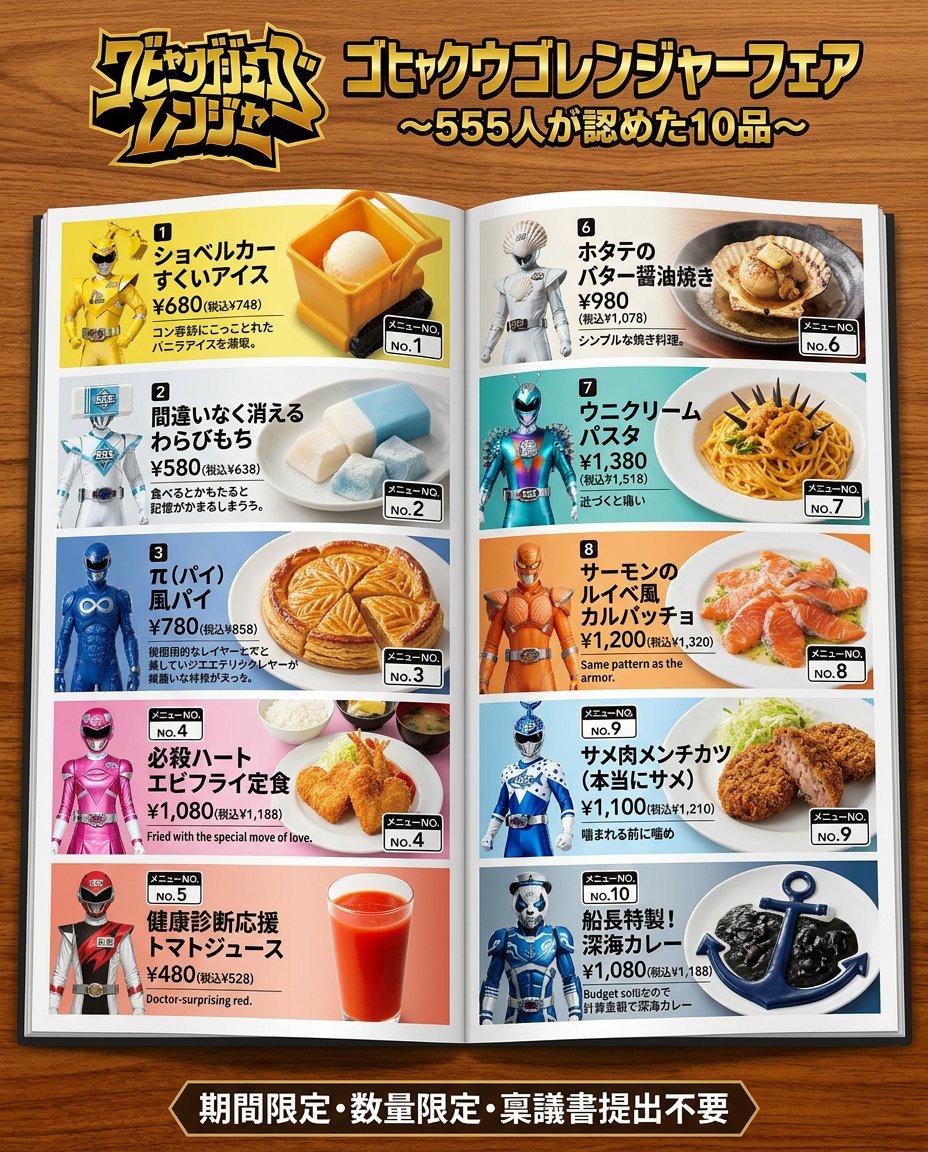
Nano Banana 2 Prompt for Character Collaboration Menu
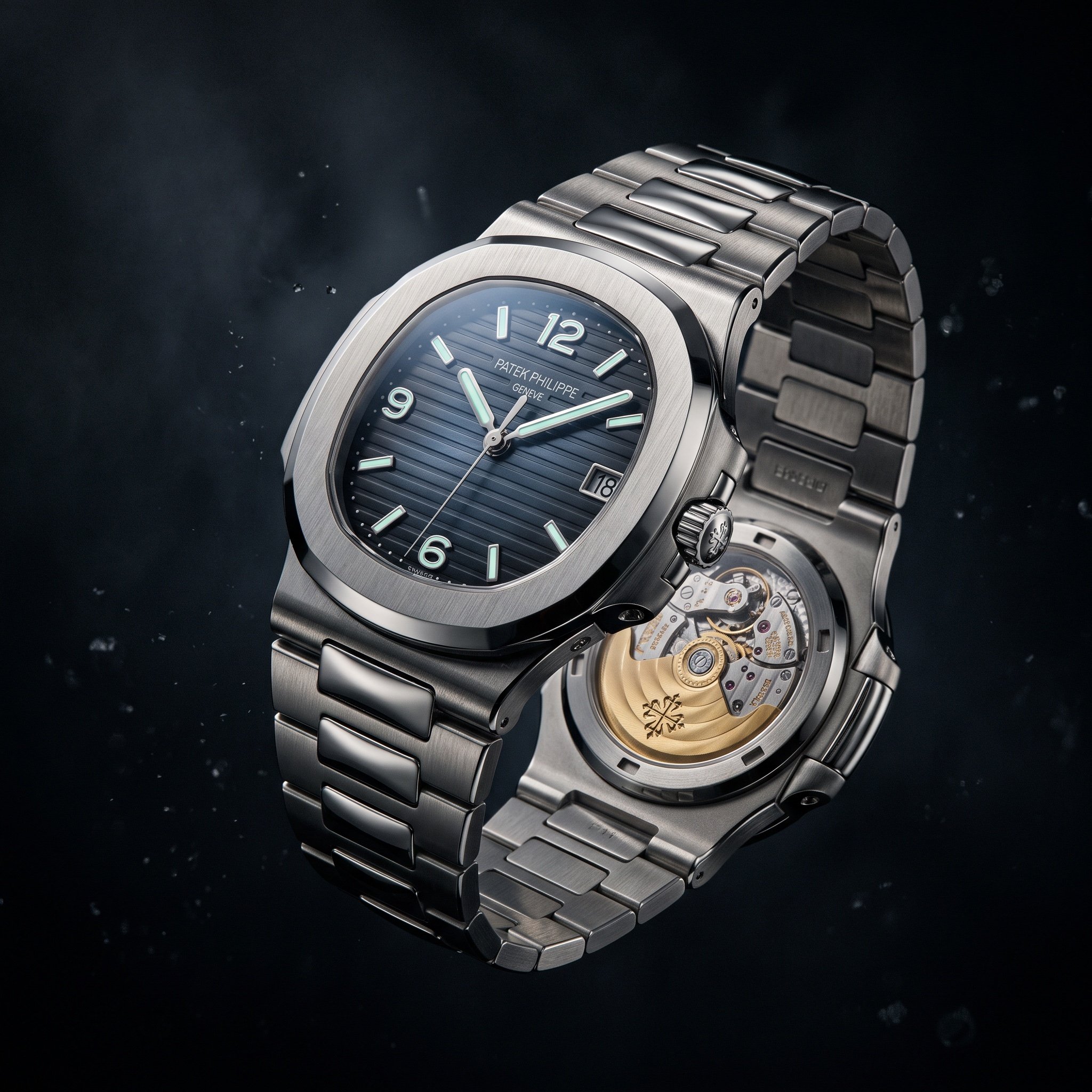
Cinematic Luxury Watch Advertisement
Browse template categories
Moon Rabbit Apothecary questions
How do I use the Moon Rabbit Apothecary template?
Add your photo if the template asks for one, edit the prompt if you like — the template's model and format are already selected — and press Generate. Your version opens in PicX Studio.
Can I customize the Moon Rabbit Apothecary template?
Yes. You can change the subject, setting, lighting, mood, format, and available model controls before creating your image.
Is the Moon Rabbit Apothecary template free?
Opening and editing this template is free. Generating uses credits, shown on the Generate button when you are signed in.
Which AI model should I use?
Start with GPT Image 2, which is the model associated with this template. You can compare another compatible model for a different finish.
Looking for something else? Browse all templates.

Your photo, any look
Thousands of ready templates for every top image and video model, from one credit balance.