
Cinematic Storyboard: Kindness in Color
A narrative prompt for a storyboard that transitions from black and white to vibrant color, symbolizing an emotional connection through an act of kindness in the rain.
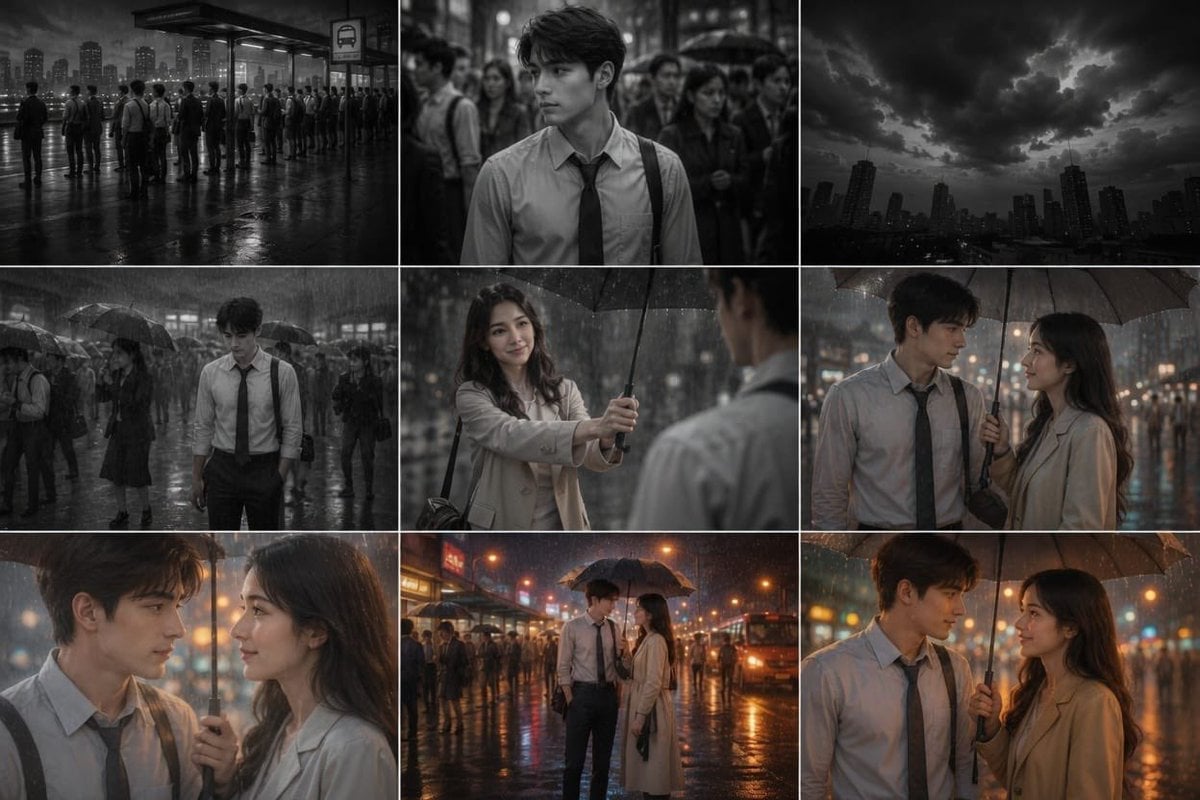
- Prompt included
- Model and format preset
- Free template
The prompt behind this image
Copy the exact prompt behind Cinematic Storyboard: Kindness in Color, or open it in the studio and make it yours.
A cinematic, highly detailed scene of a {argument name="subject" default="27-year-old man with a smart, lean physique, soft brown hair, and a shy, innocent expression"}. He is dressed in simple corporate office attire, reflecting the routine of a monotonous 9-to-5 office life. He stands quietly at a {argument name="location" default="crowded city bus stop"} during the evening rush hour, surrounded by dozens of commuters who seem distant and emotionless. The entire world is shown in black and white, emphasizing the dullness and repetition of his daily life. Dark clouds gather overhead, and rain suddenly begins to pour. While everyone around him rushes to open umbrellas or seek shelter, he simply lowers his gaze, accepting the rain in silence. At that moment, a {argument name="stranger" default="25-year-old woman with fair skin, an elegant appearance, and a warm, genuine smile"} steps beside him. She gently extends her umbrella to cover both of them. As he looks up and their eyes meet, they exchange a quiet, heartfelt smile. The instant their eyes meet, the black-and-white world begins transforming into vibrant color. The rain glows softly, the city lights become warm and vivid, and every detail around them comes to life. The crowd remains in the background, blurred and insignificant, while the two stand beneath the umbrella, sharing a silent, magical connection. The scene is emotional, romantic, and hopeful, symbolizing how a single act of kindness can bring color into someone’s life.
How to use Cinematic Storyboard: Kindness in Color in 3 steps
- 1
Open
The prompt is already in the box next to the preview, with the template's model and format selected.
- 2…a portrait of your subject in softgolden-hour light, 85mm…
Personalize
Edit the subject and creative details for your destination.
- 3Generate
Generate
Press Generate — your image is created in PicX Studio, so you can compare it with the original and refine one variable at a time.
More like this
Templates with the same subject, style or setup. Open one to see its prompt.

Headphones Lifestyle Nine Panel Grid
Seedance - Storyboard to Movie
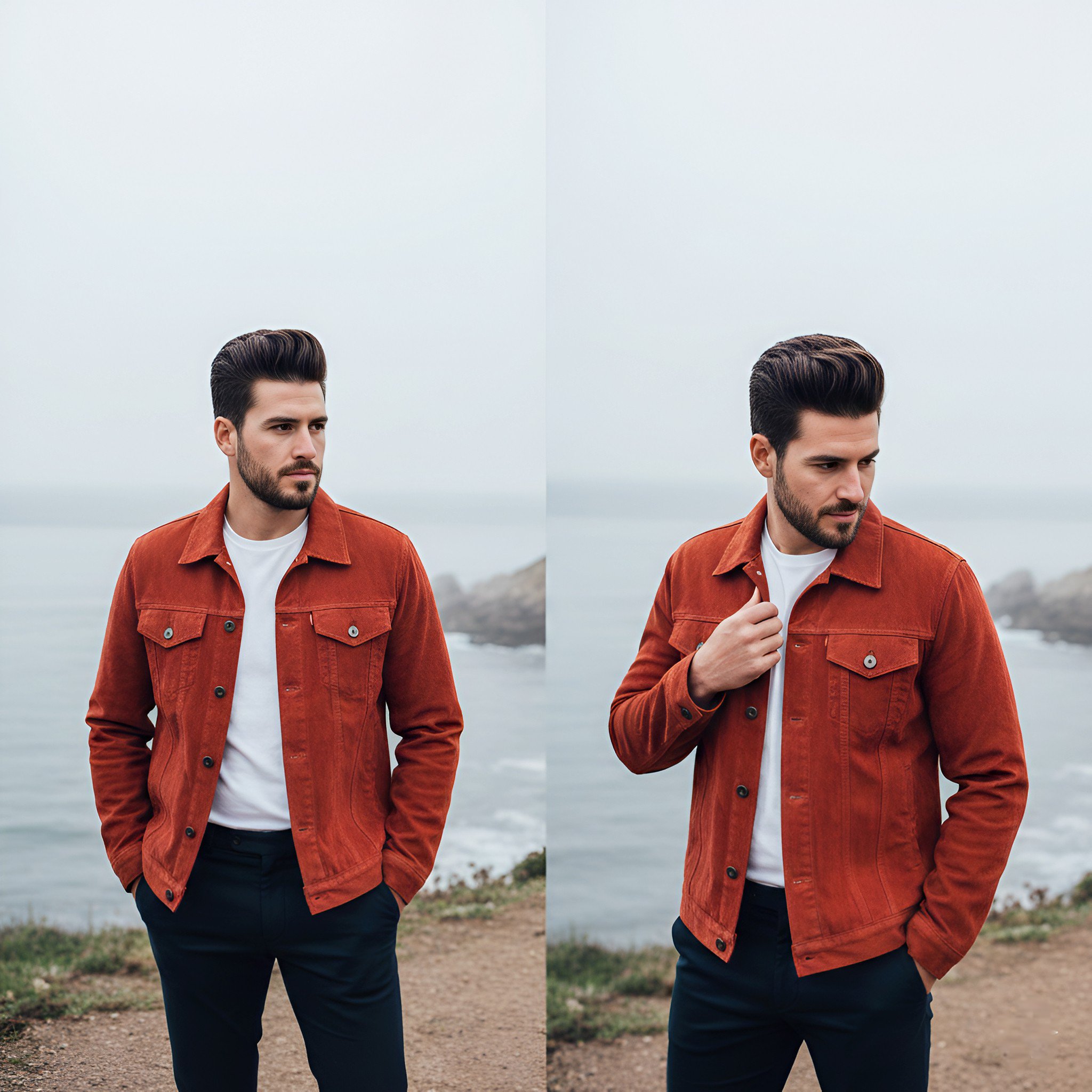
Lifestyle photography, cinematic color grading, shallow depth of field

Sleepy Hamster Watercolor Scene

Watercolor Hanfu Celestial Princess

Minimal Hand-Drawn Sketch Watercolor Portrait
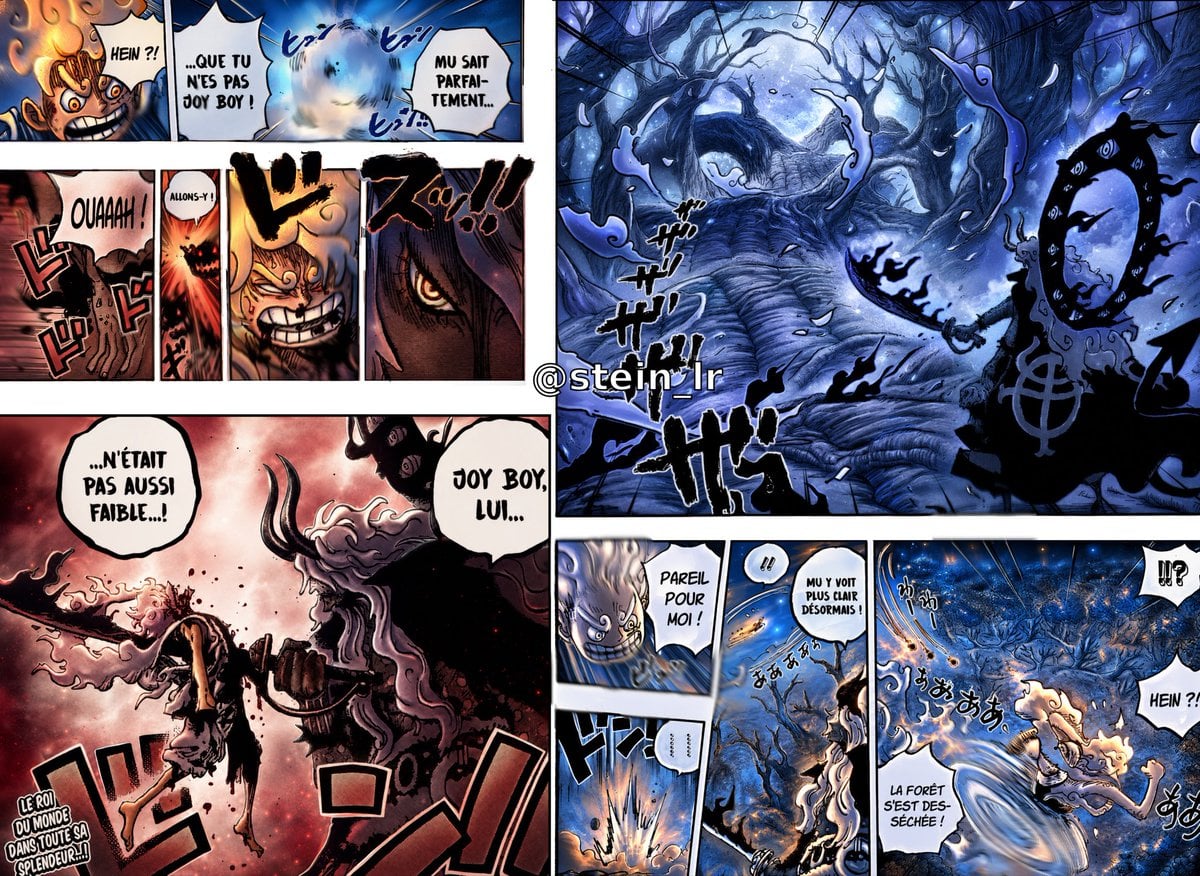
Colorized Shonen Manga Battle Spread
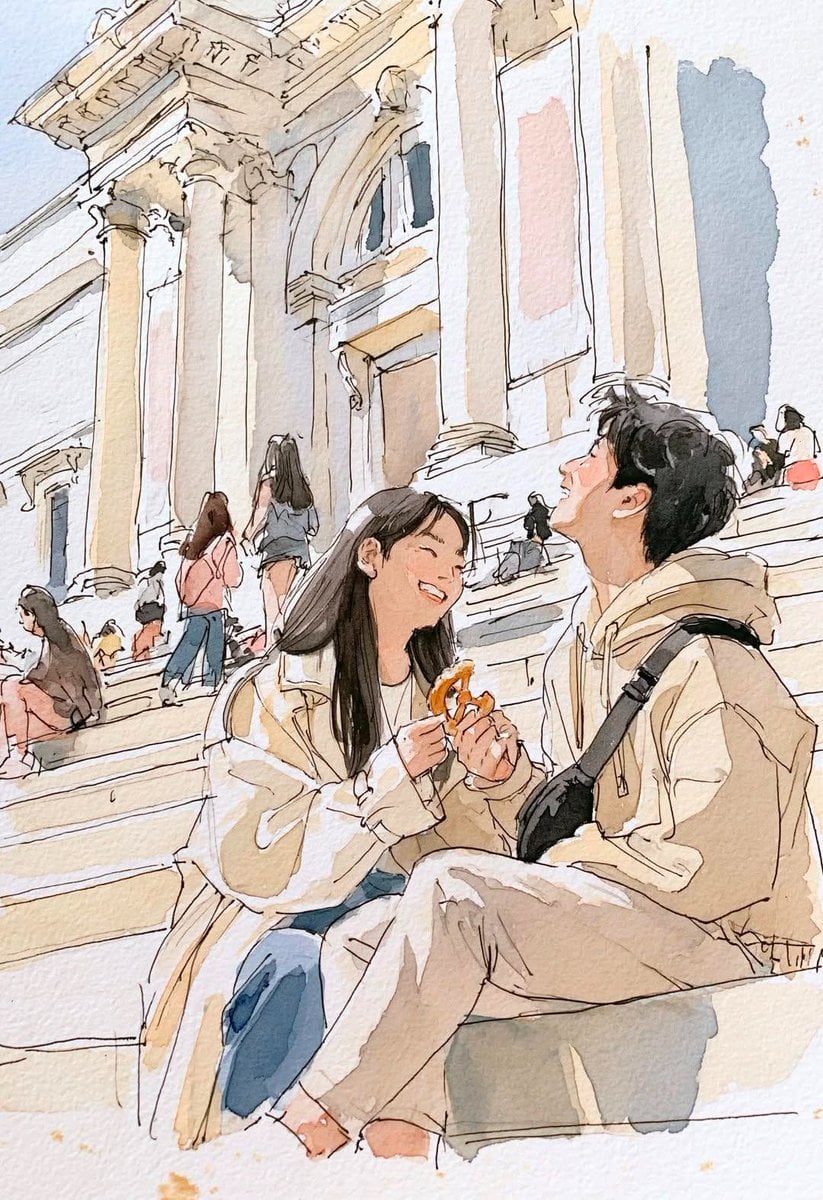
Watercolor Travel Sketchbook

Master Layered Paper Cut Craft — Colorful Layered Composition with Soft Drop Shadows
Flower Mandala Coloring Page
Minimalist Personal Color Analysis Board
Ink wash and watercolor woman portrait
Make it yours
Cinematic Storyboard: Kindness in Color works as-is. These are the safest ways to change it without losing the look.
Change one field
Copy a single group, rewrite it, and generate again so you can see what that field is doing.
Keep the frame, change the subject
Hold the composition and light of Cinematic Storyboard: Kindness in Color, then swap wardrobe, props or the person for a new take.
| If the result… | Why | Fix |
|---|---|---|
| The result drifts from the preview | Too many fields changed at once. | Reuse Cinematic Storyboard: Kindness in Color as-is first, then change one group — subject, light, or setting. |
| The model over-stylizes the scene | The prose prompt leaves finish and camera underspecified. | Add one camera or lighting sentence and stay on GPT Image 2. |
More GPT Image 2 templates
Other prompts made for GPT Image 2.

Six VTuber Japanese Logo Sheet

Realistic Portrait of Woman and Deer

The Vista Modular Condo Poster

AI Model Routing Comparison Infographic

2.5D Anime Art Board

Isometric Productivity Desk Scene

New York Double Exposure Poster

Four-Panel AI Landscape Comparison

Japanese Tatami Lifestyle Magazine Cover

NESCAFÉ Coffee Map Poster
More image prompts
Fresh picks from across the catalog.
Rainy Schoolgirl With Transparent Umbrella

Humorous Temple Signboard with Goofy Monk

Cinematic Cyberpunk Science Portrait
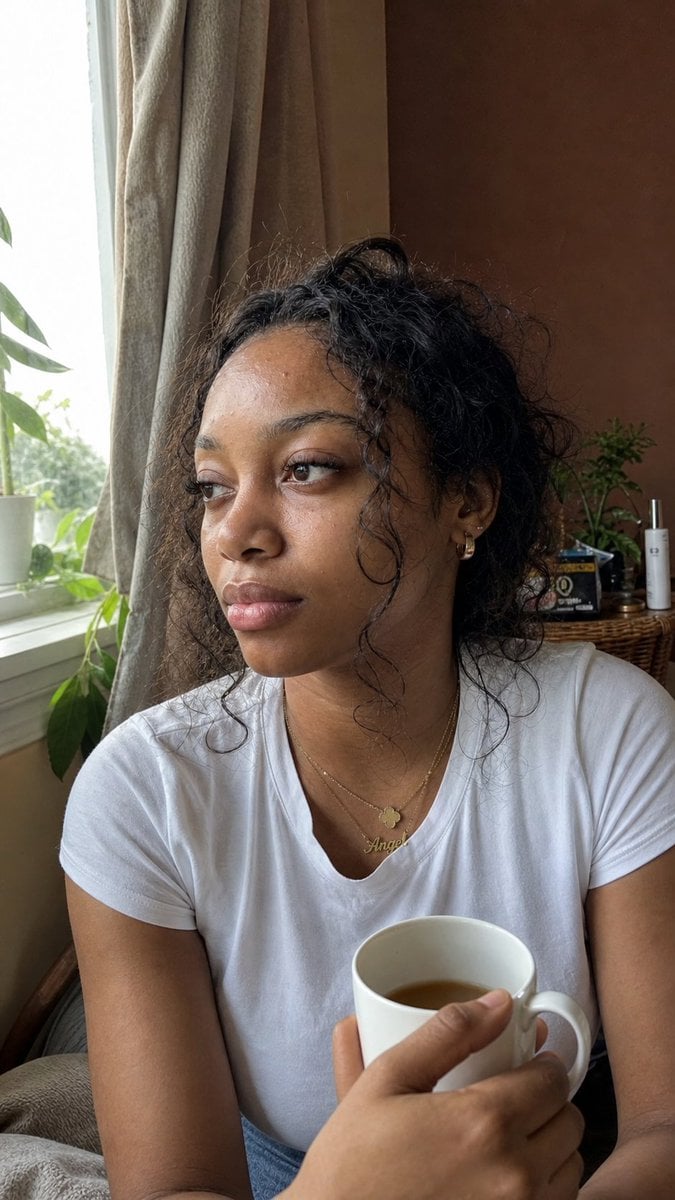
Authentic iPhone Portrait of African Woman
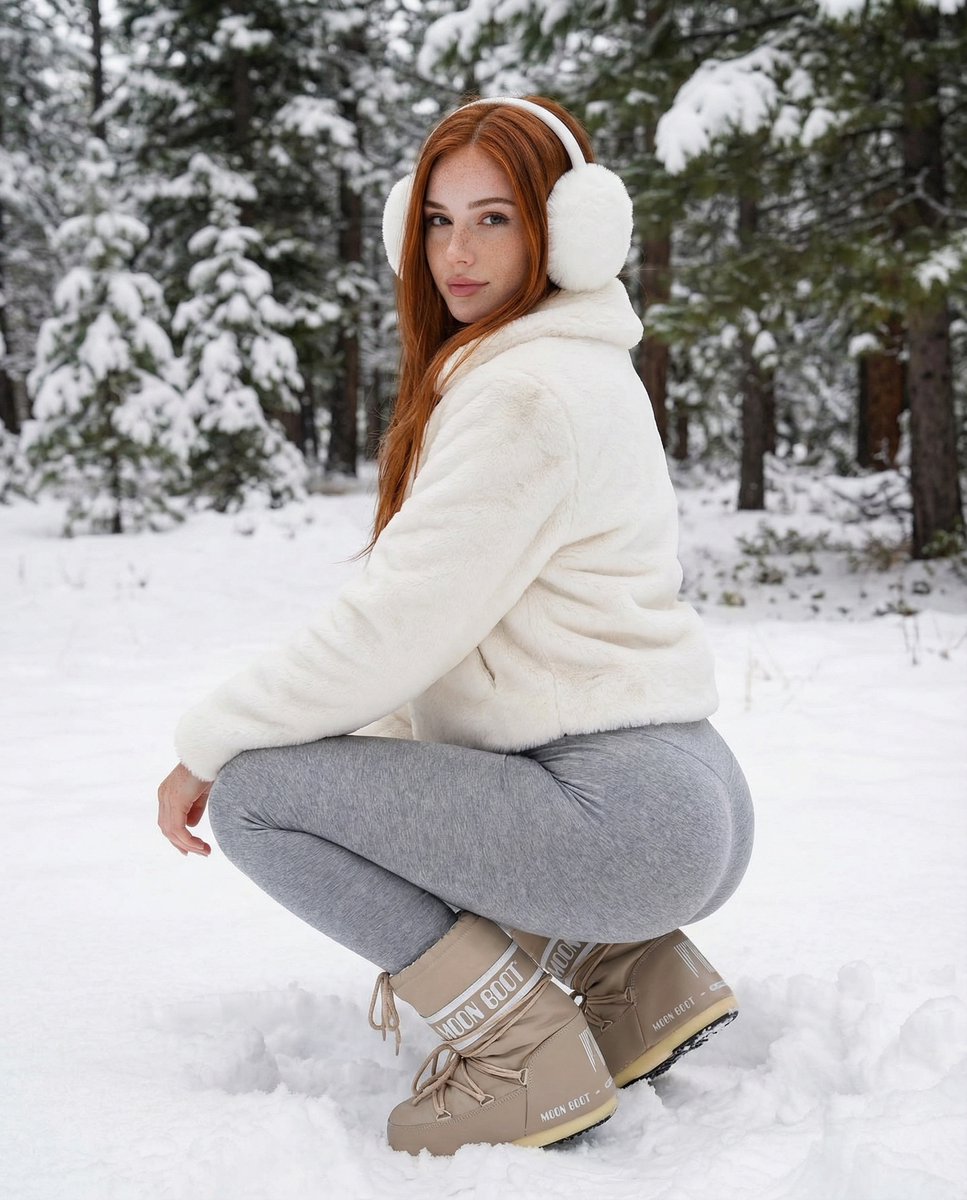
Photorealistic Winter Squat Pose in Faux Fur
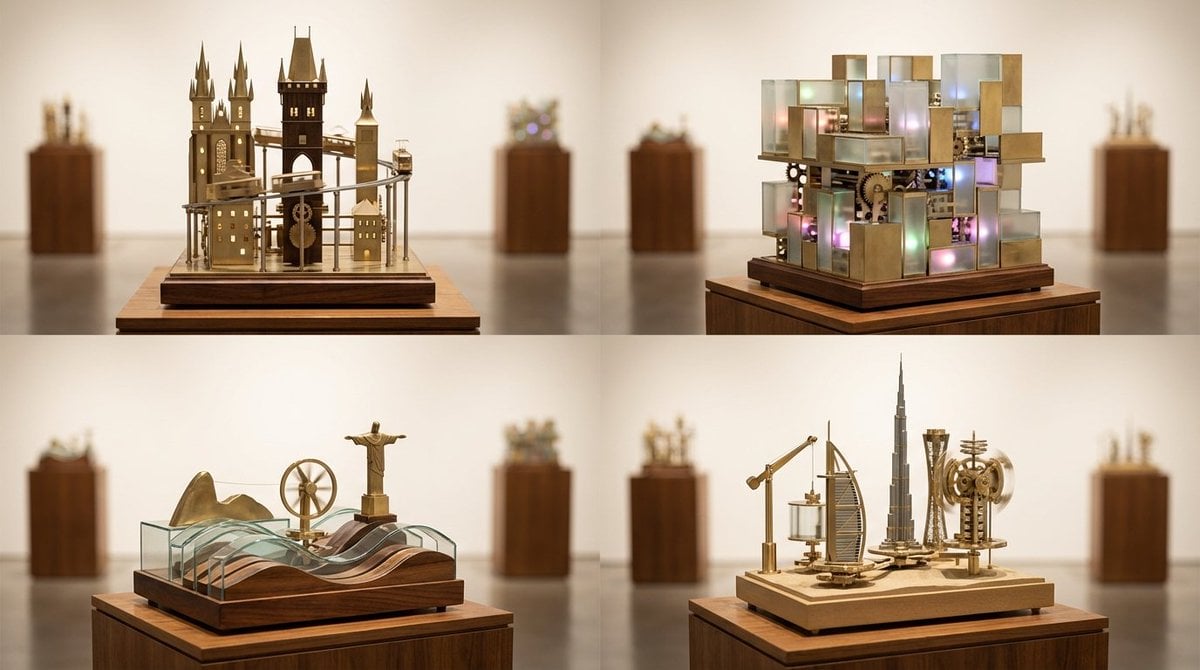
Cities as Kinetic Sculptures Grid

《我的世界风格化照片》提示词: 请基于用户上传的真实户外照片进行风格化改造。 保留照片中的主体不
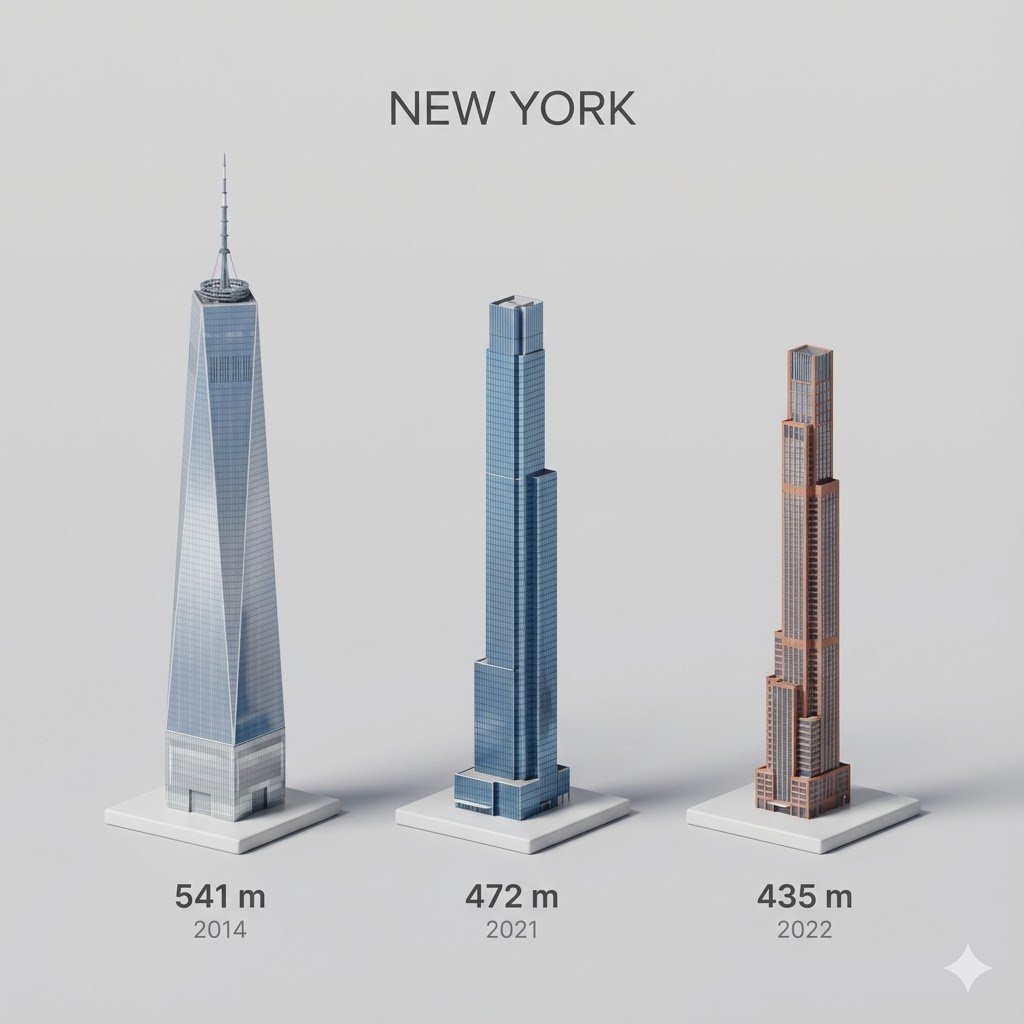
untitled
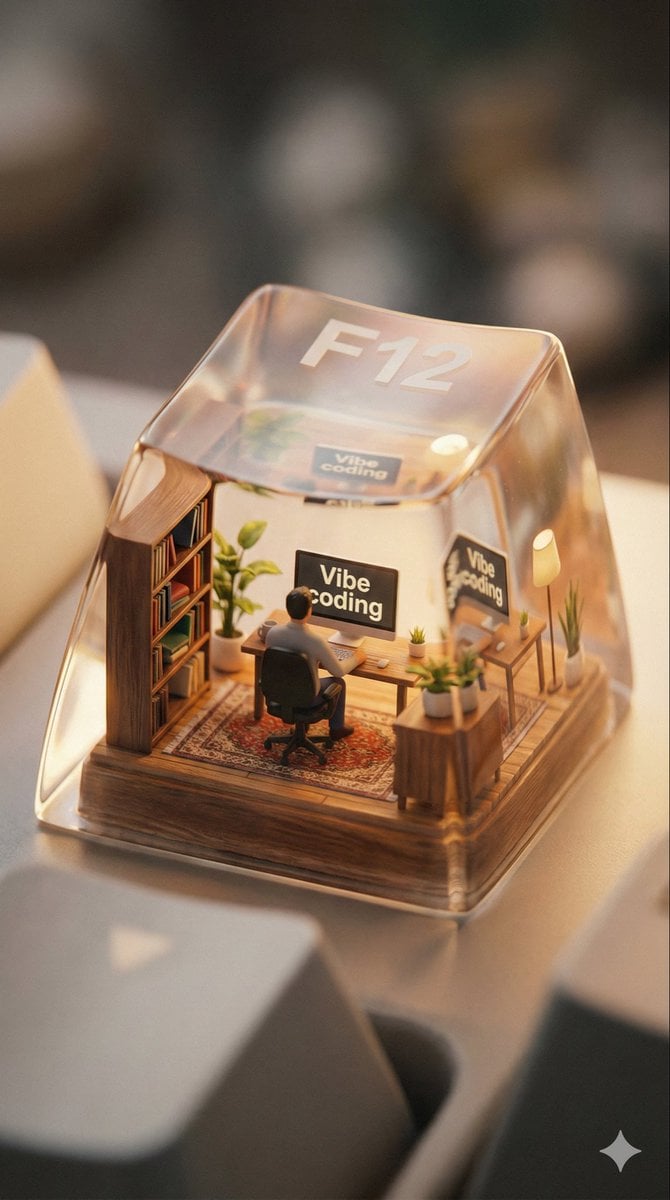
Miniature Scene Keycap Image Generation Prompt
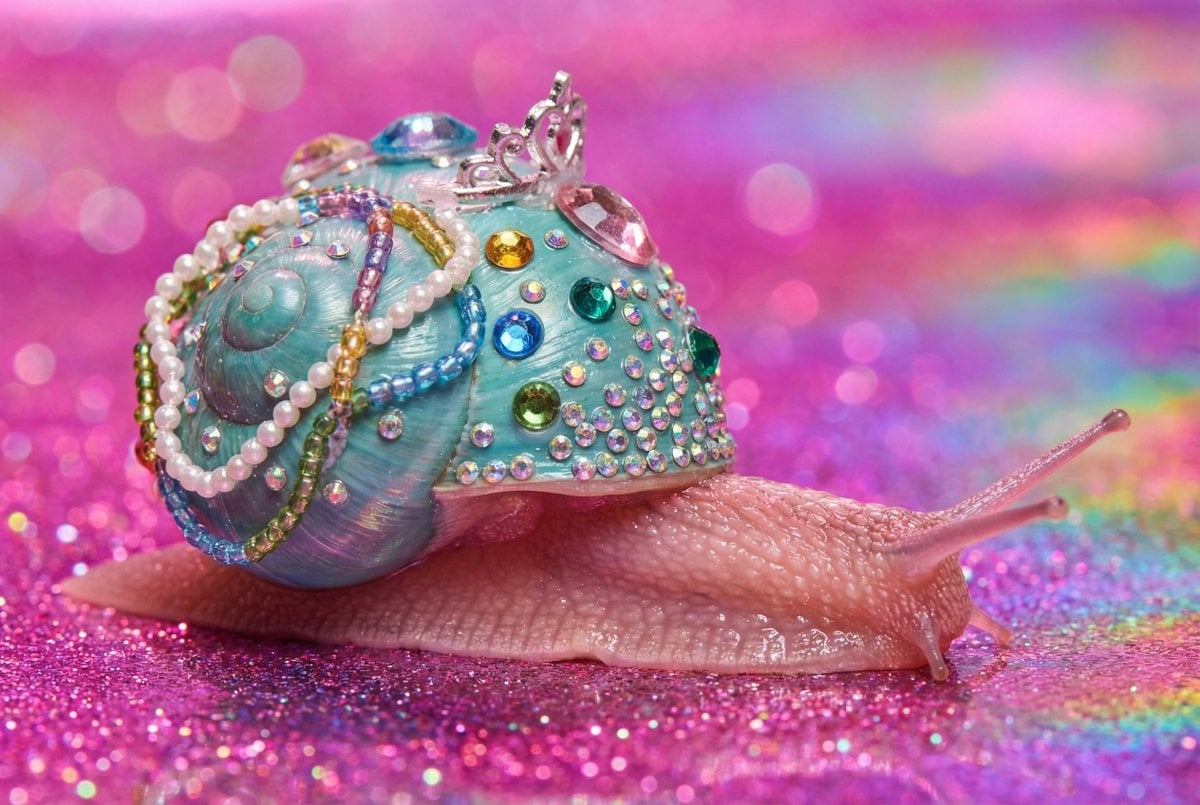
Macro Snail with Plastic Costume Jewelry
Browse template categories
Cinematic Storyboard: Kindness in Color questions
How do I use the Cinematic Storyboard: Kindness in Color template?
Add your photo if the template asks for one, edit the prompt if you like — the template's model and format are already selected — and press Generate. Your version opens in PicX Studio.
Can I customize the Cinematic Storyboard: Kindness in Color template?
Yes. You can change the subject, setting, lighting, mood, format, and available model controls before creating your image.
Is the Cinematic Storyboard: Kindness in Color template free?
Opening and editing this template is free. Generating uses credits, shown on the Generate button when you are signed in.
Which AI model should I use?
Start with GPT Image 2, which is the model associated with this template. You can compare another compatible model for a different finish.
Looking for something else? Browse all templates.

Your photo, any look
Thousands of ready templates for every top image and video model, from one credit balance.