6 Best AI Storyboarding Tools
 PicX Studio Team7 min read
What Is AI Storyboarding, and Why It Matters
Storyboarding used to mean one of two things: you could draw, or you could hire someone who could. Neither option was fast, and neither was cheap. Today, AI storyboarding tools let you turn a script, a scene description, or a rough idea into a full set of shot-by-shot visuals in minutes — no illustration skills required.
These tools aren't a replacement for a trained storyboard artist on a big-budget production, but they close the gap for the indie filmmaker who needs to visualize a scene before the shoot, the agency pitching a concept by tomorrow morning, and the solo creator with a script but no art department. Increasingly, they also pair with animation and video-generation tools, so a storyboard isn't just a static reference — it can become a rough motion preview before a single frame is filmed.
At PicX Studio, we spend our days building and testing AI image and video tools — from character-consistent generation to full text-to-video pipelines powered by models like Nano Banana 2, Kling 3.0, and Seedance. Pre-production and previsualization are a core part of that workflow, so we track the storyboarding space closely: which tools actually save creators time, which ones handle long scripts well, and which are better suited to a single striking frame than a full shot list. This roundup reflects that hands-on perspective.
Quick Comparison
| Tool | Best For | Standout Feature | Free Plan | Starting Price |
|---|---|---|---|---|
| PicX Studio | Frames + motion previews in one platform | Multiple top models (Nano Banana 2, Kling 3.0, Seedance) + consistent characters | One free image | $11.99/mo |
| Drawstory | Script-to-storyboard automation | Upload a full script → complete storyboard, no per-panel prompts | Yes (10 img/mo) | $32/mo |
| Midjourney | Highest single-frame cinematic quality | Character-reference consistency, Niji anime mode | No | $10/mo |
| Storyboarder.ai | Sketch-assisted previsualization | Sketch-to-image with consistent characters and style | Trial | Varies |
| Boords | Structured, client-ready boards | Drag-and-drop panels, shot lists, team collaboration | No | Varies |
| Canva | Storyboards inside an existing workflow | Ready-made templates + Dream Lab AI generator | Yes | ~$15/mo (Pro) |
1. PicX Studio
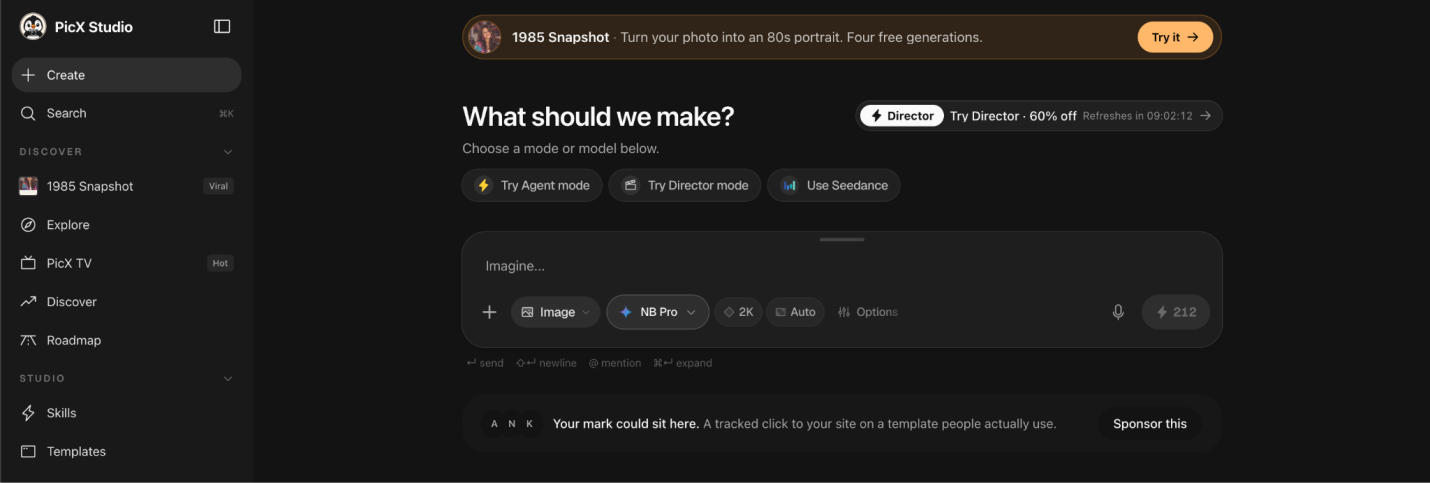
PicXStudio is built as an all-in-one AI creative studio, and that breadth is exactly what makes it work well for storyboarding. Instead of a single narrow generator, you get access to multiple top-tier models — Nano Banana 2, Kling 3.0, and Seedance 2.0/2.5 — so you can generate a frame in whichever style or model best suits the shot, then push straight into short AI video clips to test motion and pacing before you shoot anything for real.
Its "Skills" library of named prompt recipes covers cinematic scene setups out of the box, and consistent-character generation means your protagonist doesn't drift in appearance from panel to panel. Ready-made Templates speed up common shot types, and because everything lives in one workspace, you can move from storyboard stills to animated previsualization without switching tools.
Best for: Creators who want storyboard frames, consistent characters, and quick motion previews all in one platform.
2. Drawstory
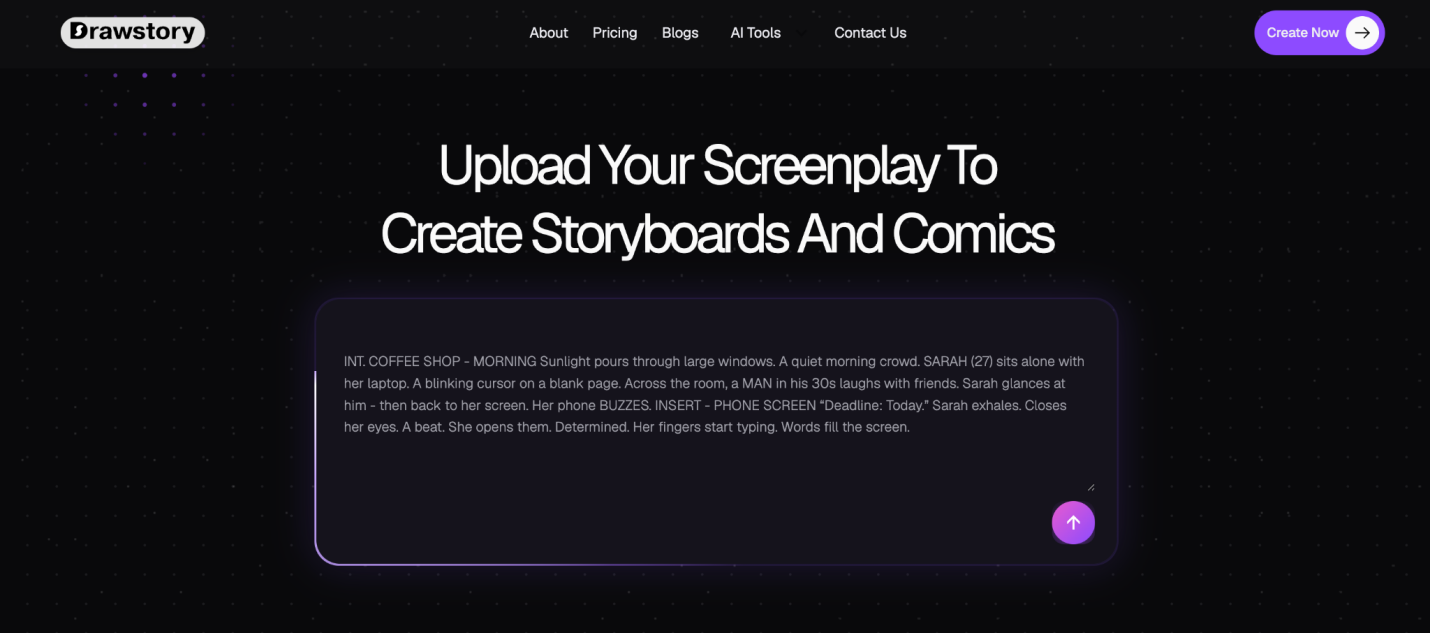
Drawstory stands out because it skips the panel-by-panel prompting that most AI storyboard tools still require. You upload or paste a script — even a long one — and it automatically breaks it down into shots, identifies characters and locations, and generates a full storyboard from that analysis.
Character consistency carries across the whole board, and you can switch between styles like sketch, comic, or realistic depending on the project. When a shot needs tweaking, its editor lets you remove or regenerate objects in a scene without starting over.
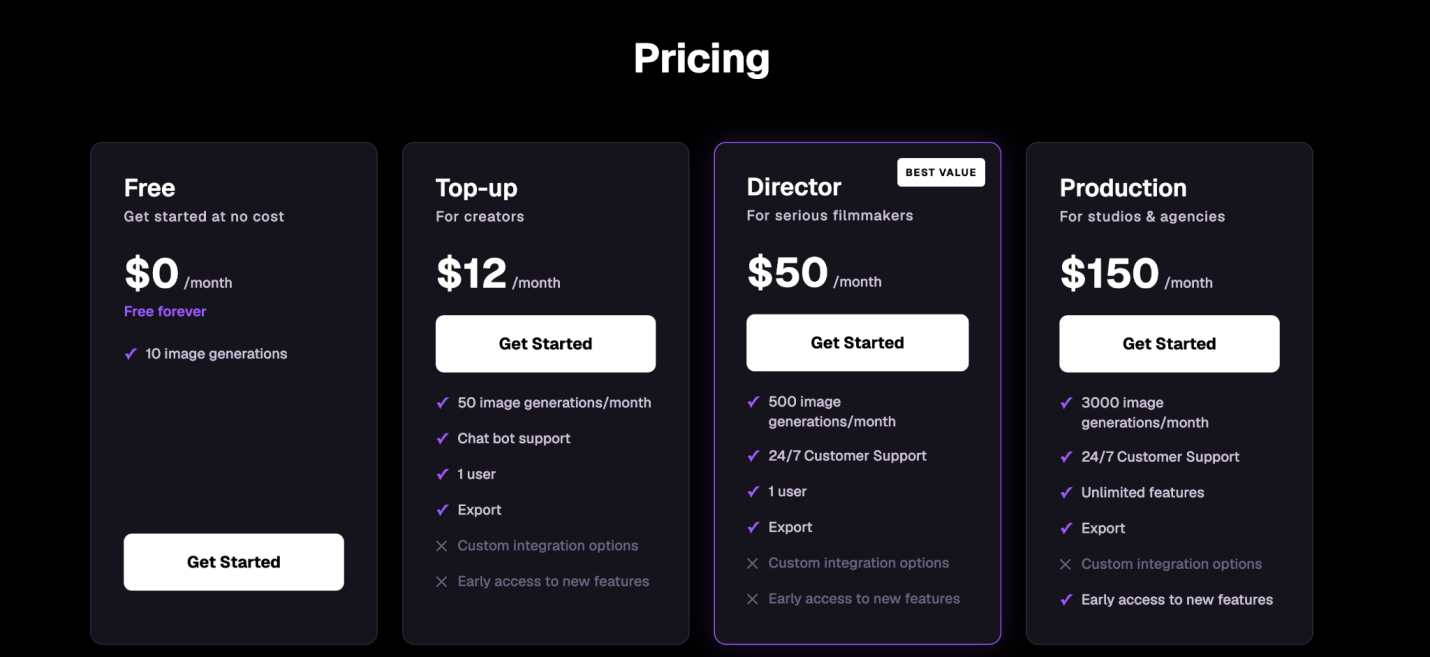
It's particularly useful for anyone working from an actual screenplay rather than loose scene ideas — commercials, short films, TV pitches, or e-learning scripts. The free tier is capped at 10 image generations a month, but paid plans open up longer scripts (up to 100 pages) and more editing flexibility.
Best for: Turning a finished script into a complete storyboard without writing a single image prompt.
3. Midjourney
Midjourney isn't built as a storyboarding tool specifically, but its image quality is hard to beat for single-frame cinematic style, which is why so many directors and agencies still use it for mood boards and hero frames. Features like character-reference prompting help maintain a consistent look across shots, and its Niji mode covers anime-style projects well.
The tradeoff is that you're assembling the storyboard yourself — there's no script upload or automatic shot breakdown, so it works best combined with a layout tool.
Best for: Getting the highest-quality individual frames when visual polish matters more than workflow speed.
4. Storyboarder.ai
Storyboarder.ai is built specifically for filmmakers and agencies who want to go from script to storyboard fast, with a sketch-to-image feature for anyone who still likes to rough out shots by hand before letting AI finish them. It emphasizes character and style consistency across a full board, and it's aimed squarely at pre-visualization for shoots rather than general concept art.
Best for: Filmmakers who want to combine hand-sketched blocking with AI-finished panels.
5. Boords
Boords has been a staple in pre-production for years, built around drag-and-drop panel layouts, shot lists, and collaboration features that agencies and production teams already rely on, with AI image generation layered on top to fill in panels quickly. It's less about typing a single prompt and more about giving directors a structured workspace to plan an entire shoot — timing, shot notes, and client-ready exports included.
Best for: Teams that need structured, presentation-ready storyboards with strong collaboration tools.
6. Canva
Canva's storyboard templates were already popular with marketing teams and educators, and its Dream Lab AI image generator now lets you fill those templates without leaving the app. It's not a specialized storyboarding tool, but if your team already lives in Canva for decks and social content, it's a low-friction way to put together a storyboard without learning new software.
Best for: Marketing teams that want storyboards inside a tool they're already using daily.
Conclusion
There's no single "best" AI storyboarding tool — the right pick depends on where you are in the process. If you want a platform that takes you from a still frame to a motion preview without switching apps, PicX Studio's multi-model approach covers that whole range. If you're starting from a finished script and want the least manual effort, Drawstory's script-to-storyboard pipeline gets you there fastest. And if your priority is a single, gallery-quality frame or a client-ready deck, Midjourney, Storyboarder.ai, Boords, and Canva each solve a more specific piece of the puzzle.
Try a couple against your actual script or scene — the differences show up fast once real content is involved.
- #storyboarding
- #ai-tools
- #pre-production
- #filmmaking