How to Generate Non-Stop AI Videos: 5 Practical Continuous Workflows
 PicX Studio Team8 min read
On this page
- What “non-stop” really means for creators
- Approach 1: Clip chaining / last-frame continuation
- Approach 2: Storyboard multi-shot (assemble like a film)
- Approach 3: Image-first pipeline (keyframes → animate → timeline)
- Approach 4: Realtime continuous session (Director-style)
- Approach 5: Batch production system (the real “non-stop” unlock)
- A weekly publishing plan (actionable)
- Warnings you should not skip
- Which approach should you pick?
- FAQs
“Non-stop” AI video usually does not mean one model magically rendering a polished 20-minute film in a single click. In practice, creators build continuous or long-form pieces by chaining short clips, storyboarding multi-shot edits, running an image-first animate pipeline, using a realtime continuous session when unbroken takes matter, and wrapping it all in a batch production system. Below are five workable approaches—facts labeled where verified, recommendations labeled as opinion—so you can publish daily or weekly without inventing model superpowers.
What “non-stop” really means for creators
Most shipping AI video tools still excel at short clips. On platforms like PicX Studio, Seedance 2.0 (ByteDance) generates about 4–15 seconds per clip at up to 1080p, with text-to-video and image-to-video across six aspect ratios (16:9, 9:16, 21:9, 4:3, 1:1, 3:4). That is plenty for social posts—and, when assembled, enough raw material for longer YouTube-style pieces.
Opinion: Aim for a system that produces many consistent shorts you can cut together, not a single endless render that must be perfect.
Approach 1: Clip chaining / last-frame continuation
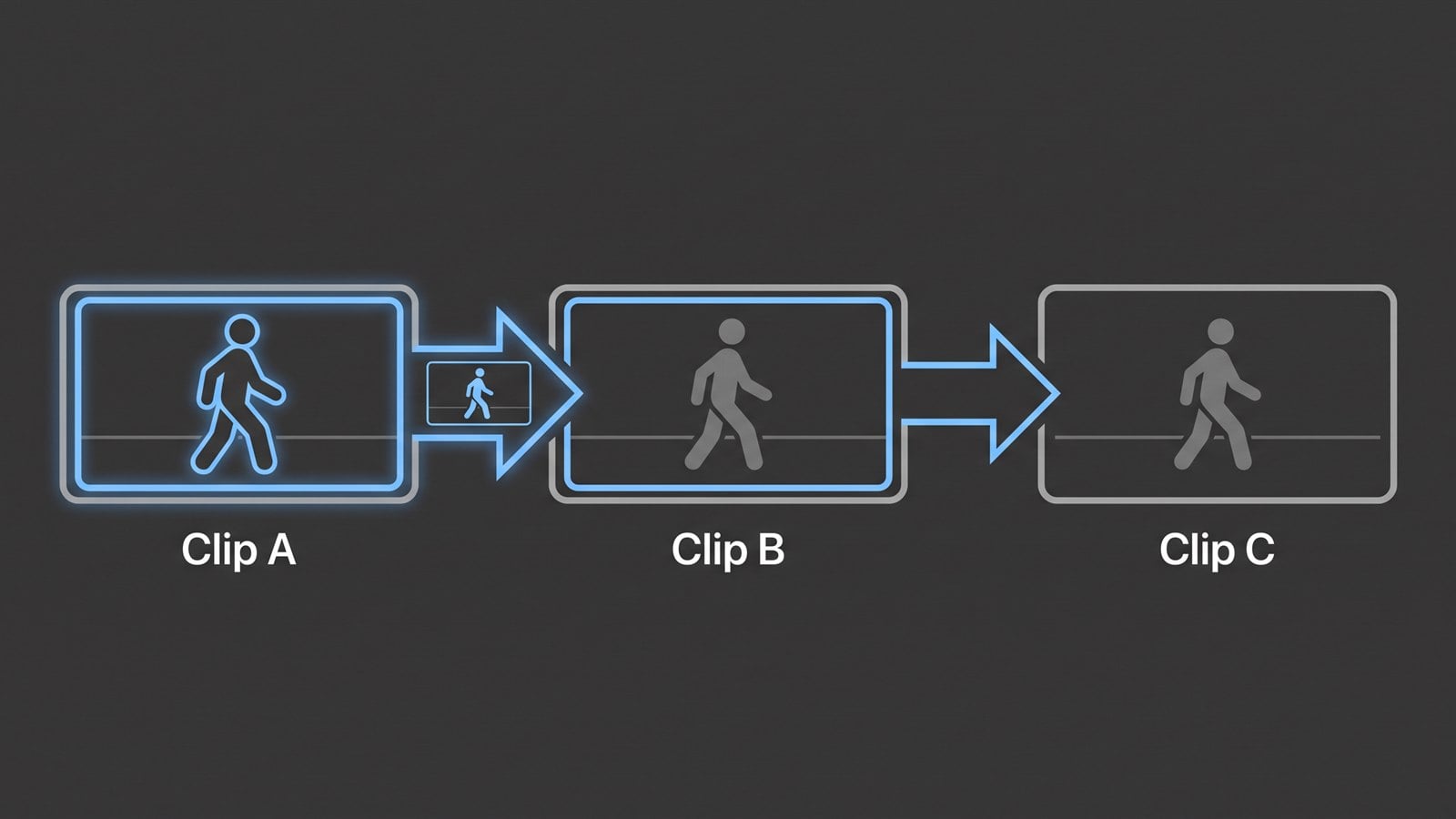
How it works (practical method):
- Generate Clip A.
- Export or capture the last frame.
- Use that frame as the image-to-video start for Clip B.
- Repeat, then stitch clips in an editor (CapCut, Premiere, DaVinci, etc.).
Consistency tips (recommendation):
- Lock a master prompt (character, wardrobe, lighting, lens).
- Keep a reference still (or small set) and reuse it every chain step when your tool supports image conditioning.
- Change one story variable per continuation (action or camera), not everything.
- Overlap 3–8 frames visually when editing to hide micro-jumps.
Strengths: Works with almost any short clip model; great for journeys, walkthroughs, and “one scene, many beats.”
Limits: Character and style drift accumulates; lip-sync and complex dialogue remain weak spots on many tools—plan VO or captions instead of relying on perfect mouth motion.
Approach 2: Storyboard multi-shot (assemble like a film)
Write a beat sheet, generate one shot per beat, then assemble with cuts, voiceover, and music.
Example 8-beat short (60–90 seconds finished):
- Establishing wide — city at dawn
- Hero insert — character faces camera
- Action beat — walks toward door
- Detail — hand on handle
- Reaction — second character turns
- Conflict — storm outside window
- Resolution — shared look
- End card — logo / CTA
Steps:
- Script VO first (timing drives shot count).
- Assign aspect ratio early (9:16 vs 16:9 changes framing).
- Generate 1–2 takes per beat; pick winners.
- Edit on music beats; add captions.
- Color-match lightly so the montage feels intentional.
Opinion: Multi-shot usually looks more “directed” than endless last-frame chaining for narrative YouTube intros and ads.
Approach 3: Image-first pipeline (keyframes → animate → timeline)
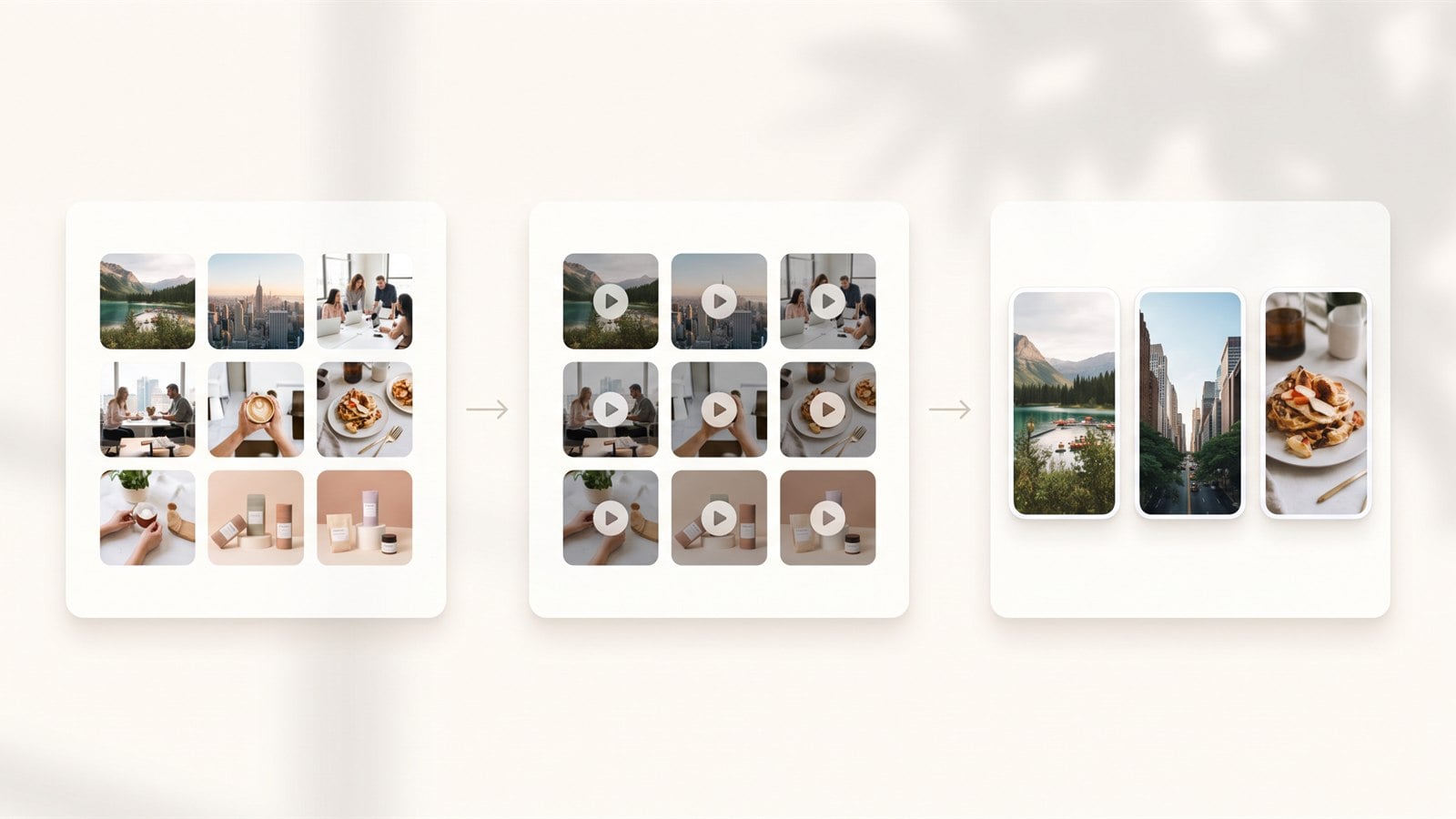
This is one of the most reliable volume workflows for social series.
Verified PicX-shaped path (no invented features):
- Create keyframe stills with an image model such as Nano Banana 2 / Pro (Gemini-powered) in the Nano Banana image generator.
- Animate each still with Seedance 2.0 via image-to-video in the AI video generator (or Seedance page).
- Seedance clips are short (4–15s), 1080p, multiple aspects.
- Drop clips on a timeline; add VO/music.
- Credits on PicX come from a plan or one-time packs (your first image is free; video needs credits); Seedance 2.0 is listed at 45 credits/sec and Seedance 2.0 Fast at 30 credits/sec at 480p—use that to estimate series cost before a big batch.
Why it works: You control composition in the still. Animation inherits framing, wardrobe, and set design more predictably than pure text-to-video for many creators.
Opinion: For daily vertical content, image-first + templates often beats “type a long prompt and pray.”
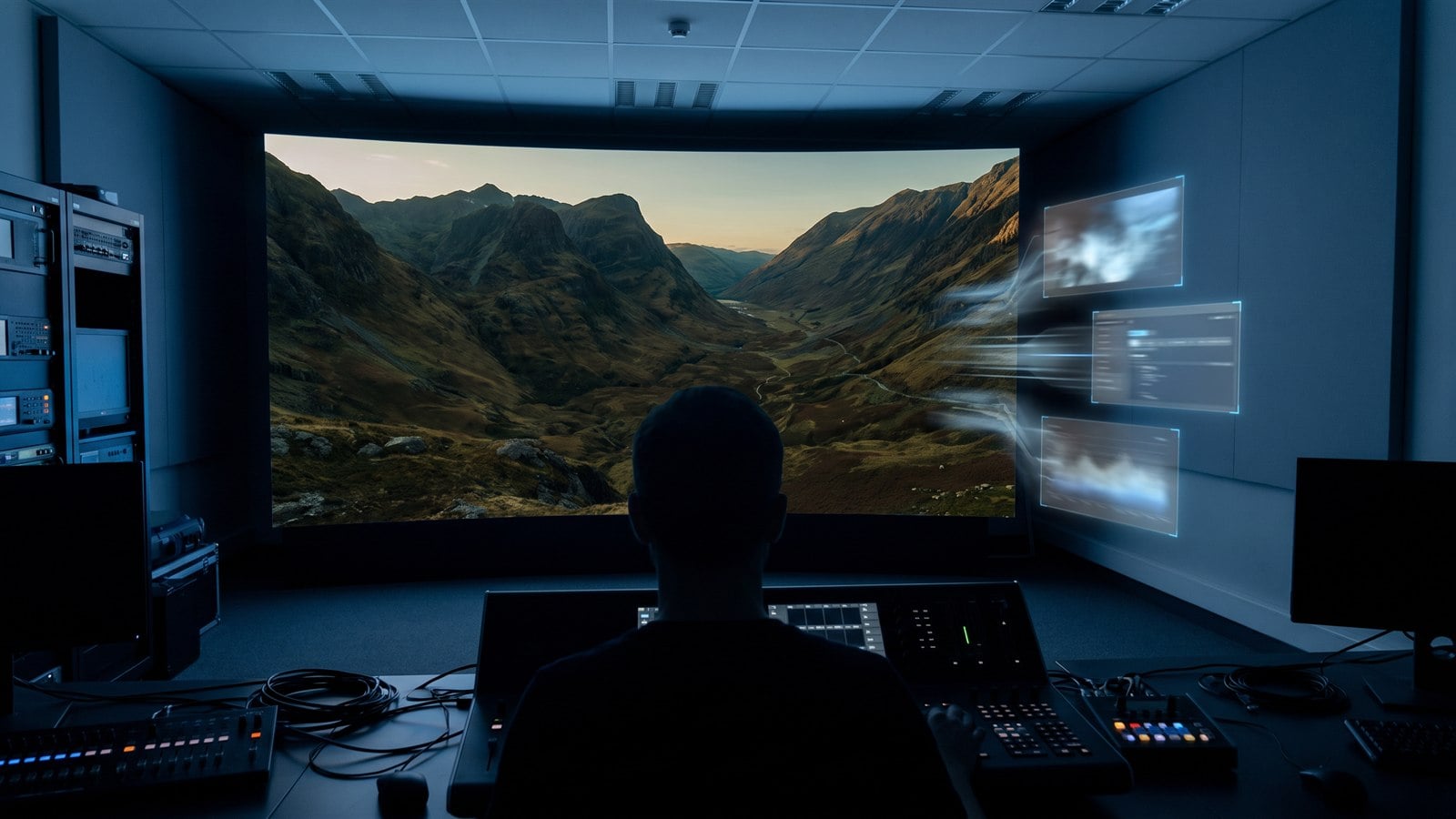
Approach 4: Realtime continuous session (Director-style)
Some systems—MiniMax H3 Max Director / H3 Max Director via fal—are built for unbroken streams: you hold a WebRTC session, set a world prompt, and send new text directions while video keeps playing, with synchronized audio. That is different from request/response finished clips.
Verified session notes (as of early/mid Sep 2026 fal-oriented sources):
- Configure first: world prompt (up to 50,000 chars); resolution/aspect fixed for the session (480p or 768p; 16:9, 9:16, or 1:1); 24 fps; stereo audio (docs cite 48 kHz).
- Segments often ~10s default (some docs: 5–15 configurable); continuity via carried context and prior prompt memory.
- Pricing example on fal (Sep 2026 listing): $0.08/sec, 60-second minimum per session; public sessions often up to ~15 minutes.
Best for: interactive stories, audience-steered livestreams, voice-directed prototypes.
Not always best for: polished multi-shot YouTube packages that need 1080p social variants and heavy editing.
Opinion: Use Director-style sessions when the experience is live and continuous; use short clip pipelines when the deliverable is an edited publish file.
Approach 5: Batch production system (the real “non-stop” unlock)
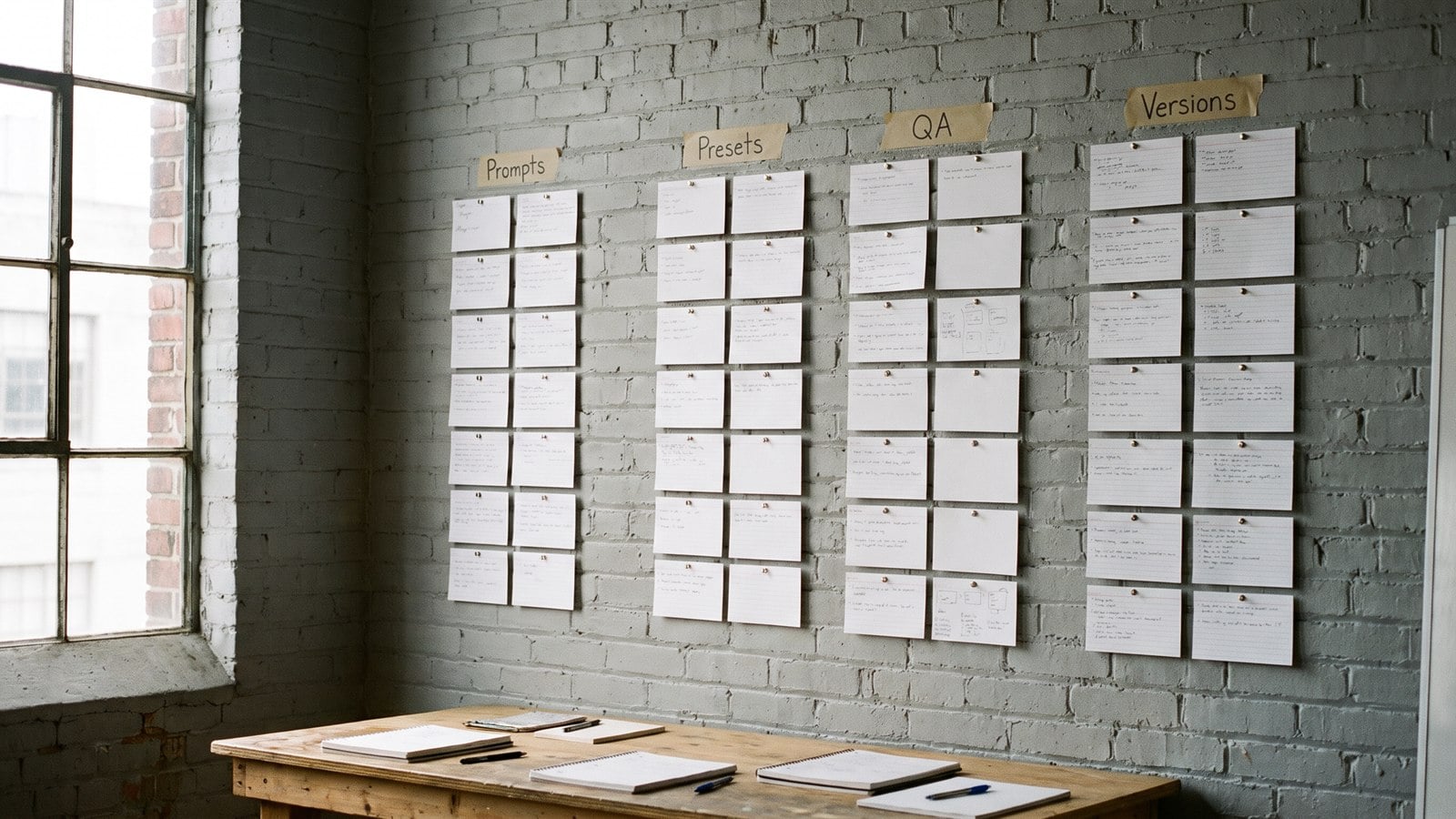
Tools do not create non-stop publishing—systems do.
Build these once:
- Prompt library — character bibles, location cards, camera presets (store and reuse via prompts or your own docs).
- Templates / skills — fixed intro/outro patterns; browse templates and skills when helpful.
- Aspect-ratio presets — one vertical pack, one landscape pack; do not remix mid-series without a reason.
- QA checklist — face consistency, text readability, flicker, watermark/IP risk, audio levels.
- Naming/versioning —
series_ep03_shot07_v2.mp4saves hours when regenerating. - Cost control — estimate credits/seconds before batch day; prefer Fast tiers for drafts, Pro/higher quality for finals when available.
- Compare options when stuck — use compare and tools pages as research aids, not as substitutes for a test render.
A weekly publishing plan (actionable)
Goal: 5 vertical shorts + 1 longer cutdown.
| Day | Action |
|---|---|
| Mon | Write 5 hooks + VO; list shots |
| Tue | Generate all keyframes (image-first) |
| Wed | Animate with Seedance (or your clip tool); pick takes |
| Thu | Edit, captions, music; QA pass |
| Fri | Publish 1–2; schedule rest; archive prompts/versions |
| Weekend | Optional: chain leftovers into a 2–4 min YouTube “week in world” cut |
PicX Studio fit (natural, not mandatory): One browser studio for stills + Seedance video helps keep the image→video loop fast—especially when you already use PicX for drafts and iterate on a plan or one-time credit packs before scaling up.
Warnings you should not skip
- Consistency drift: Long chains amplify wardrobe/face changes—budget regenerations.
- Lip-sync limits: Do not invent perfect dialogue performance; use VO, captions, or cutaways.
- Legal/IP: Avoid trademarked characters, celebrity lookalikes, and copyrighted music you do not license. Commercial rights depend on each model/platform’s terms—verify before monetizing.
- Cost control: Per-second and per-credit pricing adds up in “non-stop” sessions; set a hard daily credit ceiling.
- Capability honesty: Session length ceilings, resolution caps, and segment lengths are real constraints. Do not market a 4–15s clip tool as a native 30-minute single-shot generator.
Which approach should you pick?
| Need | Prefer |
|---|---|
| One continuous journey look | Clip chaining |
| Narrative ads / YouTube packaging | Storyboard multi-shot |
| Daily social volume | Image-first + batch system |
| Interactive / live steering | Realtime Director-style session |
| Team scale & repeatability | Batch production system (always) |
Many creators combine them: image-first for the weekly grid, chaining for special “oner” moments, and a Director-style session only when interactivity is the product.
FAQs
Can AI generate a truly endless video in one go?
Usually no for polished publishable output. Most creator tools generate short clips; “non-stop” content is built by chaining, editing, or using specialized realtime sessions with their own length and cost limits.
What is the simplest workflow for daily Shorts/Reels?
Image-first: lock keyframes, animate 4–15s clips, caption, publish. Keep a prompt library so characters stay recognizable.
How do I keep a character consistent across clips?
Reuse the same reference image and master prompt, change one action at a time, and regenerate outliers. Last-frame continuation helps motion continuity but does not fully eliminate drift.
Is MiniMax H3 Max Director the same as Seedance?
No. Director-style tools focus on live continuous sessions you steer mid-stream. Seedance on PicX focuses on short finished clips (text-to-video and image-to-video) suited to social editing workflows.
How long can a realtime Director session run?
Public sessions are commonly described around up to 15 minutes, with billing examples like $0.08/sec and a 60s minimum on fal (Sep 2026 listings). Longer may depend on account configuration—check current docs.
How should I budget Seedance credits on PicX Studio?
Use listed rates at 480p: Seedance 2.0 45 credits/sec, Seedance 2.0 Fast 30 credits/sec (higher resolutions cost more), paid from a plan or one-time credit packs. Draft on Fast when quality allows; spend full Seedance 2.0 on hero shots.
What about music and voiceover for longer cuts?
Generate or license music and record VO separately. Treat AI clips as picture; build audio intentionally in the editor for a more professional continuous feel.
- #video
- #workflow
- #seedance
- #image-to-video